Skyvern blog
Browser Automation
Guides to browser agents, MCP servers, and automating tasks on websites.
Featured posts
 9 min read
5 Best AI Browser Agents for Automating Work on the Web
If you’re tired of your team clicking through the same web tasks, an AI browser agent could take some of that work off their hands. These tools can automate tasks such as filling out forms, collecting documents, and updating customer records. We build Skyvern for exactly this kind of work, including complex workflows on government websites and vendor portals. In this article, we cover five agents, including Skyvern, to help you choose. We explain how you build workflows with each tool and how
Suchintan SinghBrowser Automation 9 min read
What Is Browser Automation? A Plain-English Guide for Operations Teams
Browser automation uses software or an AI agent to operate a web browser as a person would: logging in, clicking, typing, downloading files, and reading pages. It's also called web automation. Developers use it to test websites and collect data from public pages. For your operations team, it can handle routine tasks on payer portals, licensing board websites, or supplier billing sites. You might use it to download monthly invoices or check a patient's insurance coverage before a visit. We buil
Suchintan SinghBrowser Automation 13 min read
Best Browser MCP Servers: Which One to Use and How to Set It Up
So, you've got your agent running and want it to control a browser through an MCP server. Maybe it needs to sign in to a supplier portal each week and download invoices. But which server will work with your client, get past the 2FA step, and keep a record of what the agent did? And how do you set it up? We build Skyvern for recurring work in third-party portals. Our MCP server supports stored credentials, scheduled agents, and run recordings. We put together this guide to help you choose a brow
Suchintan SinghBrowser Automation
Latest
- 9 min read
5 Best AI Browser Agents for Automating Work on the Web
If you’re tired of your team clicking through the same web tasks, an AI browser agent could take some of that work off their hands. These tools can automate tasks such as filling out forms, collecting documents, and updating customer records. We build Skyvern for exactly this kind of work, including complex workflows on government websites and vendor portals. In this article, we cover five agents, including Skyvern, to help you choose. We explain how you build workflows with each tool and how
Suchintan SinghBrowser Automation - 9 min read
What Is Browser Automation? A Plain-English Guide for Operations Teams
Browser automation uses software or an AI agent to operate a web browser as a person would: logging in, clicking, typing, downloading files, and reading pages. It's also called web automation. Developers use it to test websites and collect data from public pages. For your operations team, it can handle routine tasks on payer portals, licensing board websites, or supplier billing sites. You might use it to download monthly invoices or check a patient's insurance coverage before a visit. We buil
Suchintan SinghBrowser Automation - 13 min read
Best Browser MCP Servers: Which One to Use and How to Set It Up
So, you've got your agent running and want it to control a browser through an MCP server. Maybe it needs to sign in to a supplier portal each week and download invoices. But which server will work with your client, get past the 2FA step, and keep a record of what the agent did? And how do you set it up? We build Skyvern for recurring work in third-party portals. Our MCP server supports stored credentials, scheduled agents, and run recordings. We put together this guide to help you choose a brow
Suchintan SinghBrowser Automation  10 min read
CAPTCHA Bypass in Browser Automation: What Works, and When a Person Should Solve It
CAPTCHA bypass in browser automation means getting an automated run past a CAPTCHA, either by solving the challenge, by triggering fewer of them, or by handing the challenge to a person. If you automate work on websites, you will meet CAPTCHAs at some point. They tend to show up at logins, on search forms and before a form is submitted. Buyers ask us about them very often on sales calls. This guide covers sites your team is authorized to automate: portals you have an account on, public lookups
Suchintan SinghBrowser Automation 7 min read
Page Object Model (POM) in Test Automation
I know why you’re looking into Page Object Model: you’re tired of fixing the same CSS selectors across five different tests every time someone changes a form. You copied the login steps a few times, the test suite grew, and now a small UI change means an afternoon of maintenance. POM gives those repeated interactions a home. Your test scripts call a method like signIn(), and a page object handles the fields and buttons underneath. When a shared selector changes, you have one place to fix it. I
Suchintan SinghBrowser Automation 12 min read
What Is Playwright MCP Server? How It Works and When to Use It (May 2026)
Playwright MCP Server connects AI coding assistants to browsers so they can automate web interactions conversationally. You describe a test scenario, the assistant spins up Playwright, executes the steps, and returns results. That flow works well for generating new tests or working through unfamiliar UIs. Where it starts breaking down is high-volume regression testing, stable workflows with fixed selectors, or production pipelines where token overhead compounds fast. TLDR: * Playwright MCP Se
Suchintan SinghBrowser Automation 11 min read
MCP Server Architecture Explained: How AI Agents Interact with External Tools (May 2026)
Building AI agents that interact with external tools usually means writing custom connectors for each data source you touch. Database access, file systems, APIs, each one gets its own integration logic. Over time, you end up with a sprawling network of adapters that all break in different ways. MCP server architecture replaces that model with a standard protocol. AI agents connect to MCP servers through a shared interface, and those servers handle the underlying tool interactions. One protocol,
Suchintan SinghBrowser Automation 14 min read
How to Handle Browser Automation Session Persistence 2026
You've probably experienced the frustration of browser automation scripts that work perfectly until they don't. Your carefully crafted workflows break when sessions expire, forcing you to rebuild authentication flows and debug cookie management issues that shouldn't exist in the first place. The traditional approach of manually handling session persistence creates more problems than it solves, with brittle scripts that require constant maintenance every time a website updates its authentication
Suchintan SinghBrowser Automation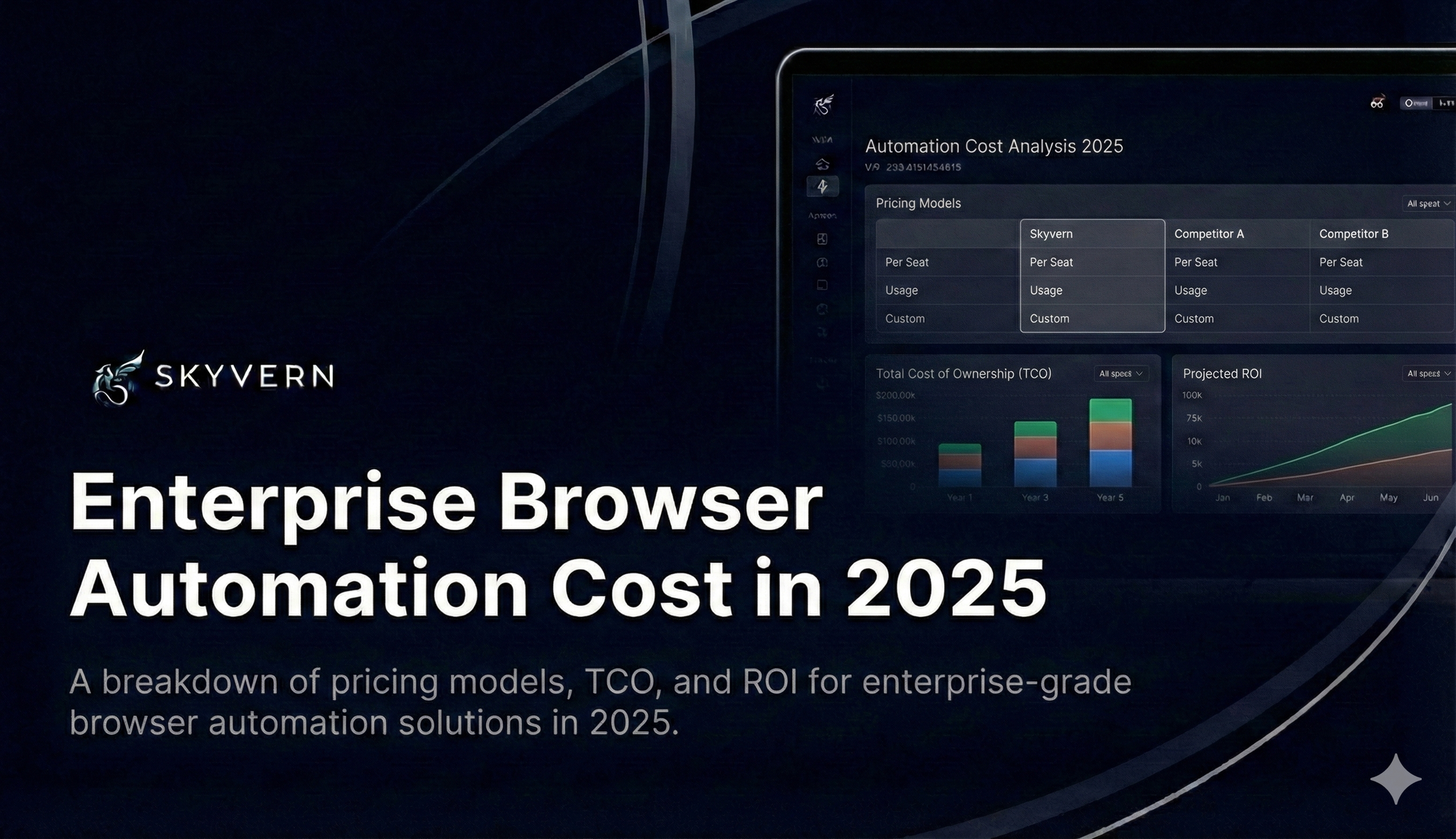 9 min read
How Much Does Enterprise Browser Automation Cost in 2025?
Most companies shopping for enterprise browser automation focus on the monthly license fees, but those represent just 25-30% of your actual costs. The real expenses come from implementation, ongoing maintenance, and the constant fixes needed when websites change their layouts. Traditional Robotic Process Automation (RPA) vendors won't tell you upfront that you'll likely spend $50,000-100,000 annually just keeping your automations running smoothly. In reality, the true cost of enterprise browser
Suchintan SinghBrowser Automation 1 min read
Why MCP is a big deal
I've seen a lot of skepticism around MCP on the internet. I'm here to convince you everyone is wrong MCP is real and valuable. It's an extremely simple protocol – it's an API spec that tells an LLM how to use a tool. Why is this valuable? Tools for LLMs are the same as tools for us. You can use a hammer to put a nail into a piece of wood. You can use a browser to browse the web. It's the same for LLMs. Tools help them do things they weren't able to do before So.. why do we need MCPs? Why not
Suchintan SinghBrowser Automation 4 min read
How AI Agents Navigate Old Websites
You've probably dealt with those outdated websites or really clunky online portals and you know how frustrating they can be. Maybe you’ve had to log into a government site with a somewhat ancient interface, submit a job application through a very slow, multi-step process, or extract data from a vendor portal that feels like it hasn’t been updated in decades. For anybody or business that typically relies on these platforms for important work, like retrieving invoices; using regular automation
Suchintan SinghBrowser Automation 9 min read
Error Handling in Browser Automation (Updated June 2026)
I don't think we can deny the fact that automation has changed how we approach repetitive tasks by saving time and eliminating the monotony of manual work. However, when automating tasks in browsers, errors can quickly become somewhat of a roadblock. From stuff like page timeouts to CAPTCHA challenges, automation can get pretty frustrating if not handled effectively. There's good news though! You can easily handle errors in browser automation with some good strategies and the right mindset. Let
Suchintan SinghBrowser Automation 10 min read
Browser Automation Security Best Practices (Updated June 2026)
If you're thinking about using browser automation to speed up your workflows, you're already ahead of the game. And if you're already using it, well… you're a real superstar. It's pretty much a lifesaver for any repetitive tasks like filling out forms, downloading invoices, or managing data entry. But with great speed comes great responsibility👀 The good news though? You don't exactly need to be a security expert to keep your workflows safe. With just a few straightforward practices, you can p
Suchintan SinghBrowser Automation 9 min read
6 Common Mistakes in Browser Automation (And How to Avoid Them) Updated July 2026
Automation sounds like a dream. Set up a script, sit back, and let the computer handle all the clicking, scrolling, and form-filling. Am I right? But the reality most times feels less like magic and more like a really annoying battle with error messages and frozen screens. If your company is considering browser automation, or if you're already using it and running into issues… Here’s a breakdown of six common mistakes companies make in browser automation and how to avoid them. TLDR: * Select
Suchintan SinghBrowser Automation 5 min read
Why Open Source is the Future of Browser Automation
These days, companies are always looking for ways to make their processes more efficient. Many companies depend on online tools and websites to get their work done, and automating those tasks can save time and money. But traditional automation methods, like using scripts, usually have problems. In this article, we’ll talk about why open source is the future of browser workflow automation and why it’s the best choice for companies that want to improve their processes. The Problems with Tradi
Suchintan SinghBrowser Automation