9 Browser Use Alternatives Compared for 2026
 Suchintan Singh12 min read
If Browser Use gives you too little control over each step or the wrong deployment model, the best alternative depends on which specific part of the stack you need to replace. This guide explains how nine Browser Use alternatives work and what they take to run, then matches each one to the workflows it handles best.
TL;DR
- Choose Skyvern for changing, multi-step portals where deterministic actions and AI decisions need to work together.
- Choose Stagehand for code-owned AI actions, Playwright for deterministic browser automation, or Playwright MCP to give an existing agent browser tools.
- Choose Browserbase or Steel when running and observing browser sessions is harder than writing the task logic.
- Choose ChatGPT cloud browser or Claude computer use for supervised computer-use workflows. Choose Firecrawl when the final output is web data.
| Tool | Operating model | Best for | Main tradeoff |
|---|---|---|---|
| Browser Use | Open-source Python agent plus commercial cloud | Python-led browser agents and fast goal-driven prototypes | Model decisions add variable latency, cost, and behavior |
| Skyvern | AI browser automation platform with code and visual workflows | Changing, multi-step portals and document workflows | AI steps cost more and take longer than a known selector |
| Stagehand | Code-first SDK with deterministic and AI browser actions | Engineering teams that want to choose where AI enters the workflow | It is an SDK, not a complete operations product |
| Browserbase | Managed browser infrastructure | Running persistent, observable browser sessions at scale | You still supply the task logic |
| Playwright | Deterministic browser automation and testing framework | Known paths, assertions, and cross-browser testing | Engineers maintain selectors and workflow code |
| Playwright MCP | Official MCP server for Playwright browser tools | Giving an existing coding agent structured browser access | It supplies tools, not a business-process agent |
| Steel | Managed and self-hostable browser infrastructure | Teams that want more control over where browser sessions run | Self-hosting shifts operations back to your team |
| ChatGPT cloud browser | Hosted end-user browser delegation | Supervised tasks on supported public websites | It is not an application SDK and currently stops at sign-in or payment |
| Claude computer use | Model tool for visual computer interaction | Building a custom supervised computer-use system | You build and secure the runtime and agent loop |
| Firecrawl | Web extraction platform with browser interaction | Crawling, structured extraction, and data pipelines | It is not a general transaction-completion agent |
Which layer do you need?
Browser Use sits across two layers: the open-source project supplies an agent that decides what to do, while Browser Use Cloud can also supply the browser session. The alternatives split those responsibilities differently.
- Agent and workflow tools such as Skyvern and Stagehand decide or assist with actions on the page.
- Browser infrastructure such as Browserbase and Steel runs sessions, profiles, proxies, and recordings for logic you provide.
- Deterministic browser control such as Playwright is for paths you can describe and assert in code. Playwright MCP exposes that control to an existing agent.
- Hosted computer-use products such as ChatGPT cloud browser complete supervised tasks without becoming part of your application stack. Claude computer use is a model capability for a stack you build.
- Extraction platforms such as Firecrawl are the better fit when the output is web data rather than a completed browser transaction.
If remote sessions are the problem, you need browser infrastructure. If an LLM must interpret a changing invoice portal, you need an agent or workflow tool.
Browser Use pricing
Browser Use pricing combines a monthly plan with separate browser-time and managed-proxy charges.
| Plan | Listed price | Concurrent sessions | Browser time | Managed proxy data |
|---|---|---|---|---|
| Pay As You Go | $0 monthly base; prepaid credits | 25 | $0.06/hour | $10/GB |
| Starter | $100/month, or $83/month billed annually | 50 | $0.06/hour | $7.50/GB |
| Business | $500/month, or $400/month billed annually | 250 | $0.03/hour | $5/GB |
| Scaleup | $2,500/month, or $2,000/month billed annually | 500 | $0.03/hour | $4/GB |
| Custom | Contact sales | Custom | Custom | Custom |
Higher plans include more credits and team seats. Support level and agent-step discounts vary too, and higher tiers add stealth features. Total cost includes agent calls, browser minutes, and proxy traffic, so the subscription price alone is incomplete.
1. Skyvern for changing, multi-step portal workflows
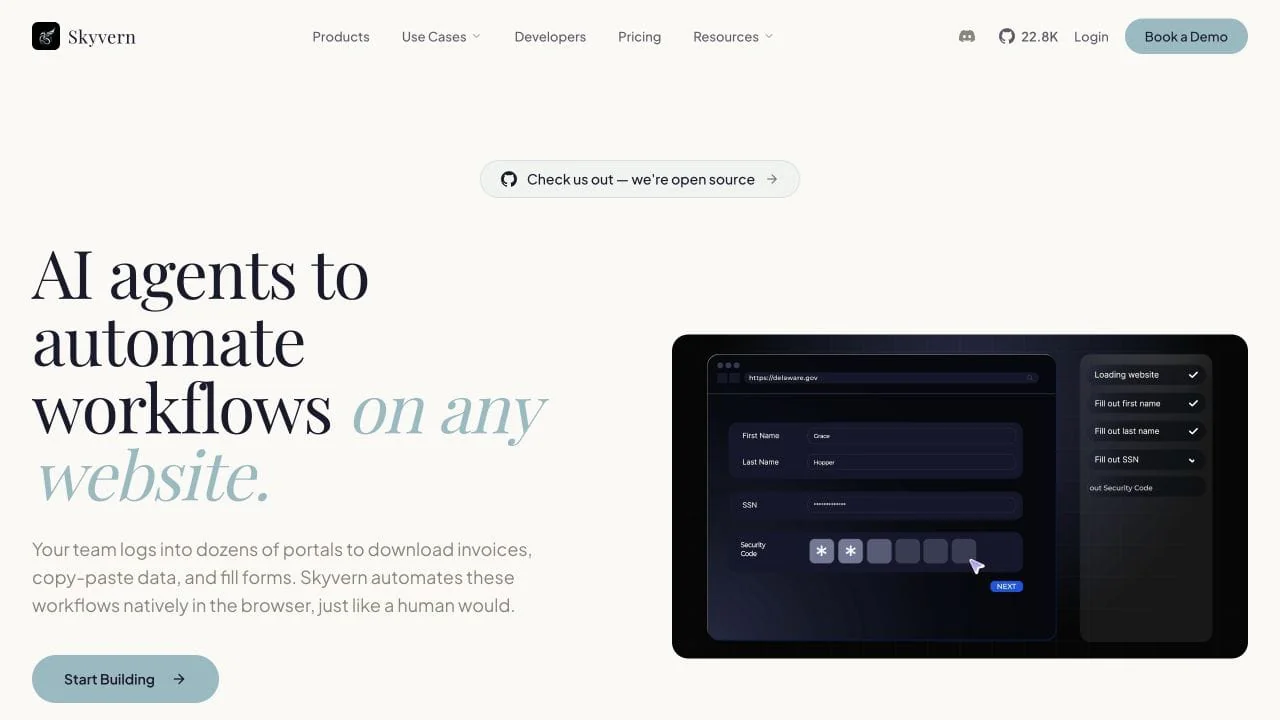
Skyvern is an AI browser automation platform for multi-step web workflows that change. It handles forms and downloads through Python or TypeScript code, or through a visual workflow editor. You can run in Skyvern Cloud or self-host the open-source project.
How it works: On each AI step, Skyvern captures the page, reduces the DOM to the interactive elements, and gives both the visual layout and element data to an LLM. The model chooses the next action, Playwright executes it in Chromium, and Skyvern checks whether the goal is complete before continuing.
Skyvern does not force every step through that loop. A code-based automation can keep stable navigation and form fields as normal Playwright calls, use natural-language actions where the page is likely to move, and hand an open-ended subtask to an agent only when the route cannot be known in advance.
What Skyvern adds: Visual workflows place deterministic and AI actions inside conditions and loops. They also handle validation, files, and external API calls, and they can run on a schedule. Run artifacts show which actions the workflow took and where it stopped.
Key features
- Natural-language actions, structured extraction, and page-state validation
- Tasks for one goal and reusable workflows for multi-step processes
- Deterministic Playwright actions and AI fallbacks in the same code path
- A visual workflow editor, APIs, Python and TypeScript SDKs, and run history
- Hosted and self-hosted deployment with AGPL-3.0 source
Setup: Cloud is the faster way to test a workflow. Self-hosting gives you more control over the database, models, and browser data, but makes your team operate and upgrade the deployment. It also requires an AGPL-3.0 licensing review.
Best for: Invoice downloads, form submission, compliance portals, and other authenticated workflows whose layouts or paths change between runs.
Tradeoff: AI-driven steps are slower and less predictable than a selector that already works. Keep stable steps deterministic. Measure completion rate and cost on the actual portals, including how many AI steps each run needs.
2. Stagehand for code-owned AI automation
Stagehand is an MIT-licensed SDK for browser agents in TypeScript, Python, and Go. It combines Playwright-style page methods with natural-language primitives, so engineers can decide which steps are deterministic and which ones use a model.
How it works: Stagehand's act, extract, and observe primitives execute an instruction, return typed data, or discover available actions. Stagehand v4 drives Chromium through its own CDP engine and exposes familiar page and locator APIs; it no longer requires Playwright as the browser driver.
Key features
- Natural-language actions, structured extraction, and action discovery
- Deterministic page and locator methods in the same workflow
- First-party TypeScript, Python, and Go SDKs
- Self-healing actions, schema-validated extraction, caching, metrics, and observability hooks
- MIT-licensed source with a first-party Browserbase integration
Setup: Engineers add the SDK, choose a supported model, and choose a local or remote Chromium runtime. Browserbase is the recommended hosted path, but the workflow remains application code your team owns.
Best for: Product and platform teams that want AI at selected browser steps without turning the entire workflow over to an open-ended agent.
Tradeoff: Stagehand leaves the workflow in application code. It does not provide a business-facing operations layer or an approval system, so your team still owns the process. Its current browser engine is Chromium-focused.
3. Browserbase for managed browser operations
Browserbase is managed browser infrastructure for agents and browser automation. It handles the sessions underneath Stagehand, Playwright, or another browser-control layer; it does not decide what the workflow should do.
How it works: Your application creates a remote browser session and connects its existing code or agent to it. Contexts can preserve login state across runs, while live view, recordings, console and network logs, proxies, and session metadata make the remote browser observable.
Key features
- On-demand browser sessions without operating a browser cluster
- Persistent contexts for cookies and authentication state
- Live debugging, session recordings, logs, and metrics
- Proxy, network, and browser identity controls for production workloads
Setup: Connect the automation to Browserbase, then configure context retention and network access. Session limits, logging, and proxy policy also stay under your control. The task logic, assertions, and escalation path remain in your application.
Best for: Teams that already know how the browser should be controlled but do not want to provision, scale, and debug the browser fleet.
Tradeoff: Managed infrastructure removes a large operating burden, but adds vendor cost and data-processing decisions. Browserbase cannot repair a broken locator or resolve an ambiguous agent instruction.
4. Playwright for deterministic browser control
Playwright is an Apache-2.0 browser automation and testing framework for Chromium, Firefox, and WebKit. It fits paths and expected results that are stable enough to describe directly in code.
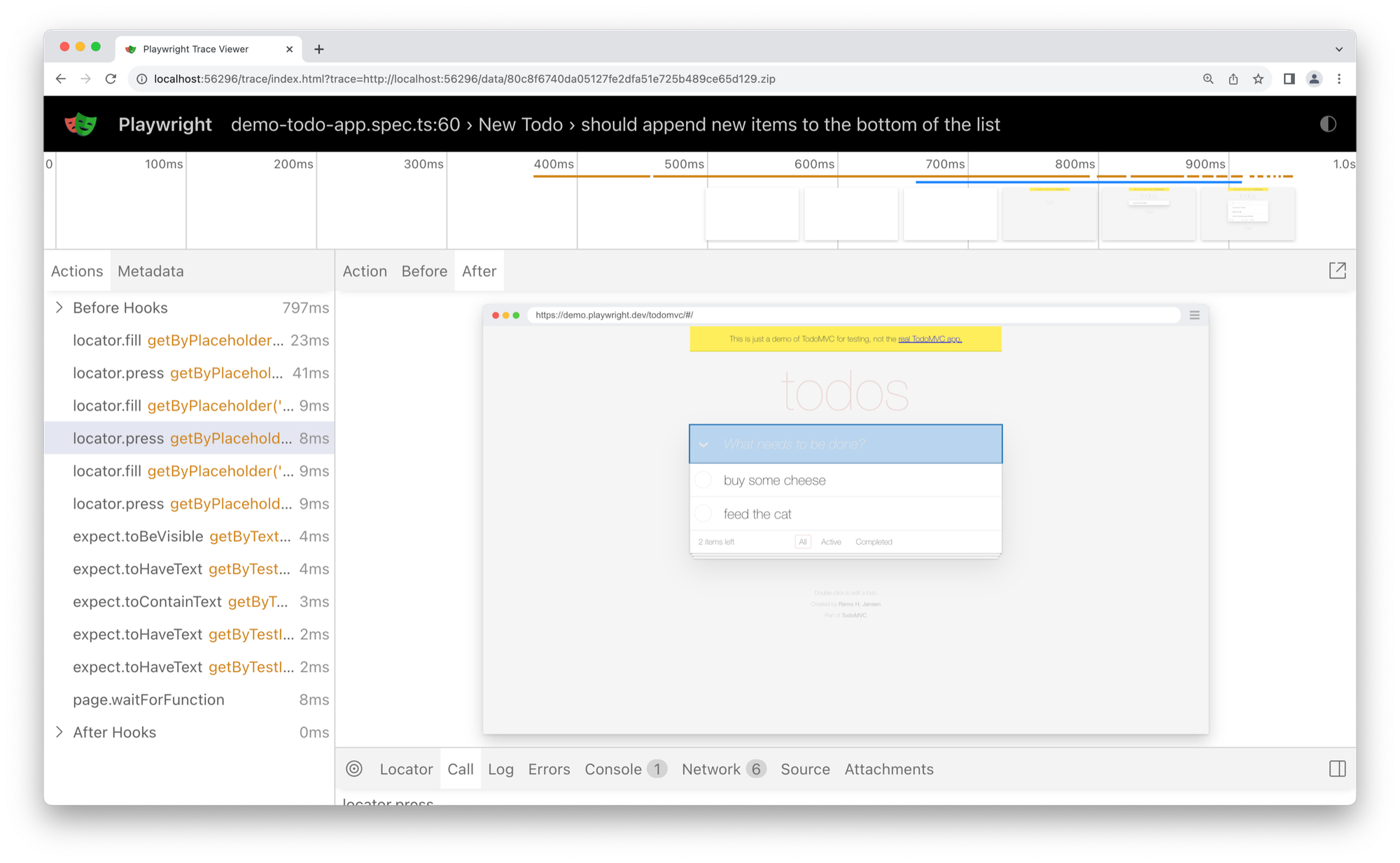
How it works: Developers write locators, actions, and assertions against a known flow. Browser contexts isolate cookies and storage, automatic waiting checks whether an element is actionable, and Playwright Test can retain traces and other artifacts when a test fails.
Key features
- Chromium, Firefox, and WebKit automation
- JavaScript, TypeScript, Python, Java, and .NET bindings
- Browser-context isolation and locator-based interactions
- A first-party Node.js test runner with fixtures, projects, retries, reports, and traces
Setup: You own the project and its locators, test data, and assertions. You also manage the browser binaries and CI environment. Playwright supplies a mature testing model, but it does not infer the business goal for you.
Best for: Regression tests, known portal flows, screenshots, PDFs, and automations where reviewable code and explicit success conditions matter more than adapting at runtime.
Tradeoff: Deterministic code is easier to audit and test, but someone has to repair it when the target workflow changes.
For a direct comparison of two code-first options, see Puppeteer vs Playwright.
5. Playwright MCP for browser access inside an existing agent
Playwright MCP is Microsoft's official MCP server for Playwright browser tools. It exposes structured browser access to coding agents and other MCP clients.
How it works: The server exposes navigation, input, tabs, screenshots, network data, and other browser operations through Model Context Protocol tools. By default, the client receives structured accessibility snapshots and acts on roles and text rather than using a separate visual planning loop.
Key features
- Official Playwright browser tools for MCP-compatible clients
- Accessibility-tree snapshots for structured page interaction
- Browser, profile, network, and output controls
- Support for common coding-agent and desktop MCP clients
Setup: Configure the server in the MCP client, choose the browser and profile mode, restrict network access, and decide where outputs and authentication state can live.
Best for: Browser inspection, test authoring, and supervised automation inside an agent environment that already uses MCP.
Tradeoff: Playwright MCP only exposes browser operations. It does not provide a worker model or business logic. Your application still defines success and approval policy, then handles retries.
6. Steel for managed or self-hosted browser infrastructure
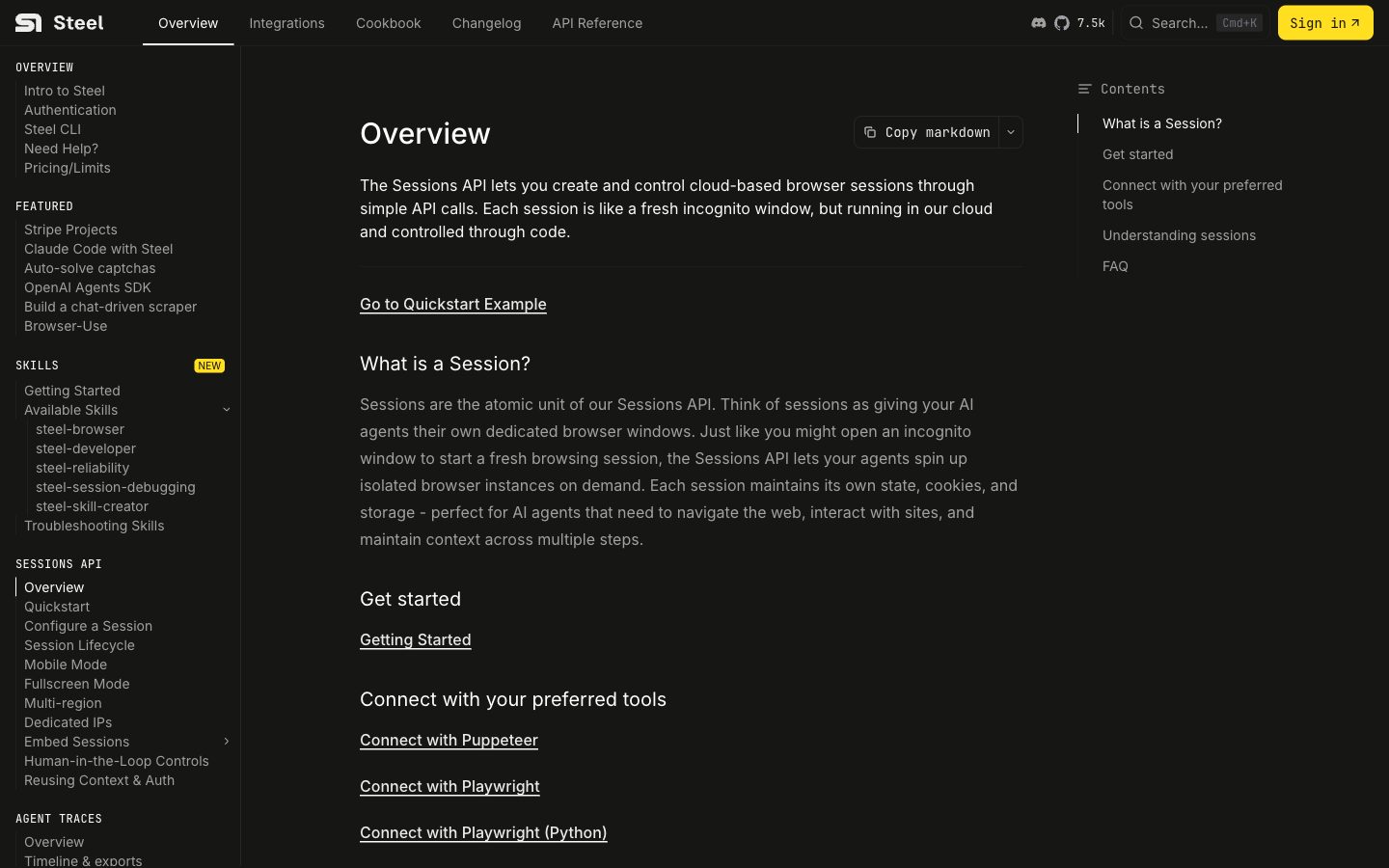
Steel is an open-source browser API with a managed cloud service. It lets an application create isolated Chrome sessions and connect through Playwright, Puppeteer, Selenium, or Steel's SDKs.
How it works: Each session has its own state, cookies, and storage. The managed service can add profiles and proxies, including CAPTCHA handling and live or recorded session viewing. The open-source server can run locally or in your own environment.
Key features
- A Sessions API for isolated remote browsers
- Connections from Playwright, Puppeteer, and Selenium
- Persistent profiles, proxy controls, and session viewing
- Managed cloud and self-hosted deployment paths
Setup: The cloud path requires connecting your automation and setting session policy. Self-hosting adds the browser service, storage, scaling, upgrades, monitoring, and incident response.
Best for: Teams that need browser infrastructure they can connect to with existing tools, especially when deployment placement or session control matters.
Tradeoff: Steel manages the browser layer, not the task logic. Self-hosting gives your team more infrastructure control but also makes it responsible for operating that infrastructure.
7. ChatGPT cloud browser for supervised public-site tasks
ChatGPT cloud browser is a hosted end-user capability for delegated work on supported public websites. OpenAI provides it inside ChatGPT Work rather than as a browser SDK for applications.
How it works: A user describes the outcome in ChatGPT Work, the remote browser navigates supported public pages, and ChatGPT pauses when it needs information or confirmation. It can combine public-site actions with data from connected apps, but it is not a browser SDK for your own application.
Key features
- Hosted browser tasks without building an agent runtime
- Background execution with user questions and confirmation points
- Public-page navigation and supported form entry
- Results with linked sources or browser evidence
Setup: Enable the feature in an eligible ChatGPT workspace, define what sites and data the task may use, and review the proposed action before confirming it.
Best for: Research, availability checks, quote requests, and other supervised work on supported public websites.
Tradeoff: Cloud browser does not currently sign in to sites or complete payments and may stop at CAPTCHAs or blocked pages. It is an end-user product, not a drop-in alternative for an application built on Browser Use.
8. Claude computer use for a custom visual agent
Claude computer use is a model tool for interacting with a graphical computer interface. It is relevant when you want to build the agent loop and computing environment yourself rather than adopt a finished browser platform.
How it works: Claude receives screenshots and asks your application to move the mouse, click, type, scroll, or take another screenshot. Your application executes those requests in a container or virtual machine and sends the result back until the task completes.
Key features
- Screenshot-based interaction with standard graphical interfaces
- Mouse, keyboard, scrolling, and zoom actions on supported models
- A reference container environment and documented agent loop
- Client-controlled storage and execution environment
Setup: Build or deploy the computer environment, tool executor, API loop, logging, and review controls. Anthropic recommends a sandboxed runtime and narrowly scoped access.
Best for: Teams building a supervised agent that must operate browser and desktop interfaces through one visual interaction model.
Tradeoff: Computer use is a capability, not a managed workflow system. Your team isolates the runtime and credentials, then handles prompt injection and monitoring. You also own evaluation and human approval.
9. Firecrawl for extraction-first work
Firecrawl is a web data platform for scraping, crawling, search, and structured extraction. It can click or enter form data before extraction, but every workflow still ends in web data rather than a completed transaction.
How it works: A scrape request renders a page and returns formats such as Markdown, HTML, links, images, screenshots, or structured JSON. For a stateful interaction, the Interact endpoint continues from a scrape session and accepts natural-language instructions or Playwright code before returning the resulting content.
Key features
- Scraping, crawling, search, and schema-based extraction
- Markdown, HTML, screenshot, and structured-data outputs
- Browser actions for dynamic pages
- Session continuation for multi-step extraction
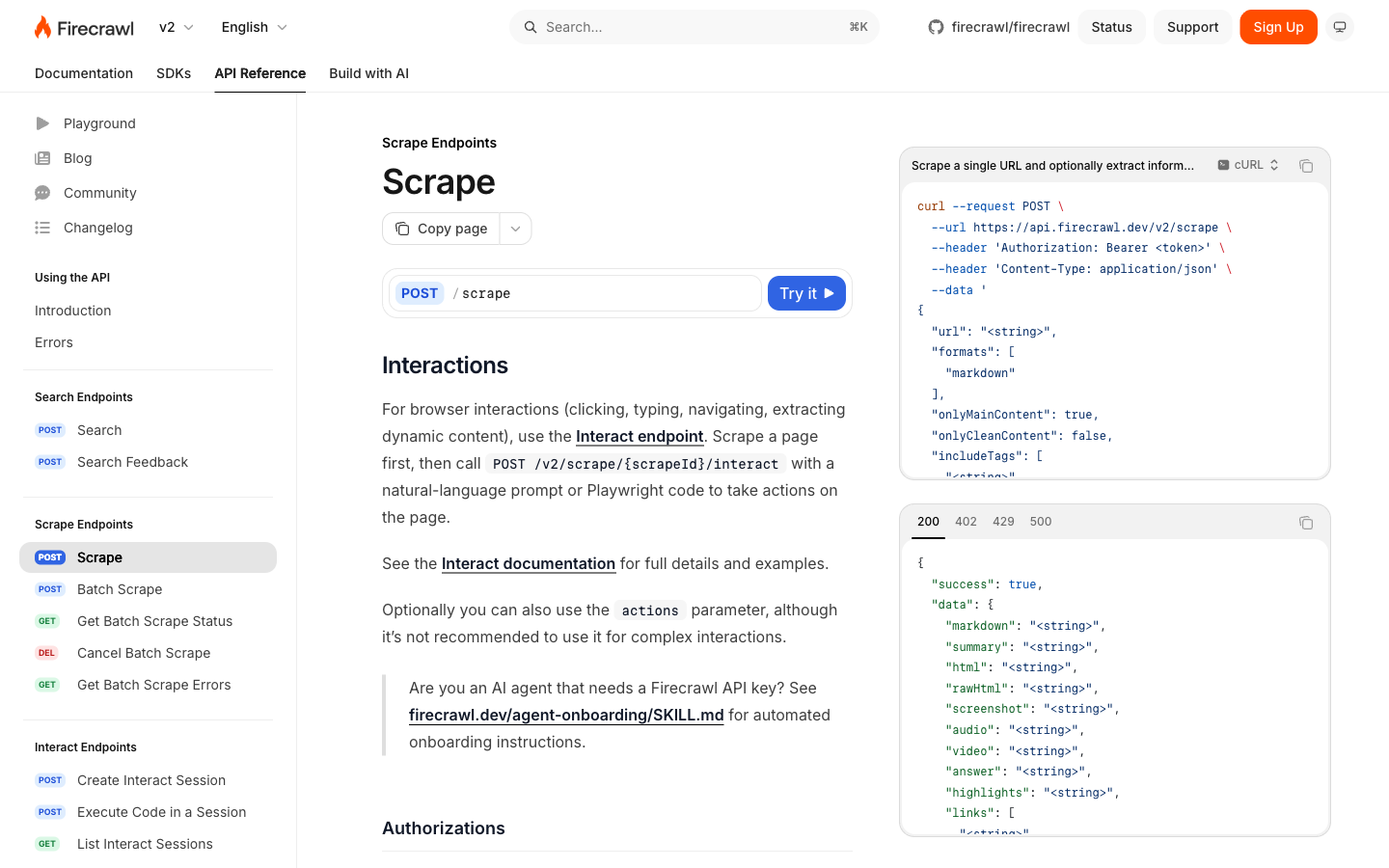
Setup: Define the sources and output schema, then restrict the allowed interactions. Rate limits and data-retention policy stay in your application. A hosted API reduces browser work, but the pipeline still needs validation and source governance.
Best for: Research ingestion, knowledge bases, monitoring, and data pipelines where the deliverable is content rather than a completed business transaction.
Tradeoff: Use an agent or scripted browser workflow when the job must authenticate, follow a variable process, submit a form, and prove that the action completed.
Frequently asked questions
What is the closest open-source alternative to Browser Use?
Skyvern and Stagehand are the closest when you still want AI to help decide browser actions. Skyvern provides a broader workflow platform and self-hosted deployment. Stagehand is a code-first SDK. Playwright is the better open-source alternative when the steps are known and deterministic control is the goal. For a broader shortlist, compare the best open-source browser automation tools.
Is Browser Use better than Playwright?
Browser Use is better suited to variable tasks where a model must interpret the page during the run. Playwright is better when engineers can define the actions and assertions in code. Many production systems use deterministic code for stable steps and AI only for the ambiguous part.
Which alternative is best for self-hosting?
Self-hosting applies to different layers. Skyvern can self-host an AI workflow platform, and Steel can self-host browser infrastructure. Stagehand runs as an open-source SDK, while Playwright runs inside infrastructure you control. Each option has a different license and operating burden.
How much does Browser Use cost?
Browser Use currently lists a $0 Pay As You Go tier with prepaid usage, Starter at $100 per month, Business at $500 per month, Scaleup at $2,500 per month, and custom terms above that. Browser time, proxy traffic, agent steps, and plan discounts all affect the total; check the pricing page before purchasing.
Do Browser Use alternatives remove the need for security controls?
No. Browser automation runs against untrusted pages while holding browser state and, sometimes, credentials. Run each job in an isolated session with least-privilege credentials. Restrict network access and require approval for consequential actions.
Keep reading
Browser Use vs Browserbase: my honest comparison
Browserbase and Browser Use can both automate work in a browser, from collecting product data to filling out forms. Choosing between them comes down to what you want to build: a task you hand to an AI agent, a custom agent inside your application, or browser infrastructure for scripts you already run. I’m Skyvern’s co-founder and CEO by the way. We build a competing product, so I have a stake in this comparison. But I promise I won't promote our product (even though it's a great alternative to
6 Stagehand alternatives for browser automation in 2026
If you're looking for Stagehand alternatives, you probably want an AI browser agent that: * Works natively with Python scripts. * Can navigate and scrape complex websites efficiently. * Stays reliable as your workload grows from a few runs to thousands of browser jobs. That's the kind of workflow I built Skyvern for (Skyvern CEO here). I know, I know, Skyvern CEO's recommending Skyvern as a good alternative. Please just stay with me for a second here. Yes, Skyvern is a good Stagehand alt
Browser Use vs Stagehand: Which One Should You Pick?
Browser Use and Stagehand both let you use AI to automate browser tasks, such as collecting product data or filling out forms. When you’re deciding which to build with, their feature lists only tell you so much. You want to know how much code you’ll need to write, whether the automation completes your task correctly, and what repeated runs will cost. I'll be upfront: we build Skyvern, a competitor to both, but this blog post won't shill our product (you can try it here though). I’m keeping thi
Put the browser to work
Use Skyvern for the work that lives in a browser.
Turn repetitive browser tasks into reliable workflows with Skyvern.