Best Open-Source Browser Automation Tools for 2026

You want an open-source browser automation tool to cut usage costs, keep browser sessions on your infrastructure, or avoid tying a critical workflow to one vendor. This guide first compares scripted frameworks, browser agents, managed browser infrastructure, and extraction APIs, then breaks down eight open-source web automation tools by use case, setup, tradeoffs, and operating burden
What should you choose based on your use case?
| If you need to… | Start with | How it works | Main operating burden | Best for |
|---|---|---|---|---|
| Test a web application or run a repeatable interaction | Playwright, Selenium, Cypress, or Puppeteer | Code directs a browser through explicit locators and assertions | Maintaining test intent, locators, test data, and CI environments | Regression testing, repeatable portal work, PDF generation |
| Complete a changing, multi-step portal task | Skyvern or Browser Use | An agent interprets a task and chooses browser actions | Model cost and latency, validation, retries, and escalation | Forms, downloads, and workflows with conditional pages |
| Run a fleet of browser sessions | Steel | A hosted API provides remote sessions that your existing automation connects to | Vendor usage costs, credentials, observability, and session policy | Parallel automation, long-lived or logged-in sessions |
| Collect web content or structured data | Firecrawl | An API scrapes, crawls, searches, or interacts with pages | Source permissions, output validation, and API usage | Research, content ingestion, and data pipelines |
The four approaches
Deterministic scripted frameworks run code you write against browser elements. Their reliability comes from explicit locators, waits, assertions, isolated sessions, and repeatable test data. They work well when the workflow is stable enough to describe step by step. They need updates when selectors, authentication, timing, or the underlying process changes.
AI-assisted or goal-driven agents receive an outcome, inspect a page, and select actions while they run. That flexibility helps with unfamiliar layouts and conditional paths. Model output can vary, and each run usually takes longer and costs more than a script.
Managed browser infrastructure does not replace your automation logic. It runs remote browsers, preserves session state, and can provide recordings, proxy controls, or live views. It reduces browser-fleet work, but you still own the code or agent instructions that decide what to do in the page.
Extraction and data APIs return content, markdown, HTML, or structured fields. They are usually the right answer when a system only needs to read. If the job must submit a form, approve an order, or download a file behind an authenticated portal, confirm that the product supports interaction and session handling before treating it as workflow automation.
1. Skyvern for goal-driven portal workflows
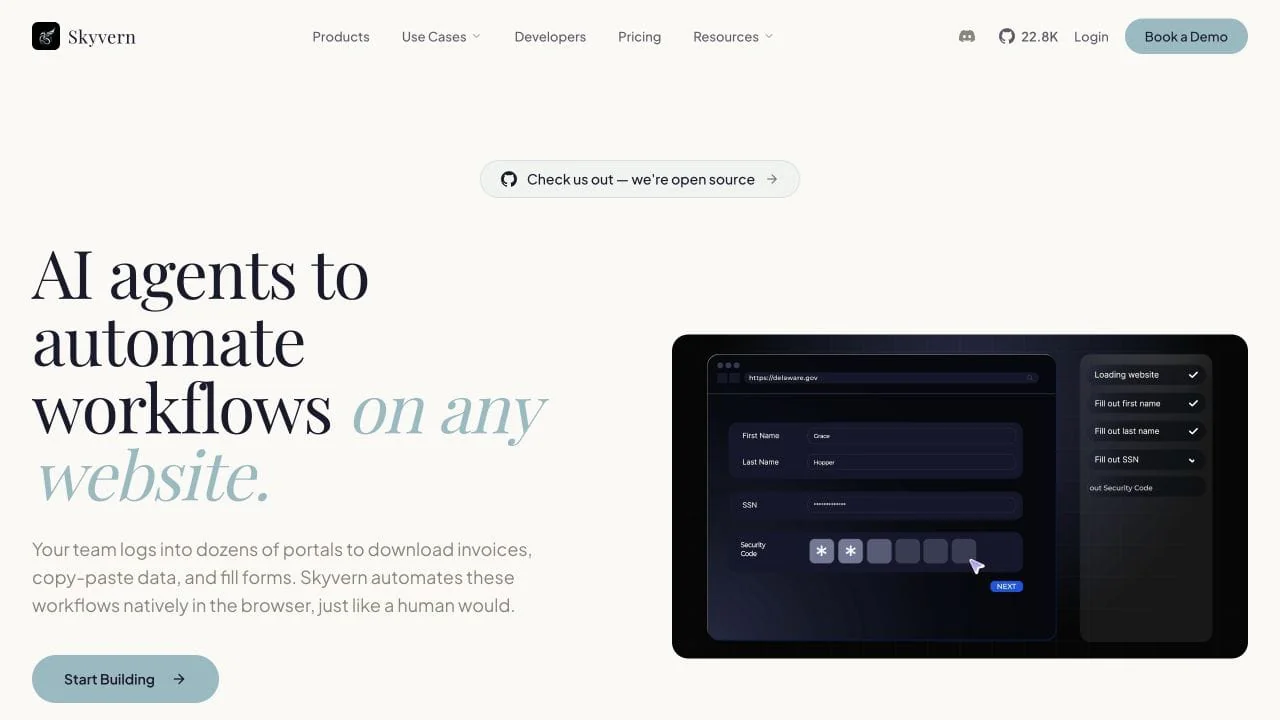
Skyvern is an AI browser automation platform for multi-step portal workflows. You describe the outcome, and Skyvern reads each page and chooses the actions needed to reach it.
How it works: Skyvern adds AI-driven actions to Playwright. It uses vision-language models to match a request to elements on the page instead of relying only on fixed selectors. A workflow can mix normal Playwright actions, natural-language actions, and an AI fallback when a selector stops working.
Key features
- Natural-language actions for interaction, extraction, and page-state validation
- Tasks for single goals and workflows that combine steps, loops, file handling, and API calls
- A no-code builder, Python and TypeScript SDKs, APIs, and run history
- A hosted service and a self-hosted option that can use your own models
Why it stands out: Skyvern supports deterministic and AI-driven actions in the same workflow. Teams can keep stable steps in Playwright and use AI only where the page is likely to vary.
Setup: The hosted product is quicker to try. Self-hosting gives you more control over models and browser data, but it adds deployment and maintenance work.
User feedback: A hands-on comparison with Browser Use found that Skyvern took more setup but was better suited to substantial workflows.
Best for: Forms, document downloads, and multi-step portals whose layouts or paths change between runs.
Tradeoff: Skyvern still needs a clear definition of success and human review before consequential actions. Use a scripted framework for stable regression tests with exact assertions.
2. Playwright for modern cross-browser testing
Playwright is a browser testing framework for Chromium, Firefox, and WebKit. It combines browser control with the test runner, isolation, and debugging tools needed for modern end-to-end tests.
How it works: Playwright finds elements through locators based on roles, text, labels, or test IDs. Before it clicks or types, it checks that the element is visible, stable, enabled, and able to receive the action. Each test can run in a separate browser context with its own cookies and storage.
Key features
- Chromium, Firefox, and WebKit support from one API
- A complete test runner for JavaScript and TypeScript, plus browser libraries for Python, Java, and .NET
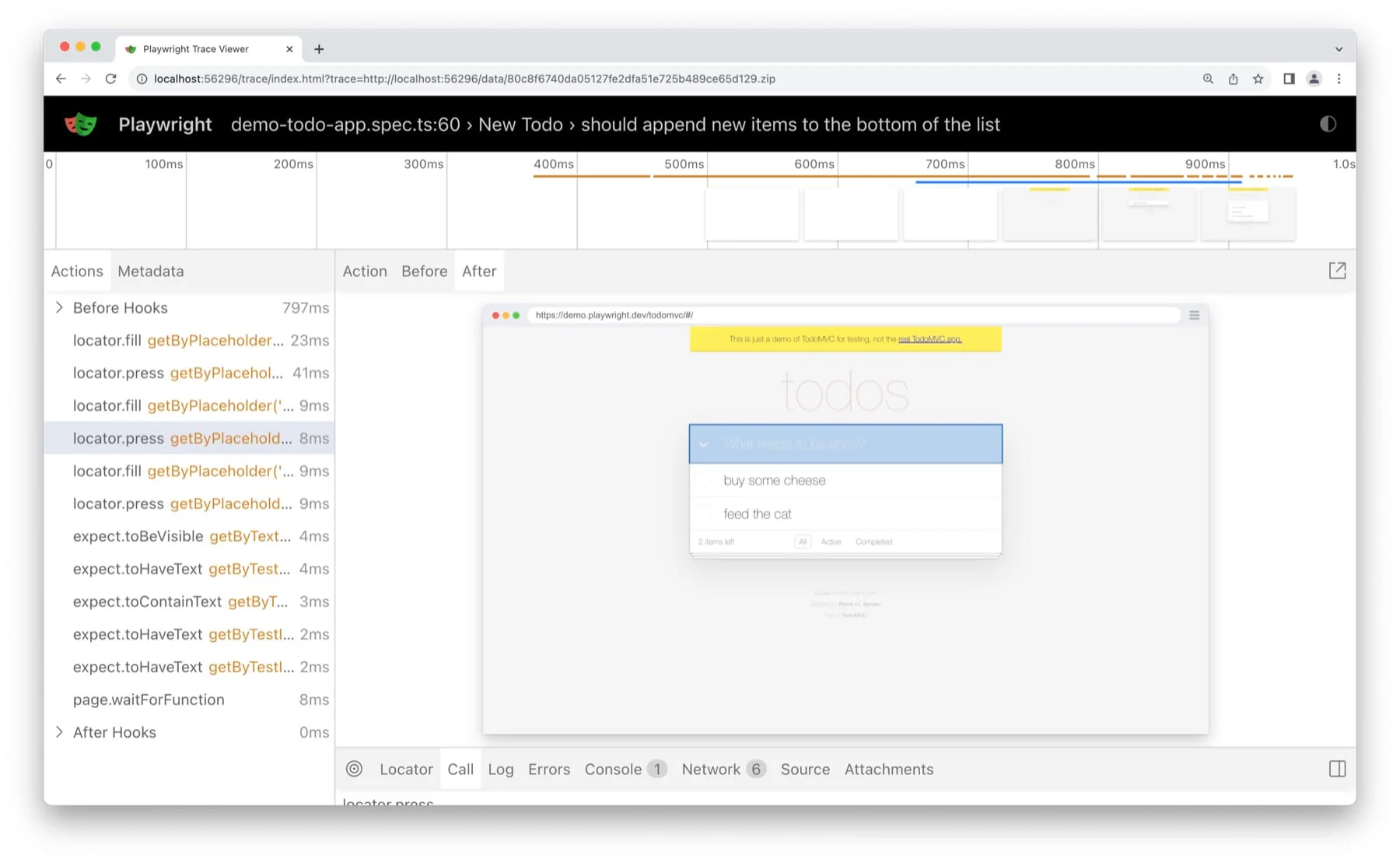
- Trace Viewer, screenshots, video, and network inspection for failed tests
Setup: JavaScript and TypeScript teams get the complete test-runner experience. Python, Java, and .NET teams can use the browser automation library with their existing test tools.
User feedback: Developers moving from Selenium often praise Playwright's setup, error messages, and built-in waiting. Teams also report that large suites still need regular maintenance as interfaces and test data change.
Best for: New cross-browser test suites and repeatable browser jobs with known steps and expected results.
Tradeoff: Playwright reduces timing and debugging work, but your team still owns locators, test data, and the meaning of each assertion.
3. Selenium for WebDriver compatibility and broad language support
Selenium controls browsers through the W3C WebDriver standard. It supports many languages and browsers and remains common in established enterprise test suites.
How it works: Your test calls a Selenium language binding, which sends WebDriver commands to a driver made for the target browser. The driver translates those commands into the browser's native automation interface and sends the result back to the test. Selenium Grid can route the same commands to browsers running on other machines.
Key features
- Language bindings for Java, Python, C#, JavaScript, Ruby, and other ecosystems
- Broad browser support through a standards-based interface
- Selenium Grid for distributing browser runs across machines
Setup: A local test is easy to start. A larger suite requires your team to choose and maintain its waits, assertions, reporting, isolation, and Grid infrastructure.
User feedback: Teams discussing Selenium and Playwright for new projects tend to prefer Playwright's built-in testing experience. Selenium remains valuable when a company already has a mature suite and supporting infrastructure.
Best for: Organizations that need WebDriver compatibility, broad language support, or continuity with an existing Selenium suite.
Tradeoff: Selenium gives you more ecosystem choice, but it leaves more of the testing framework for your team to assemble.
4. Puppeteer for JavaScript browser control
Puppeteer is a JavaScript library for direct browser control. It suits known browser jobs inside a Node.js service, especially when Chrome or Chromium is the main target.
How it works: Puppeteer launches a browser or connects to one that is already running. It uses the Chrome DevTools Protocol for Chrome and WebDriver BiDi for Firefox, then exposes pages, frames, network requests, and browser events as JavaScript objects. Your code decides each action and when the job has succeeded.
Key features
- Direct APIs for navigation, page interaction, and browser events
- Network interception, device emulation, screenshots, PDFs, and page rendering
- Chrome and Firefox support through CDP and WebDriver BiDi
Setup: Puppeteer has a small API surface, so JavaScript and TypeScript developers can start quickly. Tests need separate choices for assertions, fixtures, and reporting.
User feedback: Developers comparing Puppeteer with Playwright often keep Puppeteer for browser tasks and choose Playwright for complete test suites.
Best for: PDF generation, screenshots, rendering, and repeatable browser actions in Node.js services.
Tradeoff: Puppeteer is simple because its scope is narrow. Choose Playwright when cross-browser testing and test-runner features matter.
5. Cypress for front-end test feedback
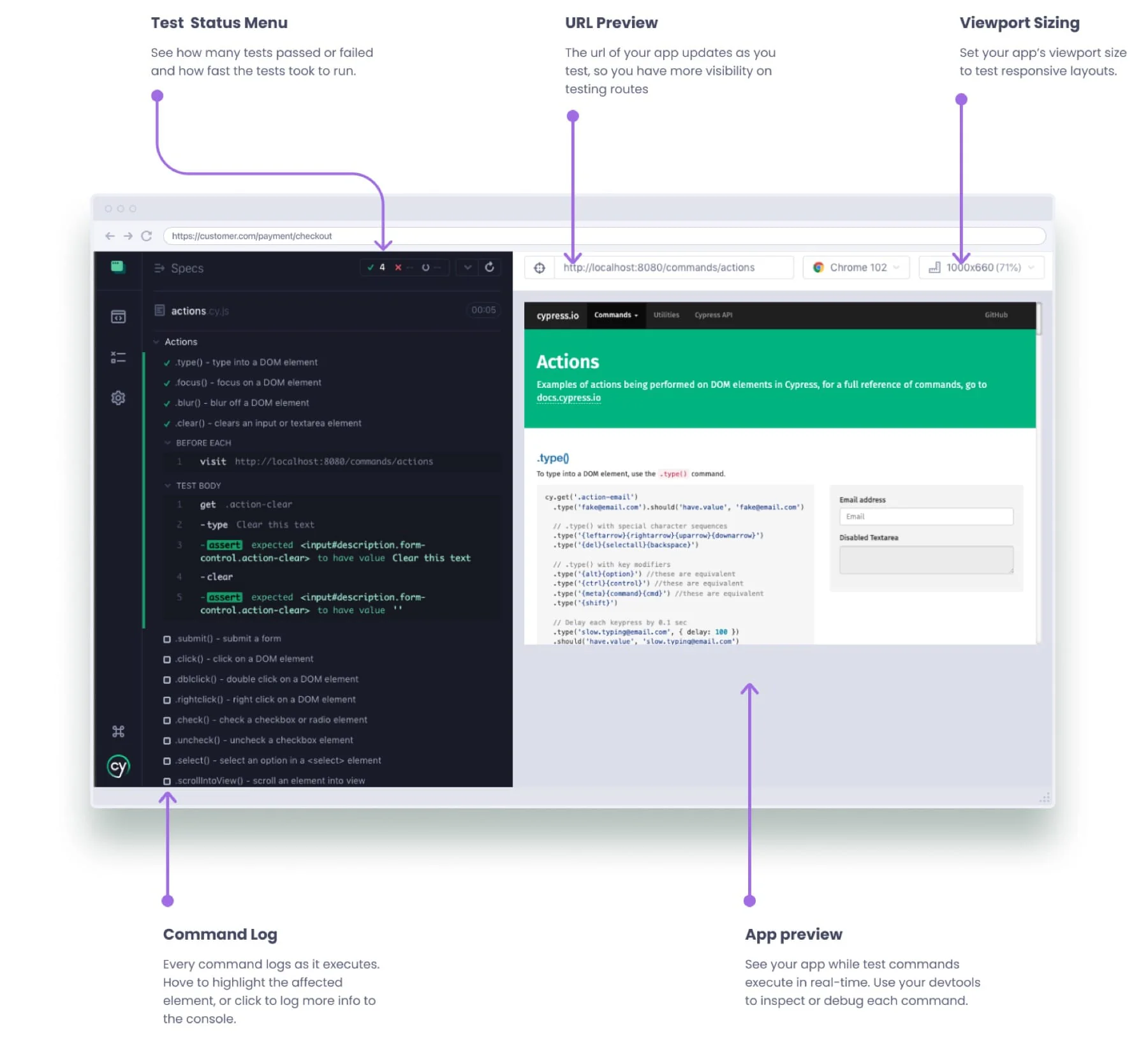
Cypress is a testing platform for web front ends. Its open-source app runs tests beside the application and gives developers a visual record of each command and page state.
How it works: Cypress runs in the same browser loop as the application and coordinates with a Node.js process for work outside the browser. Test commands enter a managed queue instead of running as ordinary promises. Cypress retries queries and assertions until they pass or time out, then shows the result in its command log.
Key features
- End-to-end and component testing for JavaScript and TypeScript applications
- A command log with time-travel snapshots
- Automatic waiting, network stubbing, and direct access to browser state while debugging
Setup: Cypress is easy to adopt in a front-end codebase, especially when developers write tests alongside features. Its runner and command model also shape how the tests are written.
User feedback: Developers who have used Cypress and Playwright still praise Cypress's runner and debugging experience, even when they prefer Playwright for cross-browser end-to-end tests.
Best for: Front-end teams that want fast local feedback, strong component testing, and a visual way to debug failures.
Tradeoff: Playwright supports more browser behaviors and has stronger momentum for new end-to-end suites. Rewriting a healthy Cypress suite rarely fixes weak test design by itself.
6. Browser Use for Python browser agents
Browser Use is an open-source Python framework for building browser agents. You give the agent a task and a language model, and it reads the page and chooses each action while the task runs.
How it works: Browser Use runs an agent loop. At each step, the model receives the current page state and can request a screenshot, then calls browser tools to navigate, click, type, or extract data. The framework records the visited pages, actions, model outputs, screenshots, and errors until the agent finishes or reaches its step limit.
Key features
- Plain-language tasks instead of fixed browser scripts
- Support for different language models, optional vision, and custom tools
- An open-source library plus optional hosted browsers and agents
Setup: Python teams can build a prototype quickly. Production use adds model configuration, browser state, authentication, retries, and validation.
User feedback: Browser Use can be easy to set up but slow and unreliable on some tasks. One production user reported three-to-five-minute runs for multi-step jobs.
For a wider comparison of hosted and open-source options, see our Browser Use alternatives guide.
Best for: Python teams building custom research or operations agents for tasks that need judgment while they run.
Tradeoff: Speed, reliability, and model cost vary by task. Use Playwright when the browser steps are already known.
7. Steel for managed browser sessions
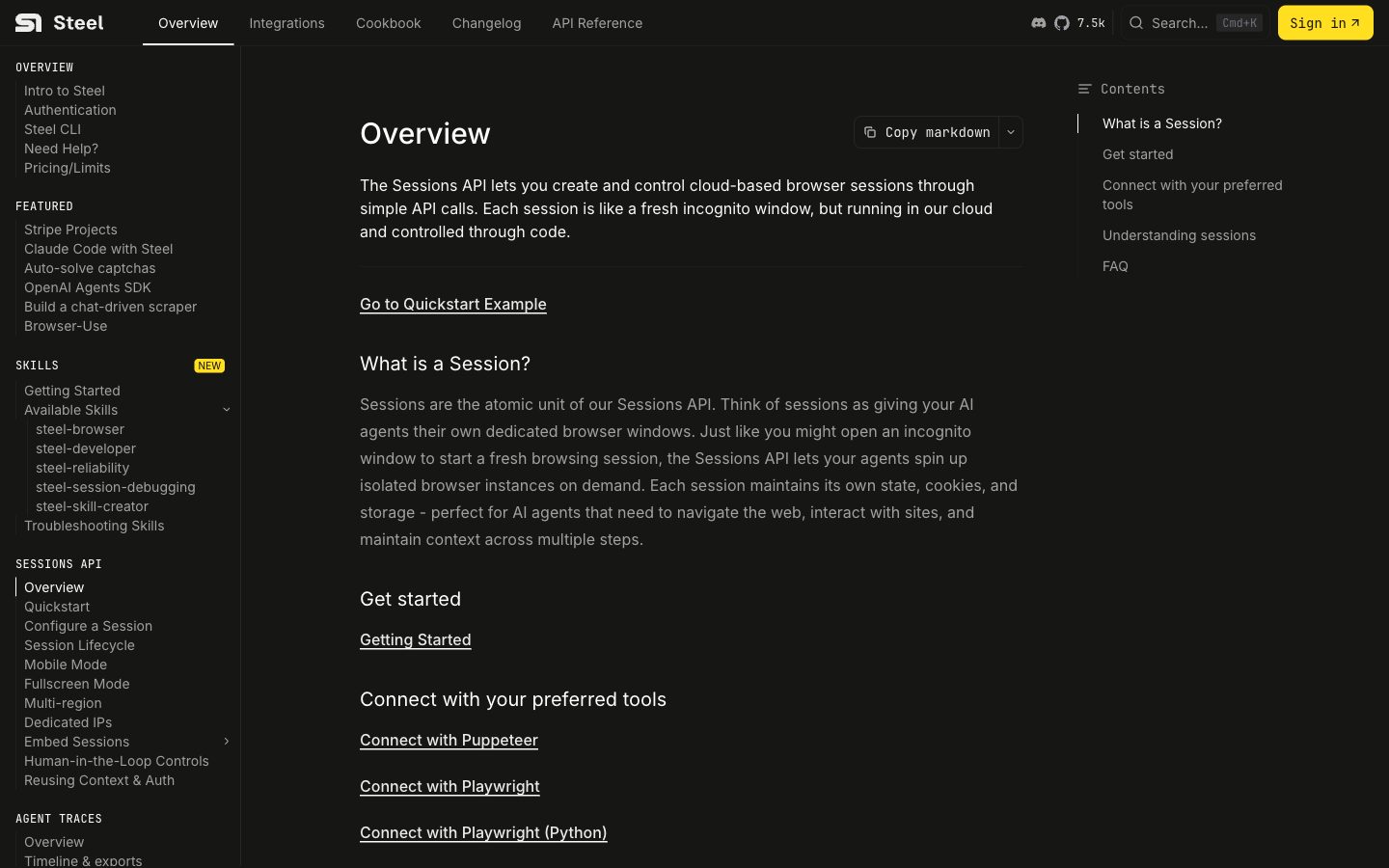
Steel provides open-source infrastructure for remote browser sessions. Your existing framework or agent controls the page, while Steel runs the browser and keeps the session available.
How it works: Steel creates an isolated cloud browser and returns a connection endpoint. Playwright, Puppeteer, Selenium, or an agent attaches to that session and sends the same commands it would send to a local browser. Steel keeps the browser process, cookies, storage, proxy settings, and live viewer together for the life of the session.
Key features
- Remote sessions for Playwright, Puppeteer, Selenium, and browser agents
- Persistent browser state for logged-in and long-running workflows
- Proxies, CAPTCHA handling, live session views, recordings, and run inspection
Setup: The hosted service fits into existing browser automation without changing the framework that controls the page. Self-hosting gives you infrastructure control and makes your team responsible for running the browser service.
Best for: Teams that already have working automation and need more concurrent sessions, persistent logins, or better visibility into failed runs.
Tradeoff: Steel handles browser operations. Your team still maintains selectors, prompts, validation, credentials, and session policy. A few local browser jobs do not need this extra layer.
8. Firecrawl for web data and selective interaction
Firecrawl turns websites into markdown, HTML, screenshots, or structured records. It handles search, single-page scraping, full-site crawls, and JavaScript-heavy pages through one API.
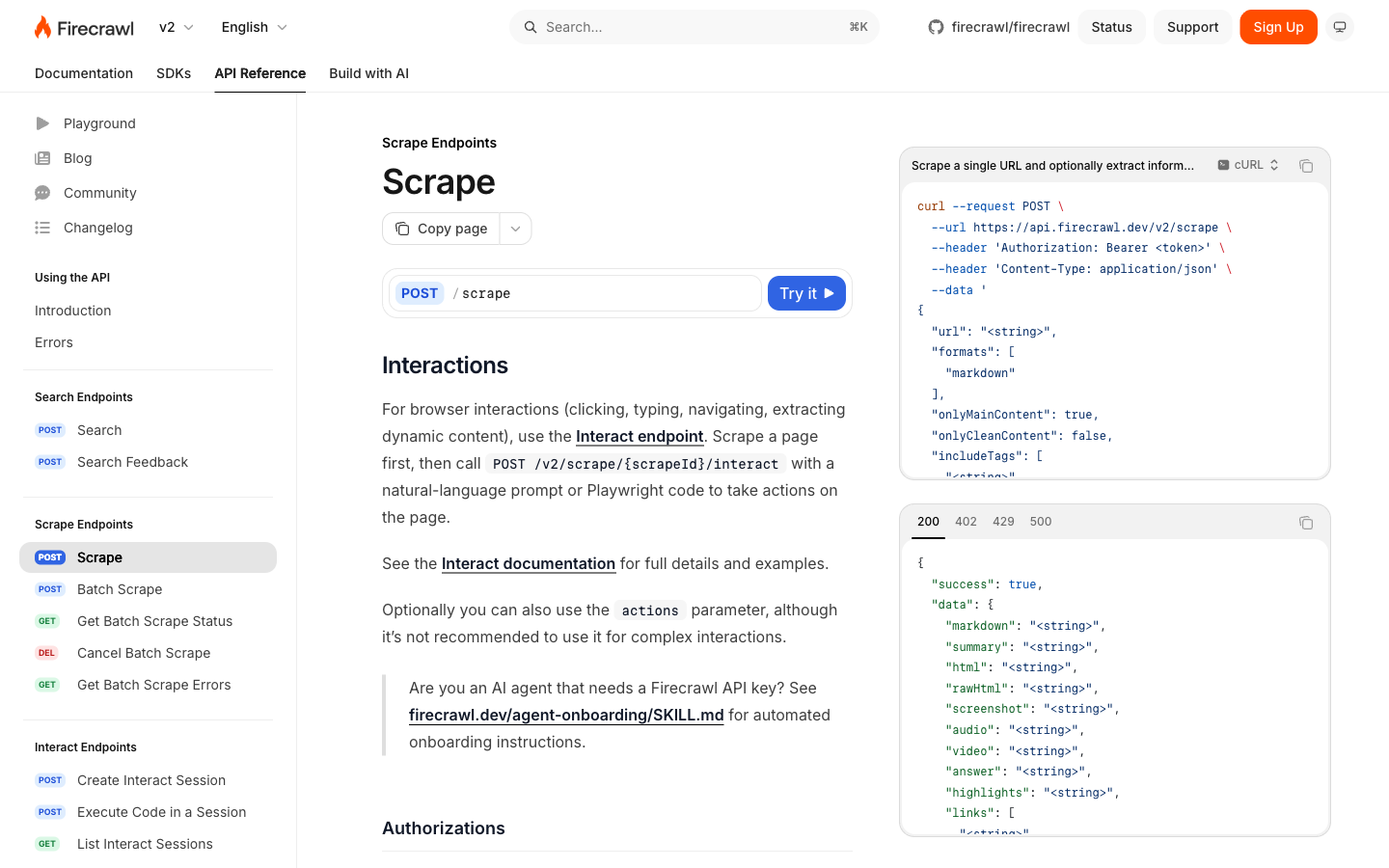
How it works: The scrape endpoint fetches or renders a page and converts it into the requested format. The crawl endpoint repeats that process across discovered links, while Interact keeps a browser session open for clicks, form input, and dynamic extraction. Teams that need direct control can connect Playwright to a Firecrawl browser session over CDP.
Key features
- Search, scrape, crawl, and structured extraction endpoints
- Clean output for research, search indexes, and AI pipelines
- Browser sessions for interactive work, plus a hosted API and an open-source self-hosted version
Setup: The hosted API is easy to evaluate and includes managed scaling and anti-bot features. Self-hosting runs as a service with several supporting components and does not include every cloud capability.
User feedback: A self-hosted Firecrawl test produced clean, usable output but found the deployment heavier than the other scraping tools in the review.
Best for: Content ingestion, research, and data pipelines whose output is web content rather than a completed browser transaction.
Tradeoff: Firecrawl can perform some browser actions, but it is primarily a data tool. Use a browser framework or agent for logged-in workflows that must submit forms or make consequential changes.
Plan a small-team browser automation pilot
Start with one recurring task, such as downloading an invoice. Record the portal, billing period, expected file, and destination folder. Define how your team will confirm that the file is correct.
Compare time to the first successful run, documentation quality, integration effort, and maintenance ownership. Include authentication, model usage, and browser hosting in the operating-cost estimate. A useful pilot shows who will handle a failed run and how the workflow fits your existing tools.
A practical selection checklist
Production use depends on five conditions:
- Browser task: A regression test, a known interaction, an adaptive portal workflow, a remote session, and data collection each need a different mechanism.
- Proof of success: An assertion, a downloaded file, a structured record, or a human approval is more useful than “the run completed.”
- Ownership of breakage: Scripted systems need locator and test-data maintenance. Agents need validation, model configuration, and exception handling. Infrastructure needs credential and session policy.
- State storage: Browser profiles, cookies, secrets, recordings, and downloaded files need a storage plan before a workflow adds a login.
- Operating cost: Model calls, hosted browser hours, proxying, CI capacity, and engineering time all contribute to the cost of a free tool.
For stable application behavior, start with a deterministic framework and make the expected result explicit. For a portal workflow that cannot be expressed as a fixed script, test a goal-driven approach on a narrow task with a clear validation rule. Keep the browser layer separate from generic workflow automation so the tool choice stays tied to the work it must perform.
Frequently asked questions
Which open-source browser automation tool is best for testing?
Playwright is a strong default for modern cross-browser end-to-end testing because it supports Chromium, Firefox, and WebKit with auto-waiting, assertions, traces, and isolated browser contexts. Selenium is a good fit when a team needs WebDriver compatibility or a mature multi-language ecosystem. Cypress is useful for JavaScript or TypeScript teams that prioritize interactive front-end test feedback.
Which tool should I use for a portal with changing forms?
A goal-driven browser agent can help when the workflow contains conditional pages and a fixed selector script would be expensive to maintain. Skyvern and Browser Use are examples. Start with one bounded workflow and define an observable completion condition. Authentication, high-impact submissions, and exceptions still need validation and a human escalation path.
Is web scraping the same as browser automation?
No. Scraping usually reads a page and returns content or data. Browser automation can also click, fill forms, maintain a session, and complete a multi-step workflow. Firecrawl is a useful data-first option; use an interaction-capable system only when the job requires browser actions.
Do I need managed browser infrastructure?
You need it when provisioning, scaling, persisting, observing, or debugging browser sessions is a larger problem than writing the automation itself. A service such as Steel can run the sessions while Playwright, Puppeteer, Selenium, or an agent supplies the logic.
Keep reading
Browser Use vs Browserbase: my honest comparison
Browserbase and Browser Use can both automate work in a browser, from collecting product data to filling out forms. Choosing between them comes down to what you want to build: a task you hand to an AI agent, a custom agent inside your application, or browser infrastructure for scripts you already run. I’m Skyvern’s co-founder and CEO by the way. We build a competing product, so I have a stake in this comparison. But I promise I won't promote our product (even though it's a great alternative to
6 Stagehand alternatives for browser automation in 2026
If you're looking for Stagehand alternatives, you probably want an AI browser agent that: * Works natively with Python scripts. * Can navigate and scrape complex websites efficiently. * Stays reliable as your workload grows from a few runs to thousands of browser jobs. That's the kind of workflow I built Skyvern for (Skyvern CEO here). I know, I know, Skyvern CEO's recommending Skyvern as a good alternative. Please just stay with me for a second here. Yes, Skyvern is a good Stagehand alt
Browser Use vs Stagehand: Which One Should You Pick?
Browser Use and Stagehand both let you use AI to automate browser tasks, such as collecting product data or filling out forms. When you’re deciding which to build with, their feature lists only tell you so much. You want to know how much code you’ll need to write, whether the automation completes your task correctly, and what repeated runs will cost. I'll be upfront: we build Skyvern, a competitor to both, but this blog post won't shill our product (you can try it here though). I’m keeping thi
Put the browser to work
Use Skyvern for the work that lives in a browser.
Turn repetitive browser tasks into reliable workflows with Skyvern.