7 Selenium Alternatives for Faster Browser Automation

You're probably here because you're tired of fixing scripts that break when a website changes its layout, and you're ready to look for a Selenium alternative. Although it's been the most popular testing framework for years, Selenium's reliance on XPath selectors and DOM parsing can make automations unreliable when pages change.
We started Skyvern to address that exact problem, using LLMs and computer vision to create automations that adapt to website changes. It's built for business workflows in the browser.
In this article, we compare seven Selenium alternatives, including Skyvern, explaining their key capabilities and trade-offs. We also cover Python options for browser automation, HTML extraction, and AI-driven workflows.
If you'd prefer to talk to someone rather than compare tools, head over to book a personalized demo with us and see how Skyvern could handle the workflows you're currently running with Selenium.
1. Skyvern, best for business workflows
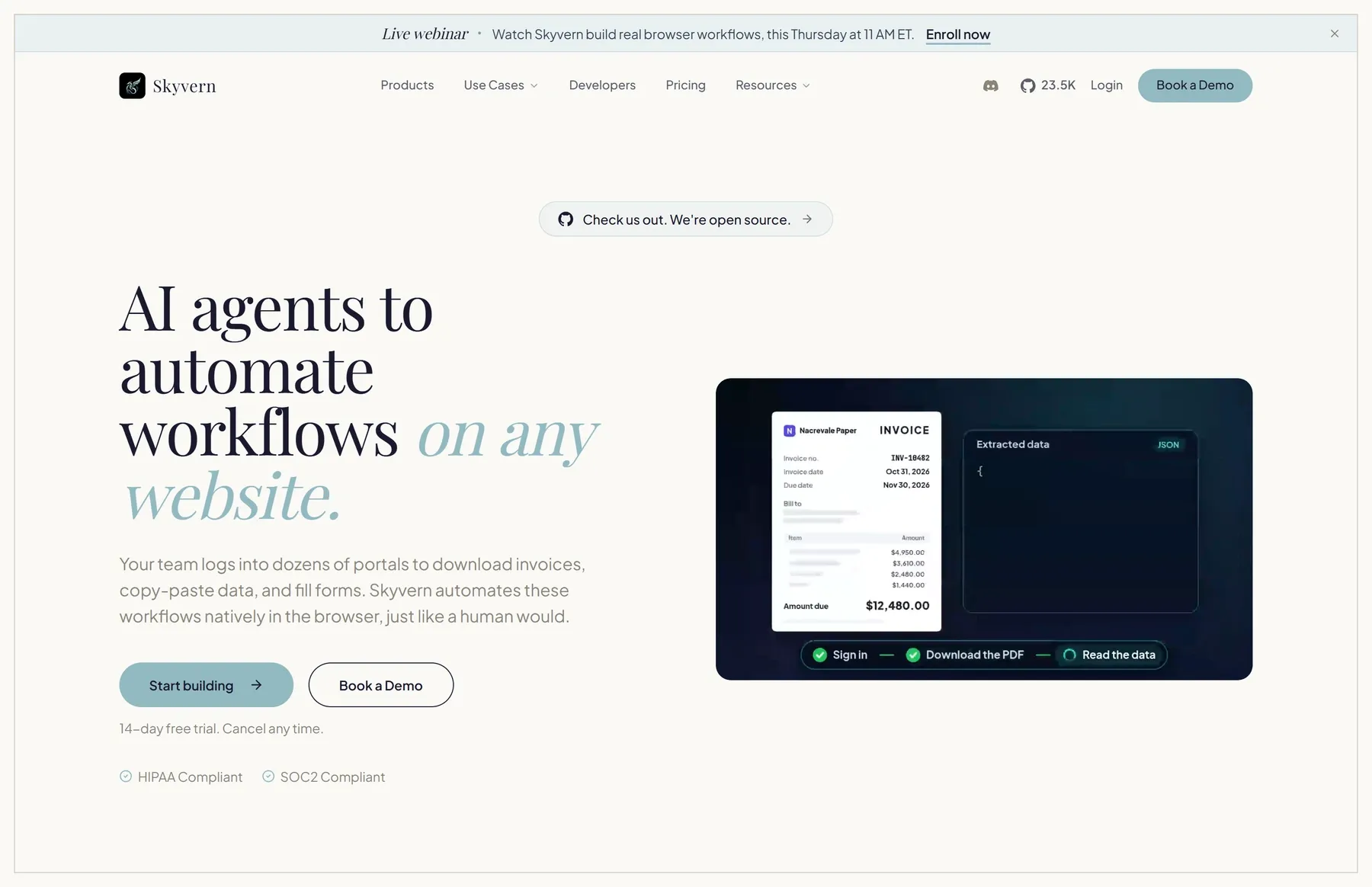
Skyvern is an open-source browser automation SDK and server focused on automating workflows.
Instead of code-defined XPath interactions, Skyvern uses vision LLMs to look at the page and work out what to do, the way a person would. There's no selector to go stale, so a layout change is far less likely to break the run. You can also use Skyvern's API to automate manual workflows across websites.
What Skyvern does better than Selenium:
- Works on websites it's never seen before, with no custom code for each one.
- Resistant to layout changes, because there are no XPath selectors to break.
- Reasons through changing scenarios: unfamiliar form fields, product options, and extra steps.
- Handles 2FA, CAPTCHAs, and logins natively.
For purchasing across vendor portals, traditional tools need a separate script for each website. Skyvern can follow one instruction and adapt to each portal's form fields, product options, and workflow steps.
To install it locally, run:
pip install "skyvern[all]"Or use Skyvern Cloud. Then describe the task in plain language:
Sign in to the vendor portal and download last month's invoices.2. Playwright
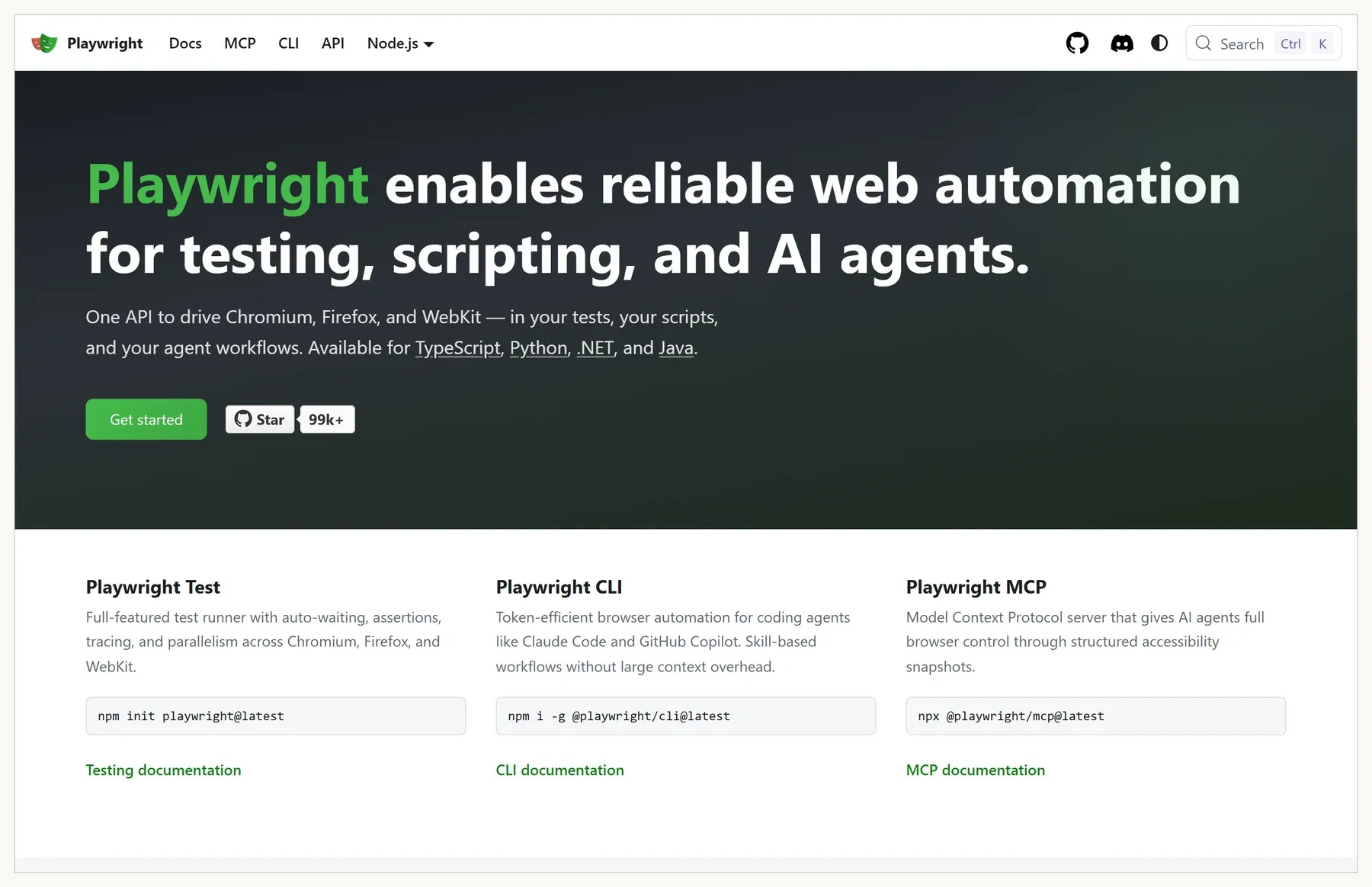
Playwright is an open-source browser automation library from Microsoft.
Key capabilities:
- One API for Chromium, WebKit, and Firefox.
- Actions wait for elements automatically, which cuts down on flaky tests.
- Fast execution and reliable element detection.
It's still code, though. Your team needs to learn the syntax, write scripts, and maintain them. Non-technical colleagues may need developer support to build automations or change how they work.
To set up a Playwright project, run:
npm init playwright@latest3. Puppeteer
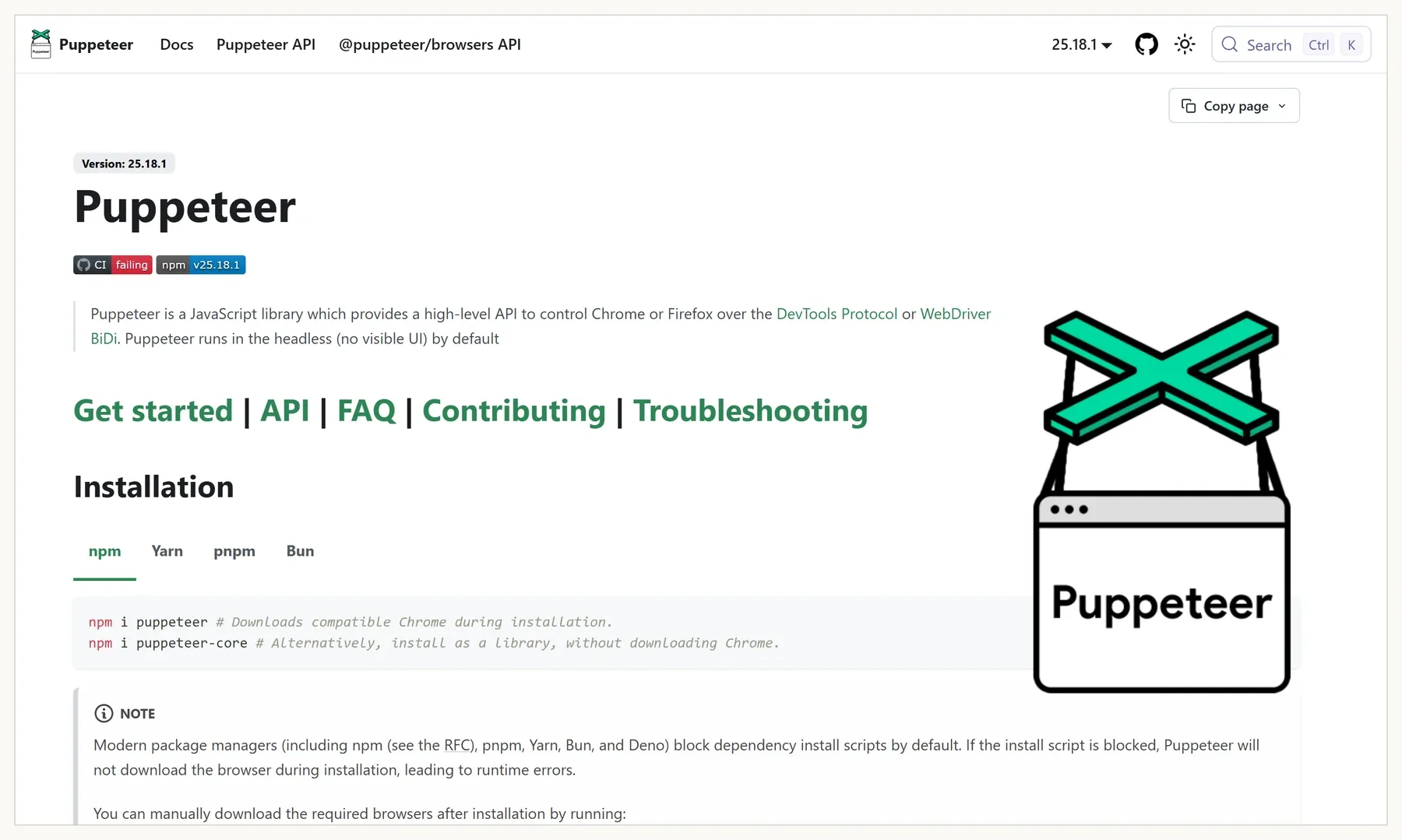
Puppeteer is a Node library from the Chrome DevTools team.
Key capabilities:
- A high-level API for controlling headless Chrome or Chromium through the DevTools Protocol, with methods such as
.goto()and.type(). - Direct DevTools Protocol access opens up advanced Chrome features.
- PDF generation and screenshots.
- Web scraping.
The trade-off is that you still need JavaScript expertise and have to maintain scripts when sites change. For work like invoice processing across several vendor portals, that upkeep can become a problem fast.
To install Puppeteer in your project, run:
npm i puppeteer4. Cypress
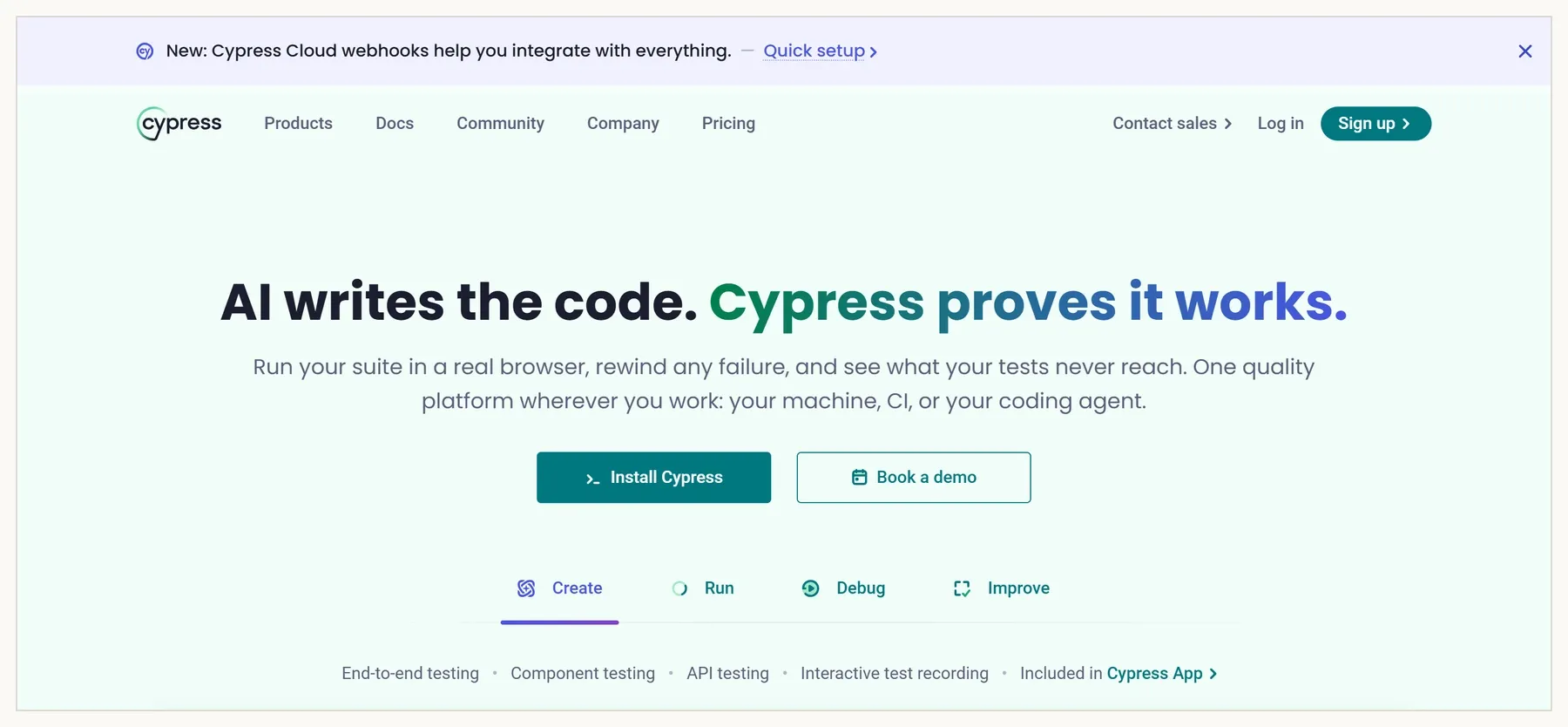
Cypress is an open-source Node.js library built for testing. The big difference from Selenium is that Cypress runs inside your application.
Key capabilities:
- Tests run in the same context as your app, with access to its DOM, window, functions, and timers. This helps keep test runs fast and consistent.
- Real-time debugging and time-travel make failures easy to trace.
Cypress is built for testing your own application in a controlled environment. It's less suited to broader workflows across third-party sites, such as submitting job applications through several career portals.
To install Cypress as a development dependency, run:
npm install cypress --save-dev5. Katalon Studio
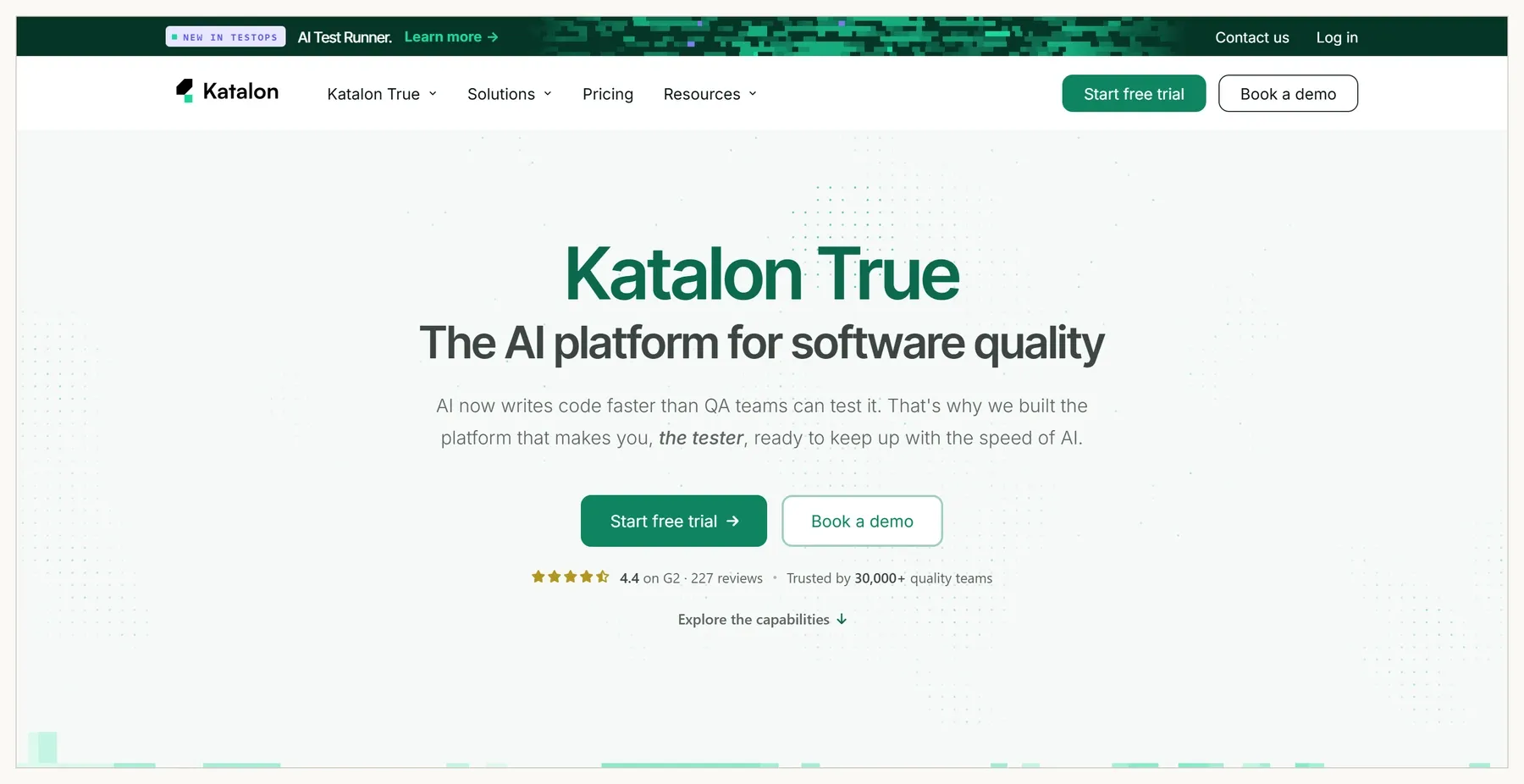
Katalon is a complete test automation platform: Katalon Studio for creating tests, TestOps for central management, and TestCloud for cloud execution.
Key capabilities:
- Easier setup, with visual interfaces and less required coding.
- Built-in reporting and management that Selenium doesn't include.
- Accessible to teams with mixed technical skills.
Advanced features need an enterprise license, and your automations stay tied to Katalon's ecosystem. It still identifies elements in the traditional way, so scripts need maintenance when website layouts change. For government workflows or other specialized automation, those constraints often become the blocker.
6. Watir
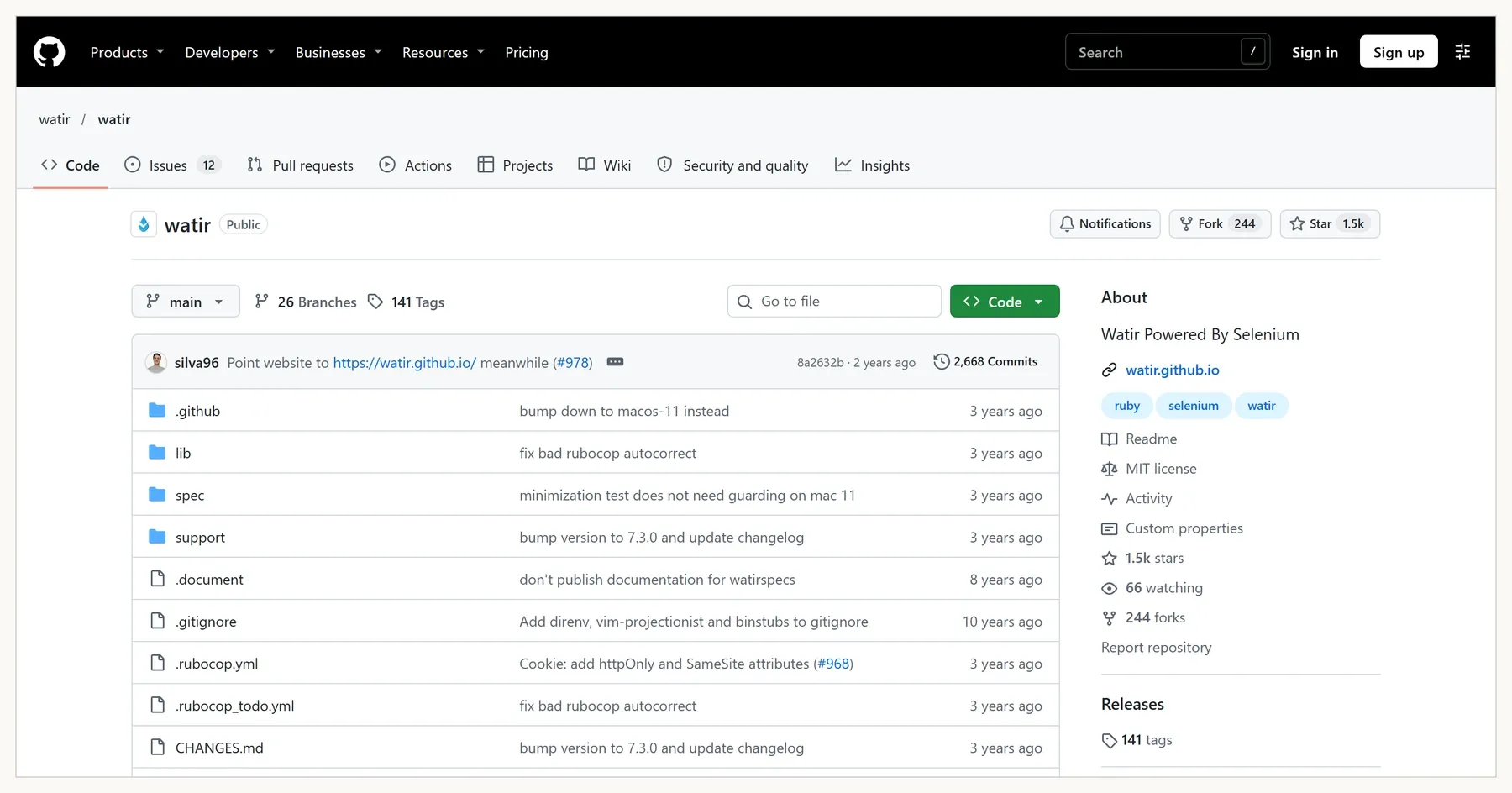
Watir (Web Application Testing in Ruby) is an open-source library for automating browsers with Ruby. It supports Internet Explorer on Windows, plus Firefox, Chrome, and Edge on Windows and Linux.
Key capabilities:
- Ruby's natural syntax makes scripts easier to read and maintain.
- Works with behavior-driven development workflows.
- Intuitive methods for browser interaction.
The Ruby requirement limits adoption. If your organization runs other stacks or your workflows need data archiving and integration with other business systems, the language can get in the way. Watir also automates the browser the same way Selenium does, so the same brittleness shows up when sites change their structure.
To install Watir, run:
gem install watir7. WebdriverIO
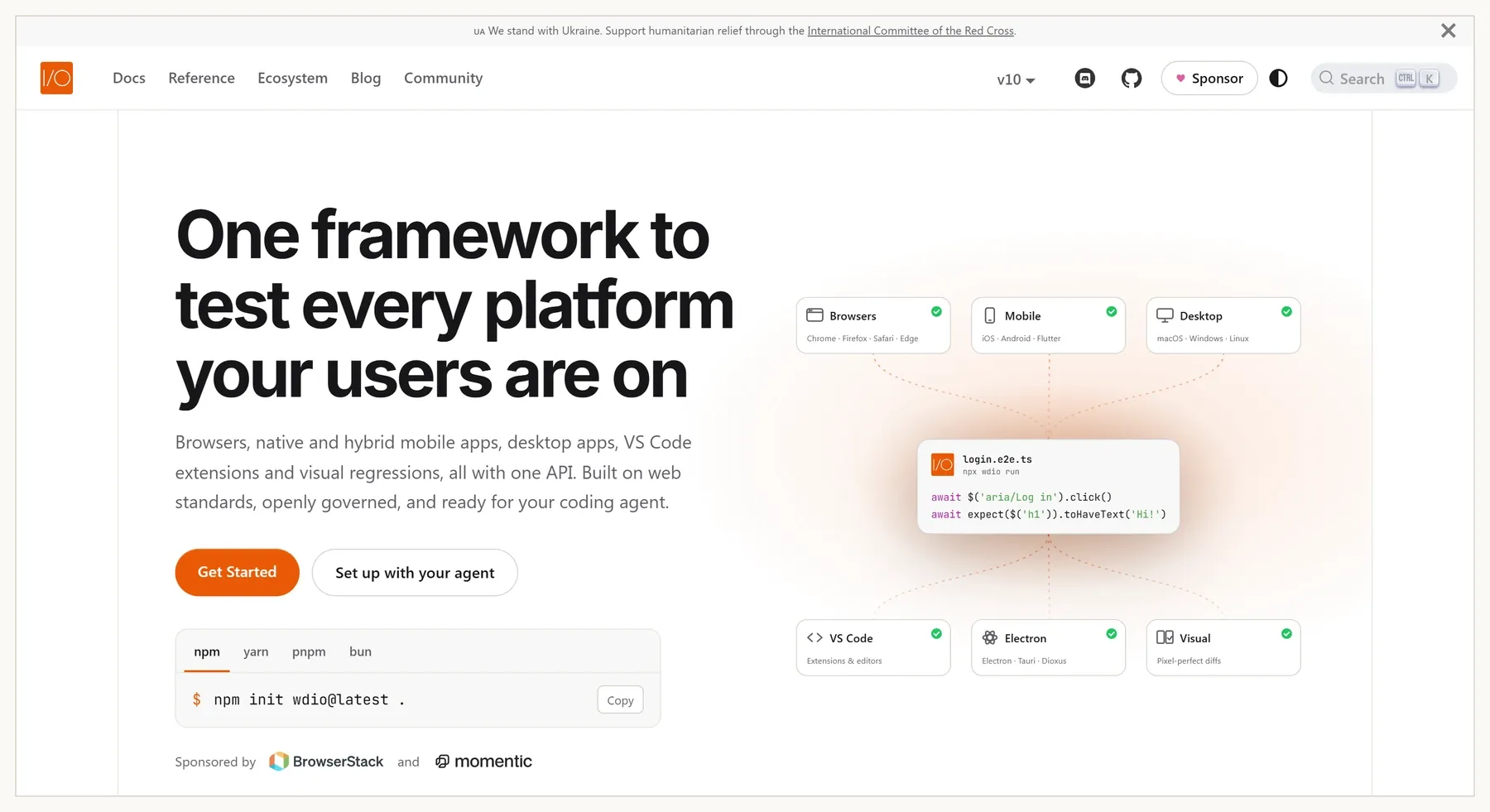
WebdriverIO is an open-source Node.js test framework for JavaScript and TypeScript. It supports Chrome, Firefox, Safari, and Edge.
Key capabilities:
- Support for the W3C WebDriver standard used by Selenium and its newer two-way version, WebDriver BiDi.
- One test runner and one API for web browsers, native and hybrid mobile apps (through Appium), and desktop apps such as Electron.
- Built-in waiting for elements and network request mocking.
- Component tests for React, Vue, Svelte, and other frameworks in a real browser.
The project belongs to the OpenJS Foundation and has no paid tier.
Your team still needs to write and maintain the tests. WebdriverIO's AI service performs a step described in plain language, records the commands for replay on later runs, and repairs them when your UI changes. The service focuses on testing your own app, which limits its use for business workflows on other companies' sites.
To set up WebdriverIO in the current directory, run:
npm init wdio@latest .Selenium alternatives for Python
Python has options for testing your own app, extracting data from HTML, and automating workflows across other companies' websites.
- Playwright for Python (
pip install playwright) has a synchronous API for plain scripts and an asynchronous one for asyncio code. - requests with BeautifulSoup or Scrapy is enough when the data is already in the HTML the server sends back. You skip the browser entirely, so each run is faster and cheaper.
- Browser Use is an open-source Python library for AI browser agents, released under the MIT license. You choose the model, and you can hand the agent your own Python functions as tools. We compare it with similar tools in Browser Use alternatives.
- Skyvern's Python SDK (the same
pip install "skyvern[all]"from the Skyvern section) can automate workflows across other companies' portals, with logins and 2FA. The operations team that owns the process can also open the workflow in the no-code builder or have Copilot build a new one from a plain-English description, a written procedure, or a recording.
Repeat runs don't need the model at every step. After a run succeeds, Skyvern can generate Playwright code from the actions it took and replay that code next time. If the code fails because the page changed, Skyvern falls back to the agent and regenerates the code. That fallback is on by default.
Spend less time fixing scripts with Skyvern
Switching tools can give you faster runs, easier debugging, or a simpler setup. But with many Selenium alternatives, you're still fixing scripts when a website changes. When your workflow runs across several vendor portals, that upkeep can add up.
Skyvern gives the people who know the process a direct role in automating it. They can describe the task in plain language and build or update the workflow through the no-code builder. Its ability to adapt across unfamiliar websites also addresses the maintenance problem that leads many teams to look for a Selenium alternative.
Start with one task your team repeats, such as downloading invoices from vendor portals. Try Skyvern with that workflow, run it on the sites you already use, and assess how much custom scripting and developer support it needs.
FAQ
How do you automate a browser without Selenium or Puppeteer?
Playwright lets you script browser actions, while AI agents such as Skyvern or Browser Use work from a description of your goal. Cloud services can host the browsers, including Skyvern's browser sessions, which you access through the Chrome DevTools Protocol. Our comparison of free and open-source browser automation tools covers more options.
Who offers commercial alternatives to Selenium?
Katalon offers a commercial platform for testing your own software. Skyvern Cloud provides hosted automation for business workflows across other companies' websites. Its Hobby and Pro plans include a 14-day free trial, with Enterprise priced by contract (pricing).
Can Selenium alternatives handle 2FA?
Yes. With Playwright or Puppeteer, you write the code to handle one-time codes. Skyvern handles authenticator-app (TOTP) codes, email codes, text-message codes, and magic links through stored credentials, with availability depending on the plan. Push approvals still require a person to approve the prompt on their phone.
Keep reading
Hyperbrowser Alternatives: 8 Options Compared
You might be looking for a Hyperbrowser alternative because running thousands of jobs is costing more than you planned. Maybe you need browsers inside your own network to reach private apps. Or maybe you need a tool to manage a complete business workflow. We build Skyvern, an AI browser automation platform that lets operations teams handle recurring portal tasks, such as downloading invoices from vendor websites, without writing code. So we know what it takes to run these workflows in productio
9 Browser Use Alternatives Compared
Compare nine Browser Use alternatives by operating model and setup, including Skyvern, Stagehand, Playwright, and Steel.
Best Browser Automation Tools: 8 Free and Open-Source Options Compared
Compare 8 free and open-source browser automation tools for testing, AI agents, hosted sessions and web data, and when paid web automation tools fit.
Put the browser to work
Use Skyvern for the work that lives in a browser.
Turn repetitive browser tasks into reliable workflows with Skyvern.