Best Cross-Website Workflow Automation Platforms for Procurement Teams in April 2026

If you've looked into automating vendor portal workflows, you've probably hit the same wall everyone does: tools that record your clicks stop working the moment a supplier updates their layout. Enterprise RPA platforms promise the world but require specialized developers and budgets that put them out of reach for most procurement teams. And the solutions marketed as 'AI-powered' still need separate configurations for each vendor portal, turning what should be automation into a never-ending maintenance project. Multi-site workflows for procurement go beyond extracting data from one portal. They're about running the same workflow across dozens of supplier sites with different UIs, login flows, and document structures without writing custom code for each one or fixing broken automations every time a vendor redesigns their billing page.
TLDR:
- Procurement teams waste 40-60% of their time logging into separate vendor portals manually
- AI-driven automation reads pages visually, running across dozens of supplier portals without breaking when UIs change
- Traditional tools like Browse AI and Axiom break when vendor sites update, requiring constant manual maintenance
- Skyvern automates invoice downloads, PO matching, and vendor portal workflows with native 2FA and zero maintenance
- Skyvern uses computer vision to interpret pages by meaning instead of brittle selectors that fail during redesigns
What Is Cross-Website Workflow Automation for Procurement Teams?
Procurement teams don't have a strategy problem. They have a portal problem.
Every vendor has its own billing site, every supplier requires a separate login, and purchase orders, invoices, and contract confirmations all live in different systems. AP teams spend 40-60% of their time working through this maze manually, leaving almost no time for negotiating better terms, qualifying new vendors, or managing spend strategically. This inefficiency explains why Fortune 500 AI automation adoption in at least one procurement function, up from just 34% in 2024.
Cross-website workflow automation changes that equation. Instead of writing site-specific scripts that break every time a vendor redesigns their portal, AI-driven browser automation reads pages visually and reasons through interactions the way a human would, running across dozens of supplier portals without custom configuration for each.
How We Ranked Cross-Website Workflow Automation Solutions
Choosing the right tool comes down to more than a feature checklist. A solution that works in a demo can still fall apart in production when a vendor updates their portal or adds a new login step. There are a number of aspects against which to assess cross-website automation for procurement teams:
- Technical approach: whether the solution uses AI-driven visual understanding or brittle selectors that break when websites change
- Cross-site capability: whether a single workflow runs across multiple vendor portals without site-specific configuration for each one
- Authentication handling: native support for 2FA, TOTP, MFA, and the complex login flows that procurement teams hit daily across supplier portals
- Maintenance burden: how much ongoing engineering effort is required to fix broken automations when vendor portals redesign their UIs
- Procurement-specific features: capabilities like invoice extraction, PO matching, file downloads, and webhook integration with procurement or accounting systems
Best Overall Cross-Website Workflow Automation: Skyvern

Skyvern is an AI-powered browser automation solution built to solve the cross-website problem procurement teams face. It combines computer vision with LLMs to interpret web pages by meaning instead of structure, so workflows run across any vendor portal without site-specific configuration. A single workflow can log into dozens of supplier portals, download invoices, extract structured data, and handle authentication complexity without breaking when UIs change.
Procurement teams hit a wall with traditional automation the moment a vendor updates their portal layout. Skyvern eliminates that wall entirely. Because it reads pages visually the way a human would, there are no selectors to maintain, no site-specific scripts to update, and no engineering sprints needed every time a supplier redesigns their billing site.
Key features
- Computer vision and LLM-powered automation that reads pages visually instead of relying on brittle XPath or CSS selectors
- Native 2FA, TOTP, and CAPTCHA support with credential vault integration (Bitwarden, 1Password, Azure Key Vault) for secure authentication across vendor portals
- API-first architecture with webhook integration for procurement systems, ERP platforms, and workflow orchestration tools
- Built-in file download and structured data extraction with JSON schema support for invoice data, PO details, and vendor information
- Parallel execution across hundreds of vendor portals simultaneously with geographic proxy targeting for region-specific workflows
- Zero maintenance when vendor portals update their UIs since AI adapts to layout changes automatically
Limitations
- Requires familiarity with API concepts and YAML syntax for workflow creation
- Newer solution with a smaller community than widely-used tools like Selenium
- Cloud pricing scales with usage, so high-volume teams should plan accordingly
- Complex edge cases may need prompt refinement before running reliably at scale
Bottom Line
Best for procurement and AP teams managing workflows across many vendor portals who need cross-site capability without ongoing maintenance. It's ideal for teams where portal work is already consuming substantial staff time, but teams with no technical resources should expect a short ramp-up period to configure initial workflows.
Browse AI
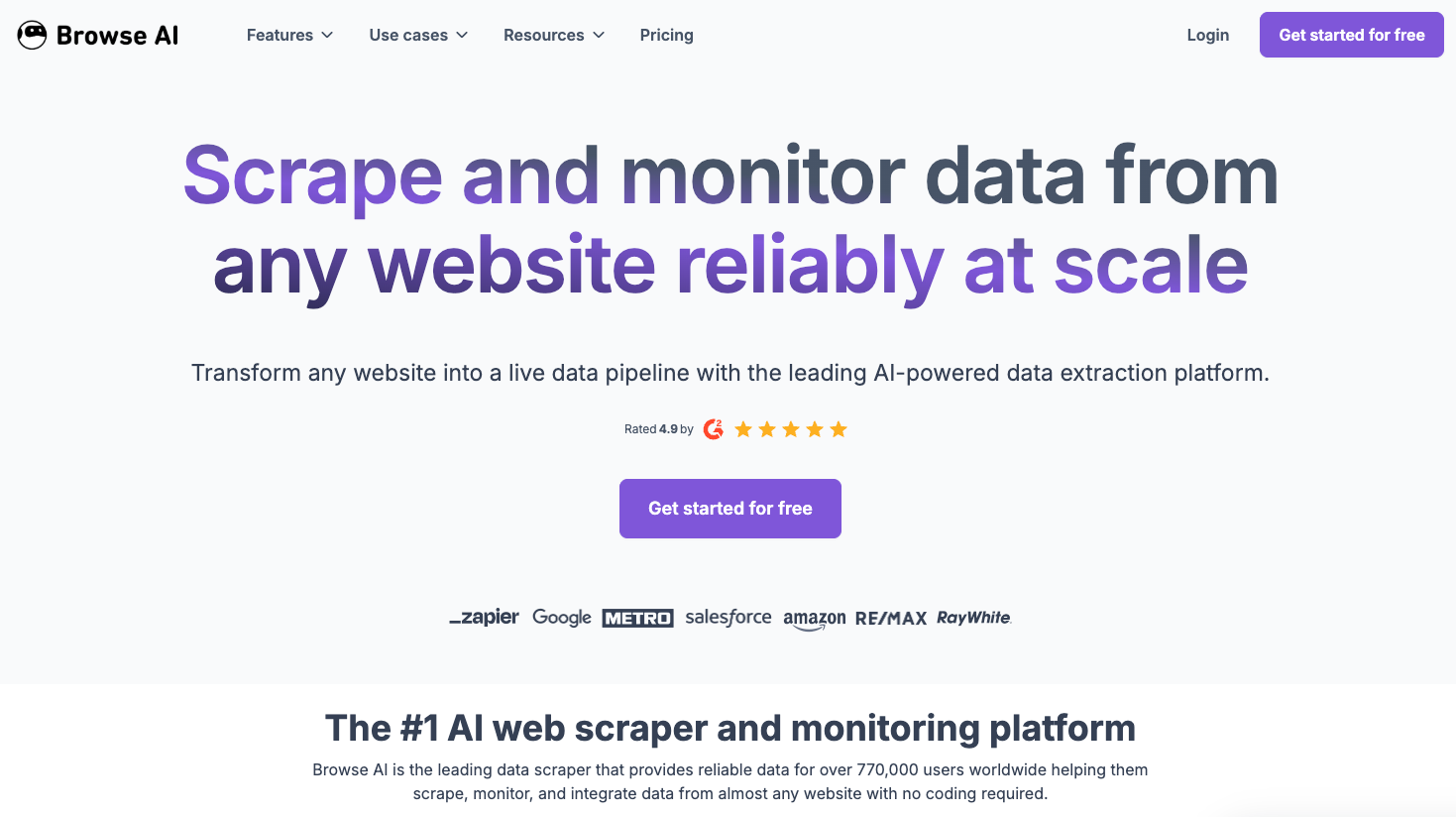
Browse AI targets non-technical users who want to automate repetitive browser tasks without writing code. It works through a Chrome extension that records click and type actions directly in your browser, then replays them as automated workflows. For teams needing simple data extraction from a handful of stable websites, it offers a fast path to get started.
Key features
- No-code point-and-click interface for creating extraction robots through browser recording
- Pre-built templates for common sites like LinkedIn and Amazon
- Scheduled extractions with data export to spreadsheets
Limitations
- Website changes break automations regularly, requiring manual retraining each time a target site updates
- Requires separate robot configuration per website, which becomes unmanageable across dozens of vendor portals
- No native 2FA or authentication handling for login-gated content
Bottom Line
Best for teams monitoring a small number of stable, public-facing websites for data changes. It's a poor fit for procurement teams managing supplier portals at scale, where authentication complexity and layout changes make per-robot maintenance unsustainable.
Axiom
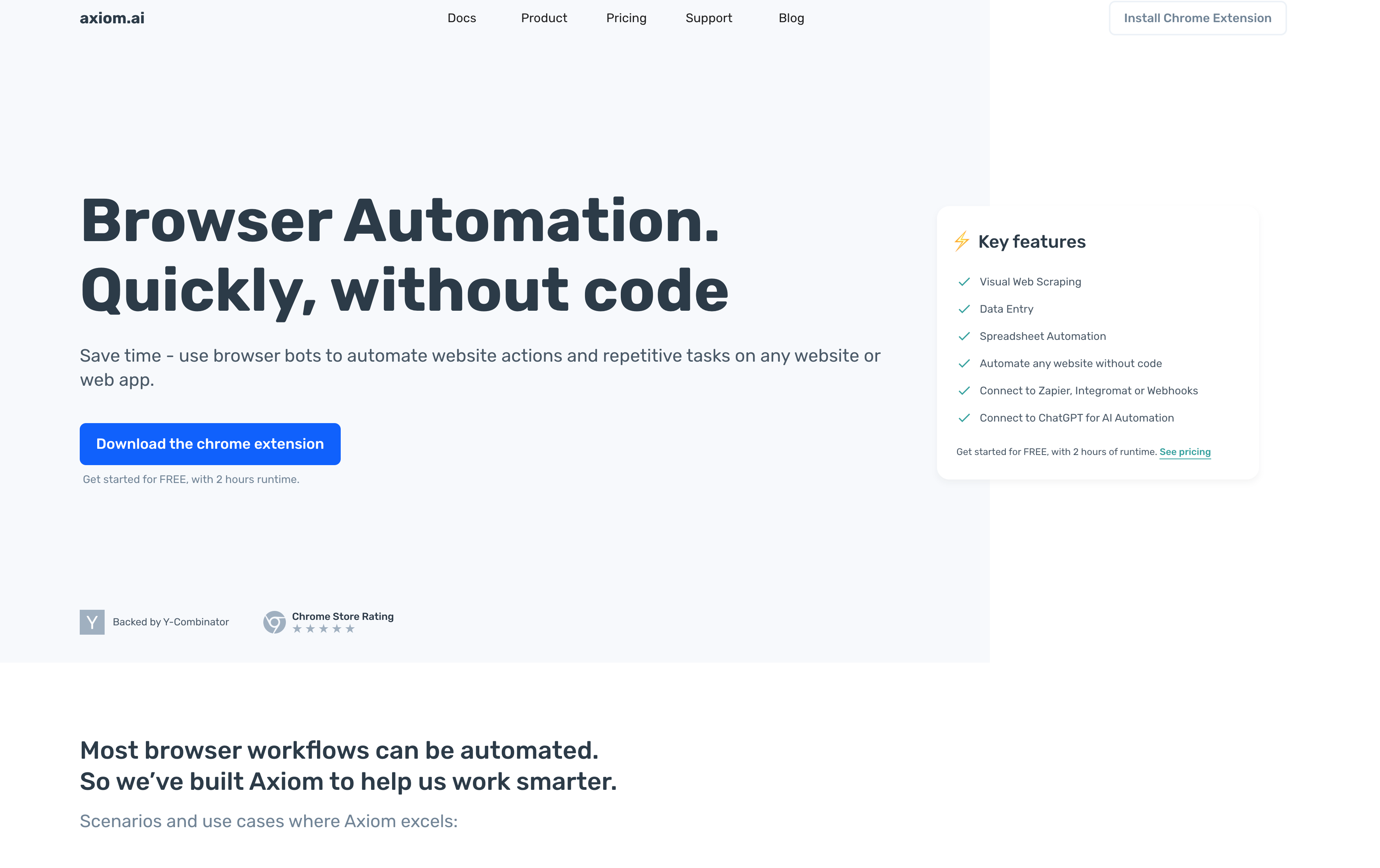
Axiom is a no-code browser automation tool that lets users build workflows through a drag-and-drop Chrome extension without writing any code. For small teams wanting quick-start automation on a handful of stable websites, it lowers the barrier to entry considerably.
Key features
- Visual no-code bot builder using drag-and-drop workflow design
- Chrome extension for direct in-browser automation
- Cloud-based execution on paid plans so tasks run when your browser is closed
- Integrations with Google Sheets, Zapier, and APIs for basic workflow connectivity
Limitations
- Automations break when websites change their layout or update CSS classes, requiring users to re-record steps or rebuild sequences from scratch
- Works exclusively in Chrome, excluding Firefox, Safari, and Edge users entirely
- Websites with heavy JavaScript, CAPTCHA protection, or frequently changing elements cause regular failures
- No AI-powered decision-making, making complex conditional logic impractical
- Not built for multi-portal workflows where each site behaves differently
Bottom Line
Best for small teams automating simple, repetitive tasks on a limited number of stable websites. It's a poor fit for procurement teams managing vendor portals at scale, where layout changes and authentication complexity leave teams facing constant manual maintenance instead of gaining any lasting time savings.
UiPath
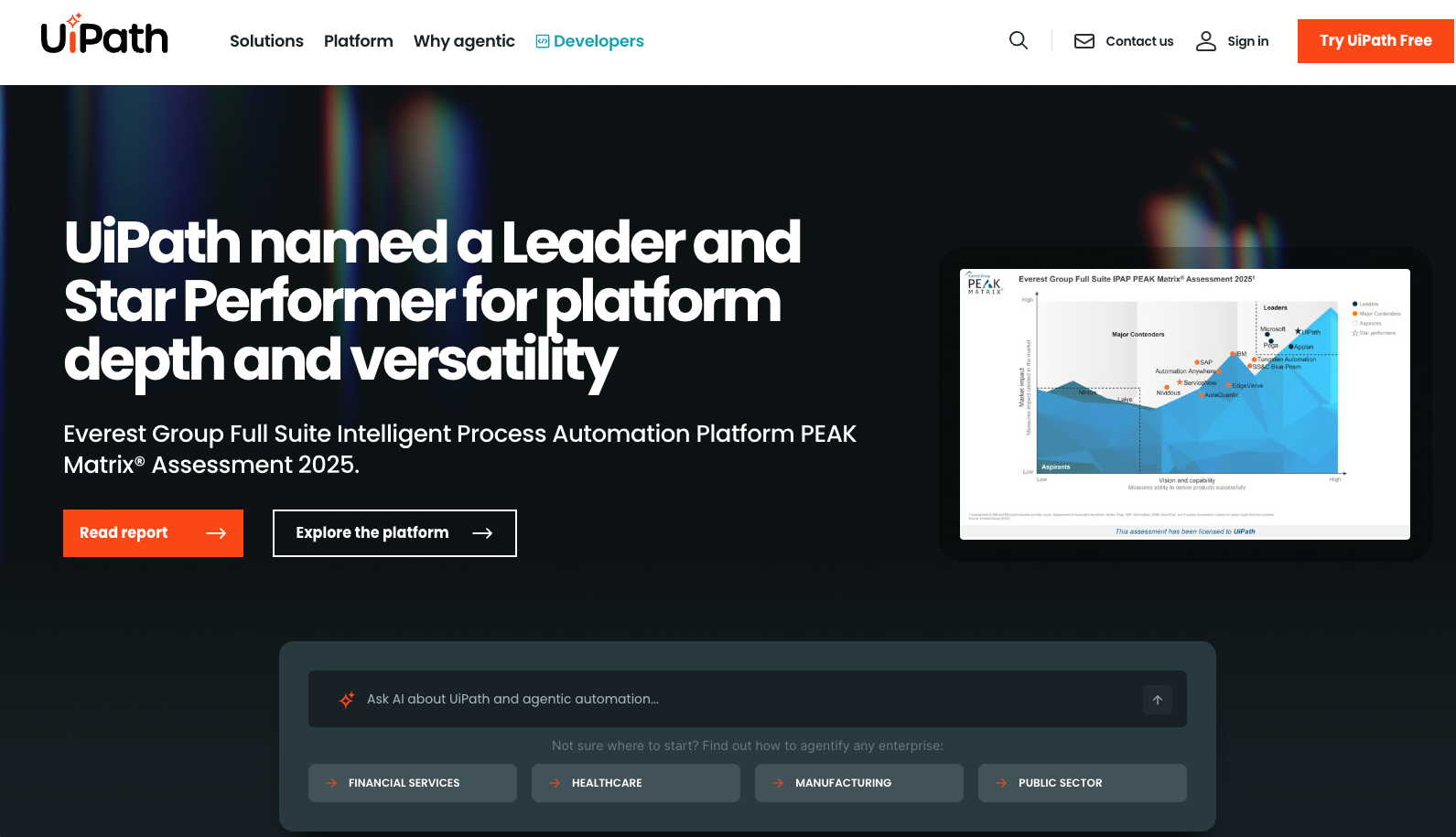
UiPath targets large enterprises with end-to-end purchase-to-pay automation, combining AI agents with RPA workflows across purchasing, invoicing, and payment stages. Its agentic solution embeds automation into ERP and finance systems through the UiPath Maestro orchestration layer.
Key features
- Agentic execution combining AI agents, automation workflows, and orchestration across procurement systems
- Intelligent invoice ingestion from email, PDF, portals, and EDI with automated PO matching and exception handling
- ERP, CRM, and finance system integrations through Maestro orchestration
- Guided buying workflows with automated approval routing via Teams and Slack
Limitations
- Pricing starts at $750/month for Cloud Starter with custom enterprise tiers, putting it out of reach for mid-market teams
- Integrations require configuration and ongoing maintenance as underlying systems change
- Implementation demands specialized RPA developer skills most procurement teams can't support in-house
- Heavy RPA architecture is overkill for teams needing targeted browser-based vendor portal workflows
Bottom Line
Best for large enterprises with existing ERP investments and dedicated RPA teams who need end-to-end purchase-to-pay coverage. It's ideal for organizations with budget and technical staff to match, but a poor fit for procurement teams needing lightweight cross-website automation without committing to full enterprise RPA infrastructure.
Automation Anywhere
Automation Anywhere is a cloud-native RPA solution built for enterprise-scale operations across SaaS platforms, legacy apps, and the systems that connect them. Its 2026 agentic layer aims to reduce day-to-day inefficiencies without replacing existing infrastructure, positioning it as an overlay for organizations already invested in complex tech stacks.
Key features
- Cloud-native RPA with discovery bots that identify automation opportunities across business processes
- IQ Bot uses AI and machine learning to extract data from structured and unstructured documents
- Bot Insight provides real-time analytics on bot performance and process health
- Integrations with Salesforce, ServiceNow, and Google Workspace for cross-system workflows
Limitations
- Cloud Starter Pack starts at $750/month, with higher tiers requiring direct quotes
- Environment setup and team training can take several weeks
- Requires specialized RPA developer expertise most procurement teams don't have in-house
- Selector-based automation breaks when vendor portals update their layouts, leaving teams responsible for ongoing bot maintenance
Bottom Line
Best for large enterprises with dedicated IT teams, existing RPA infrastructure, and budget to match. It's ideal for organizations needing broad automation coverage across multiple departments, but a poor fit for procurement teams wanting cross-website vendor portal automation without the cost, complexity, and maintenance burden that selector-based RPA creates over time.
Sola
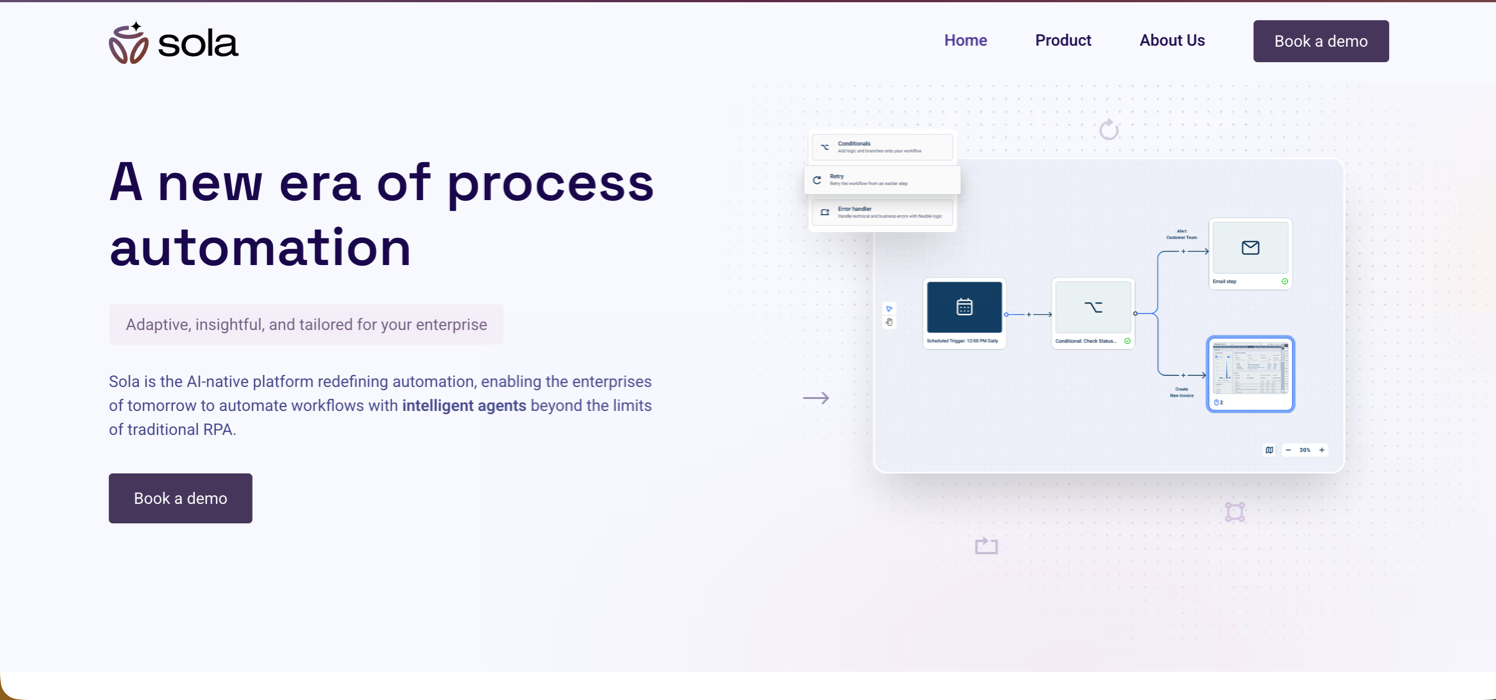
Sola is an AI-native workflow automation tool that converts screen recordings into executable bots using LLMs and computer vision. It targets teams in legal, finance, insurance, and healthcare with repetitive data entry, document processing, and filing workflows who want AI-assisted automation without writing code from scratch.
Key features
- AI-powered workflow generation that converts screen recordings into executable bots
- Adaptive automations that handle errors automatically and learn from user interventions
- Intelligent document processing to extract and structure data from PDFs and invoices
- Copilot integration that picks up new behaviors as users step in during errors
Limitations
- No transparent public pricing, requiring direct contact, which creates uncertainty around total cost of ownership for mid-market teams
- Lacks procurement-specific capabilities like multi-vendor portal orchestration and built-in credential management
- Human intervention is still needed when bots encounter new scenarios, limiting scalability across constantly changing vendor portals
Bottom Line
Best for teams in document-heavy industries like legal, insurance, or healthcare who need AI-assisted automation for repetitive filing tasks. It's a poor fit for procurement teams managing workflows across many supplier portals, where the lack of transparent pricing and procurement-specific features leaves real gaps.
Side-by-Side Comparison
Feature | Skyvern | Browse AI | Axiom | UiPath | Automation Anywhere | Sola |
|---|---|---|---|---|---|---|
Technical Approach | Computer vision and LLM-driven understanding | Recording-based robots | Selector-based Chrome extension | Enterprise RPA with agentic AI layer | Cloud-native RPA with IQ Bot AI | AI-native using LLMs and computer vision |
Cross-Site Capability | Yes (single workflow across any vendor portal) | No (separate robot per site) | No (breaks when sites change) | Requires per-system configuration | Requires per-process configuration | Works across browsers and desktop apps |
Layout Resistance | Self-heals automatically | Breaks on layout changes | Breaks on CSS/element changes | Selectors break on UI updates | Selectors break on UI updates | Adaptive with error handling |
Authentication Handling | Native 2FA, TOTP, CAPTCHA with vault integration | No native support | Limited capabilities | Requires custom integration | Requires custom integration | Not procurement-optimized |
Coding Required | No (API-based with YAML workflows) | No (point-and-click) | No (drag-and-drop builder) | Yes (RPA developer skills needed) | Yes (RPA expertise needed) | Minimal (screen recording to bot) |
Multi-Vendor Orchestration | Yes (parallel execution across hundreds of portals) | No | No (single-site Chrome tasks) | Yes (through UiPath Maestro) | Yes (through bot orchestration) | Limited procurement focus |
Maintenance Burden | Zero (AI adapts automatically) | High (manual retraining required) | High (rebuild on UI updates) | High (selector and bot maintenance) | High (ongoing bot maintenance) | Lower with adaptive learning |
Pricing Model | Transparent per-step with open-source option | Tiered plans starting free | From $15/month | $750/month starter, custom enterprise | $750/month starter, custom enterprise | Contact for pricing |
Best For | Procurement teams needing cross-vendor automation at scale | Monitoring stable public websites | Small teams with simple Chrome workflows | Large enterprises with RPA infrastructure | Enterprises with broad automation needs | Document-heavy filing workflows |
Why Skyvern Is the Best Cross-Website Workflow Automation Solution for Procurement Teams
Every other tool in this comparison solves part of the problem. Browse AI and Axiom handle simple extraction but collapse under authentication complexity. UiPath and Automation Anywhere cover enterprise depth but demand specialized teams and budgets that most procurement departments can't support. Sola reduces some maintenance overhead but lacks the cross-vendor orchestration procurement workflows actually require.
Skyvern is the only solution built around the actual constraint: procurement teams managing dozens of vendor portals, each with different UIs, login flows, and document structures, where any automation that needs constant maintenance is no automation at all.
"If a human can do it in a browser, Skyvern can automate it without APIs, without brittle scripts, and without breaking when websites change."
Get started at app.skyvern.com.
FAQ
What is browser automation for procurement workflows?
Browser automation for procurement workflows uses AI or scripts to handle repetitive tasks across vendor portals (logging in, downloading invoices, extracting data, and matching purchase orders) without manual intervention. The best tools read pages visually and adapt to layout changes automatically, so workflows keep running when supplier portals update their UIs.
How do you choose the right cross-website automation tool for procurement?
Look for tools that handle authentication complexity (2FA, TOTP, MFA) natively, work across multiple vendor portals without site-specific configuration, and self-heal when supplier portals update their UIs. Teams managing dozens of vendor portals should assess whether the tool requires separate configuration per site or can run a single workflow across all suppliers.
What are the benefits of browser automation for procurement teams?
Browser automation eliminates the 40-60% of time AP teams spend manually logging into vendor portals, downloading invoices, and extracting data. It reduces errors from manual data entry, frees staff to focus on strategic work like vendor negotiations, and scales across hundreds of supplier portals without adding headcount.
When should procurement teams switch from manual portal work to automation?
If AP staff spend 40-60% of their time logging into vendor portals to download invoices, extract data, or manage purchase orders across multiple suppliers, automation becomes cost-effective. Teams managing workflows across 10+ vendor portals with different UIs see the fastest payback, with median ROI periods under 12 months.
What's the difference between traditional RPA tools and AI browser automation?
Traditional RPA tools like UiPath and Automation Anywhere use selectors that break when vendor portals update their layouts, requiring ongoing maintenance from specialized developers. AI browser automation reads pages visually using computer vision and LLMs, adapting automatically to UI changes and running across any vendor portal without site-specific configuration or constant maintenance.
Keep reading
Automation Anywhere Alternatives: 6 Options and What AA Really Costs
If you’re looking for an Automation Anywhere alternative, you’re probably unhappy with something: the price, a workflow builder that feels clunky, or the effort it takes to keep your automations running. Those frustrations show up in Automation Anywhere’s reviews. Some reviewers describe expensive licensing, costs that become harder to predict as AI usage grows, and a steep learning curve for complex workflows. Others point to difficult debugging and resource-heavy deployments. A lot of the pe
Top 5 UiPath Alternatives Compared in 2026
Compare five UiPath alternatives for browser and desktop workflows, including their strengths, trade-offs, pricing, and migration effort.

Browser Use vs Browserbase: my honest comparison
Browserbase and Browser Use can both automate work in a browser, from collecting product data to filling out forms. Choosing between them comes down to what you want to build: a task you hand to an AI agent, a custom agent inside your application, or browser infrastructure for scripts you already run. I’m Skyvern’s co-founder and CEO by the way. We build a competing product, so I have a stake in this comparison. But I promise I won't promote our product (even though it's a great alternative to
Put the browser to work
Use Skyvern for the work that lives in a browser.
Turn repetitive browser tasks into reliable workflows with Skyvern.