Automating Pharmacy Invoice Downloads from PBM and Wholesaler Portals (April 2026)

Your billing team spends hours every month logging into vendor portals, hunting for invoices, downloading PDFs, and renaming files to match your accounting system's format. McKesson, Cardinal Health, AmerisourceBergen, and every PBM portal you work with all operate differently, and none of them offer APIs. Pharmacy invoice automation that uses visual understanding instead of fragile scripts can handle the entire workflow across all portals without requiring separate configurations or constant maintenance when UIs update.
TLDR:
- Pharmacy billing teams waste hours working through McKesson, Cardinal, AmerisourceBergen, and PBM portals
- Manual invoice processing costs $15 per invoice and takes 14.6 days, blocking early payment discounts
- Traditional automation breaks when portals update UIs; Selenium scripts require constant maintenance
- Skyvern automates invoice downloads across all pharmacy portals using AI that adapts to layout changes
- Skyvern automates pharmacy invoice downloads with AI-powered browser control that handles MFA natively
Why Pharmacy Invoice Downloads Consume So Much Time
Pharmacy billing teams deal with a workflow that looks simple on paper. Log in, download the invoice, move on. But the reality stretches that into something far more painful across a week of repeated portal visits. Each vendor portal has its own login flow, its own navigation structure, its own date filters, and its own file naming conventions. McKesson looks nothing like AmerisourceBergen. Neither resembles your PBM's billing portal. So the cycle repeats: authenticate, move through the interface, locate the right invoice period, download the PDF, rename the file to match your accounting system's format, then upload it. Multiply that across every vendor, every billing cycle.
The numbers make the cost concrete. Manual invoice processing averages $15 per invoice and takes 14.6 days on average when intake, coding, and approvals run through email chains and PDFs. Browser automation offers a way to eliminate these repetitive portal-based tasks. For a pharmacy managing dozens of invoices monthly across wholesalers and PBMs, that's a recurring drain on staff time that compounds with every new vendor relationship you add.
The Portal Fragmentation Problem: Three Wholesalers, Zero APIs
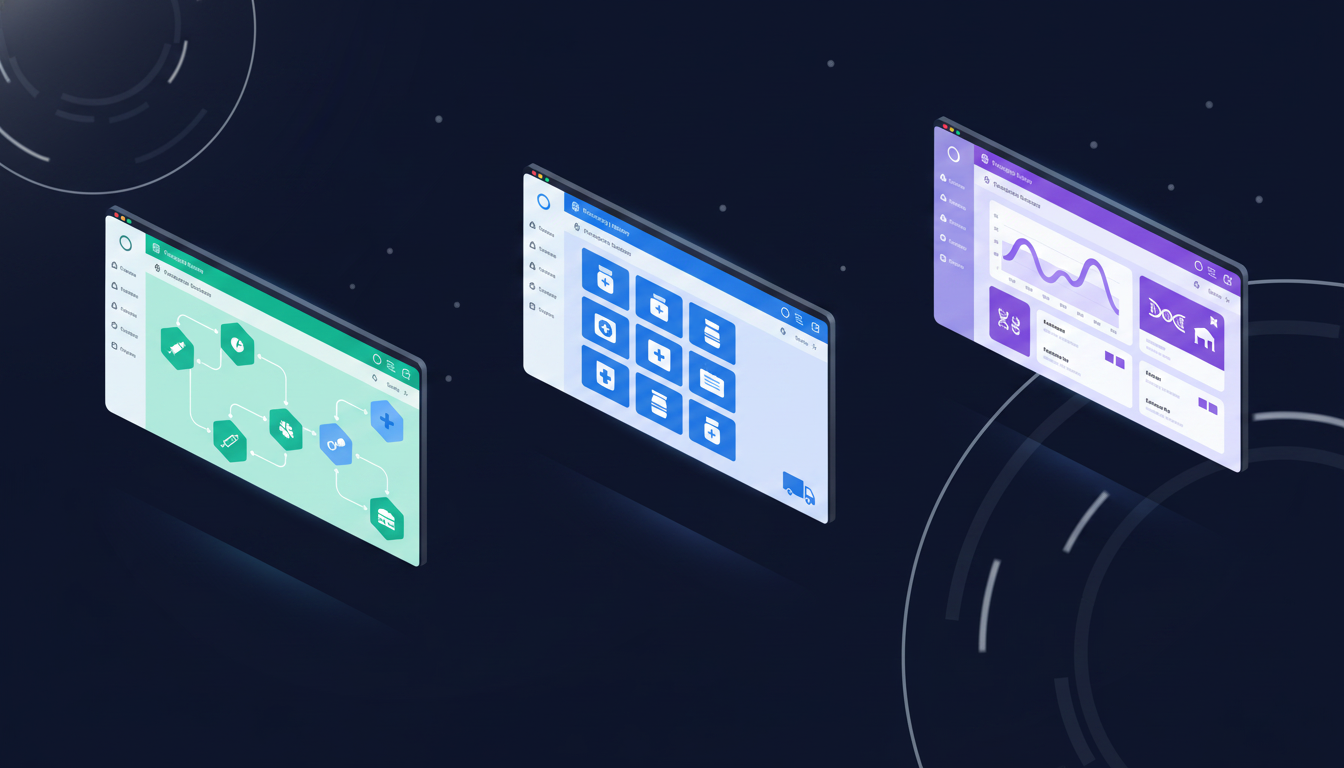
Three wholesalers (McKesson, Cardinal Health, and AmerisourceBergen) handle over 90% of US pharmaceutical distribution. You'd think that kind of market concentration would make standardization easier. Instead, each runs its own portal ecosystem with completely different navigation logic, credential structures, and invoice retrieval flows.
McKesson Connect buries invoices under a multi-step account management path. Cardinal Health's CPS portal uses a separate credentialing layer for billing access. And ABC Order, AmerisourceBergen's portal, routes invoice history through a reporting module that behaves differently depending on your account type. None of them talk to each other. All three require separate logins. And none expose an API for invoice retrieval.
That last point is deliberate. Portal lock-in keeps pharmacies dependent on each wholesaler's interface, which means switching costs stay high and engagement stays measurable on the wholesaler's terms.
The result for your billing team: three separate login sequences, three different navigation paths, three sets of date filter conventions, and three distinct download flows every single billing cycle.
PBM Portal Complexity Adds Another Layer
Wholesaler portals are one problem. PBM portals are a different one entirely, and they stack on top.
Express Scripts, CVS Caremark, and OptumRx each maintain separate credentialing systems with their own login flows, MFA requirements, and navigation structures. Accessing billing data means authenticating into each independently, then finding your way through interfaces built for plan administrators, not pharmacy billing teams. The invoice-adjacent data you actually need sits across separate reporting modules:
- DIR fee documentation requires going beyond standard billing views into performance-based reconciliation reports
- Reimbursement reconciliation data is often buried in plan-specific sub-portals that load separately after initial login
- Specialty drug billing detail frequently lives in a completely different section from retail reimbursement records
What makes PBM portals especially time-consuming is that the billing data itself demands scrutiny. PBM pricing involves retroactive DIR fee clawbacks, spread pricing adjustments, and MAC rate changes that only surface once you pull and compare documentation. That verification step cannot be skipped. Every download triggers a manual review cycle, compounding the time cost on both ends.
The Cash Flow Impact of Slow Invoice Processing
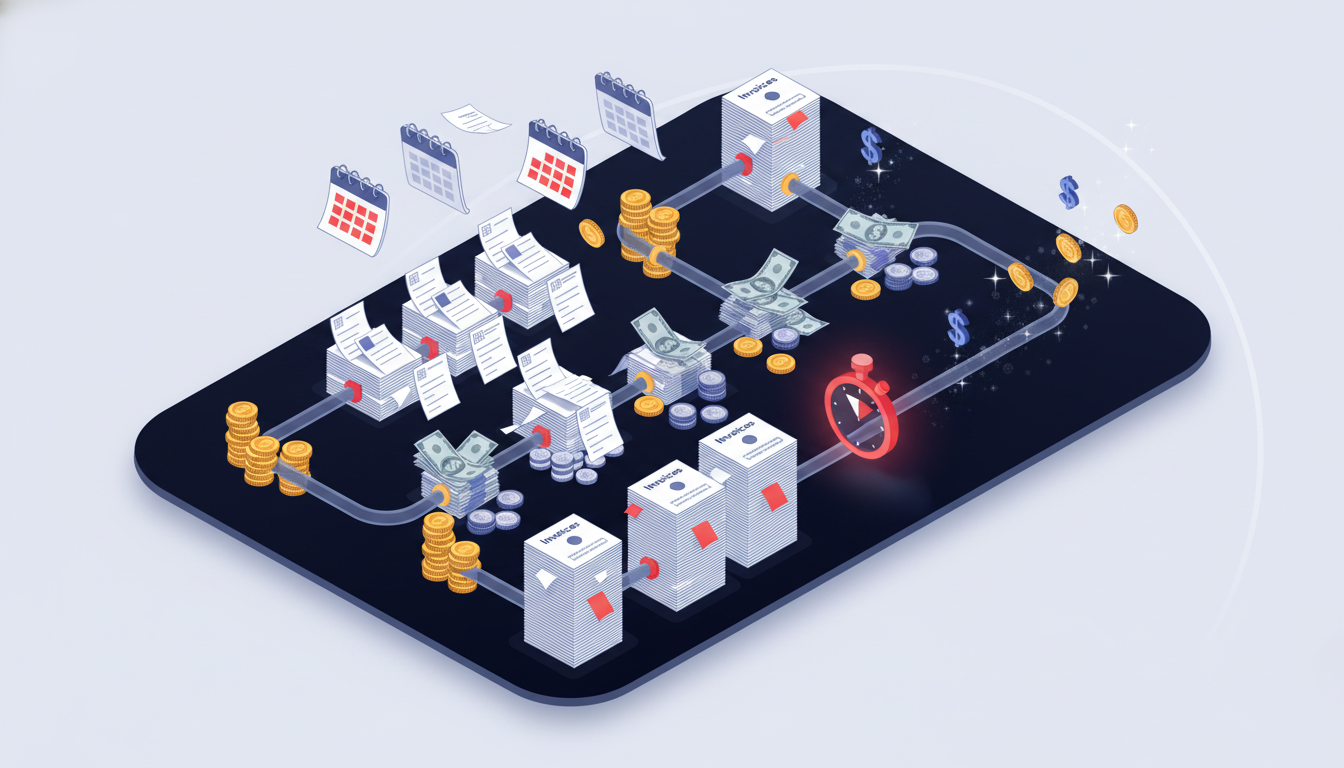
Slow invoice processing does more than consume staff hours. It creates a cascade of financial consequences that compound each billing cycle.
The most direct hit is lost early payment discounts. Most wholesaler agreements offer a 1-2% discount for payment within 10 days. On a pharmacy spending $500K monthly across McKesson, Cardinal, and AmerisourceBergen, a 1.5% early payment discount is worth $7,500 per month, or $90,000 annually. When invoices take 14+ days just to complete intake and coding, that discount window closes before anyone can act on it.
Billing errors compound this further. PBM invoices frequently contain DIR fee discrepancies and MAC rate changes that only surface when matched against dispensing records. Most PBM agreements give you a 30-90 day dispute window. But when the download-to-review cycle runs two weeks on its own, disputes on invoices from earlier in the cycle are already aging out before you've flagged them.
Month-end close gets caught in the same bottleneck. When invoices haven't been processed, finance teams face a choice: delay close while waiting for documentation, or book accruals based on estimates and correct them later. This same challenge affects financial data reconciliation across other document-heavy processes. Neither is clean. Accruals require extra journal entries and increase audit exposure. Delayed close compresses the review cycle and pushes reporting deadlines.
The table below provides a high-level overview of the key areas and how that area is impacted by manual and automated processing.
Impact Area | Manual Processing | Automated Processing |
|---|---|---|
Early payment discount capture | Frequently missed (invoices arrive after window) | Consistent, same-day download allows payment scheduling |
Billing error dispute rate | Compressed window due to processing lag | Full dispute window available for review |
Month-end close cycle | Delayed or accrual-dependent | Invoice data available on billing date |
Monthly cost (at $500K spend) | $7,500+ in foregone discounts alone | Discount capture offsets automation cost |
The aggregate effect is a finance operation that perpetually runs behind its own data. Decisions about cash deployment, vendor payment timing, and dispute escalation all get made with incomplete information because invoice documentation hasn't cleared intake yet.
How Traditional Automation Fails Against Pharmacy Portals
Traditional automation approaches (RPA) break down against pharmacy portals in three distinct ways.
First, Selenium and Playwright scripts depend on CSS selectors and XPaths tied to specific page elements. When McKesson Connect updates its navigation layout or Cardinal Health refreshes its portal UI, those selectors break silently. Invoices go missing before anyone notices, and an engineer spends a day rebuilding what worked last month.
Second, MFA compounds the problem. Most pharmacy portal accounts require TOTP or SMS verification on login. Traditional scripting tools can't handle MFA natively, so teams either disable MFA (a security risk) or keep manual login steps that defeat the purpose of automation entirely.
Finally, no-code tools like Browse AI hit a different ceiling. There are a number of reasons these fall short at scale:
- Each portal requires its own robot, trained separately on that site's layout, meaning six portals becomes six robots to maintain.
- When any portal updates its UI, that robot needs manual retraining before it works again.
- Across wholesalers, PBMs, and specialty distributors, the maintenance overhead ends up matching the manual work you were trying to cut.
What Browser Automation Built for Portal Workflows Looks Like
Fixing pharmacy invoice automation means finding something that works the way portal workflows actually behave, not the way a developer wished they did.
The starting point is visual understanding. A solution that reads pages by meaning, the way a human would, handles layout changes without breaking. When McKesson refreshes its navigation or Cardinal Health reorganizes its billing module, the automation adapts instead of failing silently. This is the difference between a tool that needs an engineer every time a portal updates and one that keeps running.
Of course, authentication handling is non-negotiable. Any realistic pharmacy portal workflow involves MFA. The right solution handles TOTP and SMS verification natively, without requiring teams to disable security controls or babysit a login step manually.
When assessing options, these four criteria separate tools that work in demos from ones that hold up in production:
- Layout resistance: does the automation self-heal when portal UIs change, or does it require manual fixes after every update?
- Multi-site reuse: can a single workflow definition run across McKesson, Cardinal, AmerisourceBergen, and PBM portals, or does each site require its own separate configuration? The best AI RPA platforms handle this across diverse portal environments.
- Authentication complexity: does the tool handle MFA and TOTP natively, or does it leave credential management as a manual step?
- Maintenance burden: how much engineering time does the solution consume per month once deployed?
Parallel execution matters too. A pharmacy managing six to ten portals across wholesalers and PBMs cannot afford a solution that processes them sequentially. Same-day invoice availability across all portals, triggered on a schedule, is the actual goal.
Pharmacy Invoice Automation with AI-Powered Browser Control

Skyvern handles pharmacy invoice automation by reading portals visually, the same way a human does. Instead of brittle selectors that break when McKesson refreshes its layout, Skyvern interprets each page by meaning and adapts automatically.
A single workflow definition covers all of it:
- Logs into McKesson, Cardinal Health, AmerisourceBergen, and PBM portals using stored credentials with native MFA and TOTP handling
- Moves through each portal's unique billing structure without site-specific configuration
- Selects the correct date range, generates reports, and downloads PDFs with automatic renaming
- Extracts structured invoice data including invoice number, amount, date, and line items
- Pushes files to accounting systems or cloud storage via webhook
All portals run in parallel on schedule. When a portal updates its UI, the workflow keeps running without any fixes required. This same approach works for automating workflows across lender portals in other industries. And because the same workflow applies across every portal, there's no per-site scripting to build or maintain.
Here's what a basic pharmacy invoice download workflow looks like using the Skyvern Python SDK: one task definition that handles login, MFA, navigation, and file download across any wholesaler or PBM portal:
import asyncio
import os
from skyvern import Skyvern

# Initialize the client with your API key
client = Skyvern(api_key=os.getenv("SKYVERN_API_KEY"))

async def download_pharmacy_invoices(portal_url: str, portal_name: str):
    """
    Downloads invoices from a pharmacy wholesaler or PBM portal.
    Works across McKesson Connect, Cardinal Health CPS,
    AmerisourceBergen ABC Order, and PBM billing portals.
    """
    task = await client.run_task(
        url=portal_url,
        prompt=f"""
            Log into the portal using the stored credentials.
            Navigate to the invoices or billing section.
            Filter for the current billing period.
            Download all available invoice PDFs.
            COMPLETE when all invoices for the current period have been downloaded.
            TERMINATE if you cannot locate the billing or invoices section.
        """,
        # TOTP identifier routes MFA codes to the running task automatically
        totp_identifier=f"{portal_name}-mfa",
        # Webhook receives the structured result and downloaded file list
        webhook_url=os.getenv("WEBHOOK_URL"),
        # Extract structured data from each invoice
        data_extraction_schema={
            "type": "object",
            "properties": {
                "invoices": {
                    "type": "array",
                    "items": {
                        "type": "object",
                        "properties": {
                            "invoice_number": {"type": "string"},
                            "invoice_date":   {"type": "string"},
                            "amount_due":     {"type": "number"},
                            "due_date":       {"type": "string"}
                        }
                    }
                }
            }
        },
        wait_for_completion=True,
    )

    print(f"{portal_name}: status={task.status}")
    if task.downloaded_files:
        print(f"  Downloaded {len(task.downloaded_files)} invoice(s)")
    if task.output:
        print(f"  Extracted data: {task.output}")
    return task

async def main():
    # Run all portals in parallel — one task definition covers all of them
    portals = [
        ("https://connect.mckesson.com",        "McKesson"),
        ("https://www.cardinalhealth.com/cps",  "CardinalHealth"),
        ("https://abcorder.amerisourcebergen.com", "AmerisourceBergen"),
        ("https://pbm-billing-portal.example.com", "PBMPortal"),
    ]

    results = await asyncio.gather(
        *[download_pharmacy_invoices(url, name) for url, name in portals]
    )

    completed = [r for r in results if r.status == "completed"]
    print(f"\nCompleted {len(completed)}/{len(portals)} portals successfully.")

asyncio.run(main())
Credentials and MFA secrets are stored in Skyvern's credential vault and never passed to the LLM. The totp_identifier field routes incoming MFA codes from your email or SMS forwarding setup directly to the running task. Downloaded PDFs and extracted invoice data are returned via webhook once each portal run completes.
Evaluate the complete download workflow
Test the full path from portal login to the accounting system. Confirm the billing period, downloaded file, vendor name, naming convention, and destination folder. Keep the run record with the file so staff can investigate missing or incorrect documents.
Separate browser hosting from the logic that selects and downloads invoices. A managed browser service can provide sessions, while a script or agent still decides which actions to take. Evaluate authentication, session recovery, regional access requirements, and failure handling against your actual portals.
Measure retrieval time, filing time, failed runs, and maintenance effort before expanding to more locations. Include usage costs and exception handling in the comparison. Test unusual account permissions and date filters before relying on scheduled downloads.
Final Thoughts on Fixing Pharmacy Invoice Retrieval
Portal fragmentation costs your pharmacy real money in missed discounts and staff time. Using pharmacy invoice automation means you stop losing early payment windows because invoices sat in a queue waiting for someone to log in. Your billing team gets complete documentation the same day it posts, giving you the full dispute window and clean month-end close cycles. Reach out if you want to walk through what this looks like for your portal setup.
FAQ
How do I automate pharmacy invoice downloads across multiple portals?
Use browser automation that reads portals visually instead of relying on CSS selectors. A single workflow definition logs into McKesson, Cardinal Health, AmerisourceBergen, and PBM portals, handles MFA natively, downloads invoices with automatic renaming, and pushes files to your accounting system via webhook.
What's the main difference between Selenium and AI-powered browser automation for pharmacy invoices?
Selenium requires CSS selectors and XPaths that break every time McKesson or Cardinal updates their portal UI, forcing engineers to rebuild scripts manually. AI-powered automation reads portals visually by meaning, self-heals when layouts change, and runs the same workflow across all wholesalers and PBMs without per-site configuration.
How much does manual invoice processing actually cost?
Manual invoice processing averages $15 per invoice and takes 14.6 days from intake through approvals. For pharmacies managing dozens of invoices monthly across wholesalers and PBMs, that recurring drain compounds with every new vendor relationship. Staff spend 40-60% of their time just logging into portals, downloading files, and renaming them for accounting systems.
What's the biggest financial risk of slow pharmacy invoice processing?
Lost early payment discounts hit first. Most wholesaler agreements offer 1-2% discounts for payment within 10 days, worth $90,000 annually on $500K monthly spend. When invoices take 14+ days just to complete intake, that discount window closes before anyone can act, and PBM billing disputes age out before you've flagged DIR fee discrepancies.
Can browser automation handle MFA requirements on pharmacy portals?
Yes. The right automation handles TOTP and SMS verification natively without requiring teams to disable security controls or manually babysit login steps. McKesson, Cardinal Health, AmerisourceBergen, and PBM portals all require MFA, and visual-based automation processes authentication automatically on every scheduled run.
Keep reading

Automated Credentialing: How AI changes everything
If you are researching automated credentialing, your team is probably entering the same provider data into several systems, chasing missing documents, and checking portals for updates. I know that administrative burden all too well. Healthcare and provider credentialing work still happens in websites that do not have a suitable API and forces manual credentialing processes with time consuming manual data entry. Someone still has to copy/paste data into a state board portal, CAQH, NPPES, or a
Medicaid enrollment automation for hospitals: a state-by-state guide
Compare nine state Medicaid application workflows, see what hospitals can automate, and learn how to measure ROI while keeping human review.
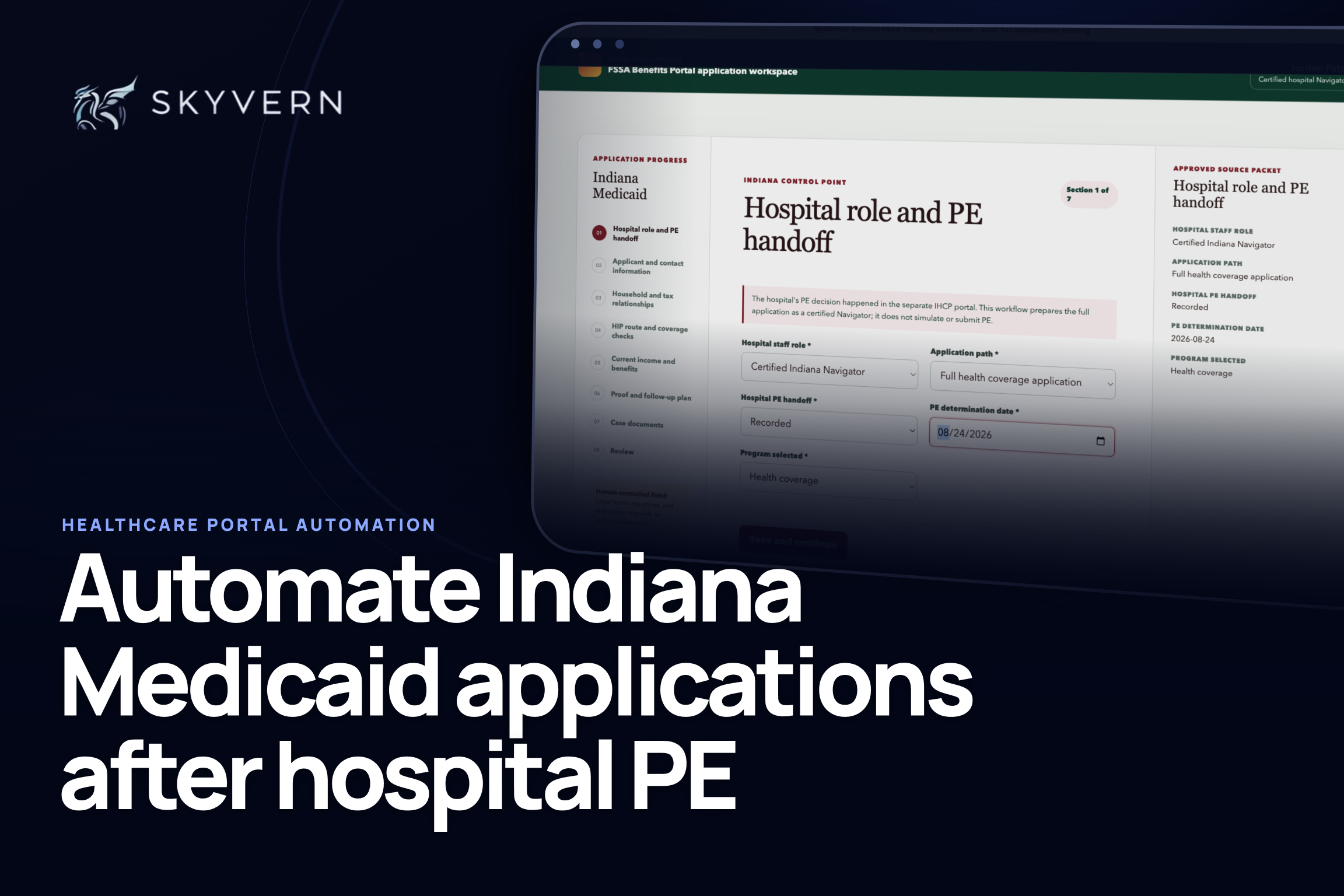
How to automate Indiana Medicaid application prep after hospital PE
A step-by-step tutorial showing how Skyvern prepares a full Indiana Medicaid application after a hospital PE handoff and stops for human review.
Put the browser to work
Use Skyvern for the work that lives in a browser.
Turn repetitive browser tasks into reliable workflows with Skyvern.