Browser Use vs Automation Anywhere: Which is Better for Your Team? (April 2026)
 Suchintan Singh11 min read
When you're comparing Browser Use and Automation Anywhere, the real question isn't which one is better overall but which maintenance burden you'd rather own. Browser Use handles website changes more gracefully because the LLM adapts without code updates, though debugging model failures is harder than fixing broken selectors. Automation Anywhere gives you enterprise features and predictable annual pricing, but every application update means someone has to manually fix and redeploy bots. Let's look at how each handles deployment, cost structure, and the ongoing work of keeping automations running so you can figure out which fits your team.
TLDR:
- Browser Use demands Python expertise and ongoing LLM cost management for each execution
- Automation Anywhere starts around $750/user monthly with $100K-$500K annual enterprise contracts
- Both tools require constant maintenance when websites change their layouts or authentication
- Skyvern uses computer vision to adapt automatically without selector updates or per-site configuration
- Skyvern handles 2FA, CAPTCHAs, and multi-portal workflows with transparent per-step pricing
To make sense of those tradeoffs, here's what each tool actually is and how it approaches browser automation.
What Browser Use Is and How It Works
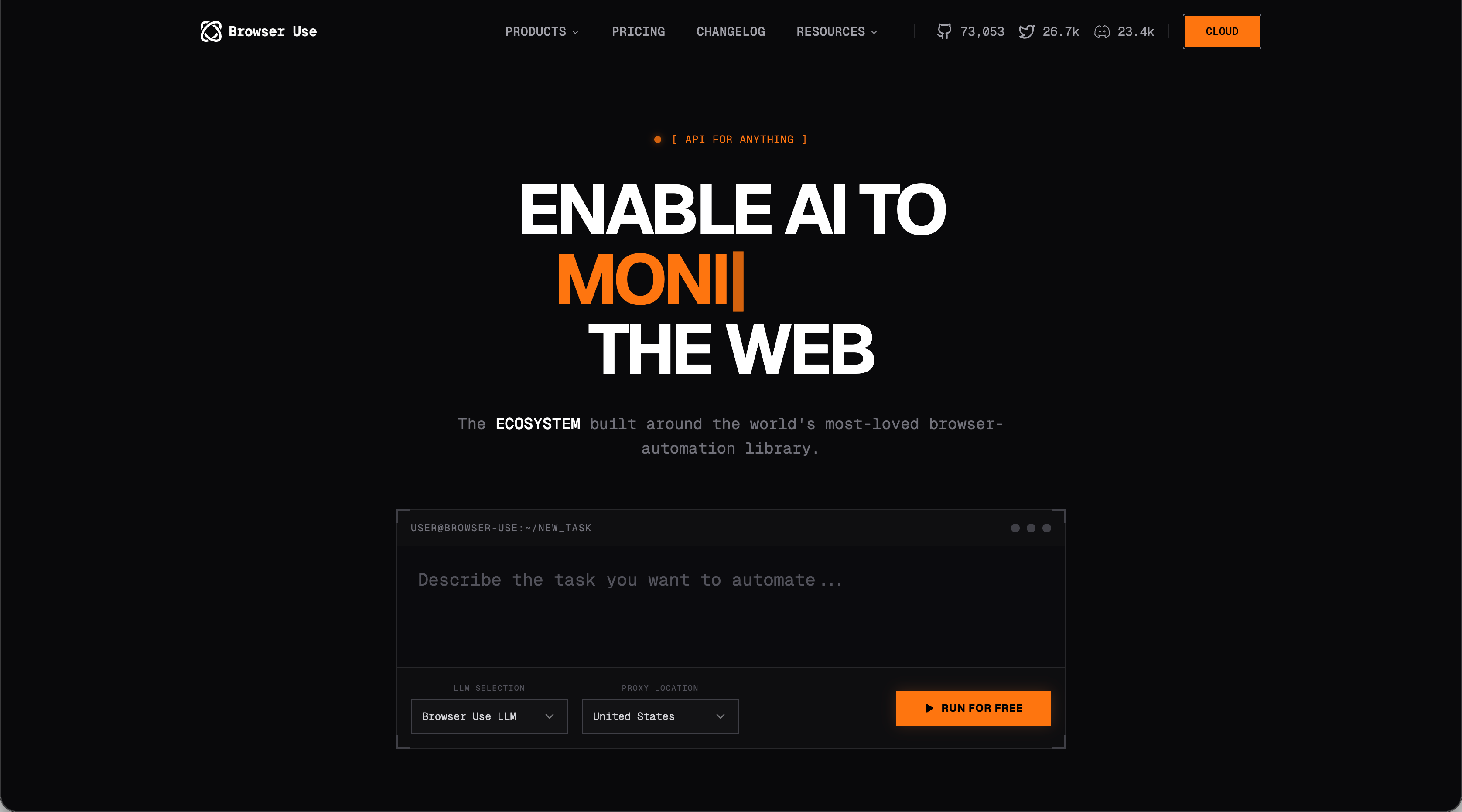
Browser Use is an open-source Python library that makes websites accessible for AI agents. Instead of relying on brittle CSS selectors, it converts web page structures into formats that LLMs can interpret, then lets those models decide how to interact with the browser. On the WebVoyager benchmark across 586 diverse web tasks, Browser Use achieved an 89.1% success rate, a strong showing for a framework built around developer flexibility.
The setup follows a familiar pattern for Python developers: pick an LLM provider (OpenAI, Anthropic, Google, or a local model via Ollama), write code to define your task, and Browser Use handles the translation layer between the model and actual browser actions.
Who it's built for is worth noting. Browser Use targets developers and technical teams who want programmatic control over automation logic. You write the code, manage your own infrastructure, choose and pay for your LLM provider separately, and maintain scripts as your requirements change. The framework gives you flexibility, but the maintenance burden stays with your team.
Like Browser Use's focus on developers, Automation Anywhere targets a specific user base. But the approach differs fundamentally.
What Automation Anywhere Is and How It Works
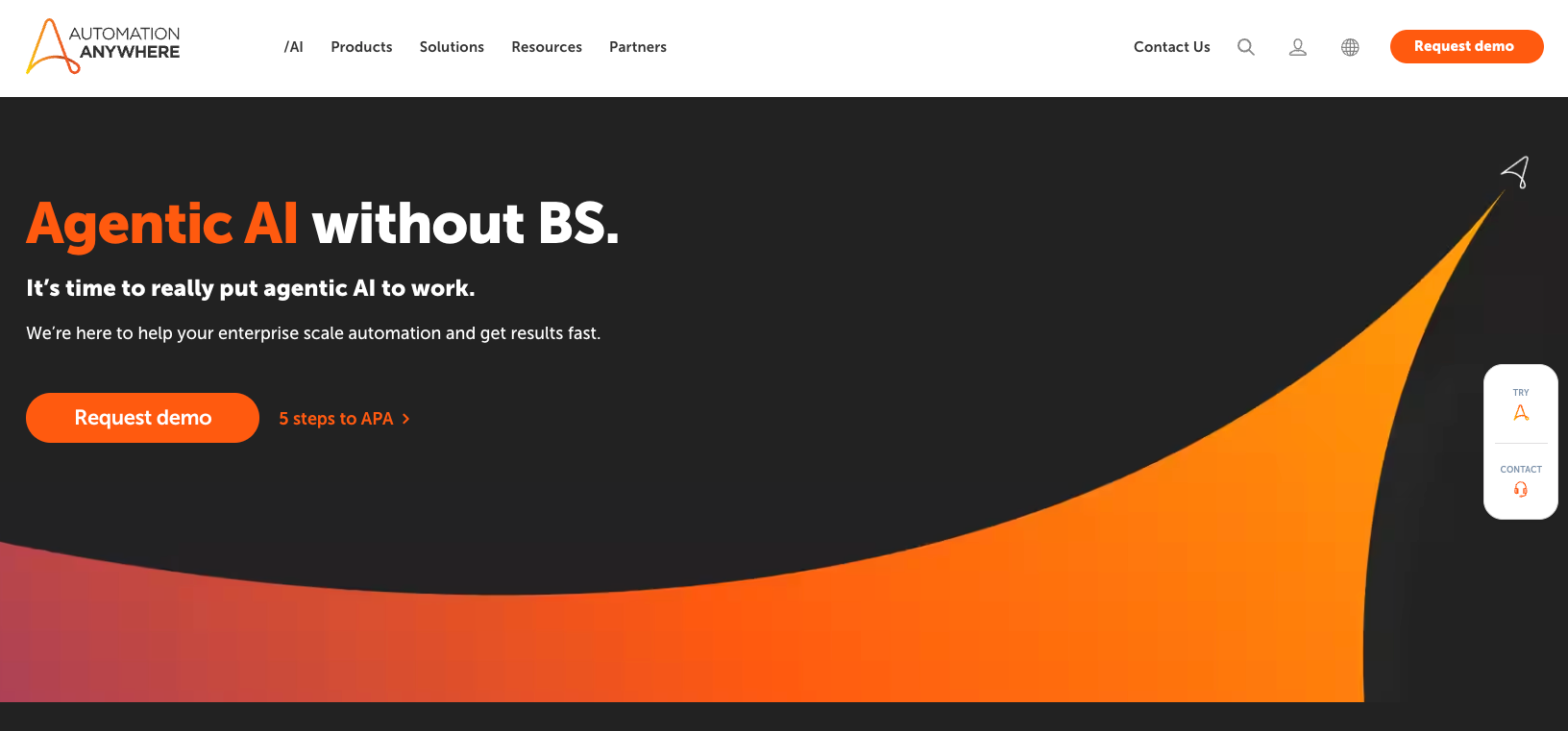
Automation Anywhere sits alongside UiPath and Microsoft Power Automate as one of the three largest RPA vendors globally. Its flagship offering, the Automation Success Platform, combines traditional RPA with generative AI through an Automation Co-Pilot assistant. The platform supports cloud-native, on-premises, and hybrid deployments, serving over 4,000 enterprise customers across financial services, healthcare, manufacturing, and telecommunications.
The core product set includes Bot Creator for designing automations through a drag-and-drop interface, Bot Runner for execution, and Control Room for governance and management. Organizations typically deploy it for rule-based tasks: data entry, invoice processing, and report generation across internal enterprise systems.
Cost is a real consideration. Cloud Starter pricing begins around $750 per user per month, while enterprise and on-premise contracts typically run $100,000 to $500,000+ annually. Implementation also demands environment setup and dedicated team training before any bot runs in production.
Given those backgrounds, the technical execution of each tool looks quite different in practice.
Browser Automation Approach and Technical Architecture
Browser Use converts web page structures into data the LLM can interpret, then translates model decisions back into browser actions. Teams write Python to define tasks, choose an LLM provider, and manage their own infrastructure. When a site changes its layout, the model often adapts without requiring code updates, though every execution carries LLM API costs and ongoing complexity stays with your engineering team.
Automation Anywhere, though, takes a visual, workflow-first approach. Bot Creator lets developers assemble automations through drag-and-drop interfaces without deep coding requirements. The tradeoff is rigid execution: bots follow the exact sequence defined at build time. When a target application updates its UI, the bot breaks and someone has to fix it manually.
There are two distinct execution philosophies at play here:
- Browser Use: dynamic interpretation, developer-owned infrastructure, code-level control over task logic
- Automation Anywhere: visual workflow builder, enterprise application focus, deterministic but brittle execution
One adapts at runtime. The other requires human intervention every time something changes. These different approaches naturally lead to very different deployment requirements.
Deployment Requirements and Infrastructure Complexity
Both tools require substantial upfront considerations, though the nature of those requirements differs sharply. Getting either solution running in production takes more work than the demos suggest.
Browser Use starts with Python installation, framework setup, and LLM provider configuration. But production deployments introduce real complexity: Chrome instances consume considerable memory, and running many agents simultaneously creates management challenges that teams have to solve themselves. CAPTCHA handling requires additional browser fingerprinting and proxy configuration, though Browser Use Cloud offers stealth browsers that handle detection avoidance by default.
Automation Anywhere's infrastructure footprint, on the other hand, is heavier. Deploying Automation 360 means provisioning the Control Room server, configuring Bot Creator environments, and standing up Bot Runner execution agents across development, testing, and production. That setup, combined with team training, routinely takes several weeks before any automation reaches production.
The ongoing work split looks like this:
- Browser Use teams manage Python codebases, LLM provider accounts, and browser infrastructure scaling
- Automation Anywhere teams maintain the platform, update bots when target applications change, and manage enterprise governance requirements across environments
Both carry real overhead. The difference is where that overhead lands: with your engineering team or your IT and RPA operations team. Once deployment requirements are clear, the cost picture becomes the next deciding factor.
Cost Structure and Pricing Models
Browser Use carries no licensing cost as an open-source tool, so the only fees come from whichever LLM provider powers your agents. API calls to OpenAI, Anthropic, or Google compound quickly at scale, and high-volume workflows can generate meaningful monthly bills depending on task complexity.
Automation Anywhere operates on a fundamentally different model. Cloud Starter starts around $750 monthly for attended automation and basic analytics. Unattended bot licenses are priced separately at roughly $500 to $1,000 per bot monthly. Full enterprise contracts, which unlock unattended deployment, intelligent document processing, and governance features, start around $100,000 annually and can scale to $500,000+ depending on bot count and add-ons.
The core tradeoff breaks down like this:
- Browser Use: no licensing fees, but variable costs tied directly to API usage volume that can spike unexpectedly
- Automation Anywhere: predictable annual spend, but substantial minimum commitments before accessing full functionality
Teams with sporadic automation needs may find Browser Use's variable costs manageable. Organizations running hundreds of bots across departments may prefer a negotiated enterprise contract. But fast-growing teams with irregular usage often get squeezed by both models before they've confirmed the tooling actually solves their problem.
Budget planning requires honest math on usage frequency, task complexity, and how often bots need manual updates as target applications change, because that maintenance time carries its own real cost. With those cost and deployment details in mind, a side-by-side view makes the contrasts easier to scan.
Side-by-Side Comparison
Feature | Browser Use | Automation Anywhere | Skyvern |
|---|---|---|---|
Deployment Model | Self-hosted Python framework requiring LLM provider configuration, browser infrastructure management, and custom CAPTCHA handling setup | Enterprise platform with Control Room server, Bot Creator environments, and Bot Runner execution agents across dev, test, and production | Cloud-native API with built-in 2FA, CAPTCHA solving, and credential management requiring no infrastructure setup |
Maintenance When Sites Change | LLM often adapts to minor layout changes without code updates, though complex redesigns create hard-to-debug model interpretation failures | Bots break on every UI update and require manual selector fixes, testing across environments, and redeployment before resuming | Computer vision identifies elements by function instead of structure, continuing to work through redesigns without selector or code updates |
Pricing Structure | No licensing fees but variable LLM API costs per execution that scale unpredictably with task complexity and volume | Cloud Starter at $750 per user monthly, unattended bots at $500-$1,000 monthly each, enterprise contracts starting at $100,000 annually | Per-step pricing with no licensing fees, no unpredictable API bills, and no enterprise minimums required for full functionality |
Authentication Handling | Custom Python code required for login flows, credential storage, session management, and separate third-party CAPTCHA solver integration | Built-in AES-256 encrypted credential vault with centralized Control Room management, though bot workflows still need authentication configuration | Native 2FA support, automatic CAPTCHA solving, and credential management work out of the box without custom development |
Technical Requirements | Python expertise for coding task logic, managing LLM provider accounts, scaling browser infrastructure, and debugging model behavior | Visual workflow builder reduces coding needs but requires dedicated RPA team for platform management, bot updates, and governance | YAML workflow configuration and API integration comfort, no Python development or RPA platform management required |
Best For | Developer teams who want programmatic control over automation logic and can manage their own infrastructure and model complexity | Large enterprises needing structured governance, audit trails, and compliance features with budget for six-figure annual contracts | Operations teams automating across many portals without building site-specific code, and organizations needing enterprise features without RPA-scale budgets |
But initial setup and pricing are only part of the picture. The real long-term cost shows up in ongoing maintenance.
Maintenance Burden and Technical Debt
Deployment is the easy part. The real question is what happens six months later, when every vendor you're automating against has quietly updated their UI three times.
Browser Use shifts the maintenance question from selector updates to model management. Minor website changes often resolve themselves because the LLM interprets the new structure without touching any code. But complex redesigns or unconventional interface patterns can confuse the model in ways that are genuinely hard to debug. When a bot fails because a CSS selector broke, you know exactly where to look. When an AI model misinterprets a checkout flow, the failure surface is much wider: prompt logic, model parameters, context window behavior. Teams end up doing prompt engineering instead of code maintenance, which isn't necessarily easier.
Automation Anywhere's failure mode is more predictable, if not less frequent. Bots execute exactly what was defined at build time. When a target application moves a button or renames a field, the bot stops dead. Developers then follow a familiar cycle: identify the broken automation via Bot Insight analytics, update the element selectors or navigation paths, test across environments, and redeploy. That cycle is repeatable, but it never ends. Every application update is a potential maintenance event across your entire bot fleet.
The practical difference comes down to failure predictability versus failure frequency:
- Browser Use: failures are less frequent for routine changes but harder to diagnose when they do occur
- Automation Anywhere: failures are easier to locate but happen more regularly as enterprise applications update on their own schedules
Neither tool eliminates ongoing maintenance. One trades selector debt for model-tuning debt. The other makes the problem visible but keeps it permanently on your team's plate. But maintenance debt isn't the only concern for teams running production automations. Authentication and security requirements add another layer of complexity.
Authentication, Security, and Enterprise Requirements
While both tools ship with authentication functionality, the burden of making it work falls very differently on your team.
Browser Use leaves credential handling entirely to developers. You write Python to manage login flows, store credentials securely, and handle session state between runs. Browser profiles can persist between executions, which reduces repeat authentication overhead. But CAPTCHA challenges require either manual intervention or integration with a third-party solving service that you source and configure separately. Teams build this infrastructure once, then maintain it as target sites change their authentication behavior.
Automation Anywhere, though, includes a built-in credential vault with AES-256 encryption at rest and SSL/TLS for communications in transit. Control Room manages bot credentials centrally, so rotating a password does not mean touching individual bot code. Role-based access control lets organizations scope what each team member can view, run, or modify. These are real enterprise features that reduce security risk without requiring custom development.
There are a couple of areas where both tools share a limitation worth noting:
- Neither offers out-of-the-box TOTP support that works against every portal you might target, so native 2FA handling across arbitrary authentication systems remains a gap for both.
- The work of solving this still exists, it just lives in different places: custom Python code in Browser Use, or bot workflow configuration in Automation Anywhere.
For compliance-sensitive industries, Automation Anywhere's structured audit trails and centralized governance carry weight that Browser Use cannot match without custom tooling. But that security architecture comes attached to a full enterprise contract. Smaller teams often end up paying for compliance features they need without being able to afford the surrounding infrastructure.
Those gaps in authentication handling, maintenance burden, and cost predictability point to a clear need: a tool built to handle this complexity from day one.
How Skyvern Solves These Challenges Better
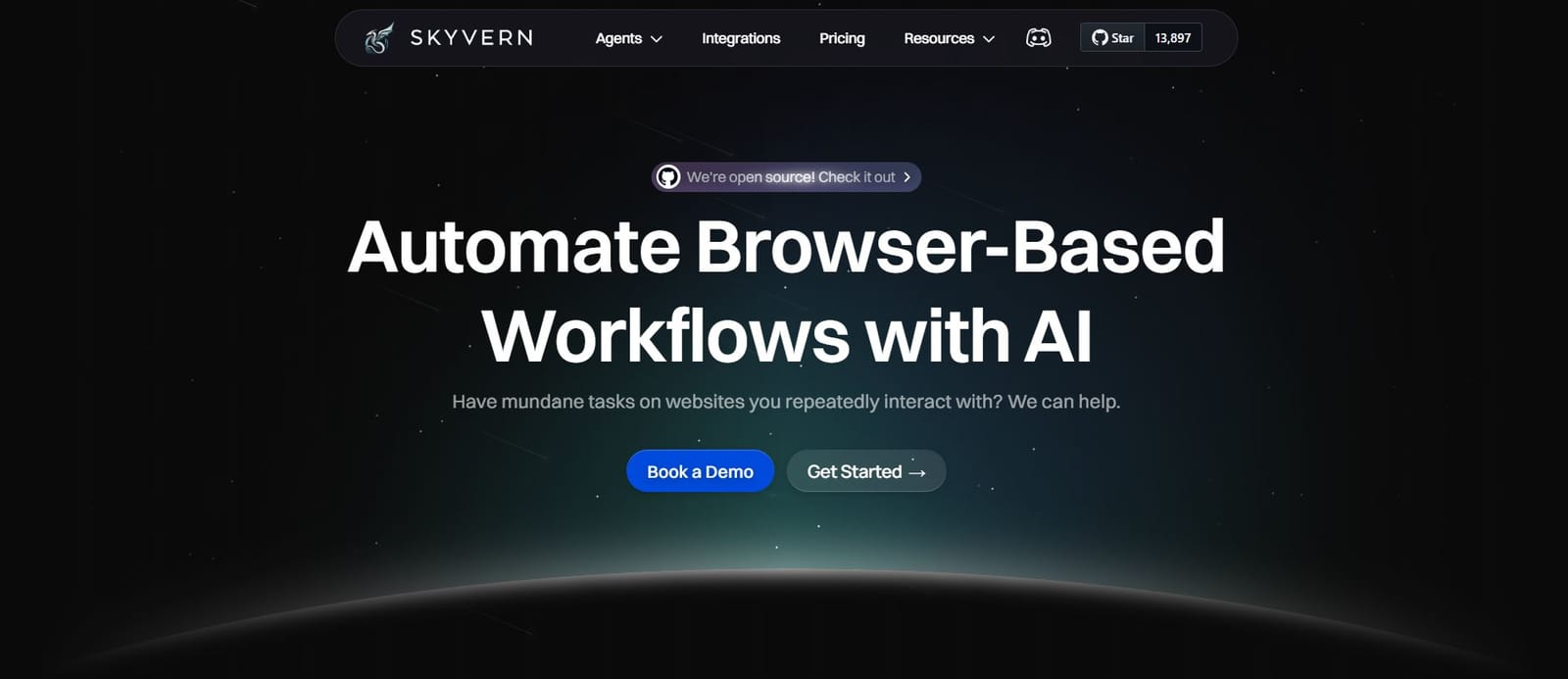
Skyvern uses computer vision and LLMs to interpret web pages by meaning instead of structure. When a site redesigns its interface, Skyvern keeps working because it identifies elements by what they do, not where they sit in the HTML. That eliminates the selector maintenance that breaks Automation Anywhere bots and the hard-to-diagnose failures that occur when Browser Use models misinterpret complex interfaces.
Built-in 2FA support, CAPTCHA solving, and credential management work out of the box. No Python authentication code to write, no separate credential vaults to configure. Workflows defined in YAML apply across dozens of different portals without site-specific setup, so healthcare teams can credential across 20 state licensing boards with one workflow instead of twenty.
When it comes down to cost, Skyvern is easy to understand. Pricing is per automation step with no hidden fees, no unpredictable API bills, and no six-figure enterprise commitments required to access core functionality.
Best for teams who need browser automation across many different portals without building and maintaining separate code for each one. It's ideal for ops teams, developers tired of broken selectors, and organizations that need compliance features without an RPA-scale budget, though it does require comfort with API-based workflows and YAML configuration.
With the full picture laid out, here's the bottom line for teams trying to decide between these options.
Final Thoughts on Automation Maintenance and Long-Term Costs
As we've seen throughout this comparison, your choice between these tools stems from fundamentally different technical architectures and team structures. You can pick enterprise automation with six-figure contracts and constant selector updates, or browser use frameworks where your team manages models and infrastructure. Both options put ongoing maintenance squarely on your plate. Skyvern handles authentication, CAPTCHA solving, and layout changes out of the box, so you're not building custom solutions for every portal you need to automate. Book a demo to see how it works across your workflows without the maintenance burden.
FAQ
How does Browser Use handle website changes compared to Automation Anywhere?
Browser Use uses LLMs to interpret web pages by meaning, so minor layout changes often resolve themselves without code updates, though complex redesigns can create hard-to-debug failures. Automation Anywhere bots break every time a target application updates its UI and require manual selector updates before they'll run again.
Which tool is better for teams without dedicated RPA developers?
Browser Use requires Python development skills and ongoing infrastructure management, making it unsuitable for non-technical teams. Automation Anywhere offers visual workflow builders that reduce coding requirements, though you'll still need dedicated staff to update bots when target applications change and manage the enterprise platform infrastructure.
What's the real monthly cost difference between Browser Use and Automation Anywhere?
Browser Use has no licensing fees but charges variable LLM API costs that can spike unpredictably with high-volume workflows. Automation Anywhere starts around $750 per user monthly for Cloud Starter, with unattended bot licenses running $500-$1,000 each monthly and enterprise contracts typically starting at $100,000 annually.
Can either tool handle 2FA and CAPTCHA challenges without custom development?
Browser Use leaves all authentication handling to your developers through custom Python code, including separate integration with third-party CAPTCHA solving services. Automation Anywhere includes a built-in credential vault with centralized management but still requires bot workflow configuration for authentication flows and lacks universal TOTP support across arbitrary portals.
How long does it take to get either solution running in production?
Browser Use requires Python installation, framework setup, LLM provider configuration, and custom infrastructure for browser scaling and CAPTCHA handling before production deployment. Automation Anywhere deployment involves provisioning Control Room servers, configuring Bot Creator environments, standing up Bot Runner execution agents, and several weeks of team training before any automation reaches production.
Keep reading
6 Selenium Alternatives for Faster Browser Automation
Here is my guess: you are tired of fixing scripts that break every time a website changes its layout and you are looking for an alternative. Selenium has been the most popular testing framework for years. It’s open source, it runs tests across every major browser, OS and language. But Selenium leans on XPath selectors and DOM parsing. It makes automations unreliable when a site changes even a little. We started Skyvern to fix exactly this problem (I am Skyvern's CEO), using LLMs and computer

7 Playwright MCP Alternatives for Better Browser Automation
Compare seven Playwright MCP alternatives that reduce context overhead, retries, and stalled agent runs. Find the right option for your workflow.
9 Prior Authorization Companies Compared (2026)
Compare nine prior authorization companies by workflow coverage, setup, human review, who each product serves, and the work each leaves to your team.
Put the browser to work
Use Skyvern for the work that lives in a browser.
Turn repetitive browser tasks into reliable workflows with Skyvern.