Skyvern MCP vs Hyperbrowser AI: Complete Comparison for May 2026
 Suchintan Singh11 min read
The Skyvern MCP vs Hyperbrowser AI question comes down to whether you need a faster way to run the automation you've already written, or a way to stop writing it in the first place. Hyperbrowser solves the infrastructure side: managed browsers, stealth capabilities, session orchestration, all accessible through an API your scripts can call. Skyvern MCP solves the logic side: it reads pages visually at runtime, figures out what to click, and keeps working when the site changes its layout. Both tools expose browser automation to AI assistants via the Model Context Protocol, though the depth of that integration differs considerably depending on whether you're handing off a fetch request or an entire multi-step workflow.
TLDR:
- Hyperbrowser AI provides managed cloud browser infrastructure; Skyvern MCP reads pages visually using computer vision and LLM reasoning to execute multi-step workflows without selectors.
- When a site redesigns its UI or renames a button, selector-based workflows break immediately. Skyvern re-reads pages at runtime, so workflows keep running through changes without manual updates.
- Hyperbrowser charges via credits ($0.10/browser hour, $0.001/page); Skyvern costs $0.05 per step with no hidden fees, making production budgets easier to forecast at scale.
- Skyvern MCP runs as an MCP server that any compatible AI assistant can call to handle logins, form fills, and data extraction within a single conversation turn.
What is Hyperbrowser AI?
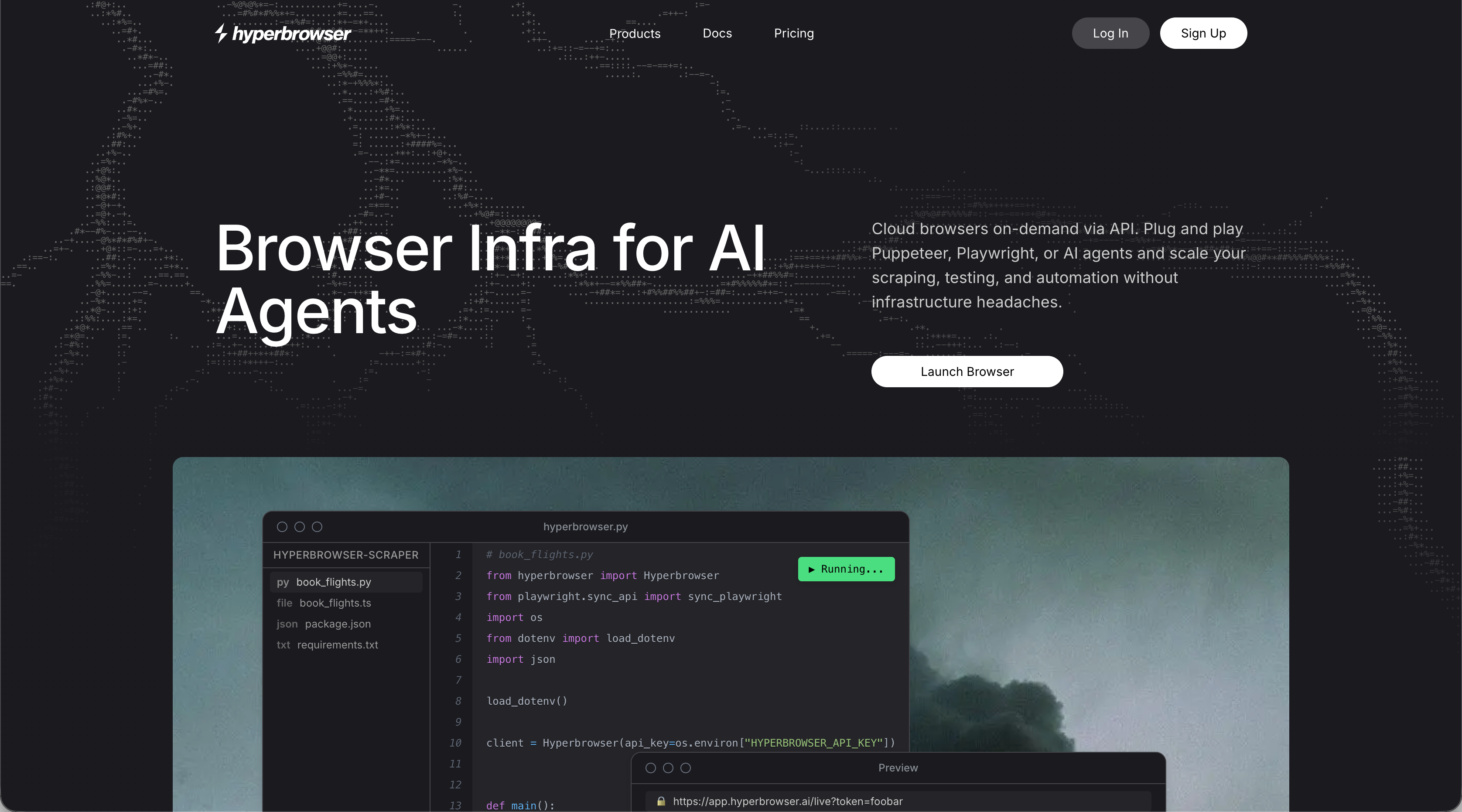
Hyperbrowser AI is a cloud browser infrastructure service built for developers who need scalable, managed headless Chrome sessions. It spins up browsers in isolated containers, handling orchestration so teams don't have to manage their own browser fleet. Built-in stealth capabilities, CAPTCHA solving, and proxy management come included with each session.
The primary use cases span web scraping, automated testing, form filling, and AI-driven web interactions. If you're building an AI agent that needs to hit a live website, Hyperbrowser provides the browser layer with a clean API designed for easy integration into agent pipelines. Automation logic and business rules stay on your side; Hyperbrowser handles the infrastructure underneath.
What is Skyvern MCP?
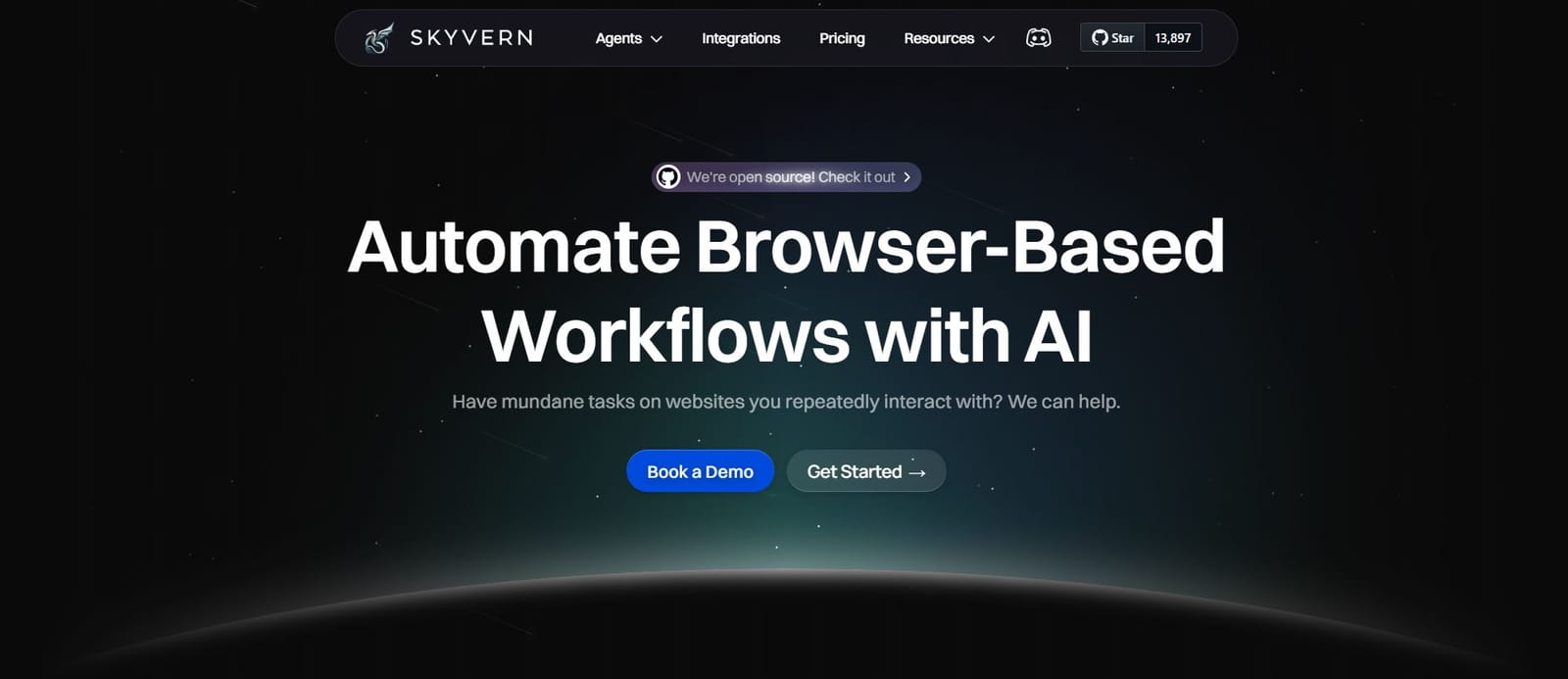
Skyvern MCP is a Model Context Protocol server that gives AI agents direct control over a real web browser. Where most automation tools require you to pre-define selectors or record click paths, Skyvern MCP reads pages visually using computer vision and LLM reasoning, identifying interactive elements by their appearance and context at runtime.
That means it can work through login flows, fill forms, handle multi-step workflows, and extract data from pages that were never designed with automation in mind. No brittle selectors. No hardcoded paths that snap the moment a site updates its layout. This is the core of AI RPA design.
The MCP integration fits cleanly into agentic AI setups. Any agent or LLM client that speaks the Model Context Protocol can call Skyvern MCP as a tool, offloading the browser execution layer entirely. The agent describes what it needs done; Skyvern MCP works through the browser to do it.
What Makes Skyvern Different Architecturally from Hyperbrowser AI?
Most browser automation runs against the DOM. It finds elements by ID, class, or XPath and clicks them. When those identifiers change, the script breaks.
Skyvern MCP, though, re-reads the page on every run. It looks at what is actually shown in the viewport, reasons about which elements match the task, and acts accordingly. The workflow keeps running through site changes that would stop a selector-based tool cold.
This also means Skyvern MCP handles the cases that defeat scripted automation: CAPTCHAs, two-factor authentication, dynamic page states, and sites that behave differently depending on user context.
Infrastructure vs Intelligence
The core tension between these two tools comes down to what they were each built to solve. Hyperbrowser AI approaches browser automation as an infrastructure problem: give developers a managed cloud browser layer with anti-bot handling, session control, and stealth capabilities, similar to Browserbase, then let them build the intelligence on top. S
kyvern MCP approaches it as a reasoning problem: instead of giving you faster raw browser access, it reads pages visually and figures out what to do without you ever writing a selector.
What That Looks Like in Practice
If you're using Hyperbrowser AI, you still own the logic. Your agent or script decides which elements to interact with, which paths to take, and how to recover when something breaks. The infrastructure is managed for you, but the decision-making is yours to build.
With Skyvern MCP, the agent reads the page, identifies what's interactive, and works through the task based on a goal you described in plain language. When a site changes its layout, Skyvern re-reads it and keeps going. There's no selector to update because there was never one to begin with.
Where Each Approach Has Limits
The table below shows how the two approaches compare across key capabilities:
Capability | Skyvern MCP | Hyperbrowser AI |
|---|---|---|
Core Approach | Reads pages visually using computer vision and LLM reasoning to identify interactive elements by appearance and context | Provides managed cloud browser infrastructure with stealth capabilities, CAPTCHA solving, and proxy management |
Handling Site Changes | Re-reads pages at runtime so workflows keep running when sites redesign layouts or rename buttons | Selector-based automation can break when page structure changes and requires manual script updates |
Workflow Scope | Handles multi-step flows with logins, form fills, file uploads, and state management across multiple pages | Optimized for web scraping and data extraction with session-level browser access |
MCP Integration Depth | Runs as MCP server exposing full browser automation with encrypted credential vault and structured results | Offers MCP support for triggering browser sessions and returning scraped content |
Pricing Model | Flat $0.05 per workflow step with no hidden fees or licensing tiers | Credit-based pricing at $0.10 per browser hour and $0.001 per scraped page |
Hyperbrowser AI's model scales well when your logic is stable and your target sites are predictable. But the maintenance burden stays with you. Every layout change, every new authentication flow, every dynamic element that wasn't there last week becomes your problem to handle.
Skyvern MCP's visual reasoning approach handles change better, though it carries more overhead per task since it's doing active page interpretation on every run. Teams with highly structured, static targets may find that overhead unnecessary.
Handling Website Changes
Website changes are where the architectural gap between these two tools shows up most clearly.
Skyvern re-reads the page visually at runtime using computer vision, so when a portal renames a button or restructures its layout, the workflow keeps running. There are no stored selectors to break.
Hyperbrowser AI, on the other hand, sits closer to a traditional browser automation layer. When the underlying page structure shifts, workflows built on DOM-dependent logic can fail silently or require manual patching to get back on track.
What This Looks Like in Practice
Consider a carrier portal that moves its "Submit" button to a new position after a UI refresh. A selector-based approach breaks immediately, which is why AI RPA tools with visual reasoning matter. Skyvern, though, identifies the button by visual context and semantic meaning at the moment of execution, so the task completes without intervention.
This matters at scale. Teams running automations across dozens of sites face constant churn from redesigns, A/B tests, and CMS updates. With Skyvern, that maintenance burden drops considerably. With tools that depend on structural page assumptions, each site change becomes a ticket in someone's queue.
Human judgment still matters for edge cases where a page change is ambiguous enough that no automation should act without confirmation, and Skyvern surfaces those for review instead of failing silently or guessing wrong.
Workflow Reusability and Scale
Once a workflow runs successfully, the question shifts from "can it work?" to "can it scale?" That's where the two tools take noticeably different paths.
Hyperbrowser gives you session-level access, meaning each workflow is largely self-contained. You can spin up multiple sessions, but coordinating them across jobs, schedules, or dynamic inputs requires you to build that logic yourself.
Skyvern treats reusability as a first-class concern. Workflows built once can be triggered via API, scheduled, or handed off to an AI agent through the MCP server. The same task definition runs across hundreds of accounts, URLs, or data inputs without rewriting the core logic. Authentication credentials are stored separately from workflow steps, so a login change doesn't break every downstream job that depends on it.
For teams running the same browser task at volume, such as pulling reports from dozens of vendor portals or processing batches of form submissions, that separation of credentials from logic is the detail that keeps maintenance from compounding over time.
MCP Integration and AI Assistant Access
Both tools connect to AI assistants through the Model Context Protocol, but the depth of that integration differs considerably.
Hyperbrowser AI offers MCP support that lets assistants trigger browser sessions and return scraped content. The connection works, though it sits closer to a content-delivery layer than a full execution layer.
Skyvern MCP runs as a local server that exposes browser automation directly to any MCP-compatible AI assistant, including Claude, Cursor, and similar tools, standing out among top MCP servers for web scraping. An assistant can call Skyvern to work through a multi-step workflow, handle logins, fill forms, extract data, and wait for results, all within a single conversation turn.
What This Looks Like in Practice
Say an engineer has Claude connected to Skyvern MCP via API key. They type: "Pull the latest utilization report from our carrier portal and give me the summary figures." Claude parses the goal, calls Skyvern MCP, and hands off the browser session. Skyvern opens a real browser, retrieves the stored credentials from the vault, works through the login flow including any TOTP challenge, moves through the portal pages to locate the report, downloads it, and returns structured data back to Claude, all before the conversation moves to the next message.
Hyperbrowser AI can return scraped page content to an assistant, but the assistant still needs logic for what to do with it. With Skyvern MCP, the assistant describes the outcome and Skyvern handles the execution path from start to finish, including authentication and state across multiple pages. There is no script to write, no selector to maintain, and no separate orchestration layer to wire up.
Three capabilities stand out in how Skyvern handles MCP integration:
- Skyvern MCP keeps credentials in an encrypted vault so the AI assistant never touches raw login details, and authenticated sessions carry forward across tasks without re-entry.
- Tasks run in isolated cloud browsers, so assistant-triggered jobs scale without conflicting with each other.
- The assistant receives structured results back, not raw HTML, which makes downstream reasoning considerably more accurate.
Pricing and Cost Model
The pricing structures reflect the same infrastructure-vs-intelligence divide seen in how each tool is built.
Hyperbrowser AI uses a credit-based model: 1 credit equals $0.001, and a browser hour costs 100 credits ($0.10). The Startup plan runs $30/month plus usage fees, covering 30,000 credits, 25 concurrent browsers, and 30 days of data retention.
Credit-based pricing gets difficult to forecast when workloads vary. Projects with unpredictable session lengths or volume spikes can exhaust credits faster than expected, making budget planning somewhat reactive.
Skyvern, though, charges $0.05 per step with no hidden fees or licensing tiers. Each workflow has a knowable cost before it runs, which makes production budgeting considerably more predictable as volume grows.
Why Skyvern MCP is the Better Choice
Skyvern MCP sits in a different category from Hyperbrowser when you look at what each tool is actually built to do. Hyperbrowser gives you browser infrastructure and a set of scraping-focused APIs. Skyvern MCP gives your AI agent a browser that can reason through a workflow the same way a person would, reading pages visually and deciding what to do next without relying on selectors or hardcoded paths.
Built for Agentic Workflows Beyond Data Extraction
Where Hyperbrowser excels at pulling structured data from pages, Skyvern MCP handles the messier work: multi-step flows, login walls, dynamic forms, file uploads, and anything that requires state across multiple pages. If your agent needs to log into a carrier portal, search for a record, download a document, and confirm the result, Skyvern MCP works through that entire sequence. Hyperbrowser stops where the extraction ends.
Self-Healing by Design
Skyvern MCP reads the page at runtime using computer vision and LLM reasoning. When a site redesigns its UI or renames a button, the workflow keeps running because there are no fragile selectors to break. Teams that have maintained scraping scripts know how much time goes into keeping those selectors current. Skyvern MCP removes that maintenance burden entirely.
Code Example: Running an Authenticated Carrier Portal Workflow
The walkthrough in the MCP integration section describes what happens when Claude calls Skyvern to pull a utilization report. Here is what that looks like in Python using the Skyvern SDK directly.
First, install the SDK and store credentials once in the encrypted vault so they never pass through the LLM:
import asyncio
from skyvern import Skyvern

skyvern = Skyvern(api_key="YOUR_API_KEY")

async def store_portal_credentials():
    # Store credentials once — Skyvern vault keeps them off the LLM entirely
    credential = await skyvern.create_credential(
        name="Carrier Portal Login",
        credential_type="password",
        credential={
            "username": "ops-user@yourcompany.com",
            "password": "YOUR_PORTAL_PASSWORD",
        },
    )
    print(f"Credential ID: {credential.credential_id}")
    # Save credential_id — pass it on every run instead of raw credentials

asyncio.run(store_portal_credentials())
With credentials stored, run the authenticated workflow. Skyvern reads the portal visually at runtime, works through the login flow including any TOTP challenge, and returns structured output:
import asyncio
from skyvern import Skyvern

skyvern = Skyvern(api_key="YOUR_API_KEY")

async def pull_utilization_report():
    task = await skyvern.run_task(
        # Starting URL for the carrier portal
        url="https://carrier-portal.example.com",
        # Plain-language goal — no selectors, no click paths
        prompt=(
            "Log into the portal using the stored credentials. "
            "Go to the Reports section, open the latest Utilization Report, "
            "and extract the summary figures. "
            "COMPLETE when the report data has been extracted."
        ),
        # totp_identifier routes any 2FA code Skyvern receives to this task
        totp_identifier="ops-user@yourcompany.com",
        # Schema tells Skyvern what structured data to return
        data_extraction_schema={
            "type": "object",
            "properties": {
                "report_date": {"type": "string", "description": "Date of the report"},
                "total_utilization_pct": {"type": "number", "description": "Overall utilization percentage"},
                "top_carrier": {"type": "string", "description": "Carrier with highest utilization"},
            },
        },
        # Block until the task finishes so output is ready on the next line
        wait_for_completion=True,
    )
    # task.output holds the structured JSON matching the schema above
    print(task.output)

asyncio.run(pull_utilization_report())
When the portal renames a button or restructures its layout, nothing in this code breaks. Skyvern re-reads the page on the next run, identifies the updated elements by their visual context, and keeps going. There are no selectors to patch.
Final Thoughts on Selecting Browser Automation for AI Agents
The gap between Skyvern MCP and Hyperbrowser AI is architectural, not incremental. Hyperbrowser gives you managed sessions and good data extraction capabilities, but the automation logic and all the maintenance that comes with it stays on your side. Skyvern MCP reads pages visually and reasons through workflows at runtime, so site changes don't break your automations and you're not rewriting selectors every time a portal updates its UI. For teams building AI agents that need to interact with live websites, especially across multiple portals or through authenticated sessions, Skyvern MCP fits as the execution layer your agent can call without you having to build that entire stack yourself. If you're deciding which approach makes sense for your workflows, book a demo and we'll walk through your specific use case.
FAQ
How should I decide between Skyvern MCP and Hyperbrowser AI for my browser automation needs?
Start by asking whether you need infrastructure or intelligence. If your target sites are predictable and you have engineering resources to write and maintain automation logic, Hyperbrowser AI gives you managed browser infrastructure with built-in stealth capabilities. If you're automating workflows across portals that change frequently, or you need multi-step tasks with authentication, form filling, and data extraction handled without writing selectors, Skyvern MCP is the stronger fit because it reads pages visually and self-heals when sites change.
What's the key difference in how the two products handle website changes?
Hyperbrowser AI provides the browser infrastructure, but you still write automation logic that depends on page structure. So, when a portal redesigns its layout or renames elements, your scripts can break and require manual fixes. Skyvern MCP re-reads pages visually at runtime using computer vision and LLM reasoning, identifying buttons and fields by appearance and context instead of stored selectors, which means workflows keep running through site changes without code edits.
Who is each tool best suited for?
Hyperbrowser AI fits developer teams building scrapers or agents that need scalable, managed headless Chrome sessions with CAPTCHA solving and proxy management, particularly when target sites are stable and automation logic is well-defined. Skyvern MCP is built for operations teams running recurring workflows across portals that change often, engineers who want their AI agents to call full browser sessions through MCP, and anyone automating multi-step processes where a human would normally log in, search, fill forms, and extract results across sites with no APIs.
What should I know about cost predictability when scaling either tool?
Hyperbrowser AI uses a credit-based model where costs depend on browser hours and page volume, which can make forecasting difficult when workloads vary or sessions run longer than expected. Skyvern MCP charges a flat $0.05 per workflow step with no hidden fees or licensing tiers, so you can calculate the cost of a workflow before you run it, making production budgeting more predictable as volume grows, though teams should still account for learning curves and workflow optimization time during initial rollout.
Keep reading
Automation Anywhere Alternatives: 6 Options and What AA Really Costs
If you’re looking for an Automation Anywhere alternative, you’re probably unhappy with something: the price, a workflow builder that feels clunky, or the effort it takes to keep your automations running. Those frustrations show up in Automation Anywhere’s reviews. Some reviewers describe expensive licensing, costs that become harder to predict as AI usage grows, and a steep learning curve for complex workflows. Others point to difficult debugging and resource-heavy deployments. A lot of the pe
Top 5 UiPath Alternatives Compared in 2026
Compare five UiPath alternatives for browser and desktop workflows, including their strengths, trade-offs, pricing, and migration effort.
Browser Use vs Browserbase: my honest comparison
Browserbase and Browser Use can both automate work in a browser, from collecting product data to filling out forms. Choosing between them comes down to what you want to build: a task you hand to an AI agent, a custom agent inside your application, or browser infrastructure for scripts you already run. I’m Skyvern’s co-founder and CEO by the way. We build a competing product, so I have a stake in this comparison. But I promise I won't promote our product (even though it's a great alternative to
Put the browser to work
Use Skyvern for the work that lives in a browser.
Turn repetitive browser tasks into reliable workflows with Skyvern.