6 Top MCP Servers for Web Scraping in May 2026
 Suchintan Singh13 min read
Most MCP servers for web scraping work fine until you need them to handle something beyond basic page scraping. Your scripts run perfectly in testing, then production hits and you're dealing with CAPTCHA challenges, login flows that require 2FA, sites that redesign their HTML structure, or multi-step forms that need conditional logic. The tools that work great for pulling data from public pages start showing their limits when you're automating workflows across dozens of sites with authentication requirements and constantly changing layouts.
TLDR:
- MCP servers for web scraping let AI assistants extract data through natural language commands instead of custom code
- Skyvern uses computer vision to read pages by meaning instead of DOM structure, so layout changes don't break extractions
- Playwright and Puppeteer MCP rely on brittle selectors that break when sites change, requiring constant maintenance
- Firecrawl MCP handles read-only extraction well but can't fill forms or download files
- Skyvern is an MCP server that automates browser workflows using AI and computer vision without breaking when websites change
What Are MCP Servers for Web Scraping?

MCP servers for web scraping are browser automation tools built on Anthropic's Model Context Protocol that let AI assistants extract data from websites through natural language commands. The protocol itself is an open specification that allows LLMs to draw real-time data from third-party tools and interact with those tools the way any user would.
What does that mean in practice? These browser automation MCP servers bridge the gap between AI models and live web data, turning static language models into dynamic systems capable of moving through pages, filling forms, bypassing anti-bot protections, and returning structured information without human intervention.
With AI agent adoption reaching 79% in 2026 and 40% of enterprise applications now embedding task-specific agents, MCP servers have become critical infrastructure for scaling automation workflows. Instead of writing custom integrations for each scraping scenario, developers connect a single MCP server to their AI assistant and describe what they need in plain English.
The server translates those instructions into browser actions, handles the complexity of current web applications, and delivers clean results optimized for AI consumption.
How We Ranked MCP Servers for Web Scraping
Not every MCP server holds up equally in production. We assessed each across five dimensions that separate demo-ready tools from ones built for real scraping workflows:
- Technical approach: whether the server uses computer vision and LLM reasoning to understand pages contextually or relies on brittle selectors that break when websites change.
- Anti-bot capabilities: ability to bypass CAPTCHAs, handle MFA flows, rotate proxies, and evade detection systems that block traditional scrapers.
- Authentication handling: support for 2FA, TOTP, email-based verification, session persistence, and credential management without exposing secrets to AI models.
- Data extraction quality: whether the server returns clean, structured output with custom schema support and consistent formatting optimized for AI consumption.
- Workflow complexity: capacity to handle multi-step processes with conditional logic, file downloads, form filling across multiple pages, and parallel execution at scale.
Best Overall MCP Server for Web Scraping: Skyvern

Skyvern is a browser automation platform built for AI-powered workflows that demand real-world reliability. It uses computer vision combined with LLM reasoning to read pages by meaning instead of DOM structure, so layout changes do not break extractions and no selector maintenance is required. Unlike tools that handle one part of the scraping problem well, Skyvern covers authentication, CAPTCHA solving, file downloads, and multi-step workflows in a single platform.
Key Features
- Computer vision reads pages visually instead of parsing HTML, so site redesigns do not break automation workflows.
- Built-in authentication handling covers OAuth, 2FA, MFA, TOTP, and session persistence without custom workarounds.
- Native CAPTCHA solving is built into the execution pipeline with no third-party integrations required.
- Tasks are described in plain language instead of explicit browser commands, reducing setup time from weeks to hours.
- Parallel execution supports hundreds of concurrent browser sessions across different target sites simultaneously.
Limitations
- Requires a cloud or self-hosted deployment instead of a lightweight local install.
- Initial workflow runs take longer as the LLM processes instructions before compiled code speeds up subsequent runs.
- The Python SDK is well-supported, but teams using non-Python stacks may find SDK options limited.
- Pricing scales with usage, which can add up for very high-volume automation scenarios.
- Self-hosted deployment requires infrastructure setup, which adds overhead for smaller teams.
Bottom Line
Skyvern is best for engineering and data teams running large-scale web scraping across sites that change frequently, particularly workflows involving authentication gates, dynamic forms, file downloads, or dozens of portals in parallel. Teams in healthcare, insurance, finance, and government operations will get the most out of it, especially where selector-based tools have already proven too brittle to maintain.
Skyvern Example
Here is a quick example of how to run a web scraping task with structured data extraction using the Skyvern Python SDK:
from skyvern import Skyvern
import asyncio

skyvern = Skyvern(api_key="YOUR_API_KEY")

async def scrape_product_data():
    task = await skyvern.run_task(
        url="https://example-store.com/products",
        prompt="Find the top 5 products on this page and extract their names, prices, and availability.",
        data_extraction_schema={
            "type": "object",
            "properties": {
                "products": {
                    "type": "array",
                    "items": {
                        "type": "object",
                        "properties": {
                            "name": {"type": "string", "description": "Product name"},
                            "price": {"type": "string", "description": "Product price"},
                            "in_stock": {"type": "boolean", "description": "Whether the product is in stock"}
                        }
                    }
                }
            }
        },
        wait_for_completion=True,
    )
    print(task.output)

asyncio.run(scrape_product_data())
Skyvern reads the page visually instead of relying on CSS selectors, so the same task runs reliably whether the site has changed its layout or not. The data_extraction_schema parameter enforces a consistent JSON output format, making it straightforward to pipe results directly into downstream data pipelines or databases.
Playwright MCP
Playwright MCP brings Microsoft's Playwright browser automation library into the MCP ecosystem, giving AI agents direct access to a battle-tested browser automation framework used by millions of developers. It exposes Playwright's core browser controls as MCP tools, letting AI agents open pages, click elements, fill forms, take screenshots, and extract content through natural language commands executed against Chromium, Firefox, or WebKit.
Key Features
- Supports multiple browser engines including Chromium, Firefox, and WebKit for broad compatibility across target sites.
- Exposes Playwright's full suite of browser controls as MCP tools, including clicks, form fills, screenshots, and content extraction.
- Benefits from Playwright's large developer community and extensive documentation for troubleshooting and extending workflows.
- Works well for scraping JavaScript-heavy pages since it spins up a full browser instead of issuing plain HTTP requests.
- Integrates naturally into existing Playwright-based automation setups without requiring a full infrastructure overhaul.
Limitations
- Relies on DOM-based selectors that break when sites restructure their HTML, requiring ongoing maintenance.
- No built-in CAPTCHA solving or anti-bot evasion, so those capabilities must be wired in separately.
- Requires coding knowledge to configure and extend beyond default tooling.
- Authentication support is limited to basic login flows, with no native handling for 2FA or MFA.
- Not designed for multi-site workflows, since selector logic is typically site-specific and does not transfer across different page structures.
Bottom Line
Playwright MCP is best for developers already comfortable with Playwright who want to wire AI agents into existing browser automation workflows. It works well for internal tooling and structured scraping tasks on stable sites, but fragile selector dependencies make it a poor fit for teams scraping sites that change frequently or require authentication complexity.
Firecrawl MCP
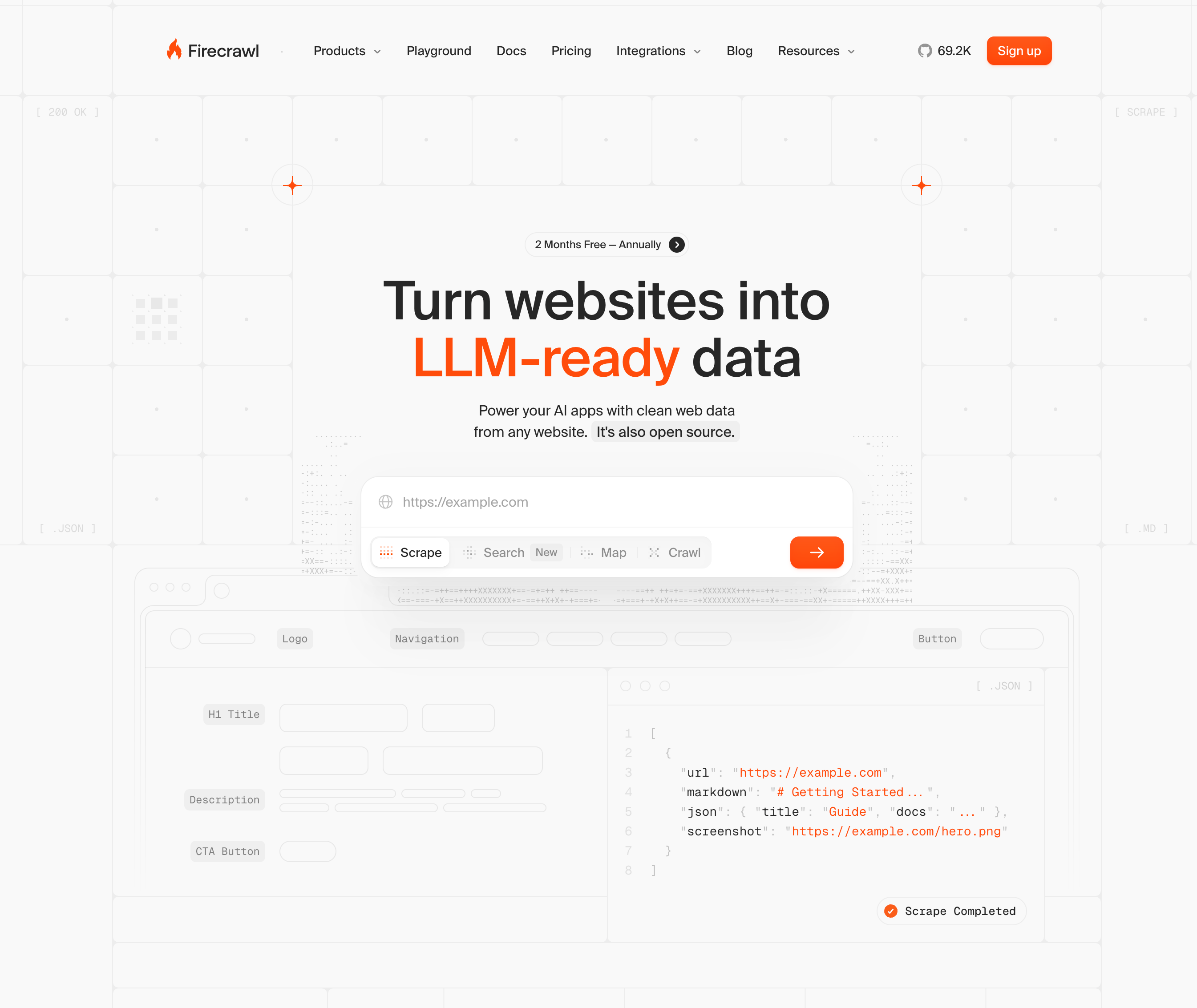
Firecrawl MCP connects Firecrawl's web crawling and scraping engine to AI assistants through the Model Context Protocol, converting any URL into clean, LLM-ready markdown or structured data without writing custom scrapers. It handles JavaScript-rendered pages, batch processing across multiple URLs, and schema-based extraction for pulling structured fields like prices, names, and product details.
Key Features
- Returns clean markdown by default, with JSON, plaintext, HTML, and screenshot output options also available.
- Handles JavaScript-loaded pages and batch processing across multiple URLs simultaneously.
- Schema-based extraction pulls structured fields like prices, names, and product details from target pages.
- Built-in rate limiting and retry logic keep large crawls stable across high-volume extraction runs.
- Integrates cleanly into RAG pipelines and content aggregation workflows without custom scraper setup.
Limitations
- No browser interaction capabilities, so it cannot fill forms, click buttons, or handle multi-step flows.
- Login-gated portals are out of reach without any authentication support.
- No CAPTCHA solving or anti-bot evasion for accessing protected content.
- Limited to read-only extraction, so file downloads and form submissions are not possible.
- Not suited for workflows that require session persistence or moving through multiple authenticated pages.
Bottom Line
Firecrawl MCP is best for teams building RAG pipelines or content aggregation products that need clean, structured data from public pages. It is a strong fit for data engineering teams and developers working with LLM applications, but the wrong tool when authentication, form submission, or file downloads are part of the workflow.
Puppeteer MCP
Puppeteer MCP gives AI agents direct access to Puppeteer's browser automation API through the Model Context Protocol. Instead of generating code snippets for a human to run, the MCP server lets an LLM call Puppeteer functions directly, controlling Chromium in real time. It works well for scraping JavaScript-heavy pages, since Puppeteer spins up a full browser instead of issuing plain HTTP requests. Because it wraps an existing automation library instead of building browser intelligence from scratch, it appeals to Node.js developers who want to give AI agents browser control without adopting an entirely new platform or changing their existing toolchain.
Key Features
- Gives AI agents direct, real-time control over Chromium without requiring a human to execute generated code.
- Works well for JavaScript-heavy pages that require a full browser environment to render content correctly.
- Lightweight setup makes it accessible for developers already familiar with Node.js and the Puppeteer API.
- Supports screenshots, PDF generation, and content extraction as part of its core browser control toolset.
- Integrates into existing Puppeteer-based workflows without requiring a full infrastructure change.
Limitations
- Scraping logic depends on CSS selectors and DOM structure, meaning site layout changes can break scripts without warning.
- No built-in proxy rotation or CAPTCHA handling, so both must be wired in separately for production use.
- Setup requires Node.js familiarity and working knowledge of the Puppeteer API before anything runs reliably.
- Authentication support is limited to basic flows, with no native handling for 2FA or MFA.
- Not designed for multi-site workflows, since selector logic is site-specific and does not transfer across different page structures.
Bottom Line
Puppeteer MCP is best for developers already working in Node.js environments who need AI agents to control a browser directly without infrastructure overhead. It handles straightforward scraping tasks on stable sites well, but the lack of built-in anti-bot tools and dependence on brittle selectors make it a poor fit for production workflows that span multiple sites or require authentication complexity.
Bright Data MCP
Bright Data's MCP server connects AI agents directly to its web data infrastructure. The MCP server functions as an all-in-one data layer, covering real-time web search, full-site crawling, JavaScript rendering, and remote browser sessions for interacting with dynamic pages. For scraping tasks that run into geo-restrictions or aggressive bot detection, that proxy depth is hard to match. Where most MCP servers force teams to bolt on separate proxy and anti-bot services, Bright Data bundles those capabilities into a single connection point, returning output in LLM-ready formats that feed directly into downstream pipelines.
Key Features
- Provides access to over 20 million residential IPs across 195 countries for geo-distributed scraping at scale.
- Rotating residential and datacenter proxies are handled automatically, so agents avoid IP bans without manual configuration.
- Structured data access is available through prebuilt datasets for common targets like e-commerce and social media.
- CAPTCHA solving is built into the request pipeline without requiring third-party integrations.
- Handles geo-restricted content and aggressive bot detection better than most tools in this category.
Limitations
- Pricing scales with data volume, which gets expensive at high request frequency.
- Less suited for multi-step browser workflows that require visual reasoning or form interaction.
- No native 2FA or MFA support for workflows that require authentication beyond basic login flows.
- Prebuilt datasets cover common targets well but leave gaps for niche or custom data sources.
- Not designed for agentic workflows that go beyond fetching raw page content.
Bottom Line
Bright Data MCP is best for data engineering teams who need large-scale, geo-distributed scraping with minimal bot-detection friction. It is a strong fit for high-volume extraction pipelines targeting e-commerce, social media, and geo-restricted content, but not the right tool for teams that need to automate multi-step browser workflows involving form interaction, file downloads, or authentication complexity.
ZenRows MCP
ZenRows MCP connects AI agents to ZenRows' anti-bot bypass infrastructure, giving scraping workflows access to rotating proxies, JavaScript processing, and CAPTCHA solving without manual configuration. The server exposes two core tool sets: a fast scrape tool for high-volume data retrieval and a suite of browser tools that handle navigation, form interaction, scrolling, and JavaScript execution in a live browser context. It is open source, supports both remote and local deployment modes, and integrates with popular AI clients including Claude Desktop, Cursor, VS Code, and Windsurf. Where most scraping tools require separate proxy and anti-bot configuration, ZenRows bundles those layers into a single connection point that works across Cloudflare, Akamai, and other aggressive bot detection systems.
Key Features
- Handles anti-bot protections automatically, so agents can scrape sites using Cloudflare, Akamai, and similar systems without extra workarounds.
- Rotating residential proxies reduce the chance of IP bans across repeated requests.
- JavaScript rendering support allows content extraction from dynamic pages where content loads client-side.
- Straightforward API integration makes it accessible for developers building scraping pipelines without infrastructure overhead.
- Works across a wide range of bot-protected targets without requiring site-specific configuration.
Limitations
- Requires a paid ZenRows subscription to access most of its capabilities.
- Limited to data retrieval and cannot handle multi-step browser workflows involving form fills or file downloads.
- No native authentication support for login-gated portals or workflows requiring 2FA or MFA.
- Not designed for agentic workflows that go beyond raw data collection and page access.
- Less suited for workflows that require session persistence or navigating across multiple authenticated pages.
Bottom Line
ZenRows MCP is best for developers building AI agents that need reliable access to bot-protected sites. It is a strong fit for data engineering teams running high-volume scraping pipelines, but teams will need to pair it with a separate orchestration tool for anything beyond raw data collection.
Feature Comparison Table of MCP Servers for Web Scraping
Here's how the six MCP servers stack up across the features that matter most for production scraping workflows.
Feature | Skyvern | Playwright MCP | Firecrawl MCP | Puppeteer MCP | Bright Data MCP | ZenRows MCP |
|---|---|---|---|---|---|---|
Computer Vision Understanding | Yes | No | No | No | No | No |
Works on Unseen Websites | Yes | No | No | No | No | No |
Native CAPTCHA Solving | Yes | No | No | No | Yes | Yes |
2FA/MFA Support | Yes | No | No | No | No | No |
Form Filling Capability | Yes | Yes | No | Yes | Yes | No |
File Download Management | Yes | Yes | No | Yes | No | No |
Session Persistence | Yes | Yes | No | No | No | No |
Self-Healing on UI Changes | Yes | No | No | No | No | No |
Parallel Execution | Yes | Yes | No | Yes | Yes | No |
Credential Management | Yes | No | No | No | No | No |
Geographic Proxy Targeting | Yes | No | No | No | Yes | No |
Structured Data Extraction | Yes | Yes | Yes | Yes | Yes | Yes |
Deployment Options | Cloud and Self-Hosted | Self-Hosted | Cloud | Self-Hosted | Cloud | Cloud |
Why Skyvern Is the Best MCP Server for Web Scraping
Most MCP servers solve one piece of the scraping problem well. Bright Data handles proxy infrastructure. Firecrawl cleans up public pages. Playwright and Puppeteer give developers familiar tools with AI wrappers on top. But production scraping rarely stays simple, and that's where the gaps show.
Skyvern is the only MCP server in this list that combines all four capabilities in one platform: working on websites it has never encountered before, handling authentication end-to-end without workarounds, solving CAPTCHAs natively, and self-healing when sites change. No other MCP server on this list does all of that without requiring separate integrations or custom engineering.
For teams running one-off extractions from public pages, simpler tools get the job done. But for workflows that touch login-gated portals, dynamic forms, or dozens of sites in parallel, Skyvern is the only MCP server built to hold up under those conditions without constant maintenance.
Final Thoughts on MCP Servers Built for Web Scraping
Most MCP servers for web scraping handle one part of the problem well but fall short when workflows get complicated. The difference between demo-ready tools and production-grade automation shows up fast when you hit authentication gates, CAPTCHAs, or sites that redesign monthly. Your scraping infrastructure should work across sites you've never seen before instead of requiring custom scripts for each target. Want to see how Skyvern handles multi-step workflows without selectors? Book a walkthrough with our team.
FAQ
What features should you look for first when choosing an MCP server for web scraping?
Look for computer vision-based understanding first if your target sites change frequently, then assess authentication handling capabilities for login-gated portals, and finally consider whether you need multi-step workflow support or just simple data extraction. Teams scraping public pages can use simpler tools, but workflows involving authentication or form filling need more capable solutions.
Why does computer vision work better than DOM-based scraping for changing websites?
DOM-based tools like Playwright and Puppeteer rely on CSS selectors that break when websites change their HTML structure, while computer vision approaches read pages visually the way humans do and adapt automatically to layout changes without maintenance. Sites redesign their HTML frequently, but visual layout stays more consistent.
How do you handle CAPTCHA challenges with MCP servers for web scraping?
Only Skyvern, Bright Data MCP, and ZenRows MCP include native CAPTCHA solving built into the platform. Playwright MCP and Puppeteer MCP require you to integrate third-party CAPTCHA services separately, while Firecrawl MCP cannot handle CAPTCHAs at all.
Can MCP servers scrape content behind login forms and authentication?
Skyvern handles authentication end-to-end with native 2FA/MFA support, session persistence, and credential management. Playwright MCP and Puppeteer MCP can handle basic login flows but require custom code for anything beyond username/password forms, while Firecrawl MCP and ZenRows MCP cannot handle authentication at all.
What are the benefits of browser automation for business workflows beyond basic scraping?
Browser automation handles multi-step workflows like filling forms across multiple pages, downloading files programmatically, managing sessions across authenticated portals, and running parallel tasks at scale. These capabilities matter when you need to go beyond read-only data extraction into full workflow automation.
Keep reading

Browser Use vs Browserbase: my honest comparison
Browserbase and Browser Use can both automate work in a browser, from collecting product data to filling out forms. Choosing between them comes down to what you want to build: a task you hand to an AI agent, a custom agent inside your application, or browser infrastructure for scripts you already run. I’m Skyvern’s co-founder and CEO by the way. We build a competing product, so I have a stake in this comparison. But I promise I won't promote our product (even though it's a great alternative to

6 Stagehand alternatives for browser automation in 2026
If you're looking for Stagehand alternatives, you probably want an AI browser agent that: * Works natively with Python scripts. * Can navigate and scrape complex websites efficiently. * Stays reliable as your workload grows from a few runs to thousands of browser jobs. That's the kind of workflow I built Skyvern for (Skyvern CEO here). I know, I know, Skyvern CEO's recommending Skyvern as a good alternative. Please just stay with me for a second here. Yes, Skyvern is a good Stagehand alt

Browser Use vs Stagehand: Which One Should You Pick?
Browser Use and Stagehand both let you use AI to automate browser tasks, such as collecting product data or filling out forms. When you’re deciding which to build with, their feature lists only tell you so much. You want to know how much code you’ll need to write, whether the automation completes your task correctly, and what repeated runs will cost. I'll be upfront: we build Skyvern, a competitor to both, but this blog post won't shill our product (you can try it here though). I’m keeping thi
Put the browser to work
Use Skyvern for the work that lives in a browser.
Turn repetitive browser tasks into reliable workflows with Skyvern.