Skyvern Changelog — April & May 2026
 Suchintan Singh7 min read
Two months of shipping in one email — a draggable editor, cleaner MCP OAuth, stronger run controls, and plenty more. Headliners first, the full list at the end.
April 2026
Workflow Copilot v2
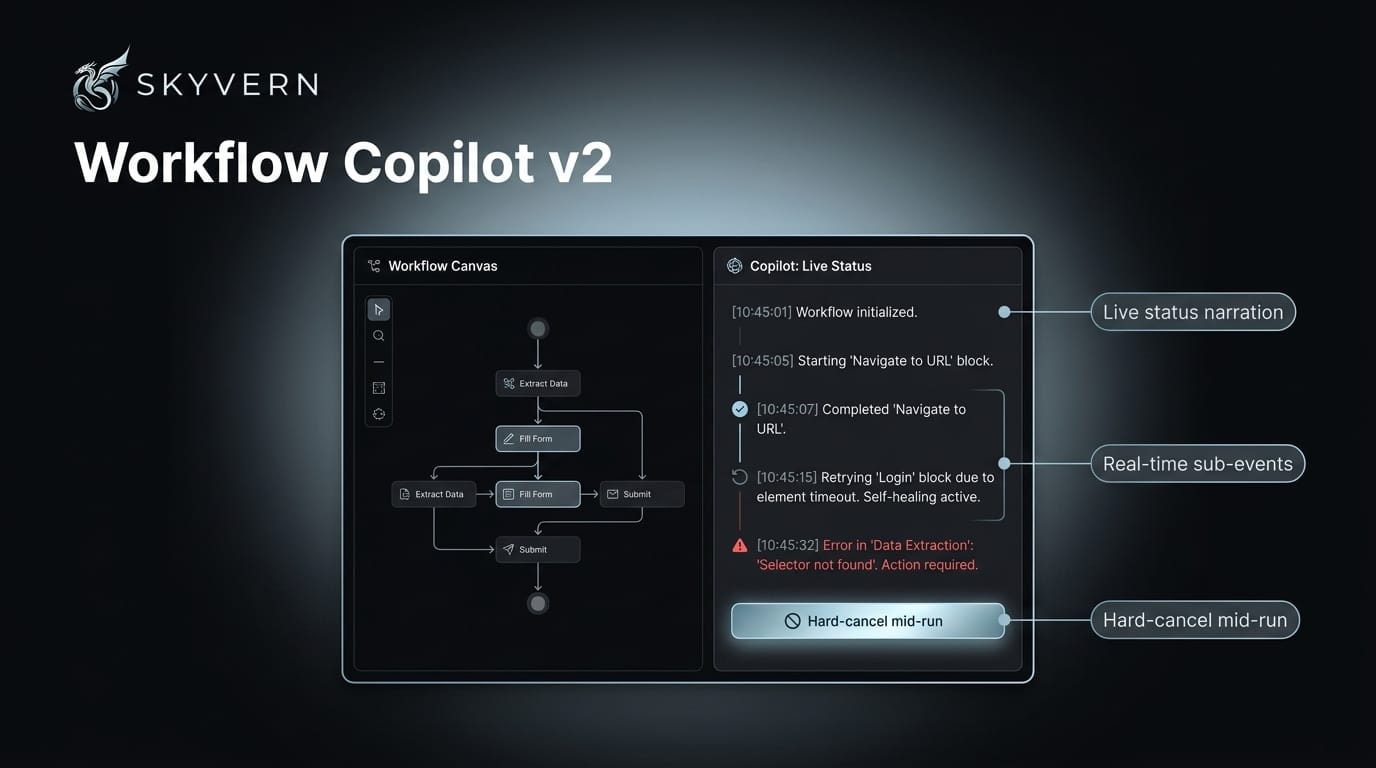
The workflow copilot got a lot more hands-on. Hard-cancel a run mid-flight instead of waiting it out, and follow it live as it streams status narration and surfaces block-level events (starts, completions, errors) while your workflow runs. When a test trips, it hands back the work-in-progress workflow so you can grab the draft and keep building. Self-healed retries are now visually separated from real failures, and a quick /discover in chat passes the whole build straight to the copilot.
MCP OAuth, Across Clients
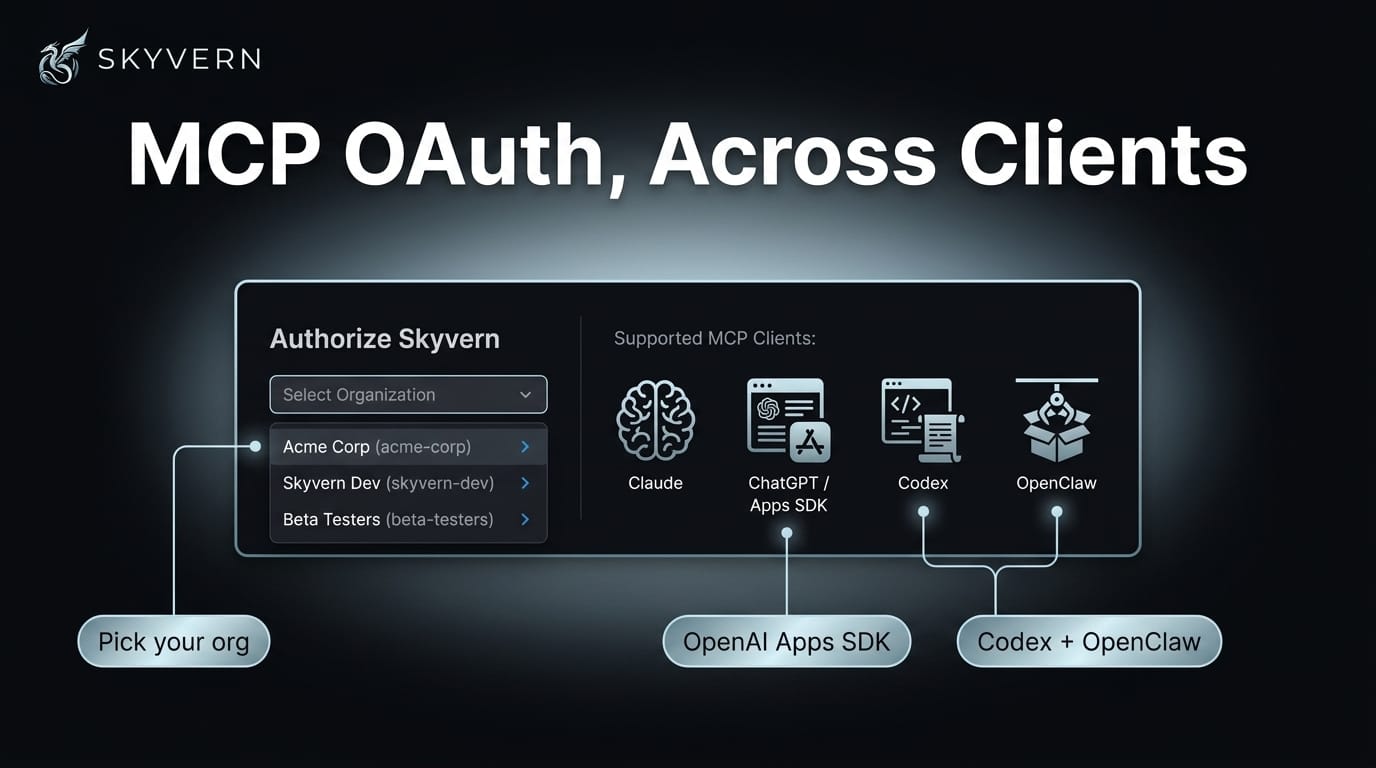
Connecting Skyvern over MCP is now a clean OAuth flow. Multi-org users get an organization picker right in the authorize step. Skyvern runs as a native OpenAI Apps SDK app, ships safety hints for the ChatGPT connector, documents Codex remote OAuth end-to-end, and adds OpenClaw as a new target (skyvern setup openclaw). Under the hood: production OAuth callbacks, plus per-tool latency and error telemetry.
skyvern schedule + skyvern config CLI
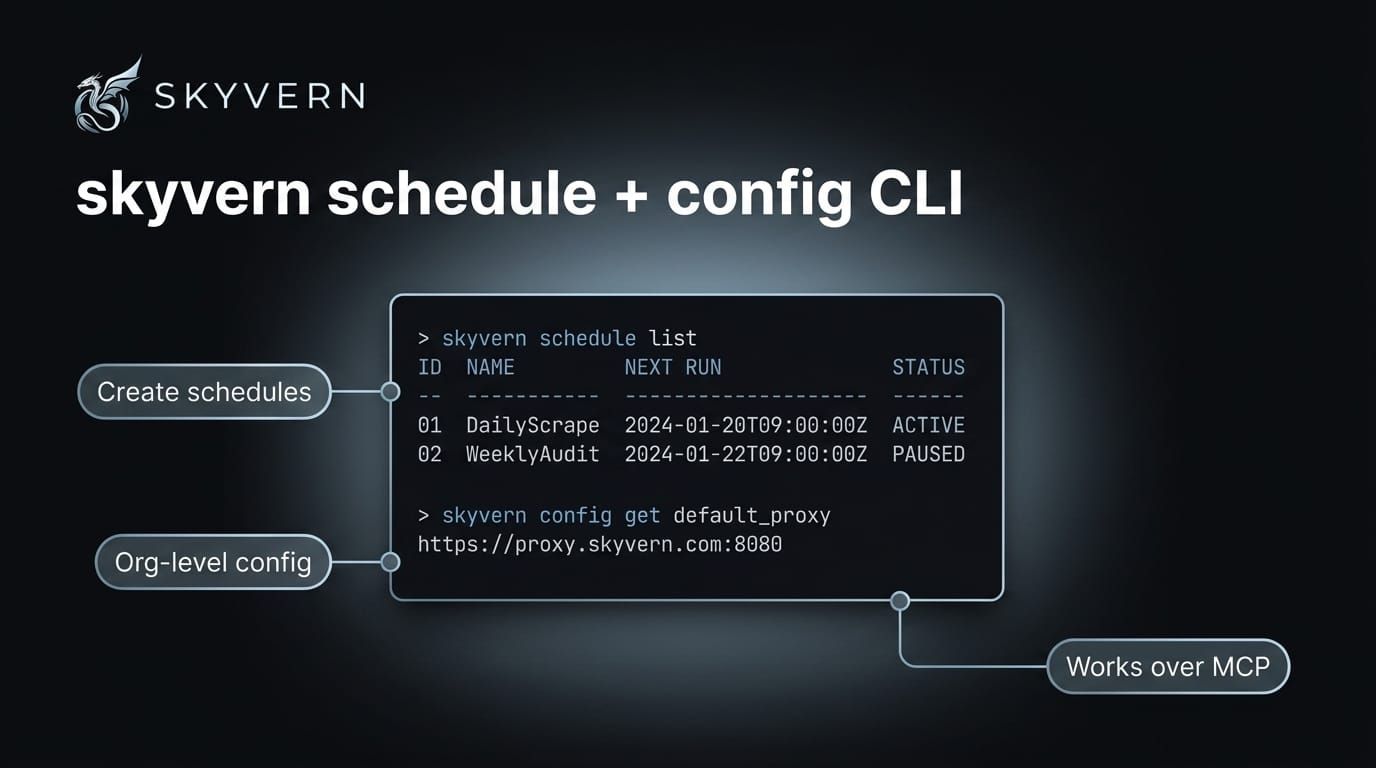
Your terminal is now a control panel. skyvern schedule creates, lists, toggles, and deletes workflow schedules without leaving the command line. skyvern config reads and writes org-level settings — timeouts, concurrency, default proxy — the same way. Both run over the MCP protocol, so Claude Code, Codex, and other MCP clients can use them through the same interface.
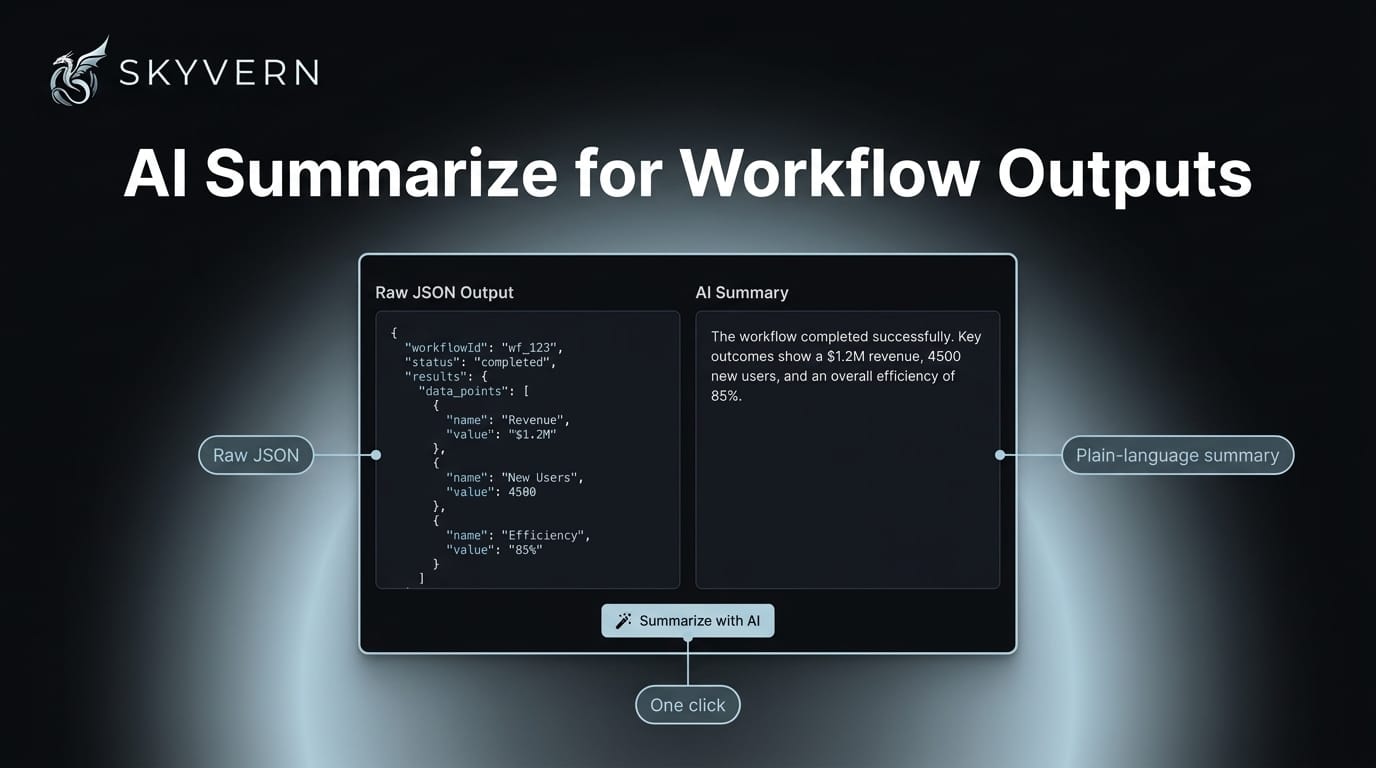
AI Summarize for Workflow Outputs
Stop squinting at nested JSON. A new Summarize with AI button sits next to every block and workflow output — one click turns raw data into a plain-language summary of what your workflow extracted.
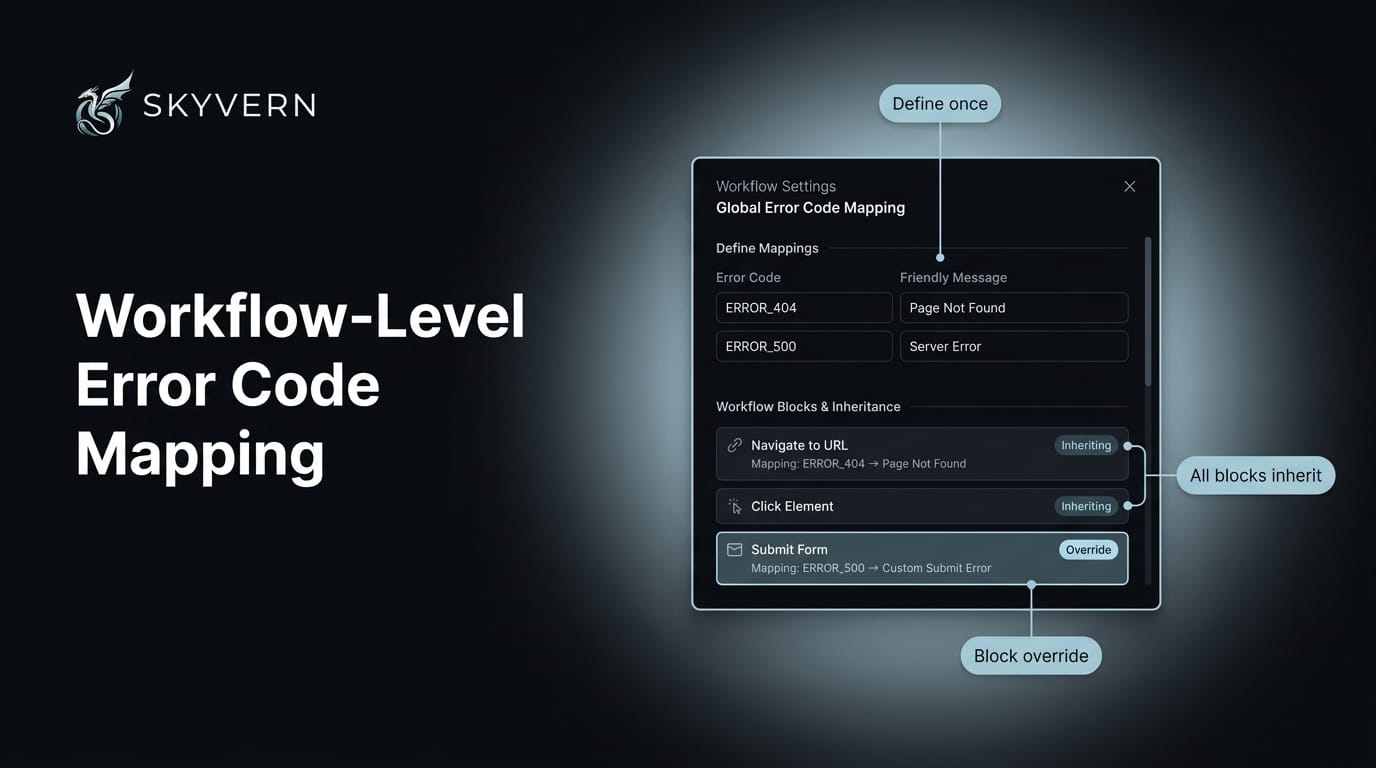
Workflow-Level Error Code Mapping
Set your error handling once — not on every block. Workflows now take an error_code_mapping field that every block inherits automatically. Define the defaults at the top, and override per-block only where you actually need to.
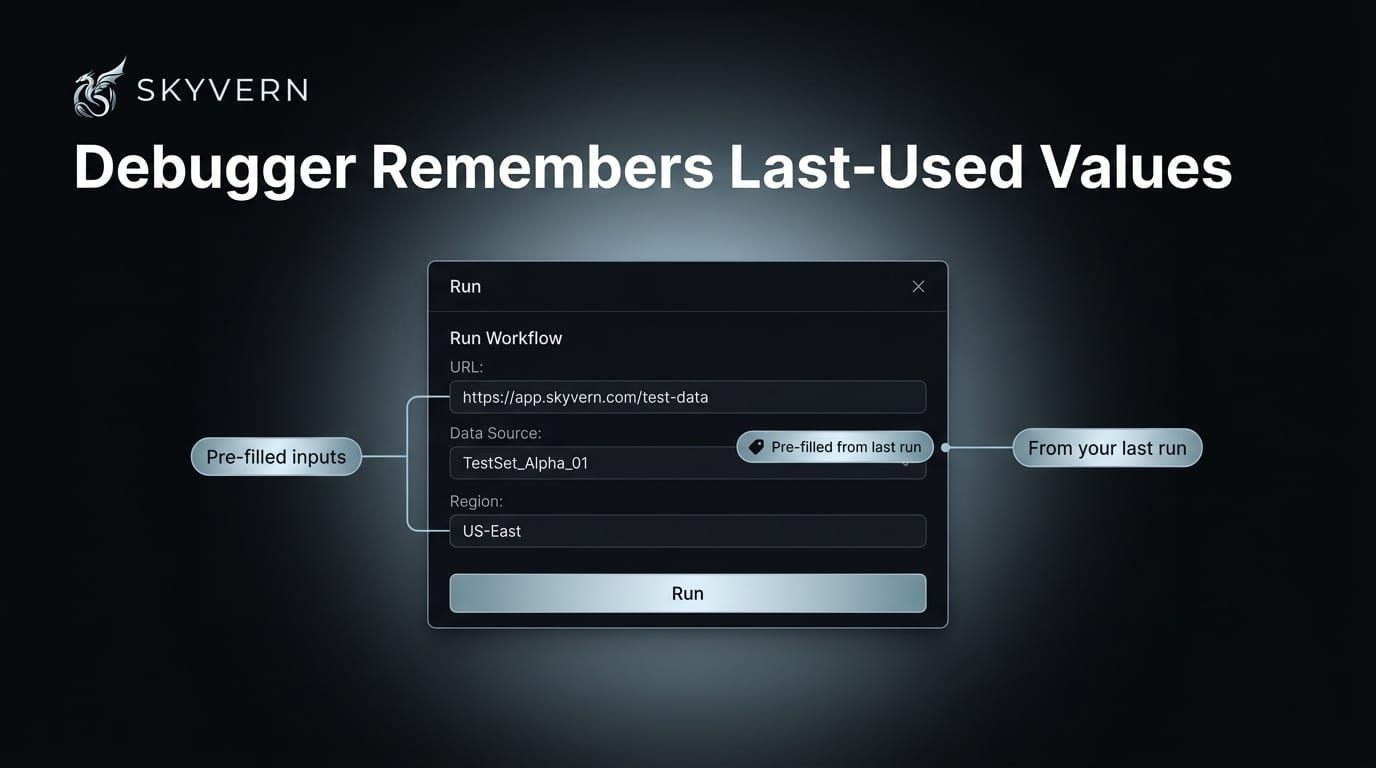
Debugger Remembers Last-Used Values
Less busywork between test runs. The debugger now pre-fills the Run dialog with the values from your last run, so you're not re-typing the same inputs every time.
May 2026
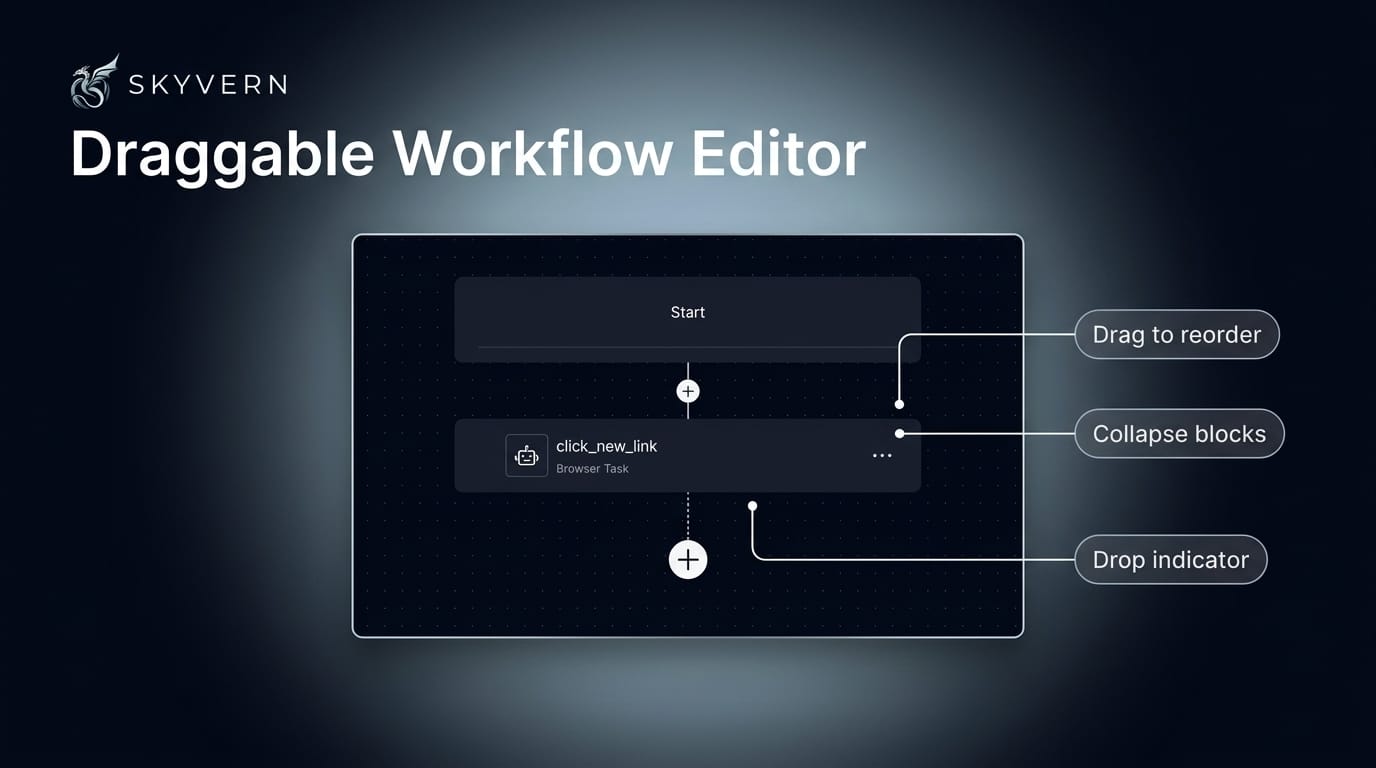
Draggable Workflow Editor
The editor is now drag-and-drop — reorder your whole workflow, not just tweak blocks in place. Grab any block by its handle and drop it where it belongs: top level, inside a branch, deep in a loop. Collapse blocks and entire nested containers to focus, and your layout is remembered per workflow across sessions. It's fully keyboard-driven with screen-reader announcements, and every block's config autosaves as you type. (Recording mode still freezes drag, so a mid-record reorder can't shift block identities under the recorder.)
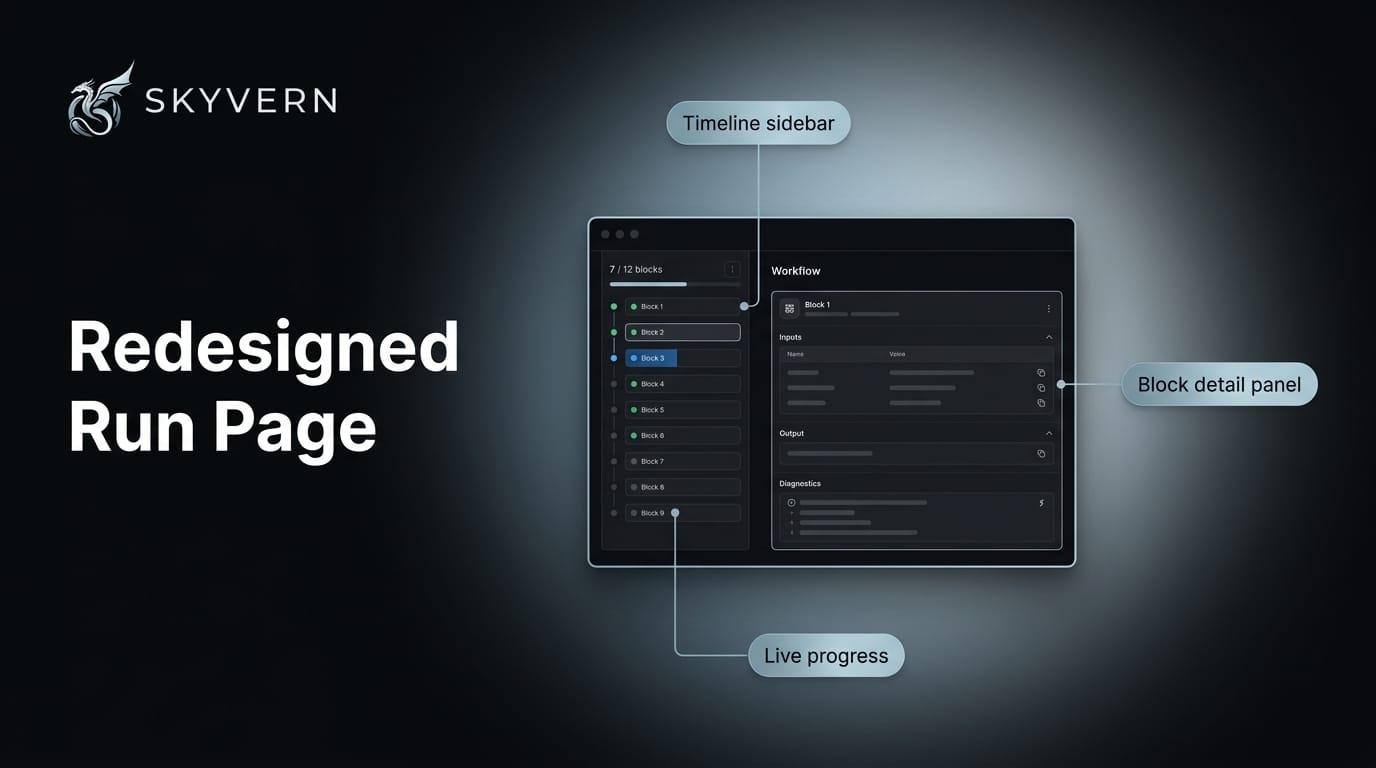
Redesigned Run Page
We redesigned the run page around a compact timeline sidebar and a dedicated detail panel — scan every block at a glance, then open any one for its inputs, output, and diagnostics. A live N-of-M completion counter tracks progress and visibly flags blocks that never ran. The app sidebar got a refresh in the same pass, for cleaner navigation everywhere.
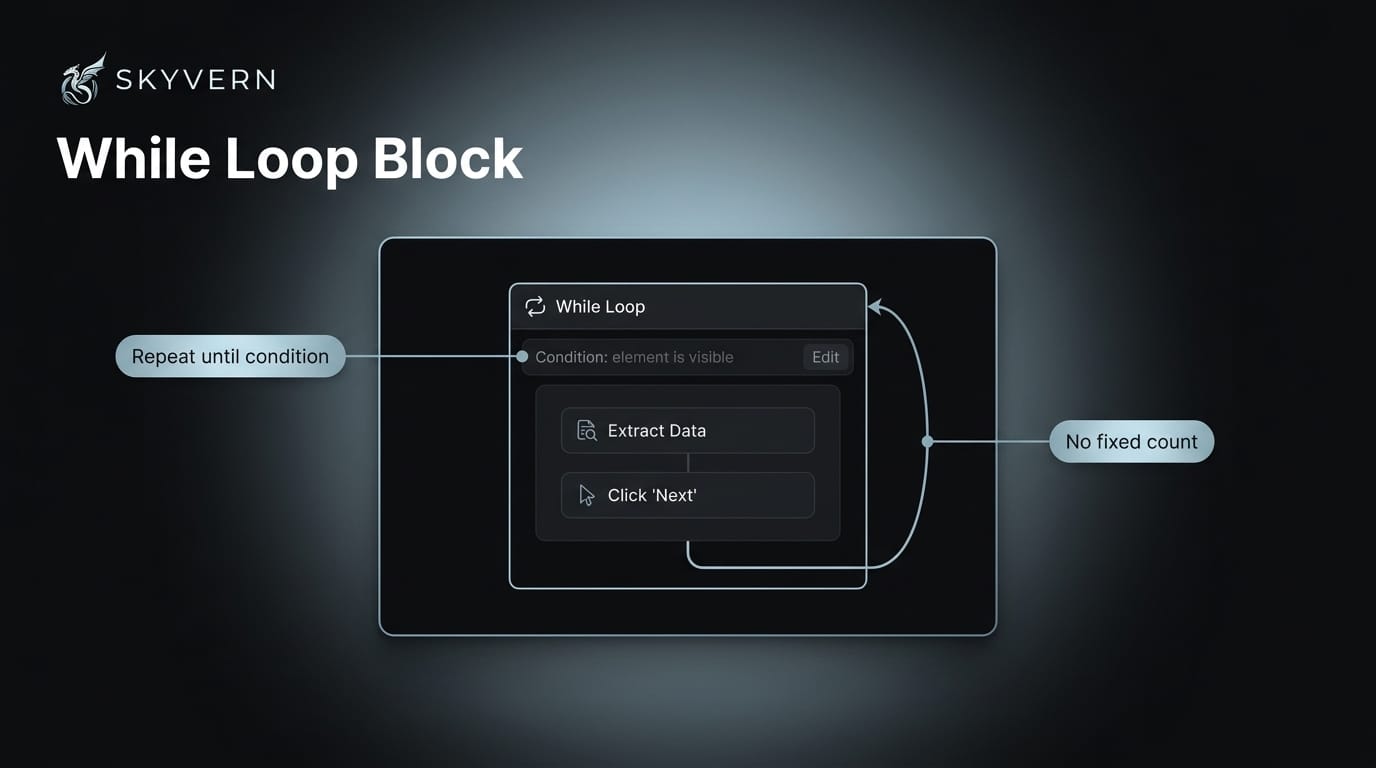
While Loop Block
Loop until you're done — not a fixed number of times. The new While Loop block repeats a sub-workflow until your condition is met: paginate until there's no Next button, retry until a status flips, drain a queue until it's empty.
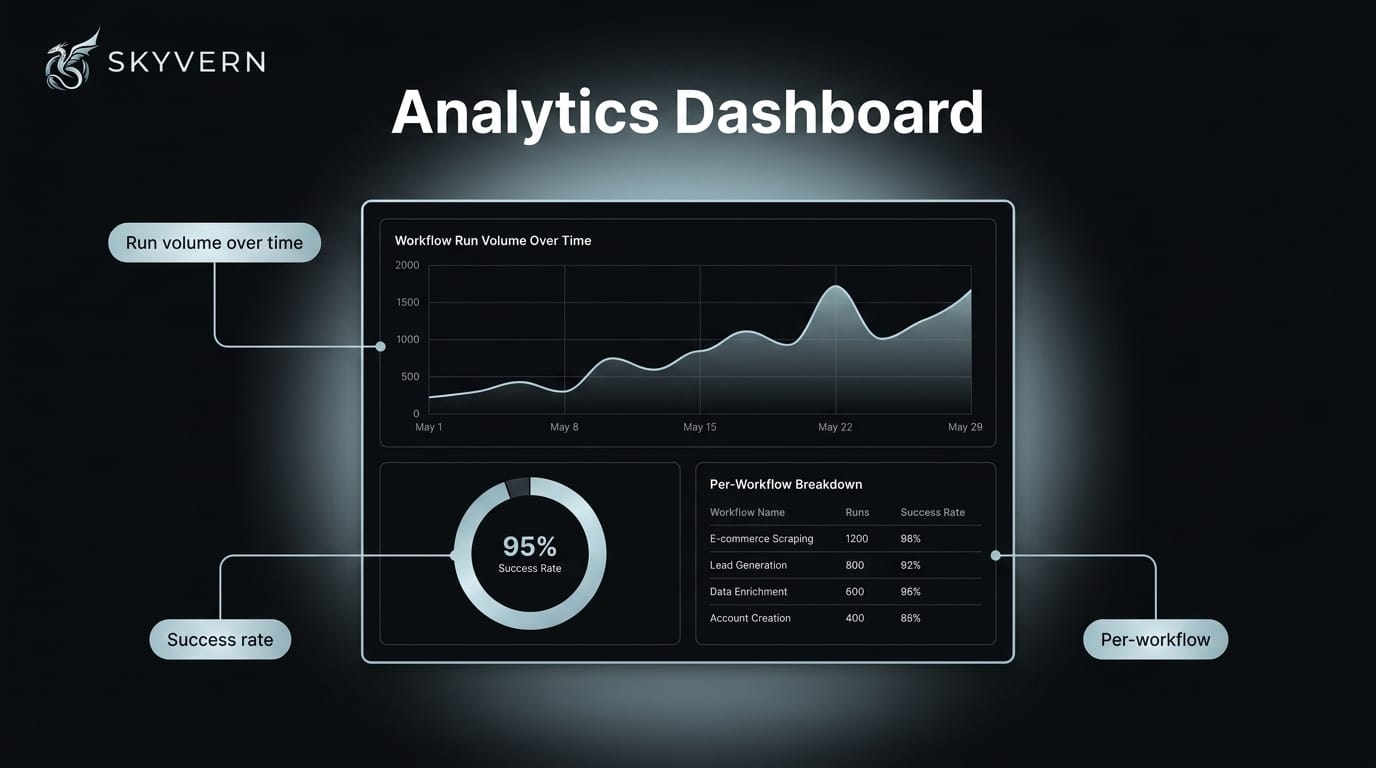
Analytics Dashboard
Your automations, by the numbers. The new /analytics page breaks down run volume, outcomes, and trends over time in one view — no exports, no spreadsheets. (Gated per-org, so it lights up only where it's enabled.)
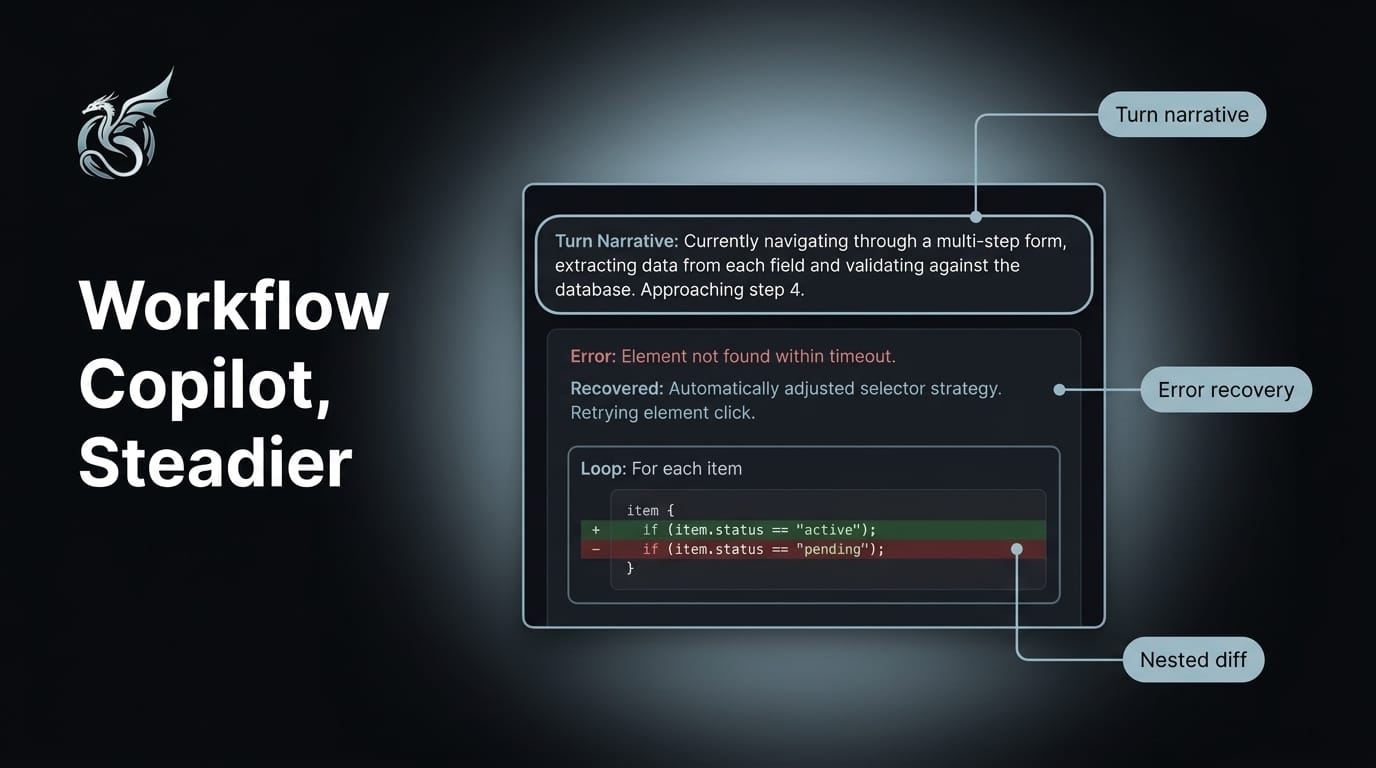
Workflow Copilot, Steadier
The copilot is steadier when sessions get long or messy. A persistent turn-narrative bubble tracks what the agent is doing — and survives page reloads, so you never lose your place. Hit an unexpected error? It's recoverable now: instead of a frozen chat, you get a clear explanation and a specific follow-up question drawn from what it actually found missing. The diff view finally catches changes nested inside conditionals and loops, and we cleared a batch of edge cases — credential scope leaking after an edit, session context lost across turns, accepted proposals getting dropped.
More Control Over Your Runs
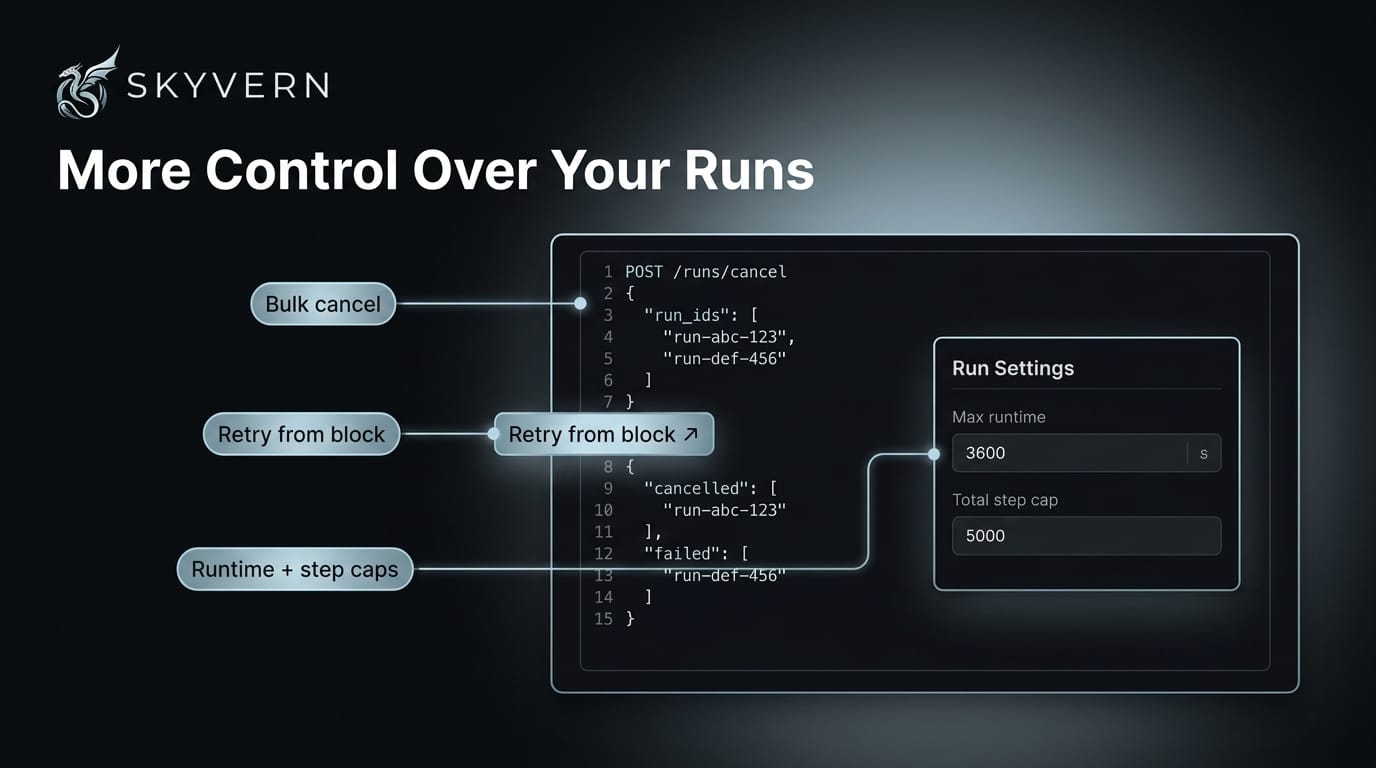
Manage runs in bulk — cancel, retry, cap. The new Retry API re-runs a workflow from the start or from any block — no rebuilding inputs. POST /runs/cancel cancels many runs in a single request and tells you exactly which succeeded and which didn't. And two new guardrails — a runtime limit and a per-workflow step cap — stop runaway executions before they burn resources.
Self-Hosting: Custom Proxies & CDP Auth Headers
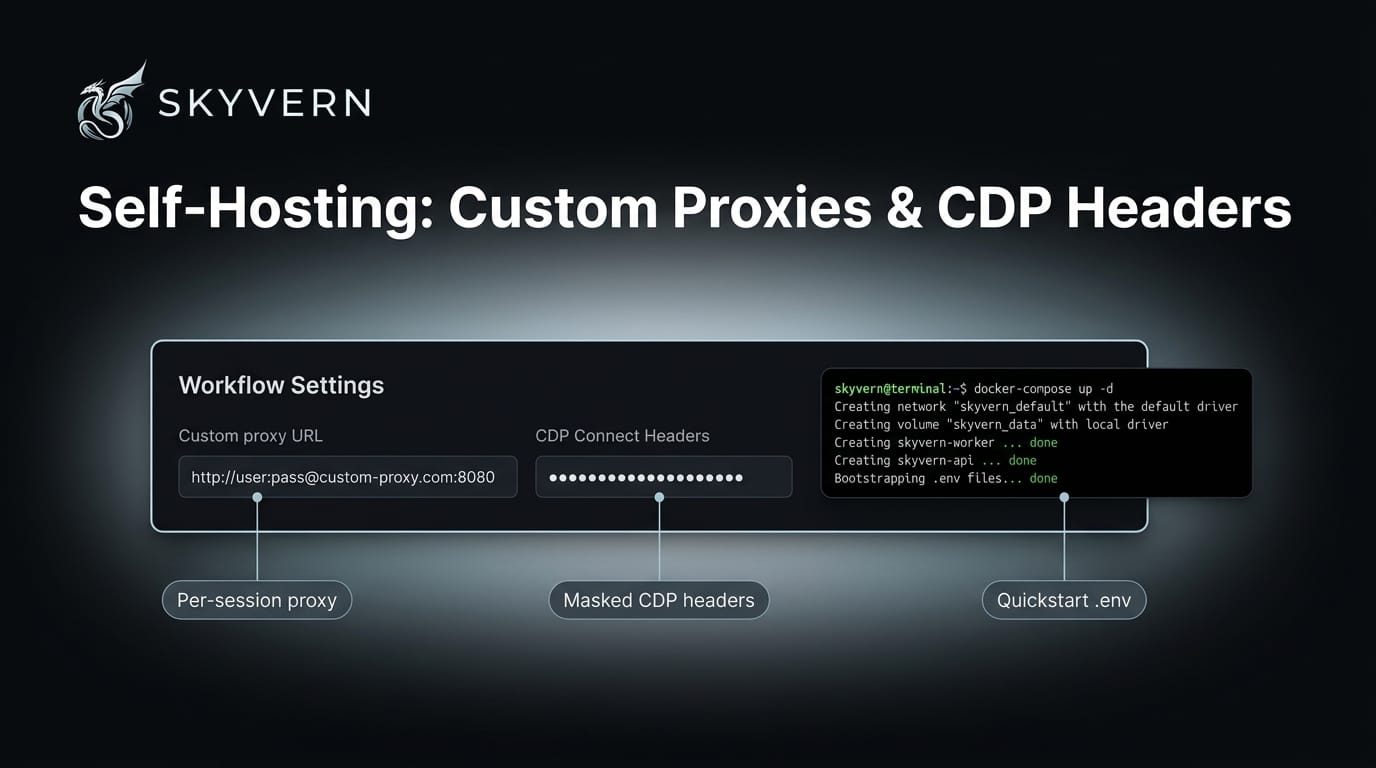
Route any run through your own proxy — just pass {"proxy_location": {"url": "http://user:pass@host:port"}} on any task, workflow, or browser-session request; no managed proxy infrastructure required. And CDP connect headers are now a first-class workflow setting — your provider's auth headers are masked, stored, and applied to the CDP connection only, never forwarded to target sites. (Plus: msedge is the new default browser for self-hosted templates, and the Docker Compose quickstart bootstraps your .env files on first run.)
Browser Profiles, End to End
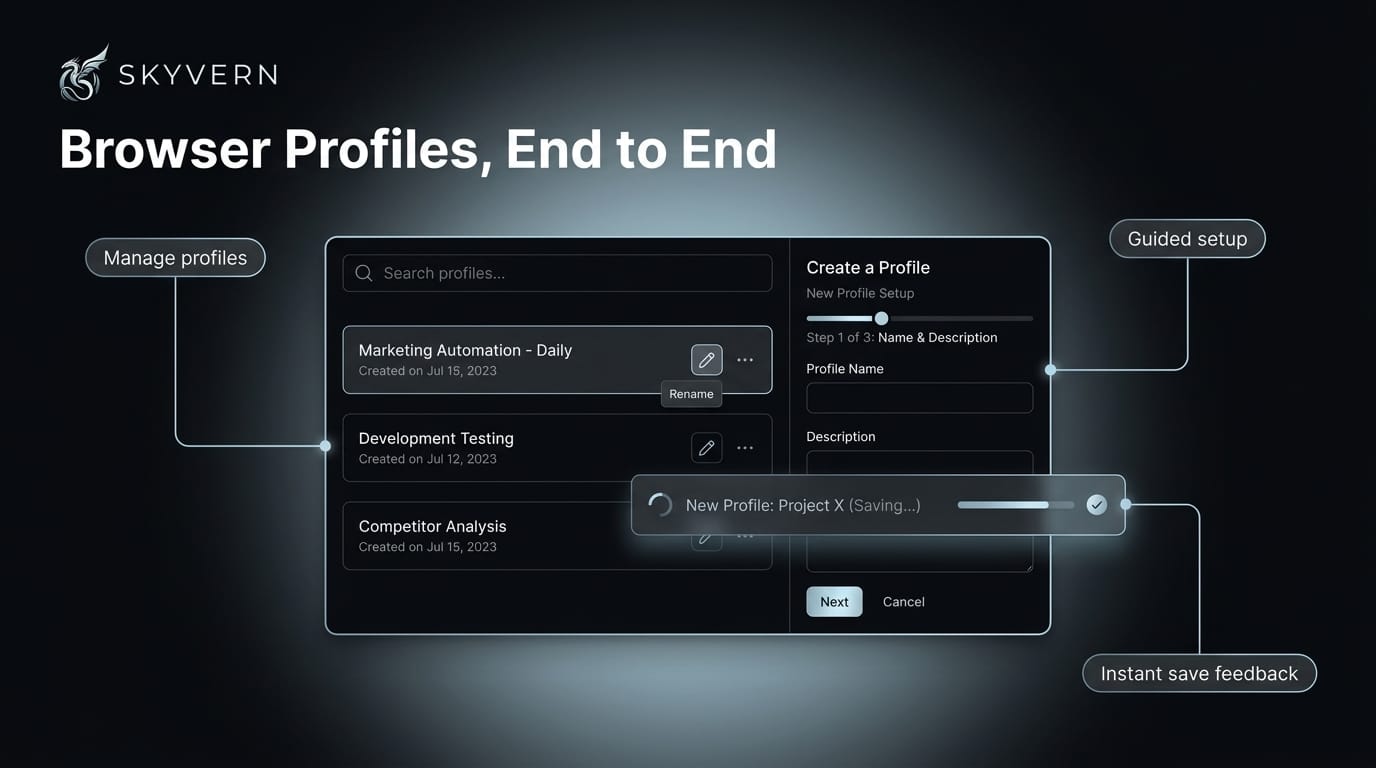
Saved browser profiles — the logged-in sessions your workflows reuse — are easier to set up and manage. A guided, step-by-step setup walks you through creating one, a dedicated management page lets you search, rename, and organize, and saving now gives you instant feedback with an in-progress row the moment you hit save.
Quick List — April & May
New features
- Credits per run & run-level cost breakdown — a Credits badge on run pages, and task records now track LLM, proxy, and captcha costs as separate fields via the API
- Credential Folders — organize credentials into named folders, with a "Move to folder" control and a folder filter that persists across credential tabs
- Multiple schedules per workflow — independent schedules on one workflow (e.g. weekdays at 9am and weekends at noon)
- Google Sheets connector (open source) — the Sheets auth flow is now part of the OSS package
- Tagging API — tag CRUD, tag history, tag-key management, and batch tag endpoints
- Blank-canvas workflow entry point — a "Blank Workflow" option plus an "Or start from a description" handoff to Discover
- MCP setup in cloud settings — a dedicated MCP configuration section in account settings
- Action Block selector + AI fallback fields — direct control over element targeting and fallback behavior
- Block-scoped parameter prompts in the debugger — prompts scoped to the specific block under test
- Runs tab on the browser session page — every run tied to a given session, in one place
- Smarter element targeting — deterministic HTML element-tree compression for more reliable selectors
- Saudi Arabia proxy —
RESIDENTIAL_SAadded as a geolocation option - Password manager migration notice — UI banner when password manager settings need updating
- Loop block failure-handling UI — clearer display of how failures are handled within loop blocks
- OpenAI CUA model now configurable via feature flag
Improvements
- Cross-run extraction cache — recurring scheduled workflows reuse extraction results across runs when page content hasn't changed, cutting redundant LLM calls
- MCP runs are now classified as
manual, matching UI-triggered model routing and queueing - MCP tool call performance telemetry tracks latency and errors across all MCP tool invocations
- Generic remote browser vendor support — evaluate third-party CDP providers via a JSON config, including HTTP/HTTPS DevTools endpoints
- Scheduled-trigger badge on the global Runs page
- Faster GET workflow run API
- Faster script-mode runs (skip speculative extract-action steps) and faster proxy selection in script mode
- Reduced scroll-into-view settle time for snappier agent actions
- LLM router retries with a fallback model when a response is cut off by a length limit
- Prompt token cap prevents context-window overflows on high-complexity workflows
- Extraction prompts capped in size before LLM calls, reducing
429 RESOURCE_EXHAUSTEDerrors on high-volume workflows - Hardened prompt input sanitization — untrusted page content is sanitized consistently at the template layer
- Automatic webhook retry on transient infrastructure failures
- Signed artifact content URLs with configurable expiry, plus presigned-URL fallback for self-hosted downloads
- Archived-artifact status indicator on runs
- Output-parameter size cap to avoid oversized payloads
- Double-click action support and PDF embed detection inside multi-frame pages
- Content blocking disabled for authenticated browser launches, improving login success rates
- Browser dialogs (alert/confirm/prompt) surfaced to the agent so it can adapt
- TOTP scoped to the active credential, and shown as placeholder text instead of pre-filled
- Clearer Browsers vs. Browser Profiles descriptions, and a toast action-button polish pass
- msedge is the default browser for self-hosted templates; quickstart bootstraps
.envfiles - Fewer screenshots captured for API-triggered runs, lowering storage overhead
- Auto-route browser type from browser profile source
- Reduced scrape-phase mouse movement on recaptcha-protected sites
- Renamed browser profile reset endpoint to
/browser_session/reset_profilefor clarity - Removed deprecated Anthropic and Bedrock Claude model configs
Keep reading

Skyvern August Changelog: Building Agents just got 10x easier
Everything we shipped in August 2026 — weeks of August 3, 10, 17, and 24.
Skyvern Changelog — July 2026
Everything we shipped in July 2026 — weeks of June 30, July 6, 13, 20, and 27.
Skyvern Changelog — June 2026
Everything we shipped in June 2026 — weeks of June 1, 8, 15, and 22. Workflows Are Now Agents We renamed Workflows to Agents across the product, the public API, and the docs. The API now lives under /agents (e.g. POST /v1/run/agents) and accepts an agent_id alias for workflow_id — same wpid_ value, echoed back in responses. It's fully backwards-compatible: your existing workflow_id inputs, /workflows endpoints, SDK methods, and bookmarked doc URLs all keep working. Workflow Studio (Beta) M
Put the browser to work
Use Skyvern for the work that lives in a browser.
Turn repetitive browser tasks into reliable workflows with Skyvern.