6 Selenium Alternatives for Faster Browser Automation

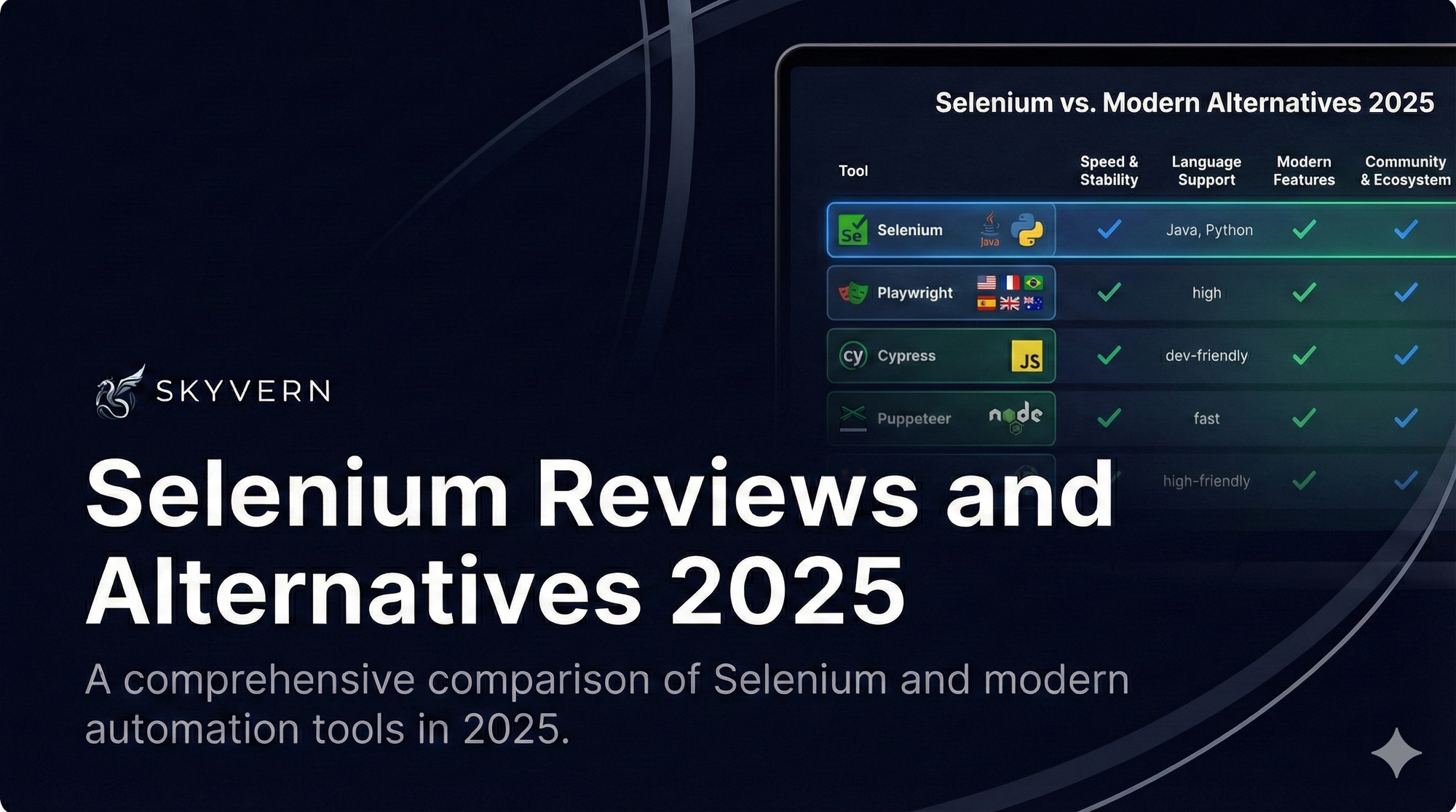
Here is my guess: you are tired of fixing scripts that break every time a website changes its layout and you are looking for an alternative.
Selenium has been the most popular testing framework for years.
It’s open source, it runs tests across every major browser, OS and language. But Selenium leans on XPath selectors and DOM parsing. It makes automations unreliable when a site changes even a little.
We started Skyvern to fix exactly this problem (I am Skyvern's CEO), using LLMs and computer vision to build durable automations that adapt to website changes.
So yes, I’m biased, and yes, Skyvern is first on this list. I think it’s the best Selenium alternative for business workflows in the browser but if you’re choosing a framework to test your own application, my recommendation changes.
As a builder in the browser automation space, I personally test, review (and torture) all the tools listed here. I do it constantly, I know their strengths and their weaknesses as a user, and I've probably spent dozens of hours with each by now.
In this article I go over 6 Selenium alternatives (and yes I plugged Skyvern in here as well!). Read-on!
1. Skyvern, best for business workflows
Yup, that's what we do best.
Skyvern is an open-source browser automation SDK and server focused on automating workflows.
Instead of code-defined XPath interactions, Skyvern uses vision LLMs to look at the page and work out what to do, the way a person would. There is no selector to go stale, so a layout change does not break the run.
You get a simple API endpoint to automate manual workflows across a large number of websites, including sites Skyvern has never seen before. No custom code per site.
Run it locally:
pip install "skyvern[all]"Or use Skyvern Cloud. Then describe the task in plain language:
Sign in to the vendor portal and download last month's invoices.What Skyvern does better than Selenium:
- Works on websites it has never seen before, with no custom code for each one.
- Resistant to layout changes, because there are no XPath selectors to break.
- Reasons through changing scenarios: unfamiliar form fields, product options, extra steps.
- Handles 2FA, CAPTCHAs and logins natively.
Where Skyvern shines is workflows that span many different sites. Take purchasing across vendor portals: traditional tools need a separate script for each website. Skyvern needs one instruction, and it makes sensible decisions about form fields, product selections and workflow steps as it goes.
2. Playwright, best for developers
Playwright is an open-source library from Microsoft that gives you a single API for Chromium, WebKit and Firefox.
npm init playwright@latestWhat Playwright does better than Selenium:
- One API drives three browser engines.
- Actions wait for elements automatically, which cuts down on flaky tests.
- Faster execution and more reliable element detection, thanks to a better architecture.
It is still code, though. Your team learns new syntax and maintains scripts, and non-technical teammates are left out. That becomes a real problem when you want automation to spread beyond the dev team or connect to other business systems.
Playwright fits best for teams already comfortable with JavaScript and Node.js.
3. Puppeteer, best for Chrome-only jobs
Puppeteer is a Node library from the Chrome DevTools team. It gives you a high-level API to control headless Chrome or Chromium over the DevTools Protocol. You treat the browser as an object and call methods like .goto() or .type().
npm i puppeteerWhat Puppeteer does better than Selenium:
- Excellent at PDF generation and screenshots
- Direct DevTools Protocol access opens up advanced Chrome features.
- Simple, direct control of the browser from code.
- Web scraping
The trade-off is right there in the heading: Chrome only. There is no cross-browser testing, you need JavaScript expertise, and nothing about it adapts to sites that change often. For work like invoice processing across several vendor portals, the browser limit becomes a problem fast.
4. Cypress, best for testing your own app
Cypress is an open-source Node.js library built for testing. The big difference from Selenium is that Cypress runs inside your application. Your test code gets access to every object your app code has: the DOM, window, functions and timers.
npm install cypress --save-devWhat Cypress does better than Selenium:
- Tests run in the same context as your app, so results are faster and more consistent.
- Real-time debugging and time-travel make failures easy to trace.
- A genuinely pleasant developer experience.
Cypress is built for controlled test environments. Point it at broader automation, like a job application workflow across several career sites, and it struggles. If your work goes beyond testing your own app, look elsewhere.
5. Katalon Studio
Katalon is a complete test automation platform: Katalon Studio for creating tests, TestOps for central management, and TestCloud for cloud execution.
What Katalon does better than Selenium:
- Easier setup, with visual interfaces and less required coding.
- Built-in reporting and management that Selenium never shipped.
- Accessible to teams with mixed technical skills.
Advanced features need an enterprise license, and you get locked into Katalon's ecosystem, which hurts on specialized use cases. Underneath, it still identifies elements the traditional way, so scripts still need maintenance when sites change their layout.
For government workflows or other specialized automation, those constraints often become the blocker.
6. Watir
Watir (Web Application Testing in Ruby) is an open-source library for automating browsers with Ruby. It supports Internet Explorer on Windows, plus Firefox, Chrome and Edge on Windows and Linux.
gem install watirWhat Watir does better than Selenium:
- Ruby's natural syntax makes scripts readable and easier to maintain.
- Fits well with behavior-driven development.
- Intuitive methods for browser interaction.
The Ruby requirement limits adoption. If your organization runs other stacks, or your workflows need data archiving and integration with other business systems, the language becomes a wall.
And underneath, Watir automates the browser the same way Selenium does, so the same brittleness shows up when sites change their structure.
Wrapping up
There is no single winner for every browser job. For businesses automating recurring workflows, I genuinely think Skyvern is the best fit. It's purpose built for that.
Most of the other Selenium alternatives improve on Selenium's architecture but keep its core problem: scripts tied to page structure that break when the page changes. Skyvern removes the selector entirely, handles the annoying bits (logins, 2FA, CAPTCHAs, form filling, file downloads), and works on websites it has never seen.
Keep reading
Automation Anywhere Alternatives: 6 Options and What AA Really Costs
If you’re looking for an Automation Anywhere alternative, you’re probably unhappy with something: the price, a workflow builder that feels clunky, or the effort it takes to keep your automations running. Those frustrations show up in Automation Anywhere’s reviews. Some reviewers describe expensive licensing, costs that become harder to predict as AI usage grows, and a steep learning curve for complex workflows. Others point to difficult debugging and resource-heavy deployments. A lot of the pe

Top 5 UiPath Alternatives Compared in 2026
Compare five UiPath alternatives for browser and desktop workflows, including their strengths, trade-offs, pricing, and migration effort.
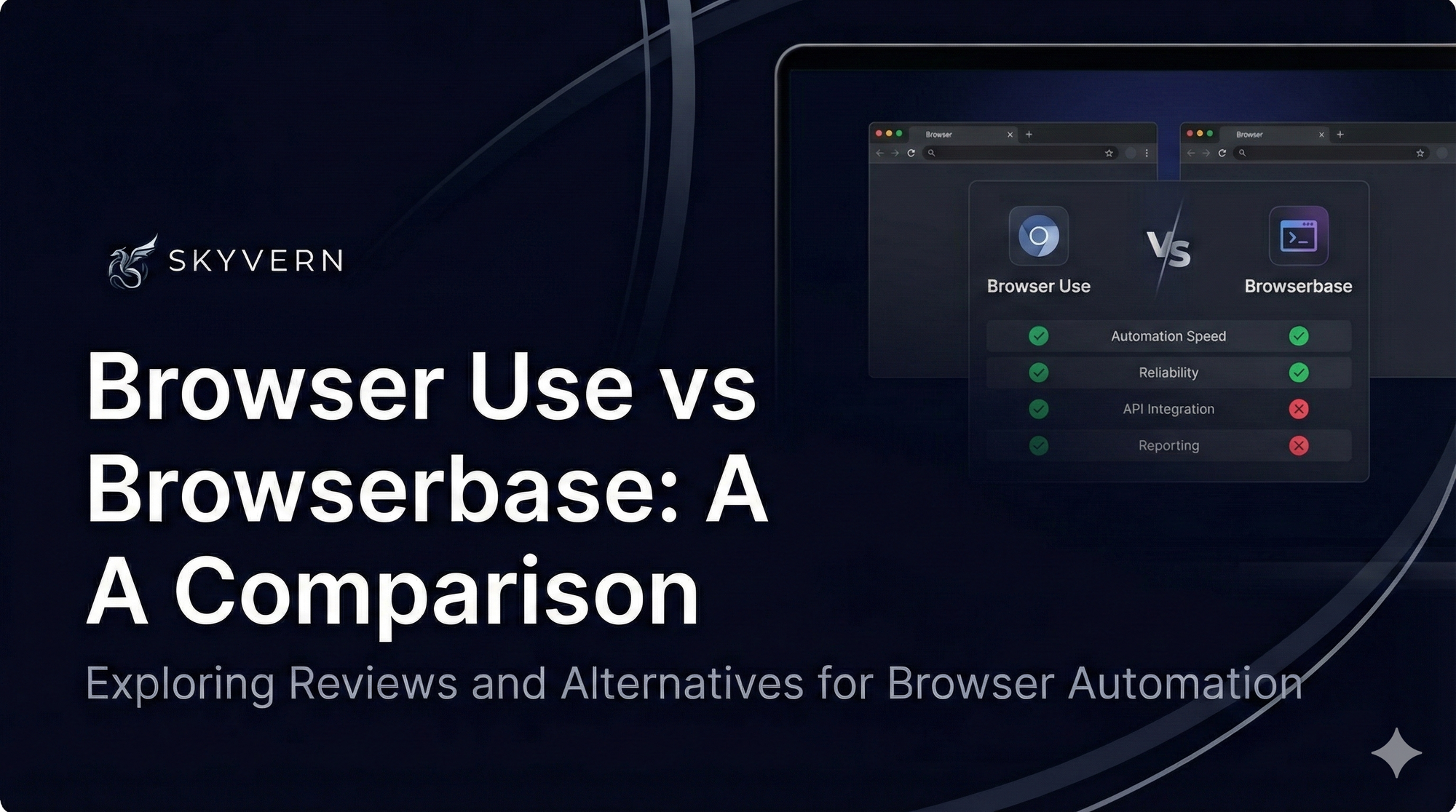
Browser Use vs Browserbase: my honest comparison
Browserbase and Browser Use can both automate work in a browser, from collecting product data to filling out forms. Choosing between them comes down to what you want to build: a task you hand to an AI agent, a custom agent inside your application, or browser infrastructure for scripts you already run. I’m Skyvern’s co-founder and CEO by the way. We build a competing product, so I have a stake in this comparison. But I promise I won't promote our product (even though it's a great alternative to
Put the browser to work
Use Skyvern for the work that lives in a browser.
Turn repetitive browser tasks into reliable workflows with Skyvern.