Launch Week - Day 2 - New and improved SDK
 Suchintan Singh5 min read
Skyvern SDK v1+ lets you run tasks and workflows and share browser state over a CDP connection.
The SDK supports two modes: embedded (local) and remote (cloud).
Embedded (Local) mode
Get started locally:
uv venv && source .venv/bin/activate— optional but recommended to create a virtual envuv pip install skyvern— install the Skyvern SDKskyvern quickstart— follow prompts to configure the environment (AI API keys, etc.)
Python example:
import asyncio

from skyvern import Skyvern

async def main():
    skyvern = Skyvern.local()

    browser = await skyvern.launch_local_browser()
    page = await browser.get_working_page()

    await page.goto("<https://news.ycombinator.com/>")

    result = await page.extract("Describe this website in one sentence")
    print(result)

if __name__ == "__main__":
    asyncio.run(main())
TypeScript SDK does not support local mode
Remote (Cloud) mode
Remote mode does not require local setup beyond installing the SDK.
Python:
uv venv && source .venv/bin/activate— optional but recommendeduv pip install skyvern
TypeScript:
npm install @skyvern/client
TypeScript example:
import { Skyvern } from "@skyvern/client";

async function main() {
    const skyvern = new Skyvern({
        apiKey: process.env.SKYVERN_CLOUD_API_KEY!,
    });

    const browser = await skyvern.launchCloudBrowser();
    const page = await browser.getWorkingPage();

    await page.goto("<https://news.ycombinator.com/>");

    const result = await page.extract({ prompt: "Describe this website in one sentence" });
    console.log(result);

    await browser.close();
}

main().catch(console.error);
Python example:
import asyncio
import os

from skyvern import Skyvern

async def main():
    skyvern = Skyvern(api_key=os.getenv("SKYVERN_CLOUD_API_KEY"))

    browser = await skyvern.launch_cloud_browser()
    page = await browser.get_working_page()

    await page.goto("<https://news.ycombinator.com/>")

    result = await page.extract("Describe this website in one sentence")
    print(result)

    await browser.close()

if __name__ == "__main__":
    asyncio.run(main())
Launching a browser
After creating Skyvern (embedded or cloud), you can obtain a browser in several ways:
skyvern.launch_local_browser()— launches a local browser. Works only in embedded mode because a remote server cannot reach localhost due to NAT.skyvern.connect_to_browser_over_cdp(cdp_url)— connects to a browser via a CDP URL.skyvern.connect_to_cloud_browser_session(browser_session_id)— connects to an existing cloud browser with apbs_…token.skyvern.launch_cloud_browser()— creates a new cloud browser session.skyvern.use_cloud_browser()— reuses an existing cloud browser session or creates a new one.
Features
Once a browser is available, create a page and mix tasks, workflows, and AI actions with regular Playwright code.
Examples
Run a login task with cloud-stored credentials, then click a button with Playwright and take a screenshot:
TypeScript
await page.goto("<https://www.saucedemo.com/>")
await page.agent.login("skyvern", { credentialId: "cred_468280144912177062" })
await page.waitForTimeout(1)

await page.click("#add-to-cart-sauce-labs-backpack")
await page.waitForTimeout(1)
await page.screenshot({ path: "screenshot1.png", fullPage: true })
Python
await page.goto("<https://www.saucedemo.com/>")
await [page.](<http://page.run>)agent.login(credential_type=CredentialType.skyvern, credential_id="cred_468280144912177062")
await asyncio.sleep(1)

await [page.click](<http://page.click>)("#add-to-cart-sauce-labs-backpack")
await asyncio.sleep(1)
await page.screenshot(path="screenshot1.png", full_page=True)
page.click runs after the workflow and shares the same browser state.
Go to a page and ask AI to extract information:
TypeScript
await page.goto("<https://news.ycombinator.com/>")
const result = await page.extract({ prompt: "Give me the top news header" })
console.log(result)
Python
await page.goto("<https://news.ycombinator.com/>")
result = await page.extract("Give me the top news header")
print(result)
Run a workflow, then continue with Playwright:
TypeScript
await page.agent.runWorkflow("wpid_468290126806627926")
await page.waitForTimeout(1)
await page.screenshot({ path: "screenshot1.png", fullPage: true })

await page.click("#shopping_cart_container")
await page.waitForTimeout(1)
await page.screenshot({ path: "screenshot2.png", fullPage: true })
Python
await page.agent.workflow("wpid_468290126806627926")
await asyncio.sleep(1)
await page.screenshot(path="screenshot1.png", full_page=True)

await page.click("#shopping_cart_container")
await asyncio.sleep(2)
await page.screenshot(path="screenshot2.png", full_page=True)
AI-augmented actions
Use Playwright actions augmented with AI prompts.
Regular Playwright click:
await page.click("#button")
Click a button using an AI prompt:
TypeScript
await page.click({ prompt: "Click the green button" })
Python
await page.click(prompt="Click the green button")
Click with AI fallback: if the selector click fails, fall back to an AI prompt:
TypeScript
await page.click("#counterBroken", { prompt: "Click the green button" })
Python
await page.click("#counterBroken", prompt="Click the button")
Client mode
Skyvern can act as a cloud client. When tasks or workflows are run on the root skyvern object, they execute in the cloud without sharing a browser session.
Example:
skyvern = Skyvern(
    environment=[SkyvernEnvironment.CLOUD](<http://SkyvernEnvironment.CLOUD>),
    api_key=os.getenv("SKYVERN_CLOUD_API_KEY"),
)

await skyvern.run_task("Give me top 3 Hacker News items")
Note the difference between skyvern.run_task and page.agent.run_task: the latter shares the browser session.
Saucedemo
TypeScript
import { Skyvern } from "@skyvern/client";

async function main() {
    const skyvern = new Skyvern({
        apiKey: process.env.SKYVERN_CLOUD_API_KEY!,
    });

    const browser = await skyvern.launchCloudBrowser();
    const page = await browser.getWorkingPage();

    await page.goto("<https://www.saucedemo.com/>")
    await page.agent.login("skyvern", { credentialId: "cred_468719279499195444" })
    await page.waitForTimeout(1)

    await page.click("#add-to-cart-sauce-labs-backpack")
    await page.waitForTimeout(2)
    await page.screenshot({ path: "screenshot1.png", fullPage: true })

    await page.click({ prompt: "Click on 'Add to card button' for 'Sauce Labs Fleece Jacket'" })
    await page.waitForTimeout(2)
    await page.screenshot({ path: "screenshot2.png", fullPage: true })

    await page.click("#shopping_cart_container")
    await page.waitForTimeout(2)
    await page.screenshot({ path: "screenshot3.png", fullPage: true })

    await page.agent.runTask("Checkout the order using: John Snow, 12345")
    await page.waitForTimeout(2)
    await page.screenshot({ path: "screenshot4.png", fullPage: true })

    await browser.close()
}

main().catch(console.error);
Python
import asyncio
import os

from skyvern import Skyvern
from skyvern.schemas.run_blocks import CredentialType

async def main():
    skyvern = Skyvern(api_key=os.getenv("SKYVERN_CLOUD_API_KEY"))
    browser = await skyvern.use_cloud_browser()
    page = await browser.get_working_page()

    await page.goto("<https://www.saucedemo.com/>")
    await page.agent.login(credential_type=CredentialType.skyvern, credential_id="cred_123")
    await asyncio.sleep(1)

    await page.click("#add-to-cart-sauce-labs-backpack")
    await asyncio.sleep(2)
    await page.screenshot(path="screenshot1.png", full_page=True)

    await page.click(prompt="Click on 'Add to card button' for 'Sauce Labs Fleece Jacket'")
    await asyncio.sleep(2)
    await page.screenshot(path="screenshot2.png", full_page=True)

    await page.click("#shopping_cart_container")
    await asyncio.sleep(2)
    await page.screenshot(path="screenshot3.png", full_page=True)

    await page.agent.run_task("Checkout the order using: John Snow, 12345")
    await asyncio.sleep(2)
    await page.screenshot(path="screenshot4.png", full_page=True)

    await browser.close()

if __name__ == "__main__":
    asyncio.run(main())
Download file example:
Python
import asyncio
import os

import requests

from skyvern import Skyvern

async def main():
    skyvern = Skyvern(api_key=os.getenv("SKYVERN_CLOUD_API_KEY"))
    browser = await skyvern.launch_cloud_browser()
    page = await browser.get_working_page()

    await page.goto("<https://file-examples.com/index.php/sample-video-files/>")

    result = await page.agent.download_files(
        prompt="Download 'Audio Video Interleave' download option",
        download_suffix="download"
    )
    print(f"downloaded_files: {result.downloaded_files}")
    for file in result.downloaded_files:
        print(file.url)

        response = requests.get(file.url)
        with open(file.filename, "wb") as f:
            f.write(response.content)
            print(f"Saved to {file.filename}")

    await browser.close()

if __name__ == "__main__":
    asyncio.run(main())
Typescript
import { Skyvern } from "@skyvern/client";

async function main() {
    const skyvern = new Skyvern({
        apiKey: process.env.SKYVERN_CLOUD_API_KEY!,
    });

    const browser = await skyvern.launchCloudBrowser();
    const page = await browser.getWorkingPage();

    await page.goto("<https://www.saucedemo.com/>")
    await page.agent.login("skyvern", { credentialId: "cred_468719279499195444" })
    await page.waitForTimeout(1)

    await page.click("#add-to-cart-sauce-labs-backpack")
    await page.waitForTimeout(2)
    await page.screenshot({ path: "screenshot1.png", fullPage: true })

    await page.click({ prompt: "Click on 'Add to card button' for 'Sauce Labs Fleece Jacket'" })
    await page.waitForTimeout(2)
    await page.screenshot({ path: "screenshot2.png", fullPage: true })

    await page.click("#shopping_cart_container")
    await page.waitForTimeout(2)
    await page.screenshot({ path: "screenshot3.png", fullPage: true })

    await page.agent.runTask("Checkout the order using: John Snow, 12345")
    await page.waitForTimeout(2)
    await page.screenshot({ path: "screenshot4.png", fullPage: true })

    await browser.close()
}

main().catch(console.error);
Keep reading
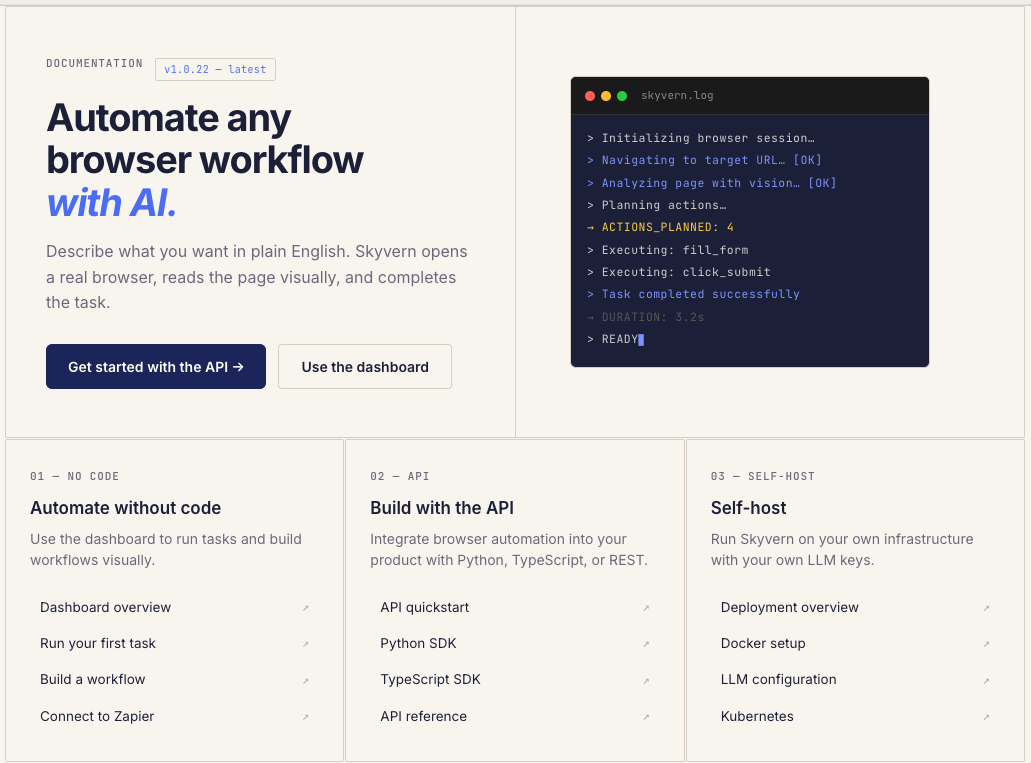
New Month, New Docs (Updated for July 2026)
We just shipped something we should have shipped a long time ago: real documentation. If you've ever tried to use Skyvern and found yourself digging through GitHub issues, Discord threads, or old blog posts to figure out how something works, that's on us. We had the classic startup problem: we were shipping features faster than we could explain them. So we built skyvern.com/docs from the ground up. Not a README with some curl examples. Actual, structured documentation that covers everything fr
Launch Week - Day 5 - Simpler Pricing Model
Automation pricing is usually optimized for the vendor, not the user. You pay per step, per action, per minute, or per obscure unit that only makes sense if you already understand the internals of the system. The result is predictable: people under-automate, over-optimize prematurely, or stop experimenting altogether because they don’t trust the bill. We’re changing that. Today we’re launching a new pricing model for Skyvern, designed around a single goal: make it obvious what automation cost
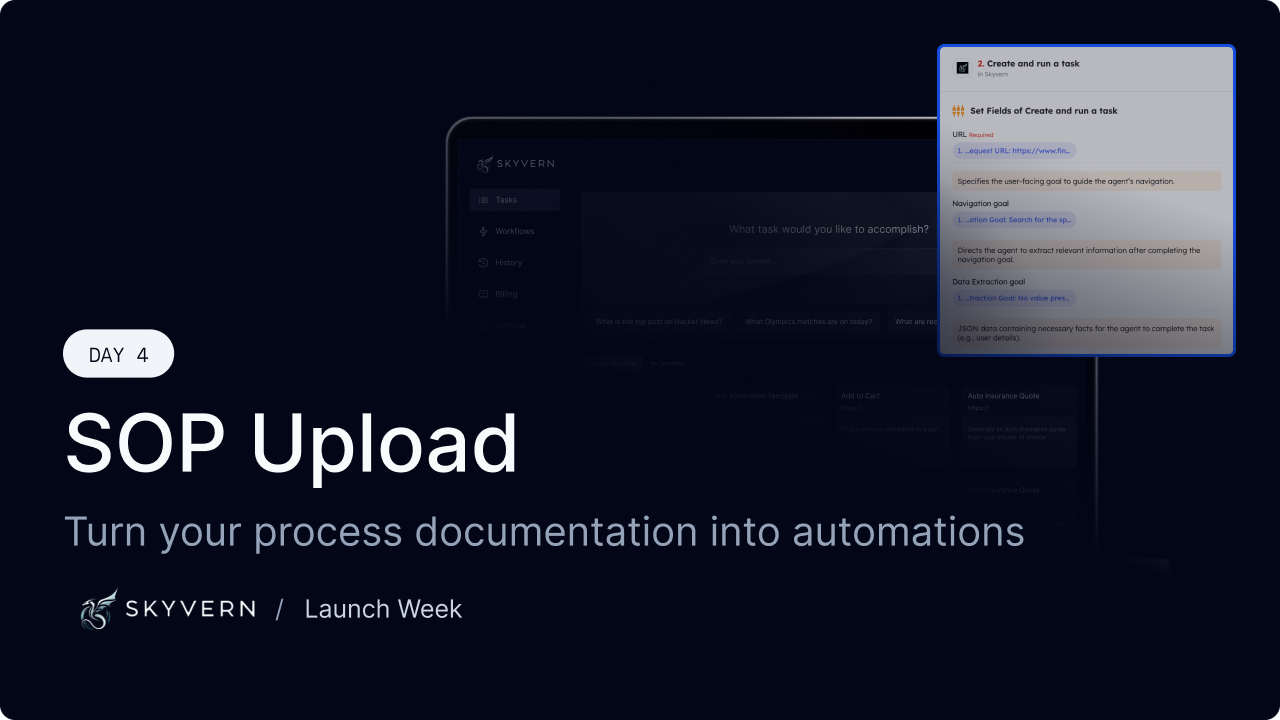
Launch Week - Day 4 - SOP Upload to build new Workflows
Most companies already know how their work gets done. It’s written down somewhere: * internal SOPs * runbooks * onboarding docs * Notion pages no one wants to maintain The problem isn’t lack of documentation. It’s that documentation doesn’t run. Today we’re shipping SOP Upload, a way to turn existing process documentation directly into executable browser automation. The gap between “written” and “working” Traditional automation tools assume you’ll start from scratch: * re-specify t
Put the browser to work
Use Skyvern for the work that lives in a browser.
Turn repetitive browser tasks into reliable workflows with Skyvern.