Launch Week - Day 5 - Simpler Pricing Model
 Suchintan Singh3 min read
Automation pricing is usually optimized for the vendor, not the user.
You pay per step, per action, per minute, or per obscure unit that only makes sense if you already understand the internals of the system. The result is predictable: people under-automate, over-optimize prematurely, or stop experimenting altogether because they don’t trust the bill.
We’re changing that.
Today we’re launching a new pricing model for Skyvern, designed around a single goal: make it obvious what automation costs before you run it, not after.
Why we moved away from per-step pricing
Previously, Skyvern was priced at $0.05 per step.
That model was simple for us, but it forced users to think in the wrong units. Steps are an implementation detail. Users don’t care how many steps an automation takes—they care whether a workflow is economical enough to run daily, hourly, or at scale.
Per-step pricing also discouraged iteration. Improving reliability often means adding steps, retries, or validation. Under the old model, “making automation better” and “making automation more expensive” were tightly coupled.
That’s a bad incentive.
Credits instead of steps
The new model uses monthly credits, with clear tiers and predictable limits. You get a fixed budget of execution capacity per month, along with concurrency, anti-bot features, authentication support, and integrations appropriate to how seriously you’re using automation.
Free lets you experiment.
Hobby lets you run real workflows.
Pro is designed for production usage.
Enterprise removes ceilings entirely.
The important part isn’t the table—it’s that you no longer need to reason about pricing at the level of individual actions. You can build workflows naturally and understand cost in aggregate, the same way you think about infrastructure or API usage.
Pricing that matches how automation is actually used
Real automation usage looks like this:
- lots of experimentation up front
- iteration to handle edge cases
- stable workflows that run repeatedly over time
The new pricing model is designed to support that lifecycle. You can prototype freely, harden workflows without penalty, and then scale execution without constantly re-calculating cost per run.
Concurrency, CAPTCHA solving, proxies, and authentication support are now explicit parts of the plan you choose, not hidden multipliers on your bill.
Pricing & Feature Breakdown
Skyvern’s pricing is built around execution capacity, not implementation details. Each plan bundles together compute, concurrency, anti-bot capabilities, authentication support, and integrations so you don’t have to reason about costs at the level of individual steps.
How credits work
Credits represent a unit of browser execution. Different workflows consume different amounts of credits depending on:
- runtime
- page complexity
- retries
- anti-bot measures (CAPTCHA, proxies, geo-targeting)
The key point: you reason about usage monthly, not per run. You can iterate freely without worrying that adding validation or retries will unexpectedly spike costs.
Plans Overview
Free — $0 / month
Best for: experimentation, evaluation, learning Skyvern
- ~1,000 credits / month (≈170 actions)
- 1 concurrent run
- Datacenter proxies
- Country-level geo-targeting
- Webhooks
- Community support
This tier exists so you can:
- build real workflows
- understand how Skyvern works
- validate feasibility before committing
It is intentionally constrained on concurrency and anti-bot features.
Hobby — $29 / month
Best for: side projects, early production use, individual developers
- ~30,000 credits / month (≈1,200 actions)
- 10 concurrent runs
- Basic CAPTCHA solver
- Stored credentials
- Datacenter proxies
- Country-level geo-targeting
- Webhooks
- Email support
This is the first tier where automation becomes useful at scale. You can run workflows repeatedly and in parallel, but without advanced anti-bot or enterprise authentication requirements.
Pro — $149 / month
Best for: production workflows, internal tools, small teams
- ~150,000 credits / month (≈6,200 actions)
- 25 concurrent runs
- Advanced CAPTCHA solver
- Residential proxies
- Country / state / city-level geo-targeting
- 2FA / TOTP support
- 1Password integration
- Team workspaces
- Webhooks
- Priority support
This is the tier optimized for real production automation:
- authenticated workflows
- fragile or adversarial sites
- shared usage across a team
Most customers running Skyvern in a business context land here.
Enterprise — Custom
Best for: regulated environments, high volume, zero ceilings
- Unlimited credits
- Unlimited concurrent runs
- Advanced CAPTCHA solver
- Residential proxies
- Fine-grained geo-targeting
- SOC 2 report
- HIPAA compliance
- Dedicated Slack support
- Azure Key Vault integration
- Bitwarden integration
- Custom code blocks
- Human-in-the-loop workflows
Enterprise removes both technical ceilings and organizational friction. It’s designed for companies where automation is business-critical and must integrate cleanly with existing security, compliance, and credential infrastructure.
Feature Categories Explained
Execution & Scale
Concurrency and queued runs determine how many workflows can execute simultaneously. This matters once automations move from “nice to have” to “operational dependency.”
Anti-Bot & Geo targetting
CAPTCHA solving, proxy type, and geo-targeting directly affect success rates on modern websites. These are bundled at the plan level so you don’t have to toggle cost multipliers per run.
Authentication & Secrets
Support for 2FA, password managers, and secret vaults becomes essential for real-world workflows. These features are isolated to higher tiers to match the environments that need them.
Integrations
API access and webhooks are available across all plans. Team workspaces, custom code blocks, and human-in-the-loop flows are introduced as automation becomes collaborative and business-critical.
Compliance & Support
Compliance artifacts and dedicated support are gated to Enterprise, where procurement, audits, and SLAs matter.
Keep reading
New Month, New Docs (Updated for July 2026)
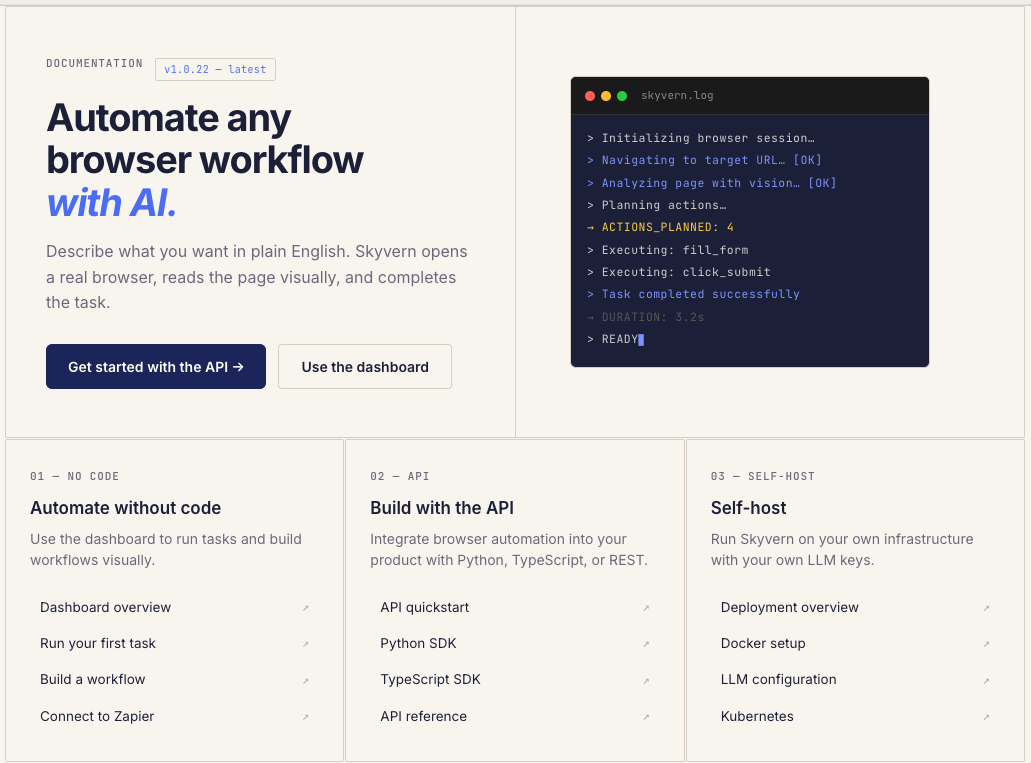
We just shipped something we should have shipped a long time ago: real documentation. If you've ever tried to use Skyvern and found yourself digging through GitHub issues, Discord threads, or old blog posts to figure out how something works, that's on us. We had the classic startup problem: we were shipping features faster than we could explain them. So we built skyvern.com/docs from the ground up. Not a README with some curl examples. Actual, structured documentation that covers everything fr
Launch Week - Day 4 - SOP Upload to build new Workflows
Most companies already know how their work gets done. It’s written down somewhere: * internal SOPs * runbooks * onboarding docs * Notion pages no one wants to maintain The problem isn’t lack of documentation. It’s that documentation doesn’t run. Today we’re shipping SOP Upload, a way to turn existing process documentation directly into executable browser automation. The gap between “written” and “working” Traditional automation tools assume you’ll start from scratch: * re-specify t
Launch week - Day 3 - "Show don't tell" - Screen record your workflows with Skyvern
Most browser automation fails because the interface between humans and automation is wrong. We ask users to describe workflows that are fundamentally visual and stateful. Then we’re surprised when the agent breaks, edge cases pile up, and maintenance cost dominates everything else. We built the Skyvern Screen Recorder to change that interface. Instead of telling an agent what to do, you show it. Give it a try here: app.skyvern.com The core idea If a human can complete a workflow in a brow
Put the browser to work
Use Skyvern for the work that lives in a browser.
Turn repetitive browser tasks into reliable workflows with Skyvern.