Launch Week Day 4: Browser Sessions
 Suchintan Singh1 min read
One of the most common requests we’ve heard:
“Can Skyvern pick up where it left off?”
Until now, every run started fresh—like opening a brand new browser window each time. Clean, but sometimes too clean.
Why Browser Sessions?
Skyvern Browser Sessions prop up a browser and let you persist the real-time state of the browser
This unlocks a whole new category of workflows where context matters:
- Deploy code straight into the browser — combine AI navigations and trusty ‘ol code by CDPing into our browser sessions before / after the AI tasks are done
- Continuous tasks with no lag — connect the browser across multiple workflows so you can use Skyvern for real-time executions
How it works
- Create a browser session via API or SDK
- Run tasks inside that session — they’ll share state, cookies, and progress
- Resume at any time — reconnect to the session and keep going from where you stopped
🔥 Real-time persistence. Continuous agents. Smarter workflows. We’re hoping Browser Sessions give you flexibility to run, rerun, deploy code, and stay logged in without starting over.
Keep reading
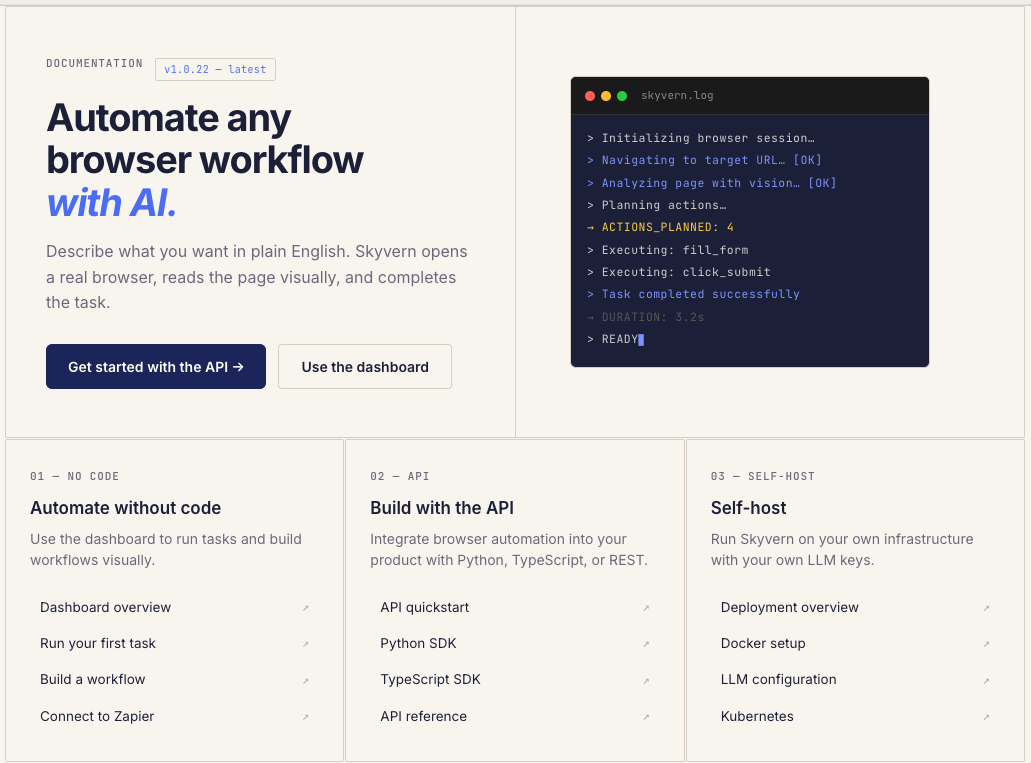
New Month, New Docs (Updated for July 2026)
We just shipped something we should have shipped a long time ago: real documentation. If you've ever tried to use Skyvern and found yourself digging through GitHub issues, Discord threads, or old blog posts to figure out how something works, that's on us. We had the classic startup problem: we were shipping features faster than we could explain them. So we built skyvern.com/docs from the ground up. Not a README with some curl examples. Actual, structured documentation that covers everything fr
Launch Week - Day 5 - Simpler Pricing Model
Automation pricing is usually optimized for the vendor, not the user. You pay per step, per action, per minute, or per obscure unit that only makes sense if you already understand the internals of the system. The result is predictable: people under-automate, over-optimize prematurely, or stop experimenting altogether because they don’t trust the bill. We’re changing that. Today we’re launching a new pricing model for Skyvern, designed around a single goal: make it obvious what automation cost
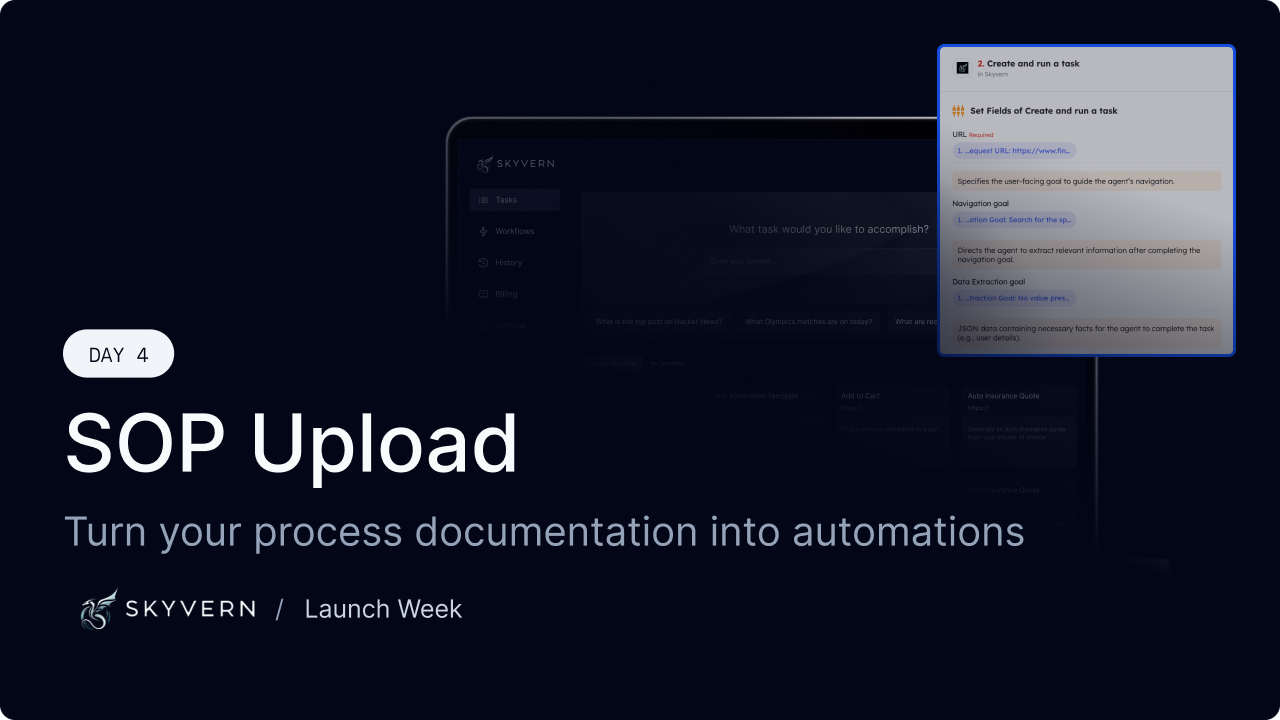
Launch Week - Day 4 - SOP Upload to build new Workflows
Most companies already know how their work gets done. It’s written down somewhere: * internal SOPs * runbooks * onboarding docs * Notion pages no one wants to maintain The problem isn’t lack of documentation. It’s that documentation doesn’t run. Today we’re shipping SOP Upload, a way to turn existing process documentation directly into executable browser automation. The gap between “written” and “working” Traditional automation tools assume you’ll start from scratch: * re-specify t
Put the browser to work
Use Skyvern for the work that lives in a browser.
Turn repetitive browser tasks into reliable workflows with Skyvern.