How to Automate Provider Directory Profile Updates and Management (March 2026)

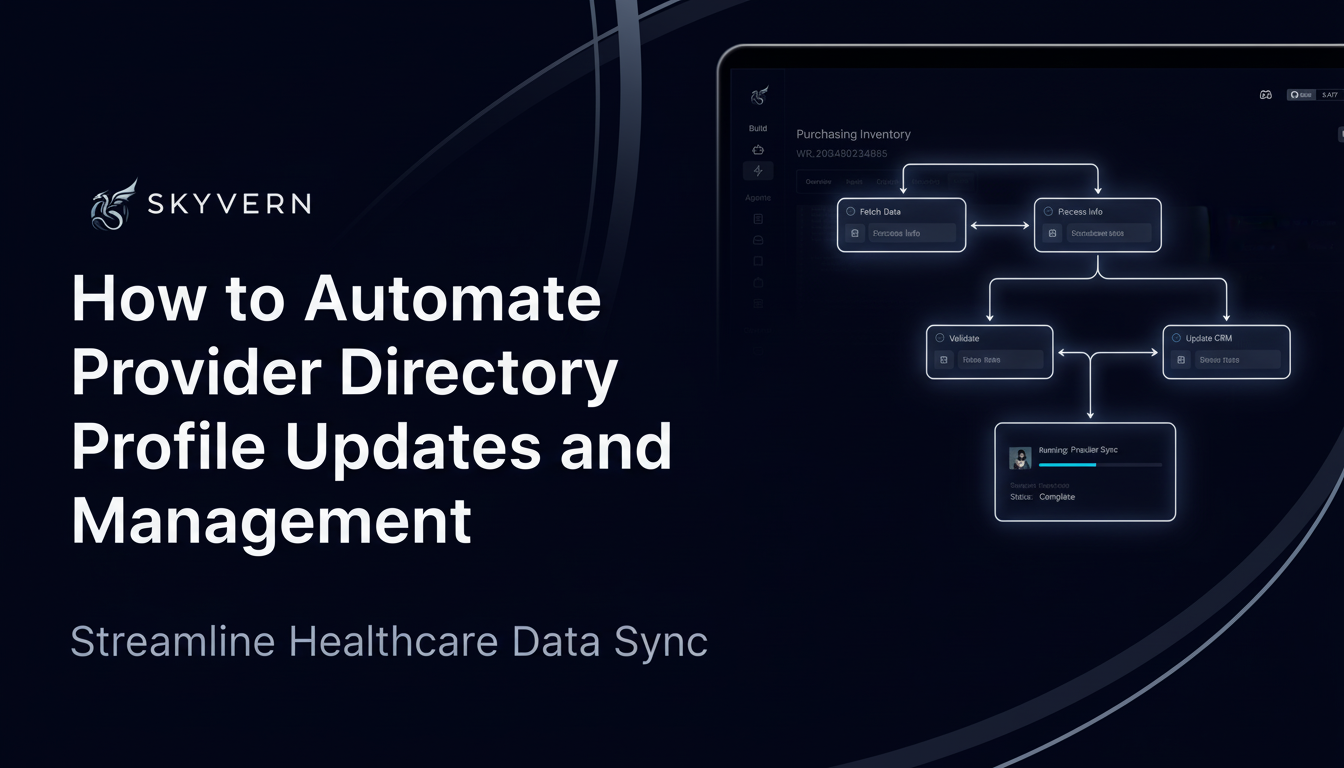
You finish updating a provider's specialty on Healthgrades, then realize you need to log into Zocdoc, Vitals, and four payer portals to make the same change. Each site has different login requirements, form fields, and validation rules, which means provider directory management automation can't just replay the same script everywhere. Traditional automation relies on CSS selectors that break the moment a site updates its interface, leaving you with more maintenance work than the manual updates you were trying to eliminate.
TLDR:
- Provider directories contain over 80% inaccurate listings, breaking patient trust and triggering compliance penalties
- No Surprises Act mandates 90-day verification cycles and 48-hour updates that manual processes can't meet
- AI-powered automation updates profiles across all directories from one workflow without breaking when sites change
- Healthcare organizations implementing automation report 30-40% cost reduction in directory management
- Skyvern automates directory updates across Healthgrades, Zocdoc, and payer portals with audit trails for compliance
Why Provider Directory Accuracy Drives Member Trust and Payer Compliance

Inaccurate provider directories break trust between health plans and their members. When patients search for in-network providers and find outdated listings, they end up calling disconnected phone numbers, showing up at closed offices, or inadvertently using out-of-network care that triggers surprise bills. The scale of this problem is staggering: over 80% of provider directory listings contain inconsistencies or inaccuracies, affecting more than 40% of physicians practicing in the United States.
The compliance picture looks just as bleak. Only two payers reached 70% directory accuracy, with 35% of payers stuck between 45% and 55% accuracy. These failures expose payers to regulatory penalties under the No Surprises Act while damaging member satisfaction and retention.
For payers and provider organizations managing hundreds of profiles across Healthgrades, Zocdoc, Vitals, Google Business, and insurance directories, manual updates become unsustainable. Each profile requires logging into separate systems, working through different interfaces, and verifying information individually through browser automation workflows.
How No Surprises Act Requirements Changed Provider Directory Management Forever
The No Surprises Act turned provider directory management into a legal mandate with strict verification timelines that manual processes can't meet. Health plans must verify all provider directory data every 90 days, process updates within two business days, and remove providers whose information hasn't been verified during the specified period.
These requirements scale fast. A health plan managing 1,000 providers must complete 4,000 verification cycles annually, with each cycle requiring CAQH and licensing board outreach. The 48-hour update window eliminates any buffer for batch processing delays or manual queuing.
Understanding the Hidden Costs of Manual Provider Directory Updates
Manual provider directory management consumes far more resources than organizations typically measure. Staff spend hours logging into multiple portals, copying data between systems, and tracking verification status across fragmented spreadsheets. Each provider profile update requires working through different authentication flows, form layouts, and validation requirements across Healthgrades, Zocdoc, insurance payer portals, and internal systems.
The true cost extends beyond direct labor, though. Inaccurate directories drive member service inquiries, each requiring call center time to resolve. Verification delays prevent newly credentialed providers from appearing in directories, creating revenue disruption as they cannot see patients covered by plans where they are not yet listed.
Healthcare organizations implementing automation for provider data management report 30% to 40% reduction in administrative costs while improving accuracy and compliance outcomes.
What Makes Provider Directory Management Different from Other Data Entry
Provider directory management breaks traditional automation because each site works differently. Healthgrades, Zocdoc, Vitals, Google Business, and payer portals each use different form structures, field validation rules, and authentication flows. A workflow that succeeds on one directory fails on another without site-specific customization. Traditional RPA tools rely on CSS selectors and predetermined workflows that break when sites update their interfaces. MFA requirements, CAPTCHA challenges, and session timeouts add complexity that scripts cannot handle reliably.
The data itself requires reasoning beyond basic field mapping. Provider specialty taxonomies differ across sites, location updates need geocoding verification, and insurance acceptance status depends on credentialing completion timelines that vary by payer.
Comparing Traditional Automation Approaches and Their Limitations
Healthcare organizations often turn to UiPath or custom Selenium scripts when attempting to automate directory management. Both approaches show promise initially but create mounting maintenance costs as directory sites change. UiPath requires specialized training and dedicated RPA developers. Each interface change to Healthgrades or Zocdoc triggers workflow failures, forcing developers to identify broken selectors and rebuild automation logic across dozens of directory sites.
Custom Selenium or Playwright scripts provide more control but impose heavier engineering burdens. Teams write site-specific code for every directory, handle authentication flows, and manage session persistence. When directories update login flows or form structures, automations break until developers update and redeploy code.
The table below provides an overview of the different approachs to automation, how they work, adaptability to site changes, and what each is best for.
Automation Approach | How It Works | Adaptability to Site Changes | Setup & Maintenance | Best For |
|---|---|---|---|---|
UiPath | Records user interactions and replays them using UI element selectors to work through forms and complete tasks | Breaks when directory sites update their interfaces, requiring specialized RPA developers to rebuild workflows and fix broken selectors | Requires dedicated RPA developers with specialized training and ongoing maintenance for each interface change | Organizations with RPA teams who can dedicate resources to continuous workflow maintenance |
Selenium/Playwright Scripts | Custom code written to locate elements using CSS selectors, XPath, or DOM attributes and execute programmed actions | Fails when HTML structure changes, forcing engineering teams to identify broken selectors and redeploy updated code | Heavy engineering burden requiring site-specific code for every directory, authentication handling, and session management | Development teams with engineering capacity to write and maintain custom automation code |
AI-Powered Automation (Skyvern) | Uses computer vision and LLMs to read web pages visually, identifying form fields by context and meaning instead of selectors | Continues working when sites redesign because it recognizes elements by visible labels and layout instead of hidden HTML attributes | Single workflow operates across all directories without custom code, requiring minimal maintenance when sites change | Healthcare organizations managing hundreds of providers across multiple directories who need reliable automation without engineering overhead |
How AI-Powered Automation Solves Directory Management at Scale

AI-powered browser automation reads web pages visually instead of relying on fragile selectors, using computer vision and LLMs to identify form fields by their context and meaning. A single workflow operates across Healthgrades, Zocdoc, Vitals, and payer directories without custom code for each site. When a directory redesigns its interface, the automation adapts because it recognizes form elements by visible labels and layout instead of hidden HTML attributes. Teams define one update workflow with provider data as input, then execute it across 20 different directory sites in parallel without writing 20 different automation scripts.
Building Automated Workflows for Common Directory Management Tasks
Provider directory automation works through recurring workflow patterns that apply across different sites and use cases. Consider the following:
- Bulk profile updates pull provider data from credentialing systems or HR databases, then step through each provider to update profiles across all directories. These workflows handle MFA prompts, complete multi-page forms with demographics and specialty details, upload documents like W9 forms or malpractice certificates, and save confirmation receipts for compliance tracking.
- Verification cycles run on schedule to confirm provider information matches source records, flag mismatches for review, update verification timestamps, and generate audit reports.
- New provider onboarding creates profiles across directories when credentialing finishes, monitors sites for approval, and alerts staff to directories needing manual steps.
- Location changes flow from a single source to every directory, validating geocoding accuracy and handling site-specific format requirements.
Code Example: Automating Provider Directory Updates with Skyvern
The following example shows how to integrate Skyvern into your provider data management workflow using the Python SDK:
from skyvern import Skyvern
import asyncio

# Initialize Skyvern client
skyvern = Skyvern(api_key="YOUR_API_KEY")

async def update_provider_directories(provider_data):
    # Update Healthgrades profile
    healthgrades_task = await skyvern.run_task(
        url="https://provider.healthgrades.com/login",
        prompt=f"""Log in and update the provider profile with the following information:

        Specialty: {provider_data['specialty']}
        Location: {provider_data['location']}
        Phone: {provider_data['phone']}

        COMPLETE when all fields are updated and changes are saved.""",
        data_extraction_schema={
            "type": "object",
            "properties": {
                "confirmation_message": {"type": "string"},
                "updated_fields": {"type": "array"}
            }
        },
        wait_for_completion=True
    )

    # Update Zocdoc profile in parallel
    zocdoc_task = await skyvern.run_task(
        url="https://provider.zocdoc.com/login",
        prompt=f"""Log in and update the provider profile with:

        Specialty: {provider_data['specialty']}
        Location: {provider_data['location']}
        Accepting new patients: {provider_data['accepting_patients']}

        COMPLETE when profile is updated and saved.""",
        wait_for_completion=True
    )

    return {
        "healthgrades": healthgrades_task.output,
        "zocdoc": zocdoc_task.output
    }

# Example provider data
provider_info = {
    "specialty": "Family Medicine",
    "location": "123 Medical Plaza, San Francisco, CA 94102",
    "phone": "(415) 555-0123",
    "accepting_patients": "Yes"
}

# Run the update
result = asyncio.run(update_provider_directories(provider_info))
print(f"Directory updates completed: {result}")
This code shows how Skyvern handles authentication, form filling, and verification across different directory platforms without brittle selectors. The same workflow structure applies to payer portals, Vitals, and other directories by changing the URL and updating the prompt with site-specific field requirements.
Integrating Directory Automation with Credentialing and HR Systems
Directory automation delivers the most value when it connects to credentialing systems like CredentialStream or symplr Provider, triggering profile updates the moment providers complete credentialing milestones. This closes the gap between approval and directory listing that often delays revenue. HR system integration keeps demographic information synchronized. When a provider updates contact details, board certifications, or insurance acceptance, automation propagates changes across all directories without manual tracking. Webhook notifications create event-based workflows that reduce time-to-listing from weeks to hours, letting newly credentialed providers see patients immediately after joining the network.
Measuring ROI and Setting Success Metrics for Directory Automation
How should you measure ROI and success? Consider the following:
- Organizations implementing directory automation should track metrics across time savings, accuracy, and compliance dimensions to validate ROI. Time savings quantify through hours reclaimed from manual updates, calculated by multiplying provider profiles by directories by average minutes per update.
- Accuracy improvements reduce downstream costs from member complaints, incorrect referrals, and call center inquiries about outdated information. Compliance metrics track verification cycle completion rates, documenting that 100% of providers meet required verification timelines.
- Revenue impact measures time from credentialing completion to directory listing. Each day of delay prevents newly credentialed providers from seeing network patients. Automation completes directory updates within 48 hours instead of 2-4 weeks.
Security and Compliance Considerations for Automated Directory Management
Healthcare organizations moving to automated directory management face two questions immediately: does this meet HIPAA requirements, and can auditors verify compliance when software handles updates instead of staff?
Credential management solves the first security concern. Integration with Bitwarden, 1Password, or Azure Key Vault retrieves login information at runtime without exposing credentials to automation logs or LLMs. Staff never see passwords, and configuration files stay clean. Audit trails create compliance-ready records documenting every action automation takes across directory platforms. Logs capture which provider data was updated, when updates occurred, which sites were accessed, and what confirmations were received. For No Surprises Act compliance, these records prove verification cycles finished within 90-day windows and updates processed inside 48-hour requirements.
Finally, SOC 2 certification provides independent validation that security controls meet healthcare standards. For organizations with strict data residency requirements, self-hosted deployment keeps provider information within internal infrastructure without transmitting data externally.
How Skyvern Eliminates Directory Management Bottlenecks

Skyvern reads directory sites visually using computer vision and LLMs, identifying form fields by context instead of brittle selectors. One workflow handles Healthgrades, Zocdoc, Vitals, payer portals, and Google Business without site-specific code. When directories redesign their interfaces, automation continues working.
Credential integration with Bitwarden and 1Password retrieves login information securely. Native 2FA and TOTP support handles multi-factor authentication across different platforms. Workflows process entire rosters through bulk updates that run in parallel across hundreds of sites simultaneously.
API integration triggers updates when credentialing status changes or HR systems report information updates. Audit trails capture screenshots and confirmations documenting verification cycles for compliance.
Final Thoughts on Provider Directory Technology
Directory management breaks traditional automation because each site works differently, but AI-powered solutions read forms visually instead of relying on fragile code. Provider directory automation adapts when sites redesign their interfaces and handles authentication across different systems without custom scripts for each one. You scale operations without scaling headcount, and new providers appear in directories fast enough to start seeing patients right away.
FAQ
How long does provider directory automation take to implement?
Most healthcare teams can deploy their first automated workflow in 2-3 hours, with complex multi-directory verification cycles taking 1-2 weeks to fully optimize and test across all target sites.
What's the difference between AI-powered and traditional automation for directory management?
Traditional tools like Selenium rely on CSS selectors that break when directories update their interfaces, requiring constant maintenance. AI-powered automation reads pages visually by context, so it continues working when Healthgrades or Zocdoc redesigns their site without requiring code updates.
Can automated workflows handle MFA and CAPTCHA challenges on directory sites?
Yes, and platforms built for healthcare workflows include native 2FA, TOTP, and CAPTCHA solving capabilities that handle authentication requirements across different directory sites without manual intervention.
How do you meet the 48-hour update requirement under the No Surprises Act with automation?
Automation processes updates the moment credentialing systems or HR databases trigger changes via webhook, propagating information across all directories in parallel and completing within hours instead of the 2-4 weeks manual processes require.
What kind of ROI should healthcare organizations expect from directory automation?
Healthcare organizations implementing automation for provider data management report 30-40% reduction in administrative costs while improving accuracy, with the added benefit of eliminating member service inquiries caused by outdated directory information.
Keep reading
AI Automation for EOB Processing: Tools & Workflows (2026)
If you're looking into EOB processing, there's probably someone on your team spending hours downloading insurance payment documents and copying the numbers into billing software. They log in to one insurer's website, find the right document, save it, and move on to the next. We've built Skyvern for this kind of healthcare admin work. It's an AI browser agent that can log into these websites, find the documents, and download them for you. You can build the rest of the workflow in Skyvern too, fr
How to Automate Insurance Eligibility Verification with Skyvern
A step-by-step guide to using Skyvern for insurance eligibility checks, from entering patient details in payer portals to returning coverage and benefits to your appointment system.
How to Automate Pharmacy Invoice Downloads
When your accounting team needs an invoice from a wholesaler portal, somebody has to go and get it. They sign in, pick the pharmacy account, find the right billing period, download the PDFs, and file them. Then they repeat the process in the next portal. And then the next... Every billing cycle! I know the pain. We built Skyvern for healthcare workflows like this. You give an AI agent a job to do in the browser, and it works through the website to do it. For pharmacy invoice collection, that m
Put the browser to work
Use Skyvern for the work that lives in a browser.
Turn repetitive browser tasks into reliable workflows with Skyvern.