Best AI-Powered Form Filling Tools for Enterprise Workflows (Updated July 2026)

When was the last time you had to update a broken automation script because a vendor changed their website layout? If you're like most enterprise teams, it happens constantly. The latest intelligent form processing tools use computer vision and AI to avoid this problem entirely, adapting to changes without needing developer intervention. Here's what actually works in practice.
TLDR:
- AI form filling tools use LLMs and computer vision to adapt to layout changes automatically
- Traditional RPA tools like UiPath and Automation Anywhere rely on brittle selectors that break
- Skyvern handles CAPTCHA, authenticator-app 2FA, and multi-site workflows through a single API without custom code
What are AI-Powered Form Filling Tools
AI form filling tools automate web form completion using LLMs and computer vision. They analyze form elements in real-time, understand field requirements through visual and contextual cues, and map data to the correct inputs without brittle selectors like XPaths. These tools handle complex scenarios including conditional fields, multi-page workflows, and validation requirements. When form layouts change, they adapt automatically without breaking or requiring code updates. Skyvern is transitioning to a code-first workflow architecture where automations are constructed as executable Python code blocks instead of prompt-based task chains, allowing faster execution and lower costs while maintaining visual abstraction for non-technical users. At the category level, Skyvern is an Agentic Process Automation (APA) platform. Browser execution is the mechanism by which it reaches forms and portals with no API; the platform layer provides the credential management, exception handling, and audit infrastructure that makes it production-grade.
For enterprises processing hundreds or thousands of forms monthly across vendor portals, procurement systems, and compliance sites, this automation reduces manual effort and scales operations without adding headcount.
How We Ranked AI Form Filling Tools
We looked at AI form filling tools based on criteria that matter most for enterprise adoption.
- Technical capabilities. Adaptability to website changes, handling of complex scenarios like CAPTCHA solving and 2FA authentication, and resilience when site layouts shift. Tools that rely on brittle XPath selectors ranked lower than those using LLMs and computer vision.
- Integration capabilities and scalability. With the workflow automation market growing rapidly, enterprises need solutions that connect to existing systems through APIs and handle large-volume operations without performance degradation.
- Ease of deployment. Enterprise AI adoption is accelerating, making straightforward implementation critical.
We also assessed pricing transparency and documentation quality. Our rankings reflect publicly available information from vendor websites, technical documentation, and verified user reviews.
Best Overall AI-Powered Form Filling Tool: Skyvern
Skyvern uses computer vision and LLMs to interact with forms, identifying fields through visual context, not fragile XPath selectors. When a vendor portal redesigns its interface, workflows continue running without requiring updates or maintenance. This is what separates an Agentic Process Automation (APA) platform from a standalone browser automation script: the visual execution layer handles the forms, while the platform layer covers credential management, exception handling, and structured output delivery for downstream systems.
The tool handles CAPTCHA solving, multi-step conditional logic, and 2FA authentication across different websites. A single workflow definition can automate forms across multiple vendor portals without custom code for each site.
Core Strengths
Skyvern handles CAPTCHA solving and 2FA authentication without additional configuration. Skyvern now supports native Bitwarden integration for credential management and can connect to existing authenticator app credentials without requiring re-setup. The proxy network includes both residential and ISP proxies, routing requests through specific geographic locations down to the ZIP code level. ISP proxies offer a distinct trust profile and better performance compared to residential proxies, which matters for region-restricted vendor portals or location-based access requirements.
The RESTful API connects to existing enterprise systems through webhook callbacks for event-driven architectures, similar to other browser-based workflow integrations. Batch processing runs hundreds of concurrent form submissions without manual intervention, while structured JSON responses simplify data extraction for downstream systems. Visual understanding identifies form fields by appearance and position, not HTML attributes. Traditional RPA tools rely on brittle selectors that break when websites change, so workflows continue running after vendors redesign their interfaces. A built-in webhook testing feature lets users send test payloads to verify data retrieval and integration endpoints without running actual workflows, reducing integration debugging time.
With Skyvern, you can chain multiple steps across different websites in one operation: submit a procurement form, download the confirmation receipt, then access a separate vendor portal to verify order status.
Skyvern includes workflow version history with visual comparison and one-click rollback, supporting iterative development with a safety net for production changes.
Skyvern includes native 2FA, CAPTCHA solving, and file downloads that many competitors lack or charge extra for. CAPTCHA solving, 2FA support, and geographic proxy routing come included instead of as separate charges. AI reasoning processes complex conditional logic while enterprise features deliver reliability for organizations processing thousands of forms monthly.
For enterprise deployments with data residency requirements, Skyvern supports customer-owned S3 bucket storage for execution artifacts and customer-managed LLM API keys. This gives organizations direct control over where automation data is stored and which AI provider contracts govern their interactions, meeting strict compliance requirements.
The platform supports a multi-workspace model where one user account can manage multiple isolated workspaces, built for consulting firms, MSPs, and agencies managing separate client implementations with data-privacy boundaries between each account.
Workflows support role-based access control and approval gates, giving organizations the ability to restrict execution permissions and require explicit approval before running sensitive automations.
UiPath
UiPath includes form automation within its enterprise RPA suite. Studio provides drag-and-drop workflow development, while Orchestrator handles bot deployment across organizations. Process mining identifies automation opportunities, and security features support compliance requirements in highly compliance-driven industries.
The tool fits large organizations building RPA programs where form filling is one component among multiple automated processes. UiPath leads RPA market rankings for scalability and AI integration.
UiPath, though, runs exclusively on Windows systems with .NET framework, limiting deployment options. Implementation demands technical expertise and infrastructure investment. Organizations focused on form automation instead of broader process transformation may find the complexity excessive.
UiPath works for enterprise-wide RPA initiatives. For dedicated form automation, simpler solutions often provide better value.
Automation Anywhere
Automation Anywhere provides enterprise RPA for automating data entry, file movement, and customer service tasks. The Automation 360 system includes IQ Bot for document processing and AARI digital assistant for human-bot collaboration.
Its cloud-first architecture runs on multiple operating systems through Java, avoiding Windows-only constraints. The bot marketplace offers pre-built automation templates, while analytics and object recognition support complex workflows.
Organizations appreciate easier deployment compared to other RPA tools, making it accessible for teams without deep technical expertise. The challenge, though, comes during upgrades. Moving from legacy versions to newer releases creates friction for existing customers. The solution also trails UiPath in market reach and missed recent market rankings.
Automation Anywhere delivers competent RPA but doesn't lead the category for form automation.
Axiom
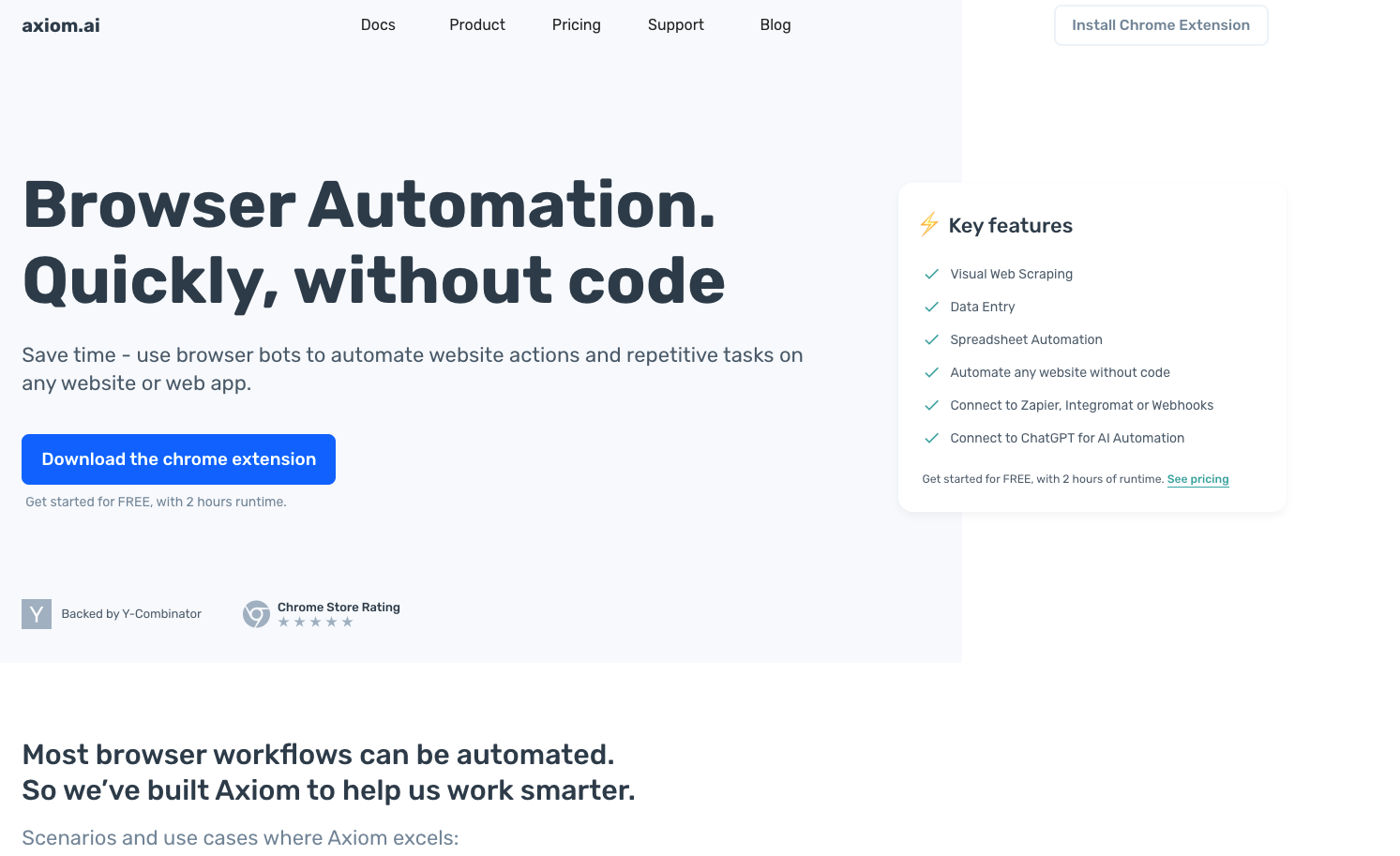
Axiom is a Chrome extension that automates website interactions through recorded actions. The no-code interface lets users build bots by modeling clicks and typing sequences instead of writing code. The tool integrates with Zapier and Make to trigger workflows from external events. Cloud execution runs bots without requiring an open browser session.
Axiom handles basic repetitive tasks like copying data between web apps or simple click sequences, but for more advanced needs, consider browser automation tools with AI capabilities. Teams use it for straightforward transfers that don't need technical skills. But, the tool struggles with complex workflows. Users report reliability issues in production environments, with troubleshooting often taking hours. Axiom falls between simple macros and enterprise automation without strong performance in either category.
For critical form filling operations requiring resilience and scale, Axiom's limitations become apparent.
Browse AI
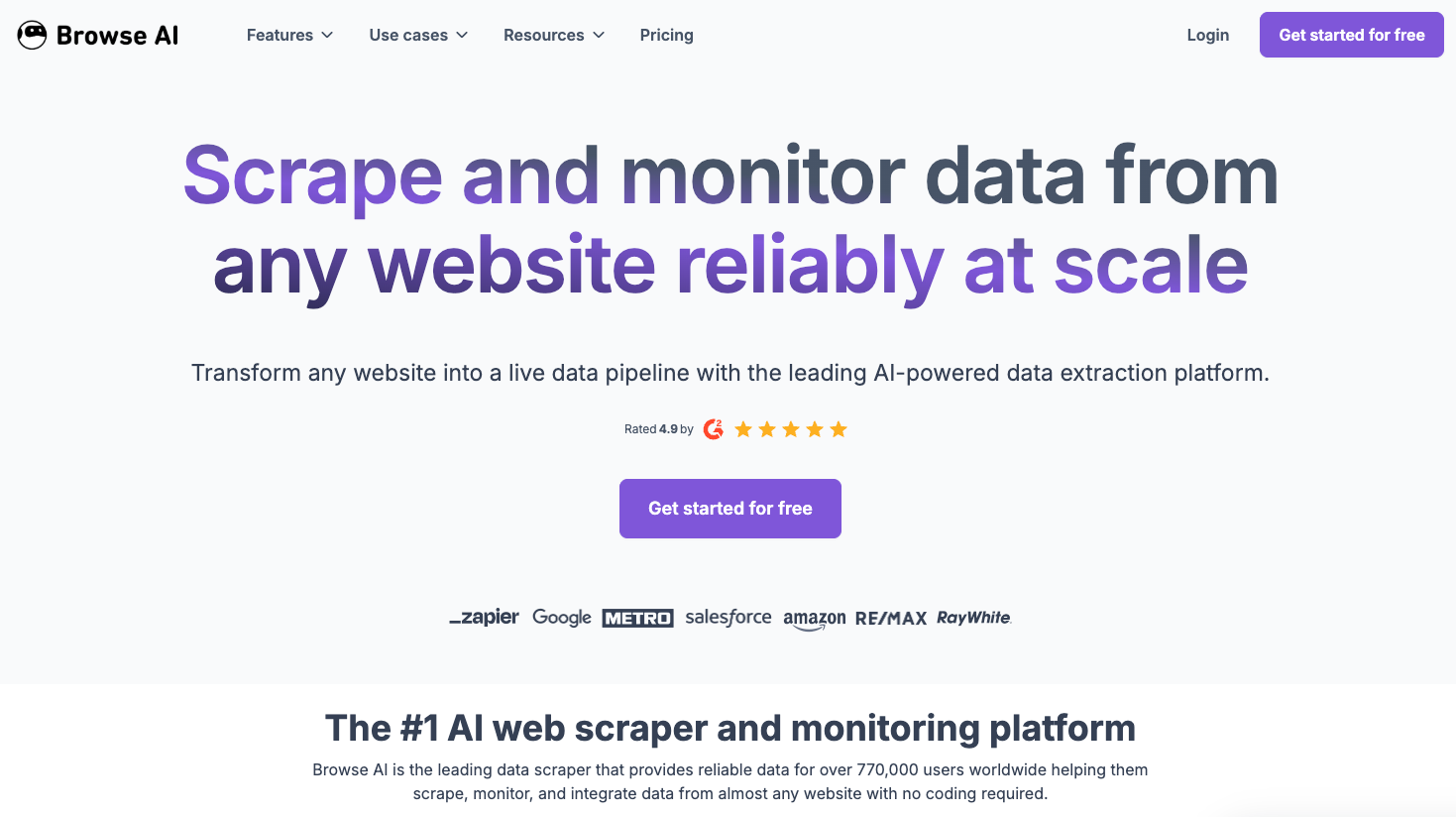
Browse AI is a no-code web automation tool built for data extraction and monitoring. The tool uses point-and-click interfaces to pull data from websites, track changes, and connect with business tools through pre-built templates. Teams without technical resources can extract web data quickly. The no-code design lowers the barrier to entry for basic automation tasks.
The tradeoff is functionality. Browse AI extracts data but doesn't fill forms. The tool can't solve CAPTCHAs, handle 2FA, or coordinate complex workflows. It lacks the AI reasoning needed for dynamic form completion scenarios that enterprise workflows demand.
Browse AI works for simple data extraction but can't handle enterprise form filling requirements.
Microsoft Power Automate
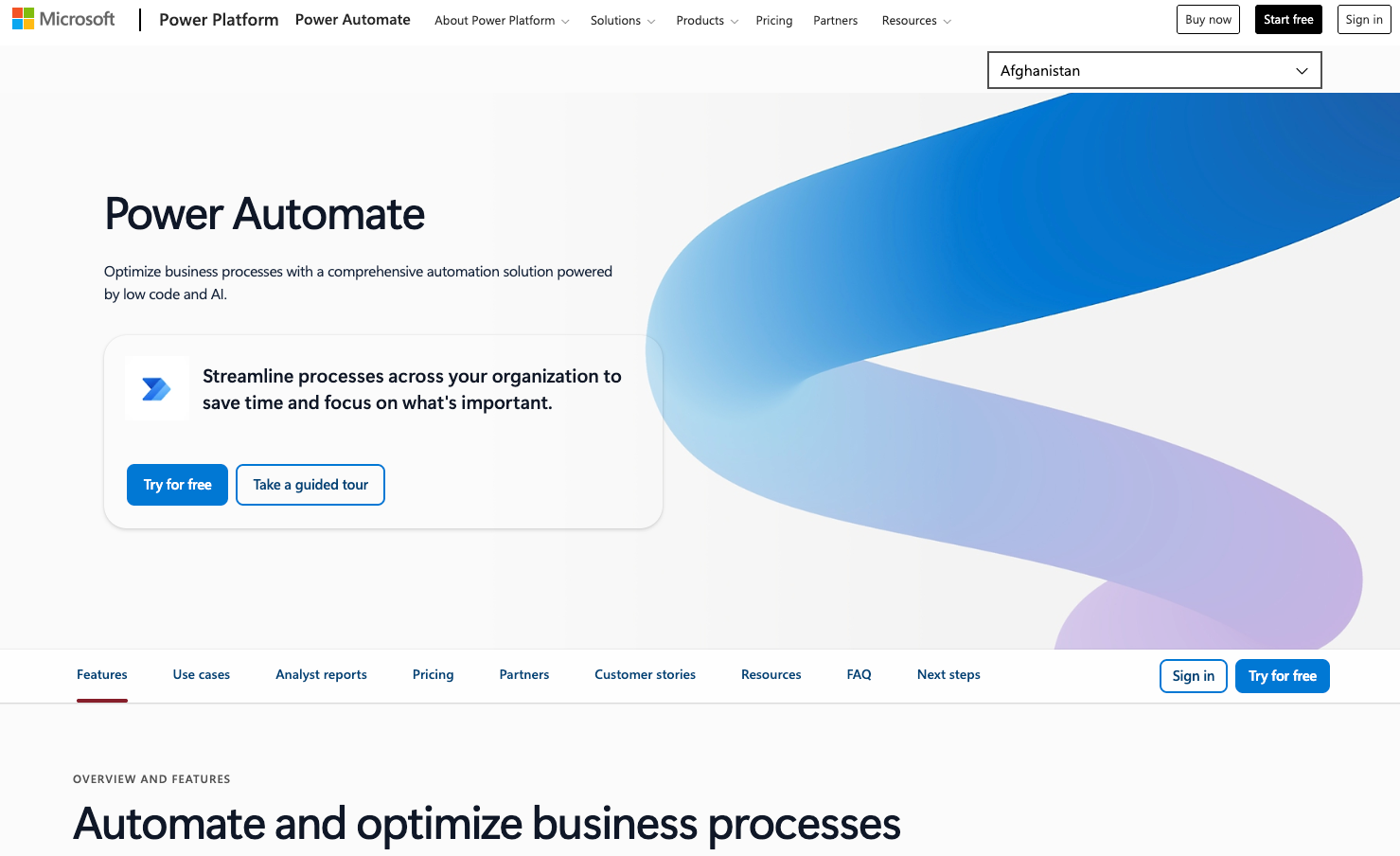
Microsoft Power Automate is a low-code automation tool for building digital workflows between apps. The system integrates with Microsoft Office and Azure, using Copilot AI features to design workflows through natural language commands. Built-in templates support all operating systems with cloud and on-premises deployment options. Organizations invested in Microsoft ecosystems find it performs well for automating tasks across the suite and is well-regarded in enterprise RPA evaluations.
Power Automate handles structured API-based integrations better than dynamic web form automation. It, though, lacks computer vision and AI reasoning for adaptive form filling on unfamiliar websites, making it less suitable for complex cross-site form filling compared to specialized tools.
Skyvern in Practice: Automating a Vendor Portal Form
Here is what triggering a vendor portal form automation through Skyvern looks like using the Python SDK. No XPaths, no CSS selectors, no site-specific code:
from skyvern import Skyvern
import asyncio

skyvern = Skyvern(api_key="YOUR_API_KEY")

async def submit_vendor_procurement_form():
    task = await skyvern.run_task(
        url="https://vendor-portal.example.com/procurement",  # Starting URL for the portal
        prompt=(
            "Log in and fill out the procurement request form with the following details. "
            "Submit the form when complete. COMPLETE when a confirmation number is displayed. "
            "TERMINATE if the form cannot be submitted after two attempts."
        ),
        navigation_payload={
            "company_name": "Acme Corp",
            "product_sku": "WIDGET-4400",
            "quantity": 250,
            "delivery_address": "123 Main St, San Francisco, CA 94105",
            "purchase_order_number": "PO-2026-00842"
        },
        data_extraction_schema={
            "type": "object",
            "properties": {
                "confirmation_number": {
                    "type": "string",
                    "description": "The order confirmation number shown after submission"
                },
                "estimated_delivery": {
                    "type": "string",
                    "description": "Estimated delivery date if displayed"
                }
            }
        },
        webhook_url="https://your-system.example.com/webhooks/skyvern",  # Notify your system on completion
        wait_for_completion=True,
    )
    print(f"Status: {task.status}")
    print(f"Confirmation: {task.output}")

asyncio.run(submit_vendor_procurement_form())
The navigation payload maps your structured data directly to form fields: Skyvern reads the live page visually and figures out where each value goes. If the vendor portal redesigns its form next month, the same code keeps running without changes.
The table below shows how each tool handles core automation requirements across platforms and authentication scenarios.
Feature Comparison Table of AI Form Filling Tools
Feature | Skyvern | UiPath | Automation Anywhere | Axiom | Browse AI | Power Automate |
|---|---|---|---|---|---|---|
AI-Powered Adaptation | ✅ | ❌ | ❌ | ❌ | ❌ | Limited |
CAPTCHA Solving | ✅ | Limited | Limited | Via 3rd party | ❌ | ❌ |
2FA Authentication | ✅ | Limited | Limited | ❌ | ❌ | ❌ |
Cross-Platform Support | ✅ | Mac + Windows | ✅ | Chrome Only | Chrome Only | Microsoft Focus |
No-Code Interface | ✅ | Limited | ✅ | ✅ | ✅ | ✅ |
Enterprise API | ✅ | ✅ | ✅ | Limited | Limited | ✅ |
Multi-step Workflows | ✅ | ✅ | ✅ | Limited | ❌ | ✅ |
Final thoughts on enterprise form filling automation
Automated form completion works best when it adapts to changes instead of requiring constant maintenance. Skyvern's LLM and computer vision approach handles the authentication, validation, and multi-step logic that enterprise workflows demand. That's Agentic Process Automation in practice: browser execution as the mechanism, governed multi-step operation as the product. Your operations team can process hundreds of forms monthly without adding headcount or rebuilding scripts after every site update. Start with your highest-volume form process and expand from there.
FAQ
How do AI form filling tools handle website redesigns without breaking?
AI-powered tools like Skyvern use computer vision and LLMs to identify form fields by visual appearance and context not HTML selectors, so workflows continue running when vendors change their layouts. Traditional tools using XPath selectors require manual updates after each website change.
What's the difference between RPA tools and AI form filling solutions?
RPA tools like UiPath and Automation Anywhere automate broader business processes but rely on predefined selectors that break when websites change, while AI form filling solutions adapt to new layouts automatically using visual understanding. AI tools also handle CAPTCHAs and 2FA natively without additional configuration.
Can AI form filling tools work across multiple vendor portals simultaneously?
Yes, AI form filling tools can process forms across different websites using a single workflow definition, handling batch operations with hundreds of concurrent submissions. This works because they understand forms visually instead of requiring custom code for each site.
When should I choose a specialized form filling tool over general RPA software?
Choose specialized form filling tools when you're processing high volumes of forms across multiple websites that frequently change their layouts, or when you need built-in CAPTCHA solving and 2FA support. General RPA works better for broader process automation across internal systems with stable interfaces.
What authentication challenges can AI form filling tools solve?
Modern AI form filling tools handle 2FA authentication, CAPTCHA solving, and geographic proxy routing without requiring separate services or additional charges. They also support multiple authentication methods across different websites within the same workflow.
Keep reading
Browser Use vs Browserbase: my honest comparison
Browserbase and Browser Use can both automate work in a browser, from collecting product data to filling out forms. Choosing between them comes down to what you want to build: a task you hand to an AI agent, a custom agent inside your application, or browser infrastructure for scripts you already run. I’m Skyvern’s co-founder and CEO by the way. We build a competing product, so I have a stake in this comparison. But I promise I won't promote our product (even though it's a great alternative to
6 Stagehand alternatives for browser automation in 2026
If you're looking for Stagehand alternatives, you probably want an AI browser agent that: * Works natively with Python scripts. * Can navigate and scrape complex websites efficiently. * Stays reliable as your workload grows from a few runs to thousands of browser jobs. That's the kind of workflow I built Skyvern for (Skyvern CEO here). I know, I know, Skyvern CEO's recommending Skyvern as a good alternative. Please just stay with me for a second here. Yes, Skyvern is a good Stagehand alt
Browser Use vs Stagehand: Which One Should You Pick?
Browser Use and Stagehand both let you use AI to automate browser tasks, such as collecting product data or filling out forms. When you’re deciding which to build with, their feature lists only tell you so much. You want to know how much code you’ll need to write, whether the automation completes your task correctly, and what repeated runs will cost. I'll be upfront: we build Skyvern, a competitor to both, but this blog post won't shill our product (you can try it here though). I’m keeping thi
Put the browser to work
Use Skyvern for the work that lives in a browser.
Turn repetitive browser tasks into reliable workflows with Skyvern.