What Is APA Automation? Complete Guide Updated for 2026
 Suchintan Singh13 min read
The workflows that cost teams the most time are almost never the complex ones. They're the repetitive, portal-based tasks that have no API, that someone has to log into manually, and that break every script you build around them. Agentic Process Automation (APA) was built for exactly this gap. If you're trying to figure out what it is, how it actually works under the hood, and whether it's the right fit for your team, this guide covers all of it.
TLDR:
- APA agents read the live page state at runtime and act toward a goal, instead of replaying a recorded click sequence that breaks on any UI change.
- RPA teams spend 30 to 70% on maintenance; APA agents re-read the page each run, so a renamed button or restructured form is new input, not a fatal error.
- Every APA run should produce a full trace covering page state, action sequence, authentication steps, and structured output, especially in healthcare, insurance, and legal workflows where that record is the compliance evidence.
- When assessing APA tools, architectural approach matters most: visual-reading tools hold up through portal changes where selector-based tools fail silently and deliver nothing.
- Skyvern is an APA platform built for credential-guarded portals with no API, reading pages visually at runtime and returning consistent structured output regardless of which portal layout the agent encountered.
What Is Agentic Process Automation
Agentic Process Automation (APA) is a category of automation where AI agents independently plan, execute, and adapt multi-step workflows across web-based systems, without requiring APIs, pre-scripted paths, or human intervention at each step.
Where traditional automation records a fixed sequence of clicks and replays it, APA agents read the live page state at runtime, reason about what action to take next, and adjust when something unexpected appears. A login modal, a changed form layout, a 2FA prompt mid-session: these are inputs to reason through, not failure conditions. Understanding what AI automation is helps clarify how APA fits into the broader picture.
Three components work together to make this possible:
- A visual page reader that reads the live page at runtime instead of relying on stored selectors or DOM paths, so layout changes don't break the workflow.
- A goal-directed planner that converts a stated objective into a sequence of actions, reassessing at each step instead of replaying a recorded path from start to finish.
- A structured output layer that maps extracted results to a defined schema before returning them downstream, so the receiving system gets consistent data regardless of which portal variant the agent encountered.
The result is automation that can handle the class of workflow that has historically resisted it: credential-guarded portals with no API, multi-step processes that span logins and form submissions, and systems that change layouts without warning.
How APA Differs from RPA
RPA and Agentic Process Automation (APA) share the same ambition: remove humans from repetitive, rule-based work. The distinction becomes clearer with a deeper look at AI RPA and browser automation. But they get there through fundamentally different architectural choices, and those choices determine where each one breaks.
Traditional RPA works by recording and replaying interactions. A bot watches a human click through a workflow, maps each action to a DOM element or screen coordinate, and repeats that exact sequence on demand. When the underlying application changes, even slightly, the bot fails. RPA teams spend 30 to 70% on maintenance just to keep existing workflows running.
APA takes a different approach. Instead of recording a fixed path, an APA system receives a goal and figures out how to reach it at runtime. It reads the current state of the page, reasons about what action to take next, handles exceptions as they come up, and adjusts when something changes. There is no brittle script to maintain because there is no script.
Here is where the two approaches split most clearly:
Dimension | Traditional RPA | Agentic Process Automation |
|---|---|---|
Execution model | Replay a recorded sequence | Plan and act toward a goal at runtime |
Change resilience | Breaks on UI changes | Re-reads the live page and continues |
Exception handling | Fails or escalates everything | Reasons through common exceptions autonomously |
Setup requirement | Developer scripting | Goal-based instructions |
Maintenance burden | High (30 to 70% of effort) | Considerably lower |
Scope | Structured, stable interfaces | Unstable portals, credential-guarded systems |
The table above consolidates what those differences mean in practice. RPA fits well where interfaces never change and workflows are perfectly deterministic. But most real enterprise workflows do not look like that. Payer portals update their layouts, carrier sites rotate login flows, and government filing systems add new fields without warning. Those are exactly the conditions where RPA maintenance compounds and APA holds.
Skyvern is an Agentic Process Automation platform built for those conditions. The browser execution layer handles the portals (reading pages visually at runtime, working through authentication, self-healing when layouts change) while the platform layer covers what makes it production-grade for compliance-sensitive environments: credential management, approval gates, structured output delivery, and a full audit trail.
How Agentic Process Automation Works
Agentic Process Automation works by combining AI reasoning, visual page reading, and goal-directed planning into a single execution loop. Where traditional automation replays a recorded sequence of clicks, an APA system receives a goal, reads the current state of the page, decides what action to take next, executes it, and then re-checks the page state before moving on. IBM's overview of agentic workflows breaks down how this decision-act loop differs from rule-based automation at the architectural level.
Three components make this work together:
- The agent reads the live page visually instead of querying a selector map, so layout changes don't break the workflow.
- A goal-directed planner converts a stated objective into a sequence of actions, reassessing at each step instead of following a fixed script.
- An exception handler surfaces unexpected states, such as a 2FA prompt or a session-timeout modal, reasons through them, and continues or escalates to a human when the situation requires judgment.
The result is an intelligent process automation system that can work through multi-step processes across portals it has never seen before, handle authentication flows that rotate on each session, and return structured output to downstream systems regardless of which layout variation it encountered during the run.
Core Capabilities of a True APA System
A true Agentic Process Automation (APA) system goes well beyond scripted click sequences or API orchestration. The capabilities that separate a genuine APA system from earlier automation approaches cluster around four areas that work together as a system, not independently. Reviewing the best intelligent process automation tools shows how platforms differ on these dimensions.
Goal-Directed Planning
APA systems accept a stated objective and break it into action sequences dynamically, reassessing at each step. The agent is not replaying a recorded path. If a portal adds an interstitial modal or reroutes after login, the planner reads the new state and continues working toward the goal instead of throwing an error.
Visual Page Reading at Runtime
Instead of relying on stored selectors or cached DOM maps, the system reads the live page visually each time it runs. A button that gets renamed, a form that gets restructured, a layout that shifts after a vendor update: each is new input, not a fatal breakpoint.
Authentication and Exception Handling
Credential-guarded systems, rotating 2FA flows, session-timeout modals, and CAPTCHA prompts are first-class concerns, not edge cases bolted on afterward. A capable APA system works through authentication flows as they appear, reasoning about state instead of pattern-matching against a script it recorded once.
Structured Output with Full Audit Trails
Results map to a defined output schema before being returned downstream, so the systems receiving data get consistent JSON regardless of which portal layout the agent encountered. Every run produces a traceable record covering page state, action sequence, authentication steps, and any exception that fired.
Benefits of Agentic Process Automation
Organizations adopt agentic process automation for a straightforward reason: the workflows that cost the most time and money are often the ones no API can reach. Portal-based processes, credentialed systems, and multi-step approvals sit outside the reach of traditional integration tools, yet they run core operations in insurance, logistics, legal, and finance.
Four benefits consistently surface when teams move from manual execution or brittle scripts to APA.
Reduced manual workload on repetitive portal tasks
Agents handle login flows, form submissions, data extraction, and structured output delivery without a person at the keyboard. Teams that previously staffed headcount to work through carrier portals or payer systems can redirect that capacity to work that actually requires judgment.
Lower maintenance burden than selector-based automation
Where RPA scripts break every time a portal updates its layout, APA agents re-read the live page state at runtime. A button that moved is new input, not a fatal error. RPA teams spend 30 to 70% on maintenance instead of running them.
Auditability built into every run
Each task produces a full trace: page state, action sequence, authentication steps, and structured output. For compliance-sensitive workflows, that audit trail is the product, not a feature, and explainable AI automation tools are increasingly the standard compliance teams require.
Accessible to non-technical teams
Because APA agents operate from a stated goal and not a recorded script, the workflow spec does not change when the portal does. Operations teams can manage and monitor workflows without filing a support ticket every time a vendor updates their UI.
Together, these four gains describe why organizations in healthcare, insurance, and legal adopt Agentic Process Automation platforms like Skyvern for workflows that outgrew both manual execution and brittle RPA scripts.
Agentic Process Automation Use Cases by Industry
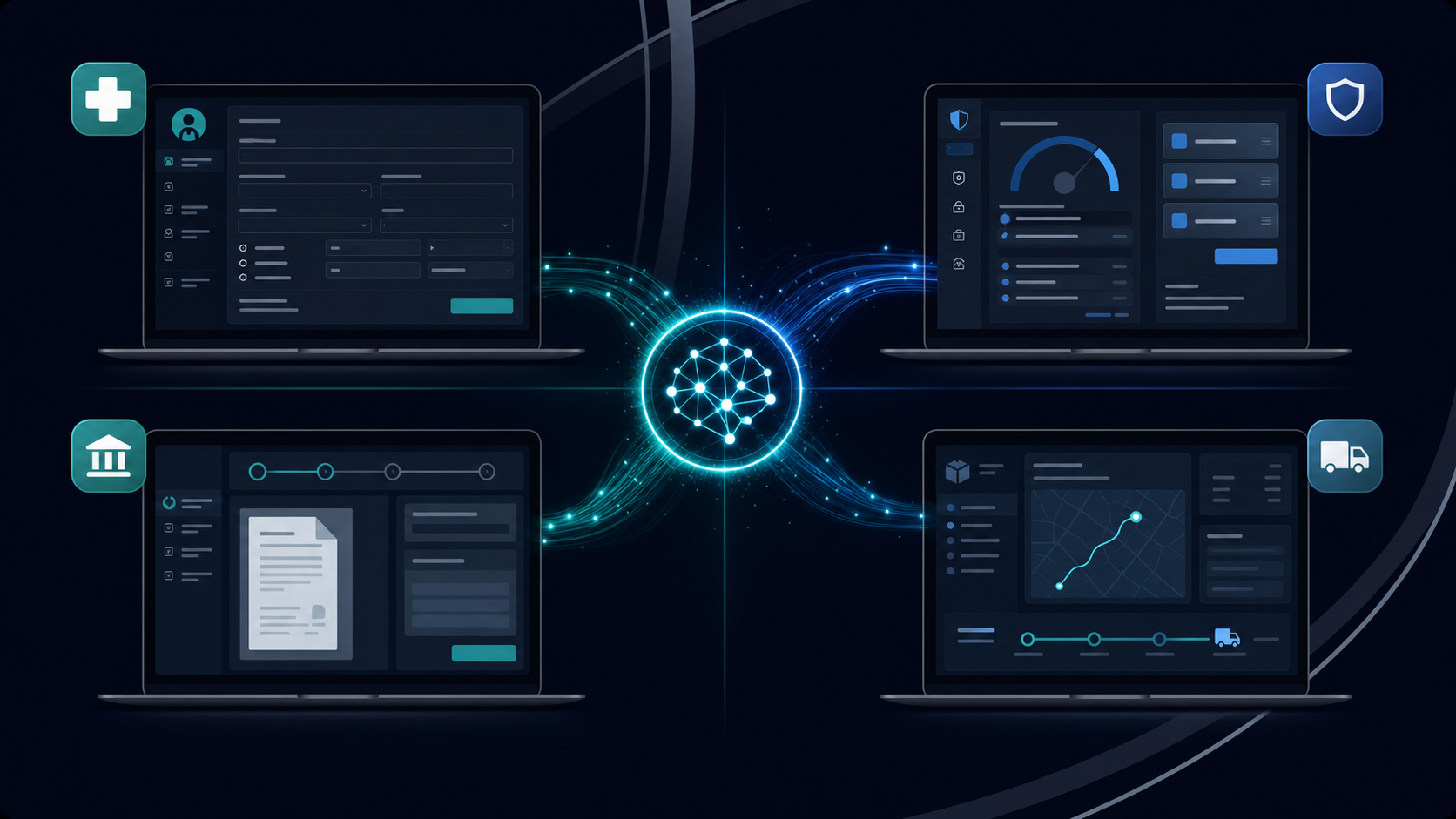
APA cuts across nearly every industry where critical workflows live behind credential-guarded portals with no API access. The sectors below represent the highest-concentration use cases, where the combination of portal sprawl, compliance requirements, and transaction volume makes manual operation genuinely unsustainable.
Healthcare: Prior Authorizations and Eligibility Verification
Healthcare operations run on payer portals, and those portals were not built for automation. Physicians submit an average of 39 prior authorizations per week, each requiring login, form navigation, clinical data entry, and status tracking across insurance payer portals that change layouts without notice. APA agents work through each portal's authentication flow, submit the request, and return structured results to the practice management system, with a full audit trail attached.
Eligibility verification follows the same pattern across dozens of payer portals, each with its own login sequence, session behavior, and output format.
Insurance and Financial Services: Carrier Quotes and Compliance Checks
Freight brokers and insurance teams pull quotes from carrier portals that have no shared API. An APA agent can run concurrent quote requests across many carrier portals simultaneously, extract structured rate data, and push results downstream, a workflow covered in detail for insurance carrier portal automation, collapsing a process that otherwise requires manual tab-switching across a full shift.
Compliance and KYC workflows face the same structural problem: government databases, licensing registries, and verification portals that require authenticated access and return unstructured output.
Legal and Government: Court Filings and Permit Applications
Court e-filing systems and government permit portals are among the least API-friendly surfaces in enterprise operations. APA agents handle government form submissions (updated 2026), including document upload, form completion, fee payment, and confirmation extraction across jurisdictions. Human review still matters here before submission, but the data gathering and form population steps are fully automatable.
Logistics and Supply Chain: Shipment Tracking and Vendor Portals
Carrier portals, freight status systems, and vendor compliance portals all require authenticated access and return data that needs to flow into internal systems. APA agents log in, pull shipment status or rate data, and write structured output to the appropriate downstream system, across as many portals as the operation requires.
Governance, Security, and Human-in-the-Loop Controls in APA
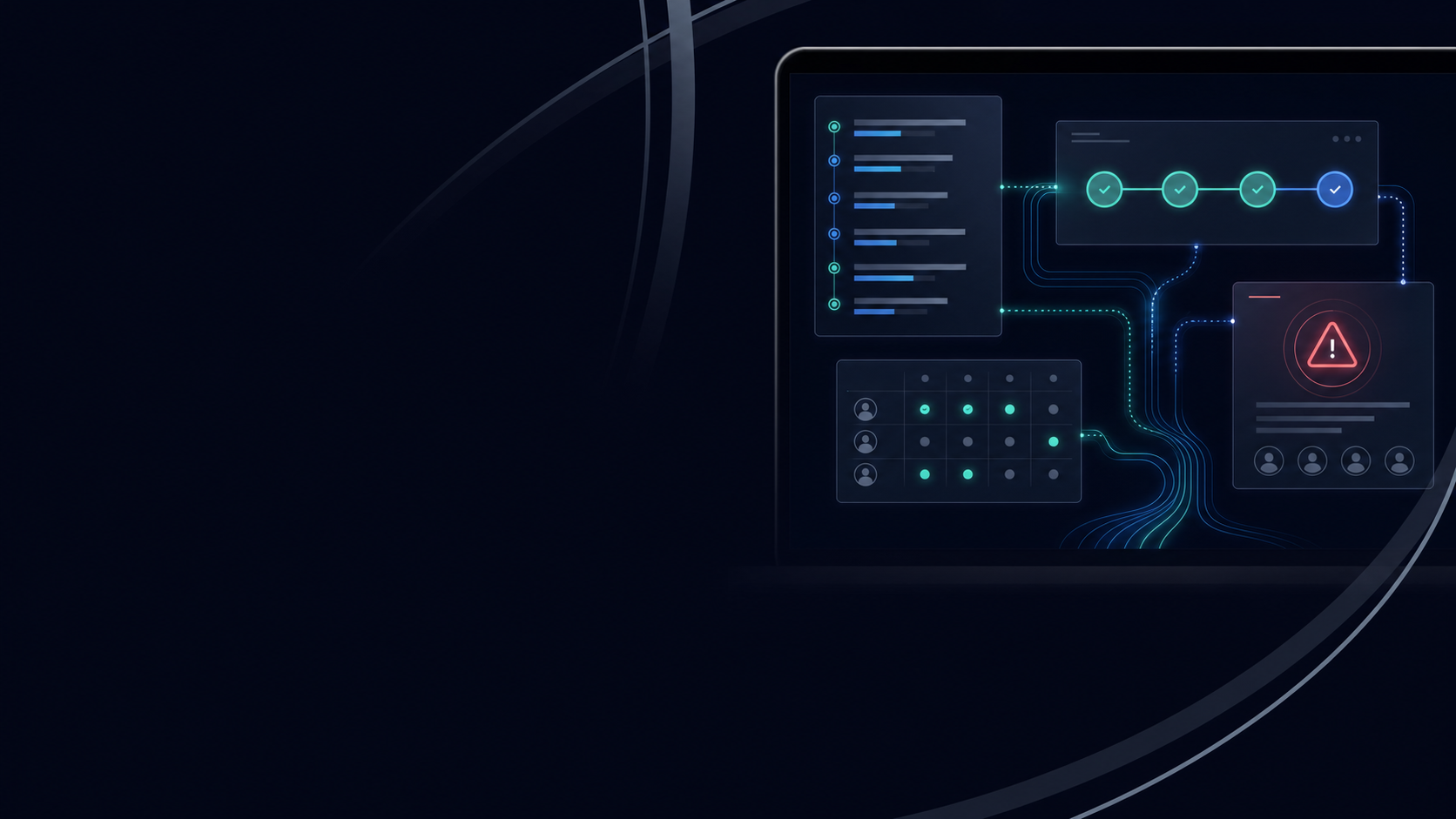
Autonomous agents making decisions across compliance-sensitive workflows raise an obvious question: who is accountable when something goes wrong? APA systems built for production answer that question before deployment, not after.
There are four control layers worth understanding here.
Audit Trails and Observability
Every agent run should produce a complete trace: page state at each step, actions taken, credentials used, structured output returned, and any exception that fired. That trace is also the compliance record. In healthcare, financial services, and other industries with strict oversight requirements, it is the evidence that a workflow ran correctly and that a human can reconstruct every decision the agent made.
Approval Gates and Human-in-the-Loop Design
Not every step in a workflow should run autonomously. Well-designed APA systems let teams insert approval gates at specific decision points, pausing execution until a human confirms before the agent proceeds. Human judgment still matters in high-stakes workflows, especially where the output feeds a consequential downstream action like a claim submission or a regulatory filing.
Role-Based Access and Credential Governance
APA workflows often operate inside credential-guarded systems. Secure credential storage, role-based access controls, and separation between who can configure a workflow and who can run it are baseline requirements for any enterprise deployment. Agents should never expose raw credentials in logs or output.
Exception Escalation
When an agent hits a condition it cannot resolve, the right behavior is escalation, not silent failure. A workflow that fails without alerting anyone is, in practice, worse than one that never ran.
How to Assess APA Tools
Picking the right APA tool comes down to five criteria that separate tools built for production from those that look good in a demo. Comparing the best AI RPA platforms against these criteria narrows the field quickly.
The Five Criteria That Matter
There are five dimensions worth considering before committing to any APA solution:
- Architectural approach. Selector-based tools break silently when a portal renames a button or restructures a form. Visual-reading tools re-read the live page state at runtime, so a layout change is new input, not a fatal failure. This single architectural difference determines maintenance burden more than any other factor.
- Authentication handling. Most real workflows sit behind logins, 2FA prompts, and session-timeout modals. A tool that can't reason through credential-guarded systems without hardcoded scripts will require constant intervention.
- Exception escalation and human-in-the-loop controls. Production workflows hit edge cases. The question is whether the tool flags them for human review or fails silently. Approval gates and escalation paths still matter in any compliance-heavy or high-stakes context.
- Audit trail and governance. Compliance teams need a full trace of what ran, when, and what was returned. Tools that produce no structured record create downstream liability, particularly in healthcare, insurance, and legal workflows.
- Integration depth. Structured output schemas, webhook support, and scheduling determine whether results actually reach the systems that need them, or whether someone still has to copy data manually after the automation runs.
How Skyvern Approaches Agentic Process Automation
Skyvern is an Agentic Process Automation (APA) platform built for workflows that live behind credential-guarded portals with no API. The browser execution layer (visual page reading, authentication handling, self-healing at runtime) is how it operates those portals. The platform layer is what makes it production-grade: credential management, approval gates, structured output delivery, and full audit trails. Instead of recording clicks or mapping selectors, Skyvern reads the live page state visually at runtime, reasons about what the page is asking for, and takes action toward a stated goal.
Four components work together to make this possible:
- The visual page reader reads the live layout at runtime, so a button that gets renamed or a form that gets restructured is just new input, not a fatal breakpoint.
- The goal-directed planner converts a stated objective into a sequence of actions, reassessing at each step instead of replaying a fixed path.
- The authentication handler works through login flows, 2FA prompts, and session-timeout modals as they appear, reasoning about state instead of pattern-matching against a script.
- The structured output extractor maps results to a defined schema before returning them downstream, so receiving systems get consistent data regardless of which portal layout the agent encountered.
Together, these components cover the failure modes that break traditional automation: portal layouts that change without notice, authentication flows that rotate per session, and portfolios of portals that non-technical teams need to manage without filing a support ticket every time a vendor updates their UI.
Final Thoughts on Agentic Process Automation
If your operation runs on credential-guarded portals with no API, the choice is not really between automation and no automation; it is between automation that breaks every time a portal updates and automation that adjusts at runtime. APA takes the latter approach, and the audit trails, exception handling, and structured output it produces are what make it viable in compliance-driven industries like healthcare, insurance, and legal. That is worth understanding before your team commits to another round of RPA script maintenance. Skyvern is the Agentic Process Automation platform purpose-built for this class of workflow: portals with no API, layouts that change without warning, and compliance records that matter as much as the result. Book a demo with Skyvern to see the approach in action against workflows your team already knows.
FAQ
What is agentic process automation and how does it differ from traditional RPA?
Agentic Process Automation (APA) is a category of automation where AI agents independently plan, execute, and adapt multi-step workflows across web-based systems without pre-scripted paths or human intervention at each step. The core architectural difference is execution model: traditional RPA replays a recorded sequence of clicks tied to DOM selectors, breaking whenever a portal renames a button or restructures a form, while APA agents read the live page state at runtime, reason about what action to take next, and continue working toward the goal through layout changes.
Should I use APA automation or keep maintaining our RPA scripts?
If your workflows run across credential-guarded portals that change layouts without notice, span multiple payer or carrier systems, or require your team to file support tickets every time a vendor updates their UI, APA is the stronger fit. RPA maintenance consumes 30 to 70% of ongoing effort on average, and that burden compounds as your portal portfolio grows; APA agents re-read the live page at runtime, so a layout change is new input instead of a fatal breakpoint.
How do I know if a workflow is a good candidate for APA automation?
The clearest signal is whether the process lives behind a credentialed portal with no API, involves multi-step form submissions or authentication flows, and currently requires manual intervention whenever the portal changes. Prior authorizations across payer systems, carrier quote pulls, court e-filings, and government permit applications all fit this profile; single-page internal tools with stable layouts and existing APIs generally do not warrant the APA overhead.
What governance and audit controls does APA provide for compliance-sensitive workflows?
A production-grade APA system produces a complete trace for every run covering page state at each step, actions taken, authentication steps, structured output returned, and any exception that fired. Beyond the audit trail, well-designed APA platforms include approval gates that pause execution for human review at specific decision points, role-based access controls that restrict who can run sensitive workflows, and credential vaults that store usernames and secrets outside LLM context so they never appear in logs or prompts.
Can APA handle authentication flows like 2FA and session timeouts without breaking?
Yes, authentication is a first-class concern in APA, not an edge case. A capable APA system works through login flows, TOTP-based 2FA prompts, email-based OTP challenges, and session-timeout modals by reasoning about the current page state instead of pattern-matching against a recorded script. Phone and SMS-based 2FA remains a structural limitation for most platforms, so workflows that require portal access tied to personal mobile numbers should be validated during a proof-of-concept before committing to production deployment.
Keep reading
What Is Agentic Automation? The Ops Team Guide (July 2026)
Long gone are the days when 'automate it' meant recording a click path and hoping the portal never changed. That model breaks too often, costs too much to maintain, and falls apart the moment a vendor redesigns a form. Agentic automation takes a different architectural approach, and for ops teams managing portal-heavy workflows, the distinction matters considerably more than the marketing around it. Here's what it actually means and how to think about whether it fits your situation. TLDR: * A
RPA vs AI Agents: Comparing Methods and Choosing Right (July 2026)
The days of treating RPA and AI agents as two versions of the same thing are catching up with teams managing real production workflows. One replays a recorded sequence and breaks when the page changes. The other reads the current state of the page and reasons through whatever it finds. The comparison below maps out where each approach holds up, where it breaks, and how to match your actual workflow conditions to the right tool. TLDR: * RPA automates a fixed path and breaks silently when porta
APA Control Plane for Agentic Automation (July 2026)
If you're running agentic process automation across more than a handful of portals, the wall where individual agents fall short is familiar. State doesn't persist across session timeouts. Exceptions have nowhere to go. There's no audit trail when something goes wrong. APA control plane agentic process automation is the infrastructure layer that solves those problems, and understanding how it works changes how you think about building automation that actually holds up in production. Skyvern is an
Put the browser to work
Use Skyvern for the work that lives in a browser.
Turn repetitive browser tasks into reliable workflows with Skyvern.