Steel vs Skyvern: Which is Better? (June 2026)
 Suchintan Singh12 min read
Steel and Skyvern both solve browser automation problems, but they sit in completely different parts of the stack. Steel is infrastructure: it manages Chrome sessions and gives you an API to script against, but the automation logic stays your responsibility. Skyvern is end-to-end execution: you give it a goal, and it reads the page visually, identifies what to interact with, and works through the workflow on its own. This Steel vs Skyvern breakdown covers how each tool handles authentication, what happens when a site redesigns its layout, and which approach holds up when you are automating across dozens of portals that do not behave the same way.
TLDR:
- Steel manages browser infrastructure but leaves all automation logic to you, while Skyvern reads pages visually and handles the full workflow end-to-end.
- Selector-based automation breaks when portals rename buttons or restructure forms; Skyvern re-reads the page at runtime and keeps going.
- Steel suits teams that want raw browser control and plan to write their own scripts; Skyvern fits ops teams running authenticated workflows across multiple sites that change frequently.
- Skyvern ships with built-in credential management, MFA handling, and CAPTCHA solving; Steel requires you to build all of that yourself.
What is Steel?
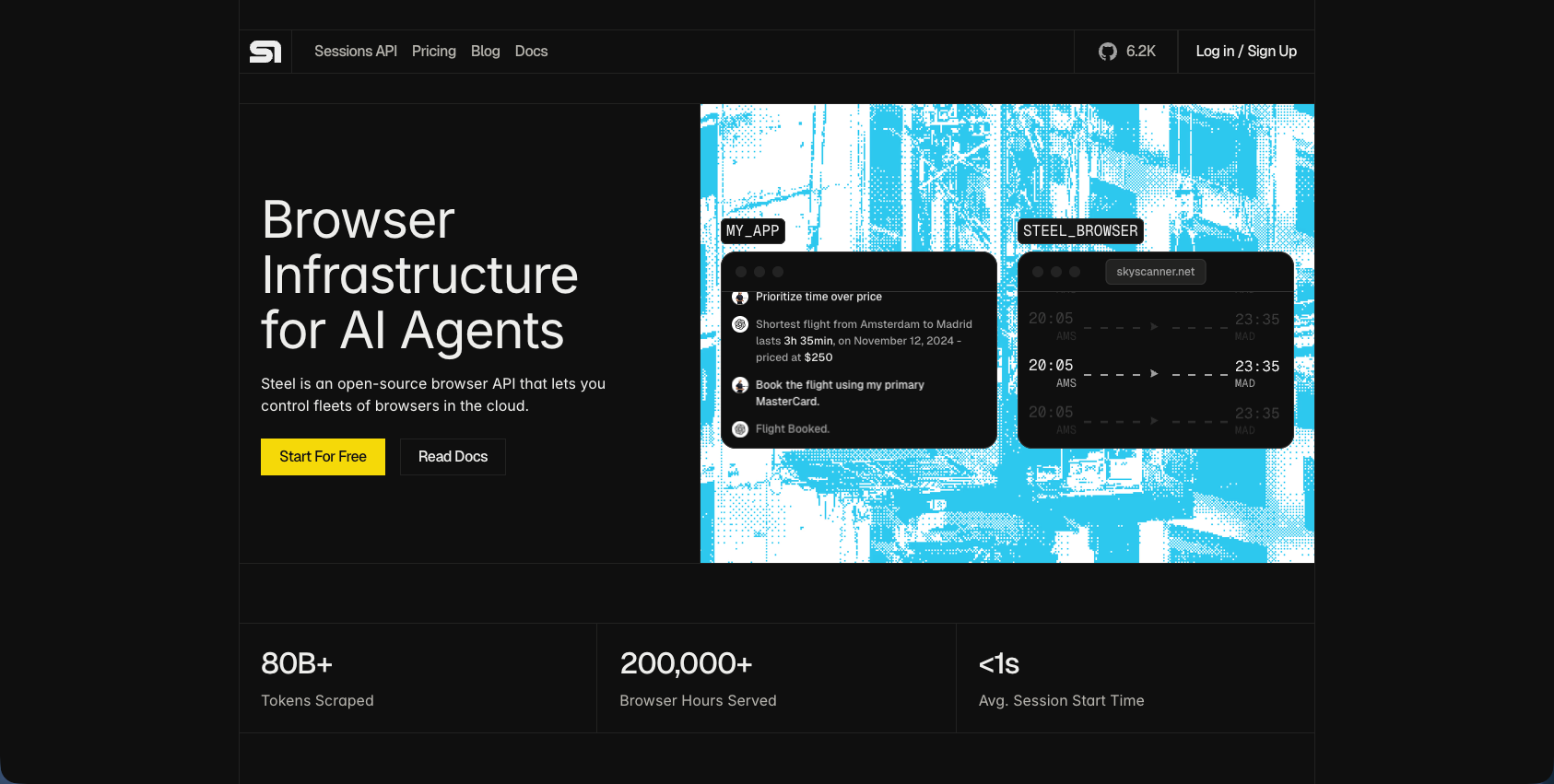
Steel is an open-source headless browser API built for AI agents and browser automation workflows. instead of handling automation logic itself, Steel sits at the infrastructure layer, managing browser sessions, pages, and Chrome processes so that the automation code you write on top has a stable, controllable environment to run against.
Under the hood, Steel works through Puppeteer and the Chrome DevTools Protocol, exposing REST and WebSocket APIs that give scripts and AI agents direct control over Chrome instances. Developers connect using Puppeteer, Playwright, or Selenium, whichever fits their existing stack. The result is a managed browser runtime: Steel handles session lifecycle, parallel instances, and process coordination, while the developer owns the automation logic that runs inside those sessions.
Key Features
- Managed browser infrastructure handles session lifecycle, Chrome process coordination, and parallel instance provisioning so developers can focus on workflow logic instead of runtime management.
- REST and WebSocket APIs provide direct control over Chrome instances through familiar protocols, making integration straightforward for teams already using Puppeteer, Playwright, or Selenium.
- Open-source architecture gives engineering teams full visibility into the browser layer and the option to self-host for complete infrastructure control.
- Chrome DevTools Protocol support provides low-level browser instrumentation for teams that need precise control over every interaction.
Limitations
- All automation logic, including selectors, click paths, and workflow steps, must be written and maintained by your team, which creates ongoing maintenance work when target sites change layouts.
- Authentication handling, credential storage, MFA flows, and CAPTCHA solving require custom implementation instead of coming built-in.
- Selector-based workflows break when portals rename buttons or restructure forms, requiring manual code updates to restore functionality. 40% of automation bots need monthly maintenance as changes in underlying applications and system upgrades break workflows.
- Infrastructure management falls to your team whether self-hosting or using Steel Cloud, adding ops overhead compared to fully managed services.
- Multi-site coverage requires separate scripts per site, compounding maintenance burden as the number of target portals grows.
Bottom Line
Steel fits engineering teams that want low-level browser control and prefer to own the full automation stack, particularly when workflows target a small number of stable sites where layout changes are infrequent. It is a strong match for developers comfortable writing and maintaining selector-based scripts who value infrastructure transparency over managed execution. Teams automating across dozens of portals with frequent layout changes or those without dedicated engineering resources to build authentication and error-handling logic will find the maintenance surface grows quickly.
What is Skyvern?
Skyvern is an AI browser automation service that handles the full stack: infrastructure, reasoning, decision-making, and execution. Where Steel gives you a managed browser runtime and leaves the automation logic to you, Skyvern accepts a plain-language goal and works through the entire workflow on its own.
The core mechanism is computer vision combined with LLM reasoning. Skyvern's visual page reading approach works at runtime, matching interactive elements by their appearance and context. When a portal redesigns its layout or restructures a form, the automation keeps running because there are no selectors to break in the first place.
A single workflow definition can cover dozens of different websites without per-site code. Getting started with Skyvern requires understanding this visual approach. Skyvern handles login flows, 2FA, CAPTCHAs, multi-step form sequences, and data extraction all within the same run, returning structured JSON output when it finishes.
Key Features
- Login flows, 2FA, and CAPTCHA handling are built into every run, so you write one workflow definition instead of patching auth edge cases across separate scripts.
- Visual page reading at runtime means layout changes and form restructures do not require you to update selectors or rewrite logic after a site update.
- Structured JSON output is returned at the end of each workflow, making it straightforward to pipe extracted data into downstream systems.
- A single workflow can cover dozens of different sites, which matters when you are automating across carrier portals, vendor dashboards, or any other fragmented web of logins.
Limitations
- Teams that only need a controlled browser environment and want to own all automation logic themselves may find Skyvern goes beyond what their use case requires.
- Pricing can be a hard number to swallow at scale if your workflows are high-volume but low-complexity.
- AI-driven visual reasoning adds latency compared to a direct selector-based approach, which is a real tradeoff for latency-sensitive workflows.
- Ecosystem maturity is still growing; some integrations and edge-case workflow types have less community tooling around them than older RPA tools.
Bottom Line
Skyvern fits ops and engineering teams that need to automate across multiple sites without maintaining brittle per-site scripts, particularly where login flows, CAPTCHAs, or frequent layout changes are part of the picture. It is a strong match for teams processing high volumes of structured data extraction across fragmented portals. Teams that just need a headless browser they can script themselves, with no interest in managed reasoning or execution, will likely find Steel the simpler fit.
Automation Approach and Architecture
Steel takes a code-first approach to browser automation. You write scripts, define selectors, and instruct the tool to click specific elements at specific coordinates, similar to traditional automation tools. The logic lives in your codebase, which means changes to a target site often require manual updates to keep workflows running.
Skyvern works differently. instead of relying on selectors or hardcoded element paths, it reads pages visually using computer vision and LLM reasoning to identify what's on the screen, decide what to interact with, and move through the workflow. This visual reasoning approach means if a portal redesigns its layout or renames a button, Skyvern re-reads the page at runtime and keeps going.
Feature | Steel | Skyvern |
|---|---|---|
Core function | Manages browser infrastructure and provides APIs for scripting Chrome sessions | Reads pages visually and executes complete workflows end-to-end using computer vision and LLM reasoning |
Automation logic | Developer writes and maintains all selectors, click paths, and workflow steps in code | AI interprets goals and decides what to interact with by reading the rendered page at runtime |
Site layout changes | Breaks workflows when portals rename buttons or restructure forms; requires manual code updates | Re-reads the page visually and adapts without code changes because elements are identified by appearance and context |
Authentication handling | Supports authenticated sessions but developer must write login logic, credential storage, and MFA handling | Ships with credential vault, TOTP support, and handles login flows, MFA prompts, and CAPTCHAs automatically |
Best fit | Engineering teams that want low-level browser control and prefer to own the full automation stack | Ops teams running workflows across multiple authenticated portals where site variations and layout changes create maintenance overhead |
What This Looks Like Under Load
The architectural gap matters most when workflows span many sites or change frequently. With a selector-based approach, each layout change is a maintenance event. With Skyvern, the visual layer absorbs those changes automatically.
Three areas where this plays out in practice:
- Authentication handling: Skyvern works through login flows, MFA prompts, and CAPTCHAs without requiring pre-scripted paths for each variation.
- Dynamic content: Pages that load elements asynchronously or conditionally don't require special handling, since Skyvern reads the live page state instead of the DOM, an advantage over most browser automation tools.
- Multi-site coverage: Teams running workflows across dozens of portals avoid writing and maintaining a separate script per site.
Workflow Complexity and Multi-Step Automation
Steel handles straightforward, repeatable tasks well. If your workflow follows a predictable path through a known set of pages, its selector-based approach holds up. But workflows rarely stay predictable. Login prompts appear mid-session, CAPTCHAs interrupt progress, pages restructure after updates, and multi-step processes branch depending on what a page returns.
Skyvern reads each page visually at runtime, so it adapts when the path changes. It works through login flows, solves CAPTCHAs, and adjusts to layout shifts without requiring a rewritten script. A workflow that spans five steps on Tuesday can span seven steps on Wednesday after a portal update, and Skyvern keeps moving.
Where the Gap Widens in Practice
Three scenarios expose where selector-based tools struggle most:
- Dynamic branching: when a page returns different states depending on prior inputs, selectors break because they were written for one expected state. Skyvern reads the actual state and decides from there.
- Auth interruptions: mid-session login prompts or MFA challenges kill selector-based flows entirely. Skyvern handles these inline.
- Post-update layouts: a portal redesign that renames a button or shifts a form field breaks selectors immediately. Skyvern identifies elements by appearance and context, so the workflow survives the change.
Human review still matters for high-stakes workflows where outputs feed important decisions, but the automation layer itself holds up across far more surface area.
Developer Experience and Technical Requirements
Both Steel and Skyvern are built for technical teams, but they ask very different things of the engineers who adopt them.
Steel is an open-source browser API, so the integration model will feel familiar to any developer who has worked with REST services before. You spin up a browser session, send commands, read responses. The setup is relatively lightweight, and because you control the infrastructure, you can tune it to fit your existing stack. For teams that want low-level control and already have the engineering bandwidth to build workflow logic on top of a browser API, Steel fits naturally into that approach.
Skyvern asks for less upfront code but requires a different mental model. Instead of writing step-by-step browser instructions, you write a goal. Skyvern reads the page visually, reasons about what it sees, and works through the task. That shift from scripting to goal-specification takes some adjustment, especially for teams accustomed to deterministic automation.
Where the Tradeoffs Land
There are three areas where the developer experience diverges most clearly:
- Setup and hosting: Steel requires you to manage browser infrastructure, whether self-hosted or via Steel Cloud. Skyvern handles the browser layer for you, which reduces ops overhead but also means less direct control over the execution environment.
- Debugging: With Steel, a failed session is yours to inspect at the API level. With Skyvern, the AI reasoning layer adds a step of abstraction that can make tracing failures less straightforward, though Skyvern does expose live viewport access to help.
- Maintenance over time: Steel workflows that rely on selector logic will need updates when target sites change. Skyvern's visual approach reduces that burden considerably, since it re-reads the page at runtime instead of relying on hardcoded paths.
Neither setup is objectively easier. The right choice depends on how much workflow logic your team wants to own.
Use Case Fit and Production Readiness
Steel works well for deterministic, developer-controlled automation: scraping static pages, running scheduled data pulls from sites with predictable layouts, or wiring up pipelines where you control the environment end to end. If your workflow lives entirely inside a codebase and the pages you're hitting rarely change, Steel holds up.
Skyvern fits a different profile. Teams working across carrier portals, insurance systems, government forms, or vendor portals (where layouts shift, login flows vary, and no two sites behave the same way) are the ones who hit Steel's ceiling fastest. Skyvern's visual reasoning layer means it reads whatever is on screen at runtime, so a redesigned form or a renamed button doesn't break the run.
Production readiness is where the two tools pull apart most clearly. Skyvern ships with built-in credential management, TOTP support, and webhook-based monitoring out of the box. Steel leaves authentication and error handling to the developer. For a single workflow, that's manageable. For twenty workflows running across different authenticated portals, the maintenance surface compounds fast.
Who Each Tool Actually Serves
- Steel suits engineers who want raw browser infrastructure and are comfortable owning the full automation stack above it, including auth, retries, and failure handling, similar to other open-source options.
- Skyvern suits ops teams and developers who need workflows to survive site changes without manual intervention, especially across authenticated, multi-step processes at scale.
Why Skyvern is the Better Choice
Skyvern takes a fundamentally different architectural approach from Steel. Where Steel gives you a programmable browser you still have to script, Skyvern reads pages visually using computer vision and LLM reasoning, then acts on what it sees. That means no selectors to write, no DOM paths to maintain, and no workflows that break the moment a portal redesigns its layout.
Three capabilities set Skyvern apart in a direct comparison.
- First, self-healing workflows. Skyvern identifies interactive elements by appearance and context at runtime, so a renamed button or reshuffled form doesn't kill your automation. Steel workflows, by contrast, depend on the scripts you write around them. If the page changes, your code breaks.
- Second, built-in authentication handling. Skyvern manages login flows, MFA, and TOTP out of the box. Steel supports authenticated sessions, but you're still writing the logic yourself.
- Third, credential management at the infrastructure level. Skyvern stores credentials in an encrypted vault and injects them at runtime. There's no equivalent abstraction in Steel; credential handling is your responsibility.
Code Example: Authenticated Portal Workflow
The Python SDK snippet below shows what a carrier portal workflow looks like in practice: credential vault storage, TOTP routing for 2FA, and a structured output schema, all handled in a single run_task call.
import asyncio
from skyvern import Skyvern

# Initialize the client with your API key
client = Skyvern(api_key="YOUR_API_KEY")

async def setup_credentials():
    # Store credentials once in the encrypted vault -- never passed to the LLM
    # Save the returned credential_id for use in every subsequent workflow run
    await client.create_credential(
        name="Carrier Portal Login",
        credential_type="password",
        credential={"username": "ops@yourcompany.com", "password": "your-password"},
    )
    # Returns: {"id": "cred_your_credential_id"}

async def run_portal_workflow():
    task = await client.run_task(
        url="https://carrier-portal.example.com",
        prompt="Log in, navigate to the documents section, and download the latest invoice.",
        credential_id="cred_your_credential_id",   # Vault injects credentials at runtime
        totp_identifier="ops@yourcompany.com",     # Routes TOTP codes for 2FA handling
        data_extraction_schema={                    # Defines the structured JSON output shape
            "type": "object",
            "properties": {
                "invoice_number": {"type": "string"},
                "invoice_date": {"type": "string"},
                "amount_due": {"type": "number"},
            },
        },
        webhook_url="https://your-system.com/webhooks/skyvern",  # Async result delivery
        wait_for_completion=True,
    )

    print(task.status)            # "completed" or failure state
    print(task.output)            # Structured JSON matching data_extraction_schema
    print(task.downloaded_files)  # Any files retrieved during the run

asyncio.run(run_portal_workflow())
The same run_task call works unchanged across any number of portals because Skyvern reads each page visually at runtime, so there is nothing to rewrite when a vendor updates their layout.
For teams running multi-step workflows across vendor portals, insurance carriers, or government sites, that architectural gap matters considerably. Steel is a capable tool for developers who want full control over a live browser. Skyvern, though, is built for teams that want the automation to handle the complexity instead of merely exposing the surface.
Final Thoughts on Steel and Skyvern
Both tools solve real problems, but they solve different ones. Steel gives you a programmable browser you can script exactly how you want. Skyvern gives you workflows that read pages visually and keep running when portals change their layouts or throw up unexpected auth prompts. If your automation needs span multiple sites, handle dynamic content, or break every time a vendor redesigns their portal, Skyvern's self-healing approach is built for that. Book a quick call to see what it looks like for your stack.
FAQ
How should I decide between Steel and Skyvern for my automation needs?
The choice hinges on how much automation logic you want to own versus offload. Steel fits teams that prefer writing and maintaining their own scripts and want direct control over browser infrastructure, particularly when workflows target predictable sites with stable layouts. Skyvern suits teams running workflows across multiple authenticated portals where layouts change frequently, login flows vary, and you'd rather the automation adapt to site changes than maintain selectors yourself.
What happens when a portal redesigns its layout in each tool?
Steel workflows depend on the selectors and DOM paths you write, so a layout change requires you to update your code before the automation runs again. Skyvern reads pages visually at runtime using computer vision and LLM reasoning, identifying elements by appearance and context instead of hardcoded paths, which means the workflow keeps running through layout changes without code edits.
Who is each tool best suited for in production environments?
Steel works well for engineering teams building deterministic automation against stable sites where they control the full stack and prefer low-level infrastructure access. Skyvern is built for ops teams and developers managing workflows across fragmented, authenticated portals, including insurance carriers, vendor dashboards, and government forms, where site variations and authentication flows create maintenance overhead that visual automation eliminates.
What authentication and credential management do I get out of the box?
Steel provides the browser infrastructure but leaves authentication logic, credential storage, and MFA handling to you as the developer. Skyvern ships with built-in credential vault storage, TOTP support for authenticator-app 2FA, and handles login flows, MFA prompts, and CAPTCHAs as part of every workflow run without requiring you to script those paths separately.
What limitations should I expect with Skyvern at scale?
Skyvern's AI-driven visual approach adds execution latency compared to direct selector-based scripts, which matters for latency-sensitive workflows. Pricing can scale quickly on high-volume, low-complexity runs where per-step costs compound. The ecosystem is still maturing, so some edge-case workflow types and integrations have less community tooling than older RPA platforms, though the visual architecture eliminates the selector-maintenance burden those platforms create.
Keep reading
6 Selenium Alternatives for Faster Browser Automation
Here is my guess: you are tired of fixing scripts that break every time a website changes its layout and you are looking for an alternative. Selenium has been the most popular testing framework for years. It’s open source, it runs tests across every major browser, OS and language. But Selenium leans on XPath selectors and DOM parsing. It makes automations unreliable when a site changes even a little. We started Skyvern to fix exactly this problem (I am Skyvern's CEO), using LLMs and computer

7 Playwright MCP Alternatives for Better Browser Automation
Compare seven Playwright MCP alternatives that reduce context overhead, retries, and stalled agent runs. Find the right option for your workflow.
9 Prior Authorization Companies Compared (2026)
Compare nine prior authorization companies by workflow coverage, setup, human review, who each product serves, and the work each leaves to your team.
Put the browser to work
Use Skyvern for the work that lives in a browser.
Turn repetitive browser tasks into reliable workflows with Skyvern.