9 Prior Authorization Companies Compared (2026)
 Suchintan Singh11 min read
You are probably comparing prior authorization companies because your staff still checks requirements, gathers documents, enters the same data in several systems, or follows up with payers by hand. Choose a product based on the work you want it to take over.
This guide compares nine companies by the work they complete, the systems they connect to, the people they serve, and the points where your staff still needs to step in.
In a 2024 survey of 1,000 practicing physicians, the American Medical Association reported an average of 43 prior authorizations and 12 hours of physician and staff time per physician each week.
No company covers every workflow. Your shortlist depends on the type of authorization, where your team loses time, and how much of the process you want to change.
Prior authorization companies at a glance
Each company serves a different part of the process. They differ in who uses the product, what it completes, and where a person still has to act.
| Company | Who it serves | Product type | Main coverage | Where people remain involved |
|---|---|---|---|---|
| Waystar | Providers | Revenue cycle management (RCM) platform | Requirement checks, initiation, status, work queues, write-back | Documents, review, and exceptions |
| Experian Health | Providers | Patient-access and RCM software | Inquiries, guided submission, status, work queues | Cases that trigger intervention |
| Infinx | Providers | Software plus services | Determination, portal or API initiation, follow-up, write-back | Clinical questions and unsupported cases |
| Valer | Providers | Authorization and referral platform | Submission, status, verification, reporting, electronic health record (EHR) sync | Review and exception work |
| Availity | Providers and health plans | Network and portal | Requirement checks, submission, documents, status | Clinical and payer review |
| CoverMyMeds | Prescribers, pharmacies, payers, biopharma | Prescription electronic prior authorization (ePA) network | Initiation, forms, submission, determination exchange | Clinical questions and plan review |
| Cohere Health | Health plans | Utilization-management platform | Intake, policy workflows, review orchestration, APIs | Governed clinical review and payer decisions |
| NYX Health | Providers | Outsourced service | Intake through determination in customer systems | Service staff perform routine work and escalate |
| Skyvern | Operations teams | AI browser automation | Form entry, files, validation, and status extraction on websites | Review gates and exceptions |
1. Waystar
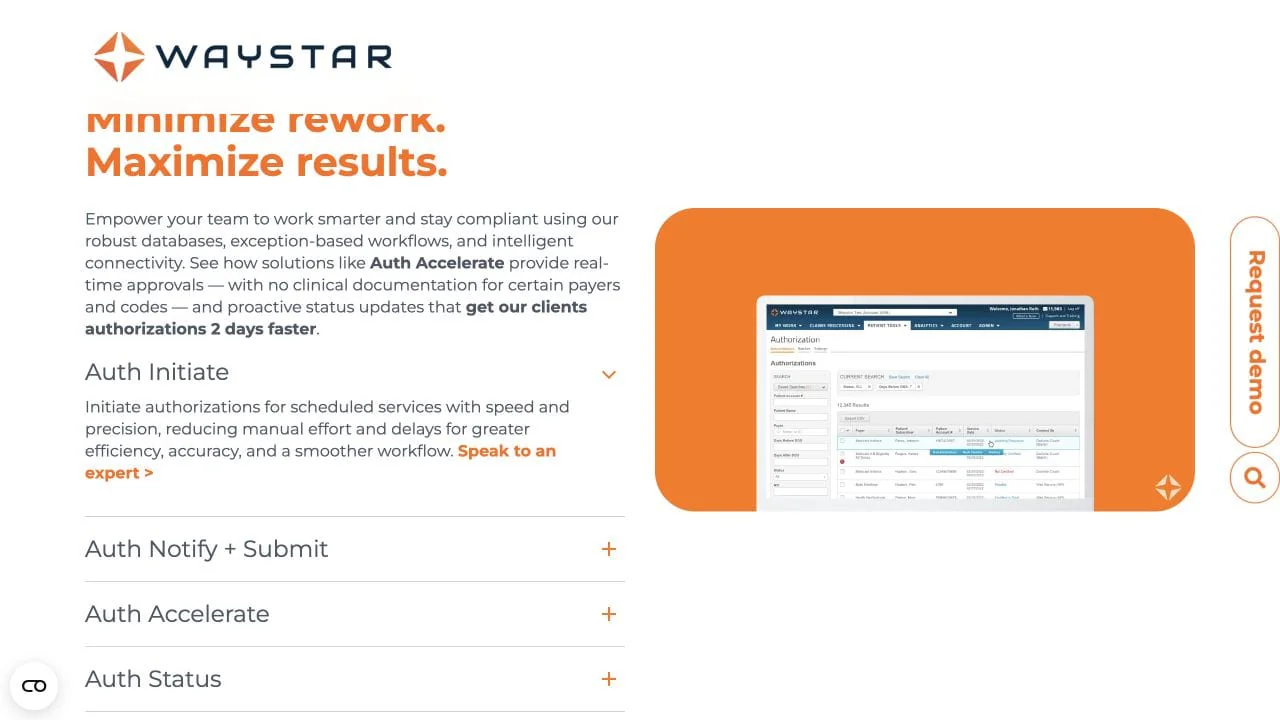
Waystar Authorization Manager connects requirement checks, request initiation, status retrieval, exception worklists, and provider-system updates with a broader revenue-cycle platform. It suits larger provider organizations that want authorization tied to scheduling, patient access, and financial clearance.
Staff still manage clinical documents, corrections, and exceptions. The workflow can use direct automation or another channel depending on the payer and service line.
Key features
- Authorization requirement checks and request initiation.
- Status retrieval and exception worklists.
- Updates to connected provider systems.
Setup: Expect to connect your EHR or practice-management system, scheduling data, payer rules, and work queues. Pricing is not public.
Best for: You want prior authorization inside a larger enterprise RCM platform.
Tradeoff: The implementation may be larger than you need for one portal or one step.
2. Experian Health
Experian Health Authorizations automates authorization inquiries, guides submission, monitors status, and prompts patient-access or revenue-cycle staff when a case needs intervention. It covers work from the requirement check through follow-up.
Ask Experian to separate automated inquiries, guided submissions, and cases completed without staff action when it demonstrates your payer mix.
Key features
- Automated authorization inquiries.
- Guided submission with payer requirement data.
- Status monitoring and staff work queues.
Setup: Plan for EHR or billing integration, local rules, document handling, and work-queue design. Pricing is not public.
Best for: You want to connect authorization management to patient-access and front-end revenue-cycle work.
Tradeoff: The amount of automation can differ by payer and by step.
3. Infinx
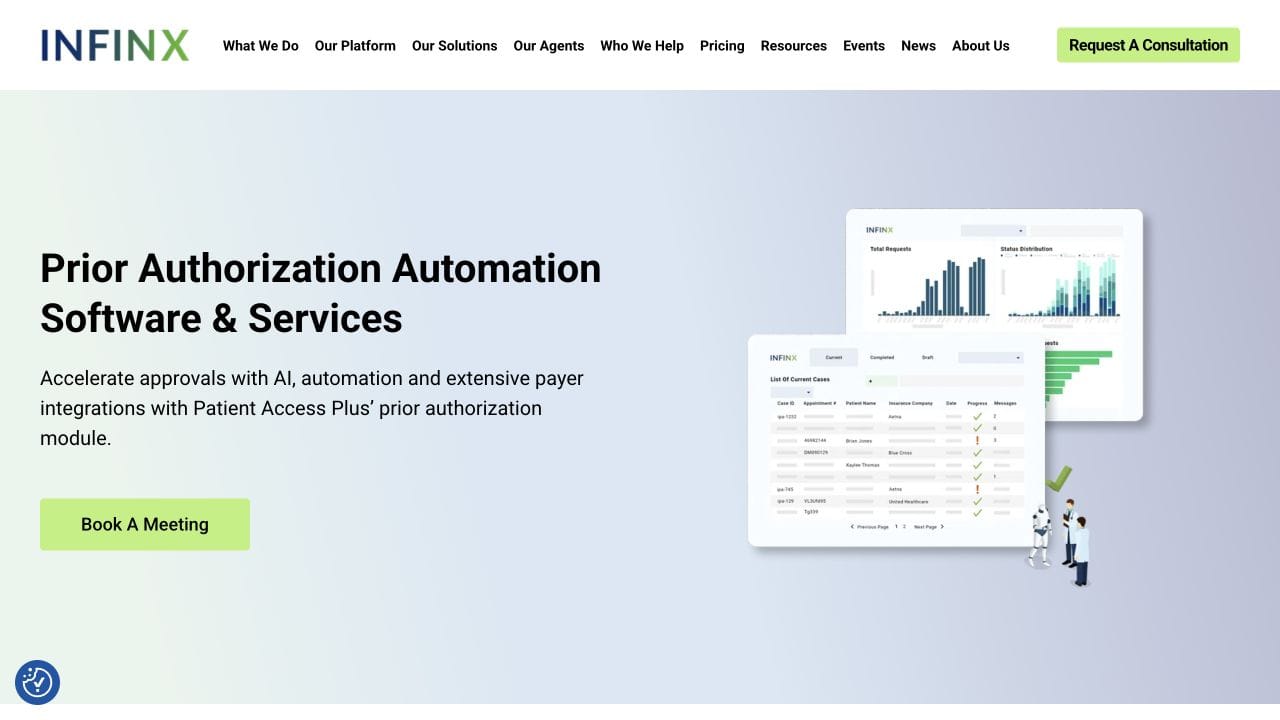
Infinx Patient Access Plus combines software with optional operational specialists. Its Prior Authorization Initiation Agent uses APIs and browser-based work across payer and third-party administrator portals for determination, initiation, follow-up, and write-back.
The workflow can pause for a clinical question, missing information, or an unfamiliar payer response. It can then route the case to your staff or to Infinx specialists.
Key features
- Requirement checks, initiation, and follow-up.
- API and browser work across payer portals.
- Optional specialists for exceptions and operating support.
Setup: Define your payer workflows, EHR write-back, access, and who owns every exception.
Best for: You want automation and extra operating capacity from the same company.
Tradeoff: Coverage and responsibility depend on the configured workflow and service agreement.
4. Valer
Valer provides a shared platform for authorization and referral submission, status, verification, reporting, and EHR synchronization. It can replace separate spreadsheets, portal notes, and departmental queues with one work surface across locations or service lines.
Your payer mix determines where Valer's direct connections end and where portal, fax, clinical, and exception work remains.
Key features
- Authorization and referral submission.
- Status checks, verification, and reporting.
- Shared work queues and EHR synchronization.
Setup: Map your workflows, design access, connect the EHR, and train staff. Pricing is not public.
Best for: You want to centralize authorization and referral work across locations or service lines.
Tradeoff: A central platform changes more of your operation than a single portal automation.
5. Availity
Availity electronic prior authorization connects providers, health plans, and health IT systems. Provider workflows can check requirements, submit requests and documents, and show status. Availity also supports Fast Healthcare Interoperability Resources (FHIR) workflows for Coverage Requirements Discovery (CRD), Documentation Templates and Rules (DTR), and Prior Authorization Support (PAS).
Missing documents, clinical review, delegated vendors, and unsupported services still create staff work.
Key features
- Requirement checks, request submission, and document exchange.
- Status visibility for provider workflows.
- FHIR support for CRD, DTR, and PAS.
Setup: You can start in the Availity Essentials portal or build deeper host-system and payer connections.
Best for: You need broad connectivity among providers, health plans, and health IT systems.
Tradeoff: A large network does not mean every case runs from start to finish without staff work.
6. CoverMyMeds
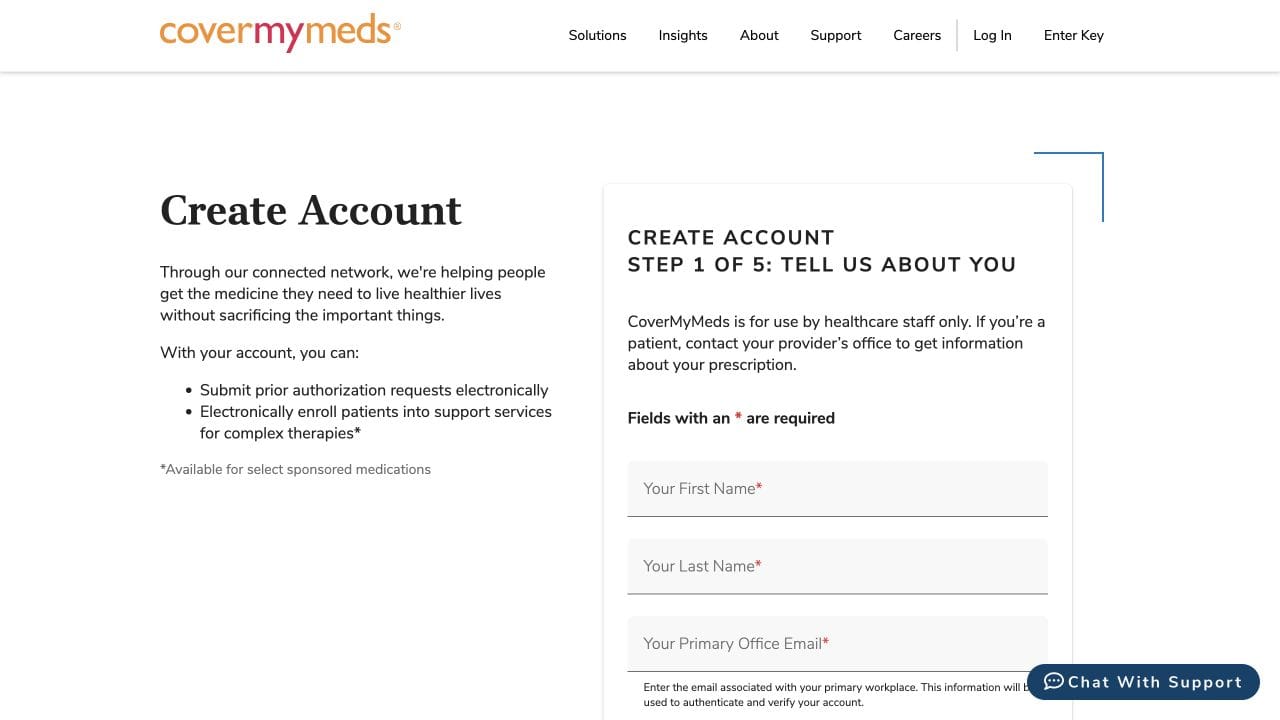
CoverMyMeds electronic prior authorization serves prescription workflows. It can prefill patient, prescription, and provider information, send plan questions to the prescriber, submit the response, and return a determination through its web product or supported prescribing systems.
Your prescribing team answers clinical questions that the available data cannot resolve. The health plan or pharmacy benefit manager keeps authority over the coverage decision.
Key features
- Prefilled patient, prescription, and provider information.
- Electronic plan questions and prescriber responses.
- Submission and determination exchange through the web or connected prescribing systems.
Setup: Providers can use the web product without a fee. Deeper setup depends on the prescribing or pharmacy system you connect.
Best for: You manage medication access from a prescriber, pharmacy, payer, or biopharma workflow.
Tradeoff: CoverMyMeds handles pharmacy-benefit workflows, not every medical-service authorization.
7. Cohere Health
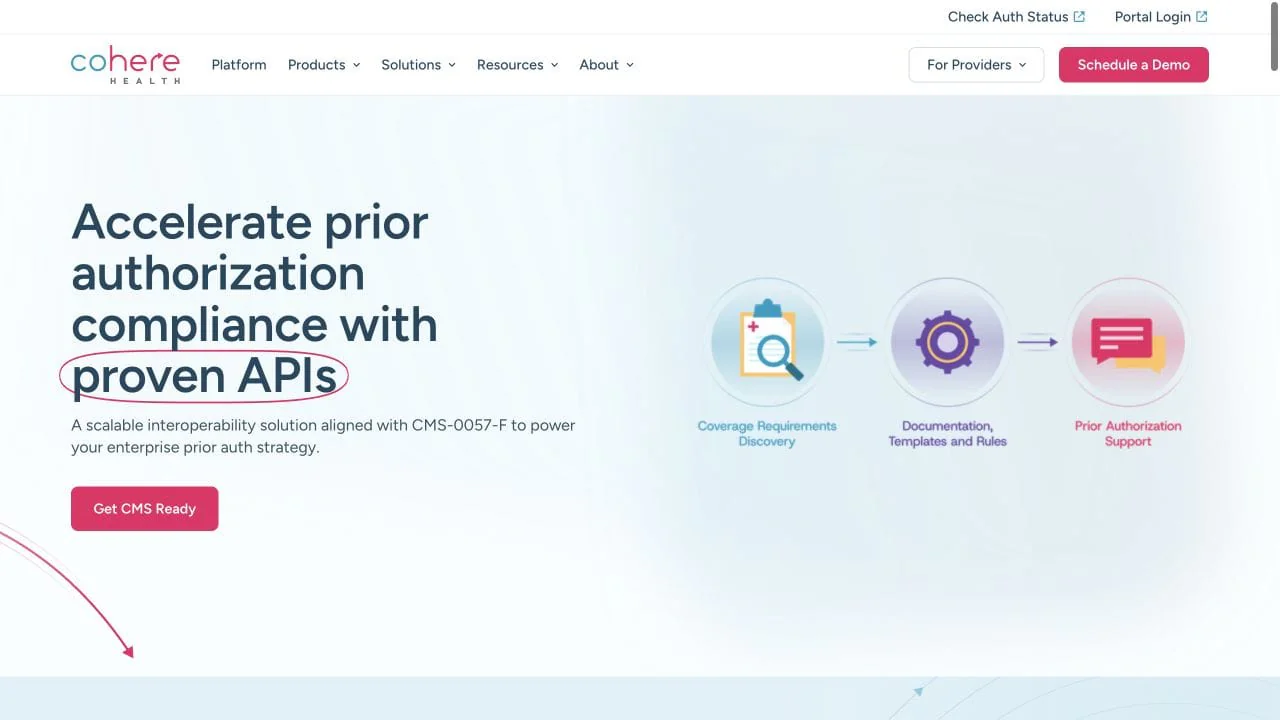
Cohere Health sells utilization-management infrastructure to health plans. Its products cover digital intake, policy configuration, documentation requirements, review workflows, and FHIR CRD, DTR, and PAS APIs.
Automation can extract and organize information, apply configured policies, and route requests. Your health plan keeps decision authority through its governed clinical process.
Key features
- Digital provider intake and documentation requirements.
- Policy configuration and clinical review workflows.
- FHIR APIs for CRD, DTR, and PAS.
Setup: Expect work across medical policies, clinical operations, plan data, provider experience, and APIs.
Best for: You work for a health plan and need to modernize authorization intake, review, and interoperability.
Tradeoff: Cohere is a health-plan platform even though providers interact with its intake experience.
8. NYX Health
NYX Health supplies an outsourced team that works in your EHR and payer systems across intake, requirement review, document preparation, submission, follow-up, and status management. It can cover staffing gaps, clear a backlog, or take over a defined queue.
NYX performs the work in systems you already use. You still need to govern access, escalation, quality, and the knowledge that stays with your organization.
Key features
- Intake, requirement review, and document preparation.
- Submission, follow-up, and status management.
- Staff who work in your EHR and payer systems.
Setup: Define access, service levels, escalation, training, quality measures, and knowledge transfer.
Best for: You have a staffing shortage, a backlog, or a plan to outsource a defined queue.
Tradeoff: You receive operating capacity, not the same configurable automation you would own in a software platform.
9. Skyvern
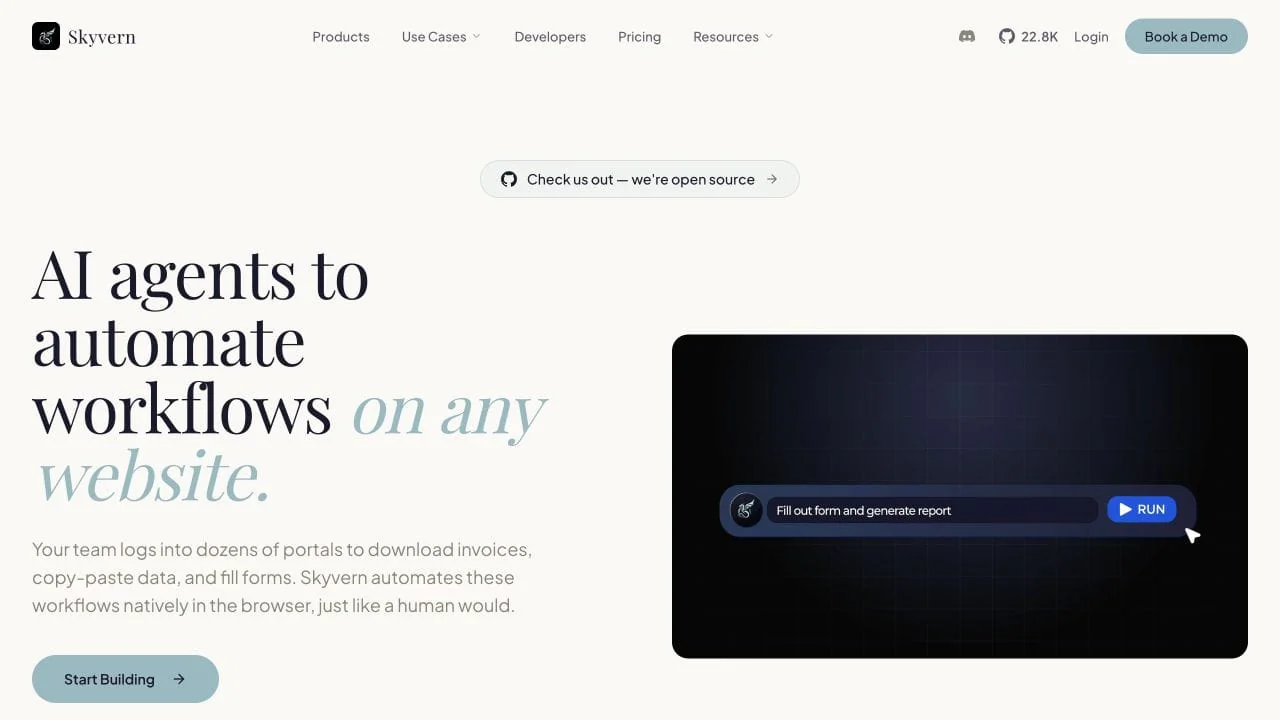
Skyvern is designed to automate workflows on any website. Prior authorization is one use case. If work happens in a browser, Skyvern can sign in, read the page, fill forms, upload or download files, move through several screens, and return the result.
You describe the result in plain English. Skyvern reads each page and chooses the next action while the workflow runs. You do not have to script every click, and the workflow can often keep working when a page layout changes. For prior authorization, it can take a prepared case, enter it in a payer portal, attach the supporting documents, stop for review, and return the status.
Key features
- Plain-English instructions instead of click-by-click scripts.
- A visual builder for arranging reusable steps.
- File uploads, downloads, validation, and data extraction.
- Run history with screenshots, recordings, actions, and outputs.
Setup: For a basic workflow, open the hosted builder, add steps, describe what each step should do, and press Run. An operations specialist can build and test this without writing code. Developers can also connect Skyvern through its API or host it themselves.
Best for: You want to automate repetitive work across websites while keeping your current business systems.
Tradeoff: Skyvern performs the browser work. You still provide the source data, business rules, review policy, and clinical decisions.
Where does AI help in prior authorization?
AI can help in three parts of the workflow:
- Read clinical documents, extract facts, and flag missing information.
- Match known requirements, route cases, and prepare material for review.
- Operate portals, monitor status, and return structured results.
The task and control point determine the risk. Extracting a confirmation number is different from interpreting medical necessity.
For every AI step, answer four questions:
- What data goes in?
- What result comes out?
- What can the system change?
- Who remains accountable?
Your review policy should also state what pauses the workflow, what evidence the reviewer sees, what the reviewer may edit, and how the workflow resumes.
Test representative cases instead of relying on one clean demo. Include missing documents, new payer questions, timeouts, denials, delegated vendors, and portal changes. Record where the product finishes the work, asks for help, or fails.
We built a prior authorization workflow without code
We gave Skyvern a safe practice portal and a one-page clinical PDF. Then we created three steps in its visual builder:
- Open the portal.
- Fill the request, attach the PDF, and stop at the review screen.
- Check that the values on the review screen match the source record.
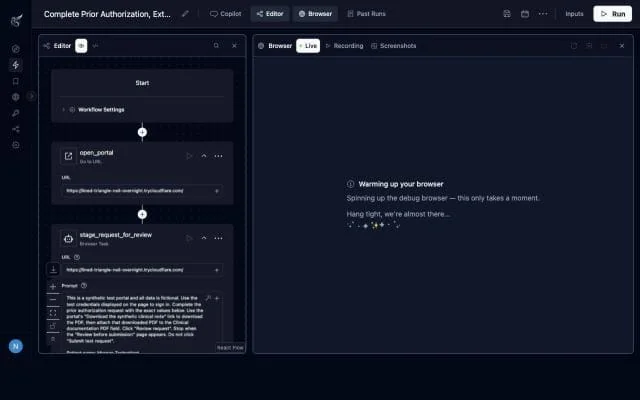
Each card is one step. A card can open a page or contain a plain-English instruction such as “complete these fields, upload this file, and stop before submitting.” The browser panel lets you watch the work as it happens. You can change the instructions and run the workflow again without writing code or mapping every button and field on the page.
Skyvern filled all ten fields, attached the PDF, and reached the review screen. It stopped there because the instructions required a person to check the request before submission.
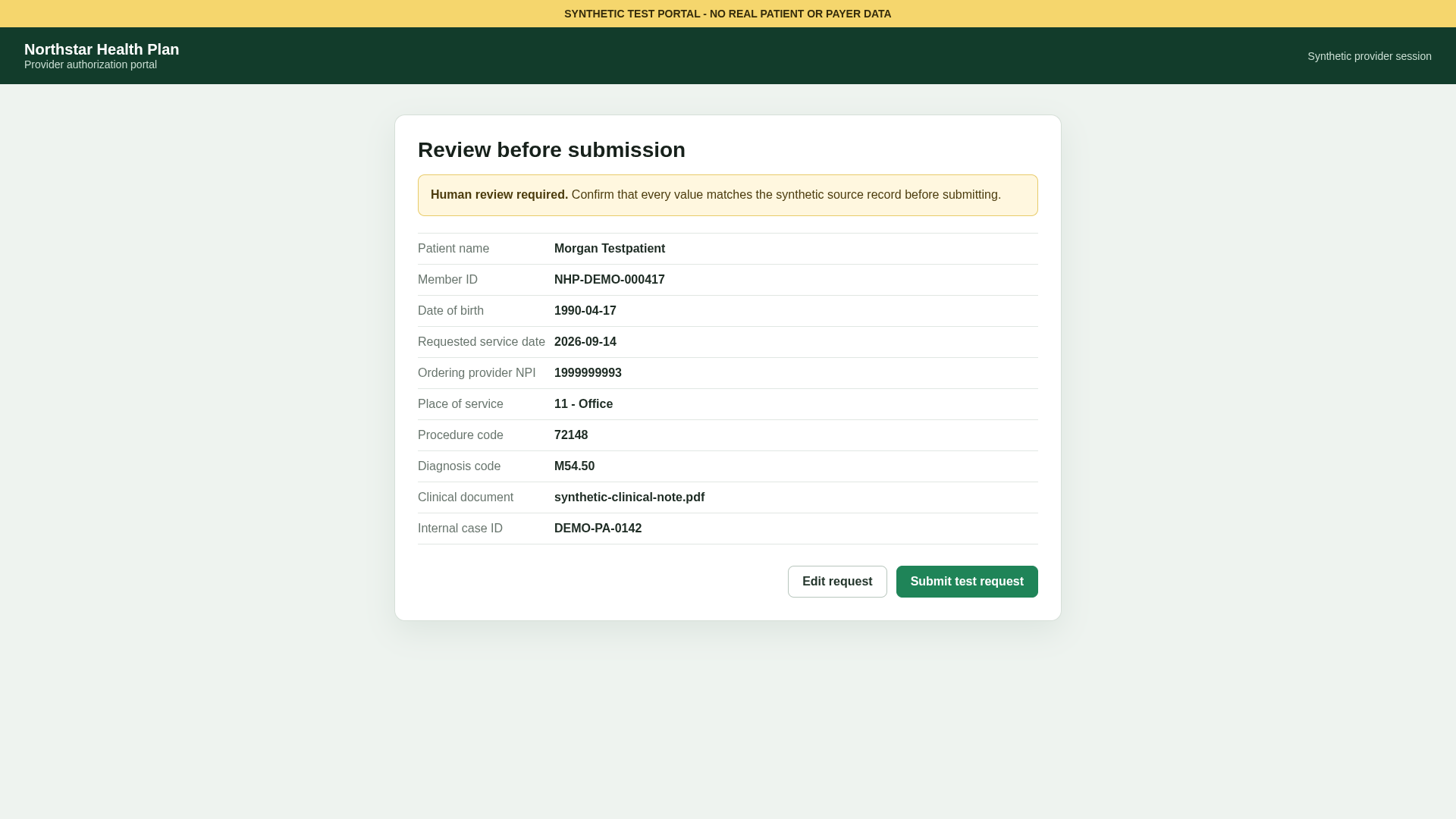
The workflow completed all three steps, and every value on the review screen matched the source record. The same builder can automate other website workflows by changing the instructions and the information supplied to it.
This was one practice case with synthetic data. It shows how Skyvern can complete browser work and pause for approval. Production use still requires your security, access, audit, and failure controls.
Want to see Skyvern automate one of your browser workflows? Book a demo with the Skyvern team.
See more examples of Skyvern for healthcare, Skyvern for insurance, and a real customer purchasing workflow.
How will CMS Prior Authorization APIs change the market?
The Centers for Medicare & Medicaid Services (CMS) Interoperability and Prior Authorization Final Rule sets a 2026 compliance date for several operational provisions. It generally requires impacted payers to implement Prior Authorization APIs beginning January 1, 2027. The API provisions cover requirement discovery, documentation, requests, and responses. Drug prior authorization is excluded. CMS summarizes the rule and dates in its fact sheet.
CMS does not require real-time decisions. Its Prior Authorization API FAQ describes decision timeframes of 72 hours for expedited requests and seven calendar days for standard requests for impacted payers.
Ask which CRD, DTR, and PAS paths work for your payers and services. Then measure what still falls to portals, fax, phone, delegated reviewers, or manual exceptions. APIs will change the channel mix, but other channels will remain.
Questions to ask vendors
- Do you serve providers, payers, pharmacies, pharmacy benefit managers, or biopharma teams?
- Do you cover medical services, prescription drugs, or both?
- Which stages and channels are included in the product you would contract for?
- Which payers, specialties, and service lines cover your actual volume?
- What conditions trigger human review, and who owns the exception?
- Where does the authoritative case record live, and how does status return to it?
- What action logs, screenshots, recordings, outputs, and failure details can you inspect?
- How will a pilot verify coverage, accuracy, security, and claimed labor or time savings?
Frequently asked questions
What does a prior authorization company do?
A prior authorization company may determine whether authorization is required, gather information, submit requests, monitor status, manage exceptions, or update provider systems. Some companies sell software or connectivity. Others provide outsourced staff. Confirm the contracted workflow instead of assuming one company owns every stage.
Can prior authorization be fully automated?
Some routine cases or stages can run without staff action. The limit depends on payer connectivity, service type, available documentation, portal behavior, clinical questions, and exception rules. Ask vendors to show both completed cases and cases that failed or required review.
Can AI do prior authorization?
AI can process clinical information and perform administrative workflow steps. The payer and its governed clinical process retain coverage-decision authority. Your policy should define what AI may execute and when a person must intervene.
What is the difference between medical prior authorization and medication ePA?
Medical prior authorization covers services under the medical benefit, such as imaging or procedures. Medication ePA connects prescribing and pharmacy-benefit workflows around a drug request. The participants, data, standards, and vendors differ.
Will CMS Prior Authorization APIs replace payer portals?
Not immediately. The 2027 API requirements apply to impacted payers and exclude drug prior authorization. They do not guarantee a complete API path for every payer, plan, service, or exception. Measure which of your cases move to APIs and which still require another channel.
Keep reading
Browser Use vs Browserbase: my honest comparison
Browserbase and Browser Use can both automate work in a browser, from collecting product data to filling out forms. Choosing between them comes down to what you want to build: a task you hand to an AI agent, a custom agent inside your application, or browser infrastructure for scripts you already run. I’m Skyvern’s co-founder and CEO by the way. We build a competing product, so I have a stake in this comparison. But I promise I won't promote our product (even though it's a great alternative to
6 Stagehand alternatives for browser automation in 2026
If you're looking for Stagehand alternatives, you probably want an AI browser agent that: * Works natively with Python scripts. * Can navigate and scrape complex websites efficiently. * Stays reliable as your workload grows from a few runs to thousands of browser jobs. That's the kind of workflow I built Skyvern for (Skyvern CEO here). I know, I know, Skyvern CEO's recommending Skyvern as a good alternative. Please just stay with me for a second here. Yes, Skyvern is a good Stagehand alt
Browser Use vs Stagehand: Which One Should You Pick?
Browser Use and Stagehand both let you use AI to automate browser tasks, such as collecting product data or filling out forms. When you’re deciding which to build with, their feature lists only tell you so much. You want to know how much code you’ll need to write, whether the automation completes your task correctly, and what repeated runs will cost. I'll be upfront: we build Skyvern, a competitor to both, but this blog post won't shill our product (you can try it here though). I’m keeping thi
Put the browser to work
Use Skyvern for the work that lives in a browser.
Turn repetitive browser tasks into reliable workflows with Skyvern.