Best Browser-Based RPA Platforms for Materials Procurement Workflows (May 2026)
 Suchintan Singh11 min read
Running procurement automation across multiple vendors sounds great until one of them updates their portal layout. Suddenly your script can't find the price field, the PO submission button has a new ID, and you're spending Friday afternoon rewriting automations instead of sourcing materials. Traditional browser RPA tools break because they rely on brittle selectors that assume websites never change, but supplier portals change constantly. Procurement automation cuts workload by 70%, but only when the automation actually stays running.
TLDR:
- Browser-based RPA automates procurement tasks across vendor portals without APIs or coding
- Skyvern self-heals when supplier sites change using computer vision instead of brittle selectors
- Traditional tools like UiPath break with every portal update, requiring constant maintenance
- Skyvern handles MFA, CAPTCHAs, and multi-vendor workflows in a single automation run
- Best for procurement teams managing dozens of supplier portals with frequent layout changes
What Are Browser-Based RPA Platforms for Materials Procurement?
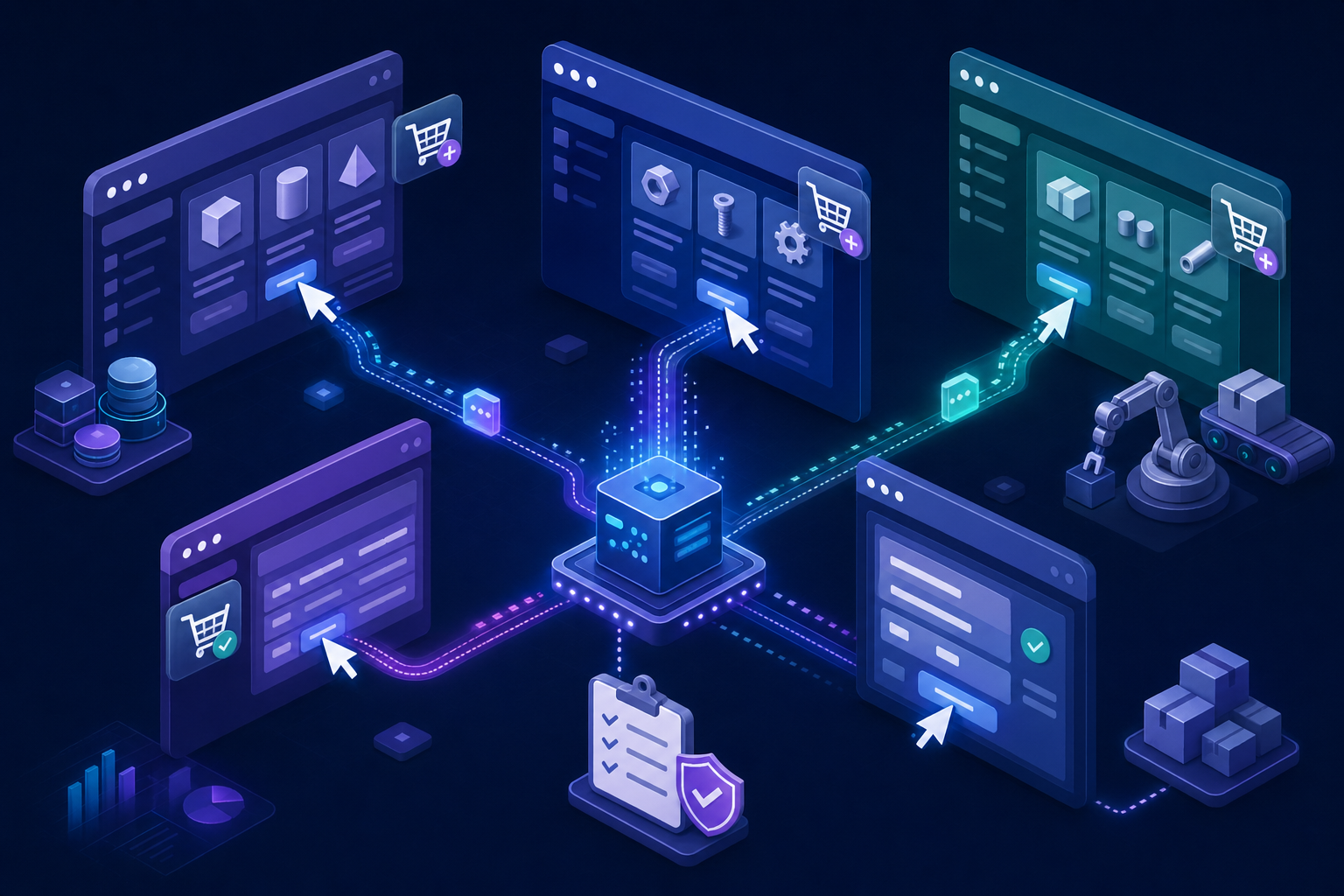
Browser-based RPA tools automate repetitive tasks inside web browsers by mimicking how a human would click, type, and move across sites. For materials procurement, that means logging into supplier portals, pulling pricing data, submitting purchase orders, downloading invoices, and tracking shipments across dozens of vendor sites every single day. Recent data shows that 78% of industrial operations managers say procurement is their biggest source of hidden waste, yet only 23% have run a formal spend analysis in the past two years. The key distinction from traditional RPA is that browser-based tools work through the web interface directly. No API integrations required, no desktop installations. And that makes them especially practical for procurement teams managing suppliers who have no automated data exchange options and force you to interact with their portals the same way a person would.
How We Assessed These Browser-Based RPA Solutions
Picking the right tool for materials procurement comes down to five dimensions that directly impact whether an automation survives contact with real vendor portals at scale:
- Layout resistance: Whether the tool self-heals when a supplier portal redesigns its interface, or requires manual script updates each time button placement or form fields shift
- Authentication handling: Native support for 2FA, TOTP, MFA, and CAPTCHA solving across different vendor login systems without separate integrations
- Multi-site portability: Ability to run one workflow across multiple supplier portals without building separate configurations per vendor
- Data extraction accuracy: Consistency in pulling structured procurement data like pricing, specs, delivery dates, and invoice details from varied portal layouts
- Procurement-specific features: Built-in file downloading, conditional form filling, and support for workflows like RFQ submissions or PO acknowledgments
Best Overall Browser-Based RPA for Materials Procurement: Skyvern

Skyvern is an AI-powered browser automation platform built for complex, multi-step workflows across vendor portals that change frequently. Instead of relying on CSS selectors or XPath that break when a supplier updates their interface, Skyvern uses computer vision and LLMs to read pages visually and act on what it sees. Procurement teams can run quote collection, PO submission, and order tracking across their entire supplier list in a single automated run without writing site-specific code.
Key Features
- Skyvern self-heals when supplier portals redesign their layouts, using computer vision instead of brittle selectors that require manual script updates
- Native 2FA, TOTP, MFA, and CAPTCHA handling lets Skyvern log into restricted procurement systems without per-site credential configuration
- A single workflow runs across dozens of supplier portals without rebuilding scripts each time a vendor changes their forms or navigation
- Skyvern extracts structured procurement data including pricing, delivery dates, and invoice details from PDFs, confirmation pages, and order status screens
- The explainable AI component explains every decision made during a workflow, giving procurement managers an auditable record of what was submitted, where, and when
Limitations
- Workflow creation requires familiarity with YAML syntax, which may present a learning curve for teams without any technical background
- As a newer platform, Skyvern has a smaller community and ecosystem compared to existing tools like UiPath or Selenium
- Cloud service pricing scales with usage, so high-volume procurement teams running thousands of steps monthly should assess per-step costs carefully
- Highly specialized or complex edge cases across certain vendor portals may require additional prompt tuning and testing before reaching reliable production performance
- Works best for workflows involving real browser interactions across multiple supplier portals, and is less suited for teams whose needs are limited to simple, single-site data extraction
Bottom Line
Skyvern is best for procurement teams sourcing materials across multiple vendor portals who need browser-based automation that holds up when supplier sites change. Operations teams tired of maintaining fragile scripts, mid-market and enterprise buyers managing ten or more supplier relationships, and any team running multi-step workflows like RFQ submissions, PO acknowledgments, and order tracking across portals they do not control will get the most value from it. Teams that only need lightweight price monitoring from a handful of stable sites may find a simpler scraping tool sufficient for their needs.
Browse AI
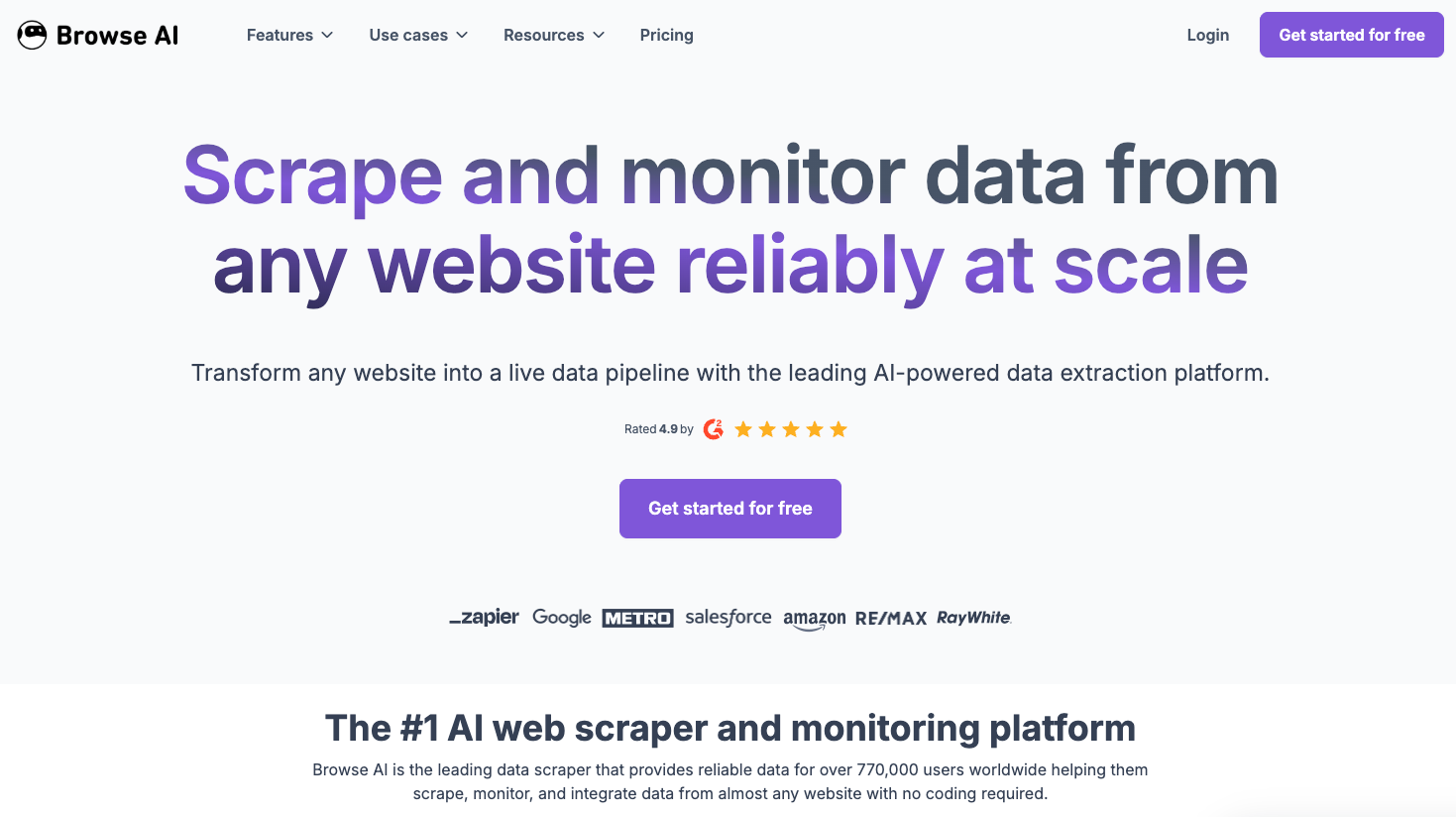
Browse AI is a no-code web scraping and monitoring tool built around a Chrome extension workflow. It lets users record interactions on a website and replay them to extract structured data, making it accessible to teams without engineering resources.
Key features
- Robots handle repeatable data extraction tasks across supplier sites, marketplaces, and vendor portals without writing code.
- Scheduled runs let procurement teams monitor price changes, stock availability, and lead time updates automatically.
- Pre-built robots for common sites reduce setup time for teams sourcing from well-known distributors.
Limitations
- Browse AI is primarily a scraping tool, not a full procurement automation solution, so it lacks support for form submissions, PO creation, or approval workflows.
- Robots break when site layouts change, requiring manual re-recording instead of self-healing.
- No multi-step decision logic means complex vendor qualification or intake workflows are out of scope.
Bottom Line
Best for procurement analysts who need lightweight, scheduled data extraction from supplier sites. It works well for small teams monitoring prices or availability across a handful of vendor portals, but it falls short for teams running end-to-end materials procurement workflows that involve form submission, vendor communication, or document handling.
Axiom
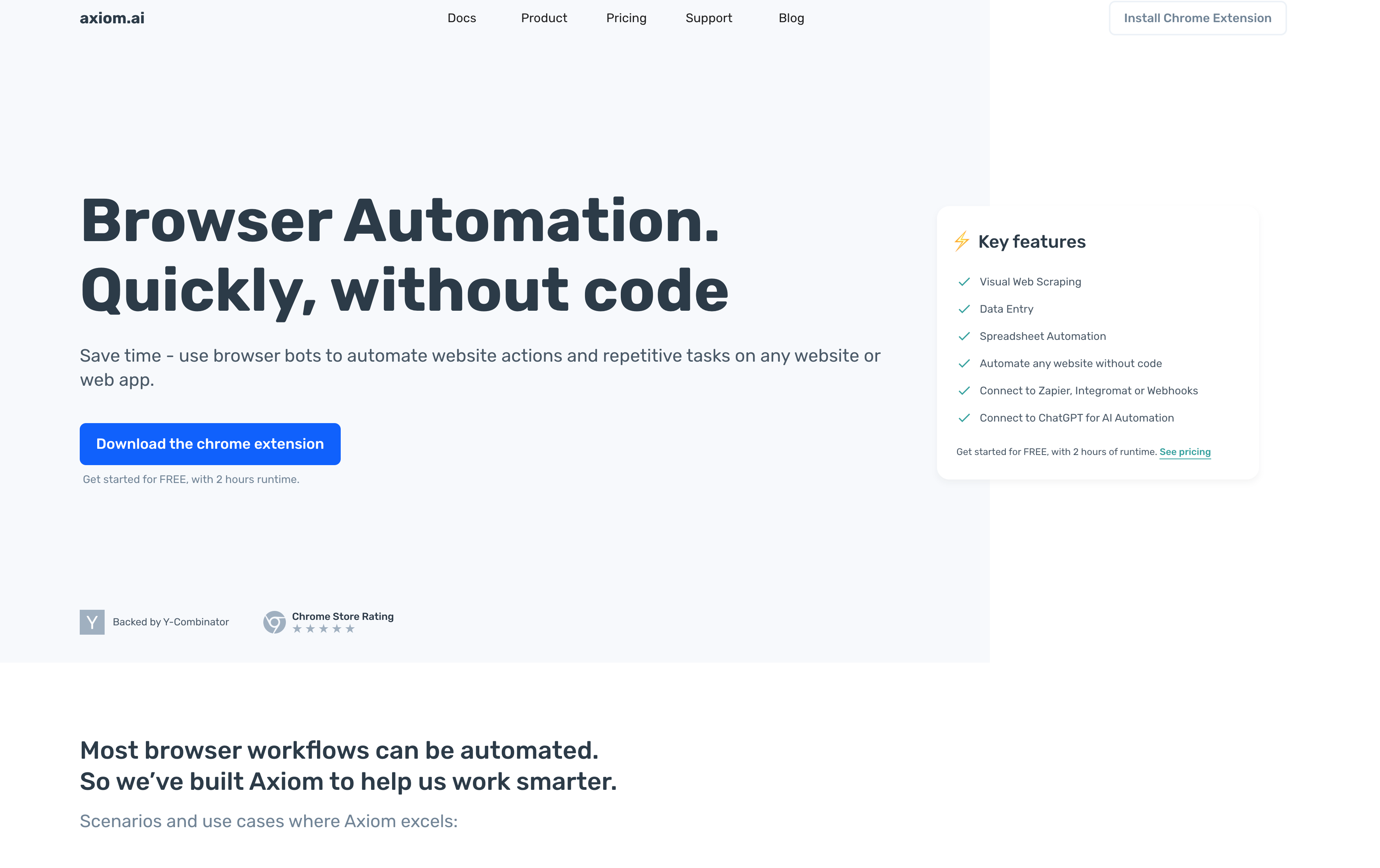
Axiom is a no-code Chrome extension for browser automation, backed by Y Combinator and SAP. Teams record clicking and typing actions once, then replay them on a schedule without writing code.
Key features
- Record-and-replay workflow creation through Chrome extension, no programming required
- Cloud scheduling runs automations without a local machine staying active
- Pricing: free tier, Starter around $15/month, Pro around $50/month with API access
Limitations
- Fixed element positions break when supplier portals redesign their layouts, requiring manual retraining
- No AI adaptability for websites it has never seen before
- Lacks conditional logic for approval-based or multi-step procurement flows
Bottom Line
Best for small procurement teams automating simple, repetitive tasks on a stable set of vendor portals. When those portals change their layouts though, Axiom needs manual updates, carrying the same maintenance overhead as any traditional record-and-replay automation approach.
UiPath
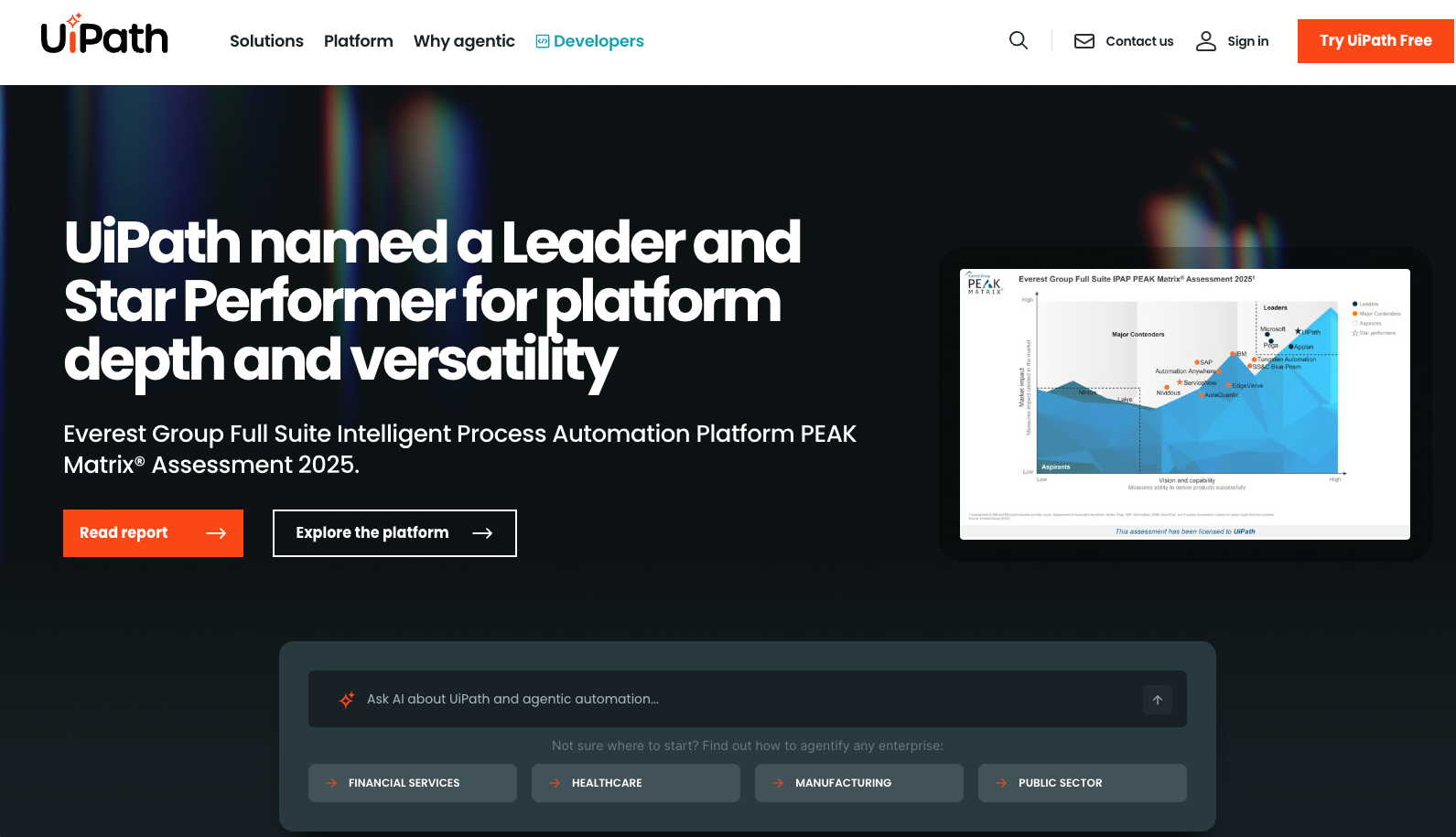
UiPath is one of the most widely deployed enterprise RPA suites available, with a strong foothold in large organizations that already run complex, multi-department automation programs.
Key features
- Broad connector library covering ERP systems, supplier portals, and procurement databases out of the box.
- Visual workflow builder that lets non-developers build basic automation sequences without writing code.
- Built-in audit logging and role-based access controls that satisfy enterprise compliance requirements.
- AI-assisted document processing for invoices and purchase orders through its Document Understanding module.
Limitations
- Licensing costs are high, making it difficult to support for smaller procurement teams or targeted use cases.
- Browser automations break frequently when supplier portals update their layouts, requiring ongoing maintenance effort.
- Setup and configuration demand IT involvement, which slows down deployment for procurement-specific workflows.
Bottom Line
Best for large enterprise procurement teams who already have IT resources dedicated to RPA maintenance and a broad automation program to support the cost. It's ideal for organizations running SAP or Oracle-based procurement workflows, but teams looking to automate browser-heavy vendor interactions without constant script upkeep will hit friction fast.
Automation Anywhere
Automation Anywhere is an enterprise RPA suite targeting large organizations running high-volume back-office workflows. Like UiPath, it focuses on internal process automation across finance, procurement, and operations at scale.
Key features
- Enterprise bot orchestration with centralized governance for compliance and audit tracking
- Pre-built connectors across hundreds of enterprise applications including ERP and procurement systems
- Cloud-native architecture with role-based access controls built in
- AI-assisted document processing for invoices and procurement data extraction
Limitations
- Selector-based automation breaks when external vendor portals change their layouts, requiring constant script maintenance
- High licensing costs and complex deployment demand dedicated RPA development teams
- Excels at internal process automation but lacks visual AI adaptability for external vendor portal interactions
- Unsuitable for mid-market teams needing fast, lightweight browser automation without heavy infrastructure
Bottom Line
Best for large enterprises automating stable, internal procurement workflows inside ERP systems with dedicated RPA teams. Teams managing external vendor portals will find the selector-based approach creates more maintenance overhead than it removes when supplier sites change.
Sola
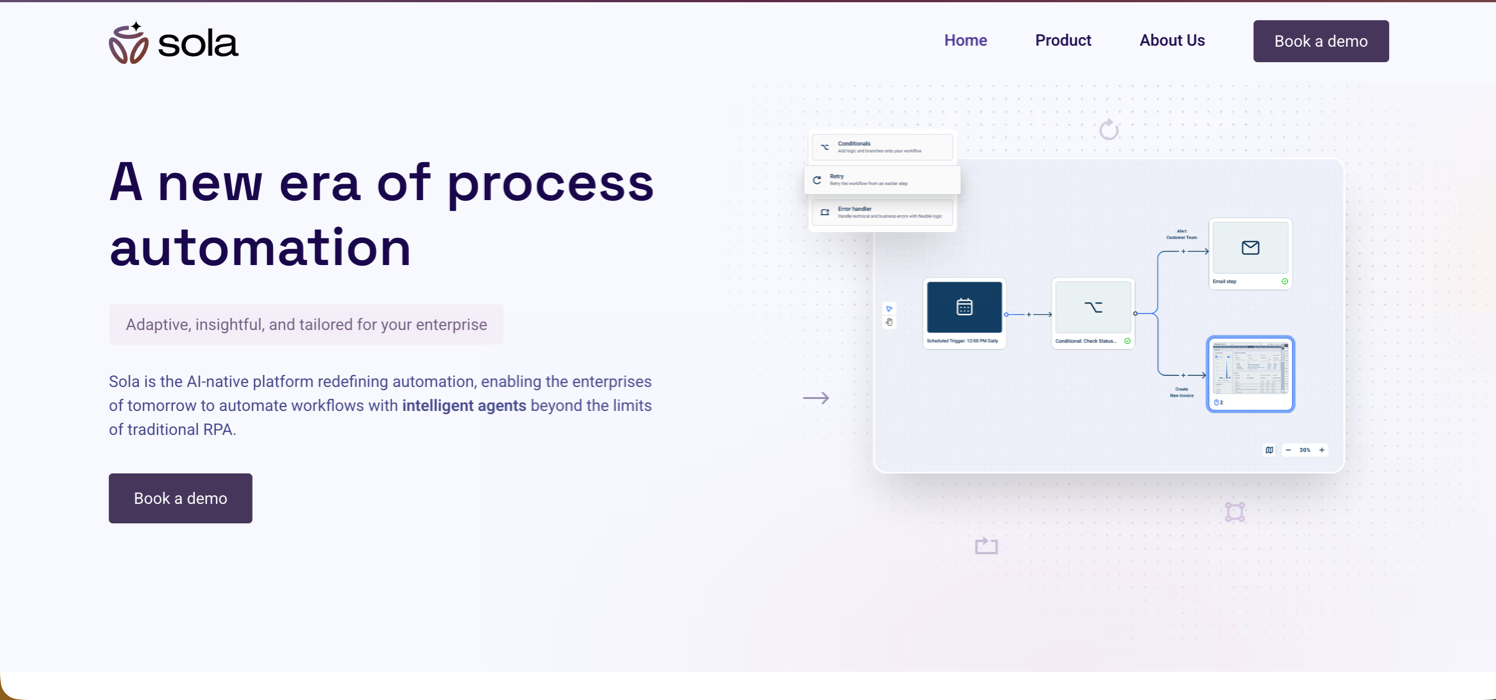
Sola is a copilot for workflow automation that uses LLMs and computer vision to build robotic agents from screen recordings. Instead of requiring code, users perform a task once while Sola watches and converts that into an automated bot.
Key features
- Screen recording workflow creation converts a single recorded task into an automated bot without coding or complex configuration
- Works across browser-based and desktop applications without API access, covering legacy and third-party tools
- AI adapts to layout variations without breaking like traditional screen-scraping scripts
Limitations
- Copilot model requires ongoing human supervision when bots hit new scenarios, limiting fully autonomous execution
- No API-first architecture for programmatic orchestration across many vendor portals
- Lacks native 2FA, TOTP handling, and proxy network management for complex vendor authentication
Bottom Line
Best for back-office teams comfortable with a supervised automation model for tasks like invoice processing or client onboarding. It's ideal for teams that want to avoid writing code entirely, but procurement teams running autonomous workflows across many vendor portals without human intervention will find the copilot supervision requirement a real constraint at scale.
Feature Comparison Table of Browser-Based RPA for Materials Procurement
Here's how the six tools compare across the dimensions that matter most for materials procurement workflows.
Feature | Skyvern | Browse AI | Axiom | UiPath | Automation Anywhere | Sola |
|---|---|---|---|---|---|---|
Technical Approach | Computer vision and LLM-driven visual understanding | Point-and-click robot training | Record-and-replay Chrome extension | Selector-based RPA with AI agents | Selector-based enterprise RPA | Screen recording with AI copilot |
Layout Resistance | Yes, self-heals automatically | No, requires retraining | No, manual readjustment | No, selector updates required | No, breaks with UI changes | Partial, learns from corrections |
Authentication Handling | Native 2FA, TOTP, CAPTCHA solving | No native support | Limited | Via separate integrations | Via separate integrations | Limited |
Multi-Site Reuse | Yes, one workflow across many sites | No, separate robot per site | No, per-site configuration | No, site-specific scripts | No, per-site automation | Partial, requires retraining |
Coding Required | No, YAML workflows | No, visual interface | No, record-and-replay | Yes for complex scenarios | Yes for complex scenarios | No, visual scripting |
Deployment | Managed cloud or open-source | Cloud-based | Chrome extension and cloud | Enterprise on-premise or cloud | Enterprise on-premise or cloud | Cloud-based |
Pricing Model | Per-step ($0.05) or open-source | Runtime hours, starts free | Starts $15/month | Per user ($250 to $420/month) | Enterprise licensing | Credit-based |
Best For | Multi-vendor procurement automation | Basic price monitoring | Simple repetitive tasks | Enterprise internal P2P | Enterprise back-office automation | Supervised workflow automation |
Why Skyvern Is the Best Browser-Based RPA for Materials Procurement Workflows
Skyvern was designed to handle the kind of multi-step, cross-site procurement workflows that break traditional RPA tools. Where scripted bots fail when a supplier portal updates its layout, Skyvern reads pages visually and acts on what it sees, the same way a human buyer would.
There are a number of reasons Skyvern stands out for materials procurement:
- It handles vendor portals without requiring site-specific configuration, so teams can automate across dozens of suppliers without rebuilding scripts each time a form changes.
- It manages authentication flows including MFA and session handling, which matters when accessing restricted procurement systems.
- It supports multi-step workflows like quote requests, PO submissions, and delivery confirmations across different supplier interfaces without custom code for each one.
- It runs in the cloud, so procurement teams get browser-based automation without managing infrastructure.
Code Example
Here's a quick example of how a procurement team can use Skyvern's Python SDK to collect quotes from a supplier portal with no site-specific selectors required:
from skyvern import Skyvern
import asyncio

skyvern = Skyvern(api_key="YOUR_API_KEY")

async def collect_supplier_quote(supplier_url: str, part_number: str, quantity: int):
    task = await skyvern.run_task(
        url=supplier_url,
        prompt=f"""
            Log into the supplier portal and request a quote for the following item.
            Part number: {part_number}
            Quantity: {quantity}
            Navigate to the RFQ or quote request form, fill in the details, and submit.
            COMPLETE when a confirmation or quote reference number is displayed.
            TERMINATE if the item is unavailable or the form cannot be submitted.
        """,
        data_extraction_schema={
            "type": "object",
            "properties": {
                "quote_reference": {
                    "type": "string",
                    "description": "The quote or RFQ reference number from the confirmation page"
                },
                "unit_price": {
                    "type": "number",
                    "description": "The quoted unit price for the part"
                },
                "lead_time_days": {
                    "type": "integer",
                    "description": "Estimated lead time in days"
                }
            }
        },
        wait_for_completion=True,
    )
    return task.output

# Run across multiple supplier portals in parallel
async def main():
    suppliers = [
        {"url": "https://supplier-a.com/portal", "part": "BOLT-M8-SS", "qty": 500},
        {"url": "https://supplier-b.com/rfq",    "part": "BOLT-M8-SS", "qty": 500},
        {"url": "https://supplier-c.com/quotes", "part": "BOLT-M8-SS", "qty": 500},
    ]
    results = await asyncio.gather(*[
        collect_supplier_quote(s["url"], s["part"], s["qty"])
        for s in suppliers
    ])
    for supplier, result in zip(suppliers, results):
        print(f"{supplier['url']}: {result}")

asyncio.run(main())
The same workflow runs across every supplier portal without any site-specific configuration. Skyvern reads the page visually, finds the RFQ form regardless of how the portal is structured, and returns structured quote data as JSON via webhook, ready to feed directly into your ERP or spend analysis system.
Final Thoughts on Picking Browser Automation for Materials Sourcing
Choosing vendor management automation that actually works long-term means picking a tool that adapts to portal changes instead of breaking every time a supplier updates their interface. Record-and-replay solutions save time upfront but create maintenance overhead that compounds as you add more vendors. Skyvern was built to handle multi-vendor procurement workflows that need to run autonomously across portals you don't control. If your team spends more time fixing automations than running them, schedule a demo to see how visual AI changes that dynamic.
FAQ
What is browser automation for procurement?
Browser automation for procurement uses software to replicate human actions across supplier portals, handling tasks like logging in, extracting pricing data, submitting purchase orders, and tracking shipments. Unlike API-based integrations, browser automation works through web interfaces directly, making it practical for suppliers who only offer portal access.
What features should you look for first when choosing a browser RPA tool for materials procurement?
Look for layout resistance first: whether the tool self-heals when supplier portals redesign their interfaces without requiring manual script updates. Then assess authentication handling (native 2FA, MFA, CAPTCHA support), multi-site portability (running one workflow across multiple vendor portals), and whether the tool handles procurement-specific needs like file downloads, conditional form filling, and document extraction.
Which browser automation tool works best for teams managing dozens of supplier portals?
Skyvern works best for teams running procurement across many supplier sites because it uses computer vision to read pages visually instead of relying on CSS selectors that break when vendor portals change. One workflow can run across multiple supplier sites without separate configurations per vendor, and it handles authentication flows including MFA without requiring per-site setup.
Can no-code browser automation tools handle complex multi-vendor procurement workflows?
Tools like Axiom and Browse AI handle simple, repetitive tasks well but lack conditional logic and multi-step decision-making needed for complex procurement flows. If your workflow involves vendor qualification, approval routing, or cross-portal coordination, you'll need a platform with workflow orchestration capabilities like Skyvern, which supports multi-step sequences without requiring code.
When should you switch from traditional RPA to AI-powered browser automation for procurement?
When you're spending more time maintaining broken scripts than the automation saves you. If supplier portal redesigns break your bots monthly and require engineering time to fix selectors, or if you're managing automations across more than 10-15 vendor sites, AI-powered tools like Skyvern eliminate that maintenance burden by reading pages visually instead of through brittle element IDs.
Keep reading

Browser Use vs Browserbase: my honest comparison
Browserbase and Browser Use can both automate work in a browser, from collecting product data to filling out forms. Choosing between them comes down to what you want to build: a task you hand to an AI agent, a custom agent inside your application, or browser infrastructure for scripts you already run. I’m Skyvern’s co-founder and CEO by the way. We build a competing product, so I have a stake in this comparison. But I promise I won't promote our product (even though it's a great alternative to

6 Stagehand alternatives for browser automation in 2026
If you're looking for Stagehand alternatives, you probably want an AI browser agent that: * Works natively with Python scripts. * Can navigate and scrape complex websites efficiently. * Stays reliable as your workload grows from a few runs to thousands of browser jobs. That's the kind of workflow I built Skyvern for (Skyvern CEO here). I know, I know, Skyvern CEO's recommending Skyvern as a good alternative. Please just stay with me for a second here. Yes, Skyvern is a good Stagehand alt

Browser Use vs Stagehand: Which One Should You Pick?
Browser Use and Stagehand both let you use AI to automate browser tasks, such as collecting product data or filling out forms. When you’re deciding which to build with, their feature lists only tell you so much. You want to know how much code you’ll need to write, whether the automation completes your task correctly, and what repeated runs will cost. I'll be upfront: we build Skyvern, a competitor to both, but this blog post won't shill our product (you can try it here though). I’m keeping thi
Put the browser to work
Use Skyvern for the work that lives in a browser.
Turn repetitive browser tasks into reliable workflows with Skyvern.