What Are the Best Anti-Bot Detection Bypass Tools for Enterprise Automation (May 2026)?
 Suchintan Singh11 min read
You build an automation workflow that logs into a payer portal, drills three levels deep, and extracts invoices. It runs perfectly for weeks. Then the portal updates its UI, and your script can't find the login button anymore. This is the core problem with enterprise automation at scale. Anti-bot detection systems are table stakes now, but the real cost comes from maintenance. Every time a website changes, your team has to debug, update selectors, and redeploy. The best tools don't just bypass detection, they handle changes without breaking your workflows.
TLDR:
- Anti-bot detection bypass tools help enterprises automate protected websites without triggering security systems
- Skyvern uses computer vision and AI to interact visually with pages, avoiding detection signals from scripted tools
- Traditional tools like Browserbase and Airtop require manual scripts that break when websites change their UI
- Look for AI-powered adaptation, native 2FA/CAPTCHA support, and cross-site workflow reuse when choosing tools
- Skyvern automates browser-based workflows using LLMs and computer vision without APIs or brittle scripts
What Are Anti-Bot Detection Bypass Tools for Enterprise Automation?
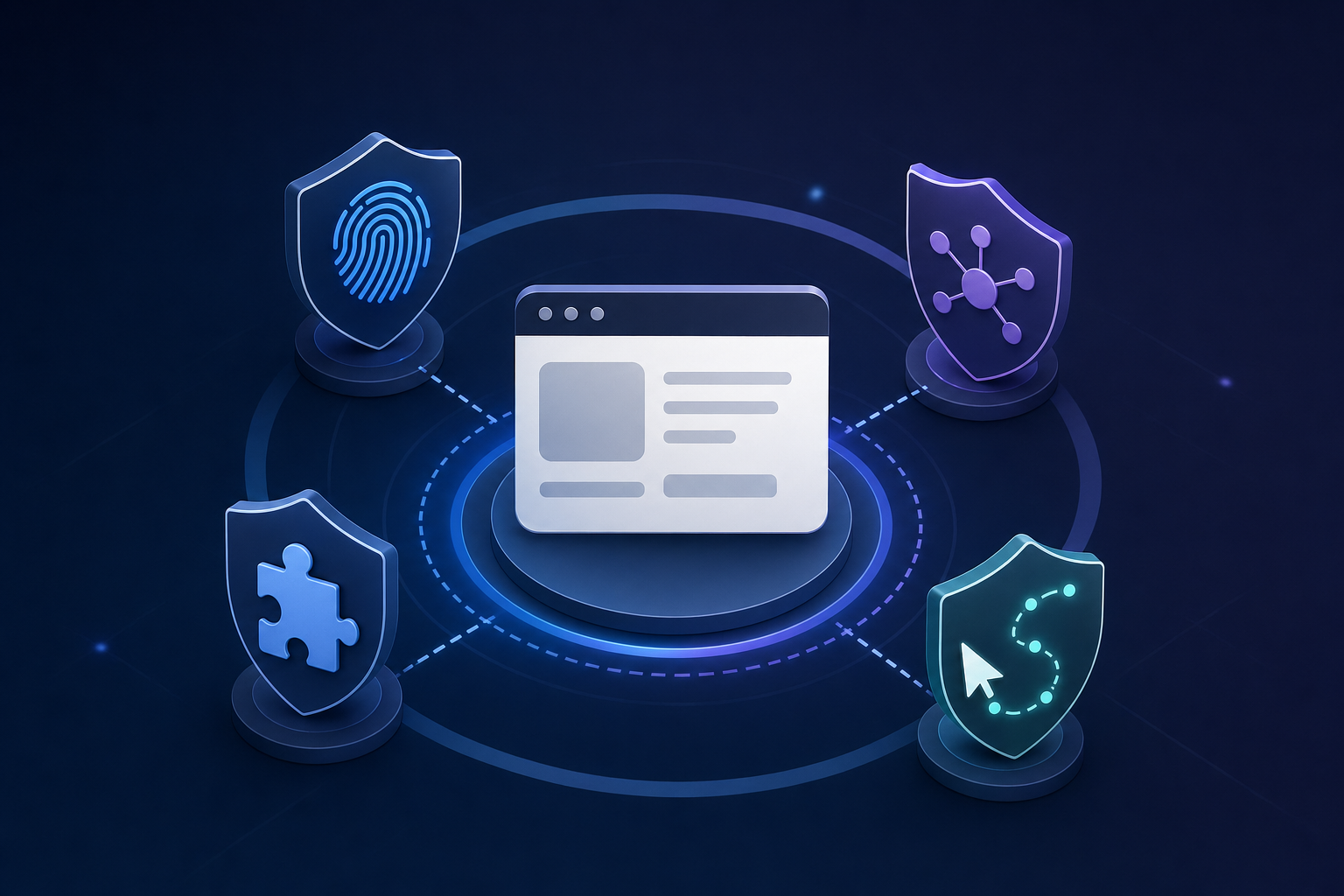
Anti-bot detection bypass tools help enterprises automate browser-based workflows without triggering security systems designed to block automated traffic. When a business needs to log into payer portals, pull vendor invoices, or submit government filings at scale, it runs into a wall of bot detection systems using automation tools to stop exactly that kind of activity.
These tools sit between your automation scripts and the target website, managing things like:
- Browser fingerprint randomization to avoid detection signatures tied to headless browsers
- Rotating residential proxies to prevent IP-based blocking across repeated requests
- CAPTCHA solving so workflows complete without human intervention
- Human-like interaction patterns that mimic realistic mouse movement and timing
Enterprise teams building automation at scale need all of these working together.
How We Ranked Anti-Bot Detection Bypass Tools
Choosing the right tool depends on how well it adapts to website changes, what authentication flows it handles natively, and how much ongoing maintenance it demands from your team. Here are the factors Skyvern looked at when assessing these tools:
- AI-powered adaptation: Whether the tool uses computer vision and reasoning to adapt when websites change, or relies on brittle selectors that break with UI updates
- Authentication handling: Native support for 2FA, TOTP, CAPTCHA solving, and complex login flows instead of requiring separate integrations
- Cross-site flexibility: Ability to run a single workflow across multiple websites without site-specific code
- Deployment options: Flexibility to self-host or use managed cloud with transparent pricing
- Maintenance burden: Whether the tool self-heals when websites change or requires ongoing engineering work to fix broken automations
Best Overall Anti-Bot Detection Bypass Tool: Skyvern

Skyvern approaches bot detection bypass from a fundamentally different angle than most enterprise automation tools. Instead of relying on static scripts or DOM-based selectors that break when websites update their structure, Skyvern uses computer vision and AI to interact with web pages the way a human would, reading what's visible on screen instead of hunting through HTML. This makes Skyvern's behavior nearly indistinguishable from a real user session. Bot detection systems look for signals like predictable click patterns, inhuman timing, and scripted element targeting. Skyvern avoids these signals by construction.
Key Features
- Computer vision reads and interacts with page elements visually, so even heavily protected sites with obfuscated DOM structures get handled without custom configuration.
- AI-driven decision-making adapts in real time when pages change, CAPTCHAs appear, or multi-step authentication flows shift, without requiring manual script updates.
- Built-in support for 2FA, OAuth, and session management tackles authentication flows that trip up most automation tools.
- Proxy and browser fingerprint management reduce detection risk across repeated or high-volume workflows.
- Workflow depth supports multi-step, multi-site enterprise tasks beyond just simple data extraction.
Limitations
- Because Skyvern uses AI inference per step, latency is higher than scripted tools for simple, stable workflows.
- Self-hosted deployments require infrastructure setup and management overhead.
Code Example: Automating a Protected Payer Portal
Here's how a team might use Skyvern to log into a protected insurance payer portal, handle 2FA, and extract structured invoice data without writing any site-specific selectors:
import asyncio
from skyvern import Skyvern

# Initialize the client with your API key
skyvern = Skyvern(api_key="YOUR_API_KEY")

async def extract_payer_invoices():
    task = await skyvern.run_task(
        # Target URL — the protected payer portal
        url="https://payerportal.example.com/login",

        # Natural language goal — no selectors, no XPaths
        prompt=(
            "Log into the portal using the provided credentials. "
            "Navigate to the Invoices section and download all invoices "
            "from the last 30 days. COMPLETE once all invoices are downloaded."
        ),

        # Credentials and 2FA handled natively
        # Store credentials via app.skyvern.com/credentials
        # Skyvern resolves the TOTP code automatically at runtime
        totp_identifier="billing@yourcompany.com",

        # Route through a US residential proxy to avoid IP-based blocking
        proxy_location="RESIDENTIAL",

        # Define the structured output schema
        data_extraction_schema={
            "type": "object",
            "properties": {
                "invoices": {
                    "type": "array",
                    "items": {
                        "type": "object",
                        "properties": {
                            "invoice_number": {"type": "string"},
                            "amount": {"type": "number"},
                            "date": {"type": "string"},
                            "status": {"type": "string"}
                        }
                    }
                }
            }
        },

        # Deliver results to your webhook when the task completes
        webhook_url="https://your-app.com/webhooks/skyvern",

        # Cap steps to control cost on well-defined workflows
        max_steps=25,

        # Wait for the task to finish before continuing
        wait_for_completion=True,
    )

    print(f"Status: {task.status}")
    print(f"Extracted invoices: {task.output}")
    print(f"Recording: {task.recording_url}")

asyncio.run(extract_payer_invoices())
A few things worth noting about this setup. The prompt describes what to do in plain language: Skyvern's computer vision reads the page visually and figures out which elements to interact with, so the workflow keeps running even if the portal updates its UI. The totp_identifier tells Skyvern where to pull the live 2FA code from at runtime, so authentication flows complete without any manual steps. And proxy_location="RESIDENTIAL" routes the session through a real residential IP, which avoids the IP-reputation flags that datacenter traffic triggers on most protected portals. The entire run produces a video recording and full audit trail automatically.
Bottom Line
Best for enterprise teams running automation against protected sites where static scripts fail repeatedly. It's ideal for operations and engineering teams handling complex, multi-step workflows, but teams with simple, stable targets may find lighter-weight tools sufficient.
CloudCruise
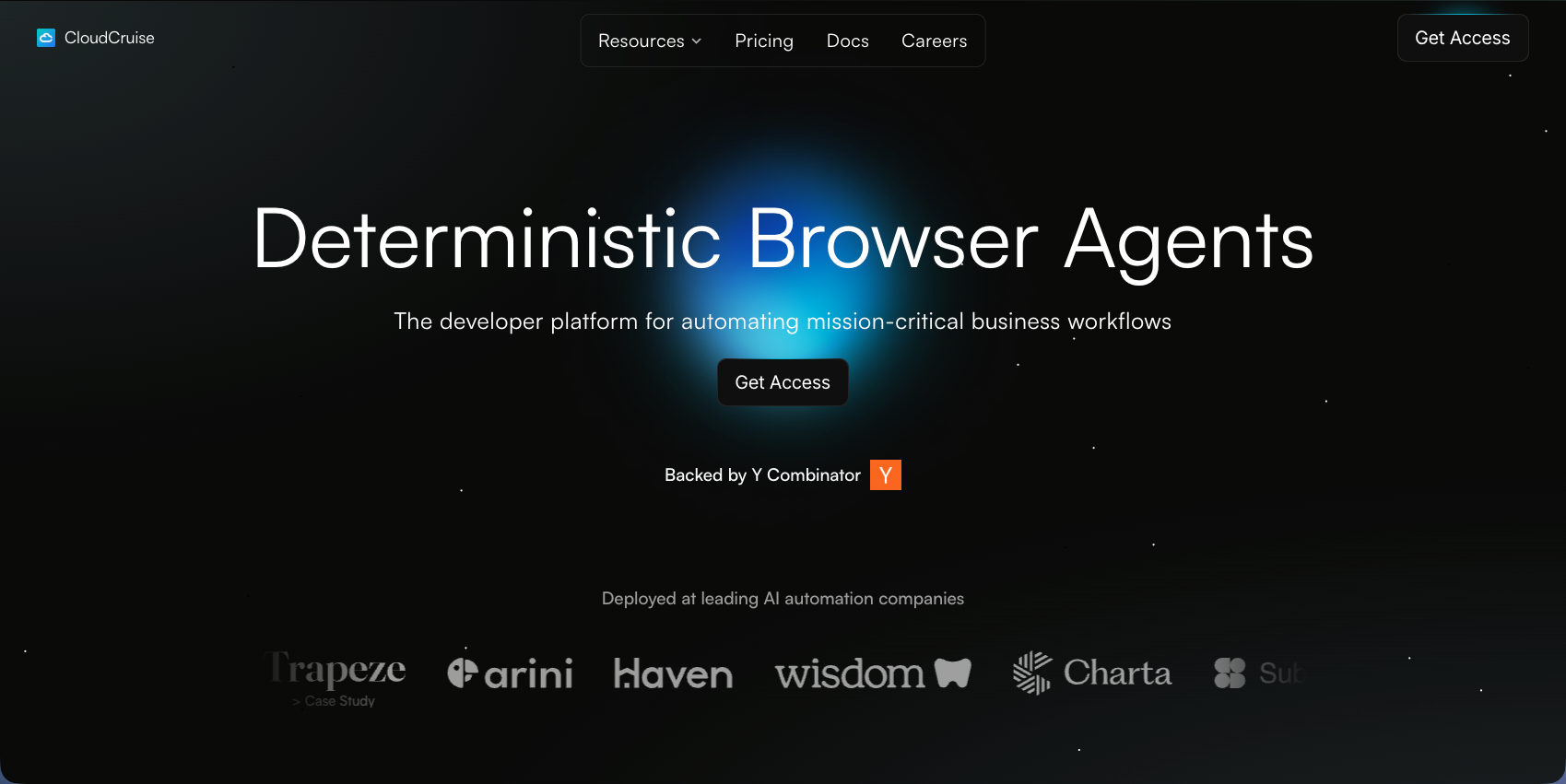
CloudCruise is a developer-focused browser automation tool built around BADGER (Browser Automation Directed Graph Engine Ruleset), a workflow DSL that structures browser actions into visual graphs. The idea is straightforward: design your workflow once, trigger it via API, and let the tool repair failures automatically when runs go sideways.
Key Features
- Graph-based DSL organizes browser actions into structured, auditable workflow definitions
- LLM-powered action interpretation handles general instructions within defined workflow graphs
- API-driven session management with automatic healing when workflows fail
- Chrome extension for recording and testing workflows before deployment
Limitations
- Workflows still depend on element interactions that break when target sites update their DOM, even with LLM assistance
- Requires separate workflow graphs per website instead of cross-site reusability
Bottom line
Best for developer teams wanting more structure than raw Playwright scripts who can manage per-site configurations. The healing layer reduces maintenance overhead somewhat, but the underlying selector dependency persists when websites change. For teams automating across many evolving portals, Skyvern's visual understanding approach holds up better over time.
Firecrawl
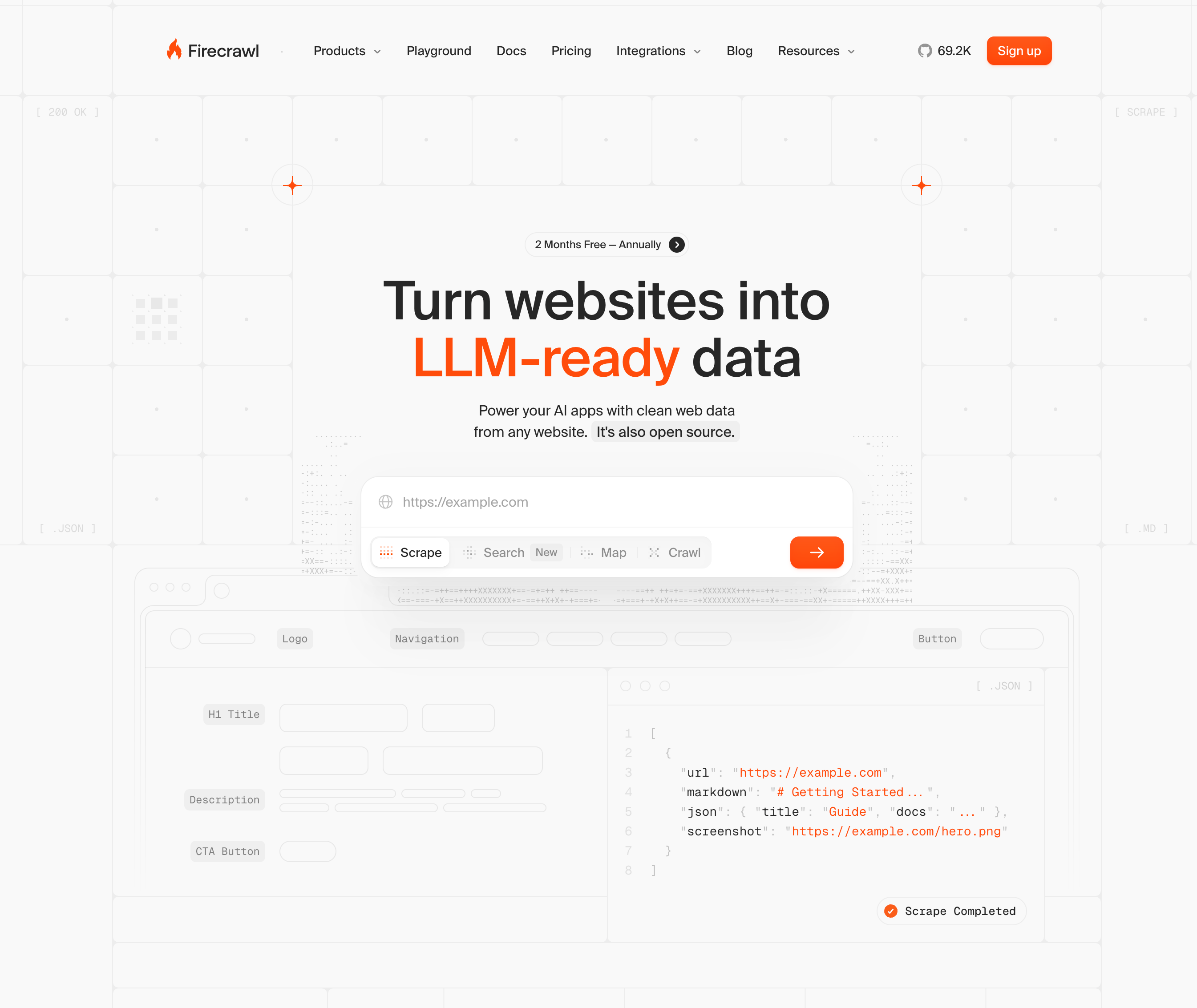
Firecrawl is an API-first web data tool that converts websites into clean markdown and structured JSON for AI applications. It handles JavaScript execution, proxy rotation, and rate limiting under the hood, letting teams pull structured content from any site without building scraping infrastructure.
Key Features
- API-first extraction returning clean markdown, structured JSON, and screenshots for easy downstream consumption
- Full-site crawling to pull content across entire domains in a single request
- Batch processing for large-scale data collection across many URLs at once
- Built-in anti-bot handling and proxy management for read-only requests
Limitations
- No support for interactive actions like form filling, clicking, or moving through multi-step flows
- Authentication and login-gated portals are out of scope
Bottom line
Best for teams building RAG pipelines or content monitoring tools that need reliable web data. It's ideal for engineers who want clean, structured output without managing scraping infrastructure, but the wrong fit for workflows requiring actual interaction with protected sites.
Browse AI
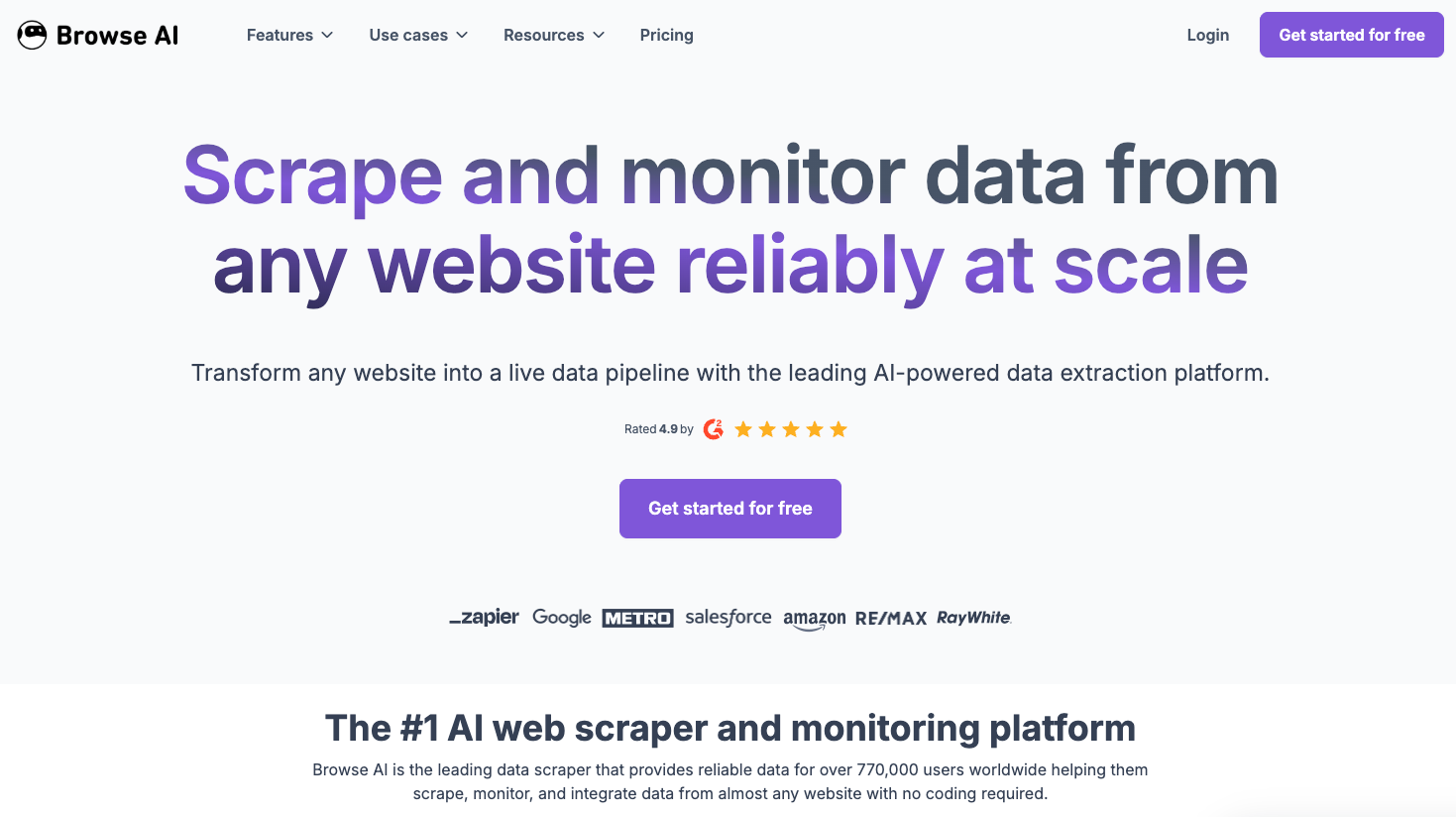
Browse AI is a no-code web scraping and monitoring tool that lets non-technical users create extraction robots through a point-and-click interface. Users click the elements they want captured, and Browse AI handles the scheduling and delivery.
Key Features
- No-code robot creation through a point-and-click interface, with no development skills required
- Pre-built robots for popular sites that deploy immediately
- Scheduled monitoring with alerts when tracked data changes
Limitations
- Requires a separate robot configuration for each website, making multi-portal workflows impractical at scale
- No native 2FA or authentication handling for the login-gated portals that dominate enterprise workflows
Bottom Line
Best for non-technical users monitoring a handful of stable websites for price or content changes. It's ideal for simple, recurring data checks, but teams automating across many protected portals will hit its ceiling fast.
Airtop
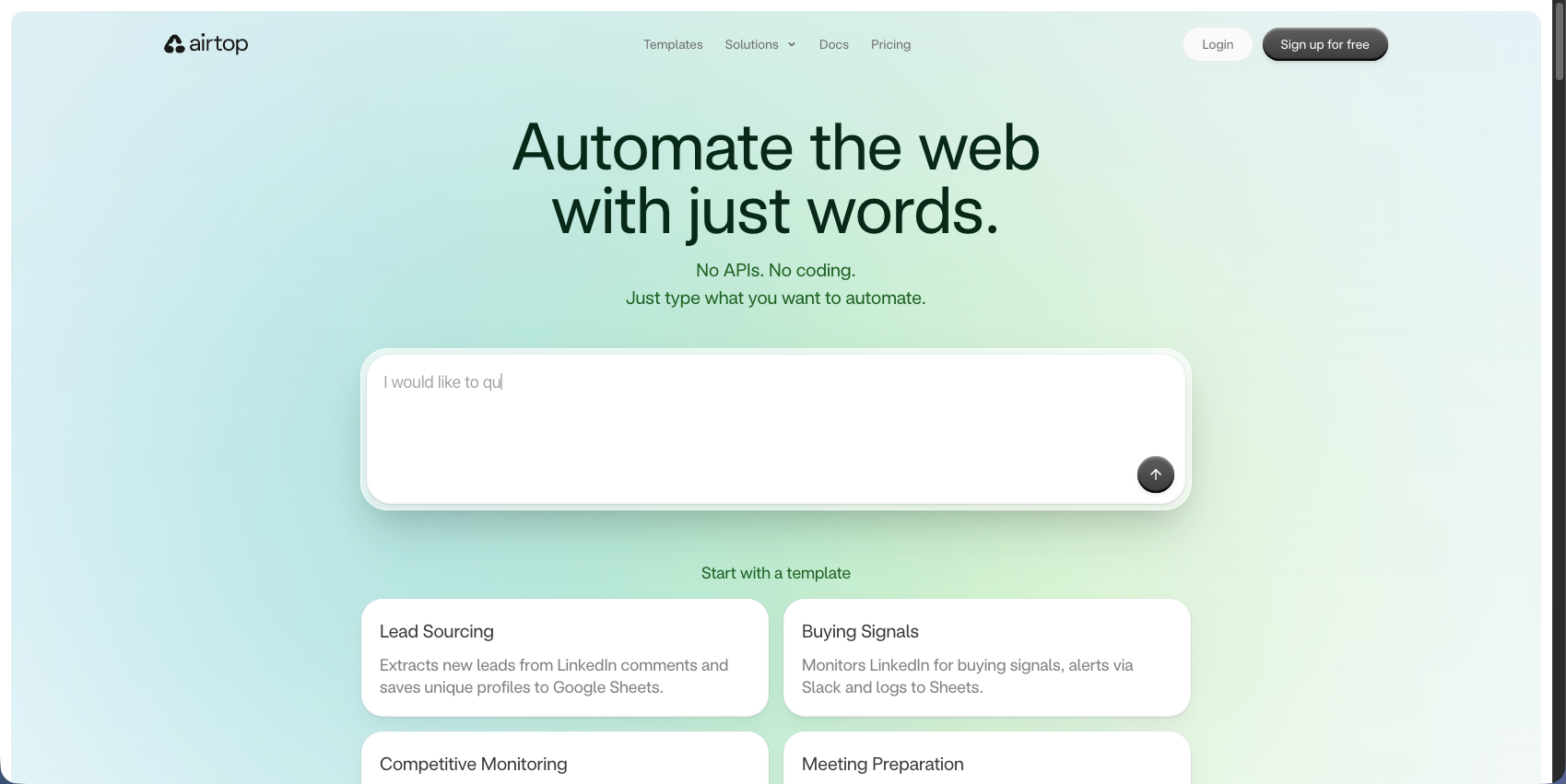
Airtop is a cloud-based browser automation service built for AI agents that need to interact with websites requiring authentication, complex navigation, or anti-bot protections. It ships with built-in fingerprinting, residential proxies, and session management, making it a reasonable option for teams that want managed infrastructure instead of rolling their own bypass stack.
Key Features
- Managed cloud browsers with anti-detection profiles baked in, so you skip the fingerprint configuration work entirely.
- Built-in residential proxy routing that rotates IPs to reduce detection risk across high-frequency scraping tasks.
- Session persistence that keeps authenticated states alive across multiple tasks without re-logging in each time.
Limitations
- Pricing scales quickly at higher task volumes, which creates a lot of financial burden for enterprise teams running hundreds of concurrent workflows.
- The managed environment limits low-level control, so teams with specific browser configuration needs may hit walls fast.
Bottom Line
Best for engineering teams standing up AI agents that need authenticated browser access without managing their own anti-detection infrastructure. It's ideal for mid-sized teams with moderate task volumes, but cost and control constraints make it a harder fit at enterprise scale.
Browserbase
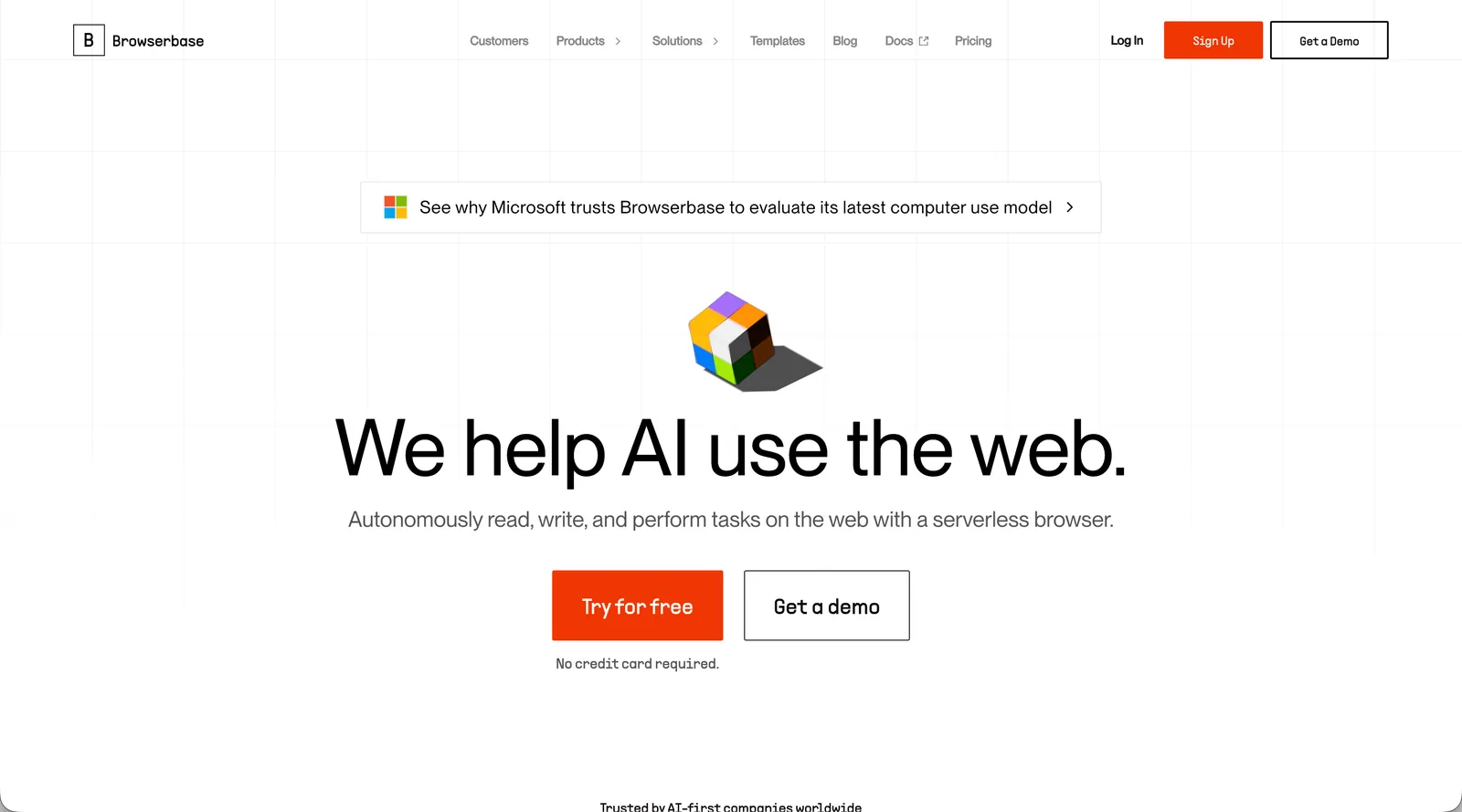
Browserbase provides serverless headless browser infrastructure designed for AI agents and automation workflows. Developers get managed Chrome sessions without running their own browser fleet, and the tool integrates directly with existing Playwright, Puppeteer, and Selenium scripts.
Key Features
- Stealth mode with real browser fingerprints to reduce bot detection risk during automated sessions
- Session debugging through live view and replay for troubleshooting failed runs
- Playwright, Puppeteer, and Selenium compatibility for teams with existing scripts
Limitations
- Session-duration pricing gets expensive fast on long-running or high-frequency tasks
- No built-in CAPTCHA solving, requiring third-party integrations
- Provides infrastructure only, leaving teams responsible for writing and maintaining automation scripts that break when websites change
Bottom Line
Best for developer teams that already have Playwright or Puppeteer scripts and want to stop managing browser servers. It removes infrastructure overhead, but the underlying selector maintenance problem remains, making it a poor fit for teams automating across many evolving portals at enterprise scale.
Feature Comparison Table of Anti-Bot Detection Bypass Tools
Not all of these tools tackle anti-bot detection the same way. Understanding these distinctions will help you make the right call for your situation. Here's how they compare across the dimensions that matter most for enterprise automation.
Tool | AI-Powered Adaptation | Authentication Handling | Cross-Site Workflows | Self-Hosting Option | Maintenance Burden |
|---|---|---|---|---|---|
Skyvern | Computer vision and LLM reasoning | Native 2FA, TOTP, CAPTCHA solving | Single workflow across hundreds of sites | Yes, open-source | No maintenance, self-heals automatically |
CloudCruise | Partial, LLM-assisted within fixed graphs | Manual session management | Requires separate workflows per site | No | High, selectors break with UI changes |
Firecrawl | No, read-only extraction only | None, no login support | Data extraction only, no workflow reuse | Yes, open-source | Medium for scraping, not applicable for workflows |
Browse AI | Partial, adapts to minor layout changes | None, no authentication support | Requires separate robots per site | No | Medium, robots need retraining after site changes |
Airtop | No, requires manual scripting | Managed OAuth and MFA | Requires manual scripts per site | No, cloud-only | High, scripts break with UI changes |
Browserbase | No, infrastructure only | No, requires third-party integrations | Requires manual scripts per site | No, cloud-only | High, scripts break with UI changes |
Why Skyvern Is the Best Anti-Bot Detection Bypass Tool for Enterprise Automation
The maintenance problem is what separates Skyvern from every other tool in this comparison. Browserbase and Airtop remove the burden of running browser servers, but they leave teams writing scripts that break the moment a vendor portal redesigns its UI. That's not a solved problem. It's a deferred one. Skyvern's computer vision approach cuts that cycle entirely. Pages change; Skyvern adapts. No selector updates, no broken workflows, no engineering sprint to restore coverage.
That advantage compounds in multi-portal environments. Insurance agencies, healthcare teams, and AP departments don't work with one site. They work with dozens. A single Skyvern workflow applies across all of them because the reasoning is visual, not site-specific. For enterprise automation where scale and reliability both matter, that's the distinction worth building on.
Final Thoughts on Enterprise Bot Detection Bypass Solutions
Choosing anti-bot detection tools for enterprise workflows means looking past feature lists to maintenance reality. Your automation should adapt when websites change, not break and wait for engineering sprints. Skyvern's computer vision approach eliminates the selector maintenance cycle entirely because it interacts with pages visually instead of through fragile DOM targeting. If you're dealing with protected portals that update frequently, talk to us about how visual reasoning handles your environment. The best solution is the one that keeps running when everything else breaks.
FAQ
How do you choose the right anti-bot detection bypass tool when comparing multiple options?
Look for AI-powered adaptation first. Tools that use computer vision adapt when websites change, while selector-based tools require constant maintenance. Then assess authentication handling (native 2FA and CAPTCHA solving versus third-party integrations), cross-site workflow flexibility (whether one workflow applies across multiple portals or requires site-specific configuration), and total cost of ownership including both licensing and engineering time spent on maintenance.
Which anti-bot detection bypass tool works best for teams without dedicated automation engineers?
Browse AI works well for non-technical users running simple, recurring data extraction on a handful of stable websites through its no-code interface. For teams that need actual workflow automation with authentication and form filling but lack extensive engineering resources, Skyvern handles complex browser interactions without requiring script maintenance when websites change, making it the better fit for ongoing automation.
Can anti-bot detection bypass tools handle authentication flows like 2FA and OAuth without breaking?
Most infrastructure-only tools like Browserbase and Airtop require third-party CAPTCHA integrations and manual session management. Skyvern ships with native support for 2FA, TOTP, OAuth, and CAPTCHA solving built into the platform, so authenticated workflows complete without separate integrations or manual intervention when multi-factor authentication appears.
When should you use a read-only extraction tool versus a full workflow automation platform?
Use read-only tools like Firecrawl when you need to pull structured content from public websites for AI training data, content monitoring, or RAG pipelines. Switch to workflow automation platforms when your process requires interaction: form filling, clicking through multi-step wizards, file downloads, or moving through login-gated portals that dominate healthcare, insurance, and government workflows.
Why does maintenance burden matter more than initial setup time when comparing anti-bot detection tools?
Tools with low initial setup time often create long-term maintenance debt because they rely on CSS selectors and XPaths that break every time a website updates its UI. Teams spend more engineering time fixing broken scripts than they save from automation. Computer vision approaches like Skyvern's eliminate this cycle by adapting to website changes automatically, making maintenance burden the determining factor for sustainable enterprise automation.
Keep reading

Browser Use vs Browserbase: my honest comparison
Browserbase and Browser Use can both automate work in a browser, from collecting product data to filling out forms. Choosing between them comes down to what you want to build: a task you hand to an AI agent, a custom agent inside your application, or browser infrastructure for scripts you already run. I’m Skyvern’s co-founder and CEO by the way. We build a competing product, so I have a stake in this comparison. But I promise I won't promote our product (even though it's a great alternative to

6 Stagehand alternatives for browser automation in 2026
If you're looking for Stagehand alternatives, you probably want an AI browser agent that: * Works natively with Python scripts. * Can navigate and scrape complex websites efficiently. * Stays reliable as your workload grows from a few runs to thousands of browser jobs. That's the kind of workflow I built Skyvern for (Skyvern CEO here). I know, I know, Skyvern CEO's recommending Skyvern as a good alternative. Please just stay with me for a second here. Yes, Skyvern is a good Stagehand alt

Browser Use vs Stagehand: Which One Should You Pick?
Browser Use and Stagehand both let you use AI to automate browser tasks, such as collecting product data or filling out forms. When you’re deciding which to build with, their feature lists only tell you so much. You want to know how much code you’ll need to write, whether the automation completes your task correctly, and what repeated runs will cost. I'll be upfront: we build Skyvern, a competitor to both, but this blog post won't shill our product (you can try it here though). I’m keeping thi
Put the browser to work
Use Skyvern for the work that lives in a browser.
Turn repetitive browser tasks into reliable workflows with Skyvern.