Best API-Less Automation Tools for Legacy Enterprise Systems Without APIs (May 2026)
 Suchintan Singh12 min read
Legacy enterprise systems weren't designed for machines to talk to them. Government portals, insurance dashboards, and decades-old internal tools only offer one interface: the browser. When you need to automate workflows across these systems, you're choosing between hiring staff to manually fill forms or writing no-API automation scripts that break the moment a vendor pushes a layout update. The core problem isn't that these tools lack APIs, it's that traditional automation assumes the UI will never change.
TLDR:
- AI-powered automation reads legacy screens visually, eliminating script maintenance when UIs change
- Traditional RPA tools require constant updates when portals shift layouts, consuming engineering time
- Skyvern automates workflows across legacy systems without APIs using computer vision and LLMs
- UiPath suits large enterprises with stable layouts; Sola works for repetitive tasks on predictable UIs
- Look for runtime adaptability and multi-system support when choosing API-less automation tools
What Is API-Less System Automation?
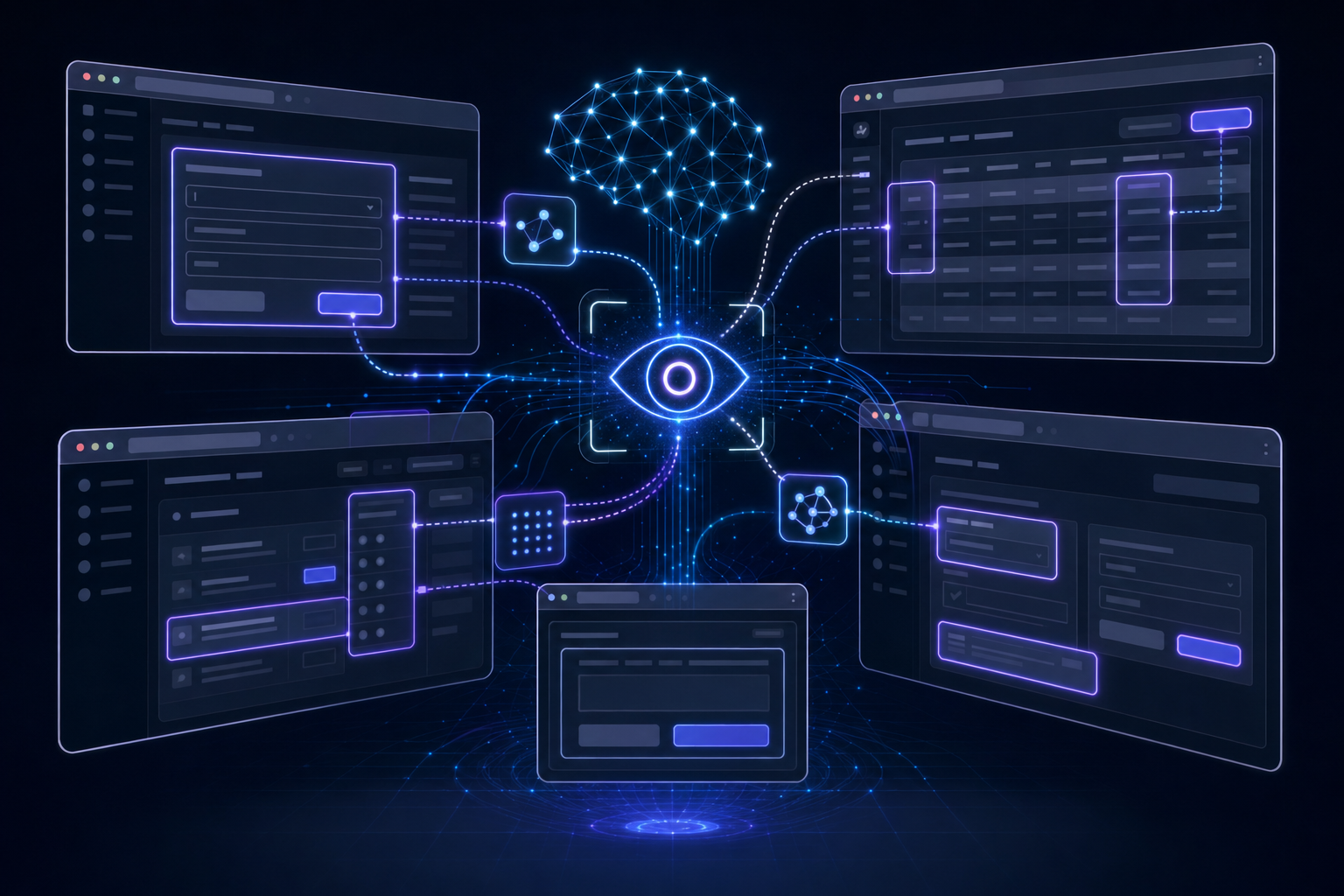
Most enterprise workflows don't have an API. Healthcare portals, insurance carrier dashboards, government filing systems, and legacy internal tools were built for humans to click through, not for machines to integrate with programmatically. When no API exists, teams are left choosing between manual work and automation that breaks the moment a UI changes.
API-less automation is the capability to automate those browser-based workflows without requiring programmatic integration on the other end. This approach is part of a larger shift toward AI-powered RPA that adapts to interface changes. No API key to request, no vendor partnership to negotiate, no middleware to maintain. The automation reads what's on screen and acts on it, the way a person would.
That distinction matters because most enterprise systems still fall into this category. 70% of Fortune 500 firms use legacy software, and legacy software from the 1990s and 2000s, state government portals, and even newer SaaS tools with limited API coverage all share the same constraint: the browser is the only reliable interface they offer. Teams stuck interacting with these systems manually face a hard ceiling on how much they can scale, and teams running traditional automation face constant maintenance the moment those UIs shift.
How We Ranked These API-Less Automation Tools
Choosing the right API-less automation tool requires looking at more than feature checklists. There are a number of factors that separate tools that hold up in production from those that struggle with real enterprise environments:
- How well each tool handles layout changes and UI shifts without requiring manual script updates
- Whether the tool can manage multi-step workflows across different screens, beyond single-page interactions
- The level of coding required to get started and to maintain automations over time
- How well automations transfer across different sites or systems without needing site-specific configuration
- The quality of error handling and recovery when unexpected states appear during a workflow run
These factors reflect what actually matters when automating legacy enterprise software where APIs are absent, UIs shift without warning, and reliability over time is non-negotiable. For a broader look at AI RPA platforms, see our full comparison guide.
Best Overall API-Less Automation: Skyvern

Skyvern takes a fundamentally different approach to legacy system automation by reading interfaces visually instead of relying on DOM selectors, hardcoded XPaths, or API access. Where traditional tools break the moment a screen layout shifts, Skyvern identifies fields and buttons by appearance and context, so automations stay intact even when the underlying UI changes. This matters most for legacy enterprise software where APIs simply don't exist. Skyvern can log into older web-based systems, fill multi-step forms, extract data from dense tables, and complete workflows across systems that were never built with integration in mind.
Key features
- Visual AI understanding of legacy web interfaces without API dependencies
- Built-in authentication handling for MFA, SSO, and session-based systems
- Runtime adaptability when UI states change unexpectedly
- Multi-system workflow execution without custom connectors
- Structured data extraction from tables and legacy form outputs
Limitations
- Best suited for web-based legacy interfaces, not thick-client desktop applications
- Highly complex branching logic may require workflow tuning upfront
Code Example
Here's how to automate a legacy vendor portal workflow using the Skyvern Python SDK to log in and download the latest invoice without any API access:
import asyncio
from skyvern import Skyvern

skyvern = Skyvern(api_key="YOUR_API_KEY")

async def download_invoice_from_legacy_portal():
    task = await skyvern.run_task(
        url="https://vendor-portal.example.com/login",
        prompt=(
            "Log into the vendor portal using the provided credentials. "
            "Navigate to the Invoices section, find the most recent invoice, "
            "and download it. COMPLETE when the invoice has been downloaded."
        ),
        data_extraction_schema={
            "type": "object",
            "properties": {
                "invoice_number": {
                    "type": "string",
                    "description": "The invoice number"
                },
                "amount": {
                    "type": "string",
                    "description": "Total amount due on the invoice"
                },
                "due_date": {
                    "type": "string",
                    "description": "Payment due date"
                }
            }
        },
        wait_for_completion=True,
    )

    print(f"Status: {task.status}")
    print(f"Extracted data: {task.output}")
    print(f"Downloaded files: {task.downloaded_files}")

asyncio.run(download_invoice_from_legacy_portal())
Skyvern reads the portal visually, handles login and navigation without any selectors, and returns structured data alongside the downloaded file, all without an API key from the vendor.
Bottom Line
Best for enterprise teams who need to automate workflows across legacy web systems with no API access. It's ideal for operations and IT teams managing older software environments, but organizations running purely desktop-based thick clients will need a complementary solution for those specific interfaces.
UiPath
UiPath is one of the most widely deployed robotic process automation (RPA) tools in enterprise settings, with over 10,000 enterprise customers across industries like finance, healthcare, and government. It works by recording and replaying UI interactions, letting teams automate repetitive tasks in legacy software without touching the underlying code or APIs.
Key features
- UiPath's recorder captures clicks, keystrokes, and screen interactions in legacy desktop and web apps, generating automation scripts that run without API access.
- The Activity Library includes prebuilt connectors for SAP, Citrix, mainframe terminals, and other legacy environments that resist standard integration.
- Computer vision selectors allow bots to locate UI elements by appearance instead of fragile XPath selectors, improving resilience across screen resolution changes.
- Attended and unattended automation modes let teams choose between human-in-the-loop workflows and fully scheduled background bots.
Limitations
- Scripts break frequently when legacy app layouts change, requiring ongoing maintenance that consumes a lot of engineering time.
- Citrix and virtual desktop automation relies heavily on image recognition, which degrades when display output varies across machines.
- Licensing costs scale steeply with bot count, making broad deployment a lot of financial burden for mid-sized teams.
Bottom Line
Best for large enterprises with dedicated RPA teams who need battle-tested tooling across SAP and mainframe environments. It's ideal for organizations with stable legacy UI layouts, but high maintenance overhead and steep licensing costs make it harder to scale across dynamic workflows.
Automation Anywhere
Automation Anywhere is one of the more recognized names in enterprise robotic process automation, with a product suite built around its cloud-native RPA architecture and AI-assisted bot building tools.
Key Features
- The CoE Manager gives IT and automation teams a centralized view of bot deployments, performance metrics, and ROI tracking across the organization.
- Automation Co-Pilot lets business users trigger automations directly from within existing apps, reducing dependency on dedicated RPA developers.
- The Document Automation module handles unstructured data extraction from invoices, contracts, and forms using AI-assisted classification.
- AARI (Automation Anywhere Robotic Interface) acts as a human-in-the-loop layer for workflows that need occasional manual review or approval.
Limitations
- Bot maintenance costs rise quickly as legacy UI changes break existing automation scripts, requiring ongoing developer attention.
- Licensing costs can become a lot of financial burden for smaller teams or organizations running high bot volumes.
- Complex multi-system workflows often need experienced RPA developers, limiting self-service adoption.
Bottom Line
Best for large enterprises with dedicated RPA teams managing high-volume, structured workflows across legacy back-office systems. Teams assessing this platform should review our complete guide on Automation Anywhere reviews, pricing, and alternatives. It's ideal for organizations with IT governance requirements and centralized automation programs, but less suited for teams without the developer resources to maintain scripts long-term.
Sola
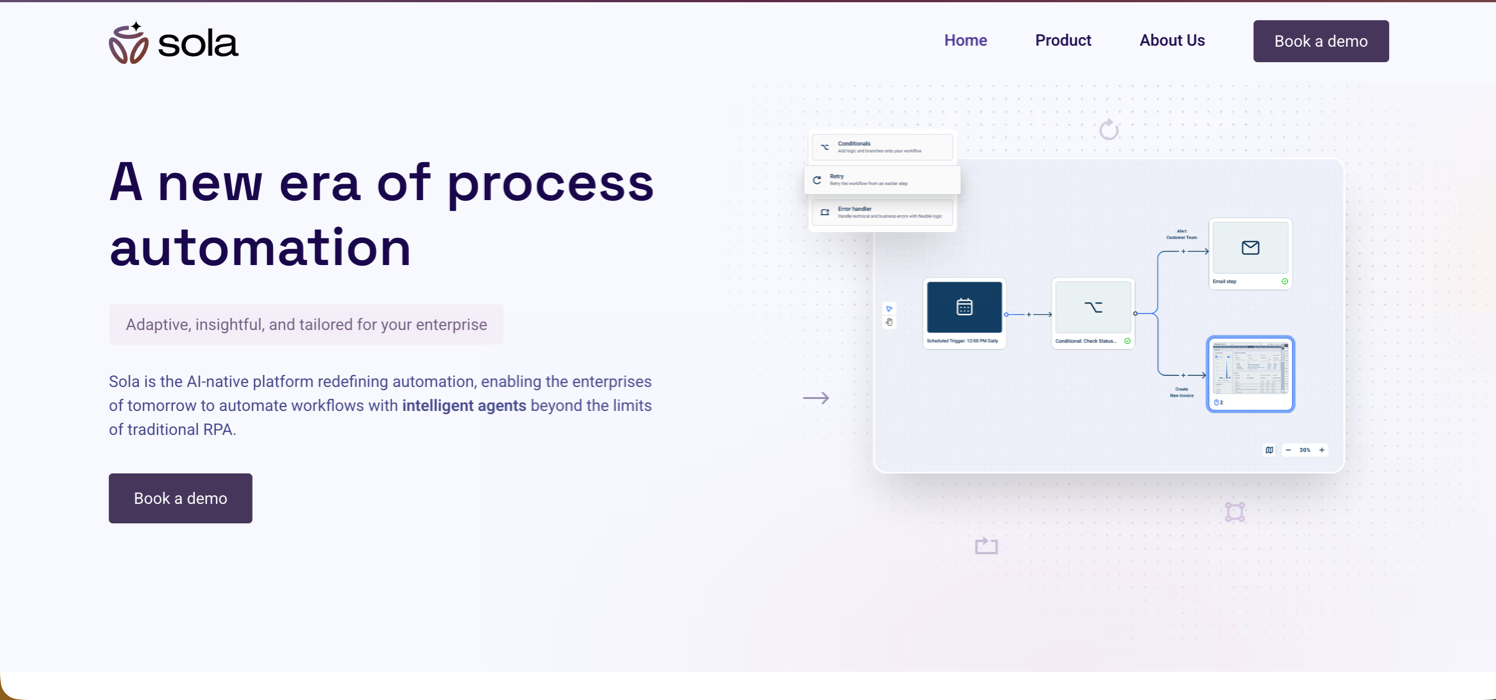
Sola approaches legacy system automation by recording user interactions and converting them into repeatable workflows without requiring any API access. It works across desktop and web applications, making it a practical option for teams where screen-based automation is the only viable path. Setup requires minimal technical background, which suits operations teams without dedicated engineering support.
Key Features
- Records mouse clicks and keystrokes to build automation sequences, reducing setup time compared to writing scripts from scratch
- Handles both desktop and browser-based legacy applications, giving it broader coverage than web-only tools
- Requires minimal technical background to get started, which suits operations teams without dedicated engineering support
- Supports scheduling and basic workflow triggers for recurring tasks on predictable systems
- Outputs can be connected to downstream tools via basic integrations for teams managing simple data handoffs
Limitations
- Recorded workflows are sensitive to UI changes and break when a legacy application updates its layout or field positions
- When automations break, they need to be re-recorded manually instead of self-healing, which adds ongoing maintenance overhead
- Complex conditional logic is difficult to implement through recorded interactions alone
- Not well suited for workflows that span multiple systems requiring separate authentication flows
- Lacks the runtime adaptability needed for environments where portals update frequently
Bottom Line
Best for operations teams running repetitive, stable workflows across older desktop or web applications who want a low-code setup path. For more details, see our complete Sola reviews, pricing, and alternatives guide. Teams managing a small number of predictable processes on systems that rarely change will get the most value here, but organizations dealing with frequent UI updates or multi-system workflows will find the maintenance burden grows quickly enough to offset the initial ease of setup.Kernel
Kernel is a cloud browser infrastructure service built for AI agents and web automations. It exposes a simple API for launching managed headful browsers with sub-150ms cold starts, built-in stealth mode, residential proxies, and automatic CAPTCHA solving. Session state persists across invocations so agents feel continuous instead of stateless.
Key features
- Works with any browser framework, including Playwright, Puppeteer, Browser Use, and Magnitude
- Persistent sessions maintain cookies and authentication across workflow runs
- Full observability through session recording, live view, and built-in monitoring
- Autoscaling browser infrastructure with anti-bot detection
Limitations
- Provides infrastructure only, so teams still write and maintain all automation logic themselves
- No workflow builder or no-code interface for non-technical users
- Automation code remains vulnerable to website layout changes, the same core problem as traditional tools
Bottom Line
Best for developer teams building AI agents who need fast, scalable browser infrastructure with strong session management. For more information on Kernel reviews, pricing, and alternatives, check out our detailed comparison. It's ideal for engineering teams already using Playwright or Puppeteer, but organizations looking to eliminate automation maintenance work will still need to solve that problem separately.
Anchorbrowser
Anchorbrowser is a managed browser infrastructure service built for AI agents, offering self-healing automation workflows, persistent authenticated sessions, and large-scale concurrent browser fleets. It targets technical teams that need production-grade web automation without managing their own browser infrastructure.
There are a number of capabilities that make Anchorbrowser worth considering for the right use case.
Key features
- Persistent sessions maintain authentication state across workflow runs, with SSO and MFA handling built in
- Self-healing agent workflows with deterministic recovery when browser states change unexpectedly
- Cloud or on-prem deployment with support for large concurrent browser fleets
- Anti-bot detection bypass with dedicated sticky IPs and VPN-level network controls
- SDK and API integration points for teams building automation into existing pipelines
Limitations
- Like Kernel, Anchorbrowser provides infrastructure without automation logic, so teams still write and maintain the code that targets specific page elements
- Selector-based automation scripts remain brittle against UI changes in legacy applications, requiring ongoing developer maintenance
- No workflow builder for non-technical users; meaningful setup requires engineering involvement
Bottom Line
Best for technical teams and service providers building AI agents that need managed, scalable browser infrastructure with strong authentication and session handling. For more information, see our full Anchorbrowser reviews, pricing, and alternatives analysis. It's ideal for engineering teams automating authenticated workflows across disconnected web applications, but organizations looking to eliminate script maintenance entirely will still need to solve that problem at the automation logic layer.
Side-by-Side Comparison
Tool | Handles UI Changes | Best Use Case | Authentication Support | Developer Dependency |
|---|---|---|---|---|
Skyvern | Visual AI reads screens by context, adapts at runtime when layouts change without script updates | Multi-system legacy workflows across web-based enterprise portals with no API access | Built-in MFA, SSO, and session-based authentication handling | Low - visual understanding eliminates selector maintenance |
UiPath | Computer vision selectors improve resilience but scripts still break when layouts change | Large enterprises with stable SAP and mainframe environments | Activity library includes SAP, Citrix, and mainframe connectors | High - requires dedicated RPA teams for ongoing script maintenance |
Automation Anywhere | Requires manual script updates when UI elements shift position or change | High-volume structured workflows across legacy back-office systems | AARI provides human-in-the-loop authentication when needed | High - complex workflows need experienced RPA developers |
Sola | Recorded workflows break when UI changes, requiring manual re-recording | Repetitive stable workflows on predictable desktop or web applications | Basic authentication support through recorded login sequences | Low for setup, but high maintenance when UIs change |
Kernel | Provides browser infrastructure only - automation logic remains vulnerable to layout changes | Developer teams building AI agents who need scalable browser infrastructure | Persistent sessions maintain cookies and authentication across runs | High - teams write and maintain all automation code themselves |
Anchorbrowser | Self-healing workflows with deterministic recovery, but selector-based scripts still brittle | Technical teams building AI agents with authenticated multi-step workflows | Persistent sessions with SSO and MFA handling built in | High - requires engineering involvement for meaningful setup |
Final Thoughts on Browser-Based Workflow Automation
Legacy enterprise systems without API access create real bottlenecks for operations teams trying to scale. No-API automation solves this by reading interfaces the way humans do, which means your workflows keep running even when UIs change. You shouldn't need a developer on call every time a form layout shifts or a portal updates. If manual processes or brittle scripts are holding your team back, book a demo to see how visual automation handles your environment.
FAQ
How do I choose the right API-less automation tool for legacy systems?
Start by assessing whether your legacy systems are web-based or desktop applications, since most visual AI tools handle web interfaces better than thick-client software. Look for tools that handle authentication complexity (MFA, SSO, session management) natively if your workflows require it, and check whether the tool adapts to UI changes at runtime or requires manual script updates when layouts shift.
Which API-less automation approach works best for teams without dedicated developers?
For teams without dedicated developers, recorded automation tools like Sola offer the lowest barrier to entry: you capture mouse clicks and keystrokes to build repeatable sequences without writing code. These work well for stable, predictable workflows on older desktop or web applications where layouts rarely change. The tradeoff is maintenance: when a legacy portal updates its field positions or navigation flow, recorded automations break and need to be re-recorded manually, which can negate the time savings for teams dealing with frequent UI changes. Skyvern takes a different approach that removes this maintenance burden entirely; its visual AI reads interfaces by appearance and context instead of pre-recorded selectors, so non-technical teams can automate workflows across legacy portals without worrying about scripts breaking. For operations teams running a handful of stable, repetitive processes on predictable systems, a recording-based tool may be enough to get started. But teams managing workflows across multiple portals, or dealing with systems that update regularly, will find that AI-powered visual automation scales more reliably without ongoing manual intervention.
What's the main difference between RPA tools like UiPath and AI-powered browser automation?
Traditional RPA tools like UiPath record and replay UI interactions using element selectors that break when layouts change, requiring constant script maintenance. AI-powered tools like Skyvern read screens visually by context and meaning, allowing automations to adapt when websites change their structure without manual updates.
Can API-less automation handle multi-system workflows that span different legacy applications?
Yes, but the tool's ability to chain workflows across systems varies widely. Look for platforms that support multi-step workflow execution and can pass data between different legacy systems without custom middleware, and verify they handle authentication flows separately for each system if your workflow requires logging into multiple portals.
When should I consider moving from recorded automation scripts to visual AI approaches?
If your team spends more engineering time fixing broken selectors and updating scripts than the automation saves, or if you're scaling to dozens of different legacy portals where site-specific configuration becomes unsustainable, visual AI automation eliminates the maintenance burden by reading interfaces contextually instead of relying on fragile element identifiers.
Keep reading

Browser Use vs Browserbase: my honest comparison
Browserbase and Browser Use can both automate work in a browser, from collecting product data to filling out forms. Choosing between them comes down to what you want to build: a task you hand to an AI agent, a custom agent inside your application, or browser infrastructure for scripts you already run. I’m Skyvern’s co-founder and CEO by the way. We build a competing product, so I have a stake in this comparison. But I promise I won't promote our product (even though it's a great alternative to

6 Stagehand alternatives for browser automation in 2026
If you're looking for Stagehand alternatives, you probably want an AI browser agent that: * Works natively with Python scripts. * Can navigate and scrape complex websites efficiently. * Stays reliable as your workload grows from a few runs to thousands of browser jobs. That's the kind of workflow I built Skyvern for (Skyvern CEO here). I know, I know, Skyvern CEO's recommending Skyvern as a good alternative. Please just stay with me for a second here. Yes, Skyvern is a good Stagehand alt

Browser Use vs Stagehand: Which One Should You Pick?
Browser Use and Stagehand both let you use AI to automate browser tasks, such as collecting product data or filling out forms. When you’re deciding which to build with, their feature lists only tell you so much. You want to know how much code you’ll need to write, whether the automation completes your task correctly, and what repeated runs will cost. I'll be upfront: we build Skyvern, a competitor to both, but this blog post won't shill our product (you can try it here though). I’m keeping thi
Put the browser to work
Use Skyvern for the work that lives in a browser.
Turn repetitive browser tasks into reliable workflows with Skyvern.