Hyperbrowser AI vs Skyvern: Which is Better? (May 2026)
 Suchintan Singh9 min read
The Hyperbrowser AI versus Skyvern decision really comes down to what you want to own. Hyperbrowser AI gives you fast, scalable browser infrastructure with built-in CAPTCHA solving and proxy management, but the actual automation logic is yours to write and maintain. Skyvern uses visual AI to understand pages by context instead of selectors, so when a site redesigns its forms or moves a button, your workflows don't break. That difference shows up fast when you're running automations in production.
TLDR:
- Hyperbrowser AI provides fast browser infrastructure but you still write and maintain automation logic.
- Skyvern uses computer vision to read pages visually, so workflows survive website changes without updates.
- Hyperbrowser AI requires manual script fixes when sites update; Skyvern adapts automatically.
- Skyvern handles 2FA, CAPTCHAs, and file downloads natively; Hyperbrowser AI leaves that to you.
- Hyperbrowser AI offers managed cloud infrastructure with developer-focused APIs and sub-500ms session starts.
What is Hyperbrowser AI?
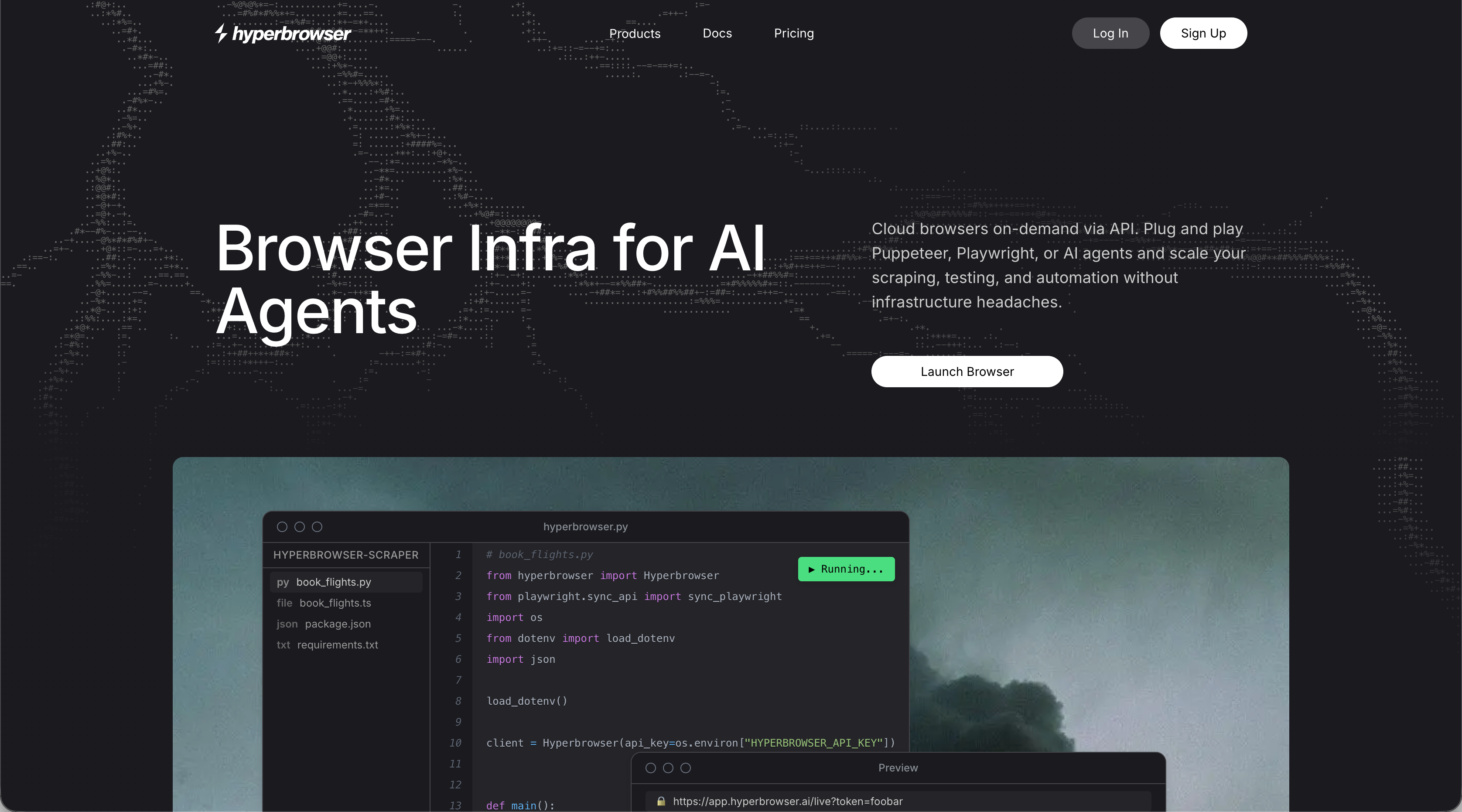
Hyperbrowser AI is cloud-hosted browser infrastructure built for teams developing AI agents and web automation workflows. It handles browser provisioning, delivering session start times under 500ms, support for thousands of concurrent sessions, built-in CAPTCHA solving, proxy management, and anti-bot detection out of the box. The service is designed with AI-native workflows in mind, making it a natural fit for developers who need scalable browser capacity without managing their own fleet. Session persistence supports multi-step processes, and the infrastructure scales automatically with workload demands.
Here's the catch: Hyperbrowser AI is infrastructure, not automation. The browser spins up fast, but everything that happens inside it is still your responsibility. You write the logic. You maintain it when websites change. You handle edge cases as they come up. Think of it as a solid foundation for building automation, not the automation itself.
What is Skyvern?

Skyvern automates browser-based workflows using computer vision and LLMs to read web pages the way a human does. Pass in a task with a URL and instructions, and Skyvern executes it in a real browser session, returning structured results through webhooks. Elements get identified by meaning and context, not by CSS selectors or XPaths that snap the moment a website updates.
That distinction matters in production. Most automation breaks when sites change their layout. Skyvern reads pages visually, so when a button moves or a form gets redesigned, the workflow keeps running without manual fixes.
Production workflows also demand more than simple navigation. Skyvern handles 2FA, CAPTCHA solving, file transfers, cross-site reuse, and full audit trails natively out of the box:
- 2FA and CAPTCHA solving, so workflows don't stall at authentication walls
- File downloads and uploads within multi-step processes
- Cross-site reuse, allowing a single workflow to run across multiple websites without reconfiguration
- Full audit trails, session recordings, and screenshot logs for every run
Benchmarked at 85.8% on WebVoyager, Skyvern is built for the messiness of real-world web automation.
Here's a quick look at how simple it is to run a task with the Skyvern Python SDK : no selectors, no brittle scripts, just a plain-language instruction and a schema for structured output:
from skyvern import Skyvern
import asyncio

skyvern = Skyvern(api_key="YOUR_API_KEY")

async def main():
    task = await skyvern.run_task(
        url="https://app.skyvern.com/credentials",
        prompt="Log into the portal and download the most recent invoice.",
        data_extraction_schema={
            "type": "object",
            "properties": {
                "invoice_number": {
                    "type": "string",
                    "description": "The invoice number"
                },
                "amount": {
                    "type": "string",
                    "description": "Total amount due on the invoice"
                },
                "date": {
                    "type": "string",
                    "description": "Invoice date"
                }
            }
        },
        wait_for_completion=True,
    )
    print(task.output)

asyncio.run(main())
Skyvern reads the page visually, handles any login or CAPTCHA it encounters, and returns structured JSON — no custom scripts required. Swap the URL and prompt to run the same workflow across a completely different portal without any code changes.
AI-Powered Adaptability
Hyperbrowser AI takes a structured API approach to browser automation, offering tools like scraping, crawling, and session management built on top of headless browsers. It works well for extracting data from known page structures, but it still relies on developers to define the logic for what to do when a page changes or behaves unexpectedly.
Skyvern takes a different approach. Instead of following a fixed script, Skyvern uses computer vision and LLMs to read pages the way a human would, identifying form fields and buttons by what they look like on screen instead of where they sit in the DOM. When a site updates its layout, Skyvern adapts without requiring any code changes.
Three things stand out when comparing how each platform handles real-world page changes:
- Hyperbrowser AI automations tend to break when sites update their HTML structure, requiring developer time to patch selectors and re-test workflows.
- Skyvern reads UI elements visually, so layout changes rarely cause failures, reducing ongoing maintenance overhead.
- Skyvern can handle multi-step workflows that require conditional reasoning, like deciding which form branch to follow based on what appears on screen.
Feature | Hyperbrowser AI | Skyvern |
|---|---|---|
Automation Approach | Provides browser infrastructure with API-based scraping and session management. Developers write and maintain automation logic using selectors and scripts. | Uses computer vision and LLMs to read pages visually. Identifies elements by meaning and context instead of DOM structure. |
Handling Website Changes | Workflows break when sites update HTML structure. Requires developer time to patch selectors and re-test after layout changes. | Adapts automatically to layout changes without code updates. Visual reading allows workflows to continue running when sites redesign. |
Authentication Handling | Basic CAPTCHA solving included. 2FA and complex authentication require custom implementation. | Native 2FA and CAPTCHA solving built in. Handles authentication walls without workflow interruption. |
Deployment Options | Fully managed cloud service only. Scaling handled automatically but limited to their infrastructure. | Cloud-hosted option and self-hosted deployment available. Teams can run on own infrastructure for compliance or cost control. |
Session Performance | Sub-500ms session start times with support for thousands of concurrent sessions. | Cloud option supports concurrent browser sessions with parallel workflow execution. |
Workflow Complexity | Works well for simple tasks but multi-step workflows with conditional logic require iteration. Edge cases need manual intervention. | Handles multi-step workflows with branching logic, file uploads, and cross-site sequences. LLM reasoning manages edge cases automatically. |
Maintenance Overhead | Ongoing maintenance required when target sites update. Scripts need regular updates to stay functional. | Minimal maintenance due to visual adaptation. Workflows continue running without updates when sites change layouts. |
Infrastructure and Scaling
Hyperbrowser operates as a fully managed cloud service, which keeps setup simple but means you're working within their infrastructure constraints. Scaling is handled for you, though you're dependent on their availability, pricing tiers, and any rate limits they impose.
Skyvern offers both a cloud-hosted option and a self-hosted deployment, giving teams more flexibility depending on their compliance needs or budget. The self-hosted path lets engineering teams run automation workloads on their own infrastructure, which matters when handling sensitive data or operating in compliance-sensitive industries.

Three factors stand out when comparing how each platform scales: concurrent session support, deployment control, and cost at volume:
- Skyvern's cloud option supports concurrent browser sessions out of the box, so you can run multiple workflows in parallel without managing session pools yourself.
- Self-hosted deployments give teams full control over resource allocation, data residency, and network configuration.
- Hyperbrowser's managed model works well for smaller workloads but can get expensive as task volume grows, since you're paying per usage on someone else's infrastructure.
For teams with predictable, high-volume automation needs, the ability to self-host can reduce long-term costs considerably.
Pricing and Cost Predictability
Pricing structures can make or break a browser automation decision, especially at scale. Hyperbrowser AI and Skyvern take meaningfully different approaches here.
Hyperbrowser AI offers a free tier with limited sessions, then paid tiers starting around $50/month for higher usage. Pricing scales with session volume and compute time, which can get unpredictable if your automation workloads fluctuate month to month.
Skyvern's pricing is structured around tasks and usage, with a free tier available for exploration. Paid plans scale based on automation volume, and because Skyvern handles retries and failures internally, you're less likely to rack up wasted spend on broken runs that need manual intervention.
Three cost factors stand out when comparing Hyperbrowser AI and Skyvern: per-session billing, self-healing retries, and workload predictability:
- Hyperbrowser AI's per-session model can balloon quickly if workflows require multiple browser sessions to complete a single task.
- Skyvern's self-healing behavior means fewer failed task retries eating into your monthly budget.
- Teams with unpredictable workloads may find Skyvern's model easier to forecast over time.
Workflow Development and Maintenance
Hyperbrowser AI takes a prompt-based approach to workflow creation, where users describe tasks in plain language and the system attempts to execute them. This works well for simple, one-off tasks, but multi-step workflows with conditional logic or dynamic page states require considerably more iteration to get right. When pages change or edge cases appear, workflows often need manual intervention or prompt rewrites.
Skyvern approaches workflow development differently. Instead of interpreting a static prompt at runtime, Skyvern's visual AI reads the page as it appears and adapts its actions step by step. Workflows are built using a structured editor that supports branching logic, form handling, file uploads, and multi-site sequences without custom scripting.
Maintenance is where the gap widens considerably. Hyperbrowser AI workflows tied to specific page structures will break when layouts change, requiring prompt adjustments or workflow rebuilds. Skyvern, though, identifies page elements by their visual context and purpose instead of fragile selectors or hardcoded assumptions. This approach is particularly useful for AI browser automation across multiple sites, so layout changes rarely require any workflow updates at all, reducing the ongoing engineering time needed to keep automations running reliably in production.
Why Skyvern is the Better Choice
Hyperbrowser AI is a solid choice for engineering teams that need fast, scalable browser infrastructure and have the development capacity to build and maintain automation logic on top of it. Sub-500ms session starts and thousands of concurrent sessions are genuinely useful capabilities. But fast infrastructure still leaves you writing custom scripts for every site, and those scripts break whenever a layout changes.
Skyvern solves the layer that Hyperbrowser AI doesn't touch. Visual AI reads pages by meaning, so one workflow applies across hundreds of sites without modification. Native 2FA, CAPTCHA solving, and file handling are built in, and LLM reasoning handles edge cases that brittle scripts simply can't. You get AI-powered automation, managed cloud infrastructure, and predictable pricing in a single solution instead of managing two separate layers to get there. For a full breakdown, see Skyvern's complete Hyperbrowser AI review.
Final Thoughts on Picking the Right Browser Automation Solution
The difference between Skyvern and Hyperbrowser AI matters most when websites change and your workflows break. Hyperbrowser AI delivers solid infrastructure, but your team still owns every line of automation logic and all the maintenance that comes with it. Skyvern's visual AI adapts to layout changes automatically, so you spend less time fixing scripts and more time building new workflows. If reducing ongoing maintenance sounds valuable, book a call to walk through how Skyvern handles your specific use cases.
FAQ
How should you decide between Hyperbrowser AI and Skyvern for your browser automation needs?
Look at whether you need browser infrastructure or complete automation. Hyperbrowser AI is ideal for teams with engineering resources who want to build custom automation logic on top of managed browser sessions, while Skyvern fits teams who need end-to-end workflow automation that self-heals when websites change and handles authentication complexity out of the box.
What's the main difference between Hyperbrowser AI's approach and Skyvern's visual AI system?
Hyperbrowser AI provides fast browser provisioning with sub-500ms session starts but requires you to write and maintain automation scripts that break when websites update their layouts. Skyvern uses computer vision and LLMs to read pages by meaning instead of structure, so workflows continue running without code changes when sites redesign their interfaces.
Who is Hyperbrowser AI best suited for compared to Skyvern?
Hyperbrowser AI works best for development teams building AI agents who need scalable browser infrastructure and have capacity to write automation logic themselves. Skyvern fits operations teams, automation engineers, and businesses running portal-heavy workflows across multiple sites who want automation that works immediately without custom scripting and keeps working without maintenance overhead.
What should teams consider when migrating from infrastructure-only solutions like Hyperbrowser AI to full automation platforms?
Assess whether your team is spending more time maintaining automation scripts than the automation saves, particularly when target websites change their layouts. Teams currently managing selector updates, handling broken workflows after UI changes, or building separate scripts for each website will see immediate value from Skyvern's visual AI approach that eliminates those maintenance cycles entirely.
Keep reading

Browser Use vs Browserbase: my honest comparison
Browserbase and Browser Use can both automate work in a browser, from collecting product data to filling out forms. Choosing between them comes down to what you want to build: a task you hand to an AI agent, a custom agent inside your application, or browser infrastructure for scripts you already run. I’m Skyvern’s co-founder and CEO by the way. We build a competing product, so I have a stake in this comparison. But I promise I won't promote our product (even though it's a great alternative to

6 Stagehand alternatives for browser automation in 2026
If you're looking for Stagehand alternatives, you probably want an AI browser agent that: * Works natively with Python scripts. * Can navigate and scrape complex websites efficiently. * Stays reliable as your workload grows from a few runs to thousands of browser jobs. That's the kind of workflow I built Skyvern for (Skyvern CEO here). I know, I know, Skyvern CEO's recommending Skyvern as a good alternative. Please just stay with me for a second here. Yes, Skyvern is a good Stagehand alt

Browser Use vs Stagehand: Which One Should You Pick?
Browser Use and Stagehand both let you use AI to automate browser tasks, such as collecting product data or filling out forms. When you’re deciding which to build with, their feature lists only tell you so much. You want to know how much code you’ll need to write, whether the automation completes your task correctly, and what repeated runs will cost. I'll be upfront: we build Skyvern, a competitor to both, but this blog post won't shill our product (you can try it here though). I’m keeping thi
Put the browser to work
Use Skyvern for the work that lives in a browser.
Turn repetitive browser tasks into reliable workflows with Skyvern.