Top Authentication-Handling Automation Platforms for Secure Enterprise Workflows (May 2026)
 Suchintan Singh10 min read
You've probably automated a workflow that worked perfectly in testing, then watched it fail in production the moment it hit a 2FA prompt or OAuth redirect. Everyone running authenticated workflows knows this pattern: the automation logic is solid, but authentication flows change without warning and everything breaks. Traditional tools handle simple username-password scenarios, but they fall apart when real enterprise security shows up: rotating TOTP codes, adaptive MFA challenges, session persistence across multi-step processes. Let's compare the platforms built to handle authentication natively instead of treating it like someone else's problem.
TLDR:
- Authentication automation handles login flows, 2FA, and TOTP without human intervention
- Skyvern uses AI to read pages visually, adapting when authentication flows change
- UiPath and Automation Anywhere handle credentials but push TOTP complexity to developers
- Steel and Browserbase provide infrastructure but require custom auth logic on your end
- Skyvern combines native 2FA support, credential security, and cross-site portability
What is Authentication-Handling Automation?
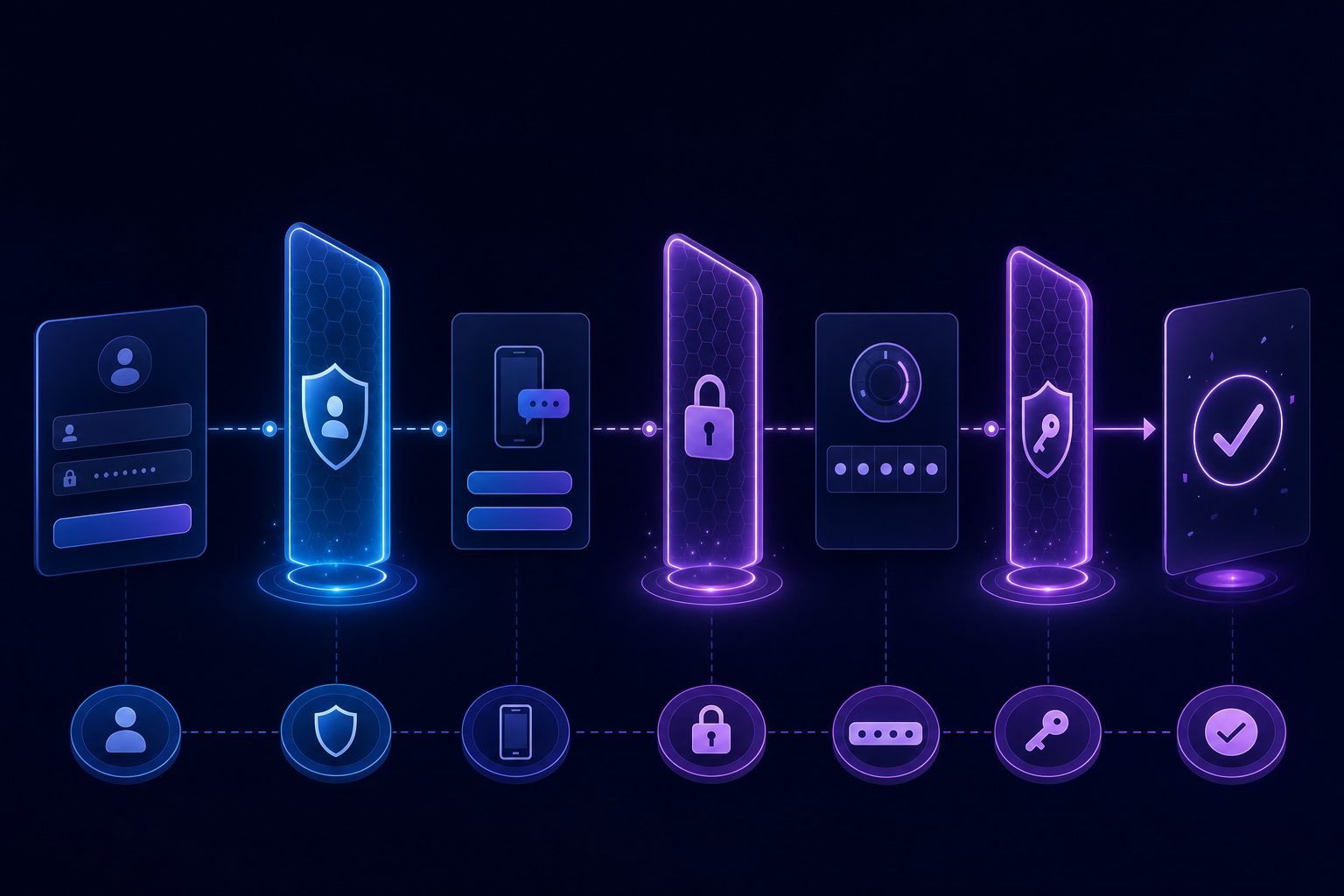
Authentication-handling automation refers to software that can independently manage login flows, multi-factor authentication prompts, session tokens, and credential verification steps that would otherwise require human interaction. Where traditional browser automation breaks down at a 2FA screen or an OAuth redirect, these tools keep workflows running by reading one-time codes, interacting with TOTP sequences, or managing session state across authenticated pages.
For enterprise teams, this matters because security controls don't disappear just because a process is automated. 83% of organizations require MFA according to JumpCloud's 2024 IT Trends survey, and any workflow touching payroll systems, ERP portals, or sensitive data will hit authentication walls repeatedly throughout execution.
How We Ranked Authentication Automation Platforms
Choosing the right authentication automation tool requires looking beyond feature lists. We assessed five factors when ranking these solutions:
- 2FA and TOTP handling. How well each tool handles multi-factor authentication in real enterprise workflows, beyond simple login scenarios.
- Session persistence. Whether the solution can manage session state across multi-step processes without breaking.
- Engineering overhead. How much setup and maintenance is required to implement secure credential handling.
- Adaptability. The degree to which each tool adapts when authentication flows change unexpectedly.
- Scale and deployment. Deployment flexibility, audit logging support, and how each tool performs across many concurrent authenticated sessions.
Best Overall Authentication Automation: Skyvern

Skyvern is built for web-based workflow automation in enterprise environments, with native support for the authentication layers that typically break other tools. Where most automation approaches rely on recorded scripts or DOM selectors that fail when login flows change, Skyvern reads pages visually using AI and adapts in real time.
Key features
- Handles 2FA, TOTP, MFA, and OAuth natively, without requiring custom code or manual intervention during automated runs.
- Reads and interacts with login forms by appearance instead of fragile XPath selectors, so layout changes rarely break workflows.
- Supports proxy configuration and anti-bot bypass for enterprise portals that block headless browsers.
- Runs multi-step authenticated workflows end-to-end, including post-login navigation, form submission, and data extraction.
- Offers a cloud-hosted option with no infrastructure setup required, alongside API access for integration into existing pipelines.
Limitations
- Works best for browser-based workflows; desktop application automation is out of scope.
- Requires internet access to the target sites, so fully air-gapped environments are not supported.
Bottom line
Best for enterprise teams running authenticated web workflows across multiple portals who want authentication handled automatically instead of bolted on as an afterthought. It's ideal for operations and IT teams managing vendor portals, government sites, or SaaS tools with strict login requirements, but teams automating desktop apps will need a different solution.
Code example
The following shows how to run an authenticated workflow using Skyvern's Python SDK with native TOTP support. No custom 2FA logic required — pass your credential ID and a TOTP identifier, and Skyvern handles the rest.
from skyvern import Skyvern
import asyncio

skyvern = Skyvern(api_key="YOUR_API_KEY")

# Store credentials once — username, password, and TOTP secret
await skyvern.create_credential(
    name="Vendor Portal Login",
    credential_type="password",
    credential={
        "username": "ops@yourcompany.com",
        "password": "your-password",
        "totp": "YOUR_TOTP_SECRET_KEY",  # base32 secret from authenticator setup
    },
)

# Run an authenticated workflow — Skyvern logs in,
# reads the 2FA prompt, generates the TOTP code, and continues
task = await skyvern.run_task(
    url="https://vendor-portal.example.com/login",
    prompt="Log in and download the latest invoice. COMPLETE when the invoice PDF is downloaded.",
    totp_identifier="ops@yourcompany.com",  # ties live codes to this credential
    wait_for_completion=True,
)

print(task.status)          # "completed"
print(task.downloaded_files)  # [{"filename": "invoice-2026-05.pdf", ...}]
UiPath
UiPath is one of the most widely adopted enterprise robotic process automation (RPA) suites, with deep integrations across ERP systems, CRMs, and legacy desktop applications. It handles authentication through its credential vault and has some support for 2FA scenarios via human-in-the-loop workflows.
Key features
- Credential vault stores and injects usernames and passwords securely across attended and unattended bots.
- Human-in-the-loop triggers can pause a bot mid-workflow when a 2FA prompt appears, waiting for a human to supply the code.
- Broad connector library covers SAP, Salesforce, and hundreds of other enterprise apps.
- Centralized Orchestrator console gives IT teams visibility into bot activity and authentication events.
Limitations
- TOTP automation requires additional configuration or third-party integrations since UiPath does not natively generate time-based one-time passwords.
- Human-in-the-loop 2FA handling introduces latency that breaks the value of fully unattended automation at scale.
- Licensing costs are high, making it a heavy investment for teams whose primary need is authentication handling instead of full RPA orchestration.
Bottom line
Best for large enterprises already invested in the UiPath ecosystem who need credential management baked into broader RPA workflows. It's ideal for IT and ops teams running attended or semi-attended bots across legacy systems, but teams needing fully unattended TOTP or MFA automation will hit gaps without extra build work.
Automation Anywhere
Automation Anywhere is an enterprise-grade robotic process automation suite built for large organizations running high-volume, structured workflows. It handles authentication scenarios through its Credential Vault, which stores and injects login credentials securely during bot execution. The platform covers a wide range of enterprise app integrations (SAP, Salesforce, ServiceNow) and is designed for organizations with existing RPA infrastructure and dedicated automation teams.
Key features
- Credential Vault encrypts and manages login credentials centrally, reducing the risk of hardcoded passwords in automation scripts and supporting both attended and unattended bot runs.
- TOTP and 2FA support exists but typically requires custom scripting or third-party integrations to handle time-sensitive one-time codes reliably.
- Role-based access controls let IT teams govern which bots can access which credentials, with full audit logging for compliance reporting.
- Bot Insight provides real-time analytics and monitoring dashboards, giving ops teams visibility into bot performance and authentication event logs.
- Cloud-native deployment on Automation 360 supports both public cloud and hybrid on-premises environments for organizations with strict data residency requirements.
Limitations
- No native TOTP generation. Handling time-based one-time passwords requires building custom bot logic or integrating a third-party authenticator library, adding meaningful development overhead for teams that need it out of the box.
- Dynamic MFA challenges are difficult to automate. Authentication flows that shift challenge types based on risk signals, adaptive MFA, often require extensive manual configuration and ongoing maintenance to handle reliably.
- High cost and complexity. Automation 360 licensing starts at enterprise contract levels, and implementation typically requires certified RPA developers, making it a heavy investment for teams whose primary need is authentication handling instead of full RPA orchestration.
- Selector-based browser automation. Web interactions rely on CSS selectors and XPath-style element targeting, which break when login page layouts change and require manual script updates to restore.
Bottom line
Best for large enterprises with dedicated RPA teams who need credential management baked into a broader automation suite. It's ideal for organizations running structured, predictable workflows at scale across SAP, Salesforce, and legacy desktop systems; but teams dealing with dynamic authentication challenges like TOTP rotation or adaptive MFA will find the setup demanding and the maintenance ongoing.
Steel
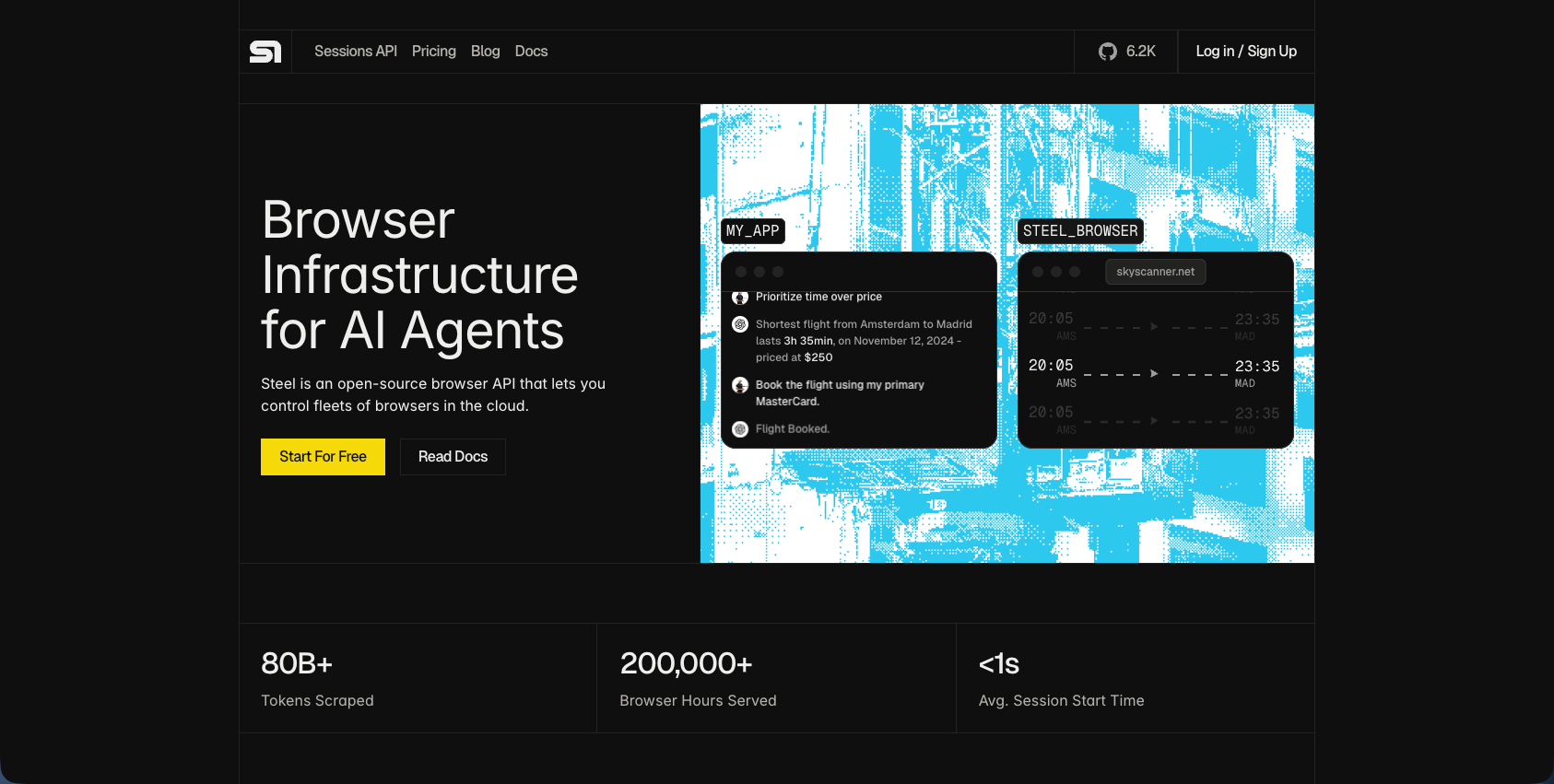
Steel is an open-source browser API built for AI agents and automation workflows. It provides managed browser infrastructure through simple API calls, handling session provisioning so teams can skip the overhead of running browser fleets themselves.
Key features
- Cloud-hosted browser sessions with automatic scaling across concurrent workloads
- Built-in CAPTCHA solving and proxy support for both residential and datacenter networks
- Session persistence for maintaining state across multiple interactions
- RESTful API for browser control and data extraction
Limitations
- Native credential injection is still in beta, leaving potential security gaps unresolved
- Authentication handling, including TOTP generation, MFA flows, and credential management, must be built separately on top of the browser API
Bottom line
Best for developer teams building custom AI agents who want managed browser infrastructure without maintaining servers. It's ideal for engineering-heavy teams comfortable writing their own auth logic, but teams that need built-in TOTP or MFA automation will spend a lot of time building what other tools already provide out of the box.
Airtop
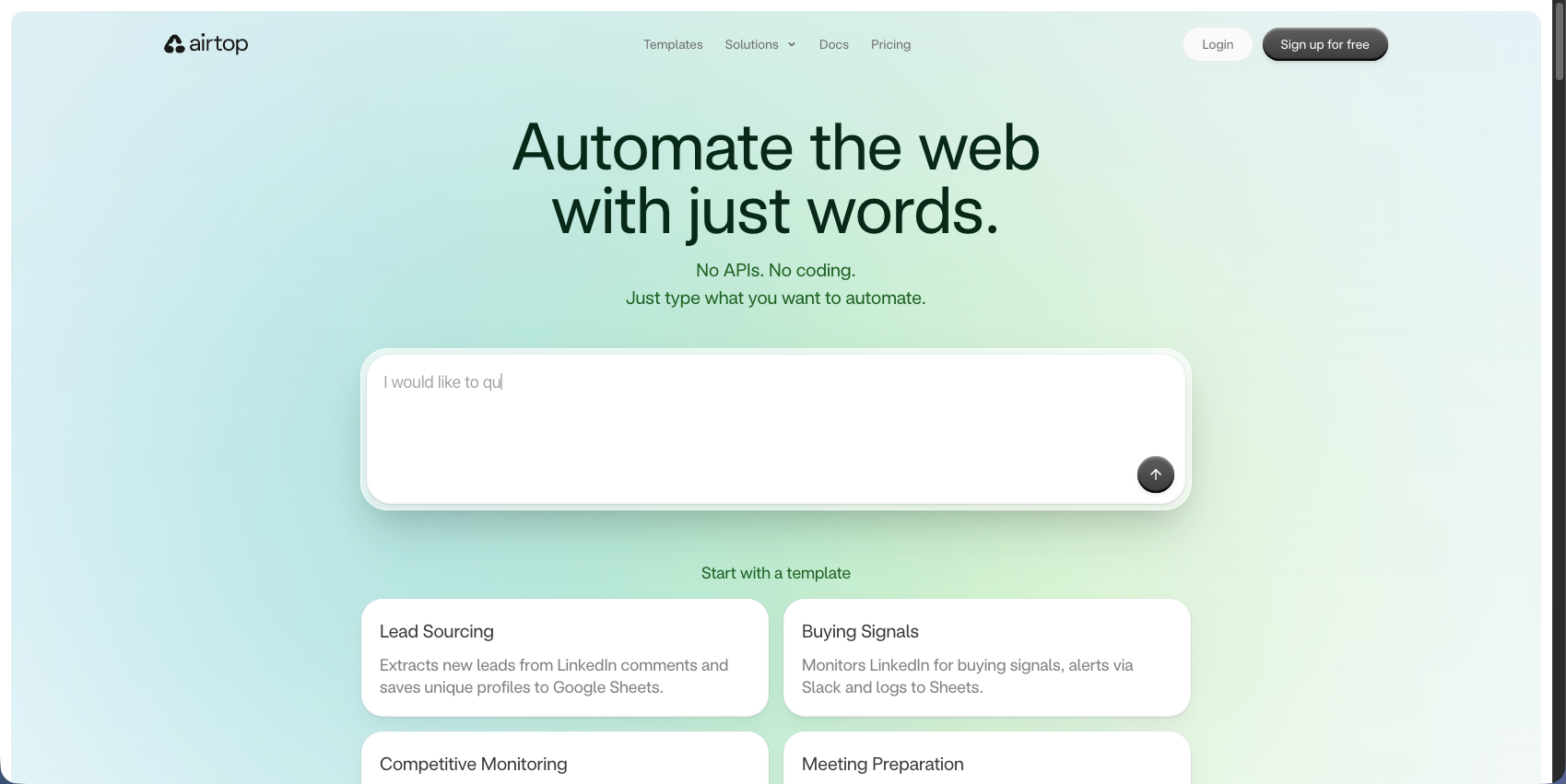
Airtop is a cloud-based browser automation service built around AI-driven web interactions. It handles authentication flows, including OAuth and session management, without requiring teams to write low-level browser control code.
Key features
- Handles OAuth, SSO, and session persistence across multi-step authenticated workflows
- AI-driven element recognition reduces fragility from minor UI changes
- Cloud-hosted infrastructure removes the need for self-managed browser fleets
- Supports parallel browser sessions for scaling across multiple accounts
Limitations
- Pricing scales quickly at higher session volumes, which adds a lot of financial burden for large enterprises
- Less flexibility for deeply custom authentication sequences like hardware token flows
Bottom line
Best for mid-sized teams who need managed cloud browser automation with solid OAuth and SSO support. It's ideal for organizations avoiding infrastructure overhead, but teams with complex TOTP or hardware-based authentication requirements may hit gaps quickly.
Browserbase
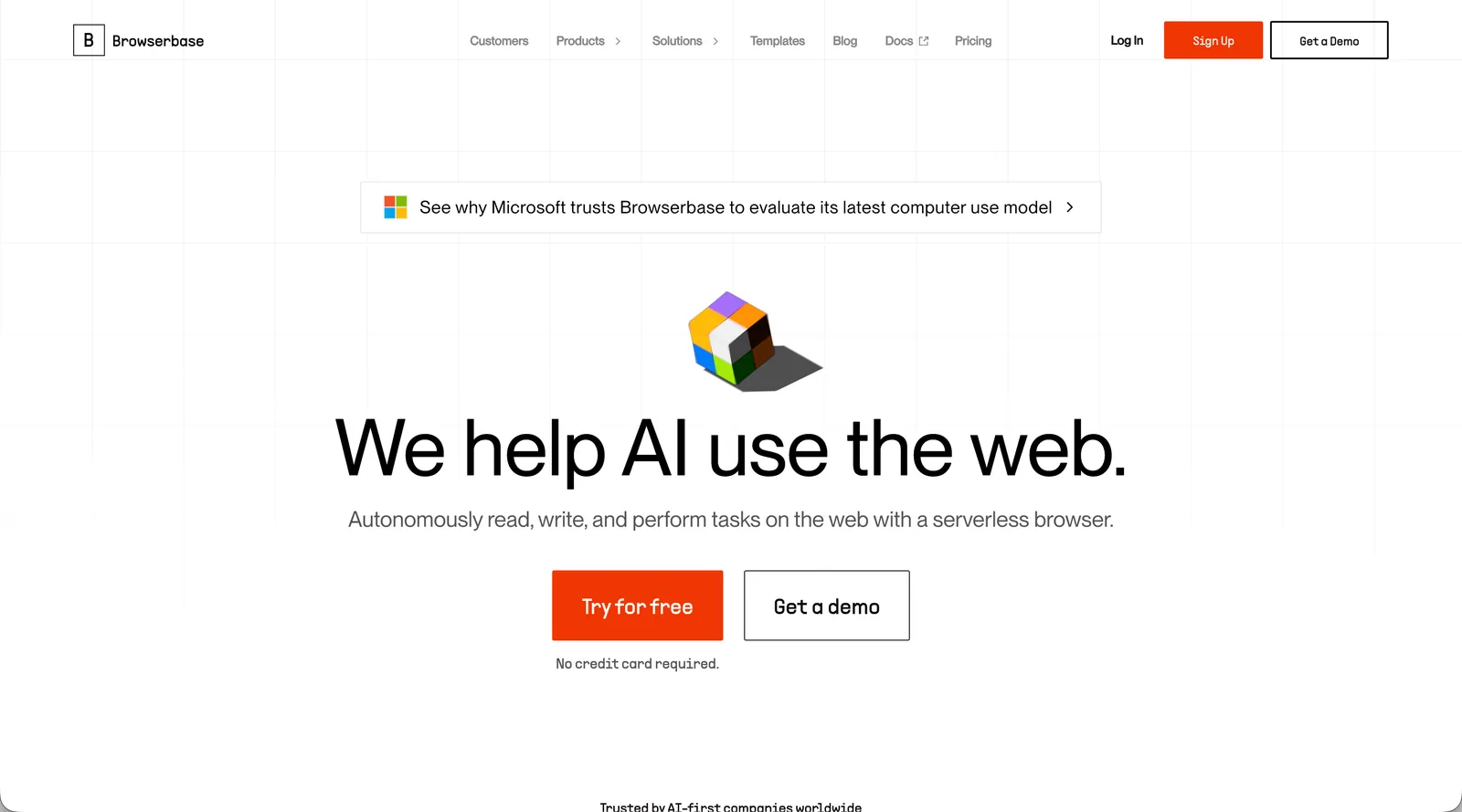
Browserbase provides cloud-hosted headless browser infrastructure with stealth mode, session logging, and autoscaling designed for AI agent workloads. It integrates natively with Playwright, Puppeteer, and Selenium.
Key features
- Serverless headless browsers with automatic scaling across concurrent workloads
- Built-in proxy rotation and fingerprint randomization to avoid detection
- Session recording and live browser views for debugging
- Native compatibility with existing Playwright and Puppeteer code
Limitations
- No built-in CAPTCHA solving, requiring separate third-party integrations
- Provides browser infrastructure only, not authentication logic, so TOTP generation, credential management, and 2FA handling must be custom-built and maintained by your team
- Session duration pricing gets expensive for long-running authenticated workflows
Bottom line
Best for engineering teams already invested in Playwright or Puppeteer who want to drop infrastructure management without changing their existing code. It's ideal for developers comfortable building their own auth logic, but teams that need TOTP or MFA handled automatically will end up writing a lot of the hard parts themselves.
Feature Comparison Table of Authentication Automation Platforms
Here's how the six tools stack up across the authentication dimensions that matter most for enterprise workflows.
Tool | Native 2FA Support | TOTP Generation | Credential Security | Multi-Site Portability | Geographic Proxies | Session Persistence | Self-Hosting Option | Best For |
|---|---|---|---|---|---|---|---|---|
Skyvern | Yes | Built-in, multiple methods | Yes, works across any site | Country, state, and city targeting | Browser profiles and sessions | Yes | Cross-site authentication automation at scale | |
UiPath | Partial | Requires secret code access | Orchestrator vault | Requires custom bots per site | Limited | Session management | Yes | Enterprises with existing RPA infrastructure |
Automation Anywhere | Partial | Custom bot development | Enterprise vault | Requires custom bots per site | Limited | Session management | Yes | Large RPA deployments with dedicated teams |
Steel | No | Developer must implement | Beta credential system | Developer must implement | Residential and datacenter | Yes | No | Teams building custom automation |
Airtop | Yes | Automatic | Managed cloud | AI agent orchestration | US-based only | Yes | No | Managed cloud AI workflows (US only) |
Browserbase | No | Developer must implement | Developer responsibility | Developer must implement | Yes | Yes | No | Playwright users needing managed infrastructure |
Why Skyvern is the Best Authentication Automation Platform
Every other tool reviewed here forces a trade-off. RPA tools like UiPath and Automation Anywhere handle credentials well but push TOTP complexity back onto your development team. Infrastructure tools like Steel and Browserbase remove server headaches but leave authentication logic as your problem to build and maintain.
Skyvern skips that choice entirely. Native 2FA support, AI-driven page reading, encrypted credential handling, and cross-site portability ship together without requiring site-specific configuration. When an authentication flow changes, Skyvern adapts. No maintenance ticket required.
For teams running authenticated workflows at scale, that's the difference between automation that works once and automation that keeps working.
Final Thoughts on Automating Authenticated Workflows
TOTP automation and 2FA handling separate tools that work from tools that require workarounds. If your workflows hit authentication walls repeatedly, you need a solution that reads login forms visually and adapts when they change.
The platforms reviewed here fall into three categories. RPA suites like UiPath and Automation Anywhere manage credentials well but hand TOTP complexity back to your engineering team. Infrastructure tools like Steel and Browserbase remove the server burden but leave authentication logic entirely on your side. Airtop handles OAuth and SSO but hits gaps with hardware tokens and complex MFA flows.
Skyvern is the only platform in this comparison that ships native 2FA, TOTP generation, encrypted credential handling, and cross-site portability together without site-specific configuration or ongoing script maintenance. When a login flow changes, Skyvern reads the updated page visually and adapts. No manual fix required.
For operations and IT teams running authenticated workflows across vendor portals, payer systems, or government sites, that distinction matters at scale. Schedule time with us to see Skyvern handle multi-step authenticated workflows across any portal your operations team needs to access.
FAQ
How do you choose the right authentication automation platform for your needs?
Look for native 2FA and TOTP support first. Handling multi-factor authentication without custom code saves weeks of development time. Then assess whether the tool adapts to UI changes (AI-driven) or breaks when login flows update (selector-based), how it manages credentials securely, and whether workflows work across multiple sites or require separate configuration for each portal.
What's the difference between AI-driven and traditional authentication automation?
Traditional tools like Selenium use CSS selectors that break when login pages change, requiring constant maintenance. AI-driven platforms read authentication forms visually and adapt when layouts change, keeping workflows running without updates. That's the difference between automation that works once and automation that keeps working.
Can authentication automation tools handle hardware tokens and adaptive MFA?
Most platforms handle standard 2FA and TOTP well, but hardware token flows and adaptive MFA (where challenge types change based on risk) often require custom development even on enterprise RPA tools. Teams dealing with these scenarios should verify specific support before committing, as gaps here can block entire workflows.
When should you choose managed cloud over self-hosted authentication automation?
Choose managed cloud when you want to skip infrastructure setup and scaling concerns, especially for teams without dedicated DevOps resources. Self-hosting makes sense when compliance requires data to stay on-premises (HIPAA workflows, government systems) or when you need full control over credential storage and session management.
Keep reading

Browser Use vs Browserbase: my honest comparison
Browserbase and Browser Use can both automate work in a browser, from collecting product data to filling out forms. Choosing between them comes down to what you want to build: a task you hand to an AI agent, a custom agent inside your application, or browser infrastructure for scripts you already run. I’m Skyvern’s co-founder and CEO by the way. We build a competing product, so I have a stake in this comparison. But I promise I won't promote our product (even though it's a great alternative to

6 Stagehand alternatives for browser automation in 2026
If you're looking for Stagehand alternatives, you probably want an AI browser agent that: * Works natively with Python scripts. * Can navigate and scrape complex websites efficiently. * Stays reliable as your workload grows from a few runs to thousands of browser jobs. That's the kind of workflow I built Skyvern for (Skyvern CEO here). I know, I know, Skyvern CEO's recommending Skyvern as a good alternative. Please just stay with me for a second here. Yes, Skyvern is a good Stagehand alt

Browser Use vs Stagehand: Which One Should You Pick?
Browser Use and Stagehand both let you use AI to automate browser tasks, such as collecting product data or filling out forms. When you’re deciding which to build with, their feature lists only tell you so much. You want to know how much code you’ll need to write, whether the automation completes your task correctly, and what repeated runs will cost. I'll be upfront: we build Skyvern, a competitor to both, but this blog post won't shill our product (you can try it here though). I’m keeping thi
Put the browser to work
Use Skyvern for the work that lives in a browser.
Turn repetitive browser tasks into reliable workflows with Skyvern.