Best Schema-Based Data Extraction Tools for Structured Business Intelligence (May 2026)
 Suchintan Singh10 min read
When your data team spends more time fixing broken scrapers than analyzing numbers, something's wrong with your extraction approach. Sites change layouts, authentication flows get more complex, and suddenly your business intelligence automation grinds to a halt every few weeks. We compared six schema-based extraction tools to find out which ones actually reduce maintenance overhead when you're pulling structured data from authenticated portals at scale.
TLDR:
- Schema-based extraction tools define output structure first, then pull matching data from any source
- AI-powered tools read pages visually instead of relying on CSS selectors that break with site changes
- Skyvern handles authentication, JSON schema validation, and cross-site workflows without maintenance
- Traditional scrapers like Browse AI require separate configurations per site, breaking at scale
- Teams need extraction that survives website redesigns without rewriting scripts every time
What Are Schema-Based Data Extraction Tools?
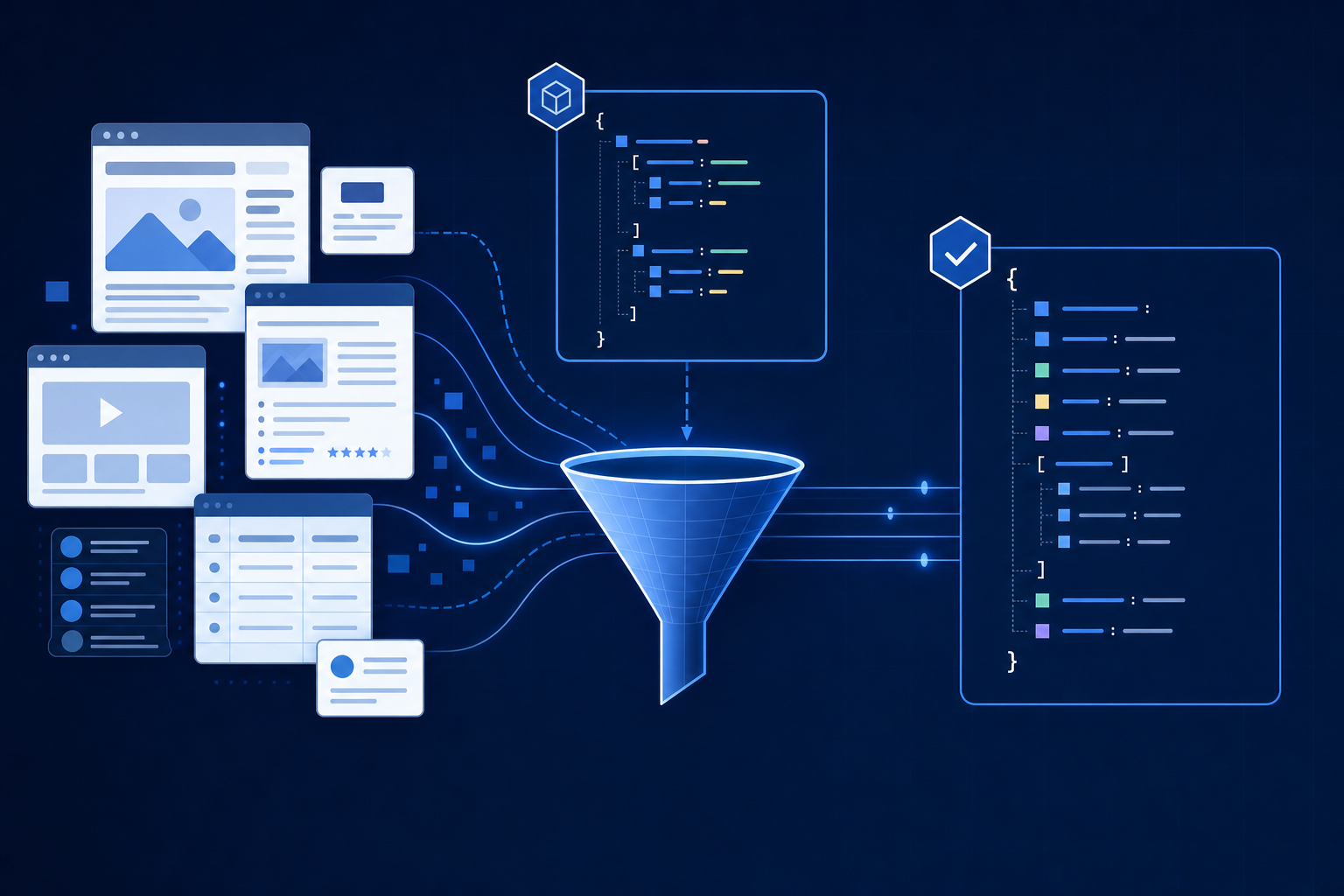
Schema-based data extraction tools convert raw web content and documents into structured, validated outputs by matching data against predefined field definitions and types. You specify what you want (a JSON object with invoice numbers, dates, and line items, for instance) and the tool pulls exactly that from any source. This structured approach to data extraction helps businesses maintain data quality across diverse sources.
Traditional scrapers rely on CSS selectors and HTML structure, so a single page redesign breaks everything. Schema-based tools use AI and computer vision to interpret content by meaning, not markup. The output validates against your schema every time.
That reliability is what makes these tools key for business intelligence workflows that pull from dozens of web portals with no APIs in sight.
How We Ranked Schema-Based Data Extraction Tools
Picking the right schema-based extraction tool takes more than reading feature lists. Schema support, maintenance burden, authentication handling, scalability, and integration depth all affect whether an extraction workflow holds up in production.
- Schema definition and validation
How well the tool handles schema definition and validation, since rigid or fragile schema support breaks down fast across varied data sources. - JSON data extraction support
Whether it supports JSON data extraction natively, including nested structures and arrays that business intelligence workflows depend on. - Maintenance overhead
How much engineering overhead is required to maintain automations when source sites or APIs change. - Scalability
The tool's ability to scale automated data collection across dozens or hundreds of targets without manual intervention. - Integration capabilities
Integration depth with downstream BI tools and data pipelines.
Best Overall Schema-Based Extraction Tool: Skyvern

Skyvern approaches schema-based data extraction differently from most tools in this space. Where traditional scrapers rely on brittle CSS selectors or XPath queries that break when a site updates its layout, Skyvern uses AI and computer vision to read web pages the way a human would, identifying fields and data points by their visual context instead of their underlying HTML structure.
This makes Skyvern well-suited for structured data extraction across sites that change frequently, require authentication, or present data in formats that resist conventional parsing.
What Sets Skyvern Apart
Teams choose Skyvern for business intelligence automation for four key reasons:
- Skyvern reads pages visually, so extraction logic holds up even when the underlying DOM shifts, removing the need to rewrite scripts after every site update.
- It supports JSON schema output natively, meaning extracted data arrives in clean, structured formats ready for downstream analytics pipelines without manual reformatting.
- Multi-step workflows with logins, CAPTCHAs, and dynamic content are handled automatically, covering sources that simpler extraction tools cannot reach.
- Skyvern runs in the cloud with no infrastructure to manage, so teams get automated data collection running quickly instead of spending weeks on setup.
Key Features
- AI-driven visual understanding instead of selector-based scraping
- Native JSON schema output for structured business intelligence pipelines
- Handles authentication, MFA, and CAPTCHA automatically
- Cloud-hosted with API access for easy integration
- Scales across multiple concurrent extraction workflows
Code Example: Schema-Based Extraction with Skyvern
Here's how to run a schema-based extraction task using the Skyvern Python SDK. Pass a data_extraction_schema to get structured JSON output every time, no post-processing required.
import asyncio
from skyvern import Skyvern

skyvern = Skyvern(api_key="YOUR_API_KEY")

task = asyncio.run(
    skyvern.run_task(
        url="https://example-vendor-portal.com/invoices",
        prompt="Log in and find the most recent invoice.",
        wait_for_completion=True,
        data_extraction_schema={
            "type": "object",
            "properties": {
                "invoice_number": {
                    "type": "string",
                    "description": "The invoice ID or reference number"
                },
                "invoice_date": {
                    "type": "string",
                    "description": "The date the invoice was issued (YYYY-MM-DD)"
                },
                "total_amount": {
                    "type": "number",
                    "description": "The total amount due on the invoice"
                },
                "vendor_name": {
                    "type": "string",
                    "description": "The name of the vendor or supplier"
                }
            }
        }
    )
)

print(task.output)
# Output: {"invoice_number": "INV-2026-0412", "invoice_date": "2026-04-12",
#          "total_amount": 4850.00, "vendor_name": "Acme Supplies LLC"}
Skyvern handles login, navigation, and CAPTCHA automatically. The extracted data arrives as validated JSON that maps directly to your defined schema — ready for your BI pipeline without any reformatting step.
Bottom line
Best for data and operations teams who need reliable, schema-based extraction from sites that change often or require authentication. It's ideal for teams tired of maintaining fragile scraper scripts, but requires an API-first mindset to get the most out of it.
CloudCruise
CloudCruise is a cloud-native web automation tool built around AI-driven browser agents. It handles multi-step workflows across web apps without requiring manual script maintenance, making it appealing for teams that want automated data collection without deep engineering involvement.
Key features
- Runs browser agents in the cloud, so there's no local infrastructure to manage for structured data extraction jobs.
- Handles dynamic pages and login-gated content, which matters for business intelligence workflows pulling from authenticated sources.
- Supports JSON data extraction outputs, fitting into downstream BI pipelines without heavy post-processing.
Limitations
- Schema-based extraction customization is limited compared to dedicated structured data extraction tools.
- Less suited for complex, branching workflows that require conditional logic at scale.
Bottom line
Best for small teams who need basic automated data collection from web apps without writing code. It's ideal for non-technical users running straightforward extraction tasks, but teams needing deep schema control or business intelligence automation at scale will find it underpowered.
Firecrawl
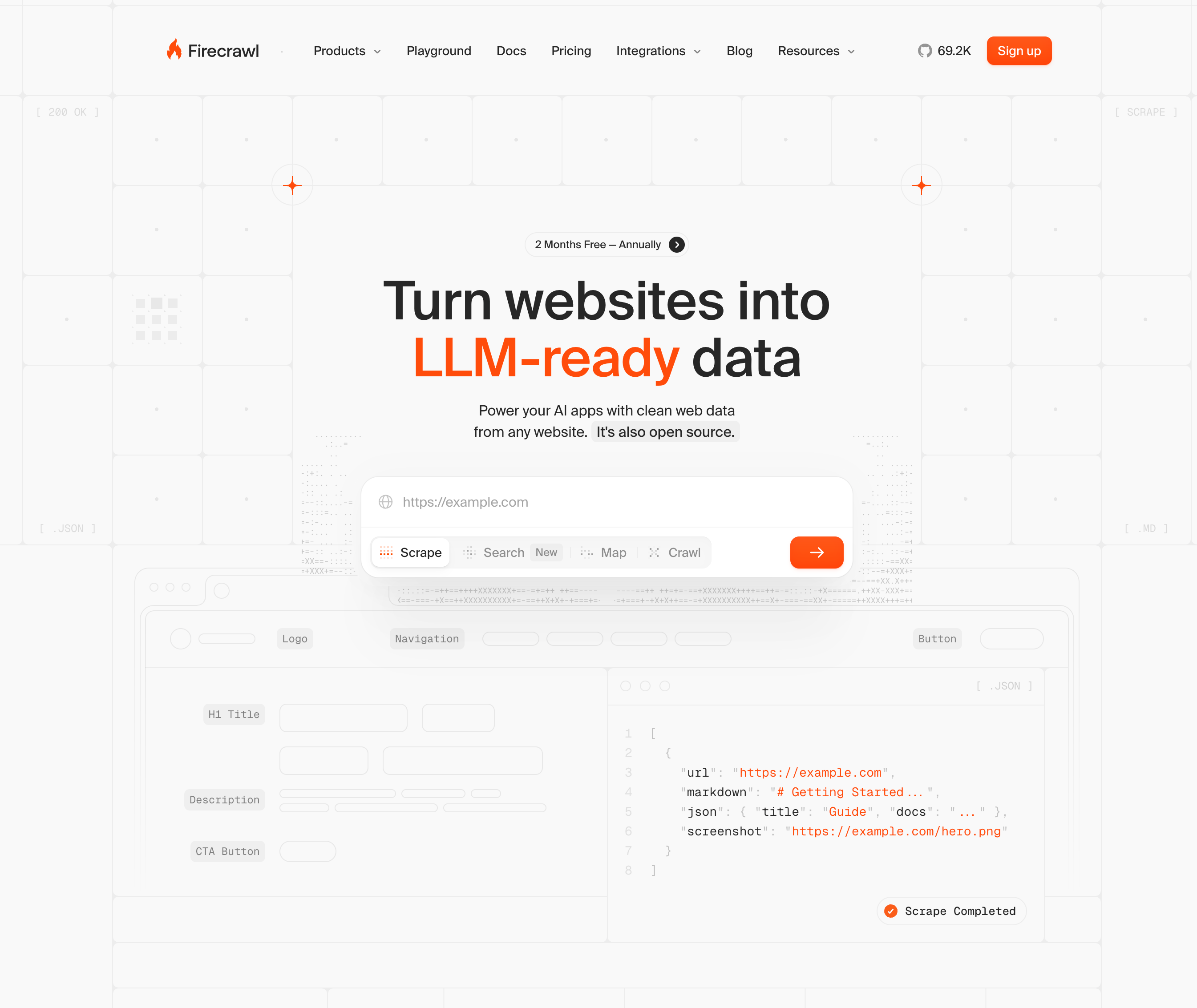
Firecrawl is a web crawling and scraping API built for developers who need to extract clean, structured content from websites at scale. It converts raw web pages into markdown or structured JSON output, making it a practical choice for teams building data pipelines or feeding content into AI applications.
Key features
- Crawls entire websites and returns clean markdown or JSON, removing boilerplate and formatting noise automatically.
- Supports schema-based extraction using LLMs to map scraped content to a defined output structure.
- Handles JavaScript-heavy pages, making it usable on dynamic sites that simpler scrapers miss.
Limitations
- Extraction quality depends heavily on how well the source page's content maps to the defined schema.
- Not designed for multi-step workflows or form interaction, so it can't collect data that requires login or navigation sequences.
Bottom line
Best for developer teams building content ingestion pipelines or structured data extraction workflows from public web pages. It's ideal for AI data prep and research automation, but teams needing authenticated access or browser-based interaction will hit its limits quickly.
Browse AI
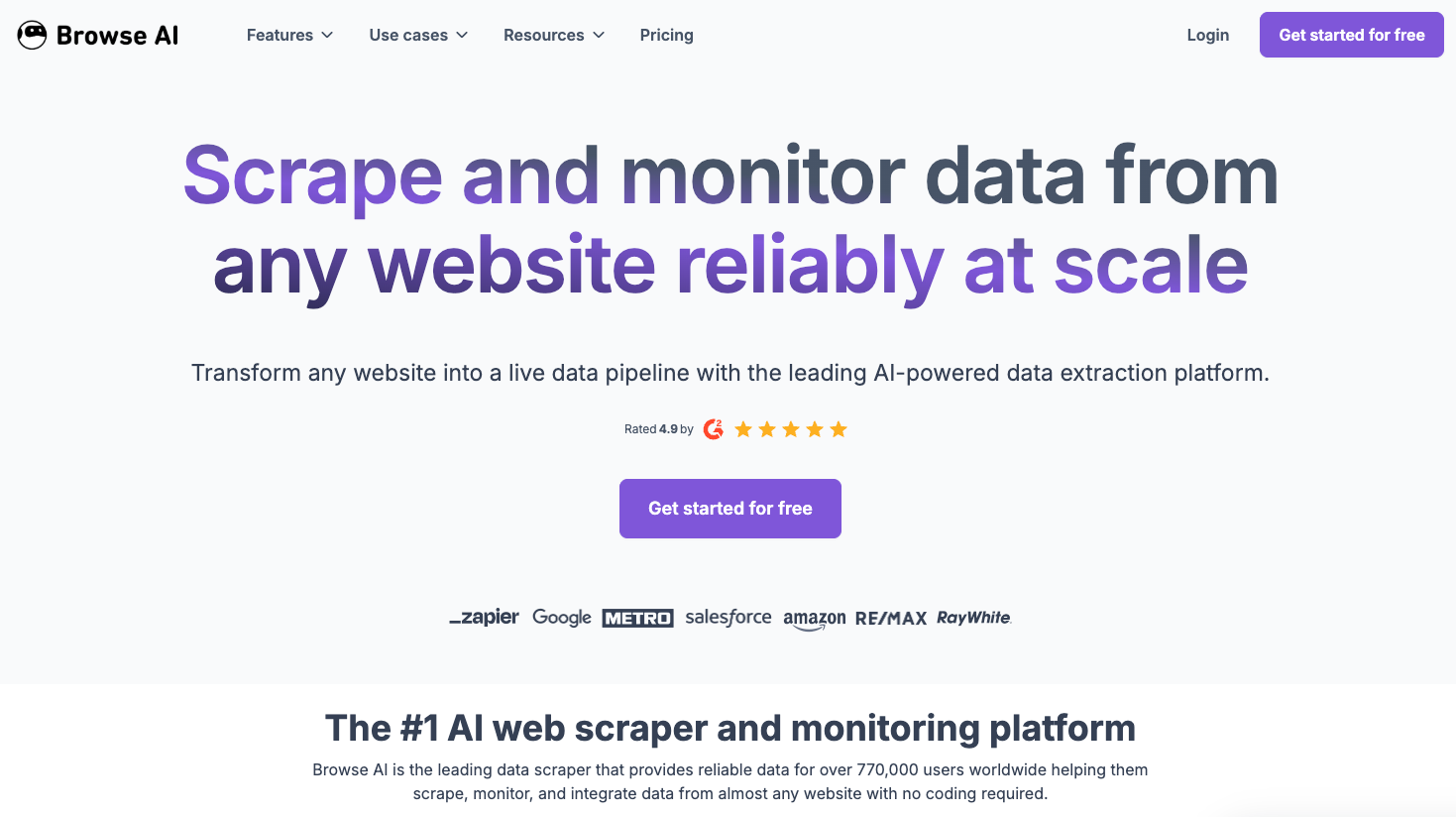
Browse AI is a no-code web scraping tool built around pre-built robots that monitor and extract data from websites on a schedule. It targets business users who want structured data from sites like LinkedIn, Amazon, or Glassdoor without writing a single line of code.
Key features
- Pre-built robots for hundreds of popular sites let teams get started quickly without custom configuration.
- Scheduled monitoring alerts users when tracked data changes, which is useful for price or competitor tracking.
- Data exports to Google Sheets, Airtable, or CSV keep extracted records accessible across business workflows.
Limitations
- Coverage depends entirely on which robots Browse AI has built, so niche or internal sites are often out of scope.
- No support for multi-step authenticated workflows or structured JSON schema output for business intelligence pipelines.
Bottom line
Best for operations and marketing teams who need turnkey monitoring of popular consumer-facing websites. It's ideal for lightweight competitive tracking, but breaks down when you need schema-based extraction across custom or authenticated web sources.
Axiom
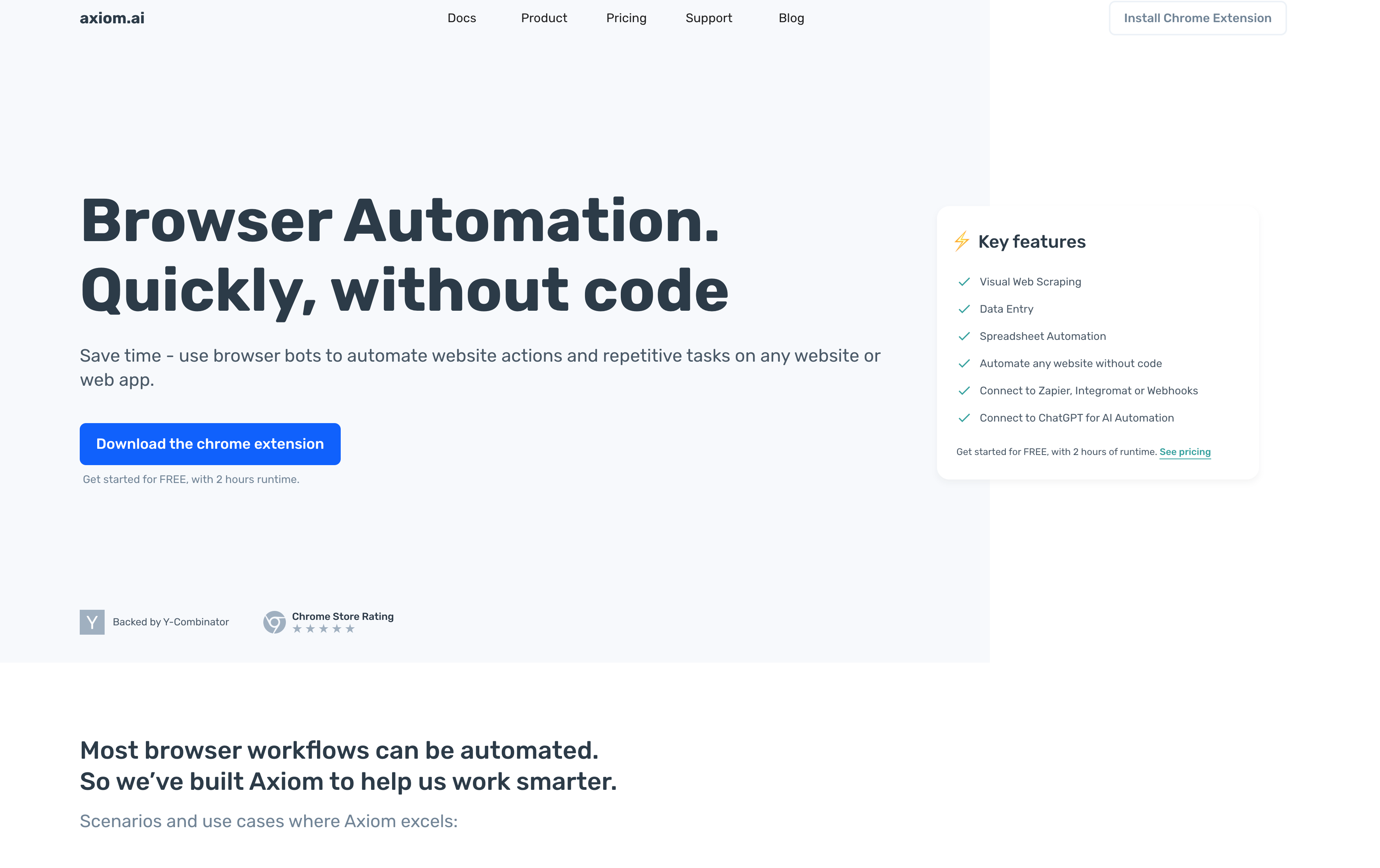
Axiom is a no-code browser automation tool built as a Chrome extension, letting users record clicking and typing actions to automate repetitive browser tasks without writing code.
Key features
- Visual workflow builder with click and type recording for common browser tasks
- Cloud execution options for running automations in the background
- Template library for data entry and form submissions
- Zapier and ChatGPT integrations for connecting to external workflows
Limitations
- Chrome-only deployment with no Firefox, Safari, or Edge support
- No AI-powered decision-making for complex logic-based workflows
- Automations break when websites change structure, requiring manual fixes
Bottom line
Best for individuals and small teams who need simple Chrome-based task automation without writing code. It's ideal for lightweight, repetitive browser work, but teams needing cross-browser support or reliable long-term extraction will run into maintenance problems fast.
Steel
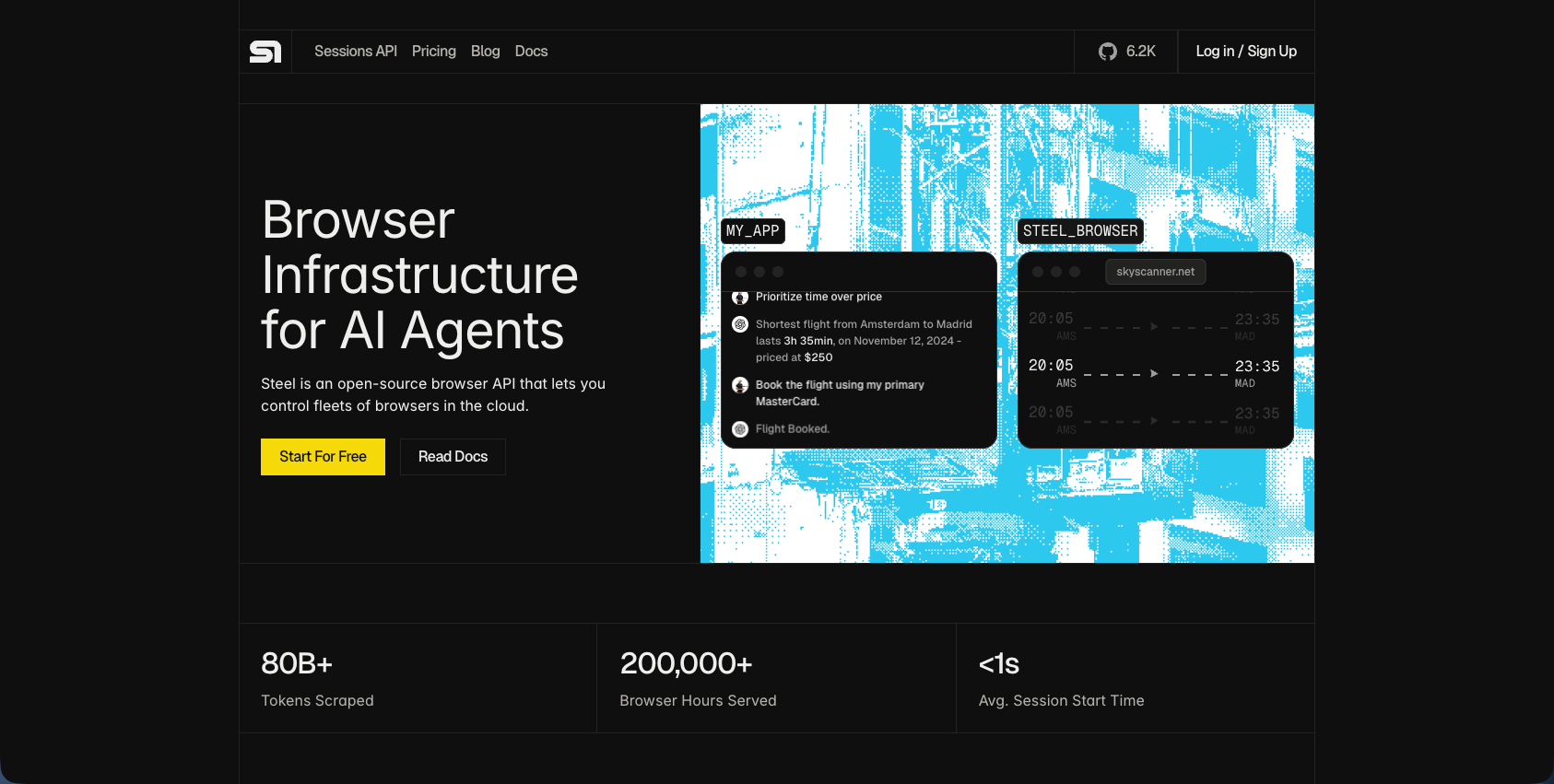
Steel is an open-source headless browser API that wraps Chromium in a managed REST/WebSocket layer, built for developer teams running AI agents or automation workflows at scale.
Key features
- Managed browser infrastructure through a Sessions API, removing the burden of running browser fleets yourself
- Built-in CAPTCHA solving and proxy support to reduce bot detection friction
- Reduces LLM token usage through optimized content extraction
- Compatible with Puppeteer, Playwright, and Selenium for teams with existing code
Limitations
- Steel provides infrastructure, not automation logic, so teams still write and maintain scripts that break when sites change
- Self-hosted deployment requires managing Railway infrastructure and DevOps expertise
- No AI-driven page understanding, so selector maintenance remains a persistent problem
Bottom line
Best for developer teams building AI agents who want managed browser infrastructure without running their own browser fleets. It's ideal for teams with coding expertise and control over their automation stack, but requires ongoing script maintenance as target websites evolve.
Feature Comparison Table of Schema-Based Extraction Tools
Here's how the six tools stack up across the dimensions that matter most for schema-based extraction in production environments.
Tool | Schema Validation | AI-Powered Adaptation | Cross-Site Reusability | Authentication Support | Maintenance Required | Deployment Options | Best For |
|---|---|---|---|---|---|---|---|
Skyvern | Yes: JSON schema with type enforcement | Yes: computer vision and LLMs interpret pages visually | Yes: single workflow runs across multiple sites | Native 2FA, TOTP, CAPTCHA solving | No: self-heals when websites change | Cloud managed or self-hosted | Teams needing reliable extraction across authenticated sites with zero maintenance |
CloudCruise | Limited: graph-based output structure | Partial: LLM interprets instructions but requires per-site workflows | No: separate workflow per site | Basic: requires configuration per site | Yes: graph workflows need updates when sites change | Cloud with sales-driven pricing | Visual workflow builders comfortable maintaining separate automations per target |
Firecrawl | Yes: structured JSON output for AI pipelines | No: read-only scraping without interactive automation | Yes: API works across public sites | No: no authentication or interactive capabilities | Low for static content | Cloud API or self-hosted | AI training data collection from public websites without authentication |
Browse AI | Limited: predefined robot templates | No: robots trained per site and break with layout changes | No: separate robot per website | No: no native 2FA or login support | High: robots require retraining when sites update | Cloud with no-code interface | Monitoring a handful of stable websites without login requirements |
Axiom | No: outputs data without schema validation | No: visual recording without AI understanding | No: automations built per site | Basic: manual handling per automation | High: selectors break with UI changes | Chrome extension with cloud execution | Basic Chrome automation for non-technical users on simple repetitive tasks |
Steel | Developer-defined through Puppeteer/Playwright | No: provides infrastructure, not automation logic | Developer-dependent on scripting | Developer-managed with session support | High: scripts require updates as sites change | Self-hosted or cloud API | Developer teams needing browser infrastructure while writing their own automation code |
Why Skyvern Is the Best Schema-Based Extraction Tool
Data extraction in 2026 is a reliability problem. Getting data once is straightforward; getting it consistently across dozens of authenticated portals, without breaking every time a vendor updates their UI, is where most tools fail.
The difference Skyvern makes is scope. One workflow runs across 100 different sites without modification. JSON schema validation keeps outputs BI-ready without transformation overhead. Automations self-heal as sites change, so the maintenance cost that kills traditional extraction at scale simply goes away.
For teams running business intelligence workflows that depend on clean, structured data from sources they don't control, that scope is what matters.
Final Thoughts on Schema-Based Extraction for Business Intelligence
Business intelligence automation only works when your data pipelines don't break every week. The tools that adapt visually instead of through selectors are the ones that scale across real-world sources. If you're tired of maintaining fragile scripts, talk to us about your extraction workflows and we'll show you what self-healing automation looks like in practice.
FAQ
How do you choose the right schema-based extraction tool for your workflow?
Look for tools that match your technical capacity and workflow complexity first. Teams with developer resources can consider API-first platforms like Skyvern or Steel, while non-technical users might start with no-code options like Browse AI or Axiom. The key factors to assess include whether you need multi-site flexibility (one workflow across many sources), how often target sites change their layouts, and whether your data lives behind authentication gates.
Which schema-based extraction tool works best for beginners versus advanced users?
Beginners without coding skills typically find success with Browse AI for simple monitoring tasks or CloudCruise for basic authenticated workflows through visual builders. Advanced users or developer teams gravitate toward Skyvern for AI-powered resilience across authenticated portals, or Steel when they need managed browser infrastructure while maintaining full control over automation code.
Can schema-based extraction tools handle authenticated portals with 2FA and CAPTCHAs?
This separates production-ready tools from basic scrapers. Skyvern handles 2FA, TOTP, and CAPTCHA solving natively, making it viable for insurance carrier portals, government sites, and healthcare systems. Steel provides infrastructure for developers to build their own authentication handling, but requires code. Browse AI and Axiom struggle with complex authentication flows and aren't built for login-gated enterprise portals.
What's the maintenance difference between AI-powered and traditional extraction tools?
Traditional selector-based tools like Axiom or custom Puppeteer scripts break every time a website updates its HTML structure, requiring manual fixes that consume more engineering time than the automation saves. AI-powered tools like Skyvern read pages visually instead of by DOM structure, so they self-heal when sites change their layouts without requiring script updates or selector maintenance.
When should you switch from web scraping to schema-based extraction?
Make the switch when you need validated, structured outputs that feed directly into BI pipelines or databases without manual reformatting. If you're spending hours cleaning scraped data, dealing with inconsistent field formats across sources, or running quality checks on unstructured extracts, schema-based extraction with JSON validation eliminates that overhead and delivers analytics-ready data automatically.
Keep reading

Browser Use vs Browserbase: my honest comparison
Browserbase and Browser Use can both automate work in a browser, from collecting product data to filling out forms. Choosing between them comes down to what you want to build: a task you hand to an AI agent, a custom agent inside your application, or browser infrastructure for scripts you already run. I’m Skyvern’s co-founder and CEO by the way. We build a competing product, so I have a stake in this comparison. But I promise I won't promote our product (even though it's a great alternative to

6 Stagehand alternatives for browser automation in 2026
If you're looking for Stagehand alternatives, you probably want an AI browser agent that: * Works natively with Python scripts. * Can navigate and scrape complex websites efficiently. * Stays reliable as your workload grows from a few runs to thousands of browser jobs. That's the kind of workflow I built Skyvern for (Skyvern CEO here). I know, I know, Skyvern CEO's recommending Skyvern as a good alternative. Please just stay with me for a second here. Yes, Skyvern is a good Stagehand alt

Browser Use vs Stagehand: Which One Should You Pick?
Browser Use and Stagehand both let you use AI to automate browser tasks, such as collecting product data or filling out forms. When you’re deciding which to build with, their feature lists only tell you so much. You want to know how much code you’ll need to write, whether the automation completes your task correctly, and what repeated runs will cost. I'll be upfront: we build Skyvern, a competitor to both, but this blog post won't shill our product (you can try it here though). I’m keeping thi
Put the browser to work
Use Skyvern for the work that lives in a browser.
Turn repetitive browser tasks into reliable workflows with Skyvern.