Best Geographic Proxy-Enabled Automation Platforms for Global Operations (April 2026)
 Suchintan Singh13 min read
Running automations across multiple countries means dealing with region-locked portals, localized authentication flows, and websites that serve different content based on where the request originates. Most tools either give you automation without native geographic routing or proxies without workflow intelligence. You end up managing two systems separately: one for browser logic and another for IP location. International workflow automation that actually scales treats geographic targeting as part of the automation layer itself, routing sessions through residential proxies in specific countries or cities without requiring separate infrastructure setup. We tested the platforms where geo-targeting and browser automation operate together to find which ones handle cross-border workflows without constant script maintenance or breaking when regional sites change their UI.
TLDR:
- Geographic proxy automation with routing routes browser sessions through specific countries or cities
- Skyvern combines residential proxies with AI-powered automation that self-heals when websites change
- Most tools require separate workflows per site, breaking down fast for global operations
- Native geo-targeting with 2FA and CAPTCHA solving handles international authentication flows
- Skyvern automates browser workflows using LLMs and computer vision without brittle scripts
What Are Geographic Proxy Automation Platforms?

Geographic proxy automation platforms combine browser automation with geo-targeted proxy networks, letting workflows run as if they originate from a specific country, region, or city. Instead of executing from a single datacenter IP, these tools route traffic through residential proxies tied to particular locations. Residential proxies deliver higher success rates, with some providers achieving 99% reliability when accessing geo-restricted websites.
Why does that matter? A surprising number of business workflows depend on where the request appears to come from. Region-locked portals block foreign IPs. Localized pricing, compliance forms, and government sites behave differently depending on geography. Testing how your product looks to a user in Tokyo or São Paulo requires an actual local IP, not a VPN workaround.
The core capabilities these platforms share:
- Routing browser sessions through residential proxies in specific countries or cities
- Automating form fills, data extraction, and multi-step workflows from those locations
- Bypassing geo-fencing without triggering bot detection
- Supporting per-run proxy overrides so the same workflow can target different regions on demand
Teams running international operations need this at the workflow level, not as a separate proxy configuration bolted on afterward. The platforms worth considering are the ones where geographic targeting is native to the automation layer itself.
How We Ranked Geographic Proxy Automation Platforms
Not all automation tools with proxy support are built the same. Some bolt on geographic routing as an afterthought. Others make it central to how workflows run. Choosing the right platform comes down to a few key factors. Here's what we looked at and why each one matters for your specific use case:
- Geographic targeting capabilities: the ability to route browser sessions through residential or ISP proxies at country, state, or city level, using IPs that websites treat as legitimate traffic
- Automation flexibility: whether the tool handles dynamic pages, CAPTCHAs, and multi-step flows without breaking when a UI changes
- Cross-site workflow support: the capacity to run one automation across many different websites without writing custom code for each portal
- Authentication handling: built-in support for 2FA, TOTP, and MFA, which international workflows hit constantly
- Infrastructure requirements: whether teams manage their own servers or get managed cloud that scales without ops overhead
Best Overall Geographic Proxy Automation: Skyvern
Skyvern combines AI-powered browser automation with geographic proxy support built directly into the API, routing browser sessions through residential proxies tied to specific countries, states, or cities by changing a single parameter per run. Computer vision and LLMs interpret pages by meaning instead of structure, so automations continue working when websites update their layouts without selector maintenance. A single workflow applies across many different portals without custom code for each one, making it the only platform in this comparison where geographic routing and automation logic operate together by default.
Key Features
- Native residential and ISP proxy network covering 20+ countries with country, state, and city-level targeting via a simple
proxy_locationparameter - Cross-site automation that runs one workflow across dozens of regional portals, government sites, or carrier systems without custom code per site
- Built-in 2FA, TOTP, and CAPTCHA solving that handles international authentication flows without third-party integrations
- Layout-resistant execution using computer vision and LLMs that self-heals when target websites change their UI
- API-first design returning structured JSON, webhook notifications, and full audit trails for compliance-sensitive global operations
Limitations
- API concepts and YAML syntax require a short ramp-up for teams unfamiliar with programmatic workflow creation
- As a newer platform, Skyvern has a smaller community compared to existing tools like Selenium or Playwright
- Cloud service pricing scales with usage, which teams running very high volumes should factor into their evaluation
- Highly specialized edge cases may require additional fine-tuning before reaching production reliability
- Teams without any API experience will need some onboarding time before deploying their first workflow
Bottom Line
Best for ops and engineering teams running workflows across multiple countries or regional portals who need geographic routing, authentication complexity, and cross-site reliability in one place. It's ideal for organizations managing international compliance filings, carrier portals, or multi-region vendor systems, but teams unfamiliar with API-based workflows will have a short ramp-up before getting to production.
CloudCruise
CloudCruise is a developer tool for building browser agents that automate repetitive web tasks through a structured workflow approach. You design a workflow once, trigger it through an API, and the system automatically repairs issues to keep things running without manual intervention. But for teams running international operations, the lack of native geo-targeting support and the requirement for separate workflows per site create meaningful gaps.
Key Features
- BADGER workflow DSL structures browser actions into explicit graphs instead of fragile scripts that break when websites change
- AI-powered maintenance automatically rebuilds and heals workflows when they break
- Custom API creation supports form filling, data extraction, and document downloads with workflows deployed to the cloud
- Cross-platform compatibility lets automations run on virtual machines or locally
- API-based deployment gives developer teams a programmable interface for triggering and managing browser workflows
Limitations
- Separate workflows are required per site, which gets impractical fast when operations touch dozens of regional portals
- No native geographic proxy support means teams must configure and manage their own proxy infrastructure separately from the automation layer
- For international workflows, coordinating two independent systems instead of one adds a lot of overhead
- No built-in 2FA or authentication handling means login-gated portals require additional configuration
- Python or JavaScript expertise is required, making it inaccessible for non-technical teams
Bottom Line
Best for developer teams with Python or JavaScript expertise building browser automation APIs for focused, repeatable tasks on a known set of sites. It's ideal for single-site workflows where teams can invest in upfront setup, but falls short when operations span multiple countries or require native geo-targeted routing out of the box.
Browse AI
Browse AI offers a no-code interface for training "robots" to scrape websites through point-and-click setup, targeting non-technical users who need simple data extraction without writing code. Pre-built robots for popular sites like LinkedIn, Amazon, and job boards let teams get started quickly without any configuration. But the per-site robot model and lack of authentication support make it a poor fit for international automation at scale.
Key Features
- Pre-built robots for LinkedIn, Amazon, and job boards that deploy immediately without configuration
- Scheduled extractions with spreadsheet exports for recurring monitoring workflows
- Visual training interface where users click elements to define what gets captured
- Price tracking and content monitoring for stable, public-facing websites
- Cloud-based execution that runs extractions on a set schedule without manual intervention
Limitations
- The per-site robot model breaks down fast for global operations since every website needs its own robot built and maintained separately
- No native 2FA or authentication support means login-gated portals are off-limits entirely
- Geographic proxy routing is not available, making it unsuitable for workflows that require local IP identity in specific countries
- Robots require manual retraining whenever a target website updates its layout or structure
- No cross-site workflow support means teams cannot run a single automation across multiple regional portals
Bottom Line
Best for non-technical teams monitoring a small set of stable public websites for data changes. It's ideal for simple price tracking or content alerts on familiar sites, but falls short when workflows require authentication complexity, geographic proxy routing, or cross-site reliability that international automation demands.
Axiom
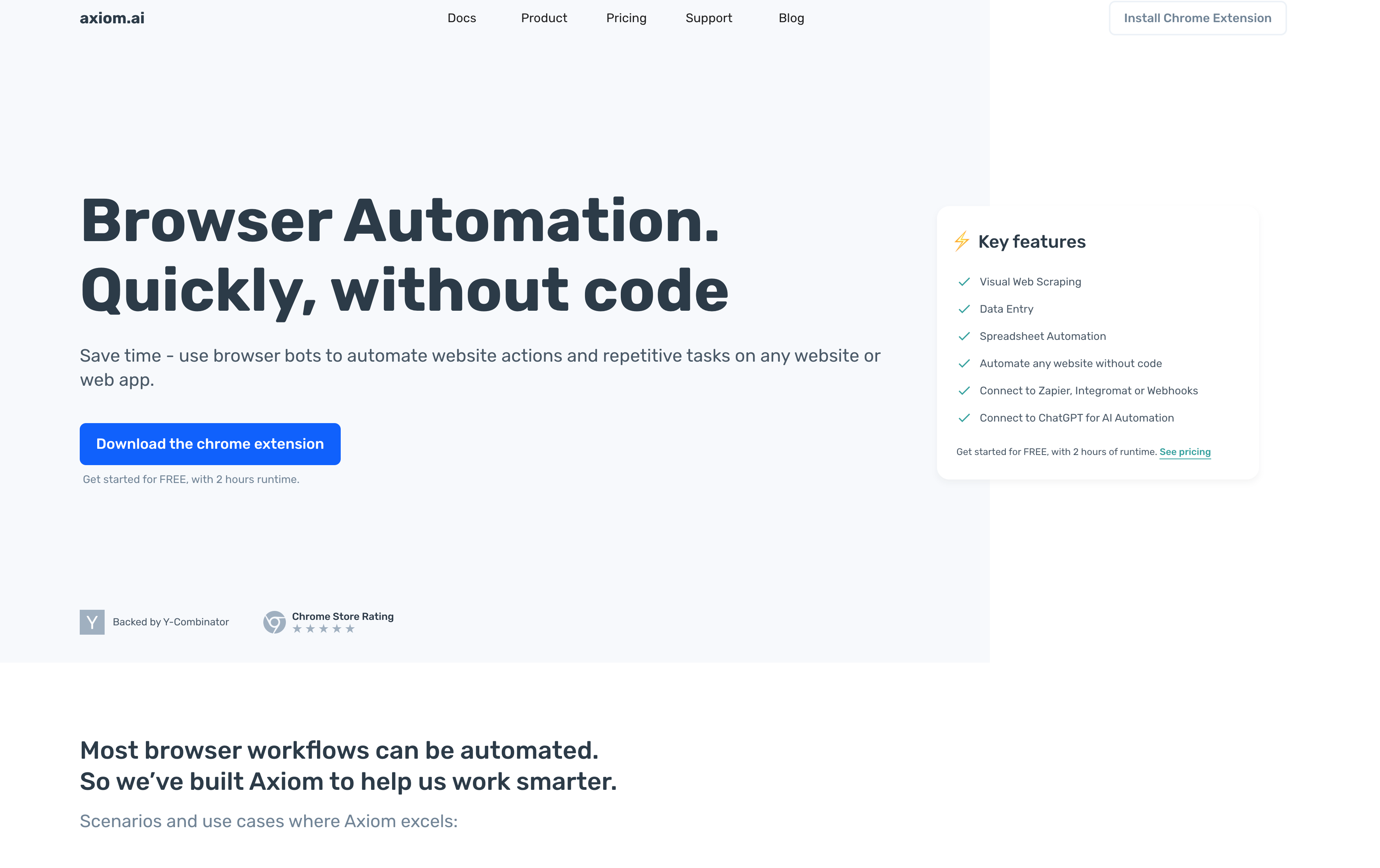
Axiom is a Chrome extension that turns recorded browser actions into automated bots for repetitive tasks like data entry, form filling, web scraping, and file management with no coding required. It appeals to non-technical users who want quick automation on familiar websites without developer involvement. But the Chrome-only constraint and lack of AI-powered decision-making make it a poor fit for cross-site international workflows.
Key Features
- Chrome extension for in-browser automation without additional software
- Integrations with Google Sheets, Zapier, and APIs for data transfer workflows
- Proxy support and user-agent rotation for basic stealth
- Cloud-based execution so workflows continue running after the browser closes
- No-code recording interface that captures browser actions and replays them as automated bots
Limitations
- Chrome-only constraint locks out Firefox, Safari, and Edge users entirely
- Without AI-powered decision-making, Axiom struggles with anything beyond predictable, linear task sequences
- Each site needs its own recorded workflow built manually, which compounds quickly across regional portals
- Proxy rotation exists but country, state, or city-level geographic targeting is not built in
- No native 2FA or authentication handling means login-gated international portals require additional workarounds
Bottom Line
Best for Chrome users who want quick, no-code automation on familiar websites without developer involvement. It's ideal for focused, single-site tasks like lead extraction or form submissions, but falls short when workflows require AI adaptability and native geographic proxy routing for cross-site international operations.
Airtop
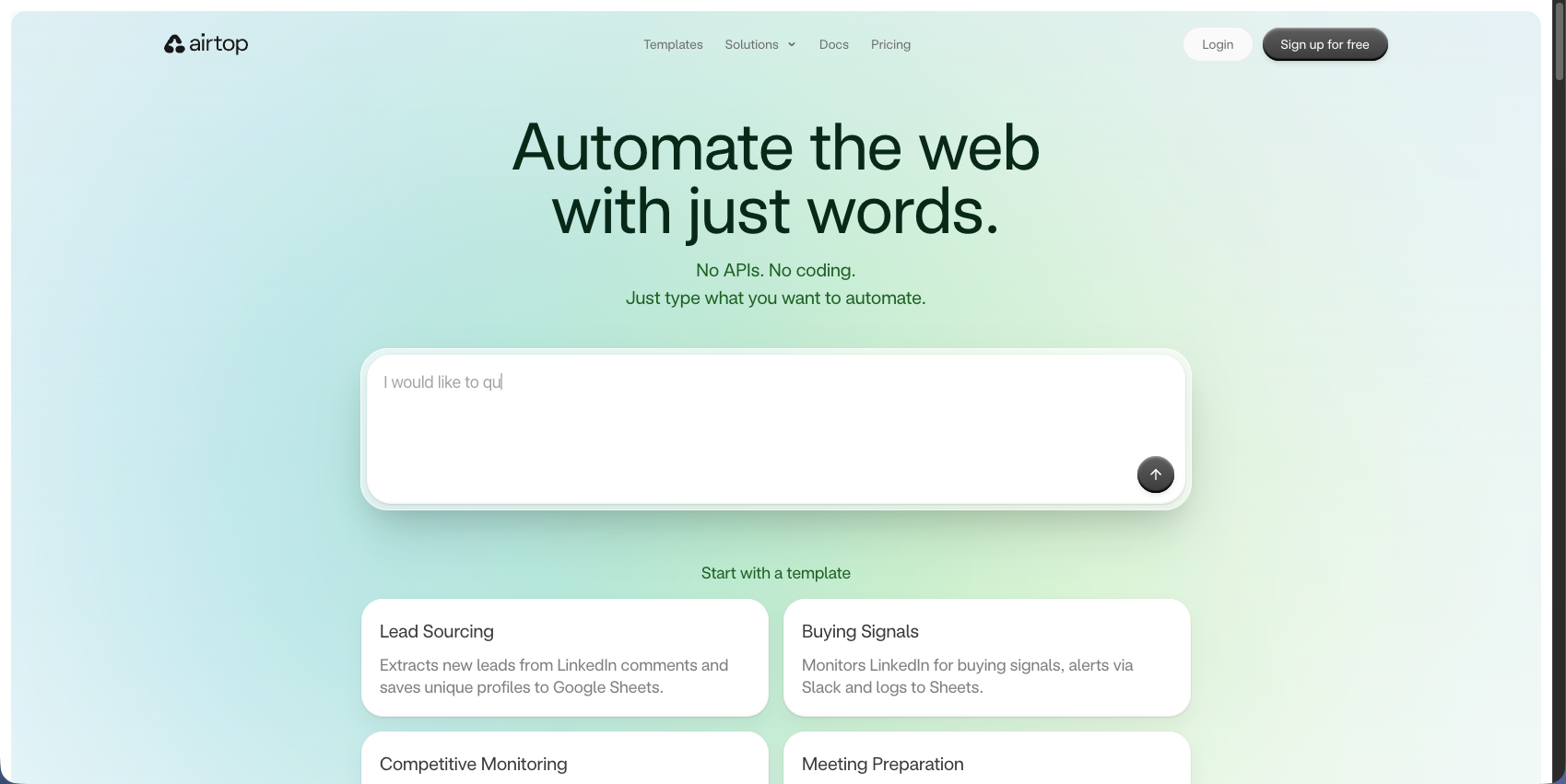
Airtop is a cloud browser infrastructure tool aimed at technical teams and AI product builders who need managed browser sessions for developing agents or automated data pipelines that interact with web apps. The infrastructure layer is solid, handling browser provisioning, session management, and basic proxy support so developers can focus on automation logic instead of infrastructure concerns. But Airtop still depends on manual scripting for automation logic and its US-based proxy infrastructure causes region-locked authentication to fail for UK and other non-US workflows.
Key Features
- Infrastructure designed for scalability, letting you launch and manage up to a million concurrent sessions with browsers inside isolated containers
- Residential proxy network for viewing websites from different geographic locations, routing traffic through specific countries or regions when creating sessions
- LangChain ecosystem architecture with LLM orchestration that switches between models like GPT-4, Claude, Fireworks, and Gemini
- Developer-focused API and SDKs for both Python and TypeScript
- Session persistence supporting complex multi-step automation sequences
Limitations
- Automation logic still depends on manual scripting, meaning teams write and maintain code targeting specific page elements using selectors that break whenever a website updates
- Proxy infrastructure is US-based, which causes region-locked authentication to fail for UK and other non-US workflows
- No AI-driven adaptability means there is no self-healing when UIs change on international portals
- No built-in 2FA or CAPTCHA solving requires teams to integrate third-party services separately
- Site-specific code is required for every workflow, making cross-site operations expensive to maintain
Bottom Line
Best for developer teams building AI agent products who need managed cloud browser infrastructure with session persistence and can handle writing automation scripts on top. It's ideal for teams using Airtop as a browser provisioning layer, but falls short for global workflows that require non-US geographic proxy routing or AI-driven adaptability without ongoing script maintenance.
Browserbase
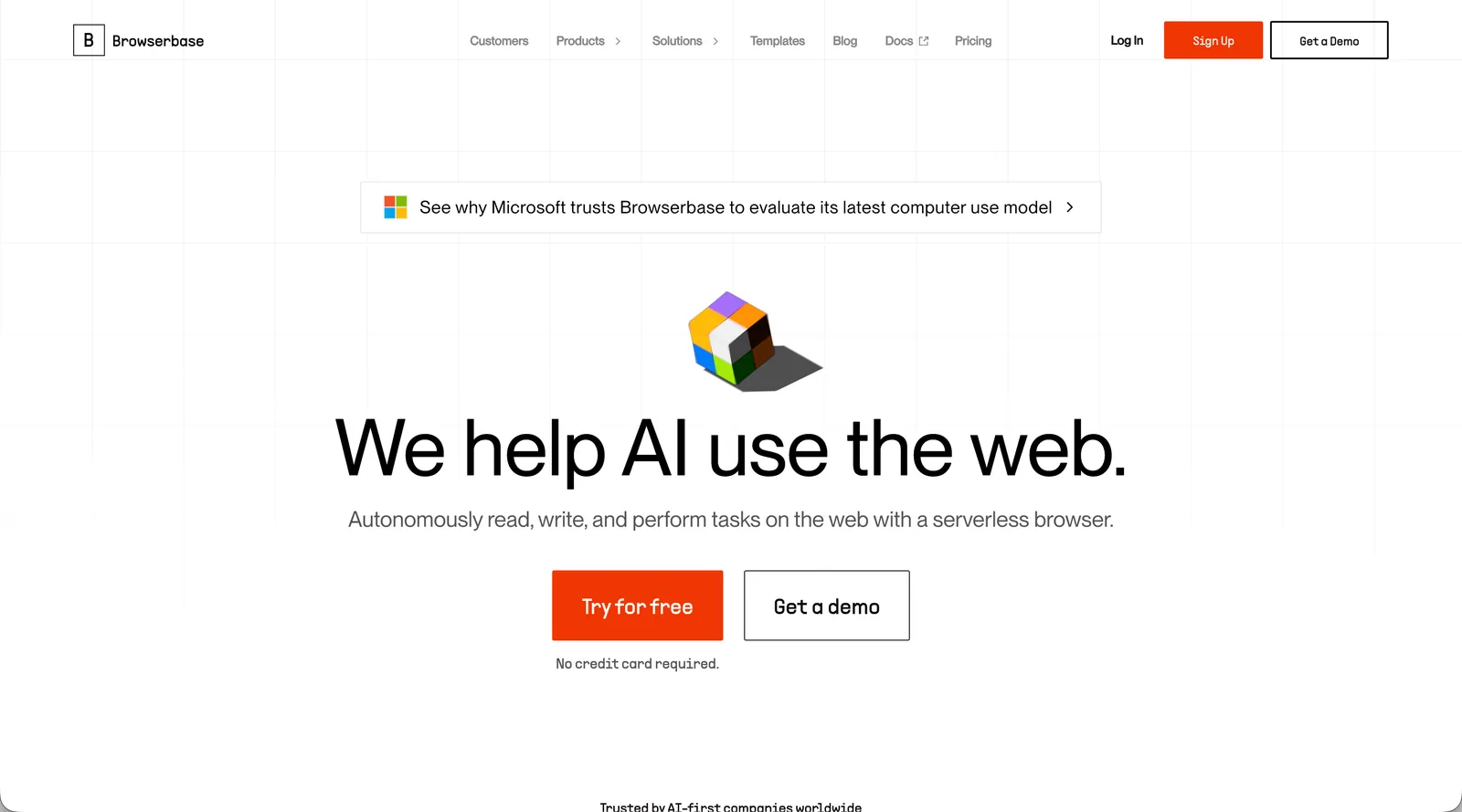
Browserbase provides serverless headless browsers with Playwright and Puppeteer support, positioning itself as infrastructure-as-a-service for teams that want managed browser execution without running their own servers. The infrastructure layer handles browser provisioning, session debugging, and proxy rotation so developers can focus on automation logic instead of server management. But Browserbase provides no automation logic of its own, and geographic coverage stops at regional session placement instead of country, state, or city-level residential routing.
Key Features
- Headless Chrome instances with proxy rotation and fingerprint randomization to avoid bot detection
- Session debugging through video recordings and live browser views that simplify troubleshooting
- API-first design for quick session provisioning without infrastructure setup
- Regional session availability across US-East Virginia, US-West Oregon, and EU-West Ireland to minimize latency
- Compatibility with existing Playwright and Puppeteer workflows
Limitations
- No automation logic means teams still write and maintain Playwright or Puppeteer scripts that break when target websites update their layouts
- Geographic coverage stops at regional session placement, with no native country, state, or city-level residential proxy routing for markets like Japan, Germany, or Brazil
- CAPTCHA solving requires a third-party integration on top of the platform
- No built-in 2FA or authentication handling means login-gated international portals require additional configuration
- Pricing based on session duration can become expensive for long-running tasks at scale
Bottom Line
Best for development teams already invested in Playwright or Puppeteer who want to offload browser infrastructure without changing their automation code. It's ideal for teams using Browserbase as a provisioning layer, but falls short when workflows require native geographic proxy routing or AI-driven adaptability for international operations.
Feature Comparison Table of Geographic Proxy Automation Platforms
Platform | Geographic Proxy Support | AI-Powered Adaptation | Cross-Site Workflows | Built-in 2FA/CAPTCHA | Authentication Handling | Maintenance Required | Deployment Options |
|---|---|---|---|---|---|---|---|
Skyvern | Native residential proxies with country, state, and city targeting | Yes (computer vision interprets pages by meaning) | Yes. Single workflow works across multiple sites | Yes. Native TOTP, 2FA, and CAPTCHA solving | Native support for complex authentication flows | No. Self-heals when UIs change | Managed cloud or self-hosted |
CloudCruise | No. Requires external proxy setup | Partial. AI workflow healing for same-site changes | No. Separate workflows per site | No. Requires external integration | Manual configuration per workflow | Yes. Workflow updates per site | Cloud API |
Browse AI | No proxy capabilities | No. Requires retraining when sites change | No. Separate robots per website | No authentication support | No. Cannot handle login-gated content | Yes. Manual retraining required | Cloud-based |
Axiom | Basic proxy support without geographic targeting | No. Static workflows break with UI changes | No. Manual workflow per site | No. Requires external solutions | Limited. No native 2FA support | Yes. Workflows require updates | Chrome extension only |
Airtop | Partial. US-based residential proxies only | Partial. LLM assistance but requires manual scripting | No. Site-specific code required | No. Requires external integration | Manual scripting for each flow | Yes. Selectors break with changes | Managed cloud |
Browserbase | External proxy support without native geographic routing | No. Infrastructure only | No. Code required per site | No. Third-party integration needed | Manual scripting required | Yes. Selector maintenance needed | Managed cloud |
Why Skyvern Is the Best Geographic Proxy Automation Platform

Most tools in this space solve one piece of the problem. Proxy infrastructure without automation logic. Automation logic without geographic routing. AI assistance without cross-site reliability. When those gaps show up in production, teams end up stitching together separate services, maintaining scripts that break across regional portals, and rebuilding workflows every time an international site updates its UI.
Skyvern handles the full scope in one place:
- Native residential proxies with country, state, and city-level targeting give workflows a genuine local identity across regions.
- AI-powered execution reads pages by meaning instead of brittle selectors, so layout changes on international portals do not break running workflows.
- Cross-site execution runs across dozens of portals without custom code per site, reducing the engineering overhead that multi-country operations typically accumulate.
- Built-in 2FA, TOTP, and CAPTCHA solving handles the authentication flows that international portals consistently require.
The result? Geographic routing and automation logic operate together by default, not as separate systems to coordinate. For organizations running workflows across multiple countries, regulatory environments, and portal types, that combination is what makes global automation practical instead of perpetually in maintenance.
Code Example: Geo-Targeted Automation with the Python SDK
The example below shows how to run a browser task through a UK residential proxy, then override the same workflow with a German proxy for a separate run, all by changing a single parameter.
from skyvern import Skyvern
import asyncio

client = Skyvern(api_key="YOUR_API_KEY")

async def main():
    # Run a task routed through a UK residential IP
    result = await client.run_task(
        prompt="Extract the product price and availability",
        url="https://shop.example.co.uk/product/123",
        proxy_location="RESIDENTIAL_GB",
        wait_for_completion=True,
    )
    print(result.output)

    # Target a specific city using a GeoTarget object
    result_city = await client.run_task(
        prompt="Extract the product price and availability",
        url="https://shop.example.co.uk/product/123",
        proxy_location={"country": "GB", "city": "London"},
        wait_for_completion=True,
    )
    print(result_city.output)

    # Override proxy location per run on an existing workflow
    run = await client.run_workflow(
        workflow_id="wpid_your_workflow_id",
        parameters={"product_url": "https://shop.example.de/product/123"},
        proxy_location="RESIDENTIAL_DE",  # Germany for this run only
    )
    print(run.run_id)

asyncio.run(main())
Final Thoughts on Geo-Targeted Automation Tools
Running geo-targeted browser automation across different countries means your workflows need genuine local IPs and automation that survives UI changes on regional portals. Most tools handle one part well but leave you managing the other separately. Skyvern handles both natively, which matters when you're operating across regulatory environments and carrier systems that restrict access by location. Talk to us if your team is spending engineering time maintaining scripts for international portals.
FAQ
How do you choose the right geographic proxy automation platform for international workflows?
Look for native residential proxy support with country, state, and city-level targeting first, then assess whether the platform handles cross-site workflows without requiring separate scripts for each regional portal. Teams running compliance filings, carrier operations, or vendor systems across multiple countries need tools where geographic routing and automation logic work together by default, not as separate systems requiring coordination.
What's the difference between AI-powered automation and infrastructure-only proxy tools?
AI-powered platforms like Skyvern interpret pages by meaning using computer vision and LLMs, so workflows continue working when websites update their layouts without selector maintenance. Infrastructure-only tools like Browserbase and Airtop provide managed browser sessions and proxy routing but still require teams to write and maintain scripts targeting specific page elements that break with UI changes.
Can automation platforms handle authentication flows for region-locked government and carrier portals?
Some platforms offer built-in 2FA, TOTP, and CAPTCHA solving as native features, while others require teams to integrate third-party services separately or build authentication handling manually. For international operations touching dozens of regional portals with different authentication requirements, native support eliminates the need to coordinate multiple systems and prevents authentication complexity from becoming a deployment bottleneck.
When should you consider geographic proxy automation instead of traditional scripting tools?
If your operations span multiple countries with region-locked portals that block foreign IPs, require local compliance, or serve different content based on geography, and you're spending a lot of engineering time maintaining scripts that break when international sites update their UIs. Geographic proxy automation becomes necessary when workflows need both local IP identity and cross-site reliability without per-portal script maintenance.
Keep reading

6 Selenium Alternatives for Faster Browser Automation
Here is my guess: you are tired of fixing scripts that break every time a website changes its layout and you are looking for an alternative. Selenium has been the most popular testing framework for years. It’s open source, it runs tests across every major browser, OS and language. But Selenium leans on XPath selectors and DOM parsing. It makes automations unreliable when a site changes even a little. We started Skyvern to fix exactly this problem (I am Skyvern's CEO), using LLMs and computer

7 Playwright MCP Alternatives for Better Browser Automation
Compare seven Playwright MCP alternatives that reduce context overhead, retries, and stalled agent runs. Find the right option for your workflow.
9 Prior Authorization Companies Compared (2026)
Compare nine prior authorization companies by workflow coverage, setup, human review, who each product serves, and the work each leaves to your team.
Put the browser to work
Use Skyvern for the work that lives in a browser.
Turn repetitive browser tasks into reliable workflows with Skyvern.