
Director Reviews, Pricing, and Alternatives (January 2026)

Director promises no-code browser automation through plain English descriptions, but every tool has limitations. Skyvern is a Director alternative built for teams that need AI-powered automation without vendor lock-in. This review covers Director's pricing, user experiences, and the best alternatives available in January 2026.
TLDR:
- Director is Browserbase's no-code tool that generates Stagehand scripts from plain English
- You're locked into Browserbase's cloud with no self-hosted option or version control
- Skyvern adapts to unseen websites using AI, offers both API and open-source self-hosting
- Skyvern provides 2FA, CAPTCHA solving, and multi-step workflows without vendor lock-in
What is Director and How Does it Work?
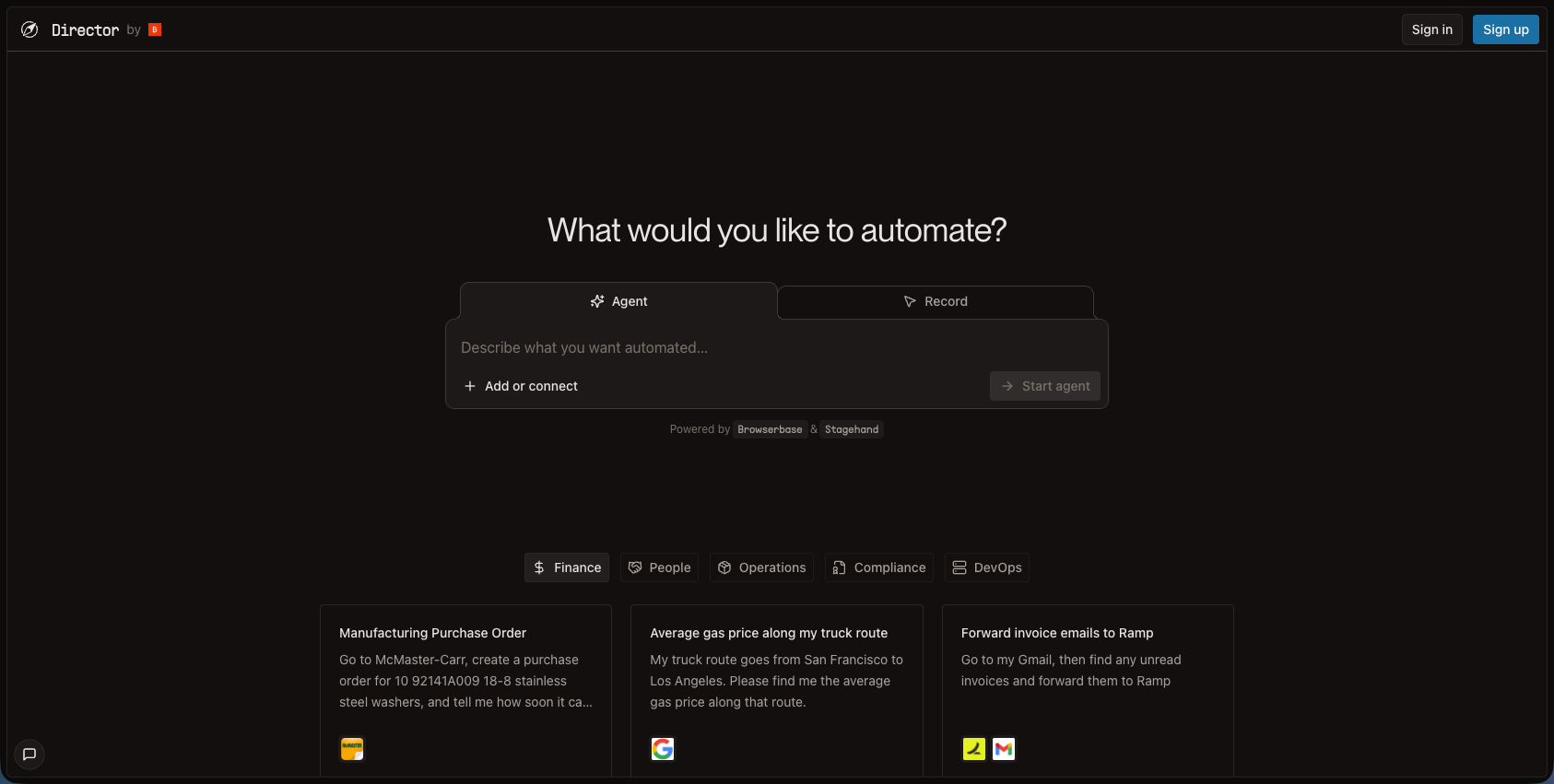
Director is Browserbase's no-code browser automation tool that launched in June 2025. You describe what you want to automate in plain English, and Director generates an executable Stagehand script that runs on Browserbase's infrastructure.
The target users are operators, analysts, marketers, and other non-technical roles who need to automate repetitive browser tasks without writing code. Common use cases include downloading invoices from vendor portals or filling out forms with spreadsheet data.
Director sits alongside Stagehand, Browserbase's developer-focused framework for building browser automations with code.
Why Consider Director Alternatives?
Director works well for non-technical users who need quick browser automations through natural language. You describe what you want, and it generates Stagehand scripts that run on Browserbase's infrastructure. However, several tradeoffs push organizations toward alternatives:
- You're locked into Browserbase's cloud infrastructure with no self-hosted option.
- The generated scripts handle straightforward tasks, but complex workflows often need hand-coded solutions.
- Teams with existing automation codebases face friction since Director generates code instead of letting you write it from scratch.
- The integration ecosystem is also narrower compared to tools like Selenium or Playwright.
API-first organizations favoring programmatic control over no-code workflow creation typically assess other options. Similarly, teams wanting full transparency and control over their automation stack often look beyond Director's reliance on Browserbase's proprietary infrastructure.
Because Director is part of Browserbase, it falls under the Browserbase pricing plans:
- Free. This provides 1 concurrent browser, 1 browser hour included, 7 day data retention, and up to 15 minutes per session
- Developer. This is $20/month which includes 25 concurrent browsers, 100 browser hours (with $0.12/browser hour overage), 1GB of proxies included (then $12/GB), 7 days data retention, and a basic stealth mode + auto CAPTCHA solving.
- Startup. $99/month which includes 100 concurrent, 500 browser hours (with $0.10/browser hour overage), 5GB of proxies included, 30 day data retention, and basic stealth mode + auto CAPTCHA solving.
- Custom. This includes 250+ concurent browsers, SSO, support for regulated industries (HIPAA and DPA), 30+ day data retention, and advanced stealth mode + auto CAPTCHA solving.
Skyvern: Best Overall Alternative
Skyvern automates browser-based workflows using AI and computer vision, eliminating brittle automation scripts that break with website changes. Unlike Director's no-code-only approach, we provide both a simple API and workflow definitions for technical teams while remaining accessible. Skyvern offers both managed cloud service and open-source self-hosted options without vendor lock-in.
Key Features
- Operates on websites never seen before without customized code or pre-determined XPaths
- Single workflow applicable to large number of websites with native form filling, 2FA, and CAPTCHA support
- API-first design with YAML-based workflow definitions for version control and team collaboration
- Available as both managed cloud service and open-source self-hosted option
- AI-powered adaptability that handles website layout changes without breaking workflows
Limitations
- Requires understanding of API concepts and YAML syntax for workflow creation
- Newer platform with smaller community compared to existing tools like Selenium
- Learning curve for teams unfamiliar with AI-driven automation approaches
- May require fine-tuning for highly specialized or complex edge cases
- Cloud service pricing scales with usage for teams with high-volume automation needs
Bottom Line
Skyvern works best for teams needing reliable automation that adapts to website changes, companies with back office workflows dealing with systems without APIs, and organizations requiring both flexibility and control with deployment options. It's ideal for technical teams who want AI-powered resilience without sacrificing transparency or getting locked into proprietary infrastructure, but it's not suitable for completely non-technical users who need pure drag-and-drop interfaces without any API or YAML interaction.
Stagehand
Stagehand is a browser automation framework that controls web browsers with natural language and code. Built by Browserbase, Stagehand is the developer-focused open-source framework that Director uses under the hood. It provides a hybrid approach where developers can choose between writing code or using natural language commands to automate browser tasks.
Key Features
- Three core APIs (act, extract, observe) for natural language browser control
- Hybrid approach letting developers choose between code and natural language
- Built on top of Playwright with automatic caching and self-healing capabilities
- Open-source with MIT license for full transparency and customization
- Integrates with Browserbase's cloud infrastructure for managed execution
Limitations
- Requires coding knowledge to use effectively, making it less accessible than no-code tools
- Still relies on Browserbase infrastructure for cloud execution, limiting deployment flexibility
- No native 2FA or CAPTCHA solving capabilities built into the framework
- Lacks the AI-powered adaptability to handle completely unseen websites without configuration
- Smaller community and ecosystem compared to existing frameworks like Playwright or Selenium
Bottom Line
Stagehand works best for developers who want code-level control over their automations while using AI capabilities for specific tasks. Teams already using Playwright who want to add natural language features without completely changing their stack will find Stagehand valuable. It's ideal for technical teams comfortable writing code who want the flexibility to mix programmatic control with AI-powered actions, but it's not suitable for non-technical users or teams needing fully autonomous automation across
Firecrawl
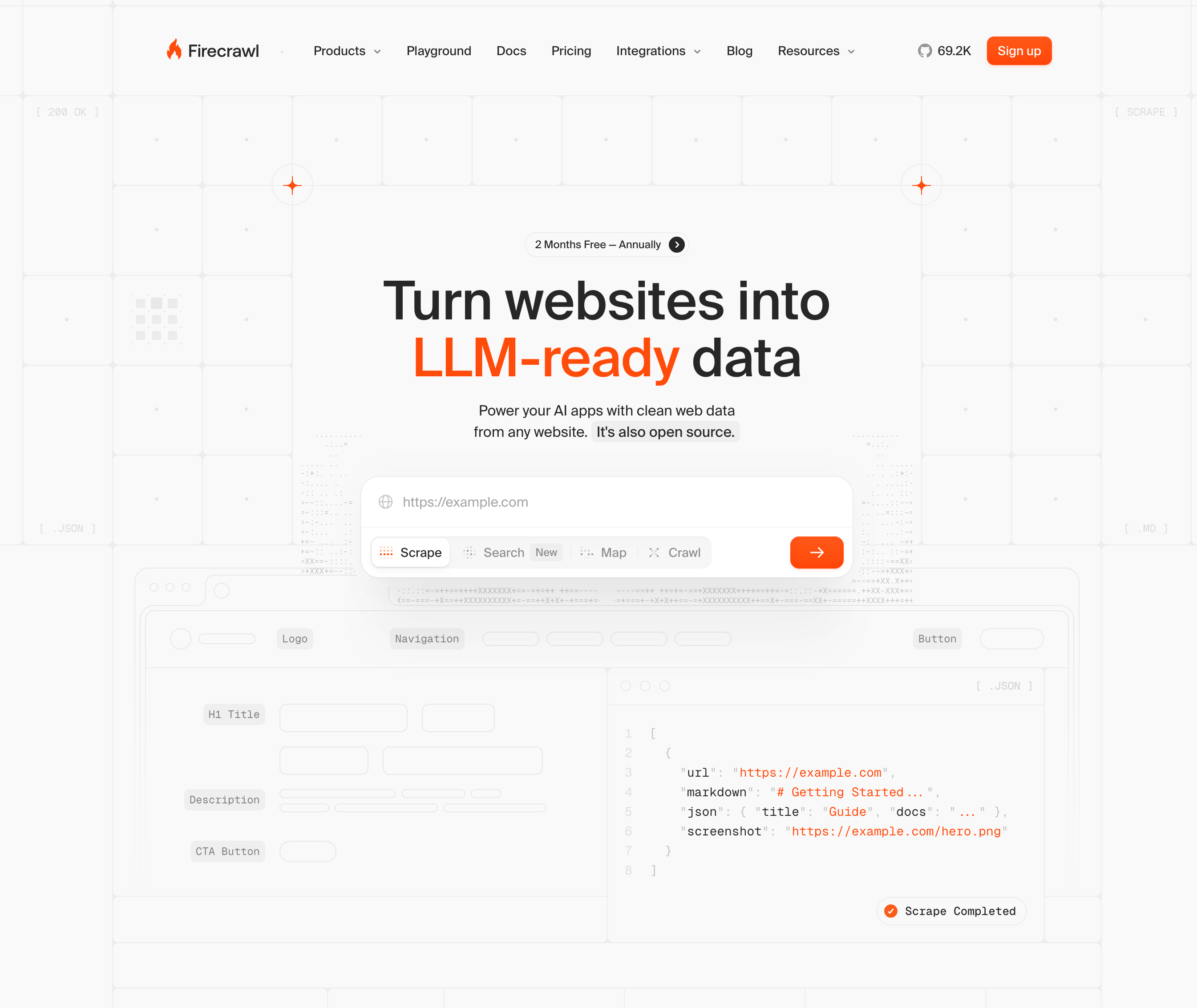
Firecrawl is an AI-powered web crawler developed by Mendable.ai that converts websites into clean LLM-ready data like markdown and JSON. The tool focuses on web scraping and data extraction instead of browser automation workflows. Unlike Director's interactive automation approach, Firecrawl specializes in collecting and structuring web content for AI applications.
Key Features
- Scrape, crawl, map, and extract endpoints for different data collection needs
- Automatic conversion to markdown and structured data formats
- JavaScript support with integration for popular LLM frameworks
- API service for scraping with anti-bot handling
- Batch processing capabilities for large-scale data extraction
Limitations
- Does not support interactive browser actions like form filling or clicking buttons
- Focused solely on data extraction instead of workflow automation
- Cannot handle authentication flows or multi-step processes
- No native 2FA or CAPTCHA solving for protected content
- Limited to read-only operations without the ability to manipulate web pages
Bottom Line
Firecrawl works best for teams extracting and converting web data for AI applications and developers building LLM applications that need clean training data. It's ideal for data scientists and AI engineers who need to collect structured information from websites at scale, but it's not suitable for teams needing interactive automation like form submissions or complex multi-step workflows that require browser manipulation.
Browse AI
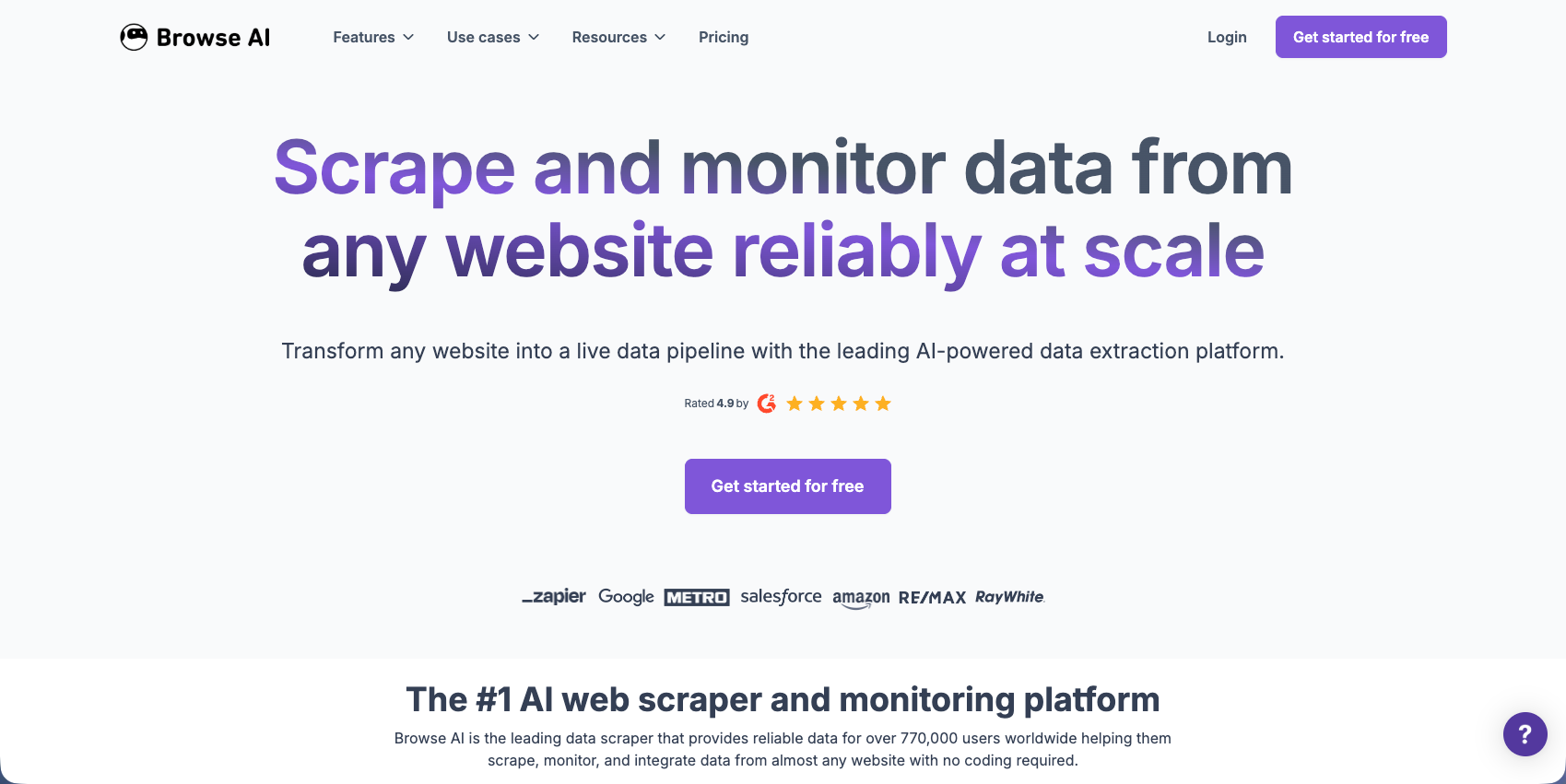
Browse AI is a web automation tool that extracts and monitors data from any website with no code. Users train robots by recording actions in their browser to create automated data extraction workflows. The platform focuses on making web scraping accessible to non-technical users through a visual interface.
Key Features
- No-code robot training through recording browser interactions
- Automatic detection of data patterns with hundreds of selectors generated for each element
- Monitoring capabilities to track changes on websites over time
- Pre-built robots for popular websites to get started quickly
- Scheduled extractions with data export to spreadsheets and integrations
Limitations
- Robots break when websites change their layout or structure significantly
- Limited ability to handle complex multi-step workflows requiring conditional logic
- No native 2FA or authentication handling for protected content
- Cannot adapt to websites it has never seen before without new training
- Requires manual retraining of robots when target websites update their design
Bottom Line
Browse AI works best for non-technical users who need to extract data from a small number of familiar websites on a regular schedule. It's ideal for marketers, analysts, and business operators who want simple data monitoring without coding skills, but it's not suitable for teams needing automation across many different websites or workflows that must adapt to frequent website changes without manual intervention.
UiPath
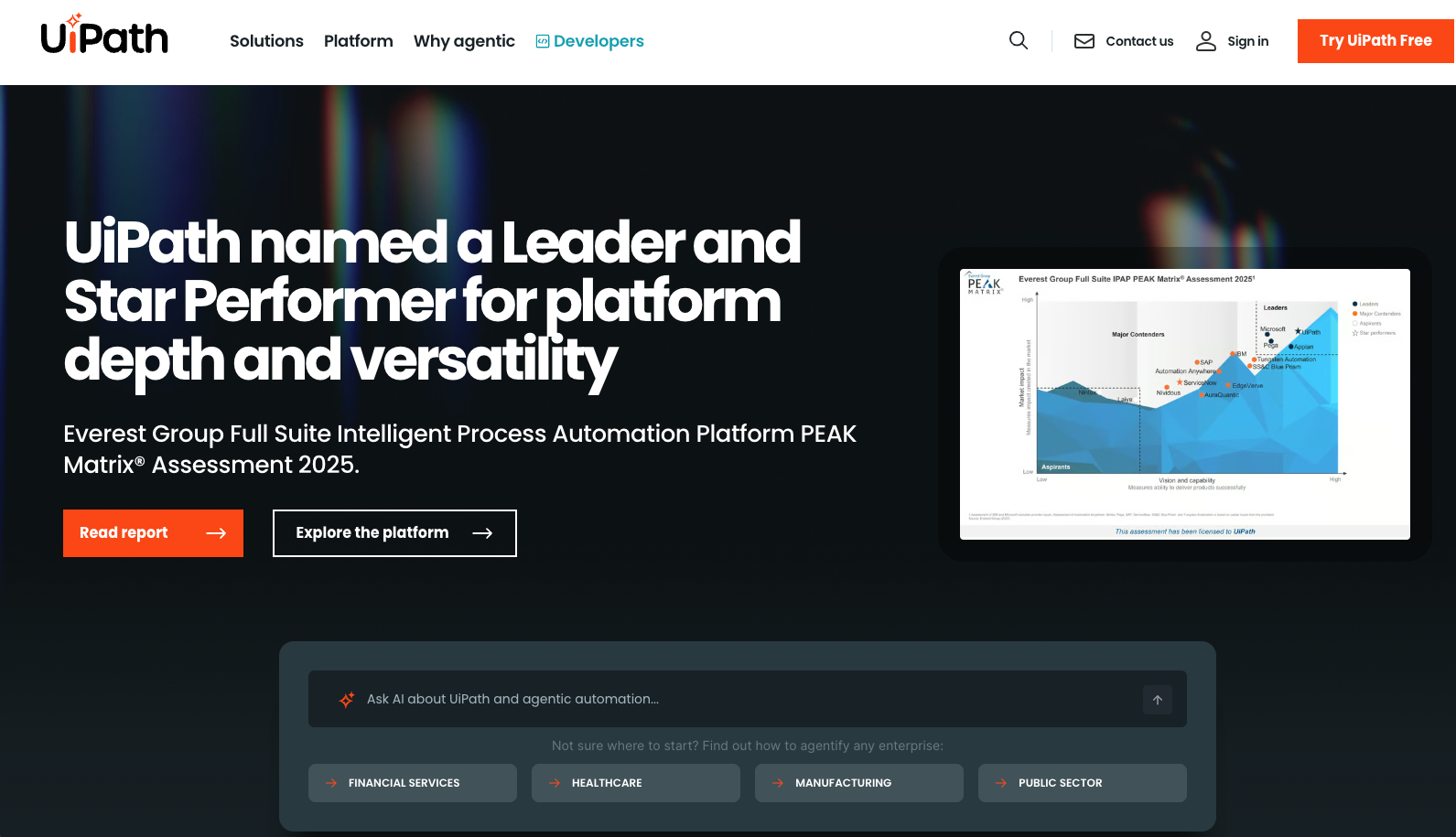
UiPath is an enterprise RPA (Robotic Process Automation) platform that automates repetitive tasks across desktop applications and web browsers. Originally focused on traditional RPA, UiPath now includes AI-powered automation capabilities through its suite of tools. The platform is designed for large-scale enterprise automation with extensive governance and compliance features.
Key Features
- Studio for designing workflows using C#, Java, VB.Net, and Python
- Orchestrator for centralized management and deployment of automation at scale
- Enterprise-level governance and compliance features with audit trails
- Code-free development options with OCR and image recognition capabilities
- Integration with hundreds of enterprise applications and systems
Limitations
- High cost starting at $250 per user monthly for basic plans
- Complex implementation requiring specialized training and dedicated RPA developers
- Heavy infrastructure designed for enterprise RPA instead of lightweight browser automation
- Steep learning curve even with no-code options due to platform complexity
- Overkill for teams needing simple browser automation without full RPA capabilities
Bottom Line
UiPath works best for large enterprises with extensive automation needs across multiple systems and departments requiring centralized governance. It's ideal for organizations with dedicated RPA teams and budgets who need to automate complex end-to-end business processes spanning desktop and web applications, but it's not suitable for small teams or startups needing quick, flexible browser automation without the overhead and cost of enterprise RPA infrastructure.
Feature Comparison: Director vs Top Alternatives
The table below compares core capabilities across Director and the top alternatives. This helps you quickly assess which tool matches your technical requirements and deployment preferences.
Feature | Director | Skyvern | Stagehand | Firecrawl | Browse AI | UiPath |
|---|---|---|---|---|---|---|
No-Code Interface | Yes | API and YAML | No | No | Yes | Yes |
AI-Powered Adaptability | Yes (not for runtime adaptability) | Yes | Yes | Yes (but only for data extraction) | No | Partial |
Works on Unseen Websites | Yes | Yes | Partial | Yes (for scraping only) | No | No |
Self-Hosted Option | No | Yes | Yes | Yes | No | Yes |
Native 2FA Support | No | Yes | No | No | No | Yes |
Form Filling | Yes | Yes | Yes | No | Yes | Yes |
Cross-Browser Support | Chrome | Chrome | Chrome | Chrome | Chrome | Multiple |
Open Source | No | Yes | Yes | Yes | No | No |
CAPTCHA Solving | Yes | Yes | No | No | No | Yes |
API-First Design | No | Yes | Yes | Yes | Yes | Yes |
Multi-Step Workflows | Yes | Yes | Yes | No | Yes | Yes |
Starting Price | Contact | Free (open-source) | Free (open-source) | Free tier | Limited free | $250/month |
Skyvern offers the most complete feature set among these tools. It combines AI adaptability with self-hosting flexibility, native 2FA support, and open-source availability at no cost. This makes it particularly well-suited for teams that need to automate workflows across unfamiliar websites while maintaining control over their infrastructure and data.
Why Skyvern is the Best Director Alternative
Director handles straightforward browser automations through natural language, but you depend entirely on Browserbase's infrastructure. There's no self-hosted option, no way to version control your workflows, and complex scenarios still require manual coding. Skyvern works differently. You get API-driven automation that adapts to websites you've never seen before, with AI that handles layout changes instead of breaking. Our workflows manage authentication, CAPTCHA solving, and multi-step processes without workarounds. Director locks you into their cloud service. Skyvern offers options: use our managed cloud or self-host the open-source version. You control your data, customize the stack, and avoid vendor lock-in.
For teams automating back office workflows, procurement processes, or repetitive browser tasks across multiple websites, Skyvern delivers production-ready automation. You get transparency, control, and AI-powered resilience that adapts to changes.
Final Thoughts on Browser Automation Alternatives to Director
Choosing between Director and its alternatives depends on how much control you need over your automation infrastructure. Skyvern offers both managed cloud and open-source self-hosted options with AI that adapts to website changes. You get production-ready automation without sacrificing flexibility or locking yourself into proprietary infrastructure.
FAQ
What's the main reason teams look for Director alternatives?
Director locks you into Browserbase's cloud infrastructure with no self-hosted option, and complex workflows often require hand-coded solutions despite the no-code promise. Teams wanting full control over their automation stack or needing API-first programmatic access typically assess other options.
When should you consider switching from Director to another tool?
Switch when you need self-hosting capabilities, want version control for your automation workflows, or require native 2FA and authentication handling. If you're building complex multi-step automations that keep hitting Director's limitations, it's time to assess alternatives.
What features should you look for first when comparing Director alternatives?
Look for AI-powered adaptability that handles website changes without breaking, self-hosting options to avoid vendor lock-in, and native support for authentication challenges like 2FA and CAPTCHA. API-first design and the ability to work on websites you've never seen before are also key differentiators.
Can Skyvern handle websites it's never seen before?
Yes, Skyvern operates on unfamiliar websites without customized code or pre-determined XPaths. Single workflows apply across multiple websites because the AI adapts to different layouts and structures automatically.
How does Skyvern's pricing compare to Director?
Skyvern offers a free open-source version you can self-host, while Director requires contacting sales for pricing. This gives you full control without upfront costs, plus the option to use Skyvern's managed cloud service if you prefer.