
Browse AI Reviews, Pricing, and Alternatives (January 2026)

Browse AI alternatives matter when you realize you're maintaining dozens of separate robots that break every time a website changes. The tool excels at scraping, but scraping is only one piece of actual business automation. You still need separate solutions for form filling, file downloads, authentication, and handling dynamic workflows across unfamiliar sites. We're comparing Browse AI's capabilities, pricing, and limitations against tools built for full browser automation that don't require constant retraining when layouts shift.
TLDR:
- Browse AI uses point-and-click recording for web scraping but breaks when sites change layouts
- Skyvern adapts to website changes with computer vision and runs one workflow across multiple sites
- Alternatives like Stagehand and Browserbase require code or just provide infrastructure
- Skyvern handles full workflows including forms, 2FA, CAPTCHA, and file downloads via single API
- Choose based on your needs: Browse AI for simple scraping, Skyvern for complex cross-site automation
What is Browse AI and How Does It Work?
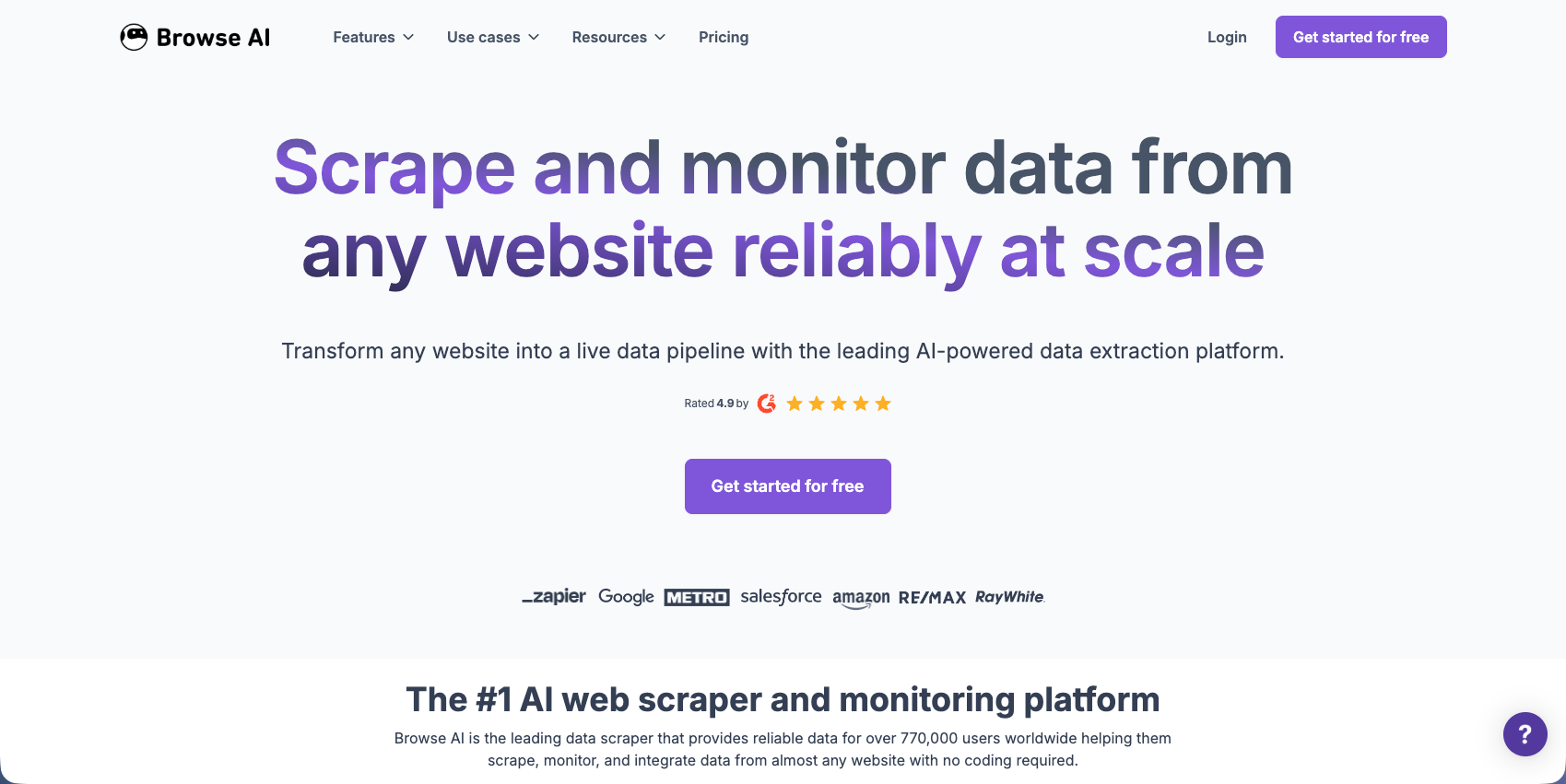
Browse AI is a no-code web scraping tool that extracts and monitors website data without coding. You build "robots" by recording your clicks and selections on a webpage. The tool captures these interactions and replicates them automatically on a schedule you set.
The workflow is simple: navigate to a site, start recording, and interact with the page. Browse AI converts these actions into a reusable robot that revisits the website and extracts the same data points repeatedly.
The tool targets business users, marketers, and analysts who need to monitor competitor pricing, track product availability, or collect leads. You can export data as CSV or to Google Sheets. Sites with anti-bot protection or frequently changing layouts can cause robots to fail and need retraining.
Why Consider Browse AI Alternatives?
Browse AI works well for data extraction across thousands of websites, handling JavaScript-heavy pages and dynamic content. For monitoring product listings, competitor pricing, or lead generation at scale, the recording approach is effective. Otherwise, Browse AI has some considerable drawbacks.
- Browse AI focuses on scraping, not full browser control. You can't fill forms, download invoices, handle complex authentication, or automate procurement workflows. The point-and-click recorder breaks when websites change layouts or require conditional logic. If a vendor portal adds a new field, your robot stops until you retrain it.
- User feedback shows confusion around integrations and requests for more affordable pricing. When scaling beyond simple scraping, you'll need multiple tools: one for extraction, another for form filling, and separate solutions for authentication and file management.
For workflows requiring AI-driven decisions, resistance to layout changes, or actions beyond data extraction, you'll need alternatives built for full browser automation.
Skyvern (Best Overall Alternative)
We combine computer vision and LLMs to automate browser workflows across multiple websites without custom coding. Unlike point-and-click web scrapers, Skyvern interprets web pages visually, letting a single workflow run across different sites and automatically adapt when layouts change. Best suited for teams automating complex workflows across multiple unfamiliar websites, procurement tasks, or invoice processing where traditional selectors break with website updates.
Key Features
- Visual interpretation using computer vision adapts automatically to website layout changes without retraining
- Single workflow runs across multiple websites with different designs and structures
- Native form filling with authentication support including 2FA and CAPTCHA handling
- Data extraction with structured schemas and automatic file downloading to cloud storage
- Proxy network support with geographic targeting for accessing region-specific content
Limitations
- API-based approach requires some technical integration instead of pure no-code interface
- Pricing structure may be higher than simple scraping tools for basic use cases
- Requires initial workflow setup and configuration before automation runs
- Learning curve for teams unfamiliar with API-driven automation platforms
- May be overkill for simple single-site scraping tasks that don't require adaptability
Bottom Line
Skyvern works best for teams automating complex workflows across multiple unfamiliar websites where layout changes are frequent and traditional selectors fail. Operations teams handling procurement, invoice downloading, or form filling across dozens of vendor portals will benefit most, especially those tired of maintaining brittle automation scripts that break with every website update.
Stagehand
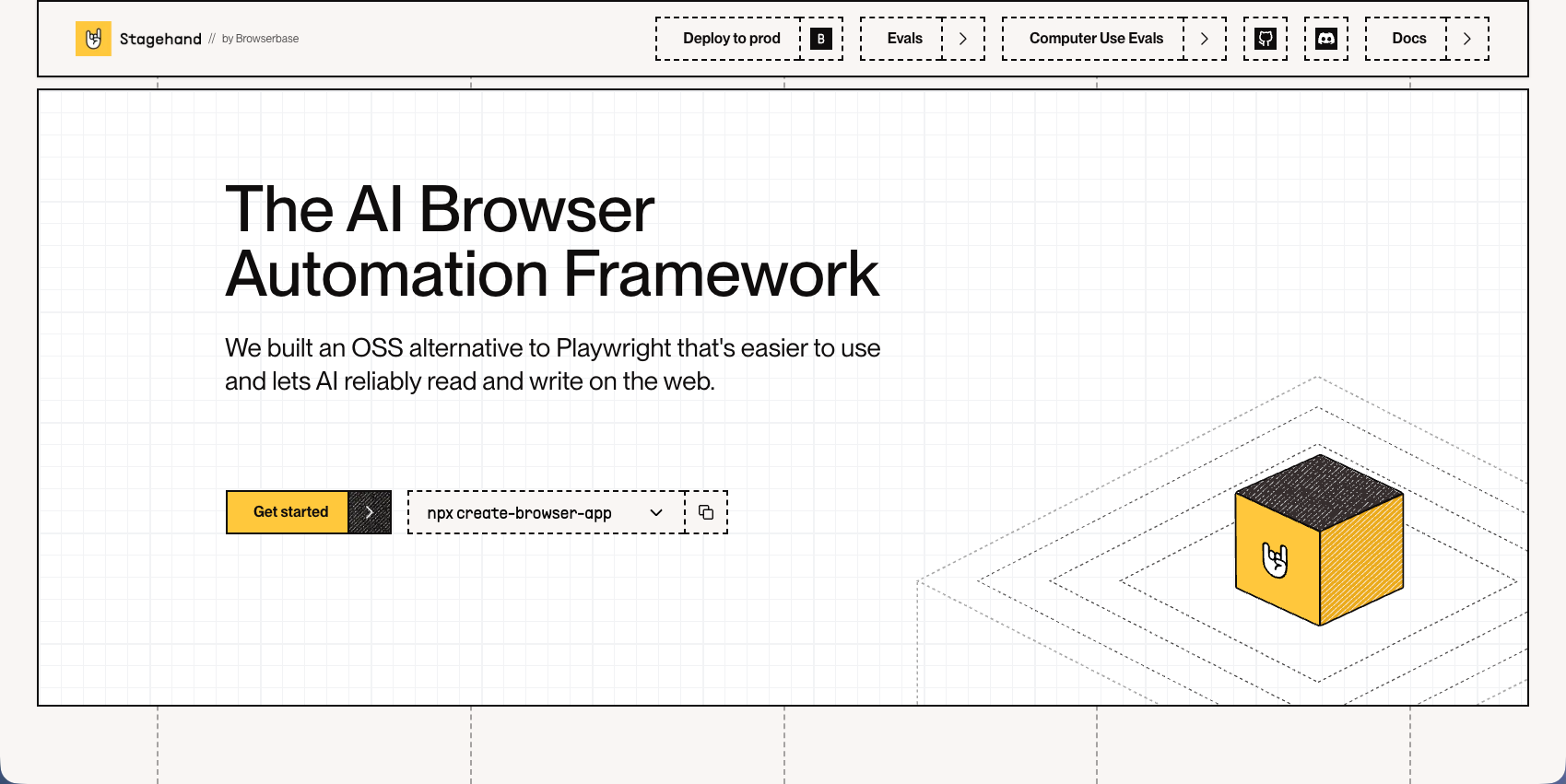
Stagehand is a browser automation framework that lets developers control web browsers using natural language commands and code. Built on Playwright, it reduces maintenance overhead by automatically caching actions and self-healing when websites change. The framework supports multiple programming languages including JavaScript, Python, Ruby, and PHP.
Key Features
- Natural language commands translate user intent into browser actions without writing complex selectors
- Auto-caching with self-healing remembers previous actions and adapts when page elements move
- Built on Playwright foundation provides reliable cross-browser automation capabilities
- Multiple language SDKs provide for developers to use their preferred programming language
- Structured output support works with advanced LLM models for consistent automation results
Limitations
- Requires technical setup including LLM provider API keys and development environment configuration
- Works best with models supporting structured output, limiting compatibility with local models like Ollama
- Developers still need to write and maintain code instead of using a no-code interface
- Framework requires understanding of browser automation concepts and Playwright architecture
- No managed infrastructure means teams handle their own scaling and deployment requirements
Bottom Line
Stagehand works best for developers building automation scripts who want to reduce the time spent maintaining brittle CSS selectors and XPath expressions. Engineering teams with coding expertise who need flexible browser automation across multiple projects will benefit most, especially those already familiar with Playwright who want to add natural language capabilities without managing complex selector logic.
Hyperbrowser AI
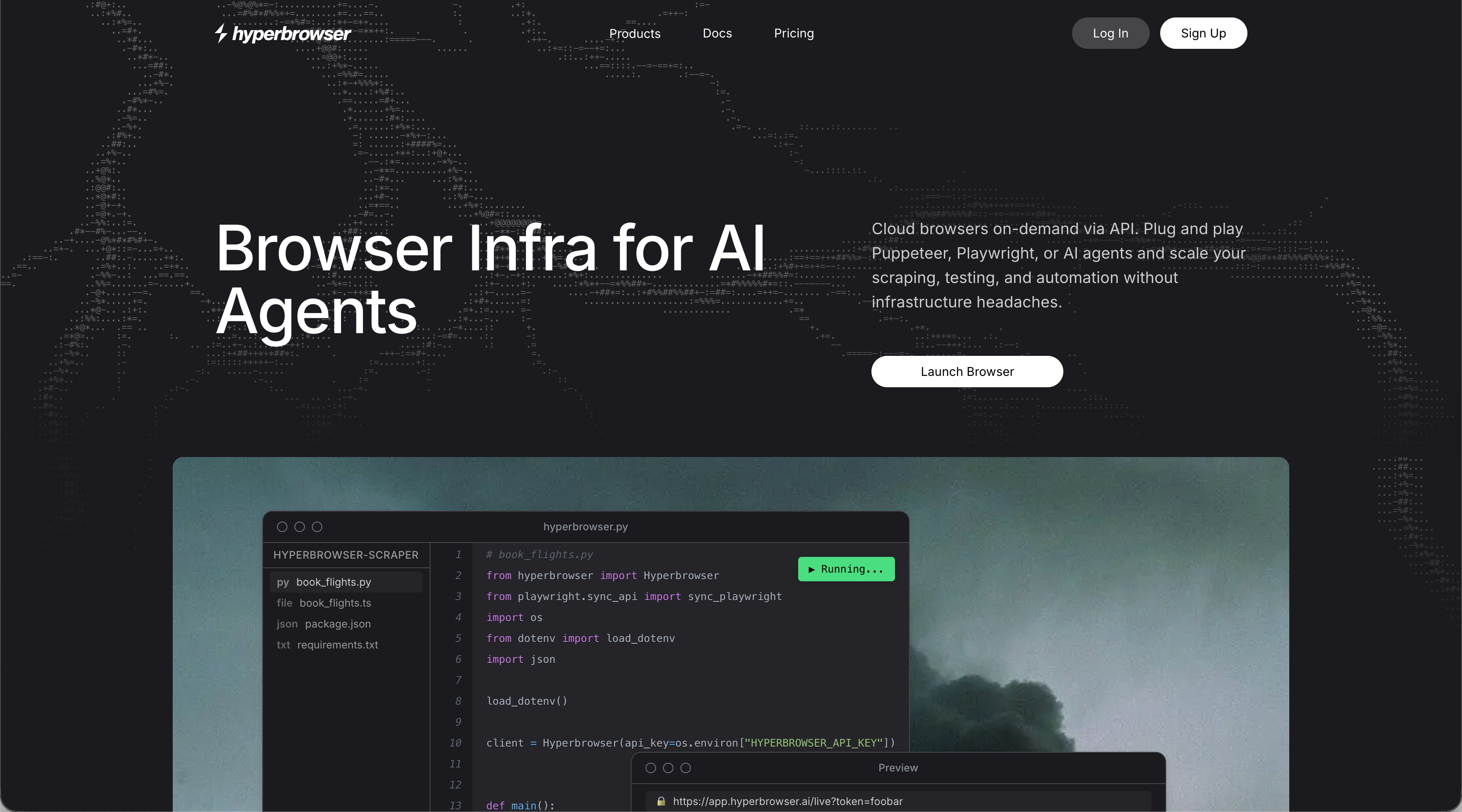
Hyperbrowser AI provides scalable browser infrastructure with built-in CAPTCHA solving, proxy management, and anti-bot detection for AI agents. The platform offers instant scalability to hundreds of concurrent sessions with stealth mode features and anti-detection capabilities. It includes the HyperAgent framework for AI automation and MCP client for tool integration.
Key Features
- Instant scalability to hundreds of concurrent browser sessions without managing infrastructure
- Built-in CAPTCHA solving and anti-bot detection with stealth mode capabilities
- HyperAgent framework provides AI-powered automation tools and workflows
- Managed proxy networks with geographic targeting and rotation options
- MCP client integration provides for connection with various automation tools
Limitations
- Credit-based pricing requires careful usage estimation and monitoring costs
- You still need to build automation logic yourself instead of getting complete workflows
- No visual interpretation means workflows can break when websites change layouts
- Limited documentation for complex use cases and advanced configurations
- Teams must handle their own automation development and maintenance overhead
Bottom Line
Hyperbrowser AI works best for teams running high-volume browser automation at scale who need reliable infrastructure without managing servers. Engineering teams with existing automation codebases who want to focus on business logic instead of infrastructure management will benefit most, especially those requiring hundreds of concurrent sessions with built-in anti-detection features.
Airtop
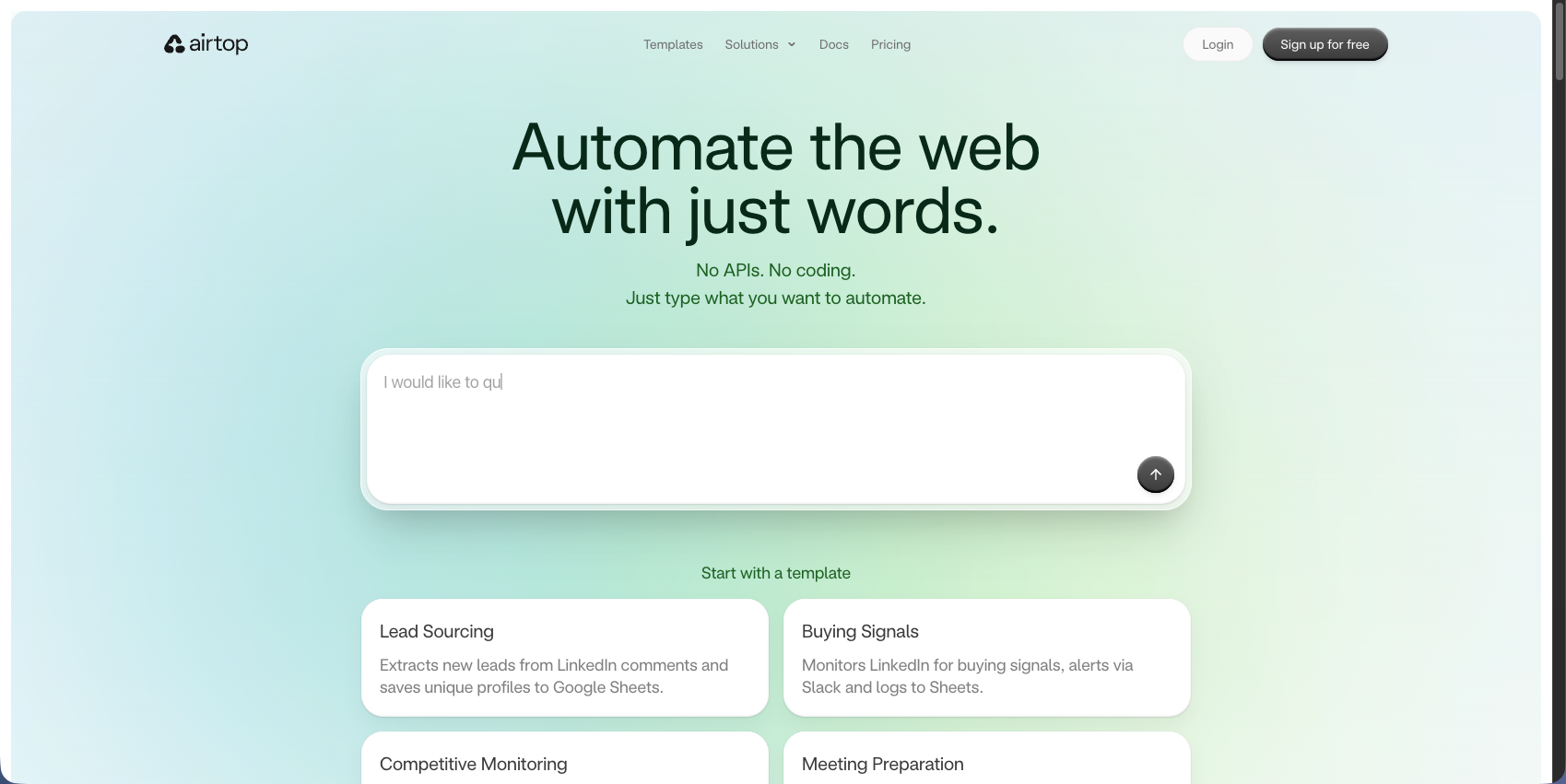
Airtop lets developers create scalable web automations where AI agents perform actions like logging in, extracting information, and filling forms through natural language commands. The platform provides cloud-based browser infrastructure with built-in support for complex authentication flows including OAuth and 2FA. It integrates with popular frameworks like LangChain and LangGraph for building AI agent applications.
Key Features
- Natural language browser control provides for AI agents to interact with websites without custom code
- Complex authentication handling supports OAuth, 2FA, and multi-step login workflows
- Cloud browser automation provides scalable infrastructure for concurrent sessions
- LangChain and LangGraph integrations connect directly with AI agent development frameworks
- Session management with persistent browser states across multiple automation steps
Limitations
- Workflows can fail due to region-locked authentication with US-based proxies
- No live session view in iframes limits real-time debugging capabilities
- Pricing structure can become expensive for high-volume automation workloads
- Limited control over underlying browser configurations and customization options
- Teams still need technical expertise to build and maintain AI agent workflows
Bottom Line
Airtop works best for teams building AI agent applications that need to interact with websites requiring complex authentication flows. Developer teams creating conversational AI or autonomous agents that perform web-based tasks will benefit most, especially those already using LangChain or LangGraph who need reliable infrastructure for authentication-heavy workflows.
Browserbase
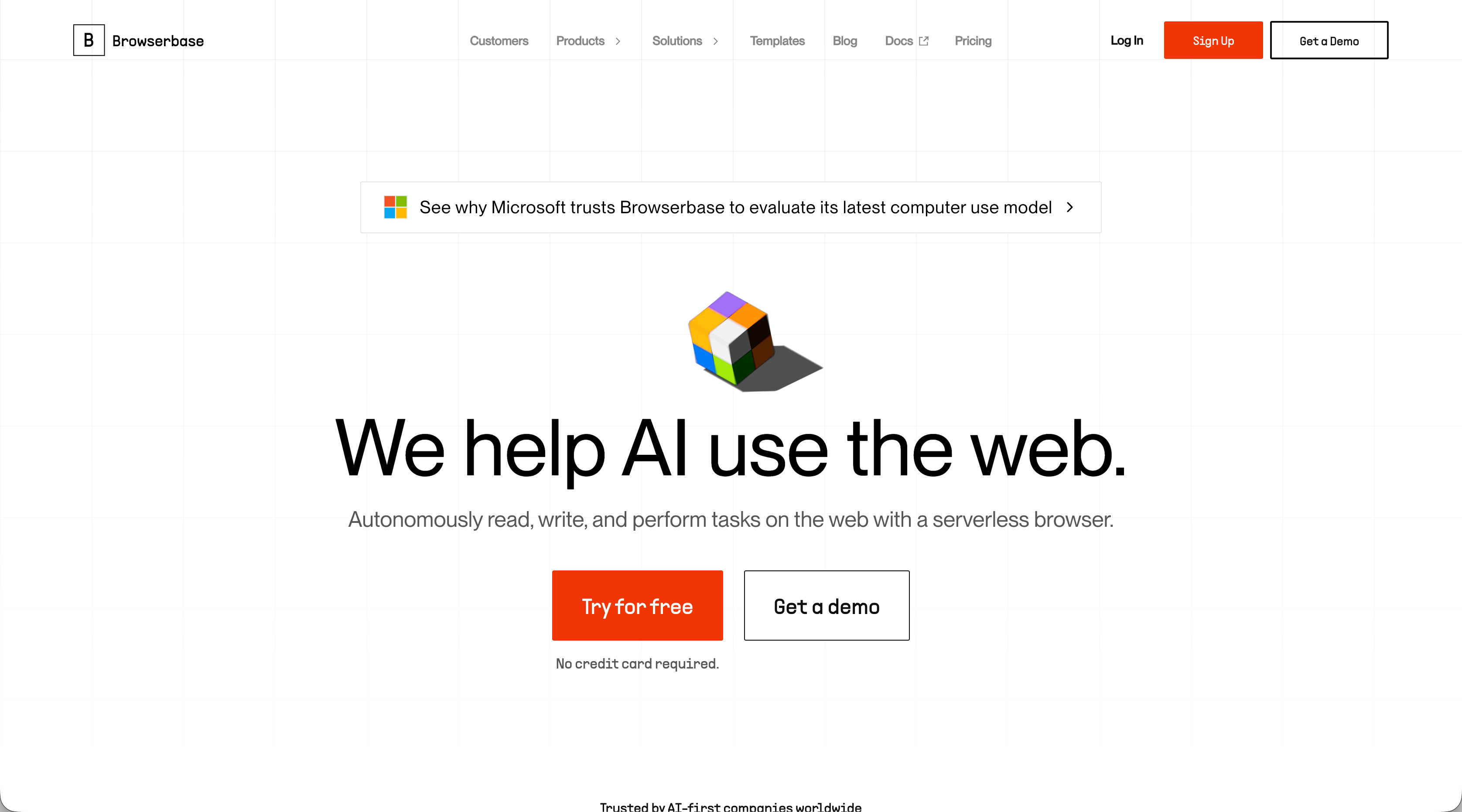
Browserbase is a cloud-native browser automation solution built for AI agents providing headless browsers with debugging and stealth capabilities. The platform offers serverless infrastructure that spins up thousands of browsers on demand with built-in anti-bot detection features. It integrates with Playwright for developers who need reliable cloud browser infrastructure without server management overhead.
Key Features
- Serverless infrastructure automatically scales to thousands of concurrent browser sessions on demand
- Built-in debugging tools with session recordings and live session monitoring capabilities
- Anti-bot detection and stealth mode features help bypass common website protection mechanisms
- Native Playwright integration provides for developers to use familiar automation frameworks
- Session persistence allows maintaining browser state across multiple automation steps
Limitations
- Requires technical expertise to write and maintain browser automation code
- No visual interpretation means selectors can break when websites change layouts
- Pricing can become expensive for high-volume automation workloads at scale
- You still need to build the automation logic yourself instead of getting complete workflows
- Limited support for complex authentication flows compared to specialized solutions
Bottom Line
Browserbase works best for developers needing reliable cloud browser infrastructure for AI agents without server management overhead. Engineering teams running high-volume Playwright-based automations who want to focus on business logic instead of infrastructure management will benefit most, especially those requiring thousands of concurrent sessions with built-in anti-detection features.
Feature Comparison: Browse AI vs Top Alternatives
The table below compares core capabilities across Browse AI and the alternatives covered in this article. Each tool takes a different approach to browser automation, from no-code recording to API-driven AI control.
Feature | Browse AI | Skyvern | Stagehand | Hyperbrowser AI | Airtop | Browserbase |
|---|---|---|---|---|---|---|
No-Code Setup | Yes | API-based | No | No | Yes | No |
AI-Powered Automation | Limited | Yes | Limited (it's not inherently AI-powered as a platform but supports you bringing your own API keys) | Limited (you need to build the automation logic) | Yes | No |
Visual Interpretation | No | Yes | No | No | No | No |
Works Across Multiple Sites | No (requires separate robots for each site) | Yes | No | No | Limited | No |
Form Filling | Limited | Native | Yes | Yes | Yes | Yes |
2FA/CAPTCHA Handling | Limited | Yes | Limited | Yes | Yes | Yes |
Self-Healing When Sites Change | Limited | Yes | Yes | No | No | No |
Managed Infrastructure | Yes | Yes | No | Yes | Yes | Yes |
Browse AI works well for no-code scraping but struggles with complex automation. Research shows that no-code automation projects yield an average ROI of 2560%, with 91.9% recovering their investment within the first year, making the choice of automation tool critical for business outcomes. Stagehand and Browser Use require code but reduce selector maintenance. Hyperbrowser AI, Airtop, and Browserbase focus on infrastructure for high-volume operations. Skyvern handles visual interpretation across unfamiliar sites, native form filling, authentication, and self-healing when pages change.
Why Skyvern is the Best Browse AI Alternative
Browse AI requires retraining robots every time a website updates its layout. Skyvern interprets pages visually, so your workflows keep running when sites redesign. You write one workflow that works across dozens of vendor portals, not dozens of separate robots.
Infrastructure tools like Browserbase and Hyperbrowser give you browsers and proxies, but you still need to build the automation logic. Skyvern handles the entire workflow: authentication, form filling, data extraction, and file downloading through a single API call.
When you're automating procurement across 50 supplier websites or downloading invoices from vendor portals with different layouts each month, you need automation that doesn't require constant maintenance. We built Skyvern to handle the complexity so you don't spend time fixing broken selectors or retraining robots.
Final Thoughts on Browse AI Compared to Other Options
Your automation shouldn't fail every time a vendor portal redesigns their site. Tools like Skyvern interpret pages visually so workflows adapt to layout changes without retraining robots or fixing selectors. You get authentication, form filling, and data extraction in one call instead of connecting multiple services. Choose automation built for complex workflows across unfamiliar websites instead of simple point-and-click recording.
FAQ
When should you consider moving away from Browse AI?
Consider alternatives when you need to automate actions beyond data extraction, like form filling, invoice downloading, or procurement workflows. Browse AI works well for scraping and monitoring, but breaks when websites change layouts or when you need conditional logic and complex authentication.
What features should you focus on first when comparing Browse AI alternatives?
Look for visual interpretation that adapts to layout changes, native form filling, authentication handling (2FA and CAPTCHA), and the ability to run one workflow across multiple websites. If you're automating complex workflows, focus first on tools that won't require constant maintenance when sites redesign.
How does Skyvern handle website layout changes differently than Browse AI?
Skyvern interprets pages visually using computer vision and LLMs instead of recording click patterns. When a website redesigns, your workflows continue running without retraining, and one workflow can work across dozens of different vendor portals with varying layouts.
Can I use Browse AI alternatives for both data extraction and form filling?
Yes. Tools like Skyvern, Stagehand, and Airtop handle both data extraction and form filling through the same automation workflow. Browse AI focuses only on scraping, so you'd need separate tools for actions like submitting forms or downloading files.
What's the difference between infrastructure tools and complete automation solutions?
Infrastructure tools like Browserbase and Hyperbrowser provide browsers, proxies, and anti-bot detection, but you build the automation logic yourself. Complete solutions like Skyvern handle authentication, form filling, data extraction, and file downloading through a single API call without additional coding.