
Airtop Reviews, Pricing, and Alternatives (January 2026)

You need browser automation that works reliably, and you're considering Airtop alongside other options. The challenge is figuring out which tool handles your specific requirements without breaking your budget or locking you into a proprietary system. This guide covers Airtop's real-world pricing, its core capabilities, and the alternatives that offer better control or more predictable costs.
TLDR:
- Airtop automates browsers with AI but limits you to TypeScript/Python SDKs and credit-based pricing
- Skyvern uses computer vision to automate any website without breaking when layouts change
- Alternatives like Browserbase offer infrastructure while Browse AI provides no-code scraping
- Skyvern handles 2FA, CAPTCHA, and form filling across websites you've never seen before
What is Airtop and How Does It Work?
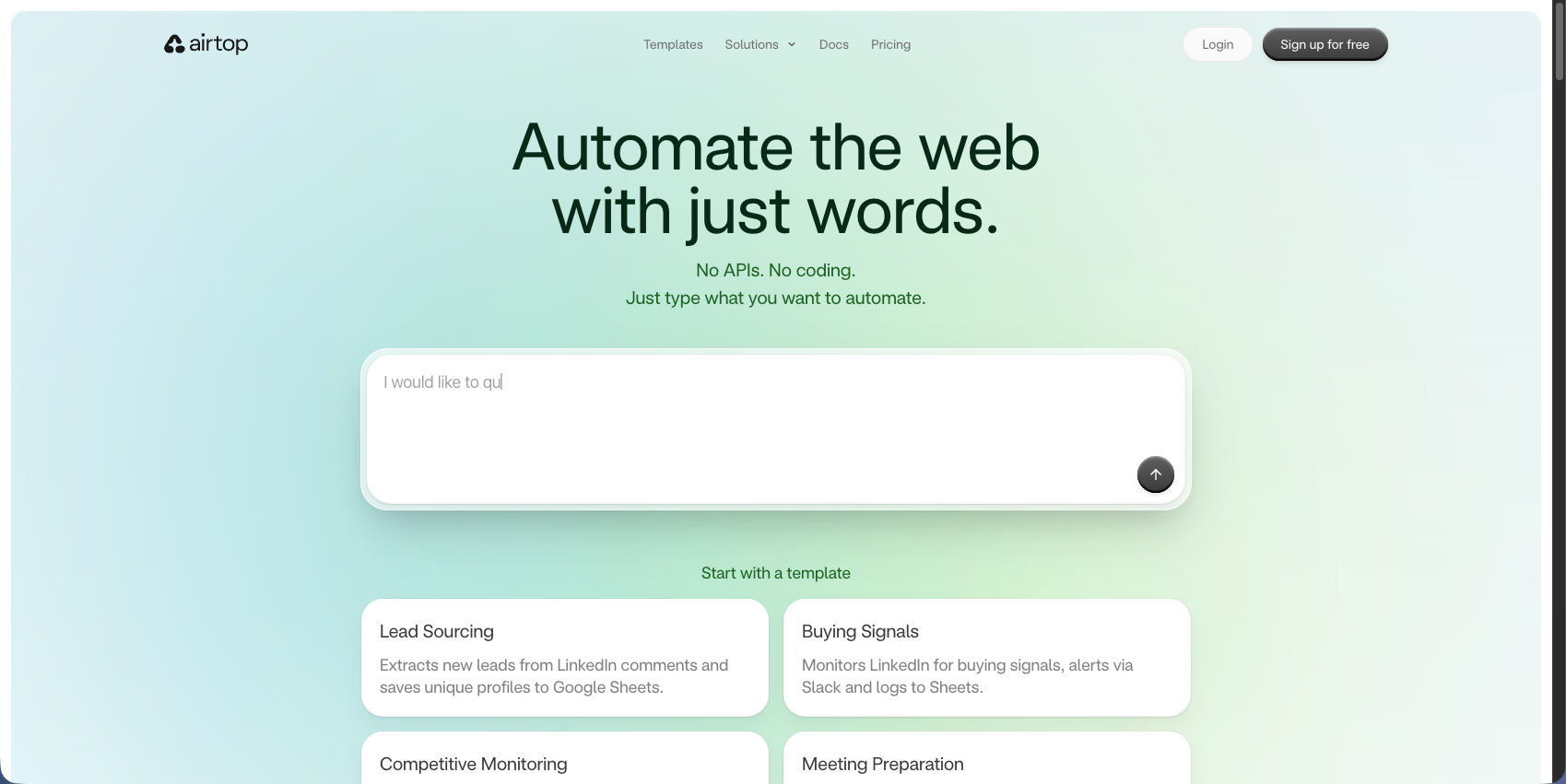
Airtop is a cloud browser automation tool that lets AI agents and developers control web browsers through natural language commands. You describe what you want done in plain English, and Airtop's AI agents handle the execution.
The tool combines LLMs with headless browser infrastructure to interpret commands and perform actions like clicking buttons, filling forms, and extracting data. It manages authentication flows including OAuth, two-factor authentication, and CAPTCHA solving. Each automation runs in isolated, scalable cloud browser sessions.
How Airtop Works
You describe tasks in natural language, and Airtop translates these into browser actions through its Act and Extract APIs. Act handles interactions like navigation and form filling. Extract pulls structured data from pages.
Airtop provides SDKs for TypeScript and Python. It integrates with no-code automation tools like Make and n8n. The Live View feature lets you monitor browser sessions in real-time.
Why Consider Airtop Alternatives?
There are a number of reasons to consider an Airtop alternative:
- Airtop supports only TypeScript and Python SDKs. Teams using Go, Ruby, or Java must build custom wrappers or choose another tool.
- Customization is limited to Airtop's APIs and templates. Unlike open-source frameworks that let you script any browser action, Airtop restricts fine-grained control. Complex automation outside its abstractions often requires workarounds.
- Dynamic web pages may need fallback logic or human intervention. Airtop handles session continuity well for long-running tasks like flight tracking, but lacks session replay tooling for post-failure debugging.
- The credit-based billing model makes costs unpredictable, a growing concern as 86% of organizations increase data compliance budgets due to GDPR requirements. Smaller teams running high-volume automation on tight budgets struggle to forecast expenses as they scale.
- Teams needing open-source tools, broader language support, granular browser control, or predictable monthly pricing often look for alternatives. Those building straightforward scraping tasks or preferring code-based approaches over natural language interfaces typically look elsewhere.
Best Airtop Alternatives in November 2025
Skyvern (Best Overall Alternative)
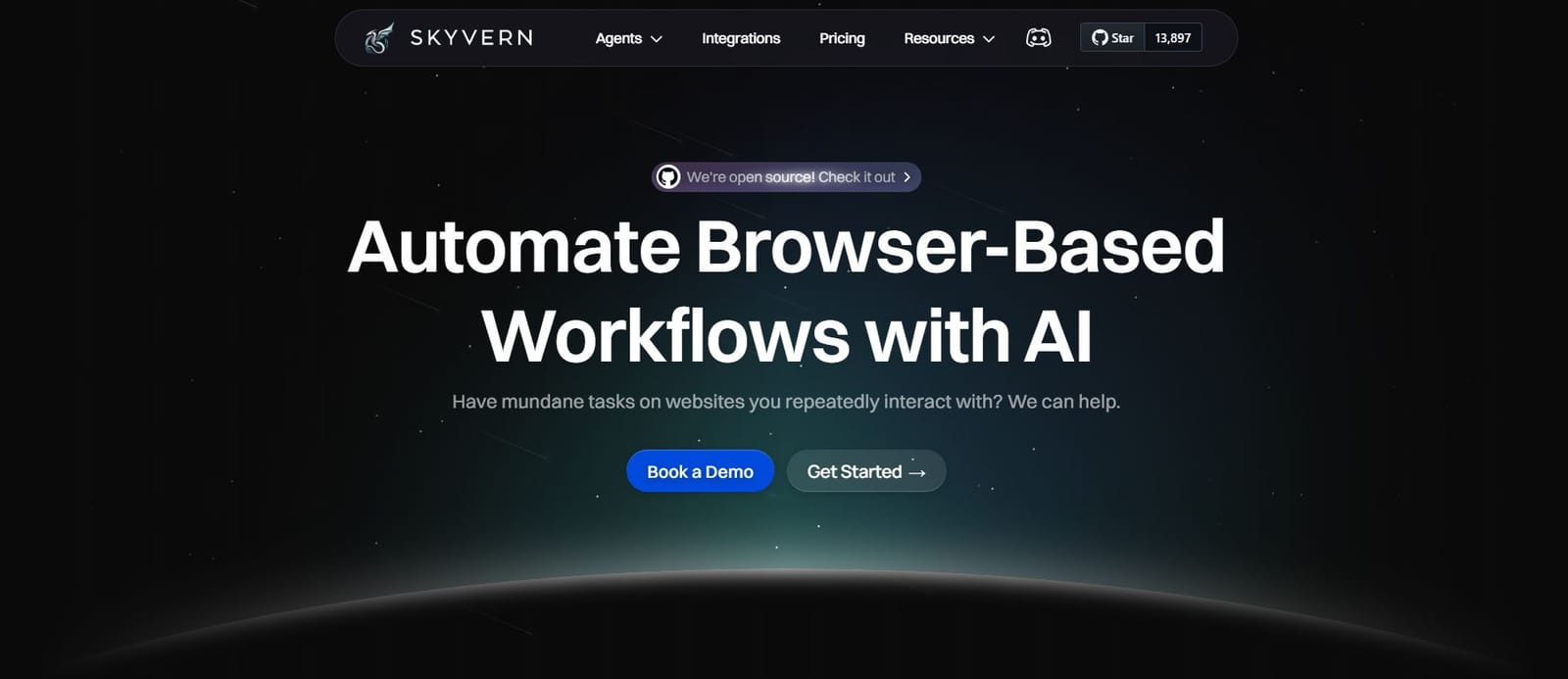
Skyvern combines AI-native browser automation with LLM reasoning and computer vision. We understand web pages visually like humans do and operate on websites never seen before without customized code.
Key Capabilities
Skyvern offers several capabilities that make it a viable alternative to Airtop:
- Computer vision-powered automation that understands pages visually without predetermined XPaths
- Works on unseen websites without requiring site-specific customization or code
- Complex reasoning through LLM interactions for decision-making and workflow logic
- Native form filling with structured data extraction capabilities
- Complete authentication support including 2FA, TOTP, and CAPTCHA solving
- Flexible deployment options with both managed cloud and open-source versions
- Transparent pricing model without credit-based billing surprises
- API-based architecture supporting any programming language
The Bottom Line
Skyvern excels at production-grade browser automation that adapts to website changes without breaking. Its computer vision capabilities, part of a technology market growing at 19.8% annually toward $58.29 billion by 2030, eliminate the fragility of traditional automation while providing the AI reasoning and infrastructure needed for production workloads, without being confined to proprietary APIs. The combination of managed cloud and open-source options gives teams deployment flexibility that cloud-only tools cannot match.
Skyvern is best suited for companies with manual back-office workflows dealing with systems without APIs and repetitive browser-based tasks. Unlike Airtop's credit-based model and TypeScript/Python limitations, Skyvern offers predictable pricing and works with any programming language. Teams needing to automate workflows across multiple websites they've never seen before, or requiring self-hosted deployment options, will find Skyvern provides the adaptability and control that proprietary platforms lack.
Browserbase
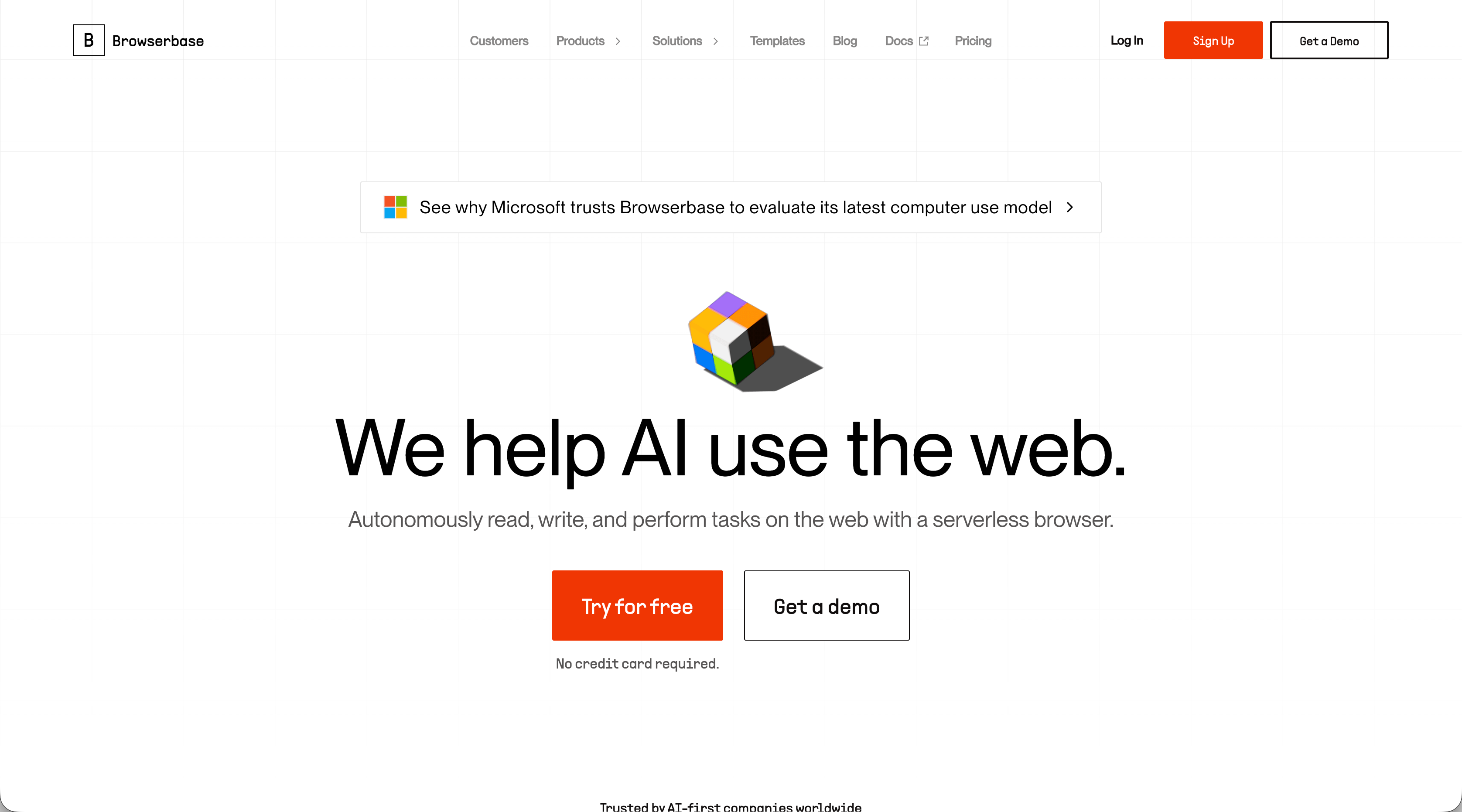
Browserbase provides cloud-hosted headless browser infrastructure designed for developers who need reliable, scalable browser automation without managing servers. It focuses on infrastructure reliability instead of AI-native automation.
Key Capabilities
Browserbase offers several capabilities that make it a viable alternative to Airtop:
- Managed browser infrastructure with automatic scaling and session management
- Stealth mode and anti-detection features to bypass bot detection systems
- Session persistence and context management for long-running workflows
- Built-in CAPTCHA handling and proxy routing capabilities
- Stagehand SDK for natural language browser orchestration (similar to Airtop's approach)
- Complete session logging and debugging tools including live view and session replay
- Developer-friendly APIs with support for Node.js and Python
The Bottom Line
Browserbase excels at providing a solid browser infrastructure with excellent debugging capabilities and session management. It's best suited for developers who want reliable headless browser hosting with stealth features but don't need advanced AI reasoning or computer vision capabilities. Unlike Airtop's credit-based model, Browserbase offers predictable monthly pricing based on session hours.
However, Browserbase lacks the AI-native automation that makes tools like Airtop and Skyvern adaptable to unseen websites. You'll still need to write traditional automation scripts that can break when websites change their layouts. It's infrastructure-first instead of AI-first, making it better for teams that want control over their automation logic while outsourcing the browser hosting complexity.
CloudCruise
CloudCruise is a developer tool for building browser agents that combines LLM-powered automation with self-healing capabilities. It focuses on helping developers create reliable browser automation features within their applications instead of providing a standalone automation platform.
Key Capabilities
CloudCruise offers several capabilities that make it a viable alternative to Airtop:
- LLM-powered action interpretation that understands natural language commands
- Automatic workflow healing that adapts when websites change without manual intervention
- Visual workflow builder for designing multi-step automation sequences
- Developer SDK for embedding browser automation into applications
- Session management for handling long-running browser tasks
- Built-in debugging tools for troubleshooting automation failures
- API-first architecture designed for integration into existing systems
The Bottom Line
CloudCruise is best suited for developers building browser automation features into their products instead of running standalone automation workflows. Its self-healing capabilities help reduce maintenance overhead when websites change, similar to Airtop's AI approach. The visual workflow builder makes it accessible for teams that want some no-code options alongside programmatic control.
However, CloudCruise lacks the computer vision capabilities that power tools like Skyvern to work across unseen websites without customization. While it handles website changes better than traditional automation tools, it still requires initial configuration for each target site. It's positioned between infrastructure tools like Browserbase and AI-native platforms like Airtop, offering more intelligence than raw infrastructure but less adaptability than computer vision-powered solutions. Teams building automation features into their own products will find CloudCruise more suitable than those needing immediate cross-website automation capabilities.
Browse AI
Browse AI is a no-code web scraping and monitoring platform that lets non-technical users extract data from websites through a visual point-and-click interface. It focuses on making data extraction accessible without requiring programming knowledge or AI reasoning capabilities.
Key Capabilities
Browse AI offers several capabilities that make it a viable alternative to Airtop:
- No-code visual interface with point-and-click element selection
- Prebuilt robots for popular websites like LinkedIn, Amazon, and Google Maps
- Scheduled monitoring and alerts for tracking website changes over time
- Bulk data extraction for processing multiple pages or URLs at once
- Spreadsheet integration for exporting data to Google Sheets and Excel
- API access for programmatic data retrieval
- Change detection that notifies you when monitored pages update
The Bottom Line
Browse AI excels at making web scraping accessible to non-technical users who need simple data extraction without writing code. Its prebuilt robots and visual interface make it easy to start extracting data from common websites quickly. The scheduled monitoring features work well for tracking price changes, job postings, or competitor updates.
However, Browse AI lacks the AI reasoning and complex workflow capabilities that make tools like Airtop and Skyvern suitable for multi-step automation. It cannot handle form filling, authentication flows, or decision-making logic required for back-office workflows. While it extracts data effectively, it doesn't perform actions or automate processes beyond scraping. Teams needing to automate interactions, not simply extract data, will find Browse AI too limited. It's best suited for marketing teams, researchers, and analysts who need to monitor and extract data instead of automate complex browser-based workflows.
Axiom
Axiom is a no-code browser automation tool that works through Chrome extension recording. It lets users automate repetitive browser tasks by recording their actions and replaying them without writing code.
Key Capabilities
Axiom offers several capabilities that make it a viable alternative to Airtop:
- Browser action recording that captures clicks, typing, and navigation
- No-code workflow builder for creating multi-step automation sequences
- Scheduled automation runs for executing tasks at specific times
- Data extraction from web pages into spreadsheets
- Chrome extension deployment for easy installation and use
- Template library with prebuilt automations for common tasks
- Basic form filling capabilities for repetitive data entry
The Bottom Line
Axiom excels at making browser automation accessible to individuals and small teams who need to automate repetitive tasks without programming knowledge. The Chrome extension approach makes it easy to start recording and replaying workflows immediately. It works well for simple, repetitive tasks like data entry, form filling, and basic web scraping on familiar websites.
However, Axiom's Chrome extension architecture limits its scalability and reliability compared to cloud-based solutions like Airtop and Skyvern. It cannot handle complex authentication flows, lacks AI reasoning to adapt to website changes, and doesn't support headless execution or parallel processing. The recording-based approach creates brittle automations that break when websites update their layouts. Teams needing production-grade automation, multi-step workflows with decision logic, or automation across multiple websites will find Axiom too limited. It's best suited for individual users automating personal tasks instead of organizations building reliable, scalable automation systems.
Firecrawl
Firecrawl is a web scraping API that converts websites into clean, structured data optimized for AI applications. It focuses on extracting and formatting web content for LLM consumption instead of automating browser interactions.
Key Capabilities
Firecrawl offers several capabilities that make it a viable alternative to Airtop:
- LLM-ready data extraction that formats scraped content for AI applications
- Website crawling that finds and processes multiple pages automatically
- Structured data output with schema-based extraction in JSON format
- API-first architecture for easy integration into existing systems
- Batch processing for scraping multiple URLs efficiently
- Content cleaning and formatting that removes unnecessary HTML and styling
- Support for dynamic content rendered by JavaScript
The Bottom Line
Firecrawl excels at converting web content into clean, structured data for AI applications and RAG pipelines. Its API-first approach makes it easy to integrate web scraping into existing systems, and the LLM-optimized output format works well for developers building AI-powered applications that need web data as context.
However, Firecrawl is fundamentally a data extraction tool, not a browser automation platform. It cannot handle form filling, authentication flows, multi-step workflows, or any interactive browser tasks that Airtop and Skyvern support. While it extracts data effectively, it doesn't perform actions or automate processes. Teams needing to automate back-office workflows, fill forms, or interact with websites will find Firecrawl completely unsuitable. It's best suited for developers building AI applications that need to ingest web content instead of organizations automating browser-based business processes.
Feature Comparison: Airtop vs Top Alternatives
The table below compares Airtop against leading alternatives across capabilities that matter for production browser automation.
Feature | Skyvern | Airtop | Browserbase | CloudCruise | Browse AI | Axiom | Firecrawl |
|---|---|---|---|---|---|---|---|
AI-Powered Automation | Yes (LLMs + Computer Vision) | Yes | Limited | Yes | Limited | No | For Extraction Only |
Computer Vision | Yes | No | No | No | No | No | No |
Works on Unseen Websites | Yes | Yes | Limited | Limited | No | No | No |
Open Source Option | Yes | No | Stagehand SDK | No | No | No | Yes |
Form Filling | Native | Yes | Limited | Yes | Limited | Yes | No |
Authentication Handling | 2FA/TOTP/CAPTCHA | OAuth/2FA/CAPTCHA | Yes | Yes | Basic | Basic | No |
Transparent Pricing | Yes | Credit-based | Yes | Yes | Tiered | Tiered | Yes |
Language Support | API-based (Any) | TypeScript/Python | Node.js/Python | Multiple | N/A | N/A | Multiple |
Deployment Options | Cloud + Self-hosted | Cloud | Cloud | Cloud | Cloud | Chrome Extension | Cloud |
No-Code Interface | No | Limited | Director | Visual Builder | Yes | Yes | No |
Skyvern stands out with computer vision capabilities that let workflows adapt to layout changes without breaking. Our API-based approach supports any programming language. Self-hosted deployment gives you infrastructure control that cloud-only tools cannot match.
Why Skyvern is the Best Airtop Alternative
Airtop handles authentication well and offers natural language automation, but Skyvern was built for production-grade automation that doesn't break when websites change. We use AI reasoning with computer vision to understand pages visually. This lets us automate websites we've never seen before without custom code and adapt automatically when layouts change. Airtop relies on DOM manipulation and proprietary APIs. And, we offer both managed cloud and open-source deployment with transparent pricing. No credit-based billing surprises or proprietary API constraints.
Skyvern provides native form filling, authentication support for 2FA, TOTP, and CAPTCHA, and handles complex workflows across multiple websites. This makes us the better choice for automating manual back office work and replacing brittle scripts.
Final thoughts on selecting browser automation tools
The best Airtop alternative depends on whether you need computer vision and deployment flexibility. Credit-based pricing works for some teams, but predictable monthly costs matter when you're scaling automation across your organization. We built Skyvern to handle the websites that break traditional automation, with both managed cloud and open-source options. Your workflows deserve tools that adapt to changes instead of breaking every time a website updates.
FAQ
When should you consider moving away from Airtop?
Consider switching if you need language support beyond TypeScript and Python, require open-source deployment options, want predictable monthly pricing instead of credit-based billing, or need granular browser control beyond Airtop's API abstractions. Teams dealing with frequent website layout changes also benefit from alternatives with computer vision capabilities.
What features should you look for when comparing browser automation alternatives?
Look for AI-powered automation that adapts to website changes, authentication handling including 2FA and CAPTCHA solving, deployment flexibility (cloud and self-hosted options), transparent pricing models, and support for your preferred programming languages. Computer vision capabilities help workflows survive layout changes without breaking.
How does Skyvern handle websites it has never seen before?
Skyvern uses LLMs combined with computer vision to understand web pages visually like humans do, interpreting page structure and elements without requiring predetermined XPaths or custom code for each site. This lets you run the same workflow across multiple websites without site-specific configuration.
Can browser automation tools handle two-factor authentication and CAPTCHAs?
Yes, most modern browser automation tools including Skyvern, Airtop, and Browserbase support 2FA, TOTP, and CAPTCHA solving. Skyvern provides native support for these authentication methods, making it suitable for automating workflows on sites with security requirements.