
Steel Reviews, Pricing, and Alternatives (January 2026)

We're comparing Steel against alternatives because browser automation shouldn't mean rewriting scripts every time a website changes its layout. Steel gives you API-based browser control, but it lacks the visual understanding and workflow orchestration that production systems need. You'll find Steel's pricing details, honest reviews from teams using it, and alternatives that handle complex automation without the brittleness.
TLDR:
- Steel provides API-based browser control but requires explicit commands that break when websites change
- Skyvern uses LLMs and computer vision to adapt to layout changes without XPath maintenance
- Skyvern includes built-in 2FA, CAPTCHA solving, and native form filling for production workflows
- Browserbase offers scalable browser infrastructure while Browse AI focuses on no-code data extraction
- Skyvern automates browser workflows for companies with manual back office tasks and brittle scripts
What is Steel and How Does it Work?
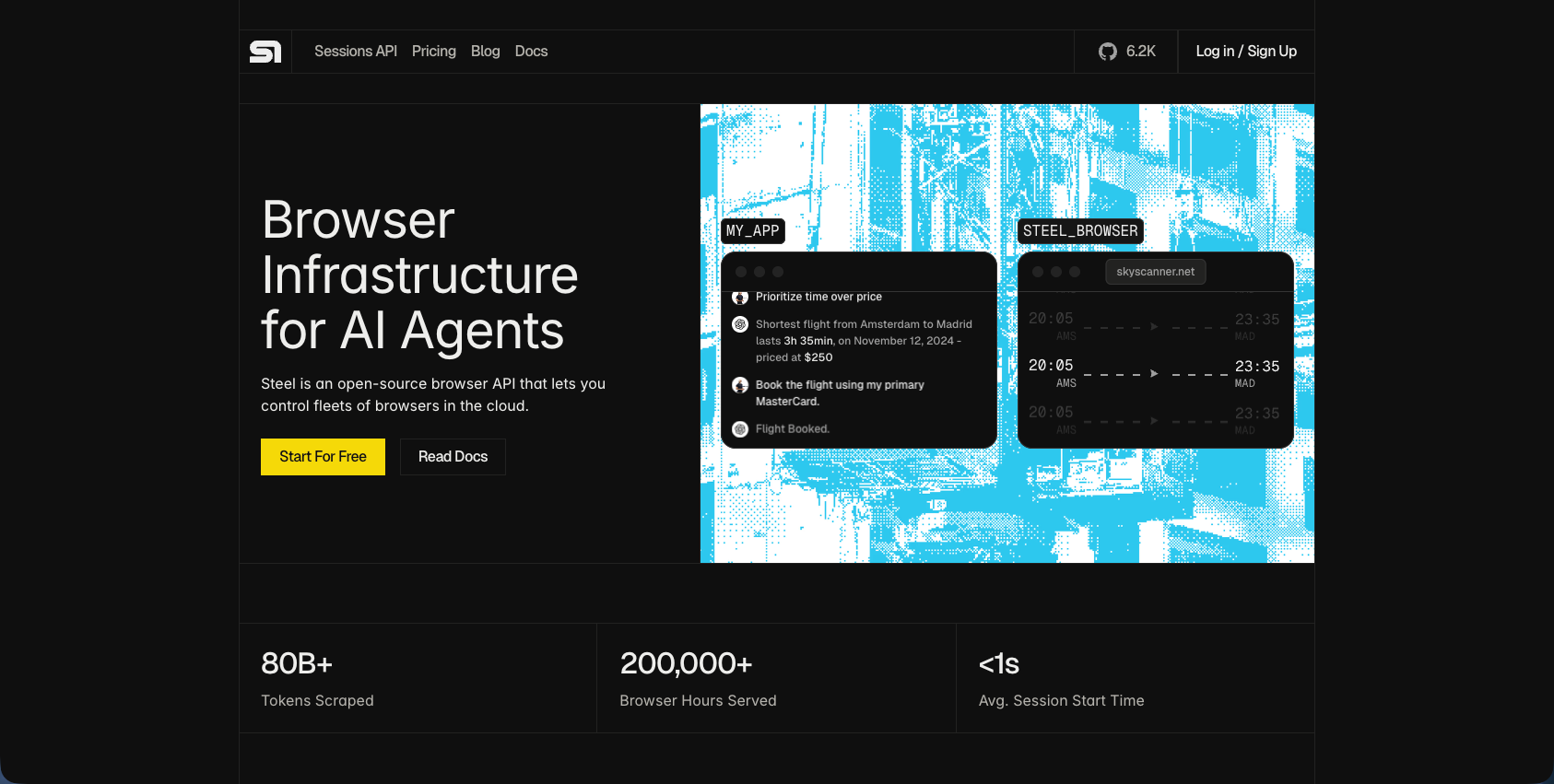
Steel is an open-source browser API built for AI agents and web automation. It provides a managed browser sandbox that handles infrastructure complexity through simple API calls instead of requiring you to manage browsers directly.
Steel uses three core components:
- the Steel Server coordinates browser instances and routes requests,
- Steel Workers execute automation commands, and
- headless browsers powered by Puppeteer handle web interactions.
This separation lets you scale browser operations without managing resource allocation. The RESTful API accepts commands for data extraction, form filling, page navigation, and authentication flows. Steel handles browser lifecycle management, anti-bot detection, and session persistence automatically.
Steel has four pricing tiers:
- Free. You get $10 in credits per month which equates to 100 browser hours.
- Start. $29/month which equates to 290 browser hours, 2.9 GB of proxy bandwidth, and 7.2K CAPTCHA solves.
- Developers. $99/month which equates to 1,238 browser hours, 12 GB proxy bandwidth, and 28K CAPTCHA solves.
- Startups. $499/month which equates to 9,980 browser hours, 166 GB proxy bandwidth, and 166K CAPTCHA solves.
Why Consider Steel Alternatives?
Steel fits teams that need API-based browser control for simple scraping and data extraction tasks. The RESTful interface works for basic automation without infrastructure overhead.
Three gaps push teams toward alternatives:
- Steel requires explicit browser commands instead of task descriptions. You write Puppeteer-style instructions through an API, which creates maintenance overhead when sites change layouts. No LLM-powered element detection means selectors break frequently across website updates. AI-powered web scraping delivers 30-40% faster data extraction times and achieves accuracy rates of up to 99.5% when handling dynamic, JavaScript-heavy websites compared to traditional methods.
- The API doesn't include contextual form filling or automatic field inference. Each form requires manual mapping, which scales poorly across different site structures.
- Missing capabilities for production workloads include authentication management, anti-bot handling, and workflow orchestration with conditional logic. Tasks requiring reasoning (product matching, eligibility determination) need external systems.
Skyvern: Best Overall Alternative
Skyvern automates browser-based workflows using LLMs and computer vision, replacing manual processes and brittle scripts. instead of requiring explicit browser commands like Steel, Skyvern understands visual layouts and operates on websites it has never seen before without custom code. The platform combines AI-powered reasoning with production-grade automation features for complex business workflows.
Key Features
• LLM-powered visual understanding that adapts to website layout changes without pre-determined XPaths
• Complex reasoning through LLM interactions that can infer eligibility questions and understand product equivalents
• Native form filling with structured data extraction support (JSON, CSV)
• Built-in 2FA, TOTP, and CAPTCHA solving with proxy network support
• Multi-step workflow chaining with explainable AI and live viewport streaming for debugging
Limitations
• Requires understanding of workflow design concepts for optimal implementation
• May have higher computational costs compared to simple selector-based tools
• Learning curve for teams transitioning from traditional automation approaches
• Open-source version requires self-hosting infrastructure and maintenance
• Advanced features may be overkill for simple single-step scraping tasks
Bottom Line
Skyvern is best for companies dealing with manual back office workflows, especially those with systems without APIs, brittle automation scripts, and repetitive browser tasks like materials procurement and invoice downloading. It suits operations teams, procurement departments, and enterprises requiring production-grade automation that adapts to website changes without constant maintenance. Teams needing simple data extraction without complex workflows might find lighter-weight alternatives more appropriate, while those requiring intelligent reasoning and extensive authentication handling will benefit from Skyvern's complete feature set.
Browserbase
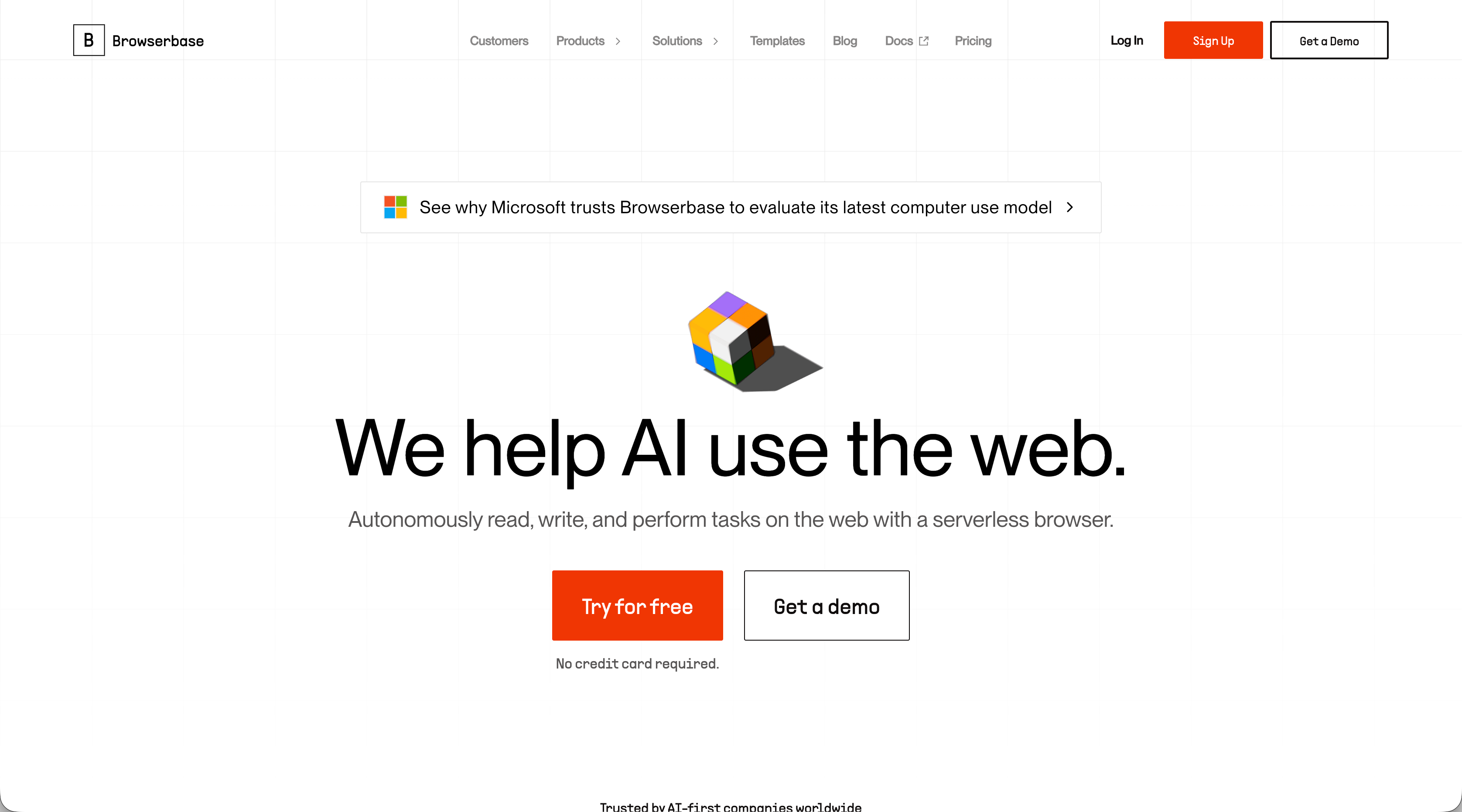
Browserbase provides cloud-hosted headless browser infrastructure with stealth mode, CAPTCHA handling, session logging, and autoscaling designed for AI agent workloads. The service offers globally distributed browsers with native Playwright, Puppeteer, and Selenium integration. Unlike Steel's API-based browser control, Browserbase focuses on providing scalable infrastructure instead of automation logic.
Key Features
• Cloud-hosted browser infrastructure with automatic scaling and global distribution
• Built-in stealth mode and CAPTCHA handling to bypass anti-bot detection
• Native integration with Playwright, Puppeteer, and Selenium for familiar developer experience
• Session recording and debugging tools with live session inspection
• Persistent browser sessions with cookie and storage management
Limitations
• Provides infrastructure but not AI-powered workflow creation or visual element understanding
• Requires developers to write explicit scripts that break when websites change layouts
• No native form filling intelligence or structured data extraction capabilities
• Lacks multi-step workflow orchestration with conditional logic
• Does not include built-in 2FA or TOTP authentication management
Bottom Line
Browserbase is best for developers needing scalable browser infrastructure without managing servers and teams building web-enabled AI applications that require reliable browser execution at scale. It suits engineering teams that want to focus on automation logic instead of infrastructure management, but still need to write and maintain their own browser scripts. Teams dealing with frequent website layout changes or requiring intelligent form filling would benefit more from AI-powered alternatives like Skyvern that adapt automatically without script maintenance.
Airtop
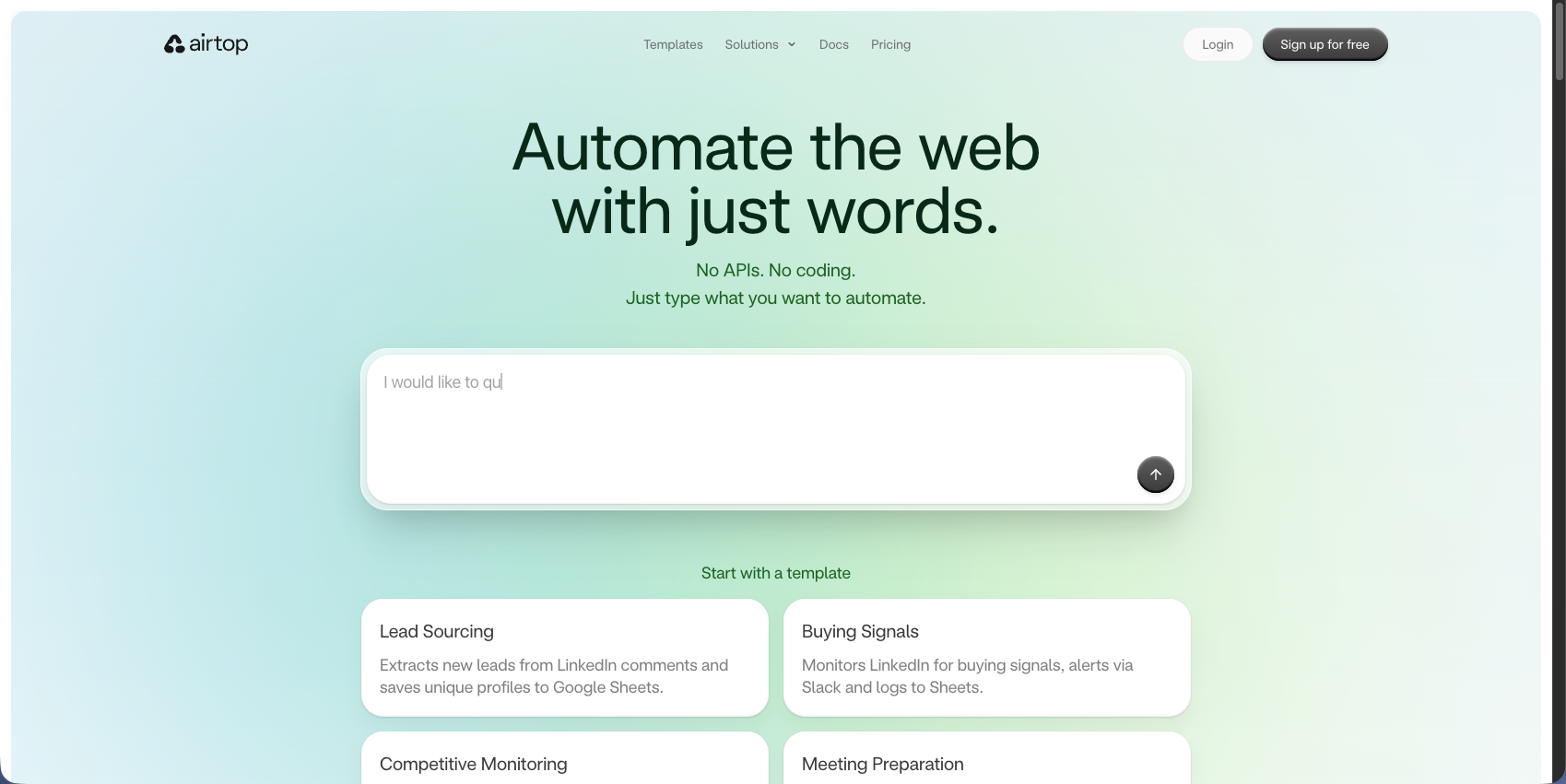
Airtop provides cloud browser automation allowing AI agents to control browsers through natural language commands. The service handles complex authentication like OAuth, 2FA, and CAPTCHAs automatically with persistent browser sessions and human-in-the-loop capabilities. Unlike Steel's explicit API commands, Airtop focuses on AI agent orchestration with conversational browser control.
Key Features
• Natural language browser control for AI agents without explicit scripting
• Automatic handling of OAuth, 2FA, and CAPTCHA authentication flows
• Persistent browser sessions with state management across interactions
• Human-in-the-loop capabilities for complex decision-making scenarios
• Cloud-hosted infrastructure with session recording and debugging tools
Limitations
• Focuses primarily on AI agent orchestration instead of production workflow automation
• Lacks native form filling intelligence for structured data extraction
• No built-in multi-step workflow chaining with conditional logic
• Limited documentation on handling website layout changes automatically
• Does not provide open-source self-hosting options
Bottom Line
Airtop is best for developers building AI agents that need web interaction capabilities and teams creating conversational interfaces requiring browser automation. It suits engineering teams focused on AI agent development who want to abstract away browser complexity through natural language commands. Teams needing production-grade workflow automation with intelligent form filling and structured data extraction would benefit more from purpose-built alternatives like Skyvern that combine LLM reasoning with native automation features.
Browse AI
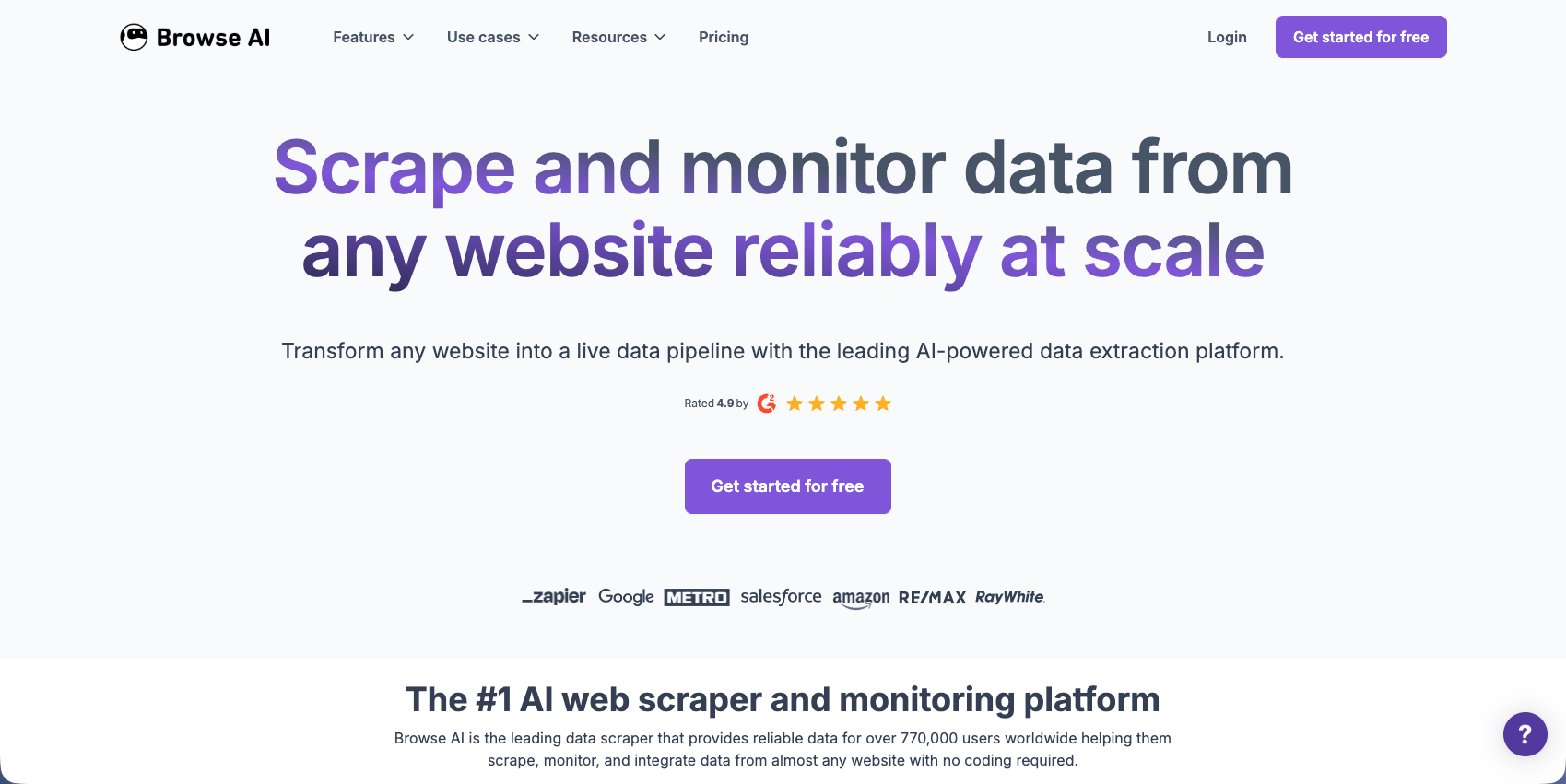
Browse AI is a no-code web scraping tool that lets users train robots to extract and monitor website data through point-and-click data selection. The service provides AI-powered website adaptation, scheduled scraping, and integration with Google Sheets, Airtable, and 7,000 apps via Zapier. Unlike Steel's API-based approach, Browse AI targets non-technical users with visual robot training.
Key Features
• No-code robot training through point-and-click data selection interface
• AI-powered adaptation to minor website layout changes
• Scheduled scraping with automatic data delivery to spreadsheets and apps
• Pre-built robots for popular websites like LinkedIn, Amazon, and Google Maps
• Integration with 7,000+ apps via Zapier, Google Sheets, and Airtable
Limitations
• Limited to data extraction and monitoring without workflow execution capabilities
• Cannot handle complex multi-step business processes requiring decision logic
• CAPTCHA handling is limited compared to dedicated automation platforms
• No native form filling or structured data submission features
• Struggles with websites requiring authentication beyond basic login flows
Bottom Line
Browse AI is best for non-technical users needing website monitoring and data collection without coding, and small teams tracking competitor websites, product prices, or market data. It suits marketing teams, researchers, and business analysts who want simple data extraction with spreadsheet integration. Teams requiring complex workflow automation, intelligent form filling, or production-grade authentication handling would benefit more from developer-focused alternatives like Skyvern that provide LLM-powered reasoning and native automation features.
Axiom
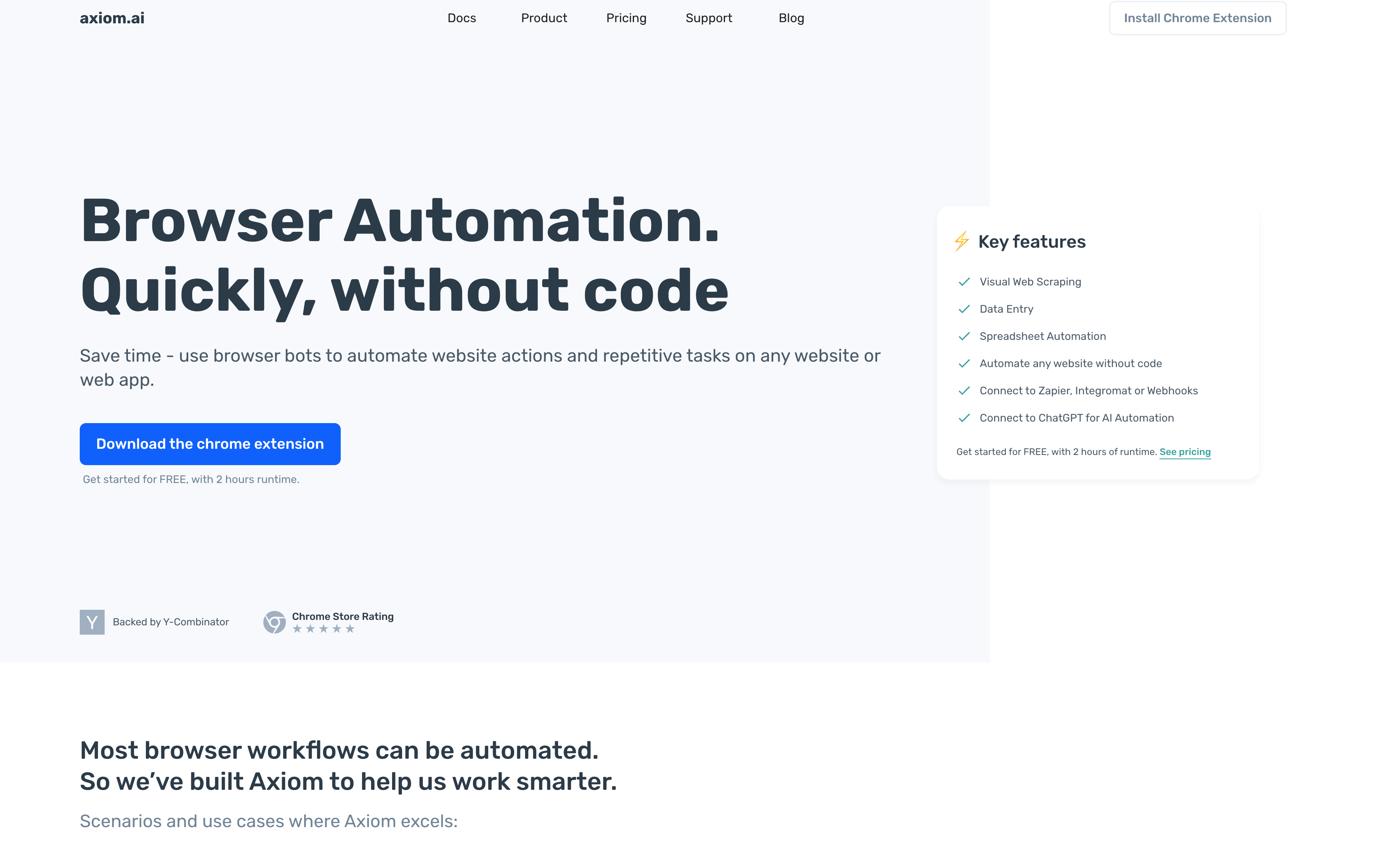
Axiom is a no-code browser automation tool using a Chrome extension to automate repetitive tasks by recording clicking and typing actions. The service provides visual workflow building, web scraping, automated data entry, and scheduling capabilities. Unlike Steel's API-based approach, Axiom targets non-technical users with a visual workflow builder and browser extension interface.
Key Features
• Chrome extension for recording and replaying browser actions without coding
• Visual workflow builder with drag-and-drop automation steps
• Scheduled automation with triggers and notifications for recurring tasks
• Data extraction with export to Google Sheets, webhooks, and CSV files
• Pre-built templates for common automation scenarios like form filling and scraping
Limitations
• Relies on recorded actions and CSS selectors that break when websites change layouts
• No LLM-powered visual understanding or automatic adaptation to site changes
• Limited authentication handling beyond basic login credentials
• Cannot reason through complex scenarios requiring contextual decision-making
• Requires manual workflow repairs after website updates
Bottom Line
Axiom is best for non-technical users automating repetitive browser tasks like data entry, form filling, and basic web scraping, and small teams needing quick automation without developer resources. It suits marketing teams, sales professionals, and operations staff who want to automate simple workflows through visual recording. Teams dealing with frequently changing websites, complex multi-step processes, or requiring intelligent form filling would benefit more from AI-powered alternatives like Skyvern that adapt automatically without manual maintenance.
CloudCruise
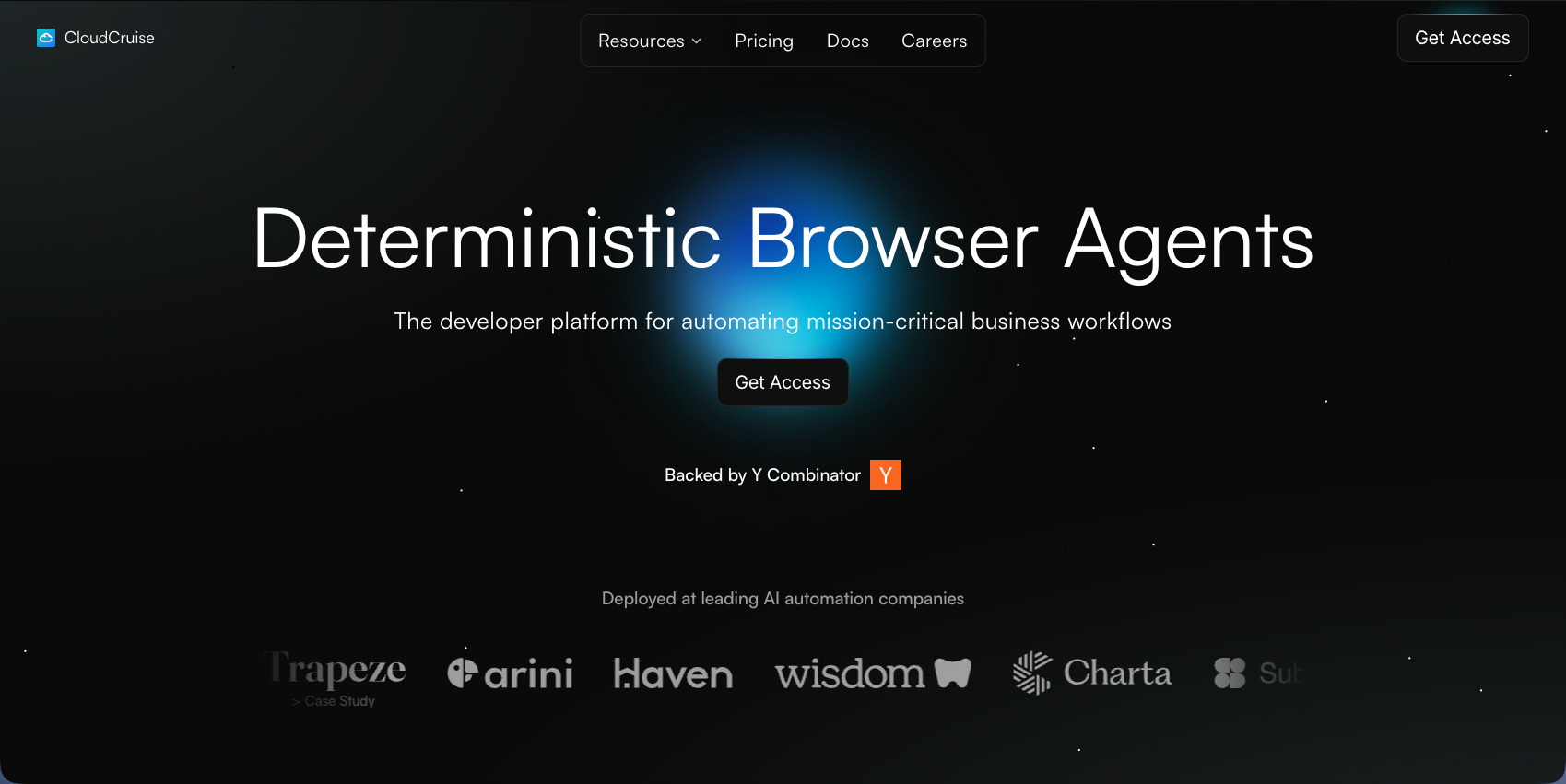
CloudCruise is an AI-enabled browser automation service that processes lists of items through step-by-step workflows using LLMs to interpret instructions. The service offers workflow recording, API triggering, and automatic workflow repair when website layouts change. Unlike Steel's explicit command approach, CloudCruise focuses on natural language workflow definitions with AI-powered adaptation.
Key Features
• Natural language workflow definitions that LLMs interpret and execute
• Automatic workflow repair when websites change layouts or structure
• List processing capabilities for batch automation across multiple items
• API-based triggering for programmatic workflow execution
• Workflow recording and replay with AI-powered element detection
Limitations
• Focuses on workflow API creation instead of full automation features
• Lacks built-in data extraction with structured schema support
• No native form filling intelligence for complex multi-field scenarios
• Limited documentation on authentication handling like 2FA and TOTP
• Does not provide open-source self-hosting options
Bottom Line
CloudCruise is best for developers building browser agents that need flexible workflow definitions and teams automating list-based tasks across multiple websites. It suits engineering teams wanting AI-powered adaptation without maintaining brittle selectors, particularly for batch processing scenarios. Teams requiring complete automation features like native form filling, structured data extraction, and production-grade authentication would benefit more from full-featured alternatives like Skyvern that combine LLM reasoning with complete workflow automation capabilities.
Feature Comparison: Steel vs Top Alternatives
Here's how Steel compares against leading alternatives:
Feature | Steel | Skyvern | Browserbase | Airtop | Browse AI | Axiom | CloudCruise |
|---|---|---|---|---|---|---|---|
LLM-Powered Visual Understanding | No | Yes | No | Yes | Limited | No | Yes |
Open Source Option | Yes | Yes | No | No | No | No | No |
Native Form Filling | No | Yes | No | No | No | Limited | No |
Automatic CAPTCHA Solving | Yes | Yes | Yes | Yes | Limited | No | No |
Multi-Step Workflow Chaining | No | Yes | No | Limited | No | Yes | Yes |
Proxy Network Support | Yes | Yes | Yes | Yes | No | No | No |
2FA and TOTP Support | No | Yes | No | Yes | No | No | No |
Structured Data Extraction | Yes | Yes | No | Yes | Yes | Yes | No |
Adapts to Layout Changes | No | Yes | No | Yes | Limited | No | Yes |
Natural Language Control | No | No | No | Yes | No | No | Yes |
Steel and Skyvern are the only open-source options. Steel provides browser control with CAPTCHA handling and proxy support but requires explicit commands that break when websites change. Skyvern, though, combines LLM-powered visual understanding with native form filling, authentication management, and workflow chaining. This allows production workflows to adapt to website changes without manual maintenance.
Why Skyvern is the Best Steel Alternative
Skyvern tackles Steel's brittleness by replacing explicit browser commands with LLM-powered visual understanding. Where Steel scripts break with website layout changes, Skyvern adapts automatically without XPath maintenance or selector updates. Organizations implementing AI-powered automation report an average ROI of 171%, with enterprises achieving up to 70% cost reduction through workflow automation. Steel provides browser control but lacks production necessities like anti-bot detection, authentication management, and workflow orchestration. Skyvern includes built-in 2FA, TOTP, CAPTCHA solving, proxy networks, and multi-step workflow chaining.
Skyvern handles complex scenarios that Steel can't manage. It infers form field mappings, understands product equivalents across vendor sites, and reasons through eligibility requirements without manual configuration.
The service includes explainable AI with decision justifications, live viewport streaming for debugging, and managed cloud execution with parallel processing. An open-source version offers self-hosted deployment.
Final Thoughts on Browser Automation Tools
When you're comparing Steel alternatives, think about how often your target websites change layouts. Steel requires manual selector updates after each change, which creates ongoing maintenance work. Skyvern's LLM-powered approach adapts to layout changes automatically and includes the authentication features production workflows need.
FAQ
When should you consider moving away from Steel?
Consider alternatives if you're spending a lot of time maintaining broken selectors after website updates, need intelligent form filling across multiple sites, or require built-in authentication handling like 2FA and CAPTCHA solving that Steel doesn't provide.
What features should you look for first when comparing Steel alternatives?
Look for LLM-powered visual understanding that adapts to layout changes, native form filling with structured data extraction, built-in authentication management (2FA, TOTP, CAPTCHA), and multi-step workflow chaining for complex business processes.
How does Skyvern handle website changes differently than Steel?
Skyvern uses LLMs and computer vision to understand visual layouts instead of relying on explicit browser commands, so workflows continue working when websites change without requiring XPath updates or selector maintenance.
Can Steel handle complex workflows like product matching across vendor sites?
No. Steel requires explicit browser commands and lacks LLM-powered reasoning, so tasks requiring contextual understanding (product equivalents, eligibility determination, automatic field inference) need external systems or manual configuration.
What's the main difference between browser APIs like Steel and AI-powered automation tools?
Browser APIs require you to write explicit commands that break when sites change layouts, while AI-powered tools understand visual context and adapt automatically without script maintenance or selector updates.