
Best Layout-Resistant Browser Automation Tools for Dynamic Websites (February 2026)

You've built automation workflows that work beautifully until the target website pushes an update. Then you're spending hours debugging selector failures and remapping element IDs across multiple sites. Layout-resistant automation solves this by treating web pages the way humans do, understanding visual context instead of relying on brittle technical identifiers. We tested eight tools to find which ones genuinely handle dynamic websites without constant maintenance.
TLDR:
- Layout-resistant tools use computer vision and LLMs to adapt when sites redesign
- Traditional automation breaks during updates because it relies on fragile selectors
- Skyvern runs one workflow across multiple sites without custom code per portal
- AI-powered tools like Skyvern scored 85.8% on WebVoyager for complex workflows
- Open-source options give control while managed clouds handle anti-bot detection
What is Layout-Resistant Browser Automation?
Layout-resistant browser automation adapts to website changes without breaking when HTML structures, element IDs, or page layouts shift. Traditional tools rely on brittle XPath selectors or CSS identifiers that fail when developers update designs. According to recent studies, selector-based automation breaks frequently during routine website updates. AI-powered tools take a different approach. They interpret pages through computer vision and LLMs, identifying elements by visual context and text content instead of exact positions. When sites redesign their checkout flow, these tools adapt without manual intervention, reducing maintenance overhead.
How We Ranked Layout-Resistant Browser Automation Tools
We tested each tool against four criteria that matter when sites change without warning:
- First, we looked at DOM mutation handling. Does it recover when a button moves or a form field gets renamed? Choosing the right browser automation tool depends on these recovery capabilities. Tools relying on element IDs fail here while vision-based approaches keep working.
- Second, we checked XPath dependency. If you need to map selectors for each site, maintenance costs spiral. The best tools identify elements through visual understanding instead.
- Third, we assessed multi-site flexibility. Can one workflow run across different vendor portals without rewriting code? This separates AI-driven tools from traditional recorders.
- Fourth, we assessed complex workflow support like 2FA, file downloads, and conditional logic.
We based rankings on public documentation, disclosed benchmarks, and architectural approaches.
Best Overall Layout-Resistant Automation: Skyvern
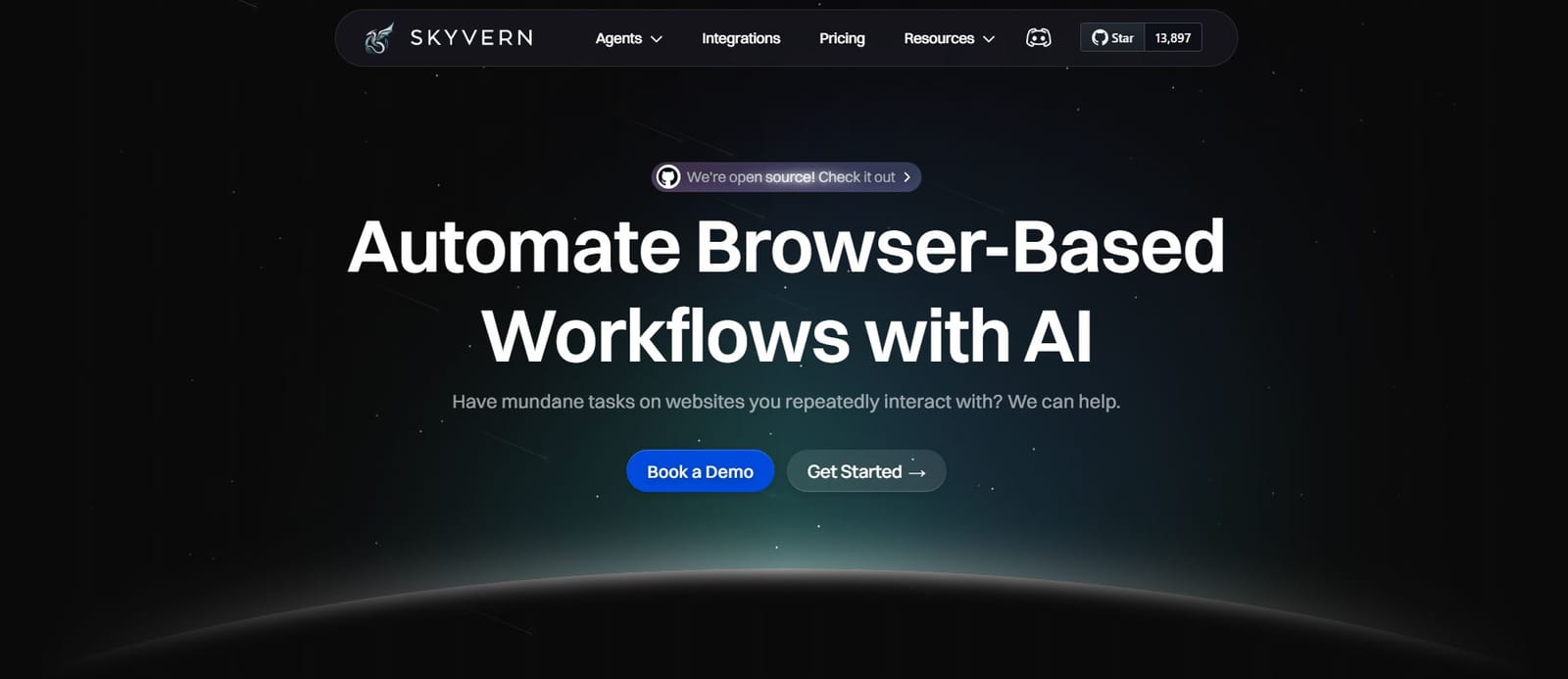
We built Skyvern to solve the exact problem that makes traditional automation frustrating: websites change, and your scripts break. Our tool uses LLMs and computer vision to interact with pages the way a human would, looking at what's visible instead of hunting for fragile element IDs.
The difference shows up when you're automating across multiple vendor sites. Write your workflow once, and it runs everywhere without customizing selectors for each portal. When those sites redesign their interfaces, your automation keeps working.
Our features include computer vision and LLM-powered automation that adapts to websites you've never configured, zero XPath dependencies so layout changes don't break workflows, built-in 2FA and CAPTCHA solving, an open source core with managed cloud options, and API access with structured extraction to JSON or CSV.
We're the right choice if you're automating procurement across vendor portals, pulling invoices from sites without APIs, or managing repetitive browser work across multiple websites.
Browserbase
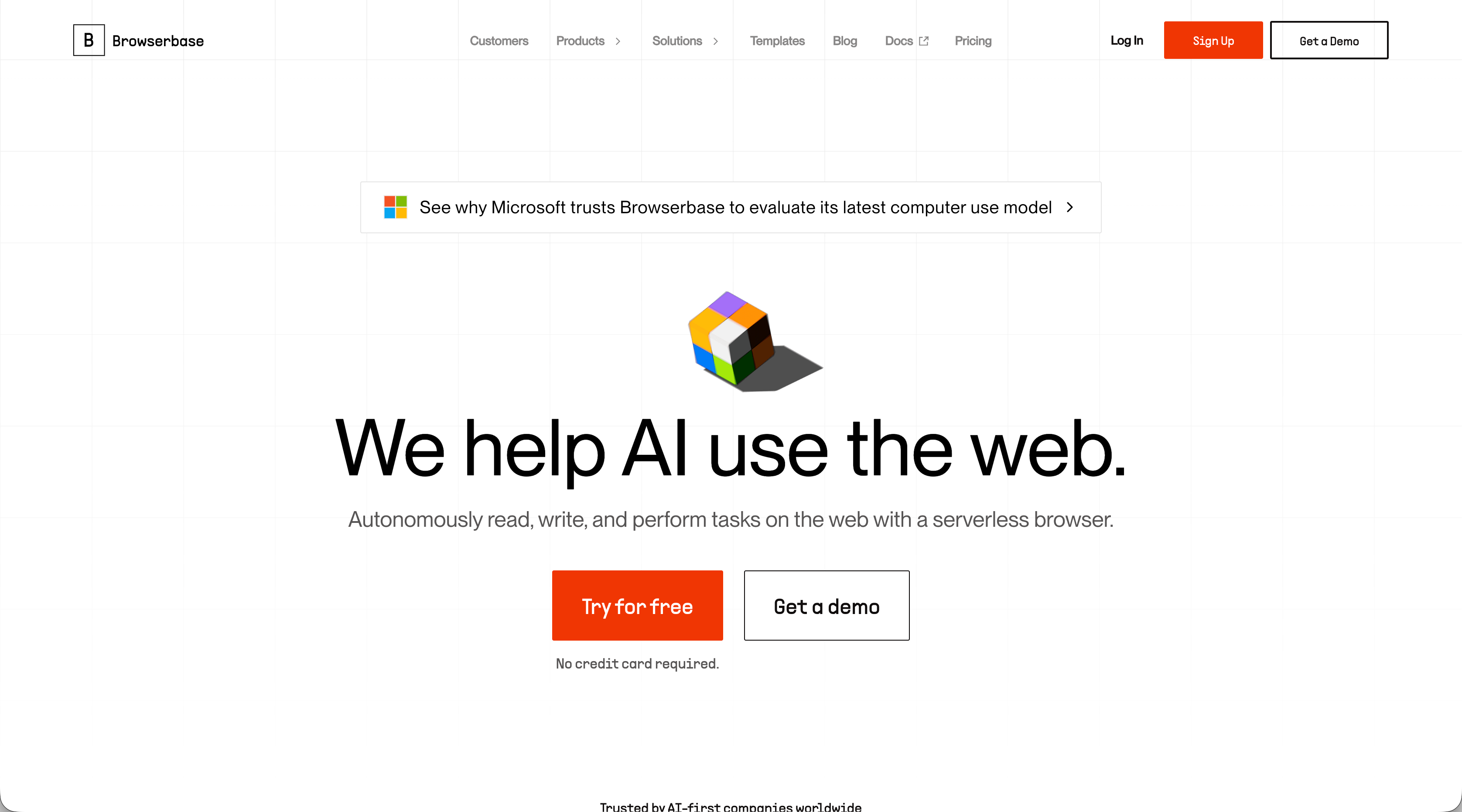
Browserbase offers serverless headless browser infrastructure built for teams running Playwright and Puppeteer scripts in the cloud. Their service includes anti-bot detection, CAPTCHA handling, and session recording for debugging. They also provide Stagehand, a framework that blends traditional scripting with AI agent capabilities. This works well if you're already writing Playwright or Puppeteer automation and need reliable cloud infrastructure to scale those scripts. The problem is you're still maintaining site-specific code that breaks when layouts change.
Browserbase gives you better hosting for your scripts, but you're writing those scripts for each website. Skyvern removes that burden by understanding pages visually, so one workflow runs everywhere without ongoing maintenance when sites redesign.
Airtop
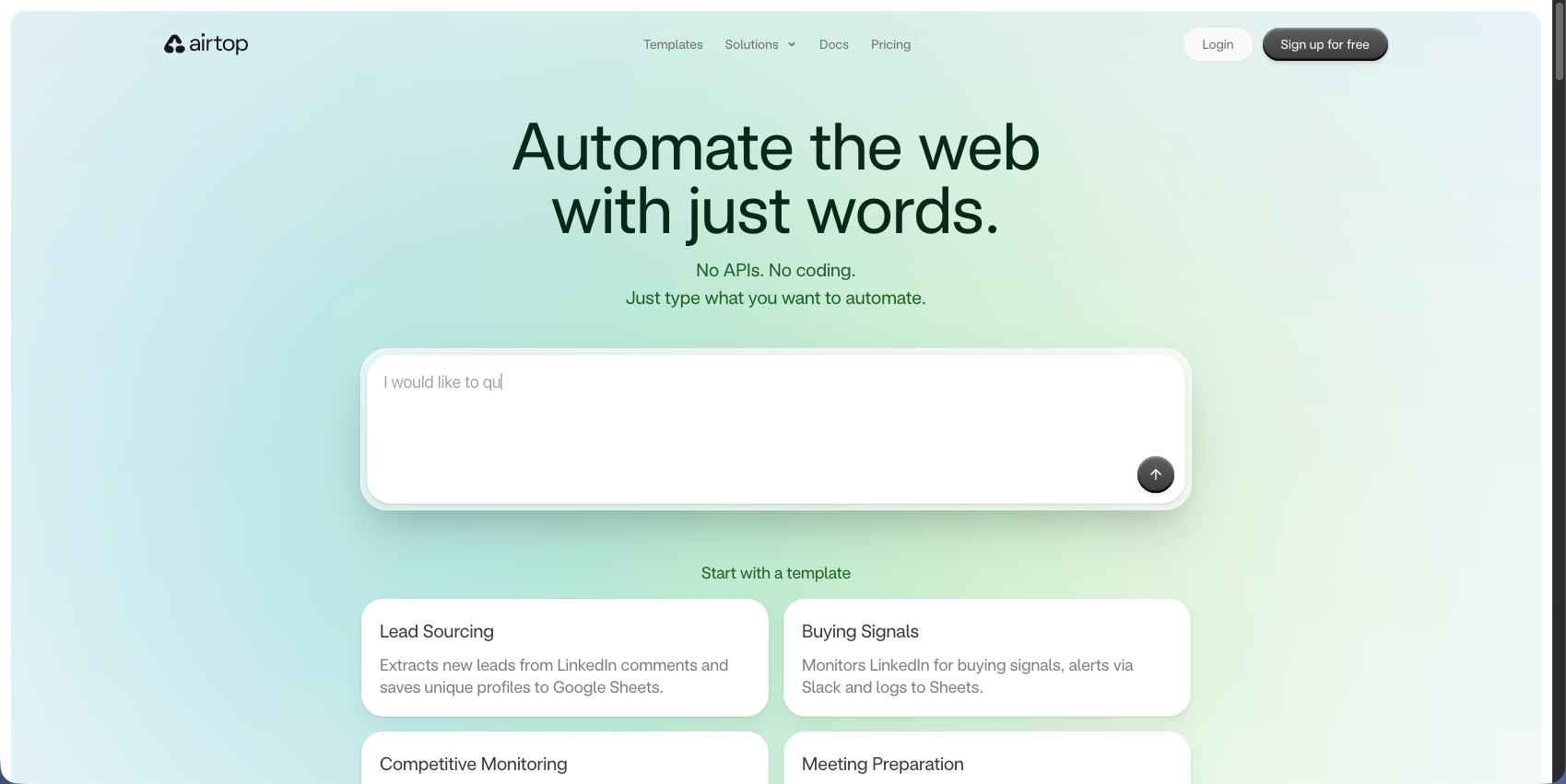
Airtop provides cloud browser automation through natural language commands, letting AI agents control websites with conversational instructions instead of traditional selectors. Their service handles complex authentication including OAuth and 2FA, runs cloud browser sessions with proxy support, and connects with LangChain for AI workflows. This approach works for teams building AI agents that need browser access through conversational control. The downside is Airtop focuses on individual actions instead of full workflow orchestration, and it lacks the native form-filling intelligence and structured extraction that handle complex multi-step processes.
Airtop gives you natural language control, but Skyvern delivers complete workflow automation with reasoning that handles procurement, form filling, and data extraction across multiple sites.
Browser Use
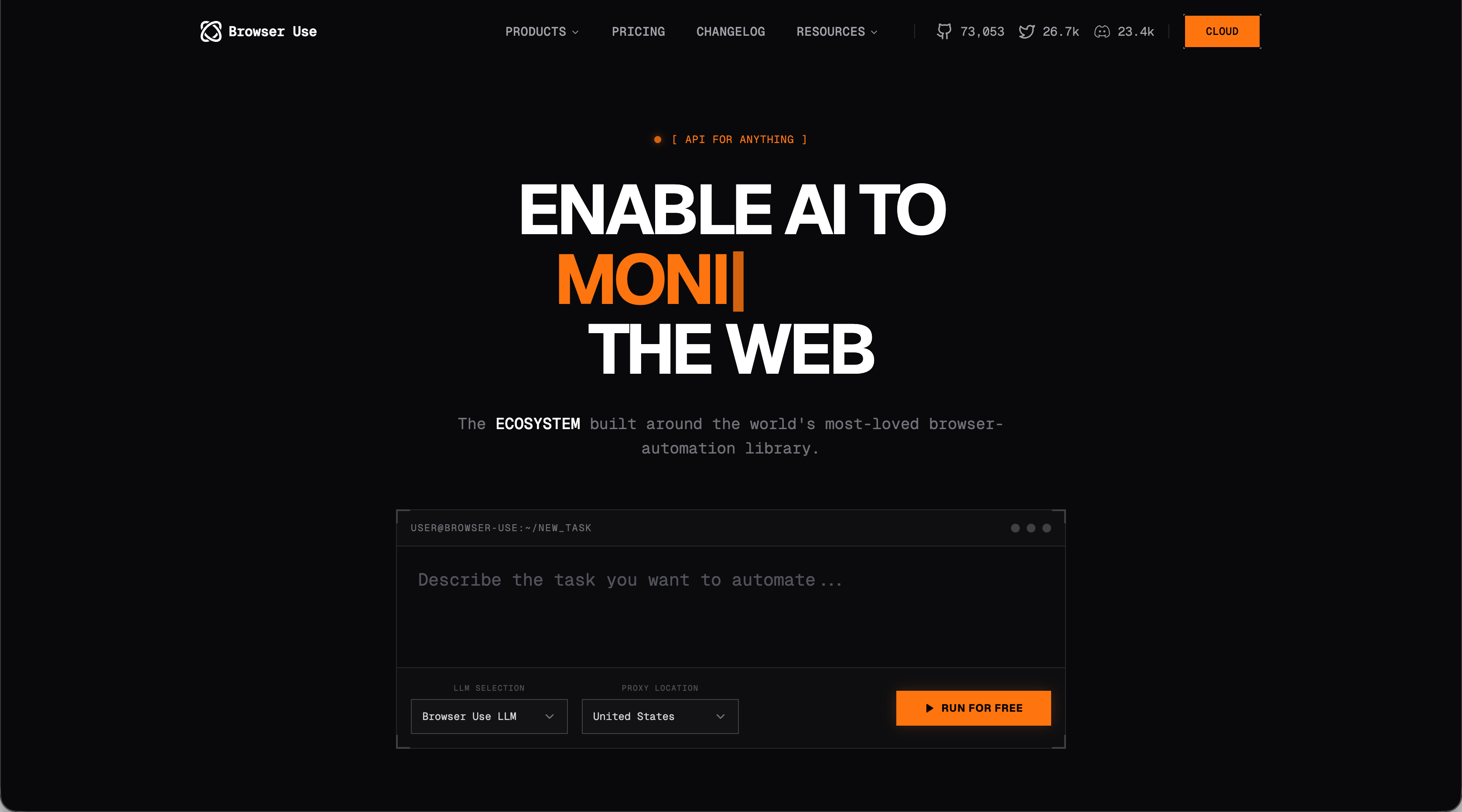
Browser Use is an open-source Python library that connects LLMs to browser controls through function calling, built on Playwright. It combines DOM parsing with vision-based analysis to identify elements, giving Python developers full control over their automation code and LLM selection. This works if you're comfortable writing custom Python integrations and want complete control over your setup. The tradeoff is you're building everything from scratch. Browser Use gives you the building blocks, but you need to handle workflow orchestration, 2FA, and production deployment yourself.
Skyvern gives you those production features ready to go, along with workflow builders and better performance on complex reasoning tasks, whether you prefer our SDK or no-code approach.
Stagehand
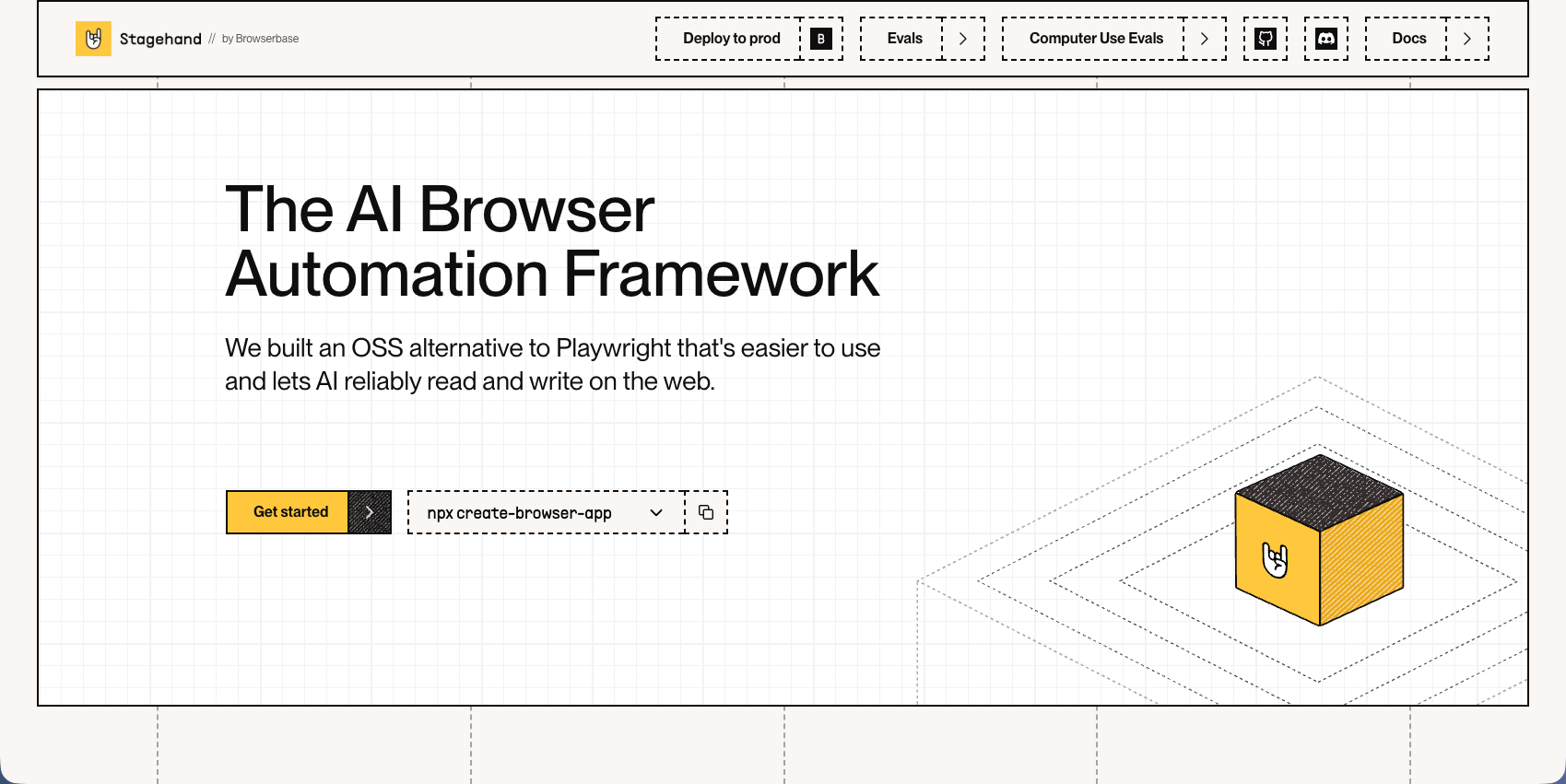
Stagehand is Browserbase's framework that lets developers mix Playwright code with AI actions. You write explicit commands for predictable steps, then invoke AI when page structures become unpredictable. Their auto-caching remembers element locations to skip LLM calls on repeat visits, and self-healing kicks in only when cached actions fail.
This fits teams that want control over critical workflow steps but need AI backup when sites behave unexpectedly. The catch is you're still coding each workflow and deciding where AI helps versus where scripts run. Skyvern handles that decision-making autonomously, running visual reasoning across sites without requiring developers to map out every scenario.
Steel
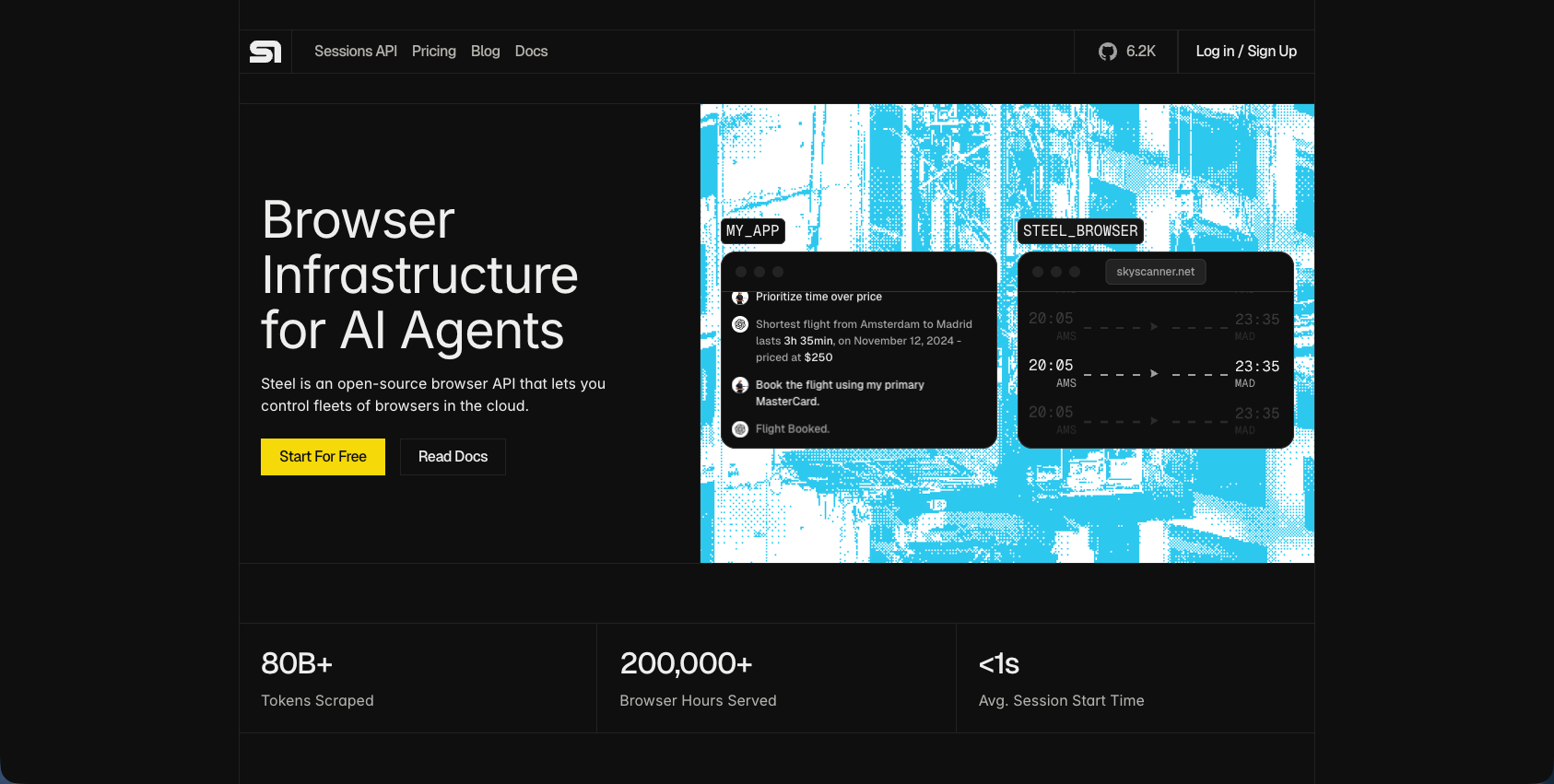
Steel provides API-based browser control infrastructure focused on web scraping and automation at scale. Their service handles programmatic browser control with session management and maintains session persistence across requests. This works for teams needing API-controlled browser infrastructure for web scraping projects where site structures stay predictable. The limitation is Steel lacks visual understanding and workflow orchestration capabilities. You're building all automation logic yourself and handling layout changes manually.
Steel delivers browser infrastructure but not intelligent automation. Skyvern provides workflow automation that adapts to website changes without requiring custom code for each site, backed by AI-powered reasoning that handles complex scenarios autonomously.
Axiom
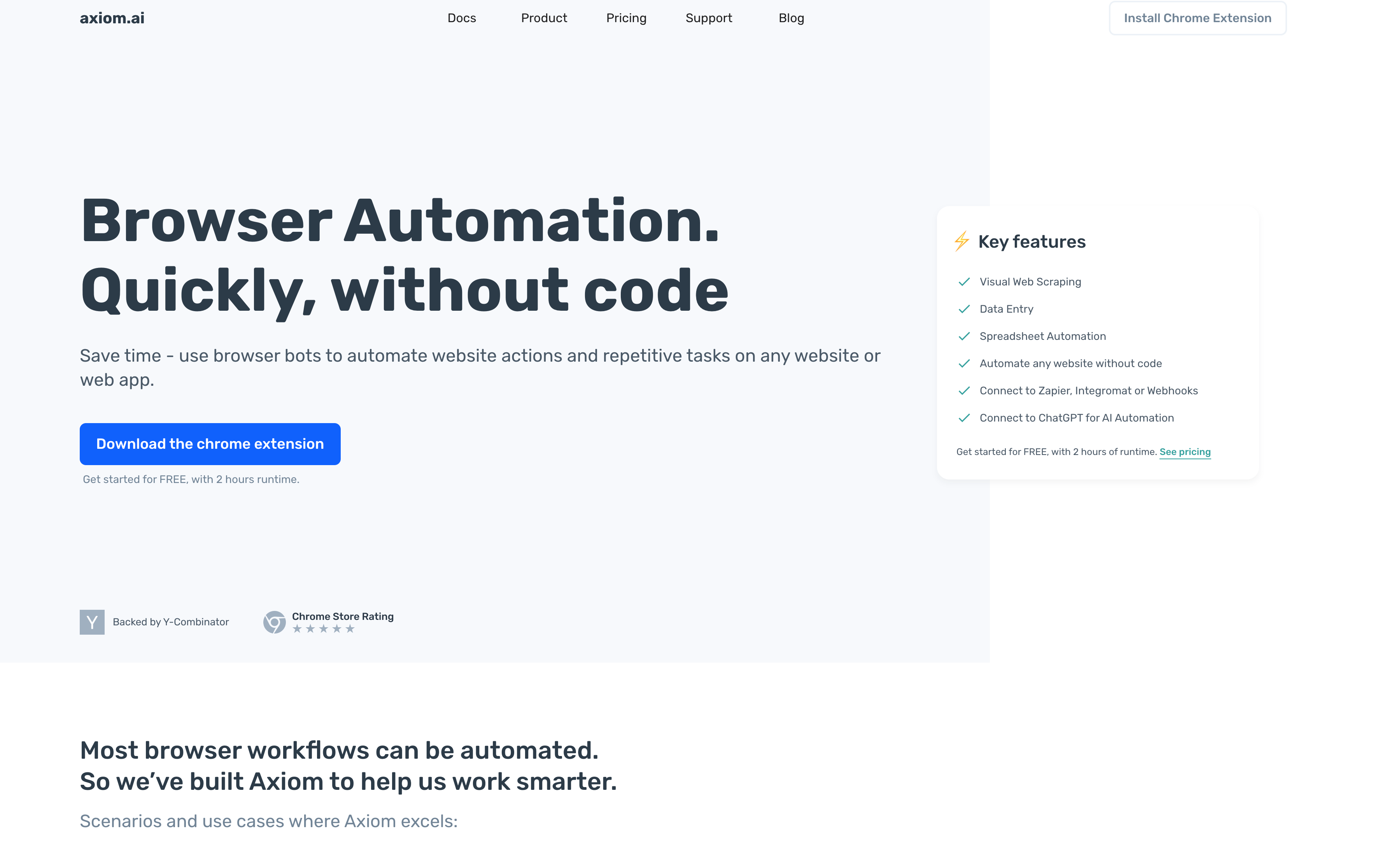
Axiom is a no-code browser RPA tool delivered as a Chrome extension that lets users record browser actions to create automation bots. Their service includes visual web scraping, data entry automation, and connections to Zapier, Google Sheets, and webhooks. This works for non-technical users automating simple, repetitive tasks on stable websites where quick setup matters more than adaptability. The limitation is Axiom relies on recorded selectors that break when websites change their structure, requiring manual re-recording. It also lacks AI reasoning needed for complex workflows across sites with varying layouts.
Browse AI
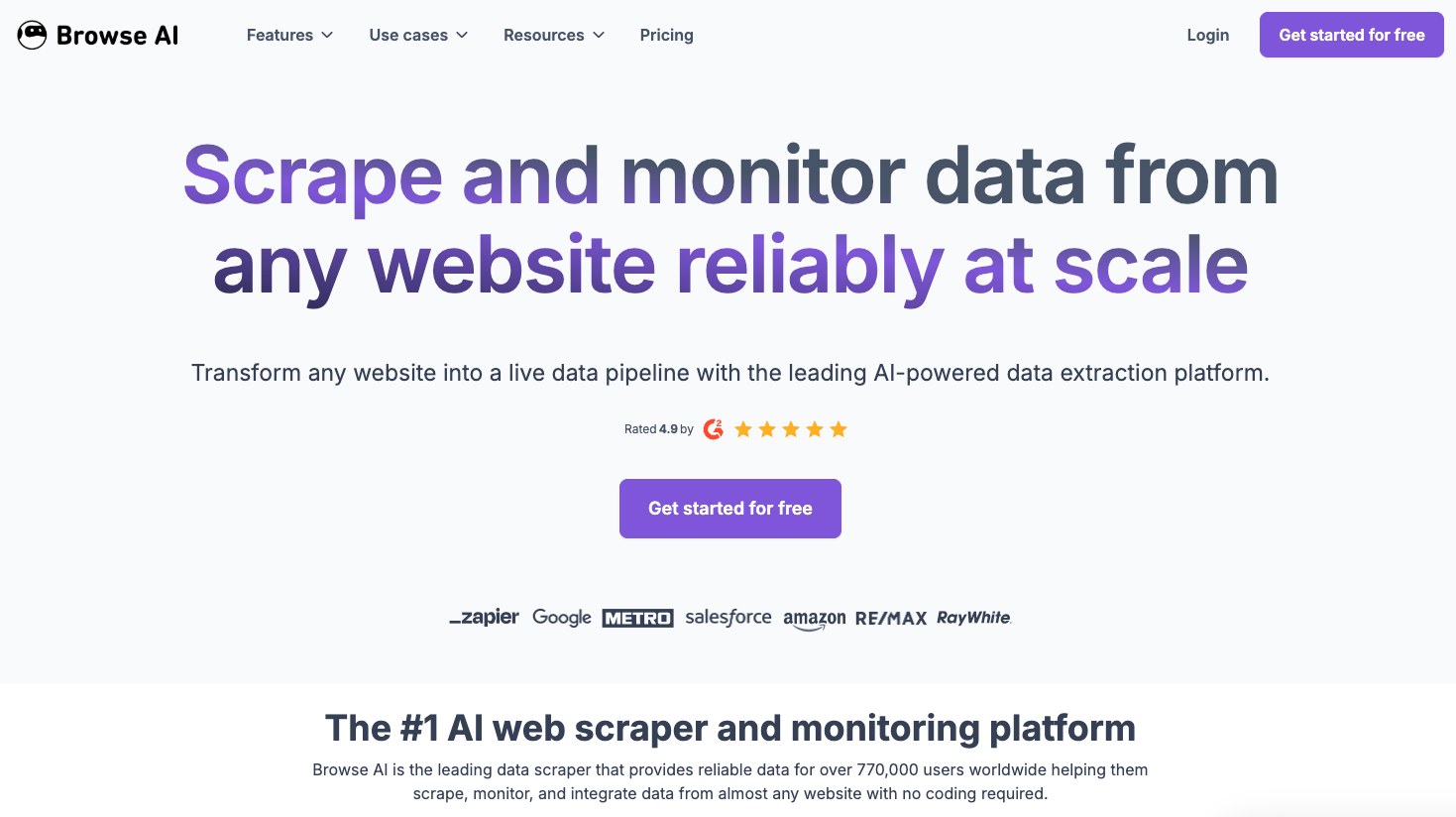
Browse AI provides no-code web scraping and monitoring through a visual interface where you train data extraction robots by clicking through websites. Their service detects data patterns automatically and runs scheduled checks for website changes. They offer prebuilt templates for popular websites, making it easy for business users to extract data without writing code. This works if you're monitoring specific sites for data changes on a regular schedule. The limitation is Browse AI only handles extraction and monitoring, not complete workflow automation. You can't run authentication flows, fill forms, or chain multi-step processes.
Feature Comparison Table of Layout-Resistant Browser Automation Tools
Tool | Core Approach | Layout Resistance | Workflow Depth | Coding Required | Multi-Site Reuse | Strengths | Limitations | Best For |
|---|---|---|---|---|---|---|---|---|
Skyvern | LLM + computer vision automation | Very high (visual reasoning, no XPath) | Full end-to-end workflows | Optional (SDK or no-code) | Yes, single workflow across sites | Visual understanding, built-in 2FA/CAPTCHA, structured extraction, open core + cloud | Newer ecosystem vs incumbents | Procurement, multi-portal automation, invoice extraction |
Browserbase | Serverless browser infrastructure + Stagehand | Low-moderate (infra layer only) | Depends on scripts | Yes | No (per-site scripts) | Scalable hosting, anti-bot handling, debugging tools | Still maintaining brittle selectors | Teams already running Playwright/Puppeteer at scale |
Airtop | Natural language browser control | Moderate (AI-assisted actions) | Medium (agent actions, not orchestration) | Low-moderate | Limited | Conversational automation, OAuth/2FA handling, LangChain integration | Less workflow orchestration, weaker structured extraction | AI agent builders needing browser access |
Browser Use | Open-source Python + Playwright + LLMs | Moderate-high (vision + DOM) | Medium (DIY workflows) | Yes (Python) | Possible but manual | Full control, open source, flexible model choice | Requires building orchestration, auth, deployment | Dev teams wanting customizable LLM browser agents |
Stagehand | Hybrid scripting + AI fallback | Moderate (self-healing + caching) | Medium-high | Yes | Partial | Deterministic control + AI fallback, cost-saving caching | Manual workflow design, per-site logic | Devs blending scripted and AI automation |
Steel | API-controlled browser infrastructure | Low (no visual reasoning) | Low-medium | Yes | No | Session persistence, scraping infrastructure | No layout intelligence, DIY automation logic | Web scraping at scale with stable layouts |
Axiom | No-code RPA (record & replay) | Low (selector-based) | Low-medium | No | No | Fast setup, Zapier/Sheets integrations | Breaks on layout changes, limited reasoning | Non-technical users automating simple tasks |
Browse AI | No-code scraping robots | Low (pattern extraction focus) | Low (extraction only) | No | No | Easy data monitoring, templates | Not full automation (no auth or workflows) | Scheduled scraping and monitoring |
Why Skyvern is the Best Layout-Resistant Automation Tool
We're the only tool that truly solves layout resistance. Other options either require custom code per website, depend on brittle selectors, or limit you to simple use cases. We combine computer vision with LLM reasoning to handle any website you've never seen before, then adapt when those sites change. Our 85.8% WebVoyager benchmark score reflects real production performance across authentication, form filling, and multi-step workflows that other tools can't match. You write one workflow and run it across dozens of vendor portals without touching selectors or mapping elements. You get open-source flexibility when you need control and managed cloud when you need scale. No vendor lock-in, no hidden costs, no rewriting workflows every time a site updates its CSS.
Final Thoughts on Resilient Web Automation
Resilient web automation solves the problem that makes traditional tools frustrating to maintain. Sites change their layouts and your workflows keep running without intervention. We've seen teams cut their automation maintenance time by 80% just by switching to visual understanding instead of brittle selectors. Book a demo to walk through your specific workflows.
FAQ
How do I choose the right layout-resistant automation tool for my needs?
Start by identifying whether you need one workflow that runs across multiple websites or if you're automating a single site. If you're working across different vendor portals or sites you've never configured before, you need AI-powered visual understanding like Skyvern or Browser Use. If you're running existing Playwright scripts and just need better infrastructure, Browserbase works well.
Which tool works best for teams without coding experience?
Axiom and Browse AI offer no-code interfaces through Chrome extensions, but they rely on brittle selectors that break when websites change. Skyvern provides both no-code workflow builders and API access, giving you visual automation that adapts to layout changes without requiring manual re-recording when sites update.
Can these tools handle complex authentication like 2FA and CAPTCHA?
Skyvern, Browserbase, and Airtop all include built-in 2FA and CAPTCHA solving. Browser Use, Stagehand, Steel, Axiom, and Browse AI don't handle these authentication challenges natively, so you'll need to build that functionality yourself or use workarounds.
What's the main difference between AI-powered and traditional selector-based automation?
Traditional tools like Selenium and Playwright use XPath or CSS selectors that target specific element IDs or positions, breaking whenever developers update website layouts. AI-powered tools like Skyvern use computer vision and LLMs to identify elements by visual context and content, adapting automatically when sites redesign without requiring code changes.
When should I consider switching from traditional automation tools?
If you're spending hours maintaining scripts every time websites update their layouts, automating across multiple sites with different structures, or your current automation breaks frequently with "element not found" errors, layout-resistant tools will save you maintenance time and keep workflows running through website changes.