
Firecrawl Reviews, Pricing & Alternatives - January 2026 Update

If you're reading this Firecrawl review, you're probably trying to figure out whether the credit system and token subscriptions will cover your scraping needs or leave you scrambling for workarounds. The short answer is that Firecrawl excels at converting web pages into LLM-ready formats but stops short of workflow automation, form filling, and handling authentication. Here's what the alternatives offer when you need those capabilities built in.
TLDR:
- Firecrawl converts websites to LLM-ready formats but lacks workflow automation and uses dual pricing
- Alternatives range from data extractors to automation tools with varying self-healing capabilities
- Skyvern uses computer vision to automate complete workflows across multiple sites without selectors
- Single Skyvern workflow adapts to layout changes and handles auth, forms, and CAPTCHAs automatically
What is Firecrawl and How Does It Work?
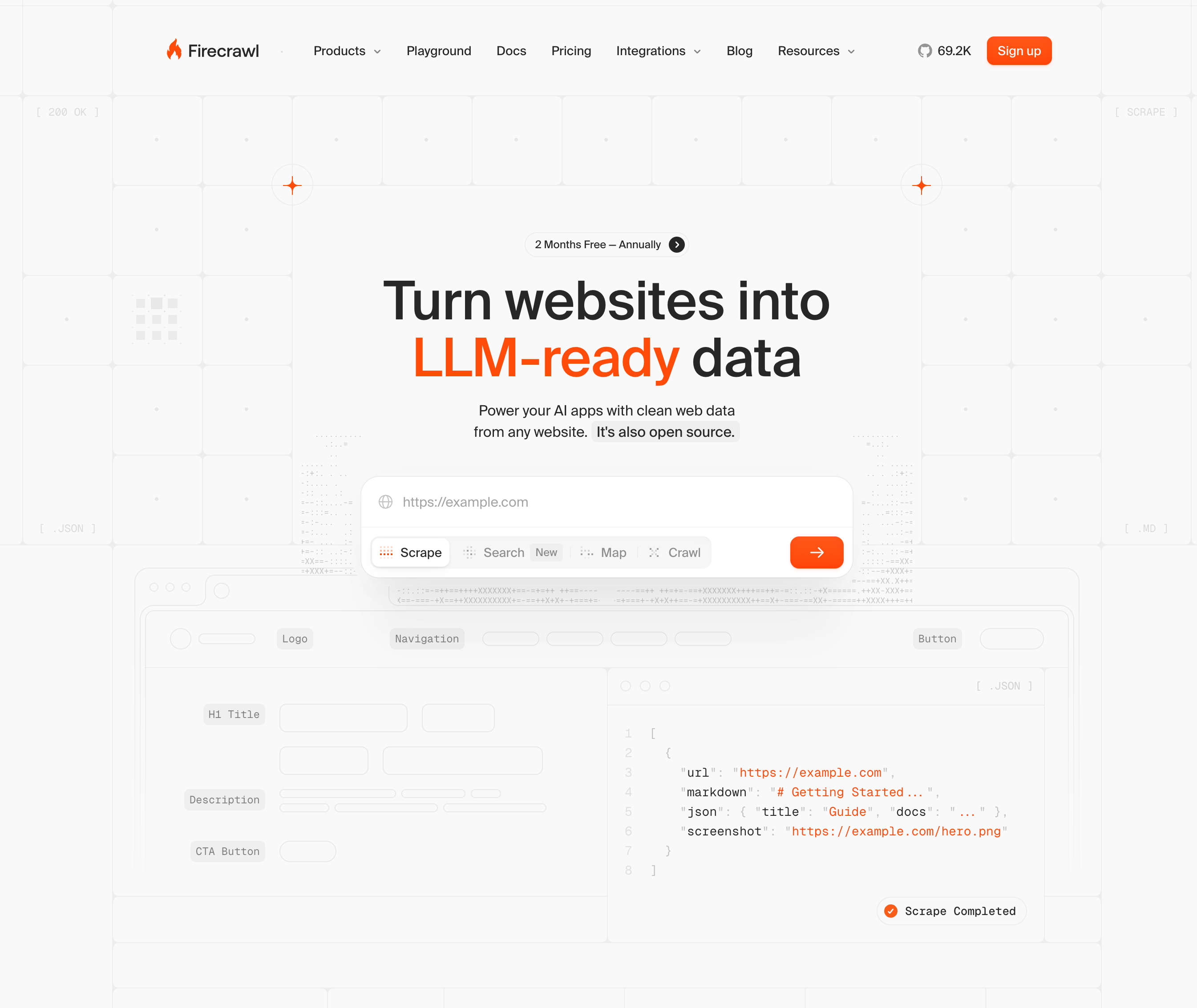
Firecrawl is an API-first web crawler built by Mendable.ai that converts websites into LLM-ready data formats like markdown and JSON. The service handles web scraping infrastructure for AI applications, RAG systems, and data pipelines. The service provides four core API endpoints:
- Scrape extracts data from single pages,
- Crawl processes entire websites,
- Map identifies URLs across a domain, and
- Extract pulls structured data using AI-driven extraction.
Firecrawl automatically determines whether to spin up a headless browser based on the page content. For JavaScript-heavy sites or single-page applications, it waits for dynamic elements to load before extracting data. The service filters out navigation menus, ads, and other noise automatically. Instead of writing CSS or XPath selectors that break when websites change their layout, Firecrawl uses semantic descriptions to locate and extract data. This approach works across different site structures without requiring custom code for each domain.
The service targets developers who need web data at scale for AI workflows through API calls, not non-technical users looking for a visual scraping tool.
Why Consider Firecrawl Alternatives?
There are four core reasons why you might want to consider alternatives to Firecrawl:
- Firecrawl's AI-powered extract feature runs on a separate token-based subscription. This subscription starts at $89 per month for 18 million tokens annually, independent from the credit-based scraping plans. This dual pricing structure creates unexpected costs if you assume your monthly credits cover all functionality.
- The service enforces strict rate limiting across subscription tiers. Single page scrapes cost 1 credit, while crawl and map operations consume 1 credit per page. Lower-tier plans cap crawls at 50 pages maximum, which creates problems for large e-commerce catalogs, news sites with deep archives, or documentation with complex hierarchies.
- The open-source version isn't production-ready for self-hosting. The project remains under active development, with self-hosted endpoints behaving differently than cloud versions. Key features like proxy rotation, dashboards, and bot protection bypasses stay cloud-only and closed-source.
- Firecrawl excels at web-to-markdown conversion for developers building AI applications at small to medium scale. But if you need unlimited crawling depth, predictable all-in-one pricing, production-ready self-hosting, or automation beyond data extraction, you'll need to look elsewhere. Firecrawl lacks native workflow automation, form filling, and complex multi-step browser interactions.
Skyvern (Best Alternative)
Skyvern uses computer vision and LLMs to interpret web pages visually instead of relying on DOM selectors or XPaths. A single workflow runs across multiple websites without modification and adapts automatically when layouts change. The service handles form filling, authentication, 2FA/TOTP, and CAPTCHA solving without pre-configured selectors.
Key Features
- Computer vision-based page interpretation that works on websites never seen before without custom code
- Single workflow applicable across multiple websites without requiring site-specific modifications
- Self-healing automation that stays resistant to website layout changes through visual understanding
- Built-in authentication handling including 2FA, TOTP, and CAPTCHA solving capabilities
- Native form filling and data extraction with structured schema support for complex workflows
Limitations
- Requires API integration instead of providing a visual no-code interface for non-technical users
- Cloud-based managed service may not suit teams requiring fully on-premise deployments
- Learning curve for teams transitioning from traditional selector-based automation approaches
- Performance depends on LLM response times for complex reasoning and decision-making tasks
- Open-source version requires technical expertise to self-host and maintain infrastructure
Bottom Line
Skyvern works best for companies automating workflows across multiple unfamiliar websites and teams dealing with frequent website changes. The service suits organizations handling materials procurement, invoice downloading, and form filling across vendor portals where traditional automation breaks regularly. Teams needing complete workflow automation with built-in intelligence that adapts to layout changes without maintenance will benefit most from Skyvern's computer vision approach.
Stagehand
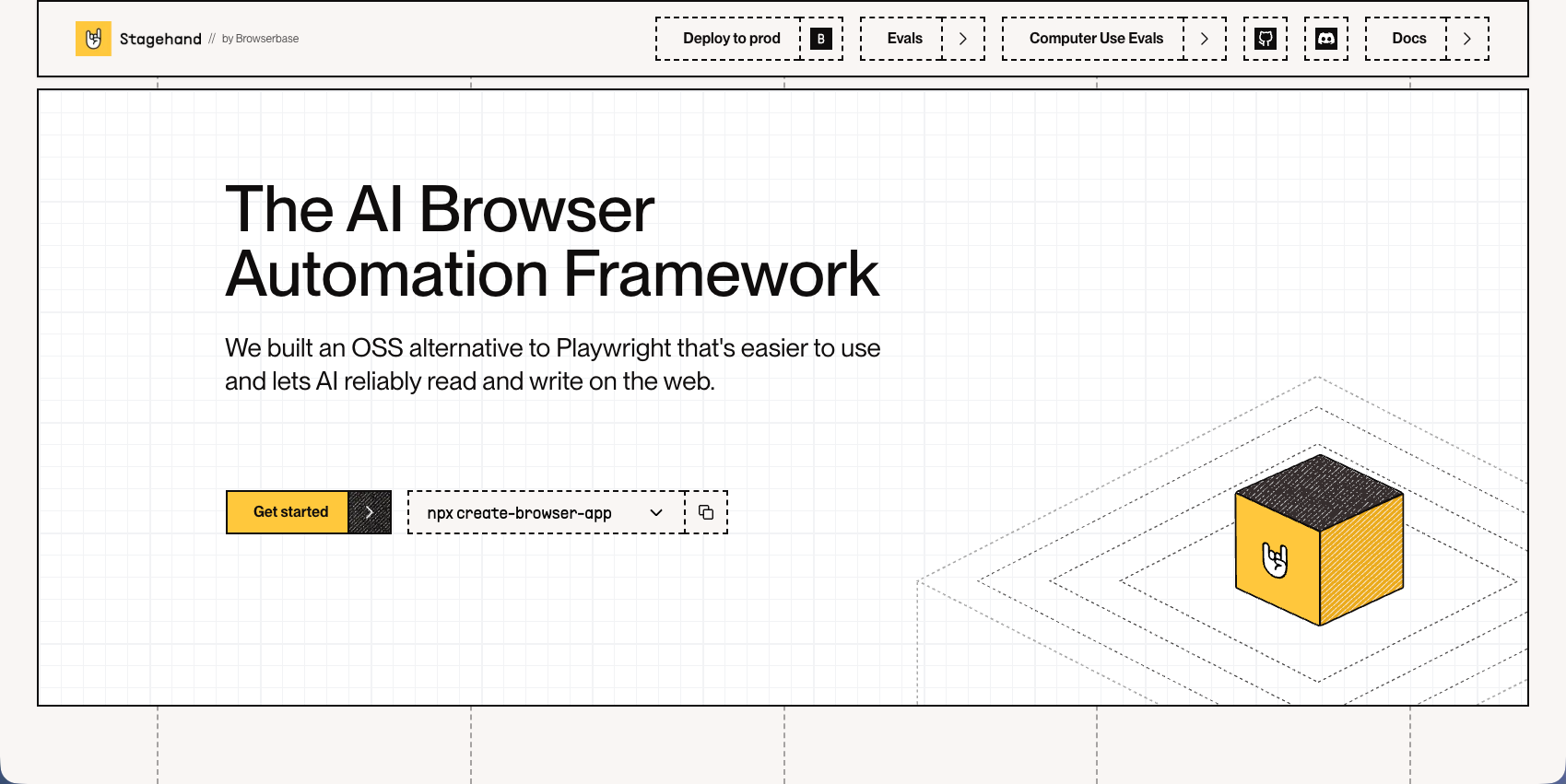
Stagehand is an open-source framework that controls browsers through natural language commands and code using act(), extract(), and agent() APIs. Built on Playwright, it offers self-healing automation by caching successful actions and adapting when websites change their structure. The MIT-licensed tool works best with language models that support structured output but requires Browserbase credentials or self-hosted infrastructure for production deployments.
Key Features
- Natural language browser control through three core APIs: act() for interactions, extract() for data retrieval, and agent() for autonomous workflows
- Self-healing automation that caches successful actions and adapts to website layout changes without manual script updates
- Built on Playwright for reliable browser control with support for Chromium, Firefox, and WebKit engines
- Open source with MIT license allowing full customization and transparency for development teams
- Structured output support for precise data extraction when paired with compatible language models
Limitations
- Requires separate infrastructure setup through Browserbase or self-hosting, adding deployment complexity
- Depends on underlying selectors despite natural language interface, making it vulnerable to breaking when websites restructure
- Lacks built-in authentication handling for complex workflows requiring 2FA or TOTP verification
- No native CAPTCHA solving capabilities, requiring third-party integrations for bot-protected sites
- Performance and reliability vary based on which language model you choose for the framework
Bottom Line
Stagehand works best for development teams comfortable with code-based automation who want self-healing capabilities without vendor lock-in. The framework suits technical teams building custom automation solutions with full control over their infrastructure and workflows. Organizations already using Playwright will benefit most from Stagehand's natural language layer, while teams needing turnkey solutions with built-in authentication and CAPTCHA handling should consider managed alternatives.
Hyperbrowser AI
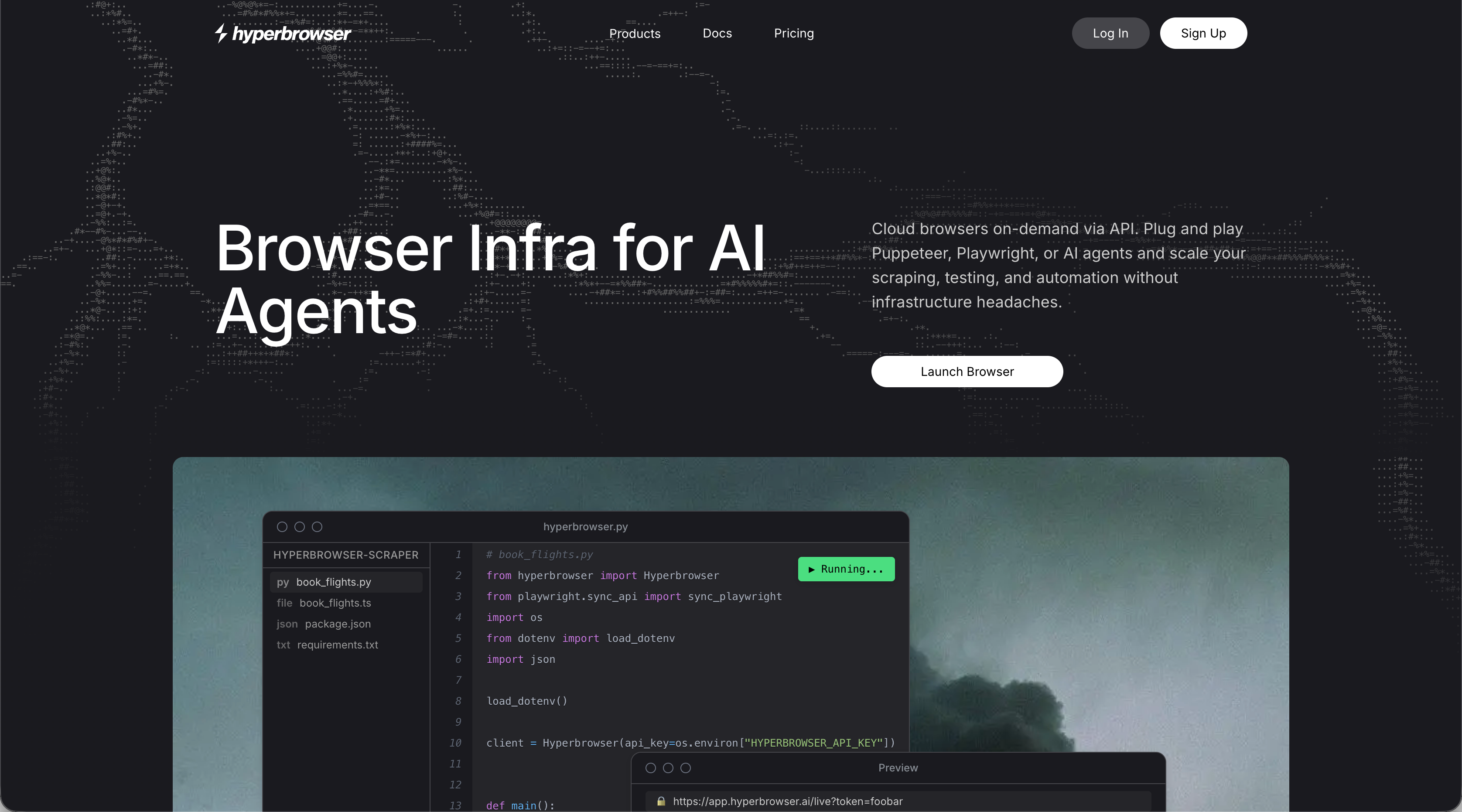
Hyperbrowser AI provides cloud-based headless browsers with stealth features, anti-bot detection, and automatic CAPTCHA solving. The service integrates with Puppeteer, Playwright, and Selenium for high-volume scraping operations. Handles infrastructure but requires traditional selector-based scripts that break with website changes.
Key Features
- Cloud-based headless browsers with built-in stealth features and anti-bot detection capabilities
- Automatic CAPTCHA solving for handling bot-protected websites without manual intervention
- Native integration with popular automation frameworks including Puppeteer, Playwright, and Selenium
- Managed infrastructure that handles browser scaling and maintenance for high-volume operations
- Credit-based pricing model that scales with usage for scraping projects
Limitations
- Requires traditional selector-based scripts that break when websites change their layouts
- No AI-powered workflow automation or intelligent decision-making capabilities included
- Lacks native form filling features for complex multi-step workflows
- No built-in authentication handling for 2FA or TOTP verification processes
- Focuses solely on data extraction without end-to-end workflow automation support
Bottom Line
Hyperbrowser AI works best for teams running high-volume scraping operations who need managed infrastructure with anti-bot features. The service suits developers comfortable writing and maintaining selector-based scripts who want to avoid infrastructure management. Organizations needing intelligent workflow automation, form filling, or self-healing capabilities that adapt to website changes should consider alternatives with AI-powered browser control.
Airtop
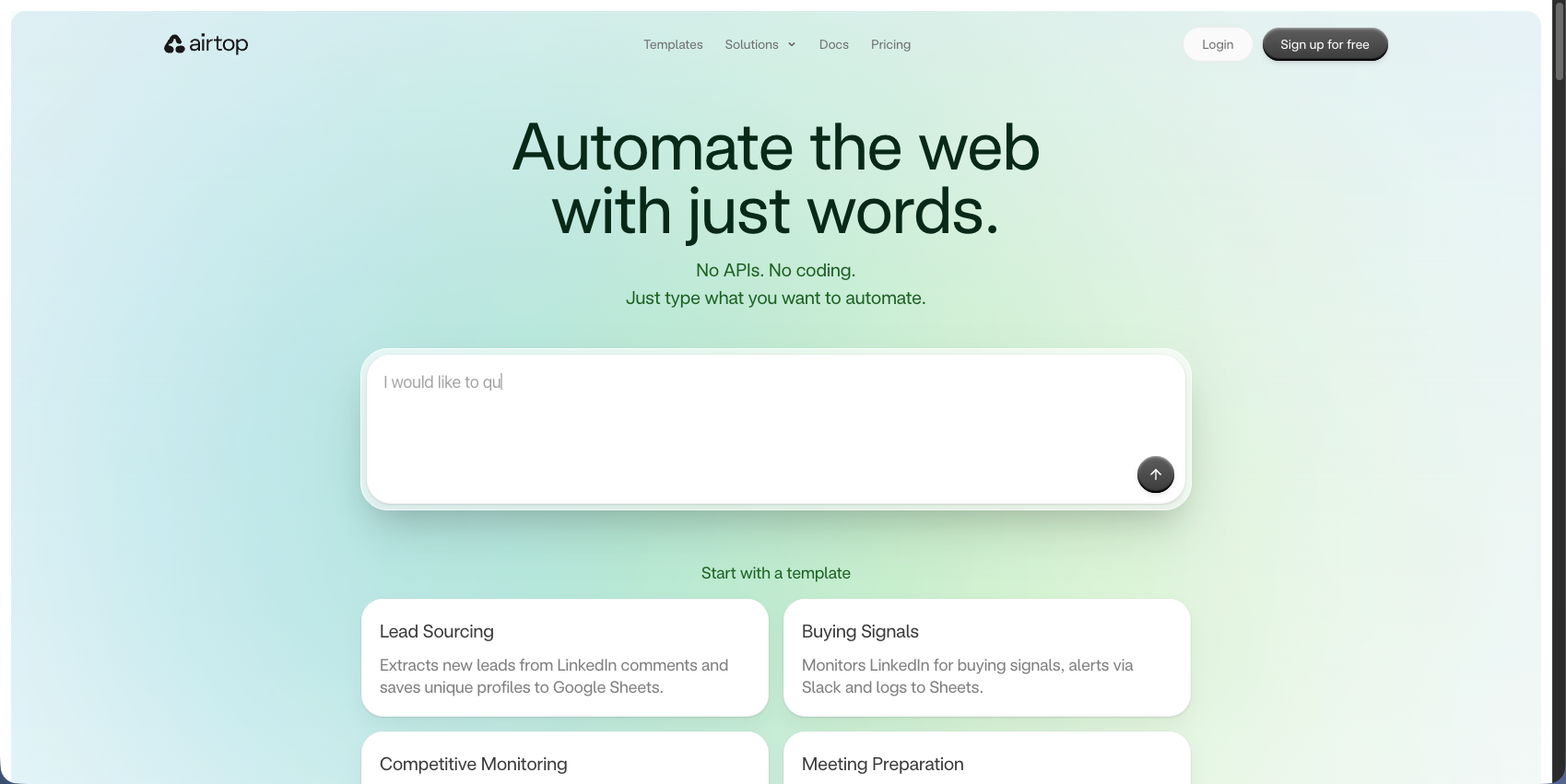
Airtop controls browsers through natural language commands and automatically handles OAuth, 2FA, and CAPTCHAs. Cloud-based browsers include proxy support and integrate with LangChain and LangGraph for AI-powered workflows. Region-locked authentication can cause workflow failures when proxy location doesn't match required geography.
Key Features
- Natural language browser control with AI-powered command interpretation for workflow automation
- Built-in authentication handling including OAuth, 2FA, and TOTP verification without manual intervention
- Automatic CAPTCHA solving integrated directly into the cloud-based browser infrastructure
- Native integrations with LangChain and LangGraph for building complex AI agent workflows
- Proxy support with geographic targeting for accessing region-specific content and services
Limitations
- Natural language prompts still rely on underlying selectors that can break with website changes
- Region-locked authentication workflows may fail when proxy location doesn't match required geography
- No visual understanding capabilities for interpreting pages beyond selector-based interactions
- Limited self-healing automation compared to computer vision approaches that adapt to layout changes
- Pricing structure and tier details not publicly transparent for cost planning
Bottom Line
Airtop works best for teams building AI agent workflows who need managed infrastructure with built-in authentication handling. The service suits developers already using LangChain or LangGraph who want to add browser automation capabilities without managing infrastructure. Organizations requiring workflows that adapt to frequent website changes or work across unfamiliar sites without configuration should consider alternatives with visual understanding capabilities.
Browserbase
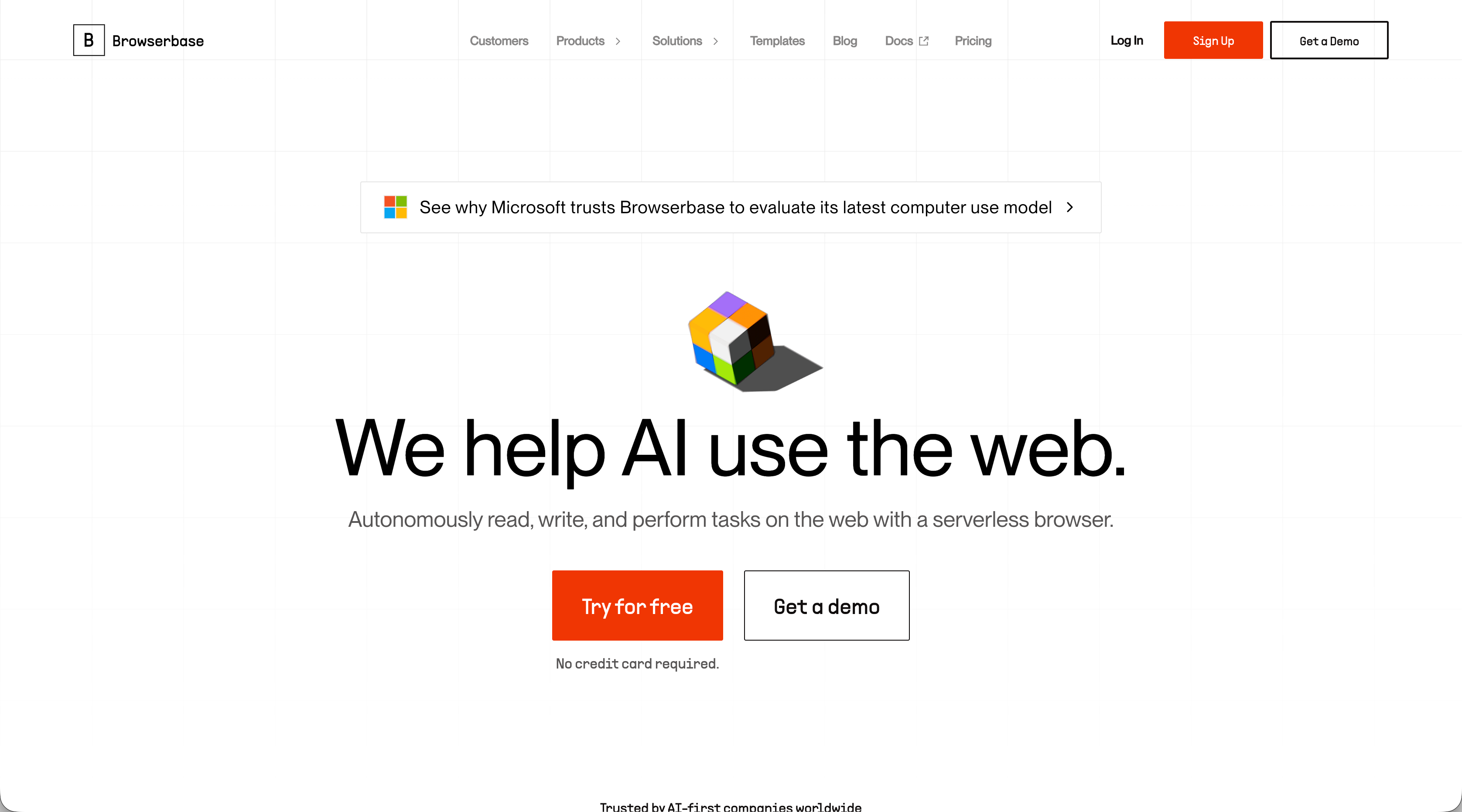
Browserbase offers serverless infrastructure for spinning up thousands of browsers with session persistence and debugging tools including live view and session replay. Integrates with Playwright, Puppeteer, and Selenium. Provides browser infrastructure without intelligent automation, requiring you to build workflow logic and maintain scripts manually.
Key Features
- Serverless browser infrastructure that scales to thousands of concurrent browser sessions automatically
- Session persistence capabilities for maintaining state across multiple automation steps
- Built-in debugging tools including live view and session replay for troubleshooting workflows
- Native integration with popular frameworks including Playwright, Puppeteer, and Selenium
- Managed infrastructure that eliminates browser maintenance and scaling concerns
Limitations
- Provides only infrastructure without AI-powered workflow automation or intelligent decision-making
- Requires writing and maintaining traditional selector-based scripts that break with website changes
- No built-in form filling, authentication handling, or CAPTCHA solving capabilities
- Lacks self-healing automation features that adapt to website layout changes automatically
- Teams must build all workflow logic manually on top of the browser infrastructure
Bottom Line
Browserbase works best for development teams who need scalable browser infrastructure but want full control over automation logic. The service suits technical teams comfortable building custom automation solutions from scratch using existing frameworks. Organizations needing turnkey workflow automation with built-in intelligence, form filling, or authentication handling should consider alternatives that provide complete automation capabilities beyond infrastructure.
Feature Comparison: Firecrawl vs Top Alternatives
Feature | Firecrawl | Skyvern | Stagehand | Hyperbrowser AI | Airtop | Browserbase |
|---|---|---|---|---|---|---|
Data Extraction | Yes (markdown/JSON) | Yes (structured schema) | Yes (extract API) | Yes | Yes (Extract API) | Yes |
Form Filling | No | Yes | Yes | No | Yes (Act API) | No |
Visual Understanding | No | Yes | No | No | No | No |
Works Across Different Sites | Requires configuration | Single workflow | Requires configuration | Requires scripts | Requires prompts | Requires scripts |
Self-Healing Automation | No | Yes | Yes | No | No | No |
Authentication (2FA/TOTP) | No | Yes | Limited | No | Yes | No |
CAPTCHA Solving | No | Yes | No | Yes | Yes | No |
Managed Cloud Service | Yes | Yes | Requires Browserbase | Yes | Yes | Yes |
Open Source | Limited | Yes | Yes (MIT) | No | No | No |
API-First | Yes | Yes | Yes | Yes | Yes | Yes |
Pricing Model | Credits + tokens | Transparent tiers | Free (needs infra) | Credit-based | Unknown | Subscription |
Firecrawl and Browserbase focus on data extraction without workflow automation. Hyperbrowser AI adds anti-bot features but requires selector-based scripts. Stagehand offers self-healing capabilities but needs separate infrastructure.
Firecrawl's dual pricing structure separates extraction tokens from scraping credits. Skyvern and Airtop bundle all features into single tiers. Skyvern and Stagehand provide self-healing automation that adapts when websites change layouts.
Why Skyvern is the Best Firecrawl Alternative
Firecrawl converts web content into data. Skyvern automates complete workflows.
We built Skyvern for teams dealing with real automation challenges: invoice downloading across multiple vendor portals, materials procurement on unfamiliar supplier sites, and form filling when websites constantly change their layouts. Computer vision interprets pages visually instead of relying on fragile selectors that break with every UI update. One workflow runs across hundreds of different websites without modification. No custom code per domain, no maintenance when sites redesign, no separate infrastructure setup. Just API calls that handle authentication, form filling, 2FA, CAPTCHA solving, and file extraction in one request.
Final Thoughts on Firecrawl vs Other Web Scraping Tools
When comparing Firecrawl alternatives, most services require you to maintain scripts and update selectors every time a website changes. Skyvern's computer vision interprets pages visually, so one workflow runs across different sites without breaking. You get authentication, form filling, and data extraction in single API calls without separate infrastructure setup.
FAQ
What's the main reason teams look for Firecrawl alternatives?
Firecrawl's dual pricing structure separates AI extraction features (starting at $89/month for tokens) from scraping credits, creating unexpected costs. Teams also hit limitations with strict rate caps, 50-page crawl maximums on lower tiers, and lack of workflow automation beyond data extraction.
When should you consider moving away from Firecrawl?
If you need to crawl sites with more than 50 pages regularly, automate multi-step workflows like form filling or authentication, or want predictable all-in-one pricing without separate token charges. Firecrawl works well for straightforward web-to-markdown conversion but lacks browser automation capabilities.
What features should you focus on first when comparing alternatives?
Look for self-healing automation that adapts to website changes without updating scripts, built-in handling of authentication and CAPTCHAs, and transparent pricing that includes all features. Check whether the tool provides just data extraction or complete workflow automation including form filling and file downloads.
Can Skyvern handle workflows across multiple different websites without custom code?
Yes. Skyvern uses computer vision to interpret pages visually instead of relying on selectors, so one workflow runs across hundreds of websites without modification. The same API call works on unfamiliar sites and stays resistant to layout changes without maintenance.
How does Skyvern's pricing compare to Firecrawl's token model?
Skyvern bundles all features including AI extraction, form filling, authentication, and CAPTCHA solving into single transparent tiers without separate token charges. Firecrawl charges separately for AI extraction tokens on top of scraping credits, making costs harder to predict.