Browserbase vs Kernel: Which is Better for Your Needs? (August 2026)

Most comparisons of Browserbase versus Kernel miss the real question: neither service solves why your automation breaks when websites change. They both run your Playwright or Puppeteer scripts in the cloud, which removes infrastructure burden but not script maintenance. The actual difference is how they trade off speed and debugging. Kernel gets you faster browser cold starts through unikernel architecture. Browserbase gives you automatic session recordings that save hours troubleshooting failures. Let's look at what each one does differently.
TLDR:
- Browserbase records all sessions for debugging but starts 3.4x slower than Kernel
- Kernel uses unikernel tech for faster browser startup with manual recording only
- Both require writing Playwright/Puppeteer scripts that break when sites change
- Skyvern uses computer vision and LLMs to automate browsers without brittle scripts
- Skyvern handles forms, 2FA, CAPTCHAs, and file downloads through a simple API
What Browserbase Does and Its Approach
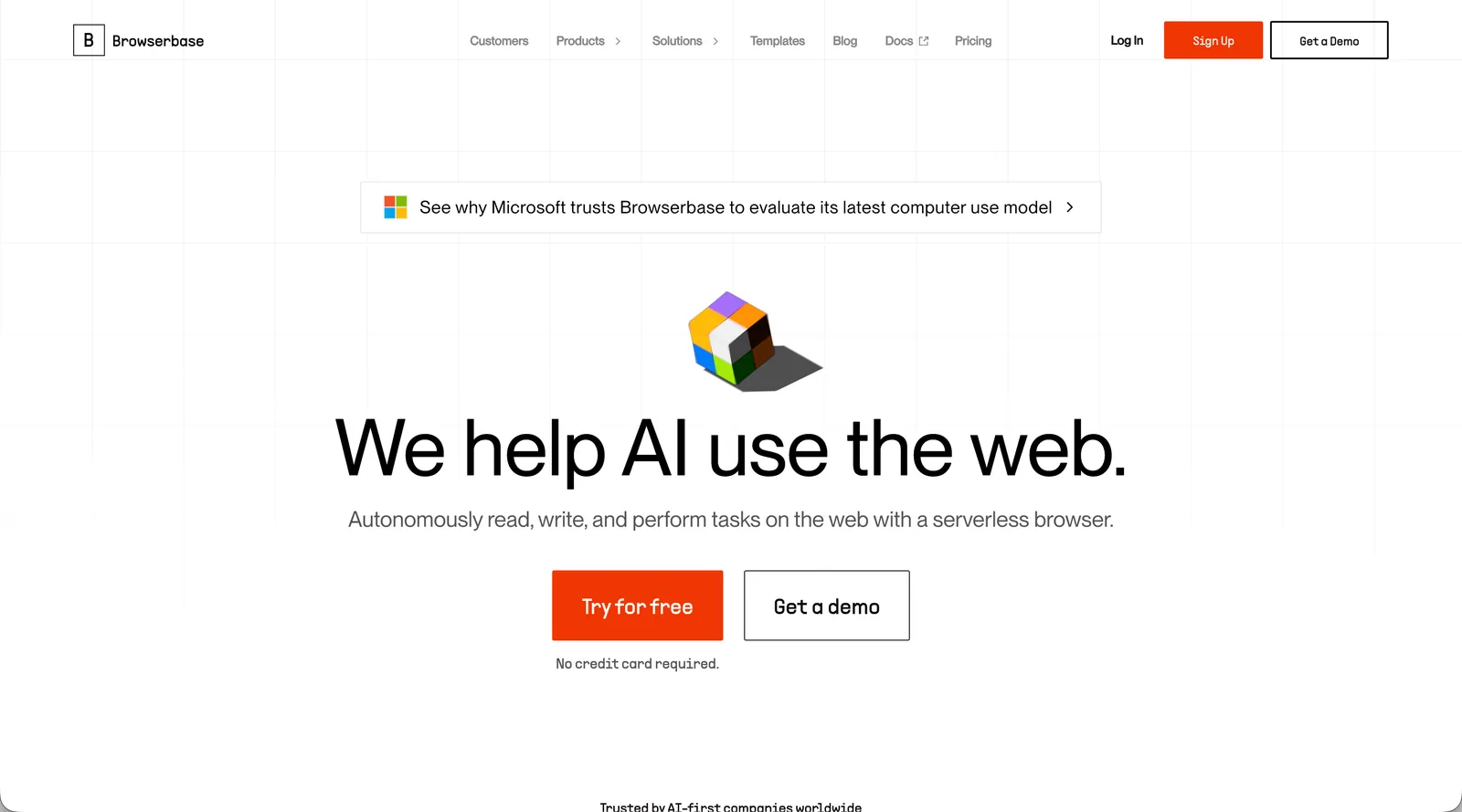
Browserbase is a headless browser automation infrastructure service for developers running at scale. You send API requests to Browserbase, and it executes browser sessions in the cloud without requiring you to manage infrastructure. The service provides managed browser instances controlled through existing automation frameworks. If you write Playwright or Puppeteer scripts, point them at Browserbase's API and your code runs on their infrastructure instead of your local machine. This removes the day-to-day burden of maintaining browser environments, handling updates, and scaling capacity.
Browserbase targets developers building AI agents that interact with websites, teams running web scraping operations, and companies automating repetitive browser tasks. The service includes debugging tools and session replay features that help troubleshoot failed automation runs. You can watch recordings of browser sessions to identify where scripts break or behave unexpectedly.
The core offer: cloud-hosted browsers with better observability than running headless Chrome or Firefox on your own servers.
What Kernel Does and Its Approach
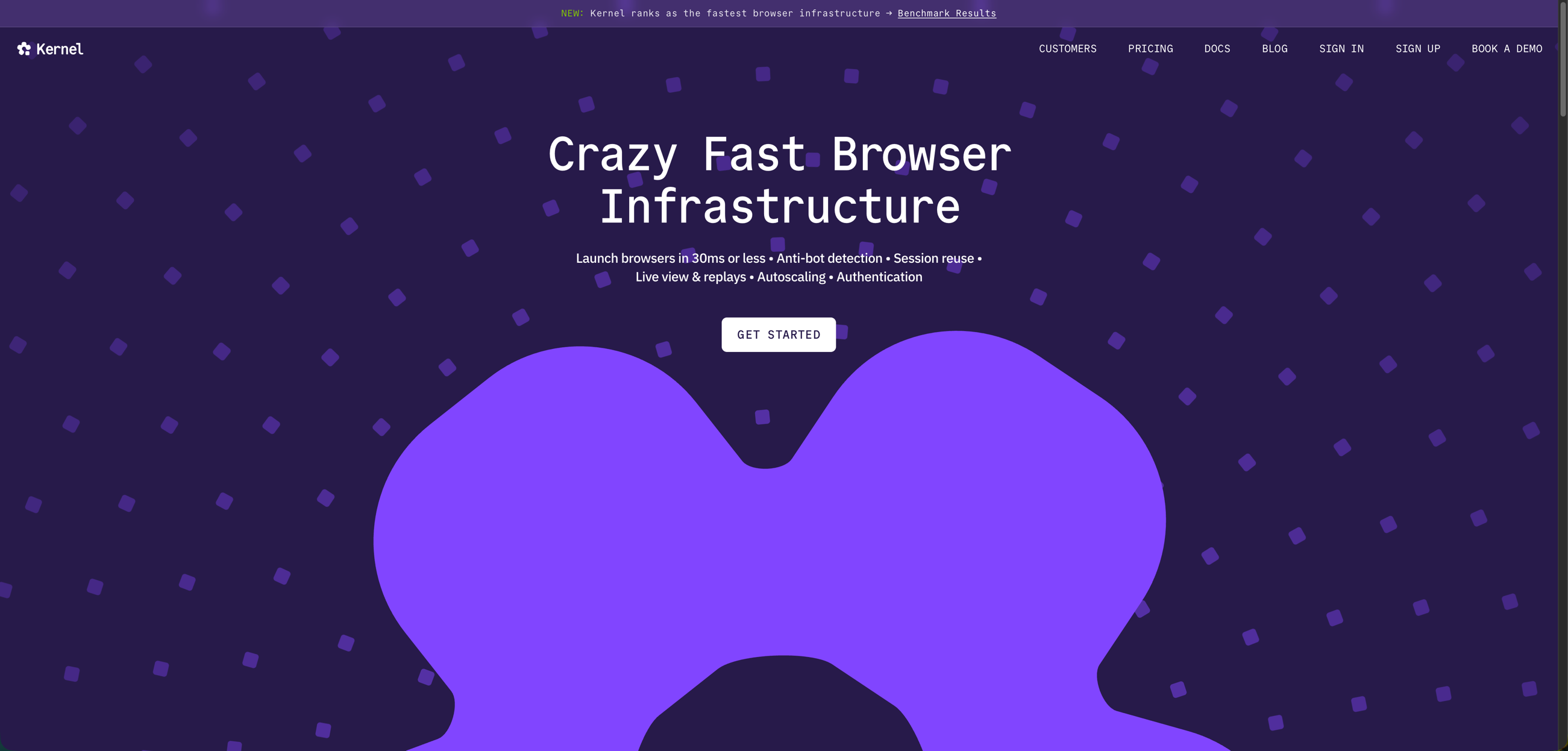
Kernel is a browser infrastructure service built on unikernel tech that runs headless browsers in the cloud. The architecture reduces cold start times when spinning up new browser instances, which matters if you're launching hundreds or thousands of browser sessions. Like Browserbase, Kernel works with Playwright and Puppeteer. You write your automation scripts with these frameworks, then connect to Kernel's API instead of running browsers locally. The service handles browser lifecycle management and infrastructure scaling. The unikernel approach strips away unnecessary operating system components to create lighter browser environments. This architectural choice trades broad compatibility for faster startup speeds.
Kernel targets developers building AI agents that browse websites, teams running web scraping jobs, and companies automating browser workflows. The service positions speed as its differentiator, particularly for workloads where browser cold start latency creates bottlenecks.
Criteria for Comparison
We looked at Browserbase and Kernel along the following criteria that would matter to developers:
- Browser session management and performance
- Debugging and observability features
- Stealth and anti-detection capabilities
Browser Session Management and Performance
Session initialization speeds differ between the two services:
- Browserbase automatically records every browser session, which creates overhead during startup. These recordings power the session replay features that help debug failed automation runs, but they add latency to each browser launch.
- Kernel's unikernel architecture strips unnecessary operating system layers to create lighter browser environments. This approach delivers faster cold starts when spinning up new browser instances. According to performance benchmarking data, Kernel achieves browser startup approximately 3.4 times faster than Browserbase.
The speed difference creates workflow tradeoffs. If you're launching thousands of browser sessions where cold start latency compounds into real bottlenecks, Kernel's faster initialization matters. If you're debugging complex automation that fails unpredictably, Browserbase's automatic recordings save hours of troubleshooting even if sessions take longer to start. Neither service requires you to manage browser updates or infrastructure scaling and both handle session lifecycle management through their APIs.
Debugging and Observability Features
Debugging and observability are important when building automations. Both tools approach this differently:
- Browserbase records every browser session automatically with synchronized video replay and Chrome DevTools access. When automation fails, you can review the full session recording to see exactly what happened. The service captures video alongside browser events, network requests, and console logs in a single timeline. This automatic recording creates a complete audit trail without requiring logging infrastructure setup. You can watch replays anytime after sessions complete, making it easier to debug intermittent failures.
- Kernel provides live view access during active sessions, letting you watch automation runs in real time. Recording requires manual activation and only works on paid tiers. If you need to troubleshoot a failed session later, you either need to have watched it live or implement your own logging solution. This puts more debugging responsibility on your side, though it avoids the session startup overhead from automatic recording.
The tradeoff: Browserbase sacrifices some speed for complete session history, while Kernel focuses on faster initialization.
Stealth and Anti-Detection Capabilities
Both services attempt to bypass bot detection systems, but their approaches are slightly different:
- Browserbase gates its stealth features behind paid plans. The free tier doesn't include anti-detection capabilities. You need at least the Developer tier to access basic stealth mode, which masks common headless browser signals that trigger anti-bot systems. Advanced stealth features require upgrading to the Scale plan, which adds more sophisticated fingerprint randomization and behavior patterns.
- Kernel includes basic stealth capabilities in its free tier. The service provides residential proxy support and CAPTCHA handling without requiring a paid upgrade.
Neither service guarantees success against aggressive anti-bot systems. Bot detection now analyzes mouse movements, timing patterns, and behavioral signals that are harder to replicate. Both Browserbase and Kernel struggle with these more sophisticated detection methods. If you're automating sites with light or moderate bot detection, either service works. For aggressive anti-bot systems, you may need more specialized solutions or face frequent blocking regardless of which service you choose.
How Skyvern Provides a Better Approach for Browser Automation
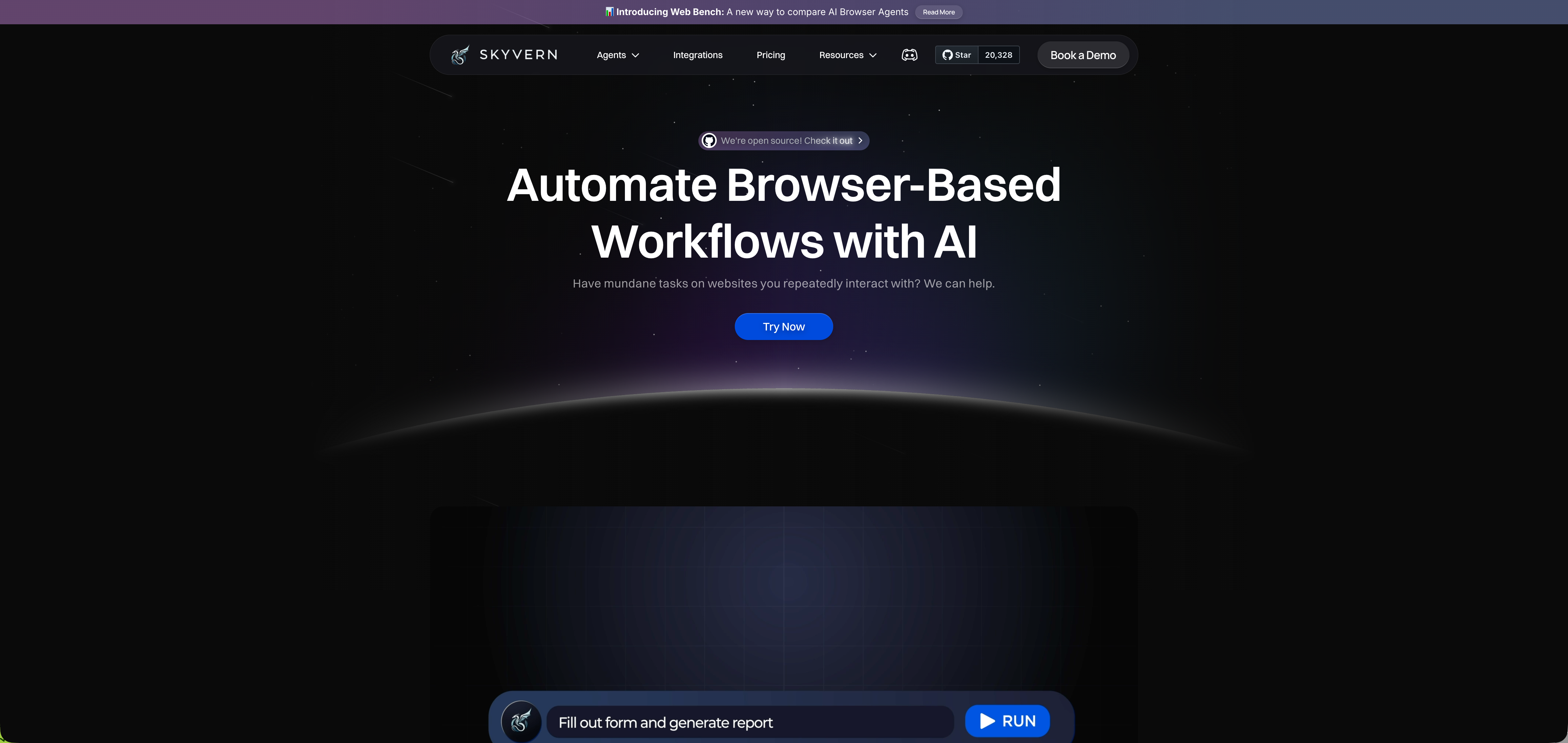
Both Browserbase and Kernel require you to write and maintain Playwright or Puppeteer scripts. You still own the automation logic, which breaks when websites change their layouts. The infrastructure hosting is solved, but the fragility problem isn't.
Skyvern, on the other hand, takes a different approach. Instead of running your scripts in the cloud, we automate browser workflows using computer vision and LLMs through a simple API. You describe what you want done, and Skyvern figures out how to do it on any website without pre-written scripts. This matters because you don't need to update selectors when websites redesign. Skyvern sees the page visually and reasons through interactions the way a person would. The same workflow works across multiple websites without customization for each one.
The service handles complex browser tasks natively. Form filling, two-factor authentication, CAPTCHA solving, file downloading, and data extraction work out of the box. You're not bolting together different services or writing custom handlers for edge cases. You also skip the observability versus performance tradeoff. Skyvern includes debugging tools and provides explainable decisions about why actions were taken, without session recording overhead slowing every startup.
If you're spending time maintaining brittle automation scripts or choosing between competing infrastructure services, we built Skyvern to replace both the scripts and the infrastructure decision entirely.
Side-by-Side Comparison
Feature | Browserbase | Kernel | Skyvern |
|---|---|---|---|
Browser Startup Speed | Standard cloud browser startup with recording overhead | 3.4x faster than Browserbase using unikernel architecture | No manual script execution - AI-driven automation without cold start concerns |
Session Recording | Automatic recording of every session with video replay, DevTools, and network logs | Manual recording only, available on paid tiers with live view during active sessions | Built-in debugging with explainable AI decisions without session recording overhead |
Stealth Capabilities (Free Tier) | No stealth features - requires Developer tier or higher for anti-detection | Basic stealth, residential proxy support, and CAPTCHA handling included | Native handling of CAPTCHAs and anti-bot systems through visual understanding |
Script Maintenance | Requires writing and maintaining Playwright/Puppeteer scripts that break when sites change | Requires writing and maintaining Playwright/Puppeteer scripts that break when sites change | No scripts needed - computer vision and LLMs adapt to website changes automatically |
Complex Task Handling | Requires custom code for forms, 2FA, file downloads, and edge cases | Requires custom code for forms, 2FA, file downloads, and edge cases | Native support for forms, 2FA, CAPTCHAs, and file downloads through simple API |
Best Use Case | Teams needing thorough debugging tools and session replay for troubleshooting complex automation failures | High-volume workloads where browser cold start latency creates performance bottlenecks | Teams wanting reliable cross-site automation without maintaining brittle selector-based scripts |
Final Thoughts on the Browserbase vs Kernel Decision
This automation comparison showcases real differences in speed and observability, but both services leave you maintaining Playwright scripts that break when sites update. Skyvern sidesteps this problem by using computer vision and LLMs to understand pages visually and execute tasks without pre-written code. You get reliable automation across multiple websites without updating selectors or handling edge cases manually. Schedule a demo to see how Skyvern works with your actual workflows.
FAQ
What's the main difference between Browserbase and Kernel?
Browserbase focuses on debugging with automatic session recording for every browser run, while Kernel focuses on speed with faster cold start times through unikernel architecture. Browserbase is better for troubleshooting complex automation, while Kernel works well for high-volume workloads where startup latency matters.
Which tool is better for debugging failed automation runs?
Browserbase is stronger for debugging because it automatically records every session with video replay, DevTools access, and network logs. Kernel only offers live view during active sessions and requires manual recording activation on paid tiers, so you need to watch sessions in real-time or build your own logging.
Do Browserbase and Kernel include stealth features on free plans?
Kernel includes basic stealth capabilities and residential proxy support on its free tier, while Browserbase gates all anti-detection features behind paid plans starting at the Developer tier. Neither service guarantees success against aggressive bot detection systems that analyze behavioral patterns.
How much faster is Kernel compared to Browserbase?
Kernel achieves browser startup times approximately 3.4 times faster than Browserbase due to its unikernel architecture. The speed difference matters most when launching hundreds or thousands of browser sessions where cold start latency creates real bottlenecks.
Do I still need to write Playwright or Puppeteer scripts with these tools?
Yes, both Browserbase and Kernel require you to write and maintain your own Playwright or Puppeteer automation scripts. They provide cloud infrastructure for running your code, but you still own the automation logic that breaks when websites change layouts.
Keep reading
Top 5 UiPath Alternatives Compared in 2026
Compare five UiPath alternatives for browser and desktop workflows, including their strengths, trade-offs, pricing, and migration effort.

Browser Use vs Browserbase: my honest comparison
Browserbase and Browser Use can both automate work in a browser, from collecting product data to filling out forms. Choosing between them comes down to what you want to build: a task you hand to an AI agent, a custom agent inside your application, or browser infrastructure for scripts you already run. I’m Skyvern’s co-founder and CEO by the way. We build a competing product, so I have a stake in this comparison. But I promise I won't promote our product (even though it's a great alternative to

6 Stagehand alternatives for browser automation in 2026
If you're looking for Stagehand alternatives, you probably want an AI browser agent that: * Works natively with Python scripts. * Can navigate and scrape complex websites efficiently. * Stays reliable as your workload grows from a few runs to thousands of browser jobs. That's the kind of workflow I built Skyvern for (Skyvern CEO here). I know, I know, Skyvern CEO's recommending Skyvern as a good alternative. Please just stay with me for a second here. Yes, Skyvern is a good Stagehand alt
Put the browser to work
Use Skyvern for the work that lives in a browser.
Turn repetitive browser tasks into reliable workflows with Skyvern.