Browser Use vs Kernel Comparison: Which Tool Wins in February 2026?

The automation comparison between Browser Use and Kernel gets confusing because they're not competing products. One is an agent library that uses LLMs to decide which buttons to click, and the other is infrastructure that provisions browsers and manages their lifecycle. You might need Browser Use if your scripts break every time a website changes its layout, or you might need Kernel if spinning up browsers locally is eating your CI budget. Sometimes you need both, sometimes neither.
TLDR:
- Browser Use translates natural language into browser actions using AI agents with LLM integration
- Kernel provisions Chrome browsers in isolated VMs with session state management and live monitoring
- You can combine both tools or use Kernel with existing Playwright and Puppeteer scripts
- Skyvern combines task execution and infrastructure in one service at $0.10 per page processed
What Browser Use Does and Their Approach
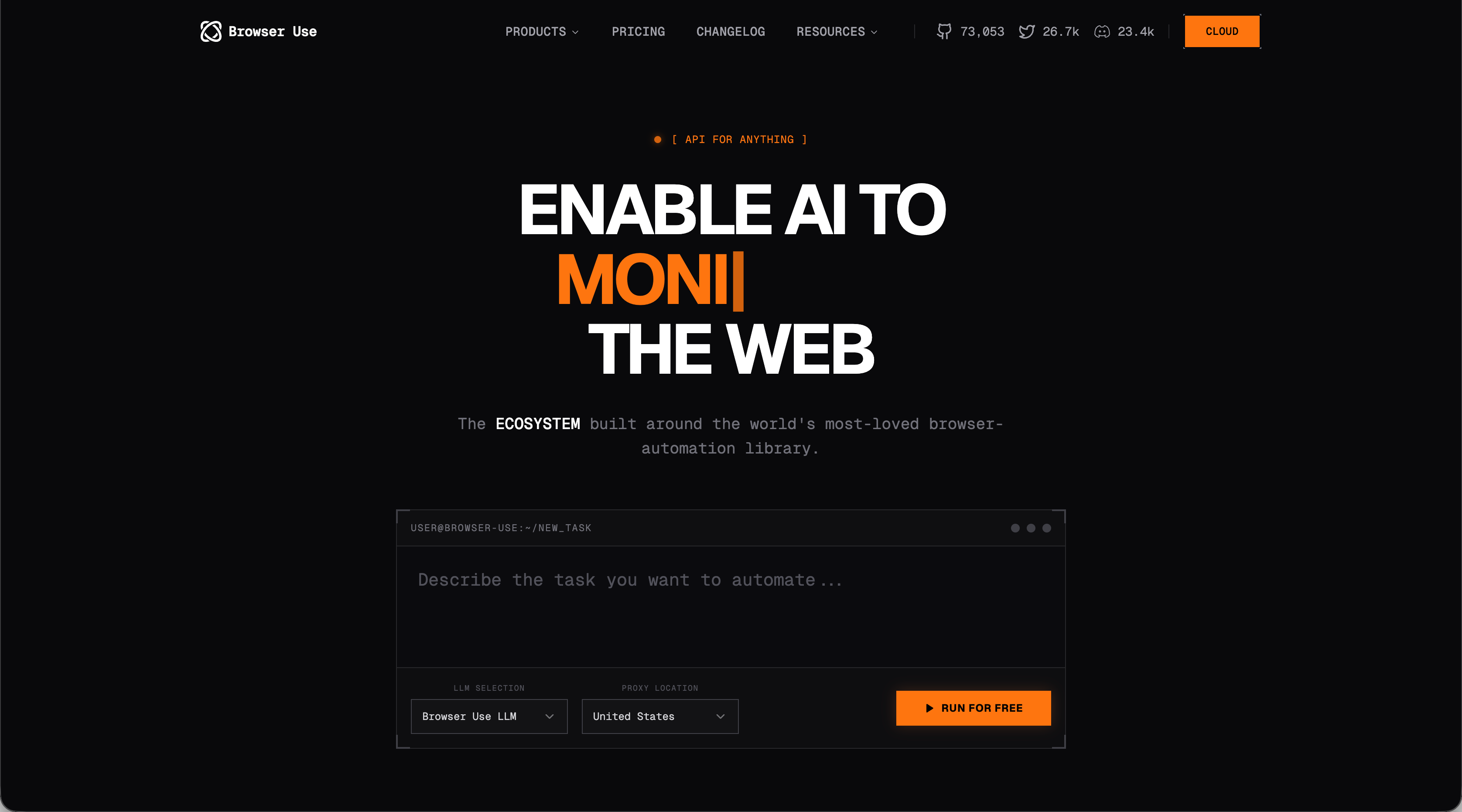
Browser Use is an open source Python library that connects AI agents to web browsers. The library wraps Playwright and the Chrome DevTools Protocol in an agent control loop where you describe tasks in natural language, and Browser Use translates those instructions into browser actions. The library uses DOM snapshots and visual recognition to identify elements on web pages. When you give it a task like "find all products under $50," Browser Use analyzes the page structure and visuals to determine where to click, what to type, and how to extract the information.
Browser Use offers two deployment options. You can self-host the library on your own infrastructure for full control over the execution environment. Or you can use their cloud service that handles browser infrastructure for you. The cloud version includes authentication management and stealth mode capabilities designed to bypass bot detection systems. This helps when automating websites that actively block automated traffic.
What Kernel Does and Their Approach
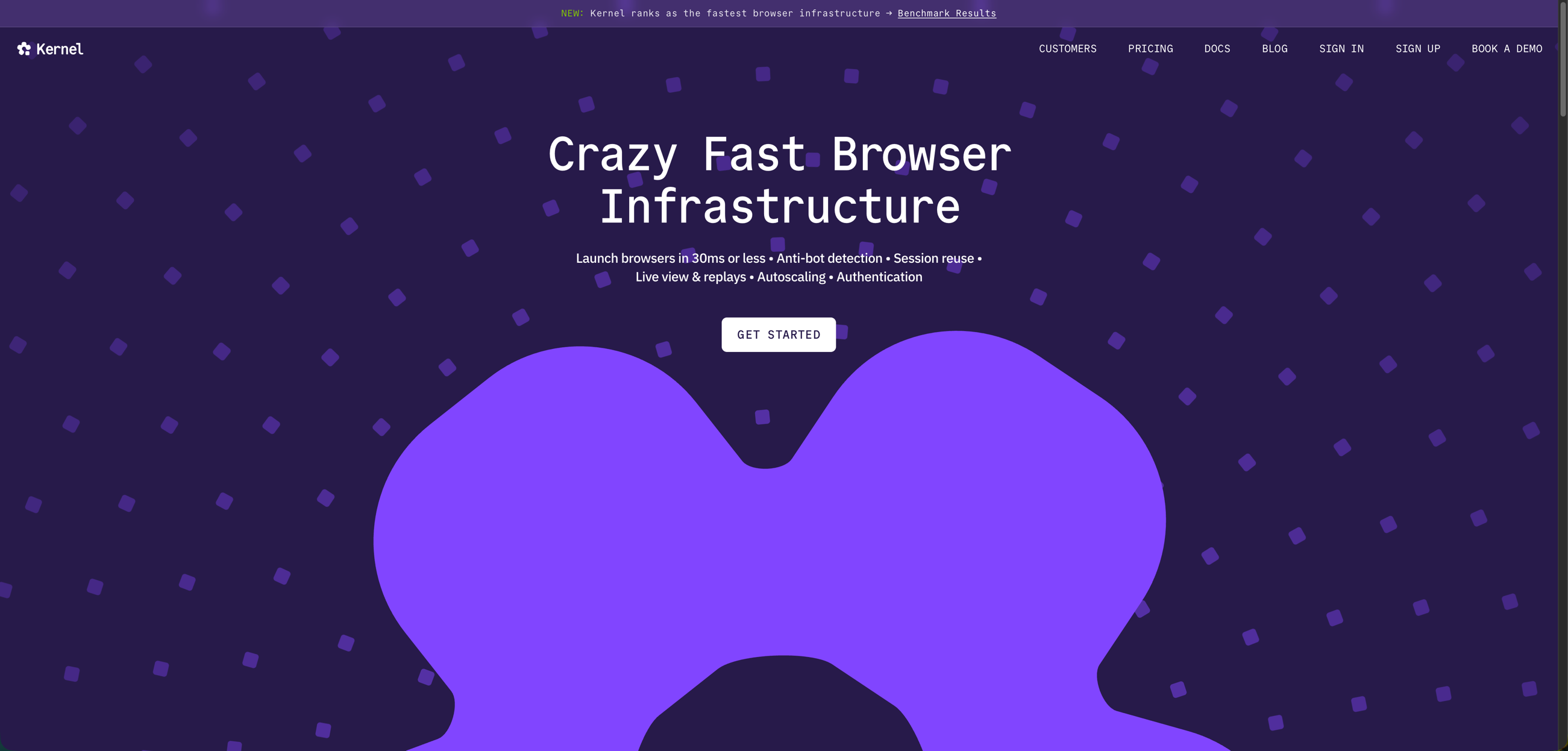
Kernel is a browser infrastructure service that provisions Chrome browsers in isolated virtual machines. You request a browser through Kernel's API and receive a WebSocket URL that connects to your chosen automation library, whether Playwright, Puppeteer, or another tool speaking the Chrome DevTools Protocol.The service stores session state through profiles. These profiles save cookies and authentication credentials across multiple runs, so you don't need to log in every time you start a new automation task.
Kernel includes live view streaming so you can watch what the browser is doing in real time. Session replay recording lets you review what happened during past automation runs. The infrastructure runs on unikernel tech that lets browsers enter standby mode between tasks instead of fully shutting down. This speeds up the next execution. Kernel also provides residential proxy support and stealth mode configurations to help avoid bot detection.
Browser Use for Agent Automation Tasks
Browser Use receives task instructions in plain language and executes them through an agent control loop. You describe what you want like "extract all invoice numbers from this supplier portal," and the agent interprets the web page to determine the next action. The agent parses the DOM structure on each step and queries the LLM for decisions instead of using predefined selectors or XPaths. You configure which LLM provider to use (OpenAI, Anthropic, Google) and Browser Use makes repeated API calls during task execution. You can extend the agent's capabilities through custom tools using Python decorators. These tools let the agent perform actions beyond basic clicking and typing, like calling external APIs or processing data mid-workflow.
This approach creates tradeoffs. You pay LLM costs on every task run since the agent queries the model multiple times per session. Agent accuracy depends entirely on how well your chosen model can reason about web page structure. Parsing the page on each step also adds latency compared to automation that jumps directly to known selectors.
Kernel for Browser Infrastructure Management
Kernel operates as a managed service for browser infrastructure instead of handling task logic. You create browser sessions through their SDK, which provisions a Chrome instance and returns a WebSocket URL. This URL connects to the Chrome DevTools Protocol, letting you attach Playwright, Puppeteer, or any other CDP-compatible automation library. The service provisions browsers in under 300 milliseconds. Sessions can run for up to 72 hours before Kernel terminates them and cleans up resources. This lifecycle management removes the need to install browser binaries locally or configure container orchestration. Profile management lets Kernel store session state. When you create a profile, Kernel saves cookies, local storage, and authentication credentials. The next time you launch a browser with that profile, your session picks up where it left off without requiring fresh logins.
You connect existing automation scripts without modification. Your Playwright or Puppeteer code points to the WebSocket URL instead of launching a local browser. The automation code runs the same way it would locally, but the browser executes in Kernel's infrastructure.
This architecture shifts infrastructure responsibility to Kernel. You skip managing browser versions, handling headless configurations, and scaling execution capacity. The tradeoff is dependency on Kernel's service uptime and regional availability.
Key Differences Between Browser Use and Kernel
Browser Use and Kernel solve different problems in the automation stack. Browser Use is an agent library that interprets your natural language instructions and decides which actions to take. Kernel is infrastructure that provisions and manages browser runtime environments.
Browser Use | Kernel |
|---|---|
Agent library with LLM integration | Browser infrastructure service |
Interprets natural language task descriptions | Provisions Chrome instances via API |
Handles element identification through vision and DOM analysis | Manages session state through profiles |
Decides what actions to take on each page | Provides WebSocket URL to any automation framework |
Self-host or use Browser Use Cloud | Works with Playwright, Puppeteer, Browser Use, or any CDP tool |
Intelligence layer for task execution | Observability through live views and session replays |
Browser Use includes the reasoning layer that figures out what to do. Kernel provides the browser and manages everything around running it: anti-bot detection, session persistence, live monitoring. You can use both together. Kernel provisions the browser while Browser Use controls what happens inside it. Or use Kernel with existing Playwright scripts without any agent logic.
The decision comes down to what you need: an agent that interprets instructions or infrastructure to run automation code at scale.
Skyvern as an Alternative for Browser Based Workflows
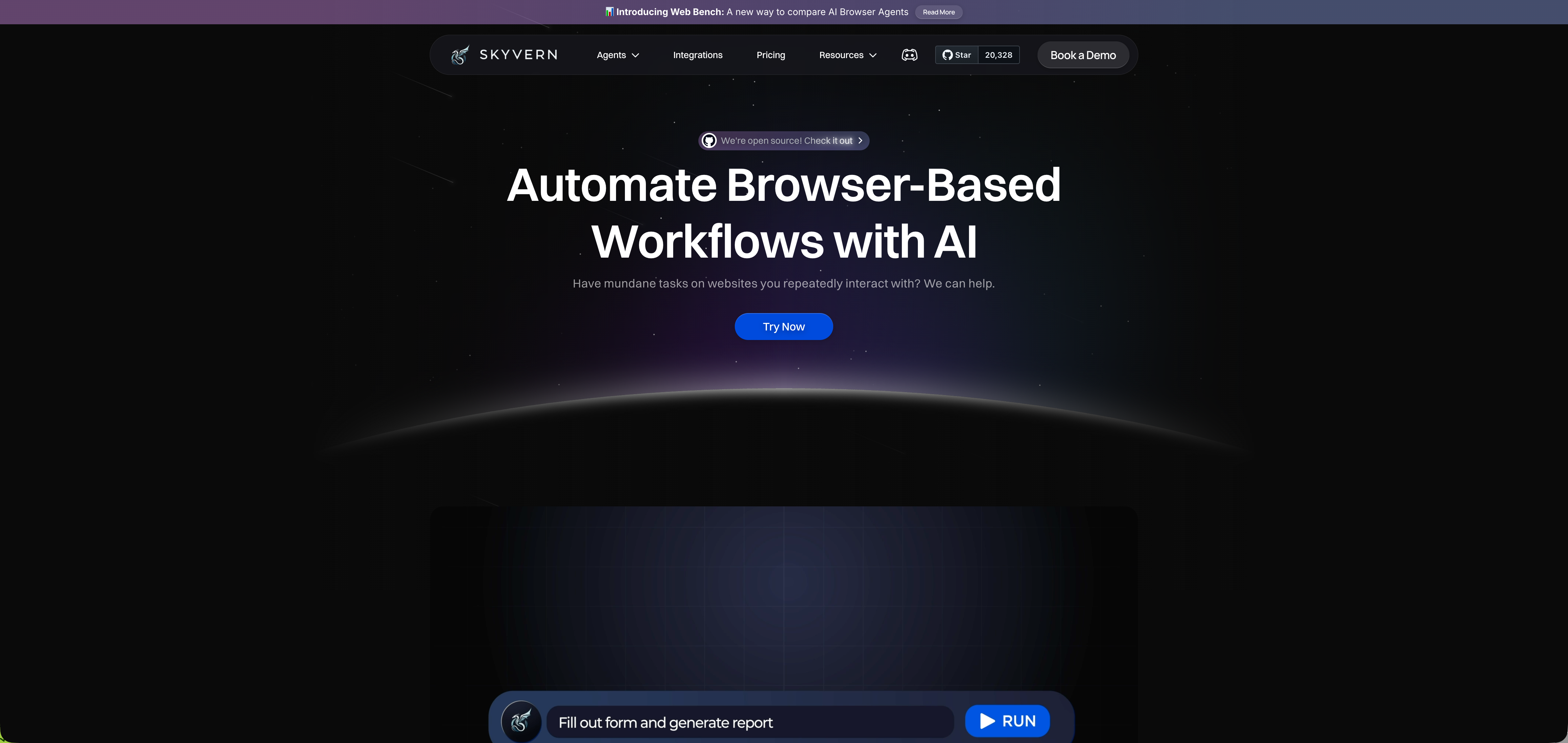
Skyvern handles task execution and infrastructure in one layer. You describe workflows in natural language, and the tool uses LLMs and computer vision to determine the right actions. No XPath selectors or CSS locators that break when sites update. The managed cloud version includes anti-bot detection, proxy networks, CAPTCHA solving, and parallel execution. The service handles form filling, data extraction with JSON or CSV schemas, file downloads to cloud storage, and two-factor authentication.
Skyvern works across multiple websites without writing site-specific code. You define workflows in YAML, and the same automation runs on different sites. The tool is open source for self-hosting or available as a managed service at $0.10 per page processed.
Final Thoughts on Comparing Automation Tools
You can use Browser Use for agent-driven automation and Kernel for browser infrastructure, or run them together if you need both layers. The browser tools you choose depend on whether you need LLM interpretation, managed browsers, or a complete solution that handles everything. Different projects need different setups, so your decision comes down to what you're automating and how much infrastructure you want to manage yourself. Schedule a quick demo to see what works best for your workflows.
FAQ
What's the main difference between Browser Use and Kernel?
Browser Use is an agent library that interprets natural language instructions and decides which browser actions to take using LLM calls. Kernel is a browser infrastructure service that provisions Chrome instances and manages session state, but doesn't handle any task logic or decision-making.
Which tool is better for running existing Playwright scripts at scale?
Kernel works better for this use case since you can point your existing Playwright code to Kernel's WebSocket URL without modification. Browser Use requires rewriting your automation logic to work within its agent framework and natural language task descriptions.
How much does each tool cost to operate?
Browser Use charges LLM API costs on every task run since the agent queries your chosen model multiple times per session. Kernel charges for browser infrastructure time, with sessions running up to 72 hours at $0.50 per hour for basic instances.
Can I use Browser Use and Kernel together?
Yes, you can combine both tools where Kernel provisions the browser infrastructure while Browser Use controls the task execution and decision-making inside the browser. This lets you get managed infrastructure plus agent capabilities in one automation pipeline.
When should I consider using Skyvern instead of Browser Use or Kernel?
Consider Skyvern when you need both task execution and infrastructure in one service, especially for workflows that run across multiple websites without site-specific code. Skyvern costs $0.10 per page and includes anti-bot detection, CAPTCHA solving, and proxy networks without separate infrastructure management.
Keep reading
Top 5 UiPath Alternatives Compared in 2026
Compare five UiPath alternatives for browser and desktop workflows, including their strengths, trade-offs, pricing, and migration effort.

Browser Use vs Browserbase: my honest comparison
Browserbase and Browser Use can both automate work in a browser, from collecting product data to filling out forms. Choosing between them comes down to what you want to build: a task you hand to an AI agent, a custom agent inside your application, or browser infrastructure for scripts you already run. I’m Skyvern’s co-founder and CEO by the way. We build a competing product, so I have a stake in this comparison. But I promise I won't promote our product (even though it's a great alternative to

6 Stagehand alternatives for browser automation in 2026
If you're looking for Stagehand alternatives, you probably want an AI browser agent that: * Works natively with Python scripts. * Can navigate and scrape complex websites efficiently. * Stays reliable as your workload grows from a few runs to thousands of browser jobs. That's the kind of workflow I built Skyvern for (Skyvern CEO here). I know, I know, Skyvern CEO's recommending Skyvern as a good alternative. Please just stay with me for a second here. Yes, Skyvern is a good Stagehand alt
Put the browser to work
Use Skyvern for the work that lives in a browser.
Turn repetitive browser tasks into reliable workflows with Skyvern.