
Axiom Reviews, Pricing, and Alternatives (January 2026)

Everyone talks about no-code automation until websites change their layouts and you're back to manually fixing selectors. If you're currently using Axiom and watching costs climb past $300 monthly while rebuilding workflows every few weeks, you're probably wondering what else is out there. The tools that actually matter in 2026 handle things differently, especially when working across multiple sites or dealing with CAPTCHA and 2FA. This guide covers the alternatives to Axiom that solve these specific problems, what they cost, and what tradeoffs you're making with each one.
TLDR:
- Axiom works for basic no-code automation but costs $300-500 monthly at scale with Chrome-only support
- Axiom requires rebuilding workflows when websites change layouts or switching between sites
- Skyvern uses computer vision to run one workflow across any website without breaking on changes
- Skyvern includes built-in 2FA, CAPTCHA solving, and cross-browser support that Axiom lacks
- Skyvern offers open-source version or managed cloud with AI-powered automation and simple API
What is Axiom and How Does it Work?
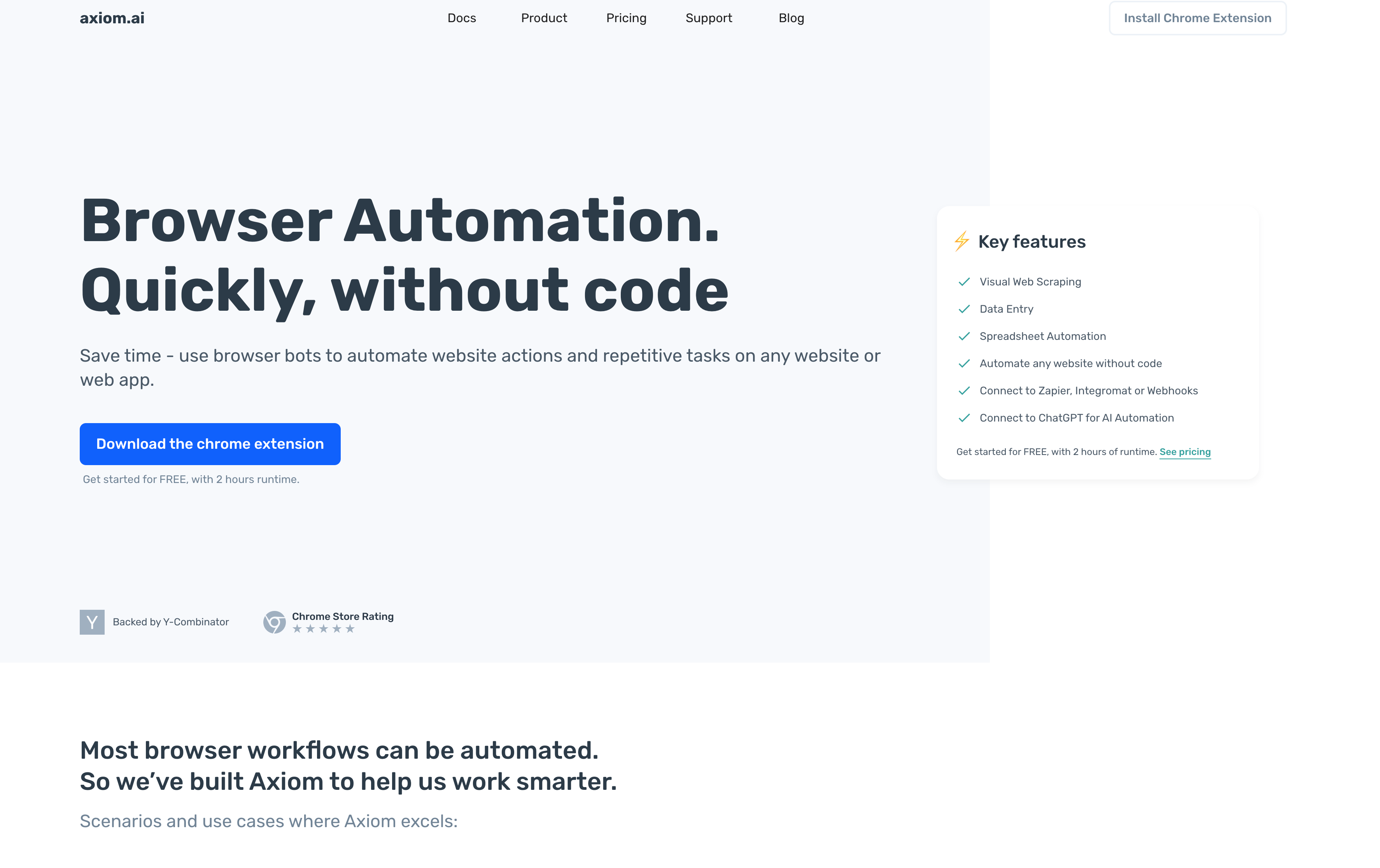
Axiom is a no-code browser automation tool that lets you automate repetitive web tasks by recording your clicks and actions directly in your browser. Backed by Y Combinator, Axiom works as a Chrome extension that turns manual workflows into automated bots without writing code.
You install the Chrome extension, click record, and perform the actions you want to automate. Axiom captures these steps and converts them into a reusable workflow you can run on demand or schedule automatically. The visual builder uses a point-and-click approach where you can see each step, adjust selectors, add conditional logic, and chain multiple actions together.
Axiom handles web scraping, data entry, form filling, and repetitive browsing tasks. You can extract data from websites into structured formats, populate web forms with information from spreadsheets, or monitor sites for changes. Axiom integrates with tools like Zapier and Google Sheets, letting you connect browser automations to broader workflows.
The tool targets marketers, business owners, and operations teams who spend hours on repetitive browser tasks but lack developer resources.
Why Consider Axiom Alternatives?
Axiom works well for teams needing simple, no-code browser automation through its Chrome extension interface. The visual recorder handles basic web scraping and data entry without requiring developer resources. But there are several reasons why teams might want to look at Axiom alternatives:
- The run-based pricing becomes expensive at scale, with companies processing thousands of records daily often seeing costs exceeding $300-500 monthly. Chrome-only support creates problems for teams using Firefox, Safari, or Edge. The cloud-based architecture requires constant internet connectivity, stopping automations during network outages.
- Performance issues surface with memory-intensive operations. Axiom struggles handling hundreds of browser instances simultaneously, requiring additional infrastructure for enterprise users. Websites with heavy JavaScript, CAPTCHA protection, or frequently changing elements cause automation failures needing constant workflow adjustments.
- The biggest gap is AI-powered decision-making. Axiom relies on pre-recorded steps and basic conditional logic. When workflows require complex reasoning, like determining product equivalents across different supplier websites or inferring eligibility from varying question formats, Axiom falls short. Teams needing adaptive automations that handle unexpected scenarios look for AI-driven alternatives that interpret context and make decisions on the fly.
Let's take a look at the alternatives.
Skyvern (Best Overall Alternative)
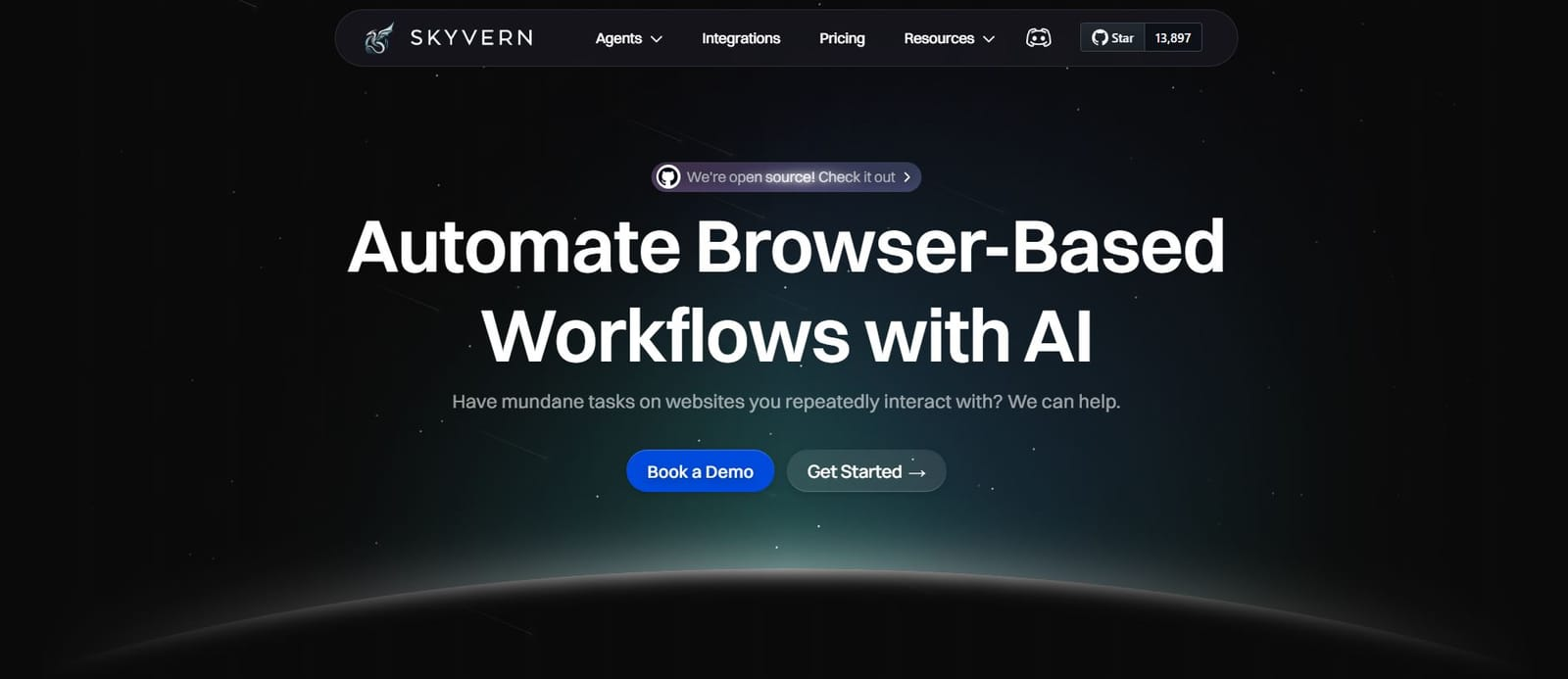
Skyvern automates browser workflows using AI and computer vision. A single API endpoint works across any website without custom code. Computer vision interprets page structure visually, eliminating XPath or CSS selectors that break with layout changes.
Works on unseen websites without customized code. Resistant to layout changes through computer vision. A single workflow applies to hundreds of websites. Built-in 2FA, CAPTCHA solving, and file downloading handle authentication and data extraction without extra development.
Best for teams automating workflows across multiple vendor portals, procurement processes, invoice downloading, and form filling where websites frequently change layouts. Skyvern eliminates the need to rebuild automations when websites change, works across any site with a single workflow definition, and provides enterprise-grade features like 2FA and CAPTCHA handling that Axiom lacks.
Stagehand
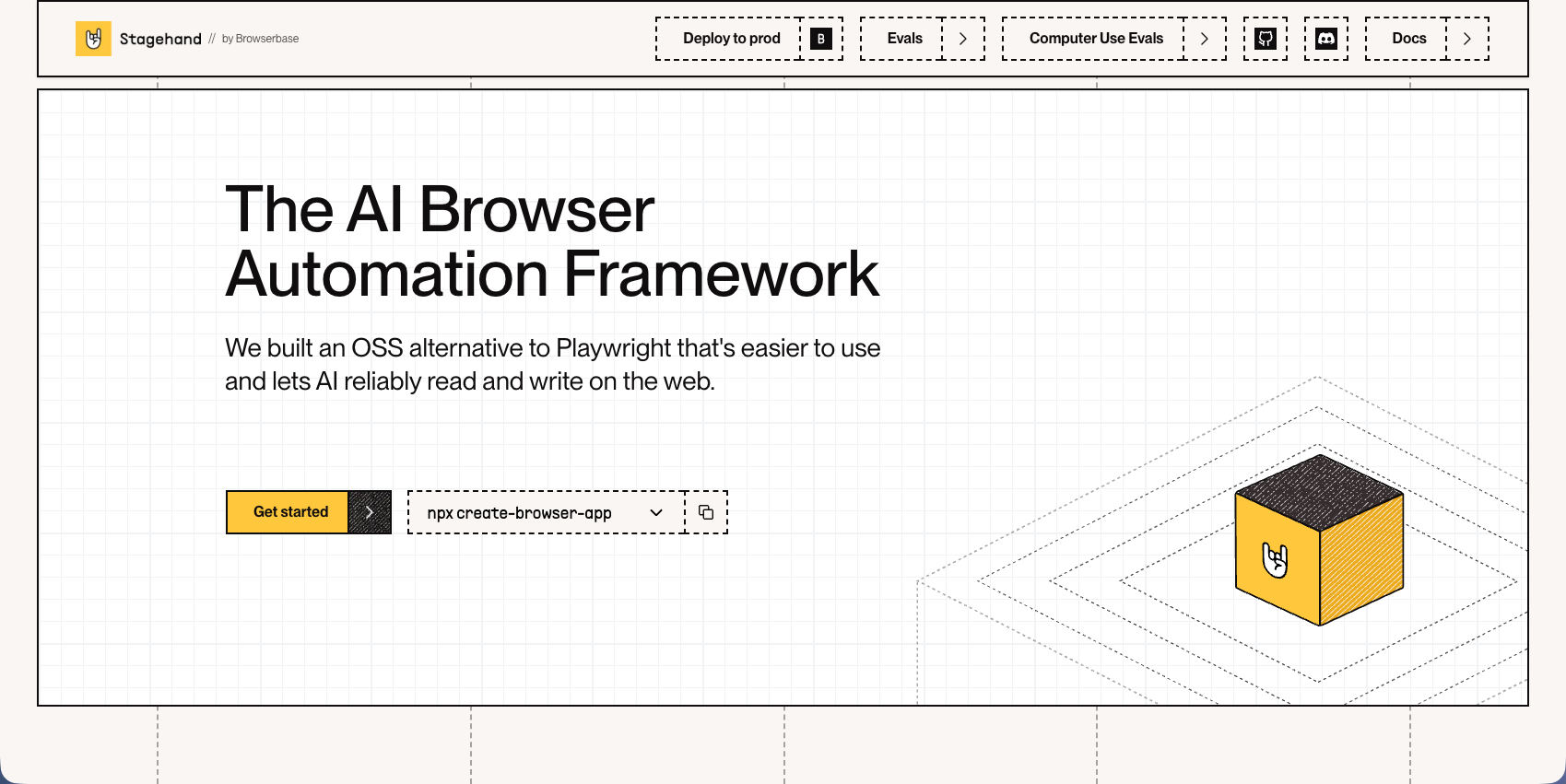
Stagehand is an open-source browser automation framework built on Playwright that combines AI-powered natural language commands with traditional code-based control. Developed by Browserbase, it allows developers to automate browser workflows using simple English instructions while maintaining the flexibility of programmatic automation. The framework includes auto-caching with self-healing capabilities and supports act, extract, and observe APIs for different automation needs.
Key Features
- Natural language commands let developers automate browser actions without writing complex Playwright code
- Self-healing capabilities automatically recover from minor website changes through AI-powered adaptations
- Built on Playwright for reliable cross-browser support and automation fundamentals
- Act, extract, and observe APIs provide flexible approaches for different automation scenarios
- Auto-caching reduces API calls and improves performance for repeated operations
Limitations
- Requires developers to write and maintain code, making it inaccessible for non-technical teams
- Each website still needs custom scripts that can break when sites undergo major redesigns
- Local models like Ollama are not recommended, requiring paid API access for full functionality
- Self-managed infrastructure means teams handle their own hosting, scaling, and maintenance
- Limited to models supporting structured output, restricting flexibility in AI provider choices
Bottom Line
Stagehand works best for development teams who want to combine Playwright's automation power with AI-driven natural language commands for more intuitive scripting. Technical teams comfortable with code who need reliable browser automation with some AI assistance will benefit most, though those seeking truly adaptive, cross-site automation without per-site configuration should consider alternatives like Skyvern that use computer vision to work across any website without custom code.
Hyperbrowser AI
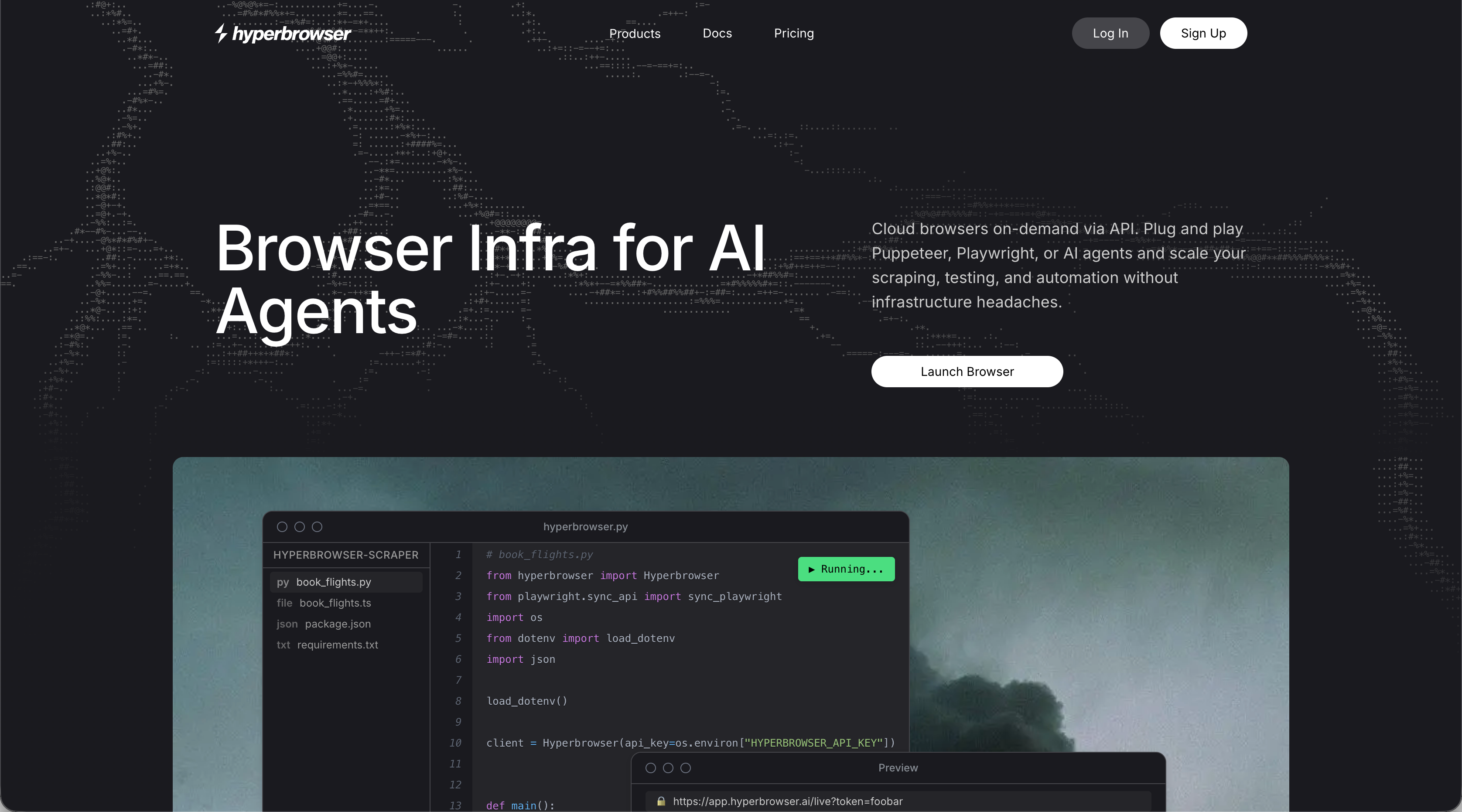
Hyperbrowser AI provides browser infrastructure for AI agents with built-in CAPTCHA solving, proxy management, and anti-bot detection. The platform offers browser-as-a-service with managed infrastructure, stealth mode capabilities, and cloud-based sessions with sub-second start times. It targets developers building AI agents that need reliable browser automation without managing infrastructure complexity.
Key Features
- Managed browser infrastructure eliminates setup and maintenance of headless browser environments
- Built-in CAPTCHA solving and anti-bot detection handle common automation blockers automatically
- Proxy management with geographic targeting routes traffic through different locations
- Sub-second browser session start times provide for fast, scalable automation workflows
- Stealth mode capabilities help automations avoid detection on protected websites
Limitations
- Requires developers to write code on top of Playwright, making it inaccessible for non-technical teams
- Each new website needs custom configuration and scripts that break with layout changes
- Pricing based on browser hours, data transfer, and agent actions can become expensive for high-volume operations
- Limited computer vision capabilities mean automations still rely on selectors that break with website updates
- Teams must handle workflow logic and decision-making on top of the browser infrastructure
Bottom Line
Hyperbrowser AI works best for development teams building AI agents that need managed browser infrastructure without handling server setup and anti-bot detection themselves. Technical teams comfortable writing automation code who want to focus on agent logic instead of browser management will benefit most, though those needing truly adaptive workflows that work across multiple sites without custom code should consider alternatives like Skyvern that use computer vision to eliminate per-site configuration.
Airtop
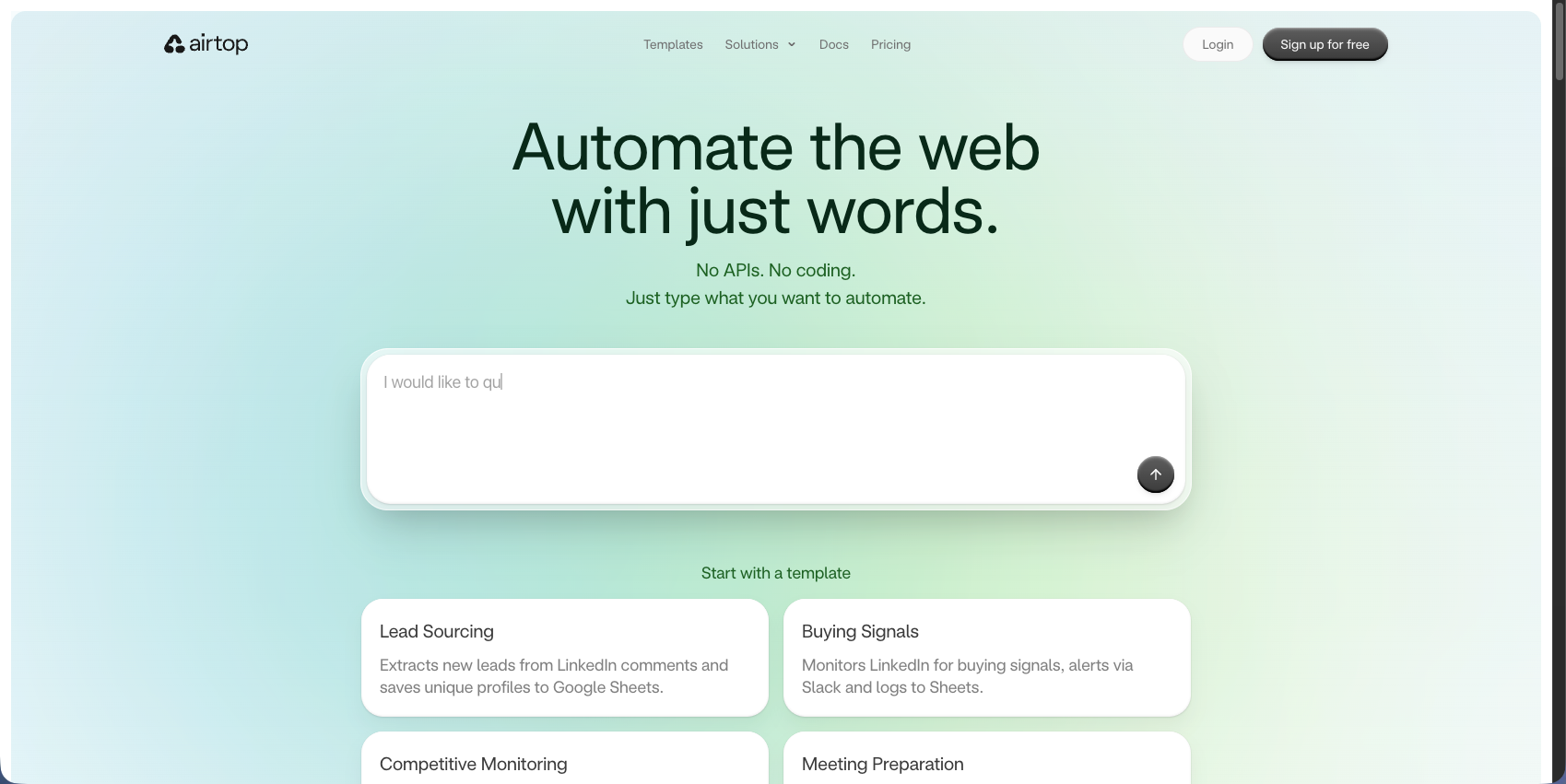
Airtop creates scalable web automations through natural language commands where agents perform actions like logging in, extracting information, and filling forms. The platform provides cloud-based browser automation with LangChain integration and automatic authentication flows. It targets teams building AI-powered web automation needing cloud browsers and natural language interfaces for simple tasks.
Key Features
- Natural language commands provide for browser automation without complex coding requirements
- Cloud-based browser infrastructure removes setup and maintenance of local automation environments
- LangChain integration connects browser automation with broader AI agent workflows
- Automatic authentication flows handle login processes across different websites
- Scalable architecture supports parallel execution of multiple browser sessions
Limitations
- Region-locked authentication causes UK workflows to fail due to US-based proxies
- Lacks native form filling and data extraction capabilities of dedicated automation tools
- Limited computer vision means automations still break when websites change layouts
- Requires understanding of AI agent architectures to build effective automation workflows
- Each website may need custom prompt engineering to achieve reliable automation results
Bottom Line
Airtop works best for development teams building AI agents that need simple browser automation through natural language commands and LangChain integration. Teams comfortable with AI agent frameworks who want quick cloud-based browser access for straightforward tasks will benefit most, though those needing form filling, data extraction, and truly adaptive workflows that handle layout changes should consider alternatives like Skyvern that use computer vision to work across any website without custom configuration.
Browserbase
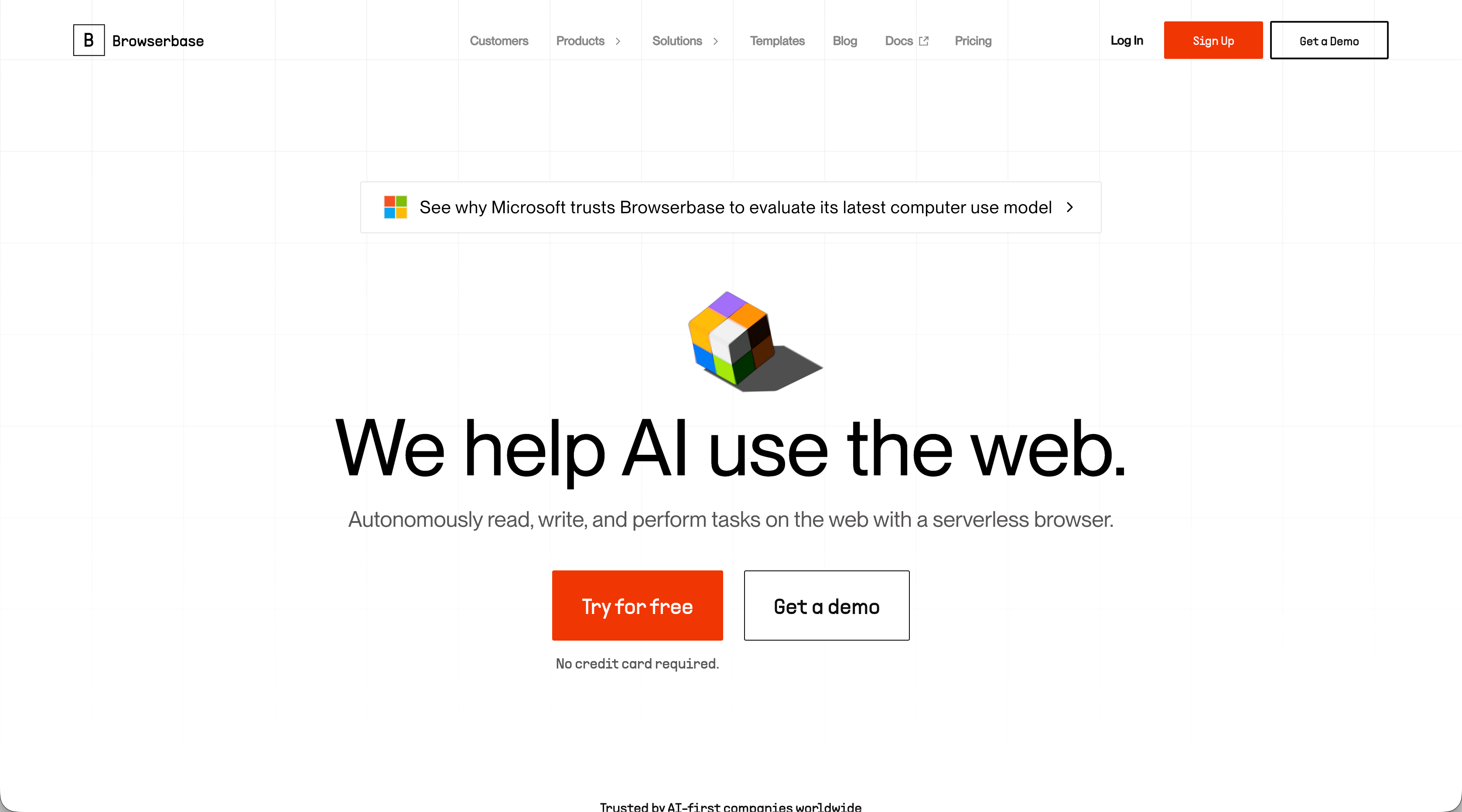
Browserbase provides managed, headless browser infrastructure managed headless browser infrastructure through a simple API integrating with Playwright, Puppeteer, and Selenium. The platform offers serverless browser sessions with automatic scaling, debugging tools, and session recording capabilities. It targets developers who need reliable browser automation infrastructure without managing servers or handling anti-bot detection themselves.
Key Features
- Managed infrastructure eliminates server setup and maintenance for headless browser operations
- Integration with popular automation frameworks like Playwright, Puppeteer, and Selenium
- Automatic scaling handles parallel browser sessions without manual capacity planning
- Session recording and debugging tools simplify troubleshooting automation failures
- Built-in proxy support and stealth mode help bypass basic anti-bot detection mechanisms
Limitations
- Requires developers to write and maintain code for each automation workflow
- Each website needs custom scripts with selectors that break when layouts change
- Limited AI capabilities mean automations lack adaptive decision-making for complex scenarios
- Teams must handle workflow logic, form filling, and data extraction on top of browser infrastructure
- Usage-based pricing for browser sessions and data transfer can become expensive at scale
Bottom Line
Browserbase works best for development teams needing reliable headless browser infrastructure without managing their own servers or scaling challenges. Technical teams comfortable with Playwright, Puppeteer, or Selenium who want to focus on automation logic instead of infrastructure management will benefit most, though those seeking truly adaptive workflows that work across multiple sites without custom code should consider alternatives like Skyvern that use computer vision to eliminate per-site configuration.
Feature Comparison: Axiom vs Top Alternatives
This table breaks down how Axiom compares to top alternatives across key automation capabilities.
Feature | Axiom | Skyvern | Stagehand | Hyperbrowser AI | Airtop | Browserbase |
|---|---|---|---|---|---|---|
No-Code Interface | Yes | API-based | Code required | Code required | Natural language | Code required |
AI-Powered Adaptation | No | Yes | Yes | Partial | Partial | No |
Works Across Multiple Sites Without Custom Code | No | Yes | No | No | No | No |
Built-in CAPTCHA Solving | No | Yes | No | Yes | Yes | No |
Cross-Browser Support | Chrome only | Yes | Chromium | Chromium | Chromium | Yes |
Handles Layout Changes Automatically | No | Yes | Partial | No | Partial | No |
2FA/TOTP Support | No | Yes | No | No | Yes | No |
Axiom's no-code interface makes it accessible but limits adaptability. When websites change layouts or you need to run the same workflow across different vendor sites, you're rebuilding automations manually.
Skyvern's computer vision approach handles layout changes and works across multiple sites with a single workflow. Built-in CAPTCHA solving, 2FA support, and cross-browser compatibility remove the infrastructure work teams face with code-based alternatives.
Why Skyvern is the Best Axiom Alternative
Skyvern removes the manual maintenance and browser limits that drive up Axiom's costs at scale. A single API workflow automates tasks across any website without rebuilding when layouts change. Computer vision interprets pages visually, keeping your automations running without constant updates.
The complete stack is included: 2FA, CAPTCHA solving, file downloads, and data extraction work out of the box. Start with the open-source version or use the managed cloud for anti-bot detection and parallel execution.
Final Thoughts on Finding Better Automation Solutions
Most teams outgrow Axiom when they need automations that work across multiple vendor sites or handle layout changes without breaking. Skyvern removes that maintenance burden with computer vision that interprets pages visually instead of relying on CSS selectors. You can start with the open-source version or use the managed cloud for built-in anti-bot detection and parallel execution across any browser.
FAQ
When should you consider moving away from Axiom?
Look for alternatives if you're automating workflows across multiple websites with different layouts, spending over $300 monthly on run-based pricing, or constantly rebuilding automations when sites change. Teams needing Firefox, Safari, or Edge support or handling memory-intensive operations with hundreds of browser instances should also consider other options.
What features should you look for first when comparing Axiom alternatives?
Focus on AI-powered adaptation to handle layout changes automatically, cross-browser support beyond Chrome, built-in authentication features like 2FA and CAPTCHA solving, and the ability to run a single workflow across multiple websites without custom code for each site.
Can browser automation tools work across different websites without custom coding?
Most tools like Axiom require separate configurations for each website. Skyvern uses computer vision to interpret page structure visually, letting a single workflow definition work across hundreds of websites without site-specific code or adjustments when layouts change.
How do AI-powered automation tools differ from traditional recorders like Axiom?
Traditional recorders like Axiom capture pre-defined steps using selectors that break when websites change. AI-powered tools interpret page context, make decisions based on what they see, and adapt to unexpected scenarios like varying form fields or product equivalents across different vendor sites.
What makes automation expensive at scale with run-based pricing?
Run-based pricing charges per execution, so companies processing thousands of daily automations quickly hit $300-500 monthly costs. API-based or infrastructure pricing models become more cost-effective for high-volume operations running hundreds of automated workflows daily.