
Automating Employee Onboarding and Benefits Enrollment Across HR Portals (March 2026)

You log into ADP for payroll, then Blue Cross for medical, then VSP for vision, then your 401(k) provider, then two state tax portals. Automating employee onboarding consolidates that into one workflow where you pass employee data once and automation handles every portal in parallel. The entire onboarding sequence across disconnected systems completes in minutes instead of consuming 40 hours of your team's time re-entering the same information with different login credentials and form structures that change without warning.
TLDR:
- Onboarding one employee takes HR teams 40+ hours across payroll, benefits, and system access.
- Automating benefits enrollment cuts administrative time by 50% and eliminates reconciliation errors.
- Skyvern automates data entry across disconnected HR portals without APIs or custom integrations.
- Portal automation delivers 60-80% cost savings with median payback periods under 12 months.
The Hidden Cost of Manual Onboarding Across Multiple HR Systems
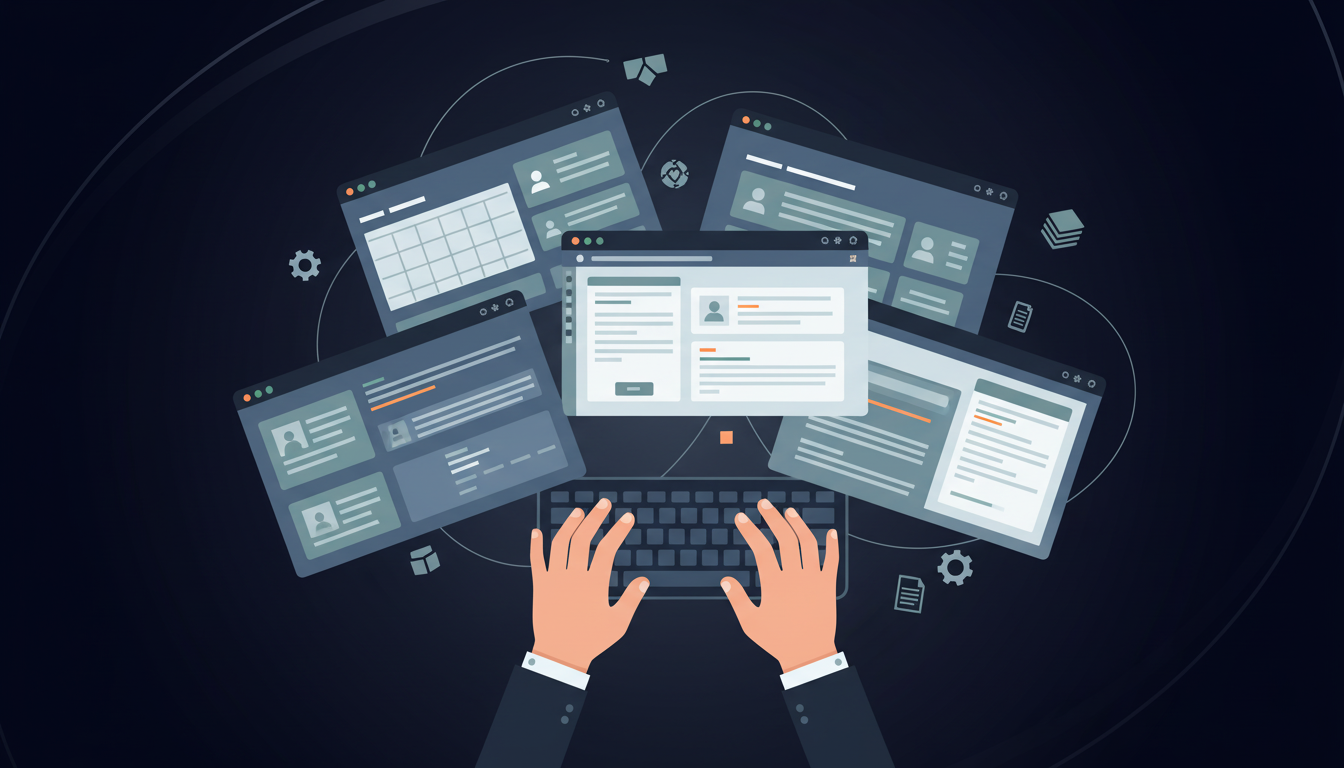
Onboarding a single employee consumes more resources than most HR teams realize. 46.4% of HR leaders need one week of administrative time to process one new hire. That's 40 hours spent logging into separate portals for payroll setup, benefits enrollment, tax withholding, direct deposit configuration, and state registrations.
The problem compounds across systems. HRIS data gets re-entered into payroll. Payroll data gets re-entered into benefits portals. Each system requires different login credentials, separate MFA flows, and unique form structures that change without warning. Manual entry introduces errors too. Typos in dependent Social Security numbers delay insurance coverage. Wrong state tax elections trigger compliance issues. Missed fields in I-9 verification create audit exposure. HR professionals spend 40-60% of their time on compliance and administrative tasks instead of strategic work. Every hour spent copying data between portals is an hour not spent improving retention, developing talent, or supporting managers.
Why HR Teams Jump Between Multiple Portals During Onboarding
Enterprise HR runs on specialized systems that don't talk to each other. Payroll providers like ADP and Paychex handle compensation and tax withholding. Benefits brokers manage enrollment through separate portals from Benefitfocus or Employee Navigator. Background check vendors operate standalone systems. State tax registration happens on government sites with no API access.
Each vendor built for a specific function, and integration wasn't the priority. Most HR teams inherit this stack from years of point solution purchases, where each department chose tools that solved their immediate problem without considering how data would flow between them.
When someone joins, HR logs into five different systems to enter the same name, home address, and Social Security number. When details change, updates ripple across portals manually. Different authentication methods also make things worse.
The Anatomy of Benefits Enrollment Complexity
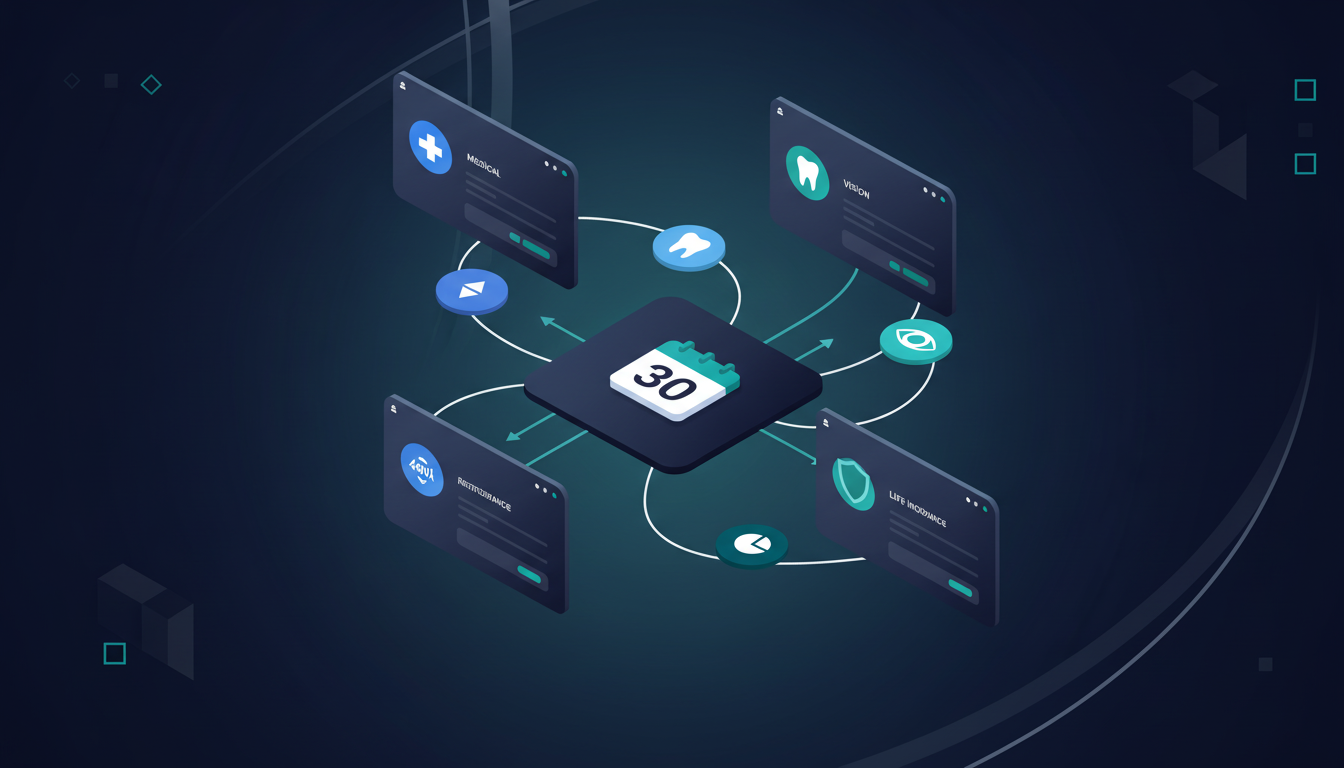
Benefits enrollment stands out as the most time-consuming piece of the onboarding puzzle. While payroll and tax setup require entering employee data once, benefits enrollment requires working through plan options, dependent coverage, beneficiary designations, evidence of insurability forms, and waiver documentation across medical, dental, vision, life insurance, disability, and retirement plans.
Open enrollment periods compress this complexity into tight windows. HR teams process hundreds of elections at once, each requiring login to carrier portals that handle only one benefit type. Blue Cross Blue Shield manages medical. VSP handles vision. A separate 401(k) provider manages retirement. Each portal has different form structures, validation rules, and confirmation workflows.
Life events create ongoing churn. Marriages, births, and divorces trigger mid-year changes that require coordination across multiple carriers within 30-day windows. Missing a deadline means employees lose coverage or face tax penalties.
Carrier coordination introduces another layer. Updating dependent information in the HRIS doesn't automatically update the insurance carrier's system. HR manually syncs data between portals, checking that each carrier received correct dependent Social Security numbers, birth dates, and relationship codes.
Automating benefit enrollment cuts time spent on administrative tasks by 50 percent. The key benefit is that reconciliation happens between payroll deductions, carrier billing, and employee elections without manual verification across disconnected systems.
What Automating Employee Onboarding Actually Means
Automating employee onboarding takes employee data from one source and handles the entire workflow across disconnected portals. That includes moving to each required system, filling forms, managing authentication and MFA flows, validating entries against each portal's rules, and confirming completion. The difference shows up in what HR teams actually do. Digitization means clicking through web forms instead of printing paper. Automation means handing off employee data and receiving confirmation that payroll, benefits, tax registrations, and background checks completed across all portals. One reduces paper. The other eliminates portal work entirely.
How Portal Automation Eliminates Data Re-Entry and Human Error
Portal automation takes employee data from a single JSON payload and distributes it across every required system in one pass. HR enters name, home address, Social Security number, tax withholding elections, and benefit choices once. The automation handles logging into ADP for payroll setup, moving to the benefits broker portal for plan enrollment, submitting state tax registrations, and configuring direct deposit.
Data flows through each portal's validation rules before submission. Wrong date formats get caught before they reach carrier systems. Missing dependent information gets flagged before coverage elections process. Invalid state codes trigger corrections before tax withholding submissions fail.
Reconciliation work disappears. Payroll deductions automatically match benefit elections because both came from the same source data. Carrier billing aligns with HRIS records because automation submitted identical information to each system. HR stops cross-checking spreadsheets to find discrepancies between what employees elected and what carriers received.
Key Workflows to Automate for Maximum Impact
Not all onboarding workflows deliver the same return when automated. Choosing where to start comes down to three factors: how often the workflow runs, how much time each execution consumes, and how frequently errors occur.
High-Frequency, High-Error Workflows
High-frequency, high-error workflows offer the quickest wins. Benefits enrollment fits here. Every new hire requires it, each enrollment takes 45-60 minutes across multiple carrier portals, and dependent data errors create downstream coverage issues. Automating this workflow first eliminates the highest volume of portal work.
Payroll Setup
This touches every hire, consumes 30-40 minutes working through ADP or Paychex forms, and wrong tax elections create compliance exposure. State tax registrations matter for multi-state employers, where manual filing across 50 different portals introduces both time burden and regulatory risk.
Access Provisioning Across Business Applications
This creates bottlenecks when manual. Background checks and I-9 verification through E-Verify involve time-sensitive compliance windows where delays trigger audit issues.
A Look At On-Boarding Workflows And The Impact of Automation
Onboarding Workflow | Manual Time Per Employee | Number of Portals | Error Risk | Automation Impact |
|---|---|---|---|---|
Benefits enrollment across multiple carriers | 45-60 minutes | 3-6 portals (medical, dental, vision, life, disability, 401k) | High - dependent data errors create coverage gaps and compliance issues | 50% reduction in administrative time, eliminates reconciliation between payroll deductions and carrier billing |
Payroll setup and tax withholding | 30-40 minutes | 2-3 portals (payroll provider, state tax systems) | Medium - wrong tax elections create compliance exposure and manual corrections | Eliminates data re-entry between HRIS and payroll systems, maintains consistent tax withholding across states |
State tax registrations for multi-state employers | 20-30 minutes per state | 1 portal per state (up to 50 different government sites) | High - missed registrations trigger regulatory penalties and audit issues | Handles portal variations across 50 states without API access, creates audit trails for compliance documentation |
Access provisioning across business applications | 15-25 minutes | 5-10 portals (email, collaboration tools, department-specific systems) | Medium - delays create productivity bottlenecks for new hires | Parallel processing across multiple systems reduces time-to-productivity by providing day-one access |
Background checks and I-9 verification | 10-20 minutes | 2-3 portals (background check vendor, E-Verify, document storage) | High - compliance windows require completion within 3 days of hire date | Automated submission and confirmation tracking eliminates missed deadlines and audit exposure |
Security and Compliance Considerations When Automating HR Workflows
Automating HR workflows involves sensitive employee data that falls under HIPAA, GDPR, and state privacy regulations. Data security really matters when handling Social Security numbers, health information, and financial details across multiple portals. Proper automation improves compliance posture by creating consistent audit trails that document every action taken across systems. Manual processes leave gaps where entries happen without timestamps, user attribution, or change logs. Automated workflows capture who initiated each process, which data was submitted, when submissions occurred, and what confirmations were received from each portal.
Credential management tackles authentication without exposing passwords to humans or LLMs. Secure vaults store login credentials and handle MFA flows programmatically. Access controls restrict which team members can trigger workflows and view sensitive data extractions.
Finally, encryption protects data in transit between systems and at rest in temporary storage. Automation tools built for enterprise use provide SOC 2 certification and support HIPAA-capable deployments through self-hosted or VPC options where data never leaves organizational infrastructure.
Measuring ROI: Time Savings and Productivity Gains
Calculating ROI starts with measuring baseline time costs. Track how many hours HR spends per hire across payroll setup, benefits enrollment, and system access provisioning. Multiply that by fully loaded hourly rates (salary plus benefits divided by working hours). Add the cost of errors: delayed coverage requiring retroactive claims adjustments, incorrect tax withholdings triggering manual corrections, compliance penalties from missed I-9 deadlines.
Time-to-productivity measures how quickly new hires contribute. Automating onboarding increases productivity by 65%. Faster system access means employees start contributing sooner instead of waiting days for account provisioning. Complete benefits enrollment on day one removes distractions from worrying about coverage gaps.
Employee satisfaction shows up in retention metrics. Smooth onboarding improves first-month engagement scores and reduces early-stage attrition. Retention gains translate directly to lower replacement costs and preserved institutional knowledge.
Automating Employee Onboarding and Benefits Enrollment With Skyvern
Skyvern tackles the multi-portal onboarding challenge by automating browser-based workflows across any HR system without requiring APIs or custom integrations. Pass employee data as a single JSON payload through the API, and Skyvern handles logging into each portal, working through authentication flows including 2FA, filling forms with the provided data, and downloading confirmation documents across HRIS, payroll, benefits carriers, and state tax systems.
The approach uses computer vision and LLMs to interpret portal interfaces visually, identifying form fields by their labels and context instead of brittle CSS selectors. When a benefits portal updates its UI, Skyvern adapts without breaking.
Skyvern runs these workflows in parallel across multiple portals simultaneously. Benefits enrollment happens while payroll setup runs and state tax registrations process. The entire onboarding sequence completes in minutes from one API call, with full audit trails documenting every action taken across each system.
Example How To Automate Employee Onboarding With a Single API Call
from skyvern import Skyvern
import asyncio

skyvern = Skyvern(api_key="YOUR_API_KEY")

async def onboard_employee():
    task = await skyvern.run_task(
        prompt="""Complete employee onboarding across all HR portals.
        Fill out payroll setup, benefits enrollment, and tax withholding forms.
        COMPLETE when all portals show confirmation of successful enrollment.""",
        url="https://your-hr-portal.com",
        data_extraction_schema={
            "type": "object",
            "properties": {
                "payroll_confirmation": {"type": "string"},
                "benefits_enrollment_id": {"type": "string"},
                "tax_withholding_status": {"type": "string"}
            }
        },
        navigation_payload={
            "employee_name": "Jane Smith",
            "ssn": "123-45-6789",
            "address": "123 Main St, San Francisco, CA 94102",
            "email": "jane.smith@company.com",
            "salary": "85000",
            "start_date": "2026-04-01",
            "benefits": {
                "medical_plan": "PPO Gold",
                "dental": true,
                "vision": true,
                "401k_contribution": "6%"
            },
            "tax_withholding": {
                "filing_status": "single",
                "allowances": "1",
                "additional_withholding": "0"
            }
        },
        wait_for_completion=True
    )

    print(f"Onboarding completed: {task.output}")
    return task

asyncio.run(onboard_employee())
Final Thoughts on Solving the Multi-Portal HR Problem
Portal automation tackles the real bottleneck in HR operations. Instead of logging into five systems per hire, you can pass employee data once and let automating employee onboarding workflows handle the rest. Book a call to see how Skyvern works with your HR systems.
FAQ
How long does it take to automate employee onboarding workflows?
Most teams deploy their first automated onboarding workflow in 2-3 hours, with complex multi-step processes like benefits enrollment across multiple carriers taking 1-2 weeks to fully optimize and test across all systems.
What's the main difference between digitizing and automating employee onboarding?
Digitization means clicking through web forms instead of printing paper, while automation means handing off employee data once and receiving confirmation that payroll, benefits, tax registrations, and background checks completed across all portals without manual intervention.
Which onboarding workflows should you automate first?
Start with benefits enrollment and payroll setup since they run for every new hire, consume 45-60 minutes and 30-40 minutes respectively per execution, and create the highest volume of errors when handled manually across multiple disconnected portals.
How does portal automation prevent data entry errors during onboarding?
Portal automation flows data through each portal's validation rules before submission, catching wrong date formats, missing dependent information, and invalid state codes before they reach carrier systems and create coverage gaps or compliance issues.
Can you automate onboarding across portals that have different MFA requirements?
Yes, automation tools built for HR workflows handle multiple authentication methods including 2FA and TOTP programmatically, managing secure credential storage and MFA flows without exposing passwords to humans while maintaining audit trails for compliance.