
UiPath Reviews, Pricing, and Alternatives (January 2026)

You've been comparing UiPath pricing and realized the licensing model doesn't fit your use case, or your automations keep breaking after website updates. UiPath works well for enterprise teams running thousands of stable desktop processes, but browser workflows expose its limitations because it requires manual configuration for each site and breaks when layouts change. This review covers what you'll actually pay, where UiPath fits, and which alternatives handle adaptive web automation better without the enterprise overhead.
TLDR:
- UiPath breaks when websites redesign because it relies on fixed selectors, not visual interpretation
- Skyvern uses computer vision to automate any website without per-site code at $0.05 per step
- Traditional RPA requires manual updates after layout changes; AI alternatives adapt automatically
- Stagehand and Hyperbrowser AI still need Playwright scripts per site
- Skyvern scored 85.8% on WebVoyager and handles 2FA, CAPTCHA, and file downloads natively
What is UiPath and How Does it Work?
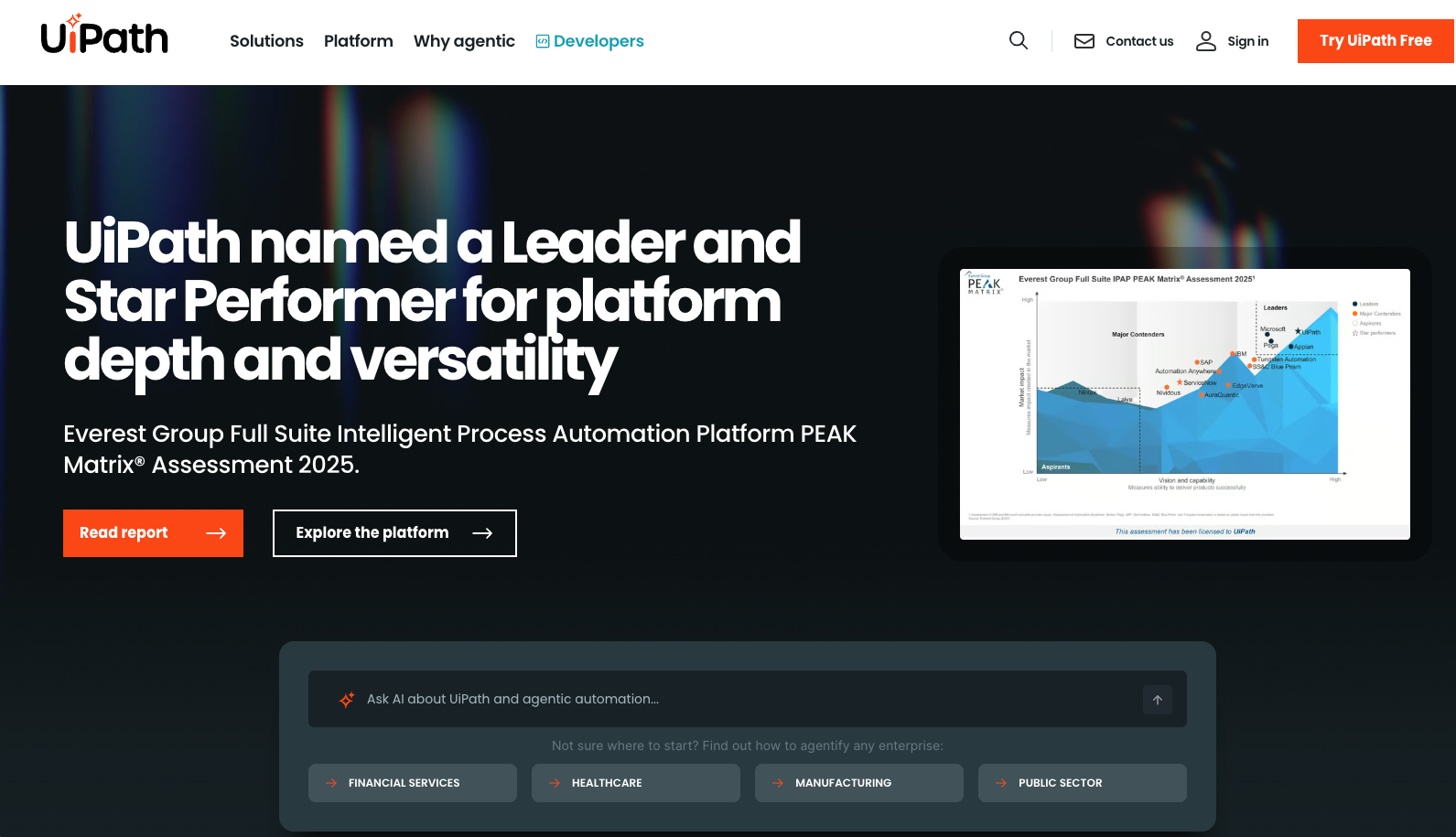
UiPath is an enterprise RPA solution that automates business processes through visual workflow design. Companies use it for repetitive back-office tasks like data entry, invoice processing, and form filling across desktop and web applications.
The tool works through three core components. Studio is the workflow designer where you build automation sequences using drag-and-drop. Robots execute your workflows on local machines or virtual environments. Orchestrator is the central management console where you deploy, schedule, and monitor automation processes.
UiPath relies on pre-determined selectors and visual recording. You record actions on screen, and the tool captures element identifiers like XPaths or CSS selectors to recreate those steps. The robot follows that exact sequence each time it runs.
This works well for enterprise teams managing high-volume, structured processes in stable environments. Processing thousands of invoices in the same ERP system or pulling data from internal applications that rarely change are good use cases.
The limitation is that UiPath requires upfront configuration for each specific application and breaks when websites or applications change their layout.
Why Consider UiPath Alternatives?
There are a number of reasons why you might consider a UiPath alternative:
- Cost drives many organizations to find alternatives. UiPath pricing stretches budgets for smaller teams or businesses without enterprise-scale automation needs. The licensing model suits hundreds of automated processes but becomes impractical for targeted use cases.
- Technical constraints create friction. UiPath robots break when websites move buttons or redesign forms, requiring manual workflow updates. Version updates sometimes introduce stability issues that force re-testing of existing automations.
- The core limitation is adaptability. UiPath lacks native browser-based AI to handle unfamiliar websites. You build manual workflows for each specific process with no computer vision to adjust when layouts change. Implementation demands technical expertise, meaning longer setup and ongoing specialist resources.
- Organizations needing lightweight browser automation, workflows that adapt across multiple websites without per-site custom development, or cost-effective solutions for smaller teams often find UiPath overbuilt for their requirements. 85% of organizations have adopted AI agents in at least one workflow, with 35% reporting cost savings and 88% of executives exploring or scaling agent-led automation.
Best UiPath Alternatives in January 2026: Skyvern
Skyvern uses LLMs and computer vision to automate browser workflows across any website without requiring custom code for each site. The platform interprets pages visually and adapts automatically when layouts change, eliminating the maintenance burden of traditional RPA tools. Available as both open source and managed cloud with transparent per-step pricing at $0.05 per action.
Key Features
- Computer vision interprets websites automatically without pre-configured selectors or XPaths that break during redesigns
- Single workflow runs across multiple sites with native 2FA, CAPTCHA solving, and file downloading built in
- LLM reasoning handles complex decisions like eligibility questions and product matching across different catalogs
- Scored 85.8% on WebVoyager benchmark showing state-of-the-art performance on real-world browser tasks
- Open source option available alongside managed cloud with anti-bot detection and parallel execution
Limitations
- Newer platform compared to existing enterprise RPA solutions with smaller user community
- Per-step pricing model may become expensive for extremely high-volume automation at enterprise scale
- Requires API integration instead of low-code visual workflow builder that non-technical users prefer
- Limited ecosystem of pre-built connectors compared to mature RPA platforms with extensive integration libraries
- May require adjustment period for teams accustomed to traditional RPA selector-based automation approaches
Bottom Line
Best for companies running browser-based workflows across multiple websites that need automation resilient to layout changes without constant maintenance. Teams managing procurement across vendor portals, invoice downloading from various systems, or form submissions to government sites benefit most from the visual interpretation approach that eliminates per-site configuration overhead.
Stagehand
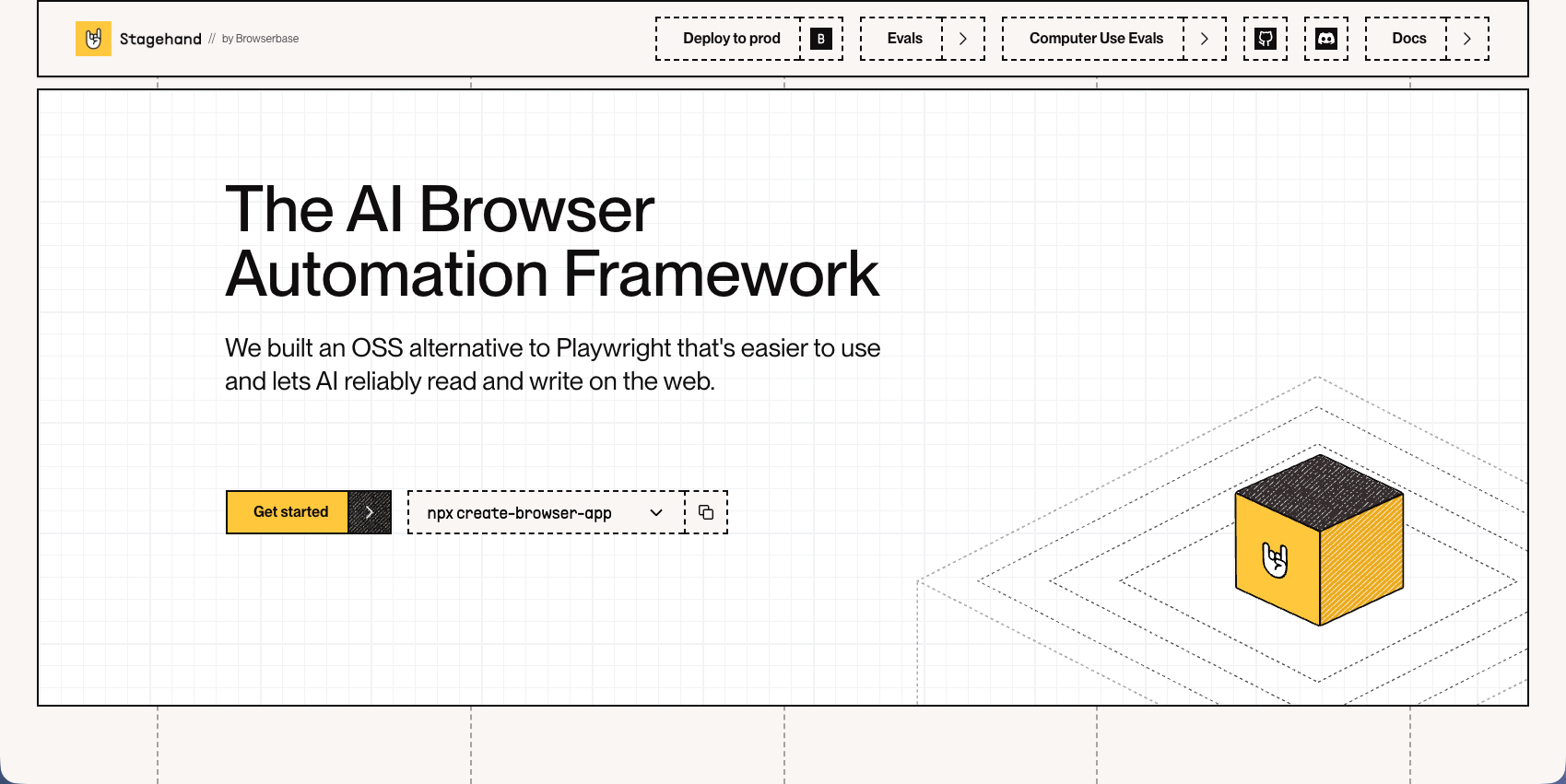
Browser automation framework from Browserbase that adds AI capabilities to Playwright. You control browsers with natural language commands backed by code fallbacks. Auto-caching remembers actions and self-heals when sites change.
Key Features
- Natural language commands layer on top of existing Playwright infrastructure for AI-enhanced automation
- Auto-caching system remembers successful actions to improve performance and reduce LLM calls over time
- Self-healing capabilities detect and adapt to minor website changes automatically
- Code fallback options provide control when AI interpretation needs manual override
- Open source framework with active development community and transparent implementation
Limitations
- Still requires writing Playwright scripts for each website instead of universal workflows
- Depends on external LLM API keys adding cost and complexity to deployment
- No native computer vision for visual interpretation of unfamiliar page layouts
- Lacks built-in workflow orchestration or multi-step process management capabilities
- Requires developer expertise to implement and maintain automation scripts
Bottom Line
Best for development teams already using Playwright who want to add AI capabilities without replacing their existing automation infrastructure. Teams comfortable writing code and managing LLM integrations benefit from the enhanced reliability and natural language control while maintaining full programmatic access when needed.
Hyperbrowser AI
Managed browser infrastructure with built-in CAPTCHA solving and proxy management. Their HyperAgent framework adds natural language control on top of Playwright for web scraping at scale. Solves infrastructure management but you still write Playwright code for each website.
Key Features
- Managed browser infrastructure eliminates setup and maintenance of headless browser environments
- Built-in CAPTCHA solving and proxy rotation handle common anti-bot challenges automatically
- HyperAgent framework provides natural language interface for Playwright-based automation
- Scalable infrastructure supports parallel execution for high-volume scraping operations
- Pre-configured anti-detection measures reduce blocking on protected websites
Limitations
- Requires writing custom Playwright code for each target website instead of universal workflows
- No native computer vision for layout-resilient automation across unfamiliar sites
- Lacks built-in workflow orchestration or multi-step process management tools
- Pricing structure may become expensive for teams running continuous automation at scale
- Still dependent on selector-based automation that breaks when websites redesign layouts
Bottom Line
Best for development teams running large-scale web scraping operations who need managed infrastructure with anti-bot capabilities. Teams comfortable with Playwright and requiring high-volume data extraction benefit from the infrastructure management and CAPTCHA handling without needing to build universal automation workflows.
Browserbase
Serverless headless browser infrastructure with sub-second launch times. Compatible with Playwright, Puppeteer, and Selenium with session recording for debugging. Handles infrastructure well but provides no AI capabilities. You still build and maintain automation code for each site.
Key Features
- Serverless architecture with sub-second browser launch times for fast automation execution
- Compatible with multiple automation frameworks including Playwright, Puppeteer, and Selenium
- Session recording and replay capabilities simplify debugging of failed automation runs
- Managed infrastructure eliminates browser environment setup and maintenance overhead
- Scalable cloud platform handles parallel execution for high-volume automation needs
Limitations
- No AI or computer vision capabilities for adaptive automation across different websites
- Requires writing custom code for each target website using traditional selector-based approaches
- Automations break when websites change layouts since there is no self-healing functionality
- Lacks native form filling, 2FA handling, or CAPTCHA solving without additional integrations
- Infrastructure-only solution that does not reduce the coding burden for automation development
Bottom Line
Best for development teams needing reliable browser infrastructure without managing servers but who are comfortable writing and maintaining traditional automation scripts. Teams with existing Playwright or Puppeteer expertise benefit from the managed infrastructure while retaining full control over their automation logic and implementation.
Feature Comparison: UiPath vs Top Alternatives
Feature | UiPath | Skyvern | Stagehand | Hyperbrowser AI | Browserbase |
|---|---|---|---|---|---|
AI-powered automation | Partial (requires custom configuration/workflow building for each site) | Yes | Yes | Yes | No |
Adapts to layout changes | No | Yes | Limited | Limited | No |
Native form filling | Yes | Yes | Via code | Via code | Via code |
Built-in 2FA/CAPTCHA | Limited | Yes | No | Yes | No |
Works on unseen websites | No | Yes | Limited | Limited | No |
Open source | No | Yes | Yes | No | No |
Requires custom code per site | No | No | Yes | Yes | Yes |
UiPath works best for desktop RPA with stable interfaces. It handles high-volume processes in controlled environments where the UI stays consistent, like internal ERP systems or legacy applications.
Browser automation exposes UiPath's limitations. It can't interpret pages visually or adapt when sites redesign. You configure selectors manually for each website, and those selectors break when developers move elements around.
Skyvern takes a different approach. Computer vision interprets any website without configuration. Workflows adapt when layouts change and handle authentication flows that UiPath needs external tools to manage. One workflow runs across multiple sites without writing code for each one.
Why Skyvern is the Best UiPath Alternative
We built Skyvern to fix what breaks with traditional RPA: browser automations that fail after every website redesign. UiPath requires separate configurations for each site and constant selector updates when layouts change. Our computer vision reads pages the way humans do. Point Skyvern at any website and it identifies buttons and forms automatically. One workflow handles vendor portals, procurement sites, and invoice systems without site-specific code. The LLM layer handles reasoning that RPA can't. Skyvern answers eligibility questions, recognizes equivalent products across different catalogs, and navigates multi-step processes that change based on context. You describe what needs to happen instead of recording click sequences.
We charge $0.05 per step with no enterprise licensing negotiations. And, you can run the open-source version for full control, or use our managed cloud with anti-bot detection and parallel execution preconfigured.
Teams switch to Skyvern when they're tired of fixing broken automations after website updates.
Final Thoughts on Moving Beyond Traditional RPA
The UiPath model makes sense for high-volume desktop automation, but browser workflows break that approach. You shouldn't need a developer to fix your automation every time a website moves a button. Skyvern's LLM and computer vision handle those changes automatically, so your workflows keep running across different sites without constant maintenance. Try the open-source version or contact us to see how it works with your specific use cases.
FAQ
When should you consider moving away from UiPath?
Consider switching if you're spending significanta lot of time fixing broken automations after website updates, need browser workflows that work across multiple sites without custom code per site, or find UiPath's enterprise pricing too high for your team size and automation volume.
What features should you favor when comparing UiPath alternatives?
Look for computer vision that adapts to layout changes, native handling of authentication and CAPTCHA, and the ability to run workflows on websites without pre-configuration. Cost structure matters too: per-step pricing often beats enterprise licensing for smaller teams.
Can AI-powered automation tools handle websites they've never seen before?
Yes. Tools like Skyvern use computer vision and LLMs to interpret pages visually, identifying buttons and forms automatically without pre-determined selectors. Traditional RPA tools like UiPath require manual configuration for each new website.
How does Skyvern's pricing compare to UiPath for browser automation?
Skyvern charges $0.05 per step with no enterprise licensing fees. UiPath uses enterprise licensing that works well for hundreds of processes but becomes impractical for targeted browser automation use cases or smaller teams. Traditional RPA licensing represents only 25-30% of total costs, with most enterprises seeing 60-80% cost savings switching to AI-powered automation platforms.