
Sola Reviews, Pricing, and Alternatives (January 2026)

Everyone loves the idea of recording a workflow once and letting a bot handle it forever. Sola delivers on that promise for simple, repetitive tasks on familiar interfaces. But the copilot model requiring human intervention doesn't scale when you're automating across dozens of websites with different layouts, or when you need bots running unsupervised overnight. We're walking through Sola's capabilities, pricing, and the alternatives that handle autonomous multi-site automation without breaking when websites change.
TLDR:
- Sola automates tasks through screen recording but needs ongoing human supervision
- Skyvern runs autonomously across any website without per-site configuration or training
- Key gaps in Sola: limited API control, no multi-site workflows, basic auth handling
- Alternatives like Stagehand and Hyperbrowser require coding each new website separately
- Skyvern offers AI automation with 2FA, CAPTCHA solving, and both cloud and open source options
What is Sola and How Does It Work?
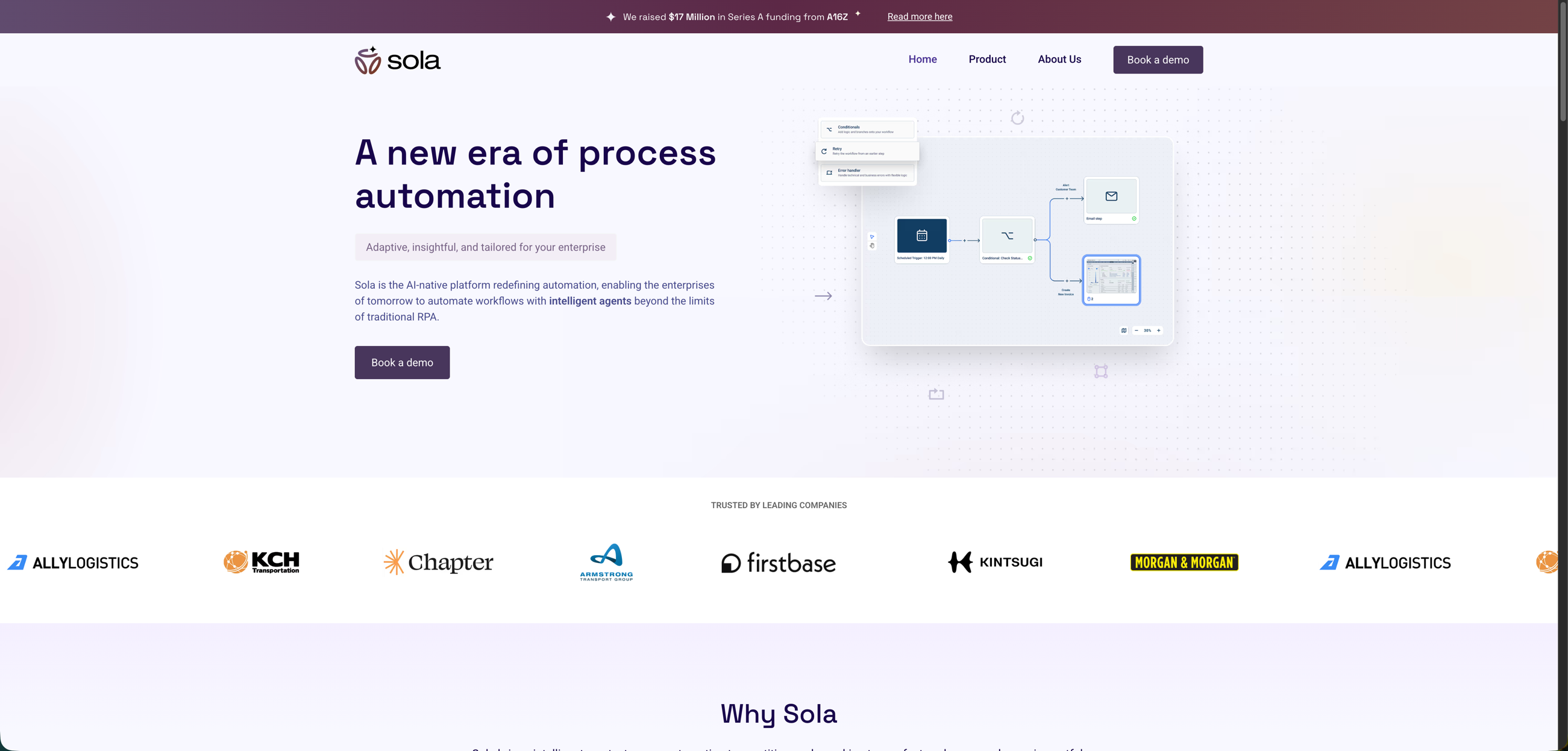
Sola is an agentic process automation tool that helps teams build robotic agents to handle repetitive tasks through AI and computer vision. The software targets organizations in legal, financial, insurance, and healthcare sectors dealing with high volumes of manual data entry, form filling, and information scraping.
The tool works by recording your workflows through screen activity. You perform a task once while Sola watches, and it converts that recording into an automated bot. You don't need to write code or configure complex rule sets. Sola operates as a copilot instead of a fully autonomous agent. When the bot encounters something new, it asks for human input. Over time, the system learns from these interventions and handles edge cases more independently. The software works across browser-based and desktop applications without requiring API access. This makes it useful for automating tasks in legacy systems or third-party tools where you can't build direct integrations. Sola's AI adapts to variations in layouts and workflows without breaking like traditional screen-scraping scripts.
Teams typically use Sola for invoice processing, claims handling, client onboarding, and similar back-office workflows that involve moving data between multiple systems.
Why Consider Sola Alternatives?
Sola works well for teams wanting a visual, no-code approach to automating repetitive tasks. You record your screen once, and Sola converts that into a working bot. The copilot structure learns from human corrections over time, making it accessible for non-technical users. But this approach has trade-offs. Sola's copilot model requires ongoing human supervision, which limits fully autonomous execution. If you need bots that run completely unsupervised across complex workflows, you'll need something different. Organizations often look for alternatives when they hit specific technical requirements:
- API-first orchestration for programmatic control without visual workflow builders
- Multi-site generalization that works across hundreds of websites without retraining bots for each interface
- Developer-focused documentation for technical teams building automation infrastructure
- Advanced authentication handling like 2FA, TOTP, and multi-factor flows
- Proxy network management with geographic targeting for distributed execution
Teams building enterprise-grade browser automation that scales across many sites without per-site configuration typically need tools with different architecture. According to recent data, 63% of organizations now have over 200 self-service automation users, reflecting the shift toward Automation-as-a-Service where IT teams deliver scalable automation capabilities across business units.
Best Sola Alternatives in January 2026: Skyvern
Skyvern automates browser-based workflows using AI and computer vision, eliminating brittle scripts or pre-determined XPaths. Unlike Sola's copilot approach requiring human intervention, Skyvern operates autonomously on websites never seen before without customized code per site. The platform combines AI-powered automation with native support for complex authentication flows and multi-site workflows.
Key Features
- AI-powered automation that resists website layout changes without requiring XPath configuration or per-site training
- Single workflows applicable to large numbers of websites without modification or retraining
- Native form filling with 2FA, TOTP, and CAPTCHA solving capabilities built into the platform
- Both managed cloud infrastructure and open source deployment options for flexibility
- Simple API endpoint for programmatic control and workflow orchestration across any website
Limitations
- No visual no-code interface for non-technical users who prefer screen recording workflows
- Requires API-first approach instead of copilot-style human supervision and learning
- Steeper learning curve for teams without technical resources or development experience
- Not designed for users who want conversational natural language workflow creation
- May require more upfront configuration compared to record-and-replay tools like Sola
Bottom Line
Best for companies automating workflows across multiple websites without APIs, teams dealing with brittle automation scripts that break with website changes, and organizations requiring materials procurement, invoice downloading, or form filling at scale. Skyvern is ideal for technical teams and enterprises that need autonomous, production-grade automation without per-site configuration or ongoing human supervision, particularly when dealing with complex authentication requirements or high-volume multi-site operations.
Stagehand
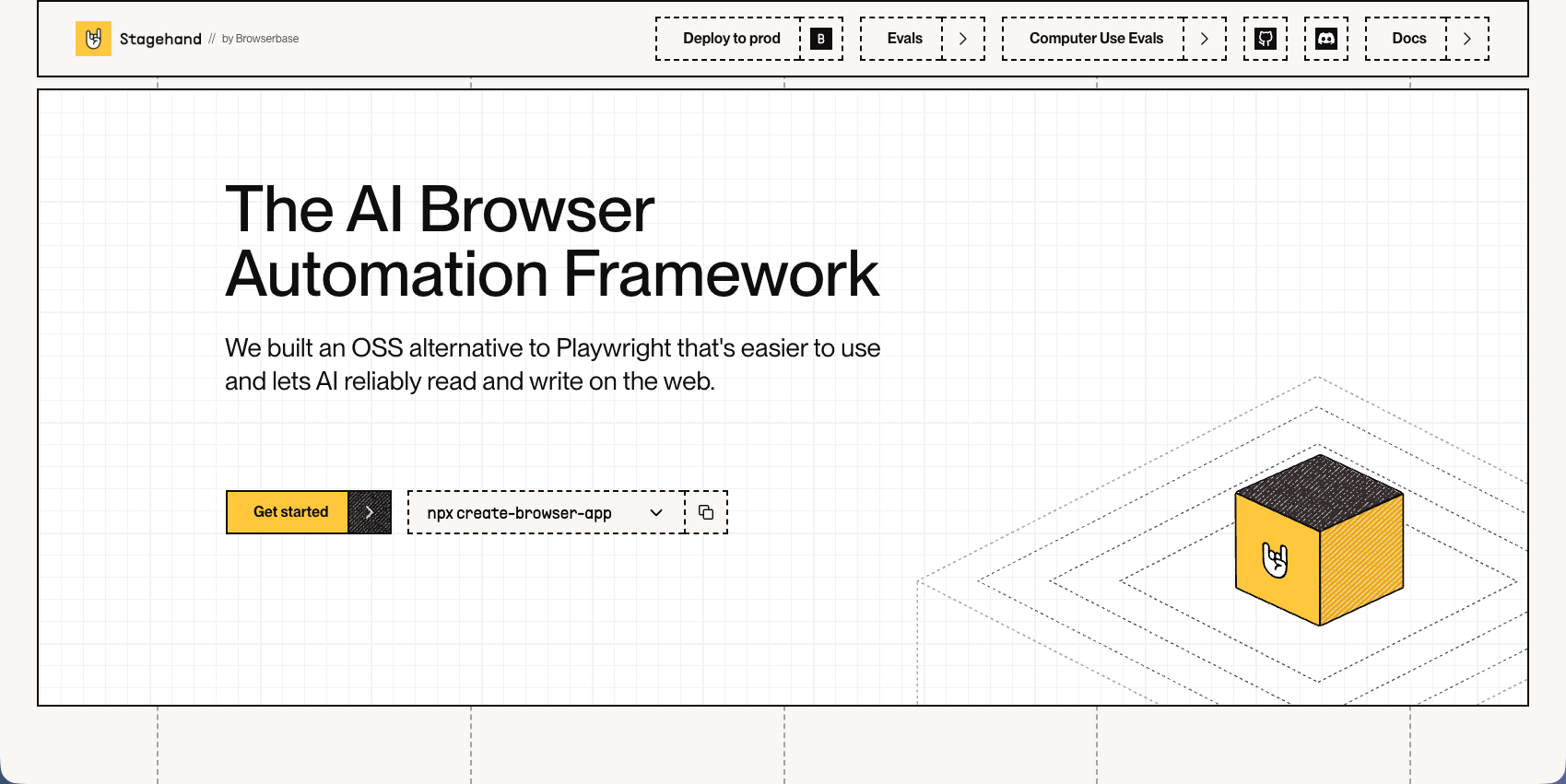
Stagehand is a browser automation framework built on Playwright that controls web browsers with natural language and code. It includes auto-caching with self-healing, structured data extraction using Zod, and atomic actions through act, extract, and observe APIs. The framework requires developers to write code on top of Playwright for each website they want to automate.
Key Features
- Natural language commands combined with traditional Playwright code for browser control
- Auto-caching system that records and replays actions without repeated LLM calls
- Structured data extraction with Zod schema validation for type-safe outputs
- Self-healing capabilities that adapt to minor website changes automatically
- Built on Playwright infrastructure for developers already using that ecosystem
Limitations
- Requires writing custom code for each new website instead of generalizing across sites
- No managed cloud infrastructure or built-in proxy network management
- Limited authentication handling compared to platforms with native 2FA and CAPTCHA support
- API costs can accumulate quickly with high-volume usage across multiple workflows
- Steeper technical requirements for teams without existing Playwright experience
Bottom Line
Best for developers who want to blend traditional code-based automation with AI capabilities and teams already invested in Playwright infrastructure. Stagehand works well for technical teams building custom automation solutions where they control the codebase, but it requires per-site configuration instead of the multi-site generalization that autonomous platforms provide. Organizations needing to automate across dozens or hundreds of different websites without writing custom code for each one will find the approach limiting.
Hyperbrowser AI
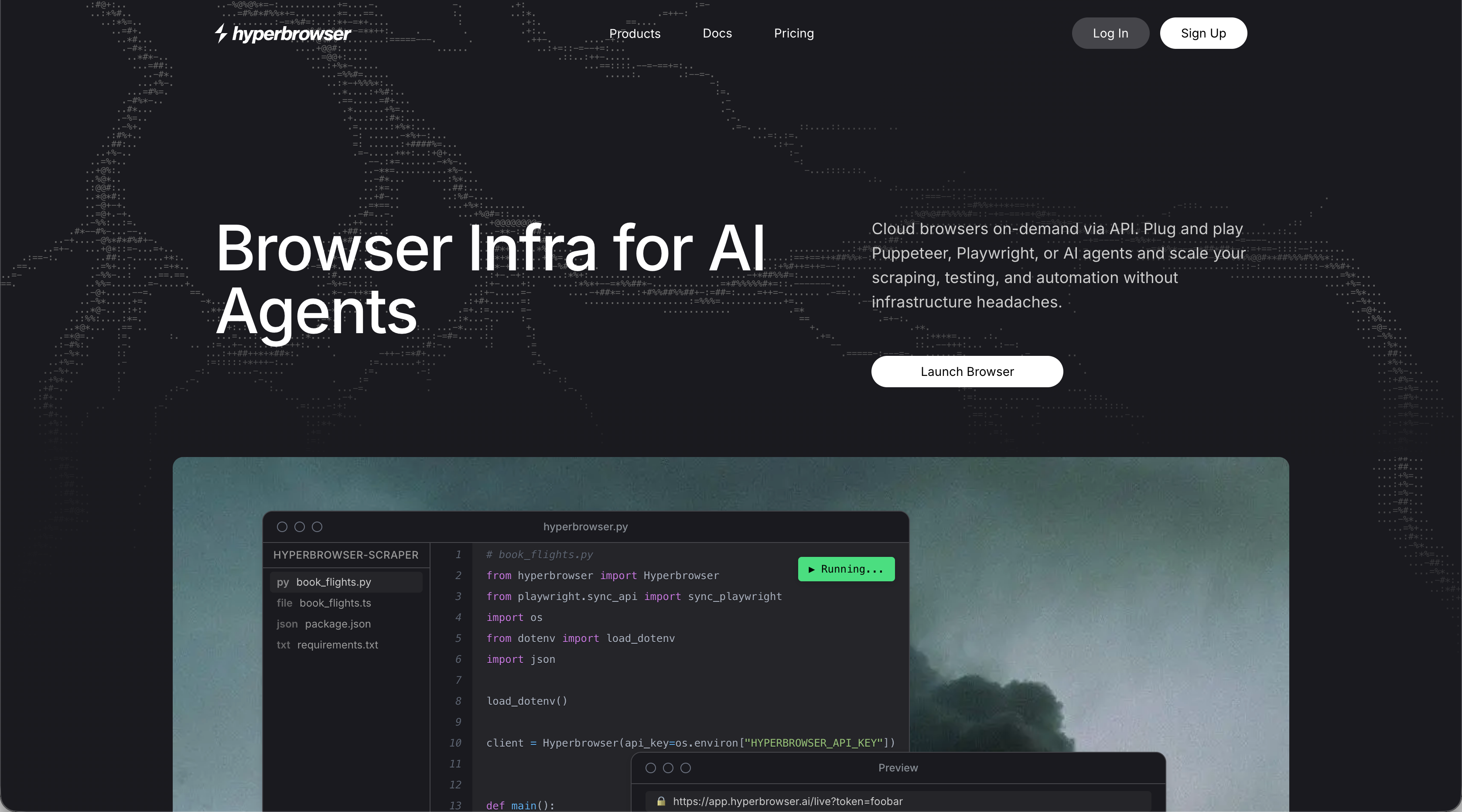
Hyperbrowser AI provides scalable browser infrastructure with built-in CAPTCHA solving, proxy management, and anti-bot detection. The HyperAgent framework includes AI commands like page.ai() and page.extract(), stealth mode with anti-bot patches, and action caching to record and replay workflows without LLM calls. The platform requires developers to write code on top of Playwright for each website they want to automate.
Key Features
- Managed browser infrastructure with built-in proxy network and geographic targeting capabilities
- Native CAPTCHA solving and anti-bot detection features integrated into the platform
- Action caching system that records workflows and replays them without repeated AI calls
- AI-powered commands for natural language browser control and data extraction
- Stealth mode with anti-detection patches for accessing protected websites
Limitations
- Requires writing custom code for each new website instead of multi-site generalization
- No visual no-code interface for non-technical users or teams without developers
- Per-site configuration needed instead of autonomous adaptation to new websites
- Limited documentation compared to more well known automation frameworks
- API costs can accumulate with high-volume usage across multiple workflows
Bottom Line
Best for teams needing managed browser infrastructure with proxy and CAPTCHA handling at scale and developers building custom automation solutions on Playwright. Hyperbrowser AI works well for technical teams requiring stealth capabilities and anti-bot detection, but organizations automating across many different websites without per-site configuration will find the approach limiting. The platform suits teams with development resources who want infrastructure management handled but are comfortable writing code for each automation target.
Airtop
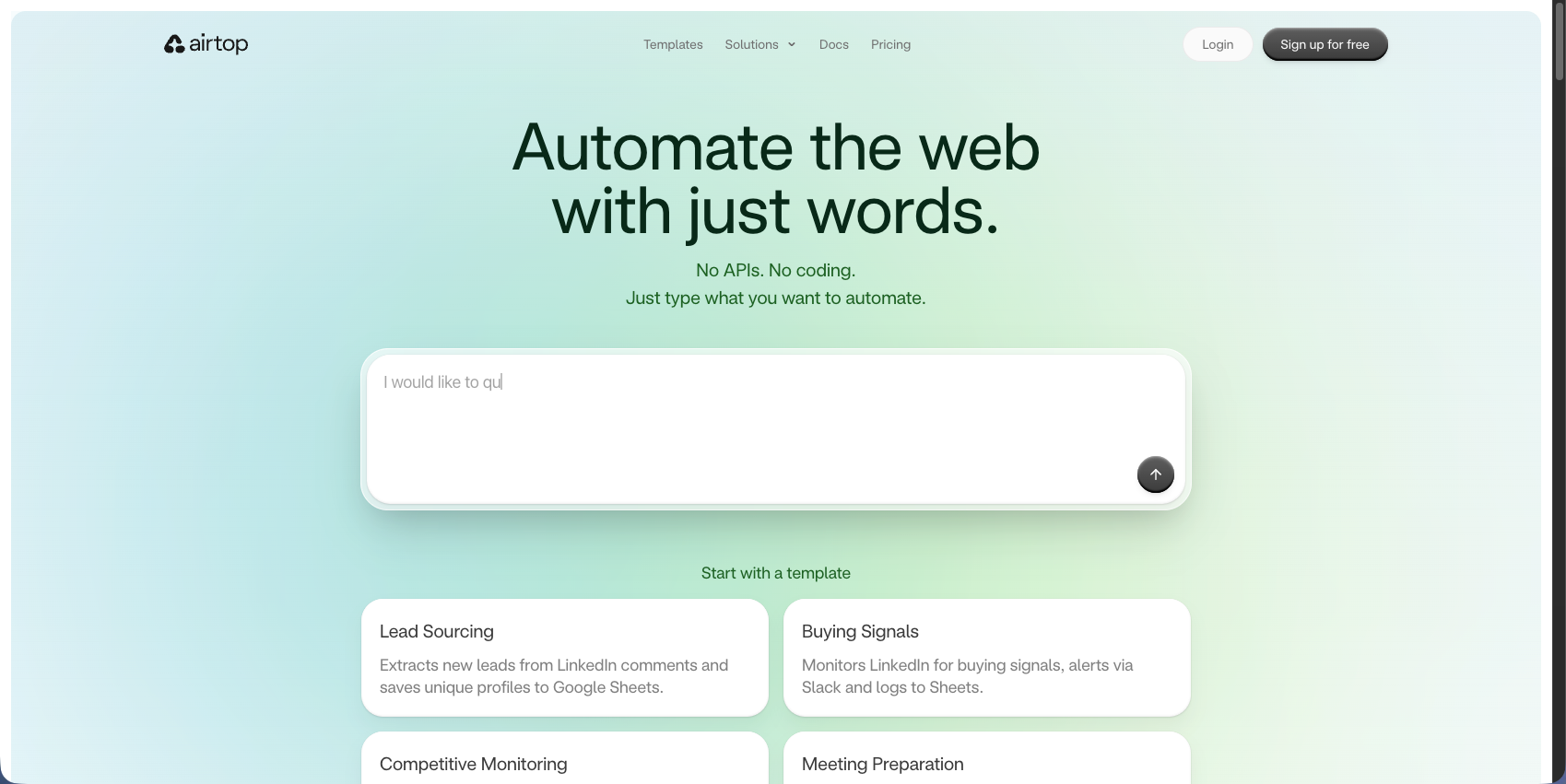
Airtop is a conversational web agent builder that lets you create AI agents through plain English descriptions. It includes cloud browser infrastructure with OAuth and 2FA authentication handling, persistent browser sessions for multi-step workflows, and integration with no-code tools like Make and n8n. The platform focuses on natural language workflow creation instead of code-based automation.
Key Features
- Conversational interface for building automation workflows using plain English commands
- Native OAuth and 2FA authentication support for complex login flows
- Persistent browser sessions that maintain state across multi-step workflows
- Integration with no-code automation platforms like Make and n8n for workflow orchestration
- Cloud-based browser infrastructure with managed execution and session management
Limitations
- Region-locked authentication issues can cause workflows to fail due to proxy location mismatches
- Limited multi-site generalization compared to platforms designed for autonomous cross-site automation
- No open source option for teams requiring self-hosted deployment
- Conversational approach may lack precision for complex technical automation requirements
- Less suitable for developers who prefer API-first programmatic control over natural language
Bottom Line
Best for non-technical teams wanting to automate browser workflows without writing code and organizations requiring complex authentication handling through a conversational interface. Airtop works well for business users and teams already using no-code platforms like Make or n8n, but technical teams needing precise programmatic control or multi-site automation across hundreds of different websites will find the natural language approach limiting. The platform suits teams favoring ease of use over technical flexibility and autonomous cross-site capabilities.
Browserbase
Browserbase is a cloud-native browser automation solution featuring serverless infrastructure to spin up thousands of browsers in milliseconds. It includes serverless Chromium instances with session persistence, integration with Playwright, Puppeteer, and Selenium, Stagehand SDK for natural language browser control, and debugging tools including session replay and live view. The platform provides managed infrastructure but requires developers to write automation code for each website.
Key Features
- Serverless browser infrastructure that scales to thousands of concurrent sessions instantly
- Session persistence and resumption capabilities for multi-step workflows across time
- Native integration with popular automation frameworks like Playwright, Puppeteer, and Selenium
- Built-in debugging tools including session replay and live viewport streaming
- Stagehand SDK integration for adding AI-powered natural language commands to workflows
Limitations
- Requires writing custom code for each website instead of autonomous multi-site generalization
- No built-in AI automation without additional frameworks like Stagehand
- Limited native authentication handling compared to platforms with full 2FA and CAPTCHA support
- No visual no-code interface for non-technical users or business teams
- Infrastructure-focused instead of providing complete automation solutions out of the box
Bottom Line
Best for developers needing reliable cloud browser infrastructure at scale and technical teams already using Playwright, Puppeteer, or Selenium who want managed hosting. Browserbase works well for organizations requiring session persistence and debugging capabilities, but teams needing autonomous automation across multiple websites without per-site coding will find it limiting. The platform suits development teams who want infrastructure management handled while maintaining full control over their automation logic and implementation.
Feature Comparison: Sola vs Top Alternatives
Here's how Sola compares to leading alternatives:
Feature | Sola | Skyvern | Stagehand | Hyperbrowser AI | Airtop | Browserbase |
|---|---|---|---|---|---|---|
AI-Powered Automation | Yes | Yes | Yes | Yes | Yes | Yes |
Multi-Site Workflows Without Custom Code | No | Yes | No | No | No | No |
No-Code Interface | Yes | No | No | No | Yes | No |
2FA and CAPTCHA Handling | Limited | Yes | Limited | Yes | Yes | Limited |
Managed Cloud Infrastructure | Yes | Yes | No | Yes | Yes | Yes |
Open Source Option | No | Yes | Yes | No | No | No |
API-First Workflow Control | Limited | Yes | Yes | Yes | Limited | Yes |
Skyvern combines full 2FA and CAPTCHA support with both managed cloud and open source deployment options. The multi-site capability lets you write one workflow that works across hundreds of websites without per-site configuration, which is valuable when automating across vendor portals or supplier systems with different interfaces.
Why Skyvern is the Best Sola Alternative
We built Skyvern to solve the exact problem Sola's copilot model creates: scaling automation without per-site configuration or ongoing supervision.
Sola requires human intervention when bots encounter new scenarios. This works for small teams handling a few repetitive tasks, but it breaks down when you need to automate across dozens of vendor portals or supplier systems with different layouts. You end up with a team babysitting bots instead of letting automation run autonomously. Skyvern takes a different approach. Write one workflow, and it works across hundreds of websites without modification. The AI understands website structure in real-time using computer vision, so layout changes don't break your automation. No XPath configuration. No per-site training. No human supervision required.
The authentication handling makes the difference for production workflows. Skyvern natively supports 2FA, TOTP, and CAPTCHA solving. You don't need workarounds or manual intervention when workflows hit login screens. The system handles complex authentication flows automatically, which matters when you're running workflows overnight or across multiple time zones.
Teams choose Skyvern over Sola when they need:
- Autonomous execution without human supervision or copilot intervention
- Multi-site scalability where one workflow handles hundreds of different websites
- API-first control for programmatic orchestration and integration with existing systems
- Production-grade authentication with native 2FA and CAPTCHA support
- Deployment flexibility with both managed cloud and open source options
The open source option gives you control over your automation infrastructure. You can self-host, customize the codebase, and avoid vendor lock-in. The managed cloud version provides enterprise-grade reliability with anti-bot detection and parallel execution when you need it.
Skyvern costs less than maintaining a team to supervise copilot-style automation. You eliminate the ongoing human intervention that Sola requires, and you avoid rewriting workflows for each new website. The ROI comes from autonomous execution at scale, not from recording screens and hoping the bot learns over time.
Final Thoughts on Sola Process Automation
The copilot model works for contained workflows, but Sola alternatives like Skyvern give you autonomous multi-site automation without per-site configuration. You write one workflow that adapts to hundreds of different websites, handling layout changes and authentication without human intervention. If your automation needs extend beyond supervised screen recording, Skyvern provides the API-first infrastructure to scale your operations.
FAQ
When should you consider moving away from Sola?
Look for alternatives when you need fully autonomous workflows without human supervision, API-first control for programmatic orchestration, or automation that works across hundreds of websites without retraining bots for each interface. Teams hitting these technical limits typically need tools with different architecture.
What features should you look for first when comparing Sola alternatives?
Focus on multi-site generalization (one workflow working across many websites), advanced authentication handling (2FA, TOTP, multi-factor flows), proxy network management with geographic targeting, and whether you need managed cloud infrastructure or open source deployment options. The right choice depends on whether you need visual no-code tools or developer-focused API control.
How does Skyvern handle websites it's never seen before?
Skyvern uses AI and computer vision to understand website structure in real-time, eliminating the need for pre-determined XPaths or per-site configuration. You write one workflow that works across hundreds of websites without modification, making it useful for automating across vendor portals or supplier systems with different interfaces.
Can browser automation tools handle complex authentication flows?
Yes, but capabilities vary a lot. Skyvern and Airtop provide full 2FA and TOTP support, while Stagehand and Browserbase offer limited authentication handling. If your workflows require multi-factor authentication or region-specific login flows, verify the tool supports your specific authentication requirements before committing.
What's the main difference between copilot and autonomous automation approaches?
Copilot tools like Sola require ongoing human supervision and intervention when encountering new scenarios, learning from corrections over time. Autonomous tools like Skyvern run completely unsupervised using AI to handle variations and edge cases without human input, making them better for scaling workflows across many sites.