
Kernel Reviews, Pricing, and Alternatives (January 2026)

You need browser automation infrastructure, and Kernel keeps coming up in your research. The 300ms launch times and managed proxies sound perfect, but there's something important to understand before you commit: Kernel solves the infrastructure problem, not the maintenance problem. You still write selector-based automation code that breaks when websites change. For teams automating across many sites that update frequently, that maintenance burden becomes the real cost. Here's what Kernel offers, what it costs, and which alternatives take a different approach to handling website changes.
TLDR:
- Kernel provides fast browser infrastructure but requires custom code for each site
- Skyvern uses computer vision to automate across multiple sites without per-site scripts
- Traditional tools like Selenium break when websites change their layouts
- Browserbase and Stagehand offer infrastructure but lack cross-site adaptability
- Skyvern maintains one workflow across dozens of sites that adapts to layout changes
What Is Kernel and How Does It Work?

Kernel is a cloud-native browser automation infrastructure that provides browsers-as-a-service. Instead of managing your own browser infrastructure, Kernel handles server setup, proxies, anti-bot detection, and scaling. The service launches browsers in 300 milliseconds using unikernel architecture. Each browser runs in an isolated virtual machine with built-in stealth mode, residential proxies, and automatic CAPTCHA solving. Developers connect using Puppeteer, Playwright, or any Chrome DevTools Protocol-based framework. You write your automation code normally, but point it to Kernel's hosted browsers instead of running browsers locally.
Kernel includes live view streaming so you can watch automations in real-time, plus session replays for debugging. You can switch between headless and headful modes, restore previous sessions, and take manual control when needed.
Why Consider Kernel Alternatives?
There are a number of reasons to consider alternatives to Kernel:
- Kernel provides browser infrastructure and anti-detection features, but you write all automation logic yourself. Every workflow requires custom Playwright or Puppeteer code with hardcoded selectors. When target sites redesign their interfaces, your scripts break and need manual updates.
- This works if you automate a few stable sites with dedicated engineers. It gets expensive when managing automations across dozens of vendor portals that change frequently.
- Kernel doesn't include AI reasoning or computer vision. You can't describe tasks and have the system execute them. Teams wanting automation that adapts to website changes without code maintenance look for alternatives with intelligent interaction capabilities.
Best Kernel Alternative in January 2026: Skyvern
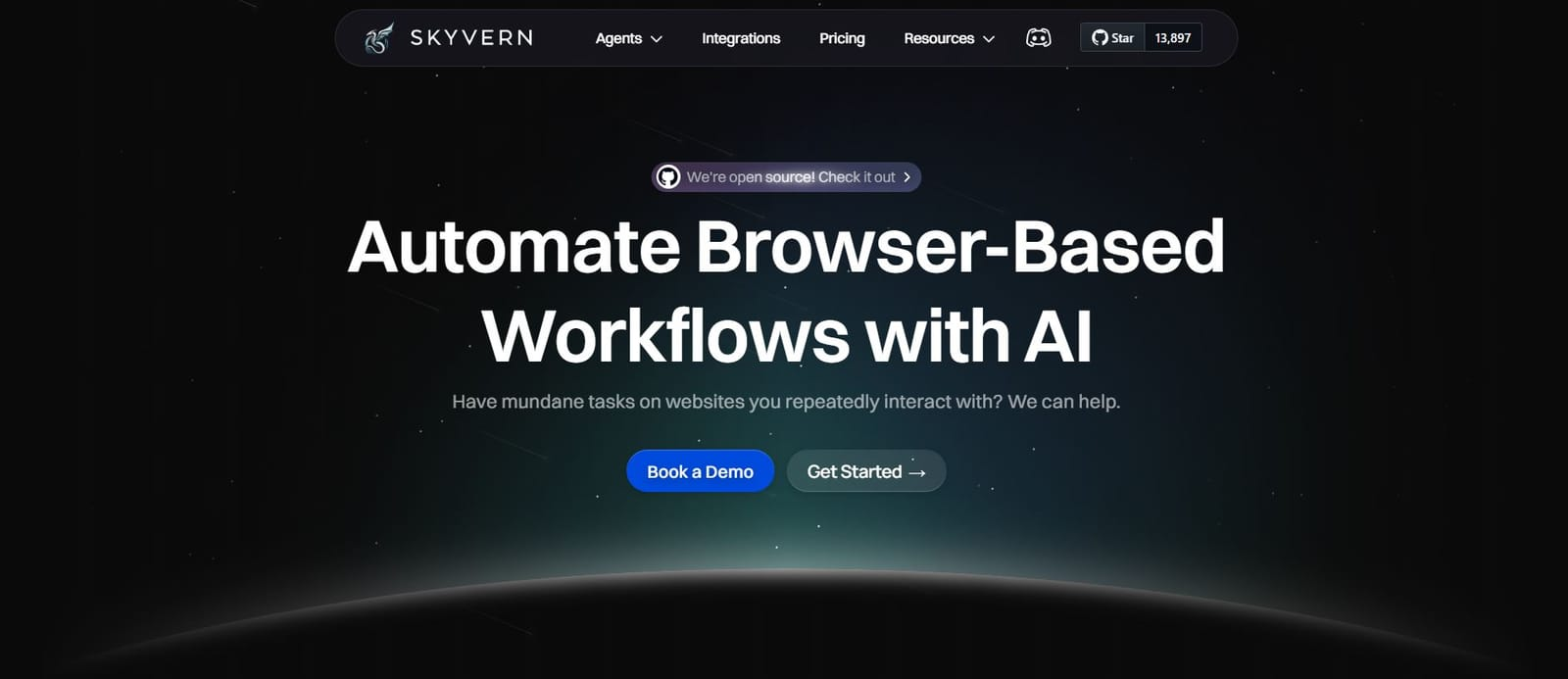
Skyvern uses computer vision and LLMs to automate browser workflows across multiple websites without writing per-site scripts. The platform adapts to website layout changes automatically, eliminating the maintenance burden of traditional selector-based automation. One workflow runs across dozens of sites, including those you've never seen before.
Key Features
- Computer vision interprets websites visually like humans do, eliminating brittle CSS selectors that break with redesigns
- Single API workflow operates across multiple vendor portals without per-site customization or code
- Built-in 2FA, CAPTCHA solving, and authentication handling for complex login flows
- Native data extraction with structured output formats and automatic file downloading to cloud storage
- Explainable AI provides clear reasoning for decisions and actions taken during automation
Limitations
- Requires API integration knowledge instead of simple no-code interfaces for non-technical users
- May have higher per-execution costs compared to running your own Playwright infrastructure
- Learning curve for teams accustomed to traditional selector-based automation approaches
- Newer platform with smaller community compared to existing tools like Selenium or Playwright
- Advanced features and higher usage limits require paid plans beyond the basic tier
Bottom Line
Skyvern works best for engineering teams automating workflows across many frequently-changing websites where maintenance overhead becomes the primary cost. Organizations managing vendor portals, procurement systems, or data collection across dozens of sites benefit most from the computer vision approach that eliminates per-site script maintenance. Teams spending a lot of engineering time updating broken automation scripts after website redesigns see immediate ROI from switching to Skyvern's adaptive automation.
Stagehand
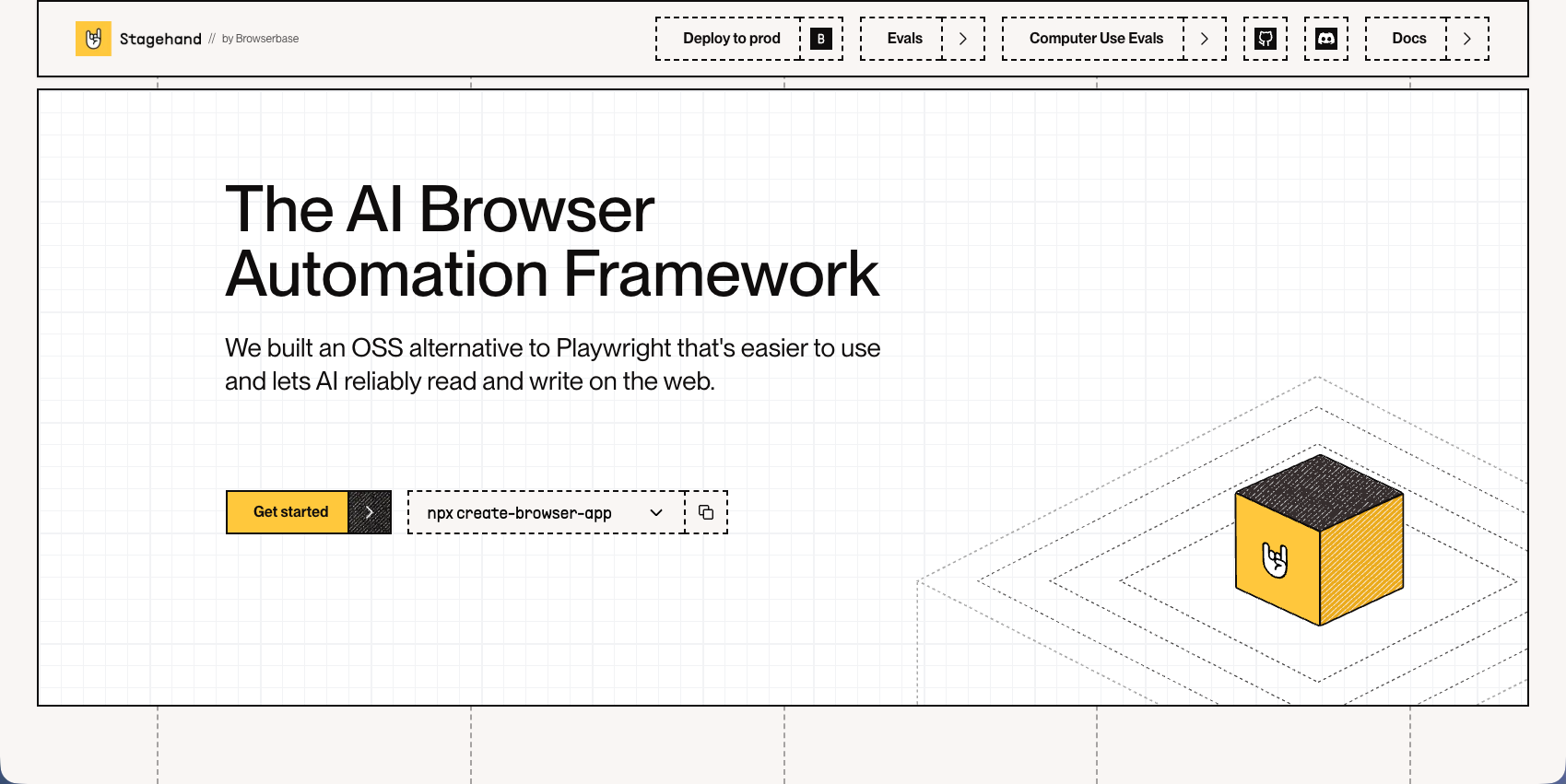
Stagehand is an open-source TypeScript framework from Browserbase that adds AI capabilities to Playwright automation through natural language instructions. The tool combines traditional selector-based automation with LLM-powered actions for more flexible workflows. Developers can mix AI-driven commands with standard Playwright code in the same script.
Key Features
- Natural language instructions replace detailed selector logic for common automation tasks
- Act and extract functions include built-in error recovery for common automation patterns
- TypeScript-based with type safety for reliable development and integration
- Works with Playwright and Puppeteer for mixed AI and traditional automation approaches
- Open source with active development and community contributions from the Browserbase team
Limitations
- Still requires writing code for each automation workflow instead of using a simple API
- AI capabilities are limited compared to full computer vision approaches that adapt to unseen sites
- Depends on Browserbase infrastructure for optimal performance and AI features
- Less effective at handling complex multi-site workflows that require cross-platform adaptability
- Natural language commands may struggle with highly complex conditional logic or edge cases
Bottom Line
Stagehand works best for engineering teams using TypeScript who want to add AI capabilities to existing Playwright automation code without completely changing their development approach. Developers building automations for a smaller number of known websites benefit from the flexibility of mixing traditional selectors with AI-powered actions. Teams needing more control than fully managed solutions but wanting some AI assistance for common tasks like clicking buttons or extracting data will find Stagehand a practical middle ground.
Hyperbrowser AI
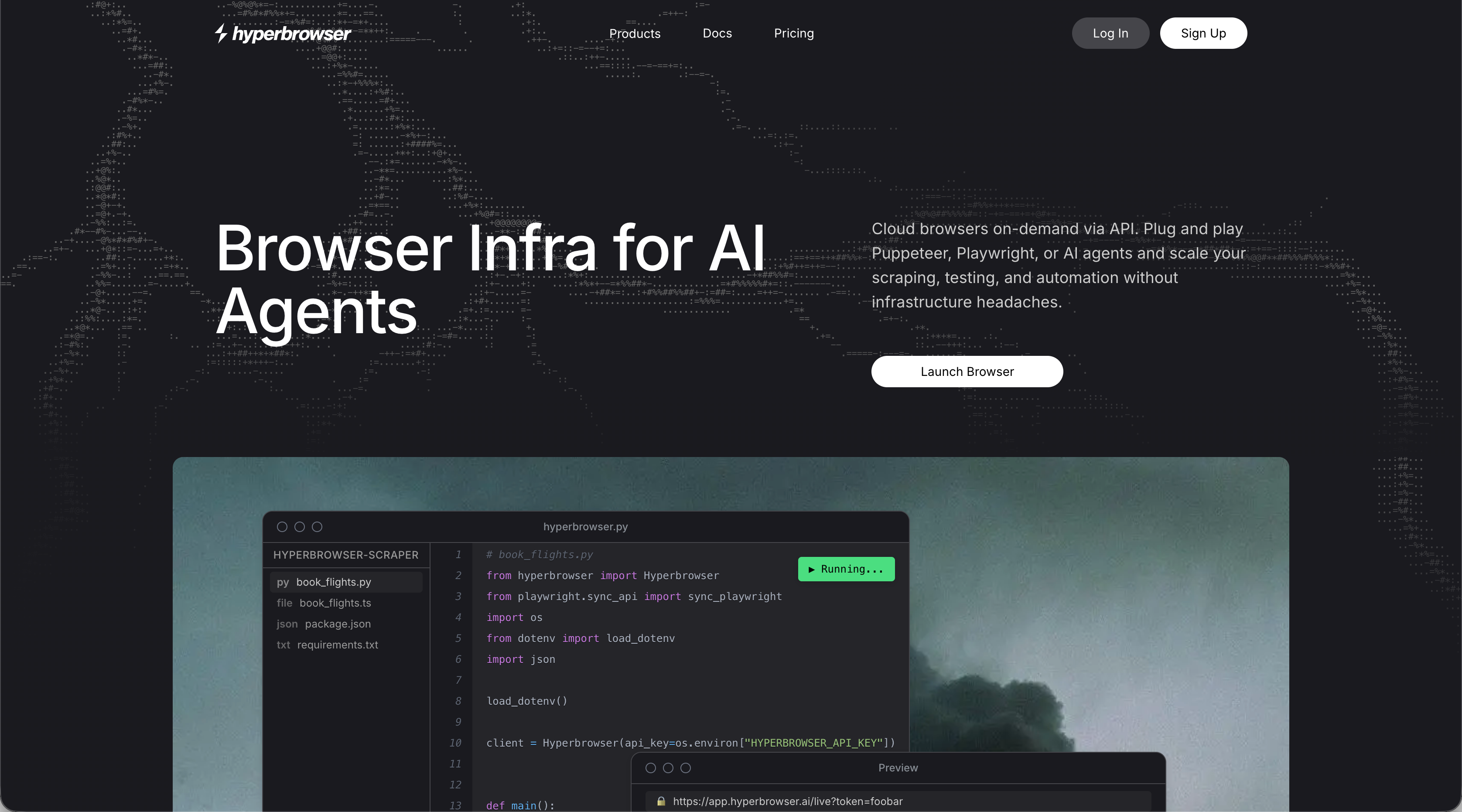
Hyperbrowser AI provides a conversational interface for building browser automations without writing code or configuring workflows. The platform uses natural language commands to create AI agents that handle web tasks including authentication, form filling, and data extraction. Users describe what they want automated and the system executes the tasks through managed cloud browsers.
Key Features
- Natural language interface for building agents without coding or workflow configuration
- Managed cloud browsers that handle authentication flows including OAuth and 2FA
- Built-in CAPTCHA bypassing and session management
- Scalable infrastructure for running multiple browser sessions
- Conversational approach makes automation accessible to non-technical users
Limitations
- Conversational interfaces can struggle with complex multi-step workflows requiring conditional logic
- Less control over automation details compared to API-driven or code-based approaches
- May require multiple iterations to communicate complex automation requirements accurately
- Limited transparency into how the AI interprets and executes instructions
- Not ideal for teams needing programmatic integration or version-controlled automation workflows
Bottom Line
Hyperbrowser AI works best for business users and non-technical teams who want to automate web tasks without learning to code or manage infrastructure. Marketing teams, operations staff, and individual contributors who need quick automation solutions for straightforward tasks like data collection or form submission benefit most from the conversational approach. Teams requiring precise control, complex conditional logic, or integration with existing development workflows should consider more technical alternatives like Skyvern's API-driven platform.
Airtop
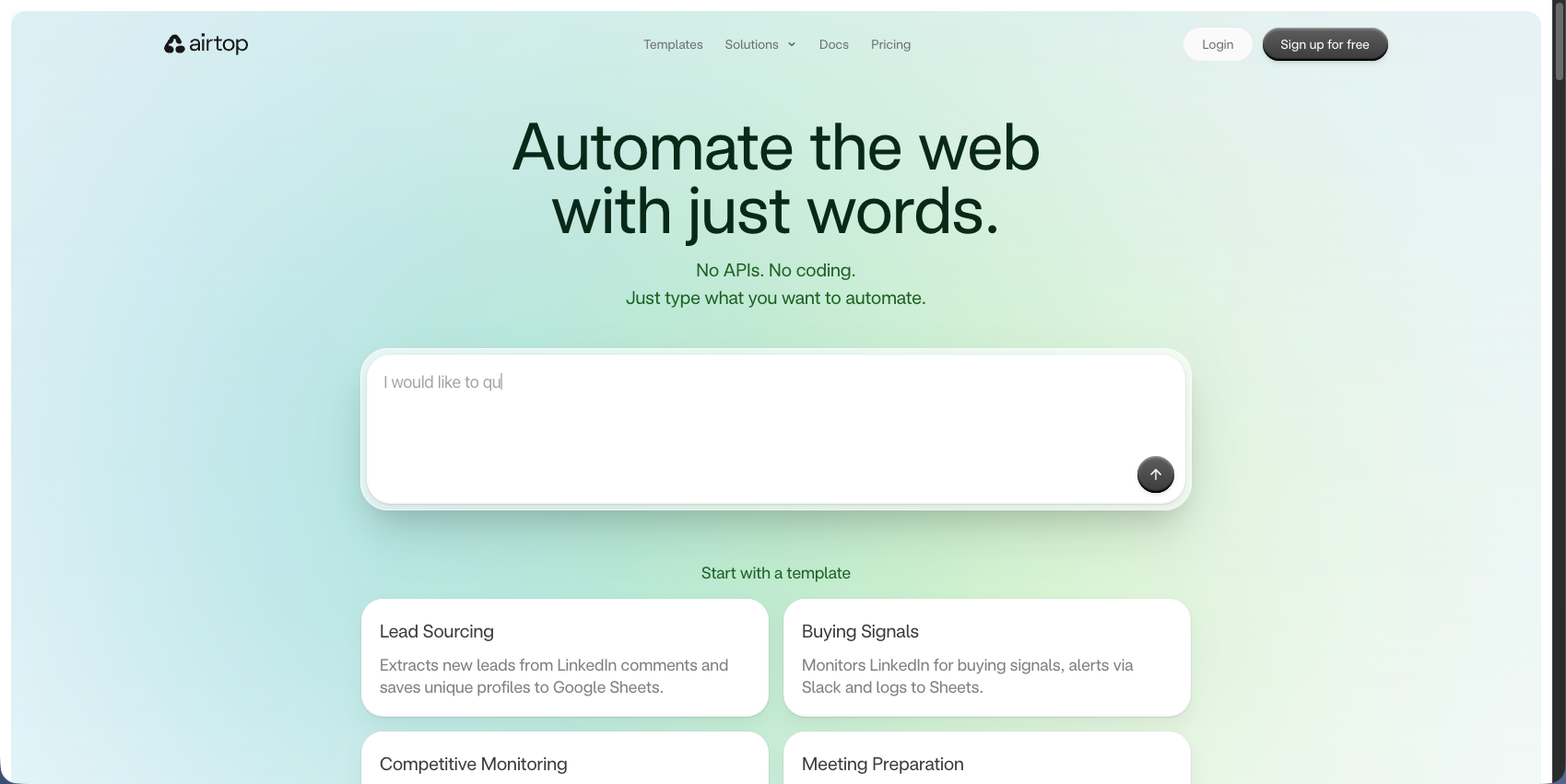
Airtop provides cloud-based browser automation with strong authentication handling and natural language controls for building AI agents. The platform manages persistent browser sessions while handling OAuth, 2FA, and CAPTCHA challenges automatically. Developers can build automations using natural language instructions or integrate through SDKs for TypeScript and Python.
Key Features
- Solid authentication support including OAuth, 2FA, and CAPTCHA solving with session persistence
- Natural language commands through Extract and Act APIs for simplified automation building
- Live View feature allows manual intervention and real-time monitoring of automation sessions
- SDKs for TypeScript and Python plus no-code tool integrations for flexible implementation
- Managed cloud infrastructure handles browser provisioning and scaling automatically
Limitations
- Requires per-site configuration instead of working across unseen websites automatically
- Lacks computer vision capabilities that adapt to website layout changes without updates
- Natural language interface may not provide the precision needed for complex conditional workflows
- Less suitable for teams automating across dozens of frequently-changing vendor portals
- Limited cross-site adaptability compared to vision-based automation approaches
Bottom Line
Airtop works best for teams needing strong authentication handling and natural language automation for a known set of websites. Organizations building AI agents that interact with platforms requiring complex login flows benefit from the extensive session management and 2FA support. Teams automating a smaller number of stable sites where authentication is the primary challenge will find Airtop's approach practical, while those managing workflows across many changing sites should consider Skyvern's computer vision platform.
Browserbase
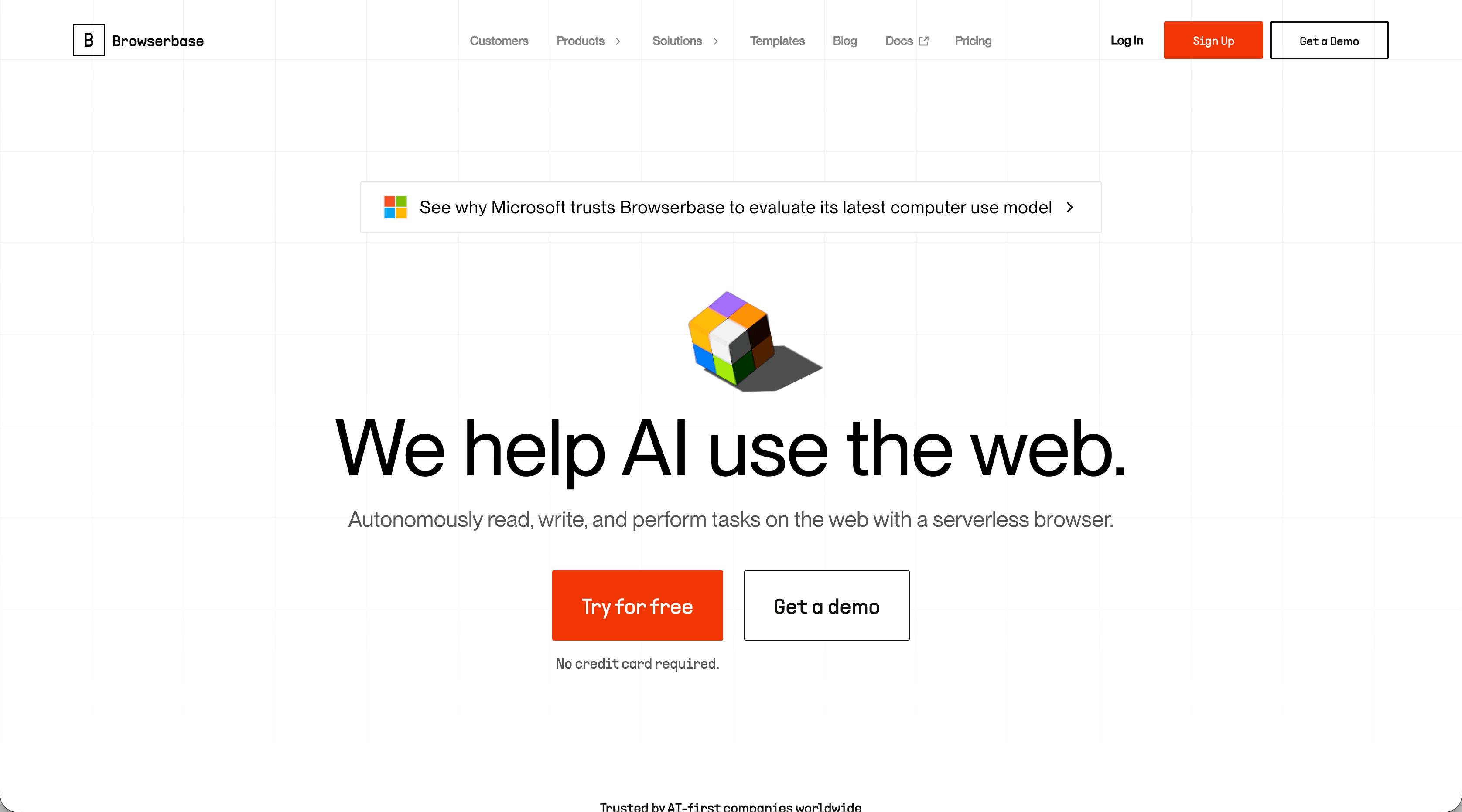
Browserbase provides serverless browser infrastructure with managed browsers, anti-detection features, and debug tooling. The service handles browser provisioning, proxy rotation, and session management through a simple API. Developers use standard automation frameworks like Playwright or Puppeteer while Browserbase manages the underlying infrastructure.
Key Features
- Fast browser launch with automatic scaling and resource management
- Session recording and live debugging with DevTools access
- Built-in stealth capabilities and proxy network for scraping
- Works with standard automation frameworks without vendor lock-in
- Detailed logging and observability for troubleshooting
Limitations
- Still requires writing custom automation scripts for each website you target
- Lacks AI reasoning or computer vision to adapt to website layout changes
- No built-in cross-site adaptability for workflows spanning multiple vendor portals
- Automation code breaks when websites redesign their interfaces
- Focuses on infrastructure instead of solving the automation logic maintenance problem
Bottom Line
Browserbase works best for teams writing Playwright or Puppeteer code who need reliable browser infrastructure without managing servers. Organizations running high-volume scraping or testing workloads benefit from the managed infrastructure and debugging capabilities. Teams automating a smaller number of stable websites where infrastructure reliability is the primary concern will find Browserbase practical, while those managing workflows across many frequently-changing sites should consider Skyvern's computer vision approach that eliminates per-site script maintenance.
Feature Comparison: Kernel vs Top Alternatives
Here's how Kernel compares to other automation tools across critical capabilities:
Feature | Kernel | Skyvern | Stagehand | Hyperbrowser AI | Airtop | Browserbase |
|---|---|---|---|---|---|---|
Computer Vision Automation | No | Yes | No | No | No | No |
Works Across Unseen Websites | No | Yes | No | No | No | No |
Adapts to Layout Changes | No | Yes | Limited | No | Limited | No |
Natural Language Commands | No | Yes | Yes | Yes | Yes | Yes |
Simple API (No Scripting) | No | Yes | No | No | Yes | No |
2FA and CAPTCHA Support | Yes | Yes | Yes | Yes | Yes | Yes |
Session Persistence | Yes | Yes | Yes | Yes | Yes | Yes |
Live View Debugging | Yes | Yes | No | Yes | Yes | Yes |
Playwright/Puppeteer Support | Yes | Yes | Yes (native) | Yes | Yes | Yes |
Self-Hosted Options | No | Yes | No | No | No | No |
Proxy Network Support | Yes | Yes | No | Yes | No | Yes |
Why Skyvern Is the Best Kernel Alternative
We built Skyvern to solve the exact problem Kernel doesn't tackle: maintaining automation code when websites change. Kernel gives you fast browser infrastructure, but you still write Puppeteer scripts with selectors that break after site redesigns.
Our computer vision approach reads websites like humans do, interpreting buttons and forms visually instead of relying on CSS selectors. One workflow runs across dozens of vendor portals without per-site customization. When a supplier redesigns their ordering interface, your automation keeps working. This matters most when automating workflows across many sites. Writing and maintaining 50 different Playwright scripts gets expensive. We replace that with a single API call that works across all 50 sites, including ones you've never seen before.
Kernel solves infrastructure. We solve the automation logic too.
Final Thoughts on Kernel and Its Alternatives
The right Kernel alternative depends on whether you want to write automation code or describe what you need done. Kernel gives you infrastructure but requires custom scripts for every workflow. Skyvern uses computer vision to interpret websites like humans do, so one workflow runs across multiple sites without hardcoded selectors. Your automation keeps working when sites redesign their interfaces.
FAQ
When should you consider moving away from Kernel?
Consider switching if you're spending a lot of time maintaining automation scripts that break when websites change their layouts. Kernel provides browser infrastructure but requires custom code for each site you automate, which becomes expensive when managing workflows across dozens of frequently-changing vendor portals.
What features should you favor when comparing Kernel alternatives?
Look for computer vision or AI capabilities that adapt to website changes without code updates, support for authentication flows like 2FA and CAPTCHA, and whether the tool requires per-site configuration or works across unseen websites. Also consider if you need natural language commands or prefer API-driven control for engineering teams.
Can Skyvern work on websites it has never seen before?
Yes. Skyvern uses computer vision to interpret websites visually like humans do, reading buttons and forms without hardcoded selectors. The benefit is one workflow runs across multiple vendor portals without per-site customization, including sites you've never automated before.
How does browser automation with AI differ from traditional Playwright scripts?
Traditional scripts use CSS selectors that break when sites redesign their interfaces, requiring manual updates to your code. AI-powered automation with computer vision adapts to layout changes automatically by understanding page elements visually, reducing maintenance overhead for teams automating across multiple sites.
What's the main difference between Browserbase and Skyvern?
Browserbase provides serverless browser infrastructure with debugging tools but still requires you to write traditional automation scripts. Skyvern combines infrastructure with computer vision that adapts to website changes automatically, replacing the need to write and maintain separate scripts for each site you automate.