
Browser Use vs UiPath: Which is Better? (February 2026)

You've narrowed your automation solution search to Browser Use or UiPath. One gives you AI flexibility with Python required, the other offers visual builders with enterprise licensing costs. The real difference shows up three months in when your automated workflows start breaking because a vendor changed their form layout. We're walking through how each tool handles website updates, what breaks, and what keeps working.
TLDR:
- Browser Use uses AI to adapt to website changes automatically, while UiPath breaks when sites update
- UiPath costs include Studio licenses, Orchestrator fees, and Robot seats plus infrastructure expenses
- Browser Use requires Python coding skills; UiPath needs multi-system enterprise deployment
- 30-50% of RPA projects fail due to maintenance issues from brittle selector-based automation
- Skyvern combines AI adaptability with API simplicity, handling 2FA and CAPTCHA without programming
What is Browser Use and Its Approach
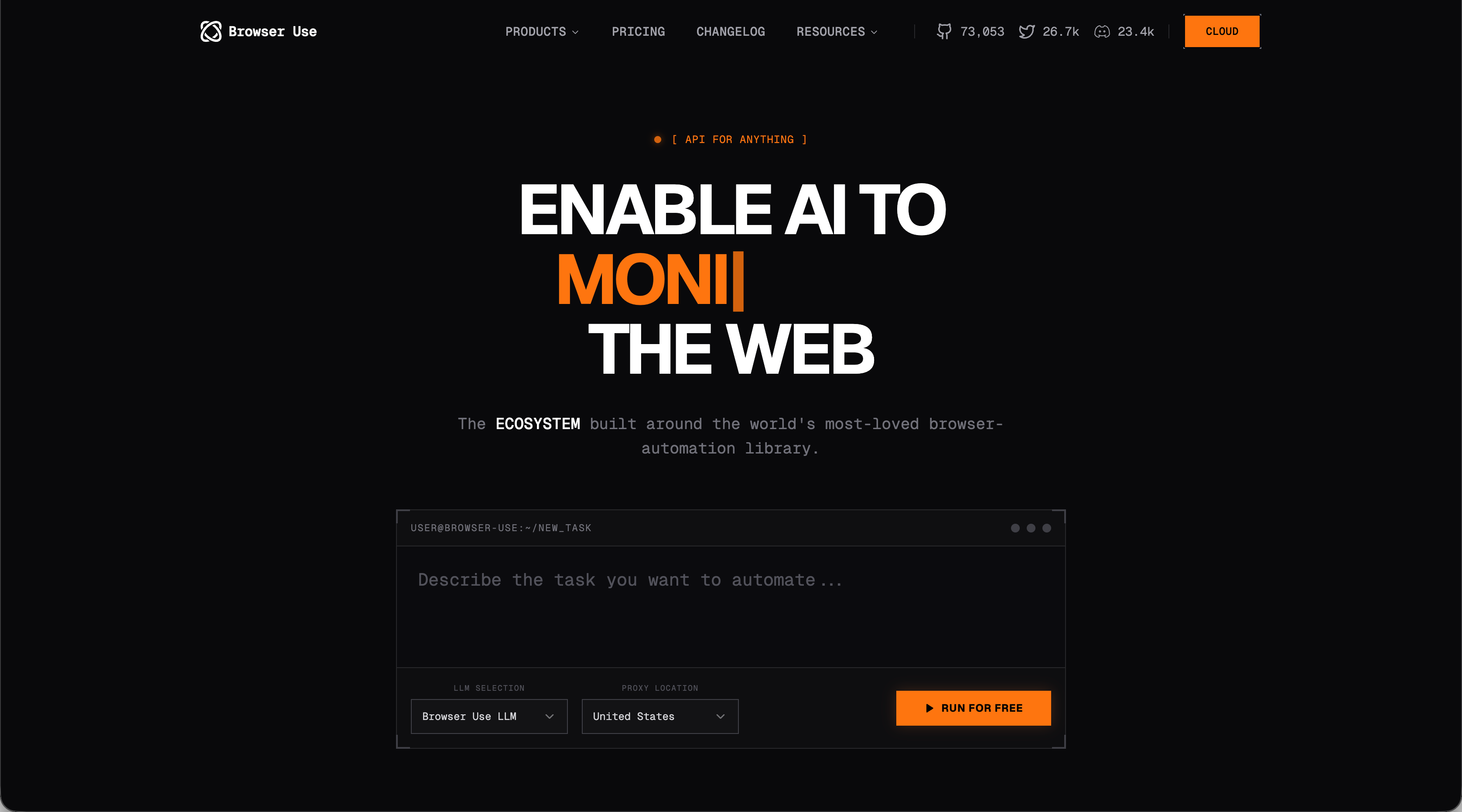
Browser Use is a Python library that automates web browsing through AI agents. It uses Chrome DevTools Protocol to control browsers and relies on AI to interpret tasks and execute them autonomously. The tool is open source and free to use. You choose your own LLM provider, whether that's OpenAI, Google, or local models through Ollama. This gives you flexibility in how you want to power the automation, though it also means you're responsible for managing API costs and model selection.
Browser Use operates through agent-based task execution. You write code that describes what you want to accomplish, and the AI agent figures out how to interact with websites to complete that task. There's also a Browser Use model designed for browser automation tasks. According to the project, this model completes tasks faster than general-purpose models while improving accuracy for web-based workflows.
The implementation requires programming knowledge. You're working directly with Python code to set up workflows, configure agents, and handle task execution.
What is UiPath and Its Approach
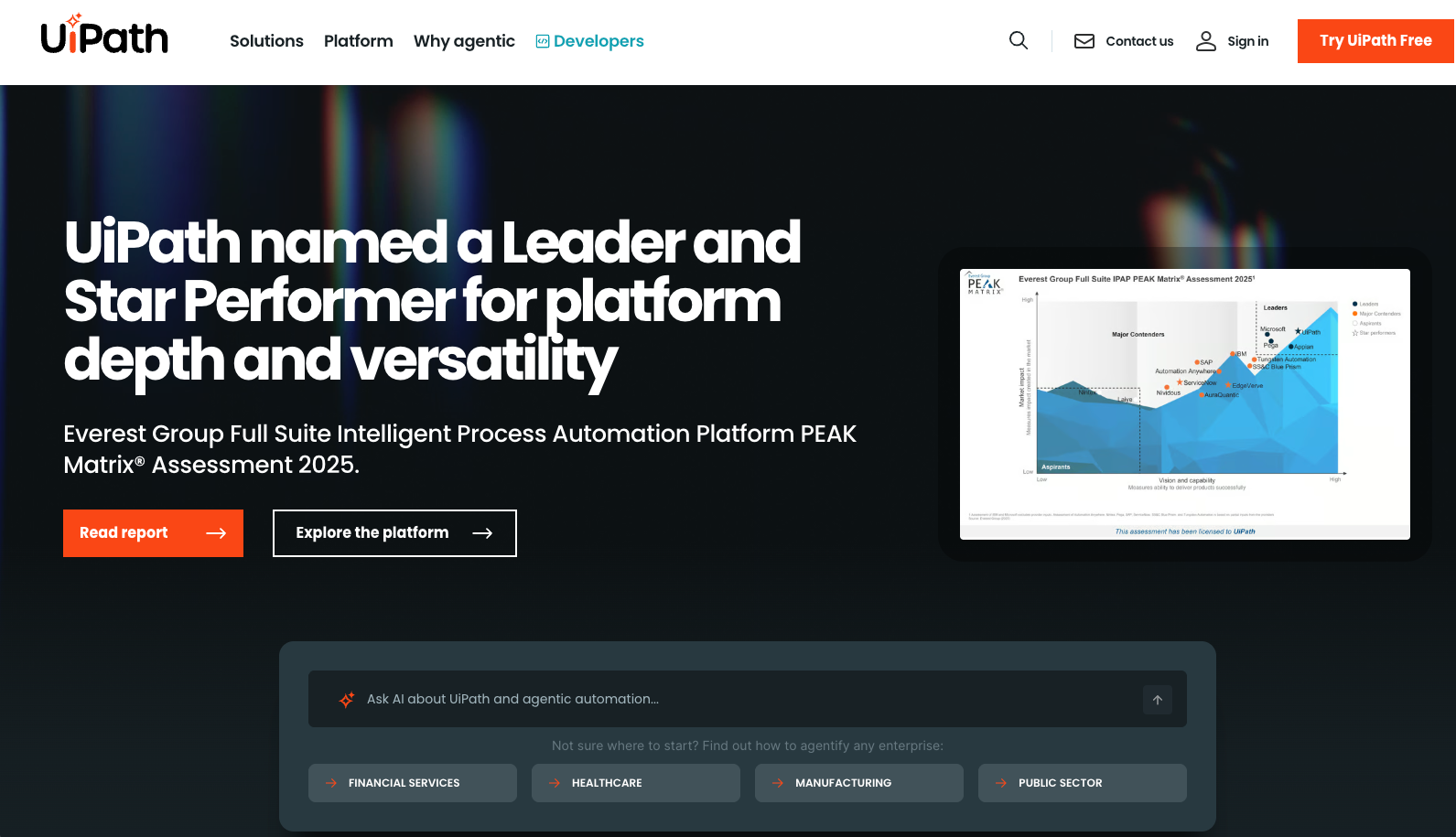
UiPath is a robotic process automation tool built for enterprise-scale workflow automation across multiple applications and systems. The software includes two core components. Studio serves as the automation builder, where you design processes using point-and-click and drag-and-drop interfaces. Orchestrator acts as the management console, handling licensing, deployment, scheduling, and supervision of software robots across your organization.
UiPath supports different recording modes for various environments. Web recording captures browsing activities, while Citrix recording handles virtualized environments. You can run automations in two ways: attended mode, where users manually trigger robots on their own machines, or unattended mode, where robots run automatically on remote systems based on scheduled times. The robots operate by interacting with application interfaces. When a website or application changes its layout, the workflow breaks and requires manual updates. You need to maintain and fix automations whenever underlying systems change their design.
Understanding The Different Technical Approaches
Before we look at how these two tools face off against each other on some key browser automation features, we need to talk about the fundamentally different technical approach that separates them: AI agents versus rule-based scripting.
That might not seem like a big difference but, at the end of the day, it's a big decision behind how you want to tackle automation. For some teams, an AI-based approach might be the best choice. For example, Browser Use sends visual screenshots and page content to AI models that interpret what they see. The AI reads buttons, forms, and navigation elements the same way you would, identifying them by visible labels and context instead of technical selectors. If a vendor moves a submit button from the bottom left to the bottom right, the AI still recognizes it because it reads the label and understands the context. Other teams, though, might have a strong bent towards scripting. In that case, UiPath builds workflows by recording your actions and capturing specific element identifiers. The software stores XPath selectors, CSS attributes, and screen coordinates that point to exact locations on a page. When you click a button during recording, UiPath remembers that button's technical properties and replays that exact action during automation runs. This works reliably when nothing changes. But a single CSS class rename or layout adjustment breaks the selector chain, requiring you to re-record or manually update the workflow.
How We Assessed Each Tool
While there are lots of ways to look at browser automation tools, we looked at several criteria besides that technical approach that should have a material impact on your decision:
- Maintenance requirements (in relation to website changes)
- Setup complexity and implementation time
- Cost structure and scalability
Maintenance Requirements and Website Changes
Website changes create different maintenance burdens depending on which automation approach you choose, an AI- or script-based approach.
Browser Use adapts to interface updates without manual intervention. When a vendor moves a submit button or redesigns a form layout, the AI reads the page as it currently exists and adjusts its actions accordingly. The automation continues functioning because it identifies elements by visible content and context instead of technical coordinates. UiPath automations break, though, when websites update their interfaces. A button relocation or CSS class change disrupts the stored selectors that workflows depend on. Someone needs to open Studio, update the broken selectors, test the fixed workflow, and redeploy it through Orchestrator.
This maintenance burden contributes to widespread RPA failure rates. 30-50% of RPA projects fail according to industry research. Teams spend hours debugging selector issues, updating workflows, and managing redeployments each time an external website modifies its interface. If you are concerned about constantly changing web layouts causing an undue maintenance burden, you might consider leaning more towards an AI-based solution like Browser Use or Skyvern.
Setup Complexity and Implementation Time
Whether you are looking for a first-time browser automation solution or replacing an incumbent system, how hard it is to get up and running (and how long it takes) should play a big part in any decision. Yes, trade-offs are to be made. A solution that checks all of your boxes but is harder to setup might be worth it. Still, when assessing technologies like Browser Use and UiPath, you should keep in mind setup complexity and implementation time.
Consider that Browser Use requires Python programming skills to get started. You install the library, set up API credentials for your LLM provider, and write code to define what you want automated. Installation takes minutes, but building functional automations depends on your ability to structure agent instructions and handle programmatic responses. This also means that your team needs to be proficient in Python. If your team's skills are a litle lacking, getting them up to speed adds to the overall implementation time.
UiPath, on the other hand, offers a visual interface that doesn't require coding knowledge upfront. You record actions, drag workflow components, and build automations through clicks. Enterprise deployments need Studio for building, Orchestrator for managing deployments and scheduling, and Robot components for execution. On the surface, using a a visual interface might seem like the clear choice but it's just the tip of the iceberg. With UiPath, you're actually configuring multiple systems, setting governance rules, and training teams on the development environment. Organizations frequently hit performance bottlenecks when expanding UiPath across departments. Without proper Orchestrator configuration and scalable architecture, you face downtimes and slowdowns.
Cost Structure and Scalability
Finally, your decision should include the cost to use the system and how it handles more load and stress. If AI token costs spiral out of control, the cost of operating the browser automation could far outweigh its benefit. On the other side, annual licensing costs can also be prohibitively high, especially when additional features continue to add to the license fees.
Browser Use costs nothing to download or use. Your only expense is the LLM API calls powering the automations. Choose GPT-4 and you pay OpenAI's API rates based on tokens processed. Run local models through Ollama and you pay nothing for inference, though you need hardware to run the models. And, scaling costs follow your automation volume directly. Run 100 workflows monthly and pay for 100 workflows of API calls. Run 10,000 and pay proportionally more. No licensing tiers, seat limits, or infrastructure fees exist.
UiPath pricing, though, includes multiple cost layers. You purchase Studio licenses for developers building automations, pay for Orchestrator to manage and schedule those automations, and buy Robot licenses for each automated process you run. And, organizations face infrastructure expenses beyond software licensing. You need servers to host Orchestrator, security tools to protect credentials, and IT staff to maintain the deployment. Support contracts add recurring costs. The licensing complexity makes budgeting difficult. Adding automations requires more Robot licenses while scaling across departments means more Studio seats and expanded Orchestrator capacity.
Why Skyvern Solves These Limitations
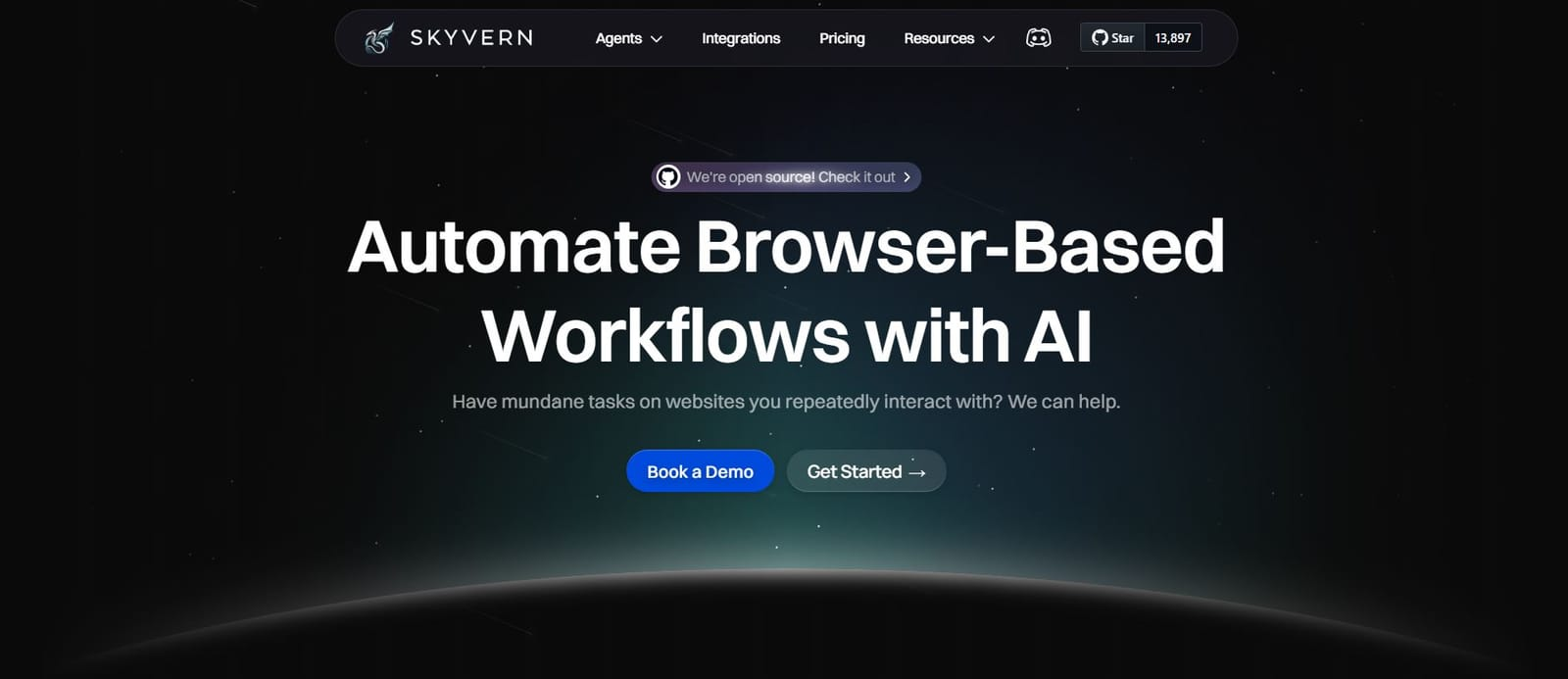
We built Skyvern to fix what both tools miss. You get AI adaptability that survives website changes without the programming complexity Browser Use demands. The API handles workflows across unseen sites while including 2FA, CAPTCHA solving, and file management that UiPath requires separate integrations to support. As for pricing, you can choose open source or managed cloud and it's a pay-per-step with transparent pricing. There is no maintenance overhead when sites redesign. The biggest challenge, solved, thought? Skyvern works on day one and keeps working as your targets change.
Side-by-Side Comparison
Tool | Technical Approach | Maintenance Burden | Setup Requirements | Cost Structure | Best For |
|---|---|---|---|---|---|
Browser Use | AI agents that interpret web pages visually using Chrome DevTools Protocol. Works with OpenAI, Google, or local models through Ollama. | Minimal maintenance. AI adapts automatically when websites change layouts or move buttons. No selector updates needed. | Requires Python programming skills. Quick installation but building automations depends on coding ability. Team needs Python proficiency. | Free open-source tool. Only pay for LLM API calls based on usage volume. No licensing fees or infrastructure costs. | Teams with Python skills who need flexible automation that survives website changes without constant maintenance. |
UiPath | Selector-based RPA using recorded XPath, CSS attributes, and screen coordinates. Includes Studio (builder), Orchestrator (manager), and Robot (executor). | High maintenance. Breaks when websites update. Someone must manually fix selectors, test workflows, and redeploy through Orchestrator after each site change. | Visual drag-and-drop interface needs no coding upfront. Multi-system deployment with Studio, Orchestrator, and Robot components. Performance bottlenecks during expansion without proper configuration. | Multiple cost layers: Studio licenses for developers, Orchestrator fees for management, Robot licenses per process, plus infrastructure and support contracts. | Enterprise teams preferring visual workflow builders who can dedicate staff to ongoing selector maintenance and have budget for licensing. |
Skyvern | AI-powered computer vision that interprets web pages like humans do. API-based with built-in 2FA and CAPTCHA solving. | No maintenance needed. AI adapts to website redesigns automatically. Works across unseen sites without selector updates. | API integration without programming requirements. Works immediately with managed cloud or open-source deployment options. | Pay-per-step transparent pricing. Choose between open-source (self-hosted) or managed cloud. No licensing tiers or infrastructure fees. | Teams wanting AI adaptability without coding complexity, especially for workflows involving authentication, file handling, and changing websites. |
Final Thoughts on Web Automation Approaches
Comparing browser Use and UiPath shows the tradeoff between AI flexibility and visual development. You get adaptability with one, point-and-click building with the other, but both miss important pieces for production workflows. Skyvern solves this by combining AI resilience with managed infrastructure, so you don't rebuild selectors or write agent code. Book a demo to see automations running across sites with built-in 2FA and CAPTCHA handling.
FAQ
What's the main difference between Browser Use and UiPath's automation approach?
Browser Use uses AI to interpret web pages visually and adapt to changes automatically, while UiPath relies on recorded selectors (XPath, CSS) that break when websites update their layouts. Browser Use requires Python coding, whereas UiPath offers a visual workflow builder.
Which tool is better for teams without programming experience?
UiPath is better for teams without programming skills since it uses a drag-and-drop interface in Studio. Browser Use requires Python knowledge to write and configure agent-based automations, making it unsuitable for non-technical users.
How do maintenance costs compare when websites frequently change?
Browser Use requires minimal maintenance because AI adapts to layout changes automatically. UiPath needs manual updates every time a website modifies its interface, contributing to the 30-50% RPA project failure rate and requiring ongoing developer time to fix broken selectors.
What are the pricing differences between these tools?
Browser Use is free to use with costs limited to LLM API calls based on usage volume. UiPath charges for Studio licenses (development), Orchestrator (management), Robot licenses (execution), plus infrastructure and support contracts, making total costs harder to predict.
Can Browser Use handle authentication and file downloads like UiPath?
Browser Use can handle basic browser automation but requires additional coding for authentication and file management workflows. UiPath supports these through separate integrations and modules that need configuration within its enterprise ecosystem.