
Browser Use vs Browse AI: Which Tool Fits Your Workflow? (December 2025)

You're looking at Browser Use options, such as Browse AI, and trying to figure out which makes sense for your workflow. Browser Use requires Python knowledge but gives you complete flexibility. Browse AI removes the coding barrier with a visual recorder. The right choice depends on who's building the automations and how complex your tasks are. Here's what you need to know.
TLDR:
- Browser Use requires Python coding for AI-controlled automation; Browse AI uses no-code recording
- Browser Use is free but costs scale with LLM token usage; Browse AI starts at $39/month
- Browse AI breaks when sites redesign; Browser Use adapts through vision but needs code updates
- Skyvern automates workflows across multiple sites without selectors using LLMs and computer vision
What Browser Use Does and How It Works
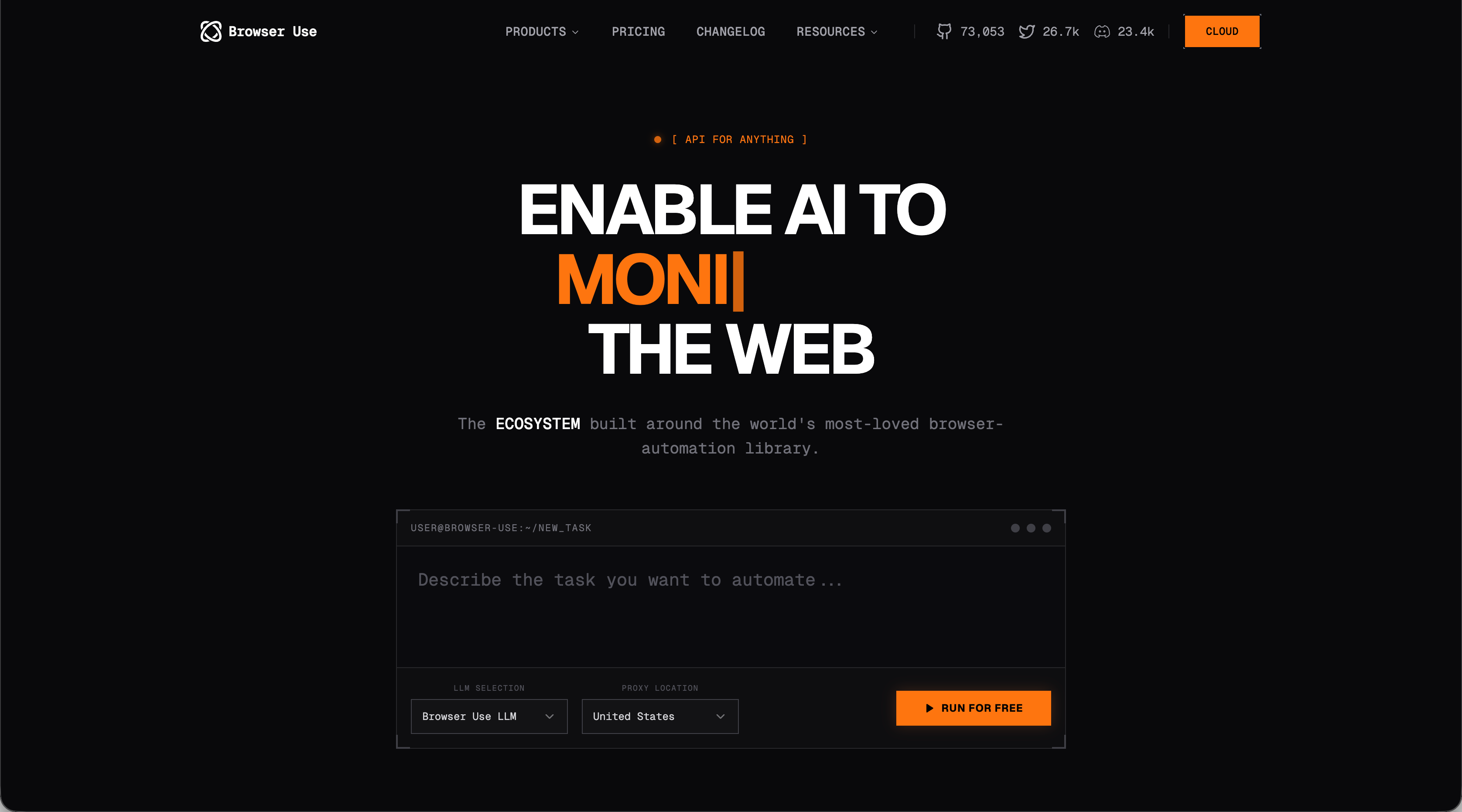
Browser Use is an open source browser automation Python library that lets AI agents control web browsers through code. The library works with LLM providers like OpenAI, Google, and local models via Ollama to interpret instructions and execute browser actions. Setting up Browser Use requires Python 3.11 or higher. You install the package, write task definitions in Python, and the AI agent navigates websites and interacts with page elements based on your code. The developers also offer ChatBrowserUse, a proprietary model they claim completes tasks faster than standard LLMs.
Target Users and Use Cases
Browser Use works best for developers and technical teams who write Python code daily. If you need programmatic browser control for web scraping JavaScript-heavy sites, automated testing with AI interpretation instead of hardcoded steps, or data collection across multiple domains, this library fits your stack.
You'll need comfort with async functions in Python. Prior experience with Selenium or Playwright helps but isn't required.
What Browse AI Does and How It Works
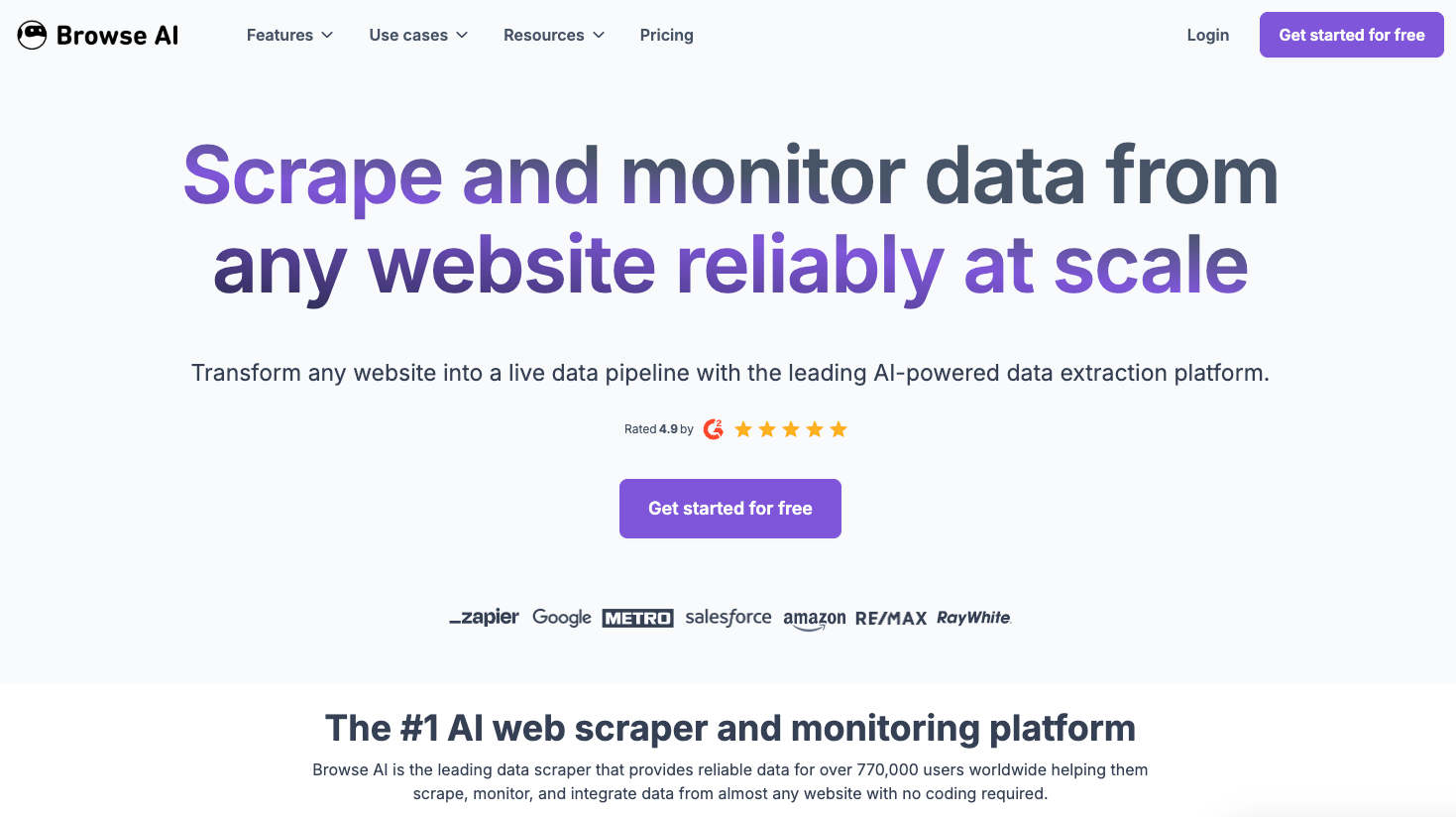
Browse AI is a no-code web scraping service for data extraction without programming. You record your clicks on target websites through your browser, and the service identifies data patterns to create extraction robots. The tool generates multiple selectors for each data point, helping robots adapt if website layouts change. You can extract data once, schedule recurring scrapes, or set up monitors that alert you when information updates.
Target Users and Use Cases
Browse AI targets non-technical teams who need web data without writing code. Marketing teams track competitor pricing, business analysts pull lead lists from directories, and real estate professionals scrape rental listings across sites.
The recorder interface removes the coding barrier. You click through a workflow once, and Browse AI replicates those steps automatically.
Comparing the Two Approaches to Browser Automation
Browser Use and Browse AI approach the development of browser automation capabilities in very different ways. We have assessed each according to the following criteria that every team should consider when choosing between the two solutions (or assessing an alternative):
- Automation approach
- Data extraction
- Authentication and login
- Handling website changes
Code vs No-Code Approach Differences
How teams create automations using the tools is important. If it requires specialized skill, such as a specific language, it can be limited in use if your organization doesn't have the available resources. Below are the two approaches to setting up automation:
- Browser Use requires Python knowledge. You write scripts to define agent behavior, manage dependencies, and handle authentication. This creates a steeper learning curve but gives you full control over task logic and error handling while letting you implement conditional logic, loop through datasets, and connect to databases or APIs
- Browse AI eliminates programming requirements. You record actions by clicking through websites normally, and the tool converts those recordings into reusable robots. Non-technical users can build extraction workflows in minutes but the limitation is that you can only use its supported actions and pre-built integrations.
Choose Browser Use if developers will build custom workflows. Choose Browse AI if business users need to extract data without engineering support.
Data Extraction Capabilities
One of the primary goals of browser automation is data extraction. So how do each of these two solutions approach this capability?
- Browser Use extracts data through AI agent navigation. You provide natural language instructions, and the agent uses vision capabilities to interpret page content. The agent handles JavaScript-heavy sites through full browser rendering. Output format depends on your Python code structure. You can format extracted data as JSON, save to databases, or process it through custom logic before storage.
- Browse AI identifies HTML patterns during recording. You select data points through the visual interface, and the tool creates extraction rules based on those selections. For multi-page collection, you'll need two robots: one gathers URLs from listing pages, another extracts details from individual pages. Exported data comes as CSV files. You can push results to Google Sheets, Airtable, or connect through Zapier. The pattern recognition system adapts to JavaScript-rendered content but relies on consistent HTML structure.
Browser Use gives you complete control over data transformation and storage while Browse AI provides faster setup with standardized export options, but less flexibility in data processing.
Authentication and Login Handling
There may be times when your target website is a web application and requires authentication or login to perform the actions you need automated (like pulling an invoice). Here's how each of the solutions addresses authentication and login:
- Browser Use requires you to write authentication logic in Python. Store credentials in environment variables or secret managers, then handle login flows in your code. The library supports browser profile persistence to save cookies and maintain sessions between runs. This gives you direct control over credential encryption, session refresh timing, and multi-factor authentication handling.
- Browse AI handles authentication through its interface. Add credentials during robot setup, and the service stores them server-side to access protected content automatically. The tool trades the control offered by Browser Use for simplicity, but requires sharing credentials with a third-party service that may not meet strict compliance requirements
Handling Website Changes and Maintenance
Website changes can create maintenance overhead for any browser automation tool. Here's how Browser Use and Browse AI handle website updates:
- Browse AI generates hundreds of selectors for each element during setup. When site layouts change, the tool attempts to match elements using these alternative selectors. Minor adjustments often work automatically. Extensive redesigns break extraction logic and require retraining through the visual interface. Browse AI puts maintenance burden on business users who retrain robots.
- Browser Use interprets page content through vision capabilities instead of fixed selectors. The AI agent processes new layouts and attempts task completion based on visual understanding. Small structural changes often work without updates. Major redesigns may require adjusting your Python task descriptions or handling logic. Browse AI requires developers to modify code when the agent can't adapt.
A Note on Pricing and Cost Structure
Of course, the cost of any solution should be a factor in determining whether or not to use it.
- Browser Use is open source and free. You pay your LLM provider (OpenAI, Google, or Ollama) based on token consumption. Complex workflows with multiple page interactions use more tokens. This translates to infrastructure costs depending on deployment. Local execution is free but cloud hosting costs can scale with concurrent tasks and frequency.
- Browse AI uses a subscription model based on credits and robots. The free plan includes 50 monthly credits. The Starter plan costs $19 monthly (billed annually) with limited credits and robots. Professional and Company tiers add higher credit limits. Extraction costs vary by site and task. Premium sites require additional credits per run. Costs scale with extraction volume and robot count.
Skyvern as a Purpose-Built Browser Automation Solution
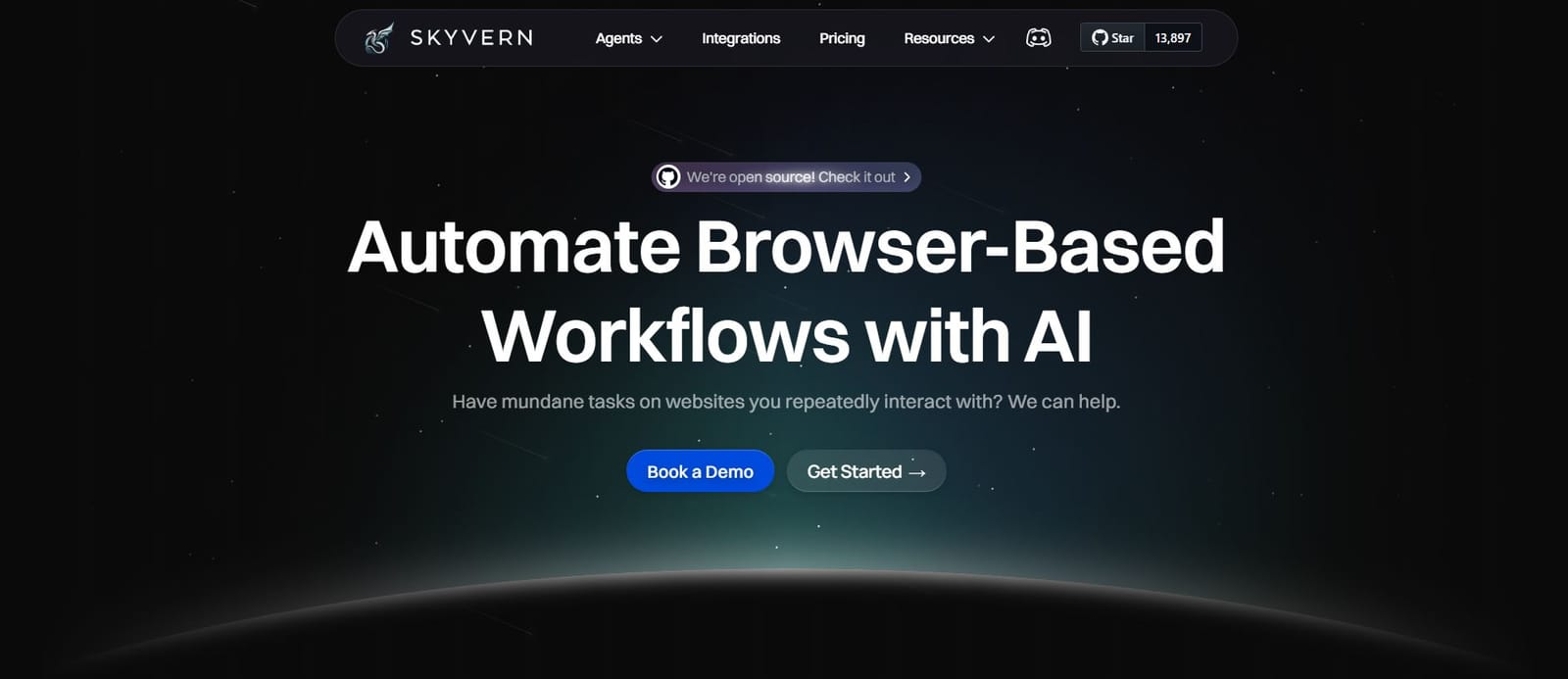
Skyvern is a great alternative to both Browser Use and Browse AI. It uses LLMs and computer vision to automate browser workflows without predetermined selectors or recorded patterns. The system interprets pages visually, mapping elements to actions in real-time on websites it has never seen before. When websites change layouts, Skyvern continues functioning because it reads page structure visually instead of following fixed element paths or HTML patterns.
A single Skyvern workflow applies across multiple websites with similar functions. You can build one purchasing workflow that runs across different vendor sites, or one form-filling workflow that handles variations in field labels and layouts. The API-driven architecture scales to hundreds of simultaneous tasks with built-in anti-bot detection and proxy network support. We built native support for 2FA, CAPTCHA solving, and file downloading.
Skyvern works best when reliability and scale matter more than initial setup simplicity.
Side-By-Side Comparison
Category | Browser Use | Browse AI |
Primary Audience | Developers and technical teams | Non-technical business users |
Automation Approach | Python-based AI agent automation | No-code visual recording |
Setup Complexity | Requires Python 3.11+, async knowledge | Minutes via browser recorder |
Data Extraction | AI vision-based navigation, fully customizable outputs | Pattern-based selectors, CSV/Sheets exports |
Handling Website Changes | Adapts via vision; code updates for major changes | Minor changes handled; major redesigns require retraining |
Authentication Handling | Custom Python logic with full control | Stored credentials managed by service |
Pricing Model | Free open source; LLM token + infra costs | $19–$249/month credit-based |
Scalability | High with custom infra | Moderate; limited by credits and robots |
Best Use Case | Complex, large-scale, custom workflows | Quick data extraction without code |
Final thoughts on Browser Use and Browse AI
These tools approach web automation from opposite directions. Browser Use gives developers full control through Python code and AI agents that interpret pages visually. Browse AI trades that flexibility for speed, letting business users record workflows without writing code. Your team's technical skills and workflow complexity determine which approach fits better.
FAQ
Which tool is better for non-technical teams?
Browse AI works better for non-technical teams because you record actions by clicking through websites normally without writing code. Browser Use requires Python programming skills and comfort with async functions, making it suitable only for developers.
How do pricing models differ between Browser Use and Browse AI?
Browser Use is open source and free, but you pay your LLM provider based on token usage and cover your own infrastructure costs. Browse AI can charge $19-$249 monthly based on subscription tier, with each extracted record consuming one credit from your plan.
Can Browser Use handle websites it hasn't seen before?
Browser Use can navigate new websites through AI interpretation of natural language instructions, but you need to write Python code that defines the task logic for each new scenario. The agent uses vision capabilities to interpret page content but requires developer input for complex workflows.
What happens when a website changes its layout?
Browse AI generates hundreds of selectors during setup and attempts to match elements using alternative selectors when layouts change, though major redesigns require retraining. Browser Use interprets pages visually through AI, so small structural changes often work without updates, but big redesigns may need code adjustments.
Which tool should I choose for large-scale data extraction?
Browser Use scales better for large-scale extraction if you have developers who can write custom workflows and manage infrastructure. Browse AI works for moderate-scale extraction through its subscription tiers but limits you to pre-built integrations and may become expensive as credit consumption increases.