
Anchorbrowser Reviews, Pricing, and Alternatives (January 2026)

Anchorbrowser works well for enterprise teams needing AI-native browser automation, but several factors make teams consider alternatives. This guide walks through Anchorbrowser's pricing, where it excels, where it doesn't, and which alternatives might fit your automation requirements better.
TLDR:
- Anchorbrowser offers AI browser automation with 89% Web Voyager accuracy but lacks self-hosting
- Usage-based billing for browser hours, proxy bandwidth, and AI steps can spike unexpectedly
- Closed-source limits customization for teams needing proprietary functionality
- Skyvern uses computer vision to automate workflows without brittle XPaths that break
What Is Anchorbrowser and How Does It Work?
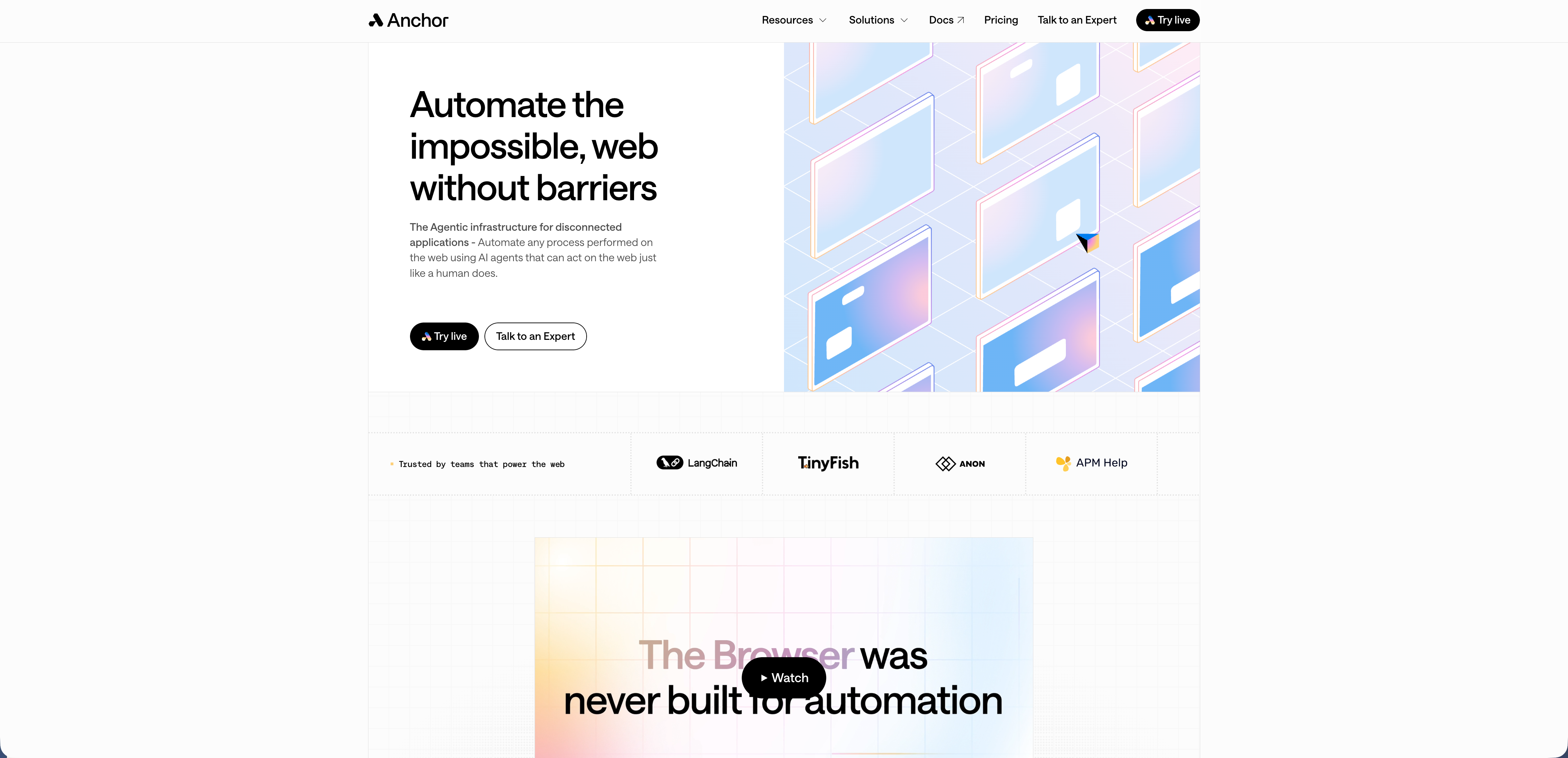
Anchorbrowser is a cloud-native browser automation infrastructure built for AI agents and automated workflows. The service provides isolated browser environments where AI can navigate websites, fill forms, and extract data without traditional APIs. The service includes several enterprise-focused features. Full browser isolation keeps each session separate and secure. VPN integration lets you route traffic through specific geographic locations. Identity provider support works with systems like Okta and Azure AD. Automated CAPTCHA resolution handles common bot-prevention measures without manual intervention. Custom session fingerprinting helps your automation appear more like regular browsing activity.
Anchorbrowser achieved 89% accuracy on Web Voyager evaluation, positioning it as a serious option for teams building AI-driven automation workflows.
Why Consider Anchorbrowser Alternatives?
Anchorbrowser works well for enterprise teams that need AI-native browser automation with built-in security features and identity management. Several practical factors push organizations to look at alternatives:
- The usage-based billing charges separately for browser hours, proxy bandwidth, AI steps (clicks, screenshots, form fills), and session initialization. Workload spikes can balloon costs unexpectedly, creating budgeting challenges for growing teams.
- The closed-source nature limits customization. If you need to modify core automation logic or add proprietary functionality, you're bound by what Anchorbrowser exposes through its API.
- Self-hosting isn't available. Organizations with strict data residency requirements or internal security policies may need to run automation within their own infrastructure.
- Teams invested in Playwright or Selenium face migration friction. Anchorbrowser's API-first approach requires rewriting existing automation scripts. The switching cost in engineering time can outweigh the benefits for mature automation suites with established workflows.
Skyvern: Best Overall Alternative
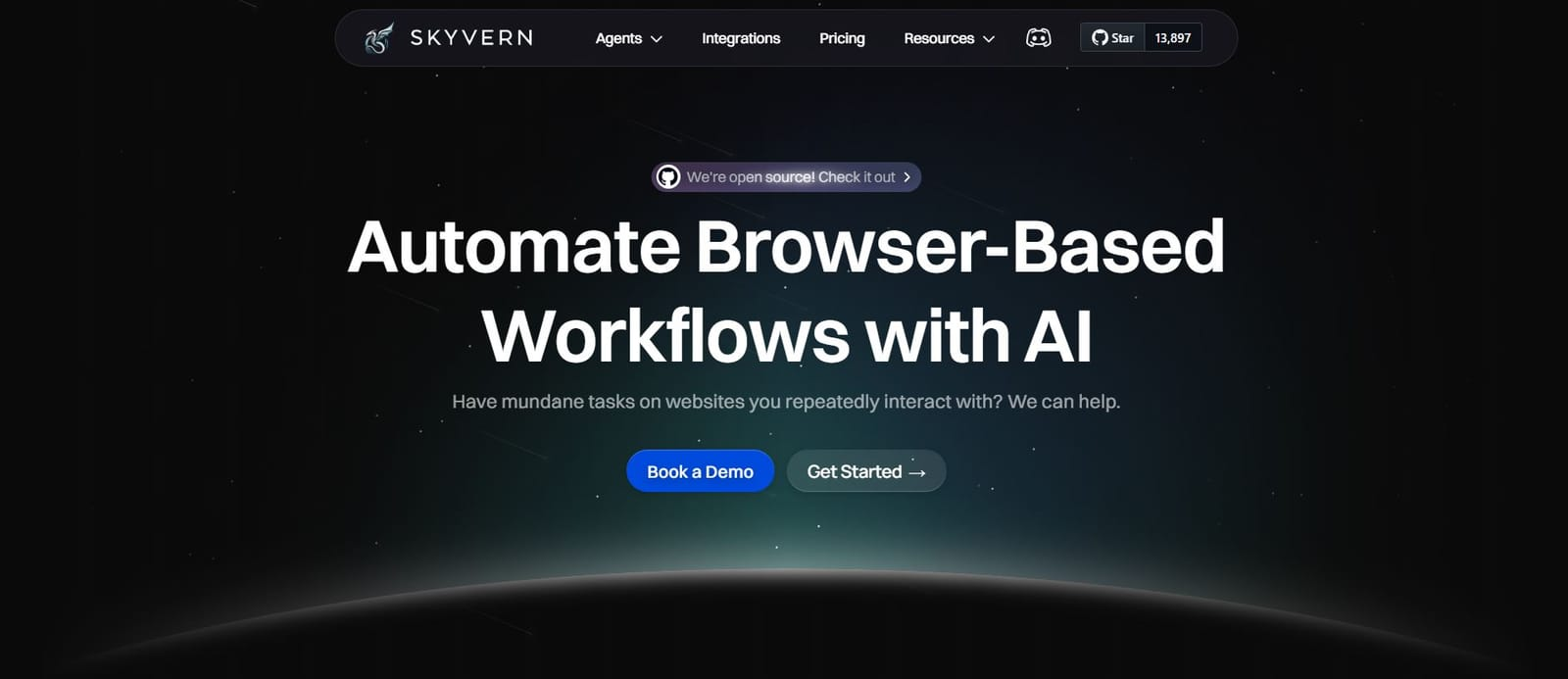
Skyvern delivers AI-powered browser automation that combines LLMs and computer vision to automate workflows without brittle code. Unlike solutions that rely on predetermined XPaths or selectors that break when websites change, Skyvern understands web pages visually and operates on sites it has never seen before without requiring customized code.
Key strengths
- AI-driven automation resistant to website layout changes - computer vision eliminates brittle selectors
- Single workflow applicable across large numbers of websites - no custom code needed per site
- Complex reasoning through LLM interactions with native form filling capabilities
- Multiple authentication methods including 2FA and TOTP support
- Available as both managed cloud and open-source options for deployment flexibility
- Transparent pricing with no hidden fees or unpredictable usage spikes
- State-of-the-art performance with 85.8% WebVoyager benchmark accuracy
- Self-hosting capabilities for data residency and compliance requirements
Limitations
- Requires understanding of workflow design for optimal results
- May need fine-tuning for highly specialized or complex edge cases
- LLM-based approach means some variability in execution compared to deterministic scripts
- Newer platform compared to established tools like Selenium or Playwright
The Bottom Line
Best for companies with manual back office workflows dealing with systems without APIs, teams replacing brittle automation scripts, and organizations requiring complex form filling and data extraction at scale. Ideal when you need workflows that adapt to website changes automatically, work across multiple sites without custom code, and require flexible deployment options including self-hosting.
Browserbase

Browserbase provides cloud-hosted headless browsers designed for AI agents and automation workflows. Unlike traditional browser automation tools, Browserbase focuses on providing scalable infrastructure instead of end-to-end workflow automation, requiring teams to build their own automation logic on top.
Key strengths
- Scalable headless browser infrastructure with automatic concurrency management and session recording
- Stagehand SDK for AI-powered browser automation using natural language or code
- Advanced stealth features including residential proxy support and fingerprint randomization
- Session persistence with automatic session recording and debugging capabilities
- Director tool for extending automation access to non-technical users
- Integration-friendly with popular frameworks like Playwright and Puppeteer
Limitations
- Infrastructure-focused approach means teams must build automation logic themselves instead of getting ready-to-use workflow automation
- No visual understanding of web pages - relies on traditional selector-based interactions that can break with website changes
- Limited form filling capabilities compared to specialized automation platforms
- Usage-based pricing for browser hours and bandwidth can become unpredictable with scaling workloads
- Cloud-only deployment without self-hosting options for data residency requirements
- Requires technical expertise to build and maintain automation workflows on top of the infrastructure
The Bottom Line
Best for development teams building custom web scraping applications and AI agents that need reliable cloud browser infrastructure. Works well when you have engineering resources to build automation logic but need to avoid managing browser infrastructure yourself. Less suitable for teams wanting ready-to-use workflow automation or those requiring visual understanding that adapts to website changes without code updates.
Airtop
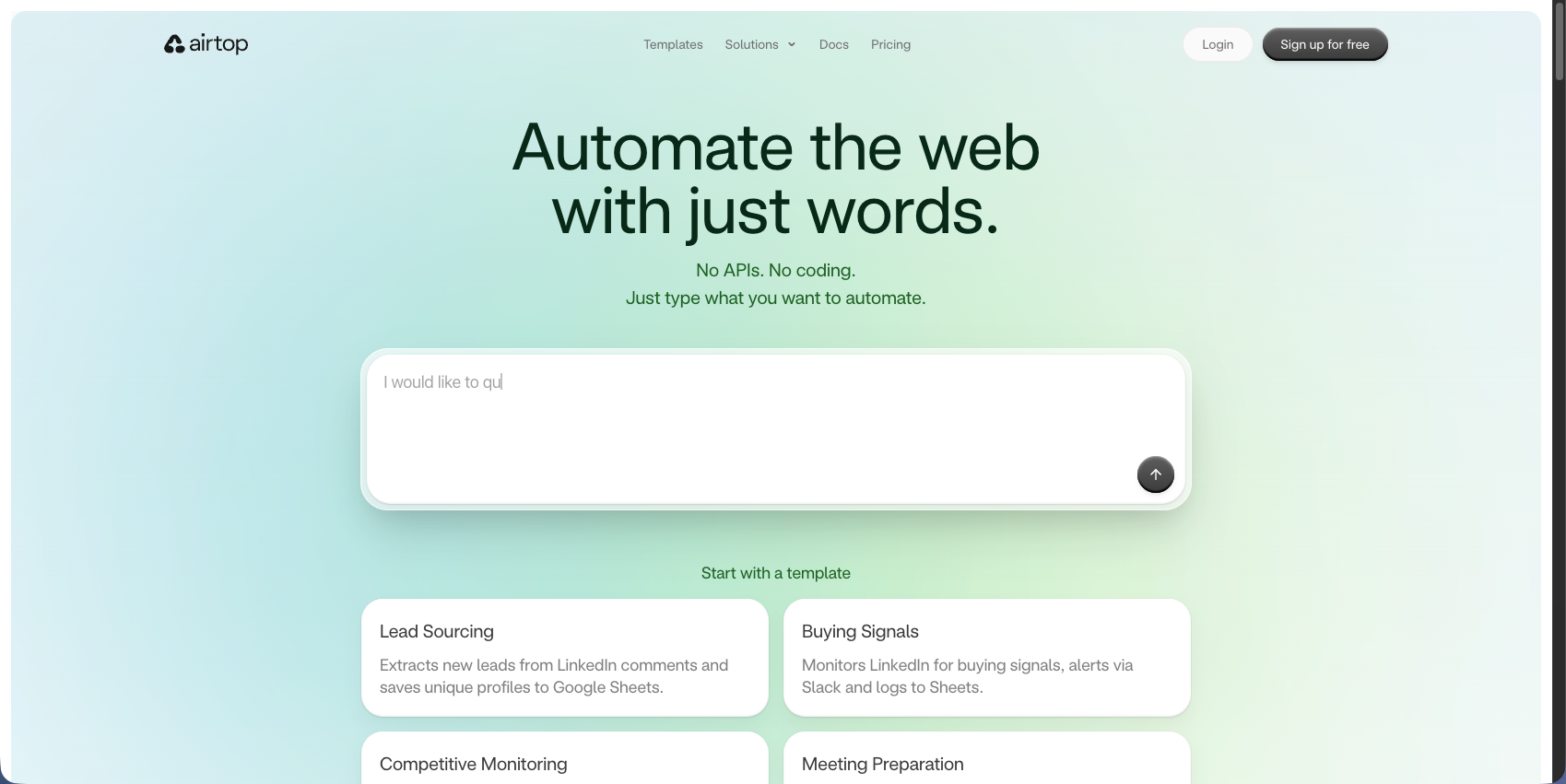
Airtop is a conversational web agent builder that lets you create AI agents that can log in, browse any website, extract data, and complete tasks by describing what you want in plain English. Unlike code-first automation tools, Airtop focuses on natural language control for building browser agents without requiring extensive programming knowledge.
Key strengths
- Natural language browser control without requiring coding expertise
- Complex authentication handling including OAuth, SSO, and 2FA support
- Integration with AI frameworks like LangChain and LangSmith for building agent workflows
- Session management with persistent browser contexts across multiple interactions
- Live browser streaming for real-time monitoring and debugging
- API-first design for programmatic control alongside conversational interface
Limitations
- Conversational approach may lack precision for production-grade enterprise workflows requiring deterministic outcomes
- No visual understanding of web pages - relies on traditional DOM-based interactions that can break with website changes
- Limited self-healing capabilities compared to computer vision-based solutions
- Cloud-only deployment without self-hosting options for data residency requirements
- Usage-based pricing can become unpredictable with scaling workloads
- Requires iteration to refine natural language instructions for complex workflows
The Bottom Line
Best for teams building conversational AI agents and organizations needing no-code browser automation for simpler workflows. Works well when you want to quickly prototype browser agents using natural language. Less suitable for teams requiring visual understanding that adapts to website changes, deterministic production workflows, or self-hosted deployment options.
CloudCruise
CloudCruise is a developer system for building browser agents that lets developers design workflows once, trigger them over API, and automatically repairs issues to keep workflows running. Unlike visual-first tools, CloudCruise focuses on a workflow designer approach with built-in self-healing capabilities for maintaining automation reliability.
Key strengths
- Workflow designer interface for building browser automation without extensive coding
- Self-healing capabilities that automatically detect and repair broken workflows
- API-based workflow triggering for programmatic execution and integration
- Integration with Playwright for better browser control
- Automatic issue detection that identifies when workflows break and attempts repairs
- Developer-friendly approach balancing visual design with code flexibility
Limitations
- No transparent pricing - requires contacting sales for cost information, making budget planning difficult
- No free version available limiting ability to test before committing
- Workflow designer requires upfront configuration instead of working on unseen websites out-of-the-box
- No visual understanding of web pages - relies on traditional selector-based interactions
- Limited authentication capabilities compared to specialized automation platforms
- Cloud-only deployment without self-hosting options for data residency requirements
- May not handle websites it has never encountered without additional configuration
The Bottom Line
Best for developers building repetitive browser-based workflows and teams automating lead generation and form filling who prefer a workflow designer approach. Works well when you have predictable websites and need self-healing for maintenance reduction. Less suitable for teams requiring transparent pricing, visual understanding that adapts to any website without configuration, or self-hosted deployment options.
Browse AI
Browse AI helps extract and monitor data from any website without coding by recording your actions and converting them into automated robots. Unlike developer-focused automation platforms, Browse AI focuses on a no-code approach for business users who need to extract structured data and monitor website changes without technical expertise.
Key strengths
- No-code robot builder using point-and-click recording interface
- Pre-built robots for popular websites like LinkedIn, Amazon, and Google Maps
- Automatic data extraction with structured output in spreadsheet format
- Website monitoring with alerts for changes and updates
- Scheduled data extraction for regular automated scraping
- Integration capabilities with tools like Google Sheets, Zapier, and webhooks
Limitations
- Limited to data extraction and monitoring - not designed for complex form filling or multi-step workflows
- No visual understanding of web pages - relies on recorded selectors that break with website changes
- Minimal authentication support compared to enterprise automation platforms
- No 2FA or TOTP capabilities limiting access to protected resources
- Recording-based approach requires re-recording when websites change layouts
- Cloud-only deployment without self-hosting options for data residency requirements
- Not suitable for complex reasoning tasks or workflows requiring decision-making logic
The Bottom Line
Best for business users and small teams needing simple data extraction and website monitoring without coding. Works well for scraping public data from predictable websites on a schedule. Less suitable for teams requiring complex form filling, authentication handling, adaptive workflows that work across multiple websites, or production-grade automation that adapts to website changes automatically.
Feature Comparison: Anchorbrowser vs Top Alternatives
Feature | Anchorbrowser | Skyvern | Browserbase | Airtop | CloudCruise | Browse AI |
|---|---|---|---|---|---|---|
AI-Powered Automation | Yes | Yes | Limited | Yes | Yes | Limited |
Visual Understanding | No | Yes | No | No | No | No |
Self-Healing Workflows | Limited | Yes | Yes | Limited | Yes | Limited |
Form Filling | Yes | Yes | No | Yes | Yes | No |
2FA/TOTP Support | Yes | Yes | No | Yes | Limited | No |
Open Source Option | No | Yes | Partial | No | No | No |
Natural Language Control | Yes | Yes | Via Stagehand | Yes | No | No |
Pricing Model | Usage-based | Transparent | Usage-based | Contact | Contact | Usage-based |
Authentication Management | Yes | Yes | Limited | Yes | Limited | Limited |
CAPTCHA Solving | Yes | Yes | Yes | Yes | Limited | Limited |
Deployment Flexibility | Cloud only | Cloud or self-hosted | Cloud only | Cloud only | Cloud only | Cloud only |
Skyvern uses computer vision to understand websites visually. Workflows adapt to layout changes automatically without breaking. You don't need to update selectors or XPaths when sites redesign.
The open-source codebase lets you self-host and modify core logic. Technical teams can add proprietary features and meet data residency requirements without vendor lock-in.
Why Skyvern Is the Best Anchorbrowser Alternative
Skyvern's computer vision approach eliminates brittle selectors while delivering 85.8% WebVoyager benchmark performance. You get deployment flexibility with transparent pricing and open-source availability that Anchorbrowser cannot match.
Final Thoughts on Choosing Your Browser Automation Tool
Looking at Anchorbrowser alternatives helps you find the right fit for your automation needs and budget constraints. Skyvern's visual approach means you write workflows once and they work across thousands of websites without brittle selectors. The combination of open-source flexibility and managed cloud options gives you control over how you deploy and scale.
FAQ
When should you consider moving away from Anchorbrowser?
Consider switching if unpredictable usage-based billing creates budget problems, if you need self-hosting for data residency requirements, or if you have existing Playwright or Selenium scripts that would require complete rewrites to work with Anchorbrowser's API.
What features should you look at first when comparing browser automation alternatives?
Look for visual understanding that adapts to website changes without breaking, flexible deployment options (cloud and self-hosted), transparent pricing models, and support for complex authentication like 2FA and TOTP. Open-source availability matters if you need to customize core automation logic.
How does AI-powered browser automation differ from traditional tools like Selenium?
AI-powered tools use computer vision and LLMs to understand web pages visually, so they work on sites they've never seen before and adapt when layouts change. Traditional tools rely on brittle XPaths and selectors that break every time a website redesigns.
Can browser automation tools handle complex authentication and CAPTCHA challenges?
Yes, modern alternatives like Skyvern support multiple authentication methods including 2FA, TOTP, and CAPTCHA solving. This lets you automate workflows that require logging in through identity providers or passing bot-prevention measures without manual intervention.
What makes Skyvern different from other Anchorbrowser alternatives?
Skyvern combines computer vision with LLM reasoning to create workflows that work across multiple websites without custom code for each one. You get both managed cloud and open-source self-hosted options with transparent pricing, plus 85.8% WebVoyager benchmark performance.