
Browserbase vs Stagehand: Which is Better for Your Automation Needs? (February 2026)

You're weighing Browserbase against Stagehand and the technical specs tell part of the story. One provides serverless browser infrastructure, the other adds natural language automation on top of existing frameworks. The hidden complexity comes out when you're juggling separate invoices for browser time, LLM tokens, and proxy bandwidth while your authentication workflows fail six times out of ten. We'll compare pricing structures, infrastructure requirements, and what each tool expects you to build yourself.
TLDR:
- Browserbase provides browser infrastructure but requires custom code for each workflow
- Stagehand adds natural language control but needs multiple vendors for LLM and browser services
- Browserbase bills per session with variable LLM costs making budget forecasting difficult
- Skyvern bundles AI, browser infrastructure, and automation at $0.05 per step with no hidden fees
- Skyvern adapts to website layout changes and handles 2FA, CAPTCHAs, and proxies natively
What is Browserbase and How Does It Work?
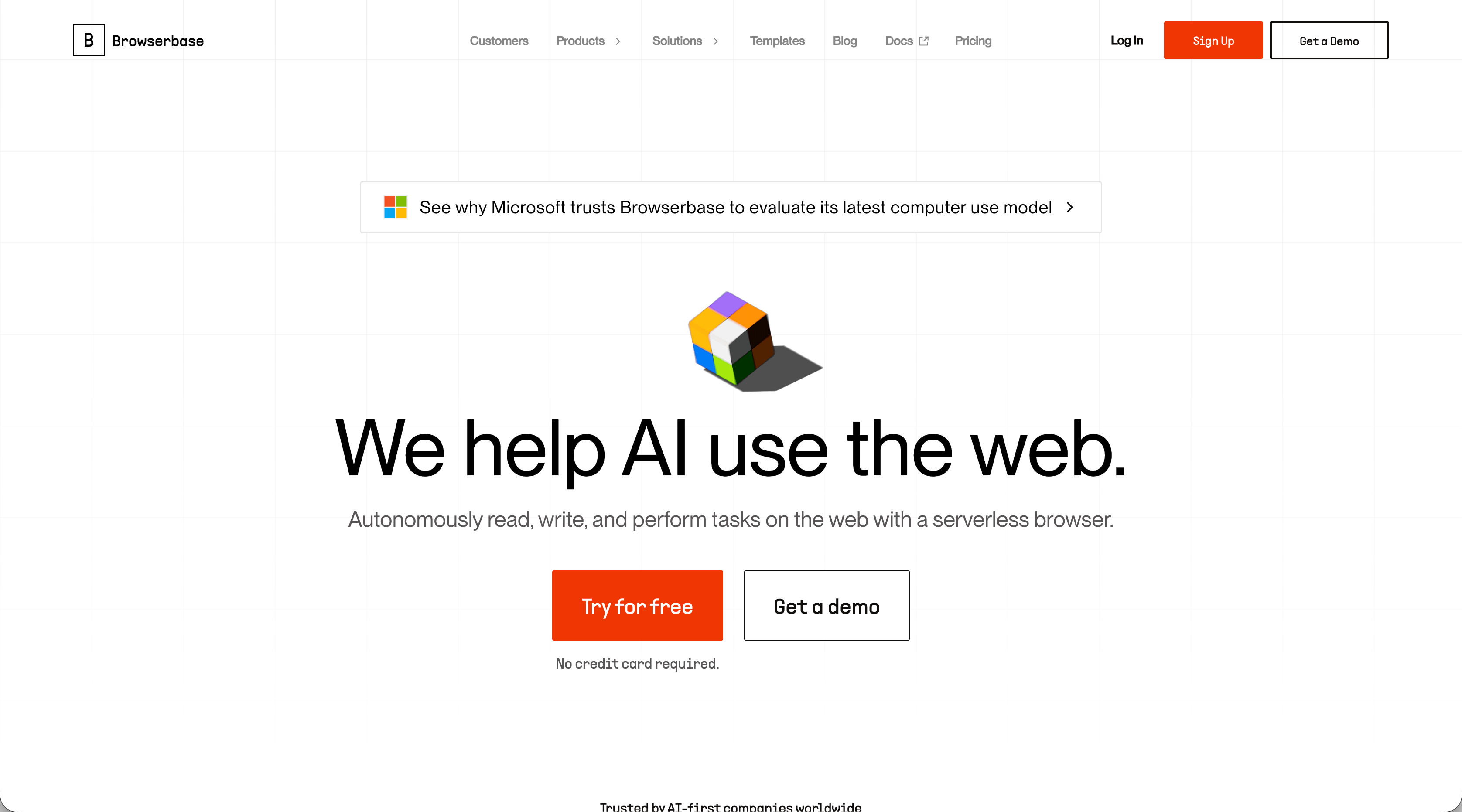
Browserbase is headless browser infrastructure for AI agents and web automation at scale. It provides serverless browser sessions in the cloud that you control through Puppeteer, Playwright, or Selenium. You get the infrastructure but write all the automation logic yourself.
Key Features
- Serverless browser sessions with Chrome DevTools Protocol support for low-level control
- Built-in session recording and debugging tools for troubleshooting failed automation runs
- Proxy supernetwork for geographic targeting and IP rotation across different regions
- CAPTCHA solving and browser fingerprinting to reduce bot detection rates
- SDKs for Node.js and Python with support for popular automation frameworks
Limitations
- Testing shows six failures out of ten attempts when handling logins and two-factor authentication
- Requires custom code for each workflow with selectors that break when websites update their layouts
- Minimum one-minute billing per session regardless of actual task duration
- Concurrency limits force task queuing during peak periods or require tier upgrades
- No native handling for authentication workflows or adaptive automation when sites change
Bottom Line
Browserbase works best for development teams with strong coding resources who need reliable browser infrastructure without managing servers. Teams building custom web scraping operations or AI agents benefit most when they have dedicated developers to write and maintain automation scripts. If you need workflows that adapt to website changes or want bundled authentication handling, you'll need to build those capabilities on top of Browserbase yourself.
What is Stagehand and How Does It Work?
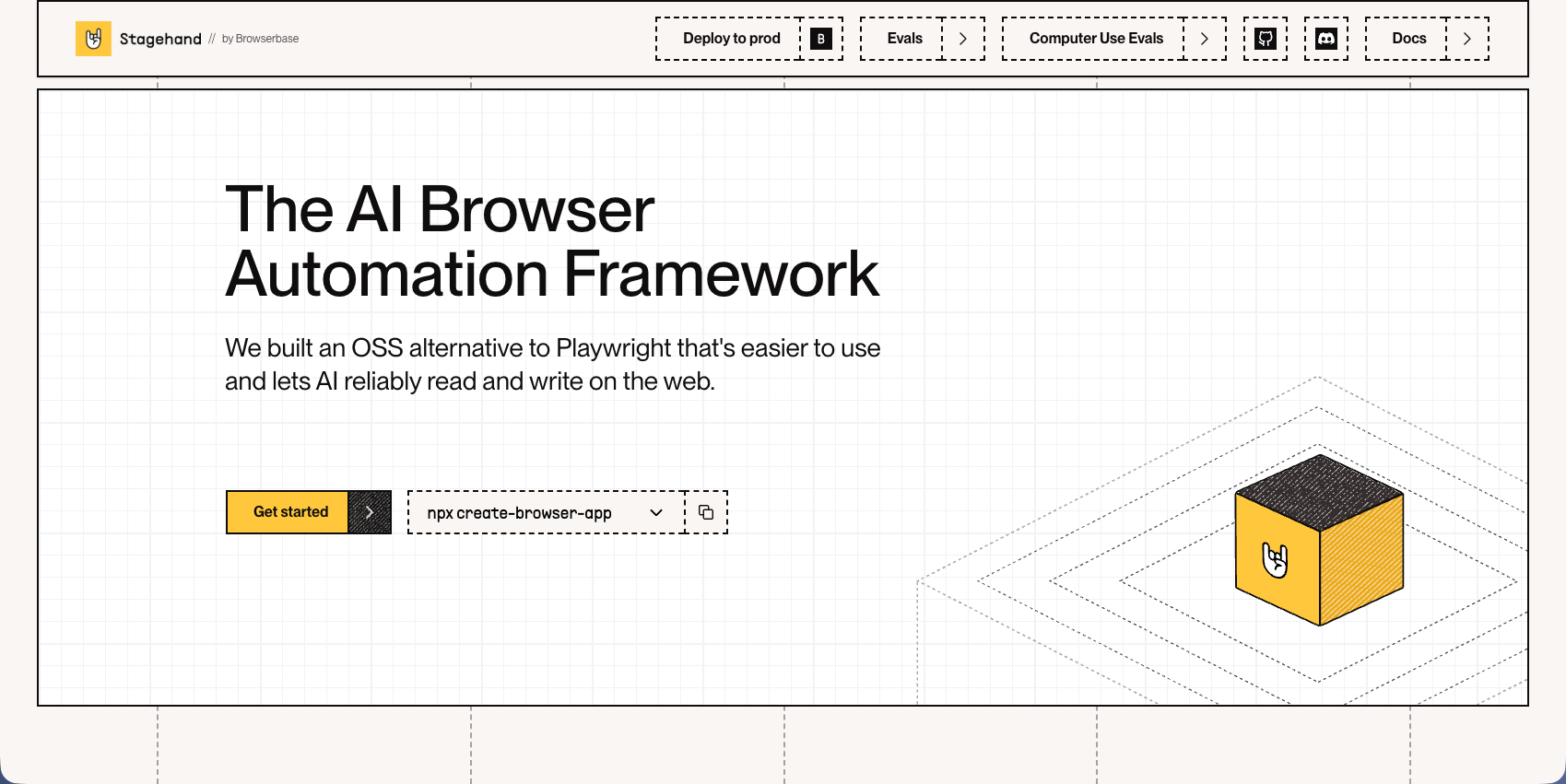
Stagehand is an open source framework owned by Browserbase that adds natural language control to browser automation. Built as a layer on top of Playwright, it lets developers use AI-driven commands alongside traditional code. The framework requires external LLM providers and browser infrastructure to function.
Key Features
- Adds natural language control to browser automation through AI-driven methods (act, extract, observe)
- Built as an open source framework on top of Playwright with TypeScript support
- Includes auto-caching to reduce repeated LLM calls and self-healing when elements change
- Supports any LLM with structured output capabilities including models from OpenAI and Anthropic
- Allows mixing traditional code with natural language commands for flexible automation
Limitations
- Requires managing multiple external dependencies including LLM API keys and browser infrastructure
- Creates multi-vendor billing across AI providers, browser services, and proxy networks
- Sends all page interactions to third-party LLM providers for processing raising data privacy concerns
- Local models like Ollama aren't recommended due to struggles with structured output
- Needs developer resources with TypeScript and Playwright expertise to implement effectively
Bottom Line
Stagehand works best for development teams already comfortable with TypeScript and Playwright who want to add AI-powered natural language interactions to existing automation frameworks. Teams with strong technical resources and no strict data privacy requirements around third-party LLM processing will find the most value, though they should prepare to manage coordination across multiple vendors and variable costs.
How We Compared Browserbase to Stagehand
We looked at several key features that development teams would need when considering one of these two tools:
- Development effort
- External services
- AI
- Infrastructure needs
- Pricing
Development Effort
Browserbase demands full-stack automation development from your team. You're responsible for writing every selector, handling every edge case, and maintaining scripts as websites evolve. Each new workflow starts from scratch with Puppeteer or Playwright code, and there's no abstraction layer to reduce complexity. Teams need developers who understand DOM manipulation, async JavaScript patterns, and browser automation frameworks deeply.
Stagehand reduces some of this burden through natural language commands, but introduces different complexity. Instead of writing detailed selectors, you describe actions in plain English and let the LLM interpret them. This speeds up initial development since you're not hunting through HTML for the right elements. The tradeoff comes in orchestration overhead. You're now managing LLM provider credentials, handling token limits, debugging AI interpretation errors, and coordinating between your code, the Stagehand framework, and external services.
Both approaches require TypeScript or Python expertise, but the skill sets differ. Browserbase developers spend time on DOM analysis and selector optimization. Stagehand developers focus on prompt engineering and managing the interaction between traditional code and AI commands. Neither eliminates the need for ongoing maintenance when websites change, though Stagehand's self-healing features can reduce some of this work if the LLM successfully adapts to layout changes.
External Services
Browserbase operates as a standalone service with everything contained in one platform. You get browser infrastructure, proxy networks, and session management through a single API. Authentication happens through one set of credentials, and billing comes from one vendor. The service handles its own LLM integrations internally when needed, so you're not coordinating between multiple AI providers.
Stagehand requires assembling your own service stack. You need an LLM provider account (OpenAI, Anthropic, or similar), browser infrastructure (typically Browserbase or self-hosted), and potentially separate proxy services. Each vendor requires its own API keys, separate account management, and individual contracts. When something breaks, you're troubleshooting across multiple platforms to identify whether the issue stems from the LLM, the browser service, or the framework itself.
The integration overhead differs a lot. Browserbase teams configure one service and start building. Stagehand teams spend time setting up credential management, making sure all services communicate properly, and monitoring multiple dashboards for usage and errors. This architectural difference affects deployment complexity and operational burden, especially for teams without dedicated DevOps resources.
AI
Browserbase keeps AI capabilities behind the scenes as part of its infrastructure layer. The platform uses AI for tasks like CAPTCHA solving and bot detection avoidance, but you don't directly interact with or configure these models. You write traditional automation code using Puppeteer or Playwright commands, and the AI features work transparently in the background. The result? No prompt engineering, no token management, and no decisions about which LLM to use.
Stagehand puts AI at the center of your automation strategy. Every action you want to perform goes through an LLM that interprets your natural language instructions and translates them into browser interactions. You choose which model to use, craft prompts that describe what you want to happen, and monitor token consumption as pages get processed. The framework's act, extract, and observe methods all depend on the LLM understanding page context and deciding how to interact with elements.
This creates opposite development patterns. Browserbase developers think in terms of precise programmatic instructions and traditional automation logic. Stagehand developers think in terms of descriptive commands and rely on the AI to figure out implementation details. When something goes wrong, Browserbase issues typically involve incorrect selectors or timing problems. Stagehand issues often trace back to the LLM misinterpreting instructions or failing to identify the correct elements despite natural language descriptions.
Infrastructure Needs
Browserbase provides fully managed cloud infrastructure out of the box. You don't provision servers, configure browser instances, or manage scaling. The platform handles session allocation, browser version updates, and infrastructure maintenance automatically. Teams can start automating workflows within minutes of signing up without any DevOps work or infrastructure decisions.
Stagehand transfers infrastructure responsibility to your team. As a framework instead of a hosted service, you need to decide where browsers run and how to scale them. Most teams pair Stagehand with Browserbase for browser hosting, but that means coordinating two separate systems. Self-hosting gives you more control but requires managing Playwright browser instances, handling concurrent session limits, and making available adequate resources during peak loads.
The operational overhead compounds over time. Browserbase teams monitor one dashboard and troubleshoot within a single system. Stagehand teams track multiple services, coordinate version compatibility between the framework and browser infrastructure, and debug issues that span different platforms. Infrastructure failures require identifying whether the problem exists in your Stagehand implementation, the browser service, or the connection between them.
Pricing
Browserbase operates on tiered subscriptions with usage overages. The free tier includes 1 browser hour and single concurrency for testing. Developer plans start at $20/month with 100 browser hours and 1 GB proxy bandwidth. The Startup tier costs $99/month for roughly 500 hours with higher concurrency limits. Once you exceed included hours, extra browser time bills at $0.10 to $0.12 per hour, while proxy usage adds $10 to $12 per GB.
Stagehand has no licensing fee since it's open source, but running it means paying multiple vendors. LLM API costs vary based on page complexity and model selection. GPT-4 token charges add up quickly, though cheaper alternatives can work depending on your workflows. You're also paying Browserbase separately for browser sessions, creating split invoicing.
This multi-vendor structure makes budget forecasting difficult. You track Browserbase infrastructure bills, OpenAI or Anthropic API usage, and any proxy services. Neither option bundles features like native 2FA handling or CAPTCHA solving in base tiers. Teams needing predictable monthly costs face challenges with variable token consumption tied to workflow complexity.
Side-by-Side Comparison
Feature | Browserbase | Stagehand | Skyvern |
|---|---|---|---|
Development Approach | Write custom code for each workflow using Puppeteer or Playwright with manual selectors | Natural language commands with TypeScript on top of Playwright framework | Visual AI understanding with YAML workflow definitions that adapt automatically |
External Services Required | Single platform - everything included in one service | Multiple vendors - LLM provider, browser infrastructure, and proxy services separately | All-in-one platform - AI, browser infrastructure, and automation bundled |
AI Integration | Background AI for CAPTCHA solving and bot detection, no direct interaction | LLM at center of automation - requires prompt engineering and token management | Built-in LLM and computer vision for visual website understanding |
Infrastructure Management | Fully managed cloud infrastructure with automatic scaling and maintenance | Self-managed - coordinate framework with separate browser hosting service | Managed cloud or open source self-hosted options with anti-bot detection |
Authentication & CAPTCHA | 60% failure rate on 2FA workflows, basic CAPTCHA solving included | No native handling - must build custom solutions or use additional services | Native 2FA and CAPTCHA handling built into platform |
Adaptability to Website Changes | Selectors break when layouts change, requires manual code updates | Self-healing features if LLM successfully adapts, but not guaranteed | Visual understanding allows workflows to adapt automatically without code changes |
Pricing Model | Tiered subscriptions from $20/month plus $0.10-$0.12 per extra browser hour and $10-$12 per GB proxy | Free framework but split billing across LLM tokens, browser sessions, and proxy services | $0.05 per step with AI, browser infrastructure, and features included - no hidden fees |
Best For | Development teams with strong coding resources needing reliable browser infrastructure | Teams comfortable with TypeScript and Playwright wanting AI-powered natural language control | Teams needing automated workflows that adapt to changes without constant maintenance |
Skyvern Offers a Complete Browser Automation Solution
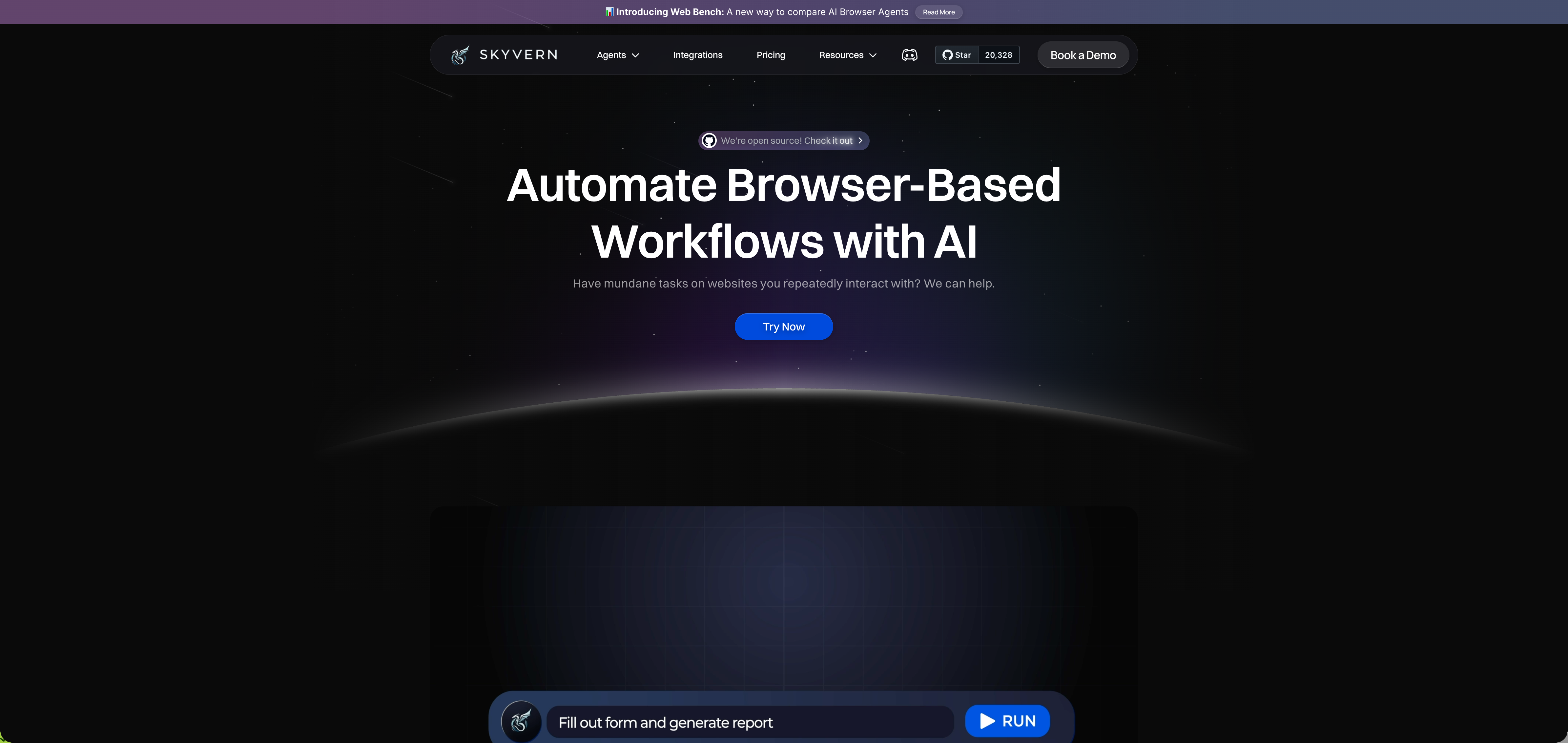
We built Skyvern to solve the problems that come with managing browser automation across infrastructure providers, LLM services, and custom code. The product works through a single API that combines AI capabilities with browser infrastructure.
Skyvern uses LLMs and computer vision to understand websites visually, which means workflows adapt when sites change their layouts. You write one workflow that works across multiple vendor portals or government websites without building custom selectors for each. The system handles two-factor authentication, CAPTCHA solving, proxy networks, and file downloading as built-in features instead of separate services.
Pricing is $0.05 per step with everything included. No separate charges for AI tokens, browser sessions, or proxy bandwidth. Open source deployment is available for free if you want to self-host, or use our managed cloud version with anti-bot detection and parallel execution.
The system scored 85.8% on WebVoyager benchmark, showing state-of-the-art performance on browser automation tasks. You can define workflows in YAML, chain multi-step processes, and stream live viewport for debugging when needed.
Final Thoughts on Browserbase vs Stagehand
The comparison between Browserbase and Stagehand really comes down to whether you want to manage infrastructure or build on a framework. Both leave you coordinating multiple services and tracking variable costs across vendors. Skyvern gives you AI-powered browser automation with everything included at $0.05 per step, so your workflows adapt when websites change without rewrites. Get a demo to see how it handles your specific use cases.
FAQ
What's the main difference between Browserbase and Stagehand?
Browserbase provides headless browser infrastructure that you connect to using traditional automation libraries like Playwright or Puppeteer, while Stagehand is an open-source framework owned by Browserbase that adds natural language control on top of Playwright. Browserbase is the infrastructure layer, Stagehand is a coding framework that can run on that infrastructure.
Which tool is better for teams without dedicated developers?
Neither Browserbase nor Stagehand works well without developer resources. Both require writing and maintaining automation code: Browserbase needs traditional selectors and scripts, while Stagehand needs TypeScript knowledge and management of multiple external dependencies including LLM providers and browser infrastructure.
How do the pricing models differ between these tools?
Browserbase charges tiered subscriptions starting at $39/month for the Hobby Plan with usage overages at $0.10-$0.12 per hour for extra browser time. Stagehand has no licensing fee but requires paying multiple vendors separately: LLM providers bill per token, Browserbase bills for browser sessions, and you may need separate proxy services, making total costs harder to predict.
Can either tool handle authentication and CAPTCHA solving natively?
Browserbase includes proxy networks and browser fingerprinting but testing shows six failures out of ten attempts when handling logins and two-factor authentication. Stagehand has no native authentication or CAPTCHA handling. You need to build these capabilities yourself or rely on additional paid services.
When should I consider alternatives to both Browserbase and Stagehand?
If you're spending a lot of time maintaining broken automation scripts when websites change, managing multiple vendor bills, or need built-in 2FA and CAPTCHA handling, tools with integrated AI-powered automation like Skyvern may better fit your needs. Both Browserbase and Stagehand work best for teams with strong development resources who want infrastructure flexibility over managed solutions.