
Browserbase vs Browse AI: Which Tool Fits Your Automation Needs? (December 2025)

You need to automate browser tasks, and now you're stuck choosing between tools that look similar but work completely differently. Browserbase versus Browse AI isn't really a fair comparison because one requires coding while the other doesn't. We'll break down what each tool actually does, who should use them, and where both fall short on complex workflows.
TLDR:
- Browserbase provides managed browser infrastructure for developers writing automation code.
- Browse AI offers no-code web scraping through visual recording for business users.
- Both tools break when websites change layouts or require complex authentication flows.
- Skyvern uses LLMs and computer vision to automate any website without predefined selectors.
What Browserbase Does and How It Works
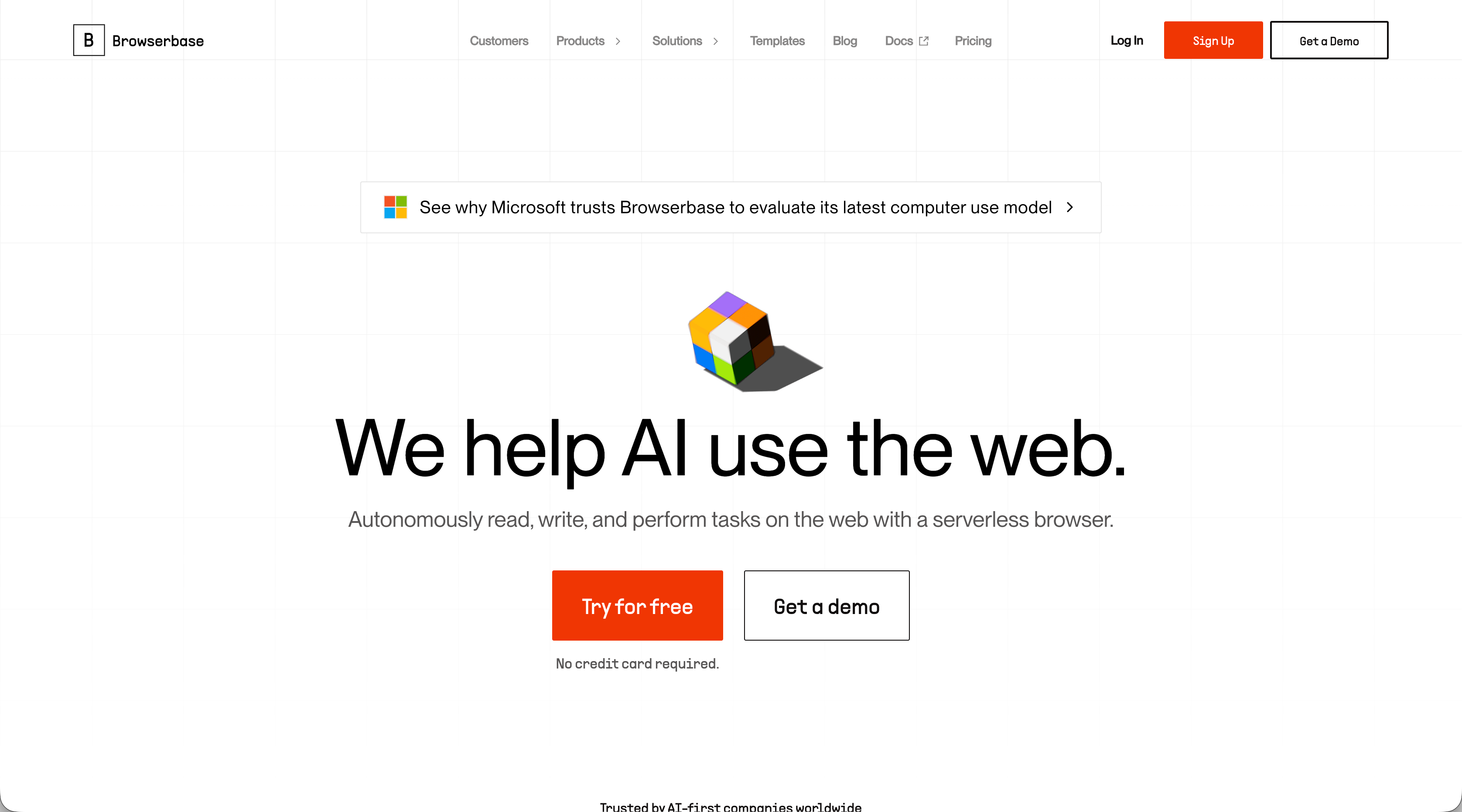
Browserbase is a headless browser infrastructure service that runs and manages browsers in the cloud. Instead of spinning up your own servers and maintaining browser instances, you connect to Browserbase's infrastructure through their API.
You write your automation code using frameworks like Playwright, Puppeteer, or Selenium, but the browsers execute on Browserbase's infrastructure. You get a connection endpoint, point your automation script to it, and Browserbase handles the browser management. The service includes proxy management for geographic targeting, captcha solving capabilities, session recording for debugging, anti-bot detection measures, and persistent browser sessions. These features would otherwise require substantial engineering effort to build and maintain.
Browserbase targets developers and engineering teams building browser automations, web scraping operations, and AI agents that need reliable browser infrastructure without the overhead.
What Browse AI Does and How It Works
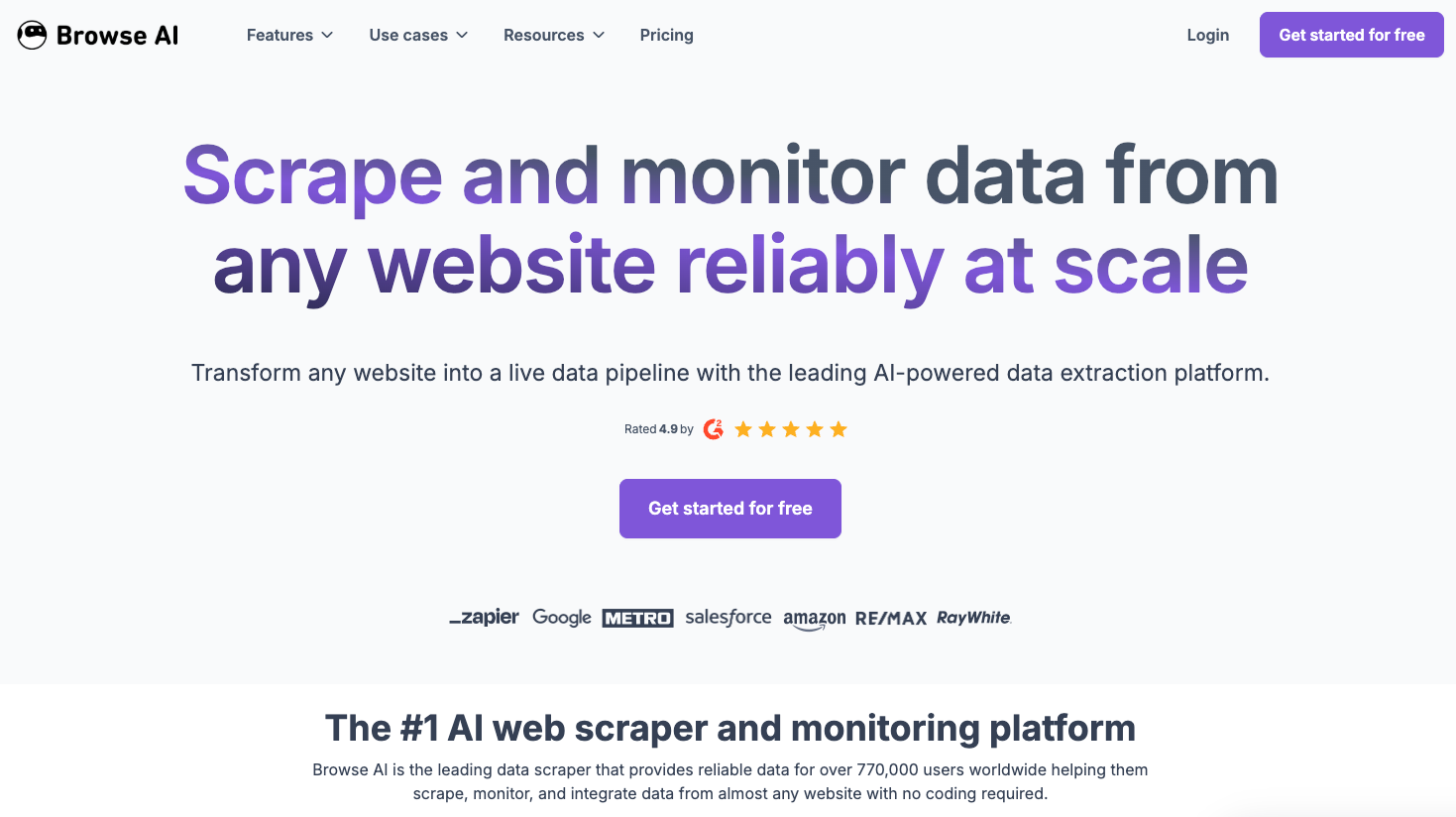
Browse AI is a no-code web scraping service built for non-technical users who need to extract data from websites. You train a "robot" using their browser extension by clicking on the data points you want to collect.
The visual recorder captures your actions as you navigate a website and select elements. Click on a product price, title, or image, and Browse AI learns what to extract. The robot replicates those actions on a schedule, pulling fresh data and delivering it to spreadsheets or other tools. Browse AI offers prebuilt templates for sites like LinkedIn, Amazon, and Google Maps. These templates let you start extracting data immediately without training your own robot. You enter the URL and specify what information you need.
The service targets business users, marketers, and researchers who need to monitor pricing changes, track competitor listings, collect leads, or gather market research data. Each extraction run consumes credits, with pricing based on how many data points you collect and how frequently you run your robots.
Technical Infrastructure: Managed Browsers vs Recording Interface
Browserbase provides managed browser infrastructure you control through Playwright, Puppeteer, or Selenium scripts while Browse AI offers a Chrome extension that records your clicks and converts them into extraction logic. As such, they both have different technical capabilities:
- Browserbase runs concurrent browser sessions at scale. You can launch dozens or hundreds of instances simultaneously, route traffic through geographic proxies down to the ZIP code level, and debug failures using session recordings and live viewport streaming.
- Browse AI watches your actions and generates extraction rules automatically. Click a price on one product page, and it identifies similar elements across others. The system handles scheduling, credential storage, and data delivery to spreadsheets without code.
The different capabilities result in tradeoffs. While Browserbase gives you flexibility for complex workflows and requires engineering resources, Browse AI removes coding requirements but limits you to predefined extraction patterns. And when websites change structure, Browserbase automations break unless you update selectors just as Browse AI robots need retraining when layouts shift.
Neither adapts to unfamiliar page structures automatically. You're either writing brittle code or recording brittle actions.
Use Case Differences: Infrastructure vs Data Collection
Because of their different approaches to browser automation, each appeals to specific use cases. Browserbase serves engineering teams building automation infrastructure while Browse AI serves business users extracting data. Let's break this down even further:
- Engineering teams pick Browserbase when building AI agents that browse websites autonomously, running automated testing suites across multiple environments, or creating automation products for customers. The infrastructure handles thousands of concurrent browser sessions for parallel web scraping operations or tools that execute many workflows simultaneously.
- Business teams, though, choose Browse AI for straightforward data collection. Tracking competitor prices across e-commerce sites, pulling leads from directory listings, monitoring real estate listings, or aggregating content from industry publications fits their template approach.
- Development teams building custom internal tools for procurement, invoice processing, or data entry also use Browserbase. These workflows require programmatic control over form filling, navigation logic, and authentication flows that you can't template.
- Marketing and sales teams value scheduled extraction capabilities. Browse AI pricing charges based on extraction volume instead of infrastructure usage. You get structured exports to Google Sheets without writing integration code.
You can see a clear difference take shape. Browserbase appeals to engineering and development teams building software solutions that need to use browser automation. Browse AI, on the other hand, appeals to more non-technical teams who simply need to use browser automation for data processing. The bottom line, then, is that Browserbase requires engineering time for every workflow. But, Browse AI struggles once you need to log into accounts, handle multi-step processes, or work with sites outside their template coverage.
Authentication and Complex Workflows
When there are websites which require authentication as part of automation workflows, it can create challenges for browser automation.
Browserbase provides session persistence, cookie management, and file handling through API controls. You write code to handle each site's login flow, store credentials securely, and maintain authenticated sessions across multiple requests. Two-factor authentication requires coding the logic to input TOTP codes or handle SMS verification.
Browse AI, on the other hand, records login sequences through its visual interface. Click through a username field, password field, and submit button, and the robot replicates those actions. Complex flows fail when sites use multi-step verification, conditional redirects based on account status, or dynamic challenge questions.
The difference matters for procurement workflows or invoice downloads behind vendor portals. While Browserbase requires engineering time to code authentication logic for each target site, Browse AI depends on whether its recorder captures the sequence correctly. Neither tool infers authentication needs from context or adapts to new verification methods without manual intervention.
Pricing Models and Cost Structures
At the end of the day, selecting Browserbase or Browse AI has to include an assessment of pricing:
- Browserbase charges based on browser hours and concurrent sessions, starting at $39 per month. Running ten browsers for six hours costs sixty browser hours.
- Browse AI uses credits tied to data points extracted. Plans start at $39 per month. Extracting 100 products with five data points each consumes 500 credits, and daily scheduled runs multiply usage quickly.
The difference is what drives costs. Browserbase pricing depends on runtime, making slow page loads or debugging expensive. Browse AI pricing depends on extraction frequency and data volume. Users report that Browse AI's credit calculations become unpredictable with multi-page workflows or nested data structures.
Skyvern: The AI-Powered Alternative That Handles Both
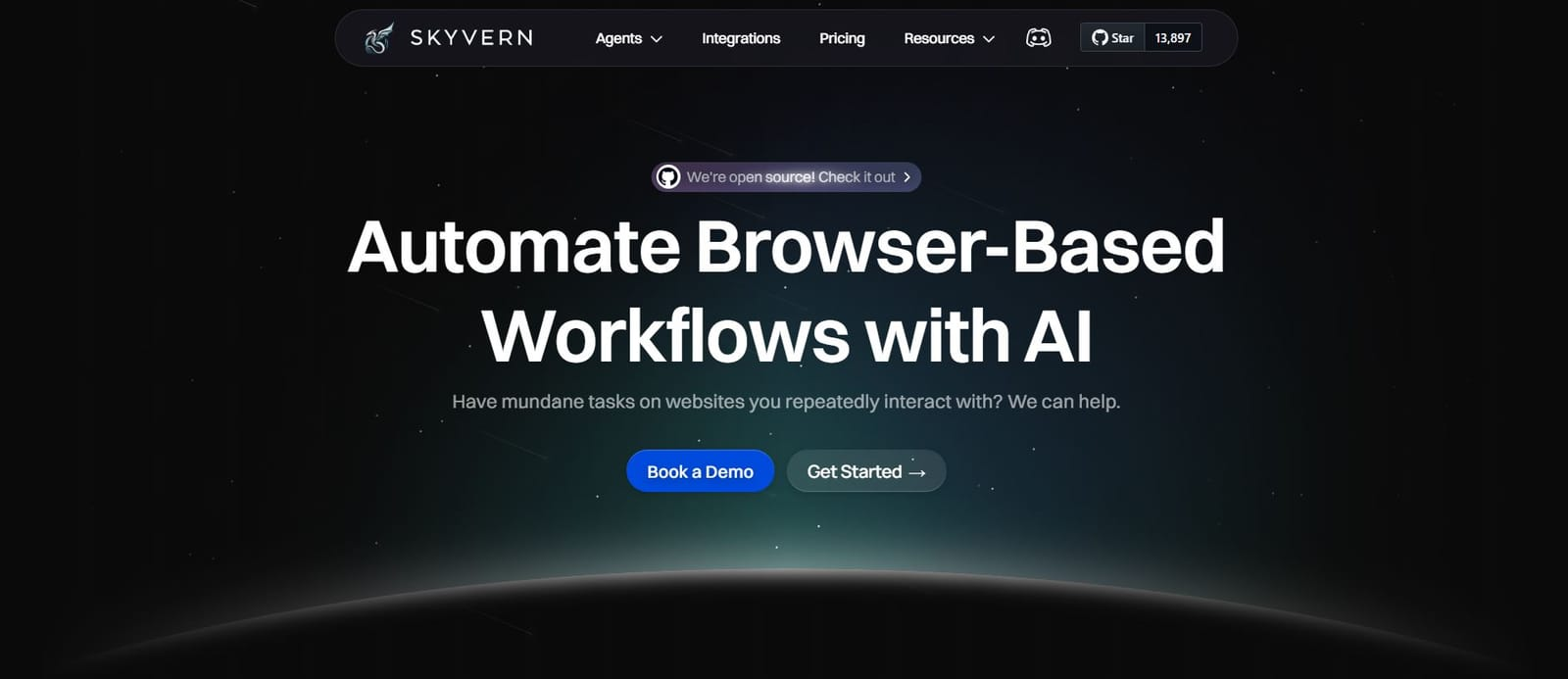
We built Skyvern to solve what both Browserbase and Browse AI can't: automating websites without prior configuration.
Skyvern uses LLMs and computer vision to navigate any website without predefined selectors or recorded actions. Point it at an unfamiliar procurement portal, and it infers form fields, understands questions, and completes workflows without setup. Layout changes don't break automations because there are no XPaths or recordings to maintain.
The system handles two-factor authentication and TOTP codes through built-in logic. Multi-step processes spanning authentication, form filling, and file downloads execute through a single API call. One workflow definition works across multiple vendor sites with different layouts.
Available as a managed cloud service with anti-bot detection and parallel execution, or self-hosted through our open source release.
Final thoughts on Browserbase and Browse AI
Your choice comes down to technical resources and workflow complexity. Browserbase requires engineering time for every automation, while Browse AI handles simple extractions through visual recording. Both struggle with unfamiliar page structures and break when layouts change. Skyvern uses computer vision to navigate any website without predefined selectors, handling complex workflows through a single API call.
FAQ
What's the main difference between Browserbase and Browse AI?
Browserbase provides managed browser infrastructure that you control through code (Playwright, Puppeteer, or Selenium), while Browse AI offers a no-code visual recorder that captures your clicks and converts them into extraction rules. Browserbase requires engineering resources but handles complex workflows, while Browse AI removes coding requirements but limits you to predefined extraction patterns.
Which tool is better for extracting competitor pricing data?
Browse AI is better for straightforward pricing extraction if the target sites match their templates and don't require authentication. If you need to log into vendor portals, handle multi-step processes, or work with sites outside Browse AI's template coverage, Browserbase gives you the flexibility to code those workflows yourself.
How do Browserbase and Browse AI pricing models differ?
Browserbase charges based on browser hours and concurrent sessions starting at $39/month, making slow page loads or debugging sessions expensive. Browse AI uses credits tied to data points extracted (also starting at $39/month), where extracting 100 products with five data points each consumes 500 credits, and costs multiply quickly with daily scheduled runs.
Can either tool adapt automatically when websites change their layout?
No, both tools break when websites change structure. Browserbase automations fail unless you manually update selectors in your code, and Browse AI robots need retraining through the visual recorder when layouts shift; neither adapts to unfamiliar page structures without manual intervention.
When should I choose Browserbase over Browse AI for my automation needs?
Choose Browserbase when building AI agents, running automated testing suites, creating automation products for customers, or handling workflows that require programmatic control over authentication, form filling, and navigation logic. Choose Browse AI for simple data collection tasks like tracking competitor prices, pulling leads from directories, or monitoring listings that don't require complex authentication.