
Browserbase vs Airtop: Which Browser Automation Tool is Better? (February 2026)

When you're scaling browser automation, the infrastructure question eventually hits: build it yourself or use a managed service. Browserbase and Airtop both handle the headless browser complexity, but they solve different problems. One lets you migrate existing scripts with minimal changes, the other asks you to rethink your entire workflow around natural language commands. The choice depends on whether you need framework flexibility or you're willing to bet everything on AI-driven interactions.
TLDR:
- Browserbase integrates with Playwright, Puppeteer, and Selenium for managed browser infrastructure
- Airtop uses natural language commands for browser control but limits you to TypeScript and Python
- Both services handle captchas and authentication but face 40-50% success rates with slower provisioning
- Skyvern combines LLM and computer vision for 85.8% WebVoyager score with no brittle selectors
What Browserbase Does and Its Approach
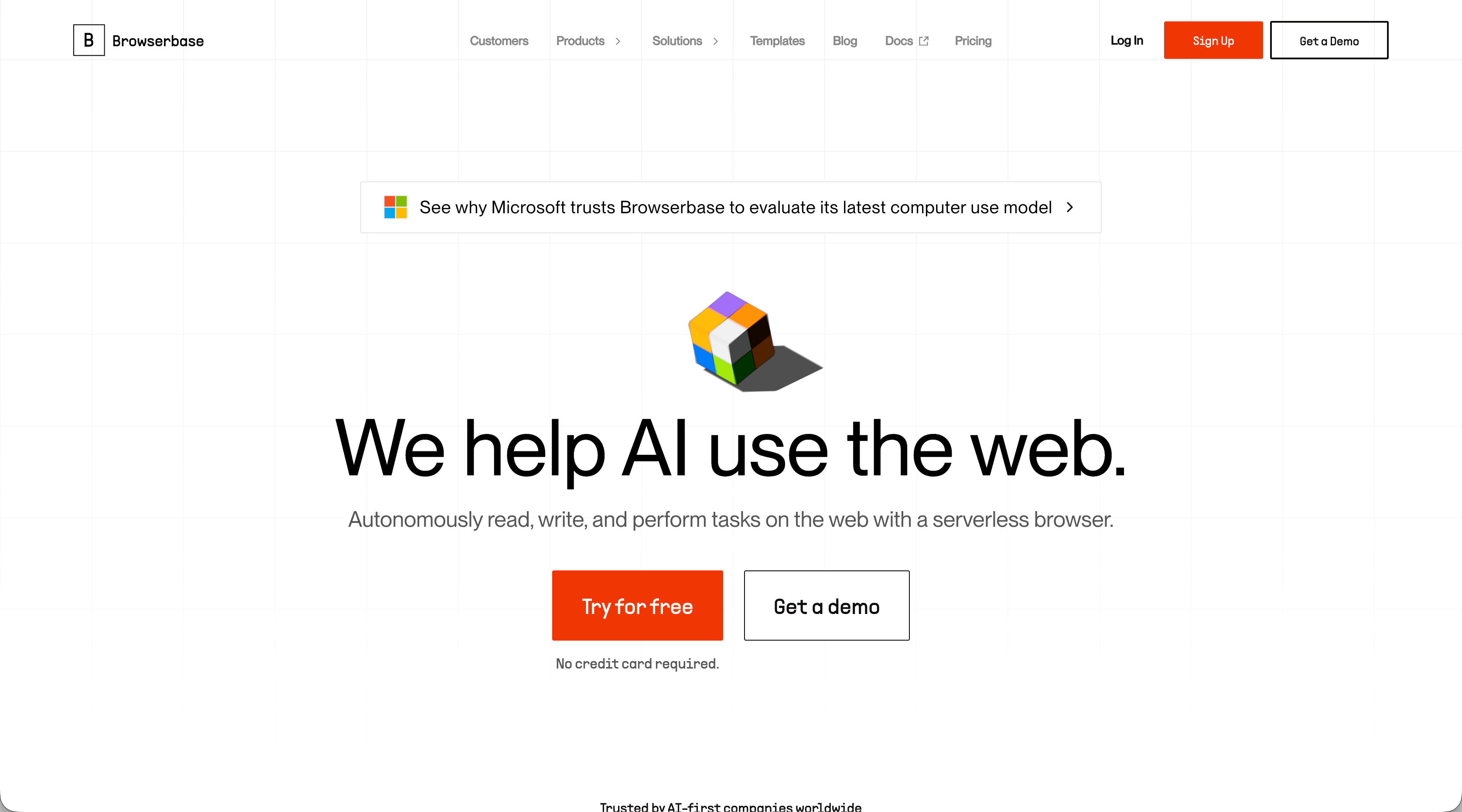
Browserbase is a managed browser infrastructure service that handles the complexities of running headless browsers at scale. Instead of maintaining your own fleet of browser instances, you get an API that spins up browsers on demand. The service works with existing automation frameworks. Browserbase integrates with Playwright, Puppeteer, and Selenium, so you can keep using the same code patterns while offloading infrastructure management to their servers.
Key features include session recording for debugging, a proxy network that automatically selects the best IP for your target site, captcha solving, and browser fingerprint generation. They've also released Stagehand, their own automation framework, and Director, which moves beyond infrastructure into end-user automation tools.
The target audience is developers and engineering teams running browser automation for AI agents, web scraping, and testing workflows. If you're dealing with bot detection, managing proxy rotation, or struggling with captcha challenges, Browserbase handles those problems.
What Airtop Does and Its Approach
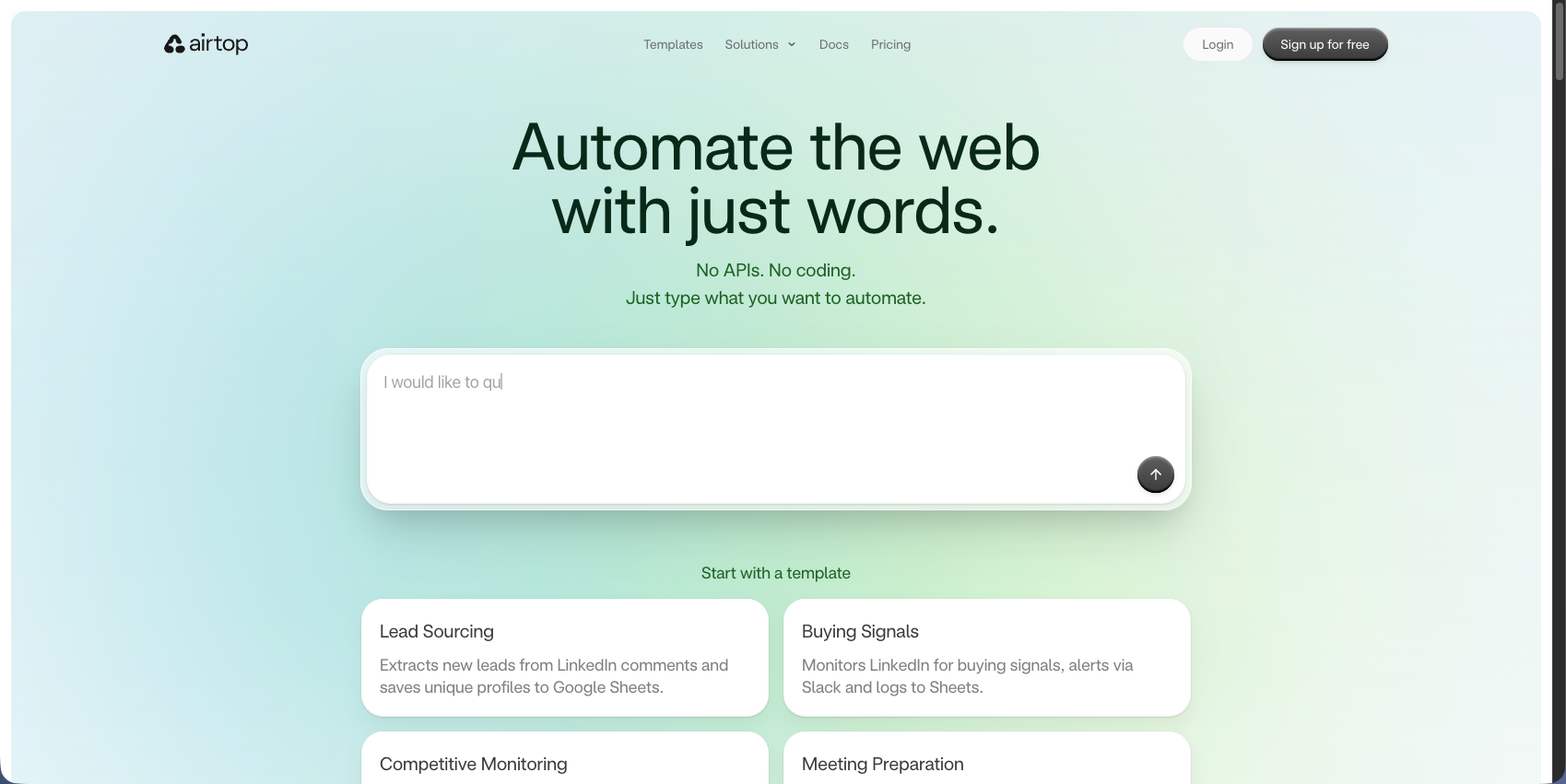
Airtop is a cloud-based browser automation service built around natural language control. Instead of writing scripts with selectors and XPaths, you describe what you want the browser to do, and Airtop's LLM layer translates that into actions. Airtop's API breaks down into two core functions. Act handles interactions like navigation, clicking, and form filling based on natural language instructions. Extract pulls structured data from pages and returns it in a format you specify. The system manages session state, handles multi-step workflows, and supports multi-agent coordination for tasks requiring parallel browser instances.
The service targets developers building AI agents and teams that need scalable browser automation without managing infrastructure. You get headless browsers that run in the cloud and handle bot detection, captchas, and authentication flows including OAuth and 2FA.
Comparing Browserbase and Airtop
While there are lots of criteria against which to compare browser automation solutions, we have assessed them against the following aspects:
- Infrastructure requirements and session management
- AI integration and natural language control
- Framework compatibility and developer experience
- Migration and onboarding
- Authentication and security capabilities
Infrastructure Requirements and Session Management
Both services spin up browser sessions on demand through their APIs, with each session running in isolated containers. You connect using standard Playwright or Puppeteer endpoints while they handle the underlying compute resources.
Browserbase, though, offers session recording for debugging, with paid plans supporting longer timeouts for workflows that take hours. Sessions stay alive based on your plan tier. Airtop wraps sessions in a stateful layer designed for AI interactions. Sessions persist across API calls, storing cookies and authentication tokens between requests. This helps when you need to maintain login state or navigate multi-page workflows, though you're still constrained by timeout limits.
A Note About Performance
When assessing infrastructure requirements, performance has to be a consideration. Keep in mind that remote browser services often struggle with provisioning speed. Performance testing shows that Airtop and Browserbase may rely on slower provisioning queues or less optimized execution environments, contributing to their lower success rates (40 to 50%) and higher total execution times compared to local browser instances.
AI Integration and Natural Language Control
Airtop's Act and Extract APIs process natural language commands directly. You can send requests like "click the submit button" or "extract all product prices" without writing selectors or XPath queries. The AI layer interprets your instructions and executes the corresponding browser actions.
Browserbase, though, takes a different approach. Its Stagehand framework lets you mix scripted automation with AI-driven actions in the same workflow. You write traditional Playwright or Puppeteer code for reliable tasks, then switch to natural language for sections that need adaptability.
So what's the bottom line? Airtop gives you immediate natural language control but locks you into their AI processing. Browserbase requires more setup since you need to integrate your own AI models or use their Stagehand framework, but you get control over which models handle interpretation. But keep in mind that traditional automation scripts break when websites update their layouts. AI agents adapt to those changes but sometimes hallucinate actions that don't exist or misinterpret page elements. Stagehand attempts to solve this by letting you hardcode reliable steps while using AI for the unpredictable parts.
Framework Compatibility and Developer Experience
Your browser automation solution should be flexible and easy to use. You don't want to implement a solution and find out that the framework you want to use isn't supported or that you need to spend more time understanding a cryptic and unfriendly developer experience.
Browserbase connects to Playwright, Puppeteer, and Selenium without requiring code changes. You point your existing automation scripts at their WebSocket endpoint and the infrastructure swaps out. Teams already running browser automation can migrate without rewriting workflows.
Airtop, on the other hand, ships TypeScript and Python SDKs that wrap their natural language APIs. If your team uses Go, Ruby, Java, or another language, you'll need to build a custom HTTP client to interact with their endpoints.
Migration and Onboarding
Browserbase shortens onboarding time for teams with existing automation scripts. You change the connection URL, add an API key, and your workflows run on their infrastructure. No new syntax to learn if you're already familiar with Playwright or Puppeteer.
Airtop requires learning their API structure and natural language command patterns. Teams switching from traditional automation frameworks need to rethink how they structure workflows, moving from explicit selectors to descriptive instructions. The language limitation becomes a blocker if your backend is written in Go or your automation team prefers Java.
Authentication and Security Capabilities
Both services handle OAuth, two-factor authentication, and CAPTCHA challenges through their APIs. Authenticated sessions persist across workflow steps, with cookies and tokens maintained between browser interactions.
Browserbase gives you direct control over browser fingerprinting. You configure user agents, screen resolutions, WebGL parameters, and other fingerprint elements through API parameters. Their proxy network targets specific geographic locations and rotates IPs based on your requirements. If you need to test how your site handles different device types or need precise control over how your automation appears to target websites, you configure each element yourself.
Airtop handles authentication through its AI layer. When the system encounters login forms or 2FA prompts, it processes them automatically based on credentials you provide. The service manages fingerprinting and stealth features without exposing configuration options. This works if you want authentication abstracted away, but becomes limiting when you need specific fingerprint configurations or proxy behavior outside their automated approach.
Skyvern as a Better Alternative
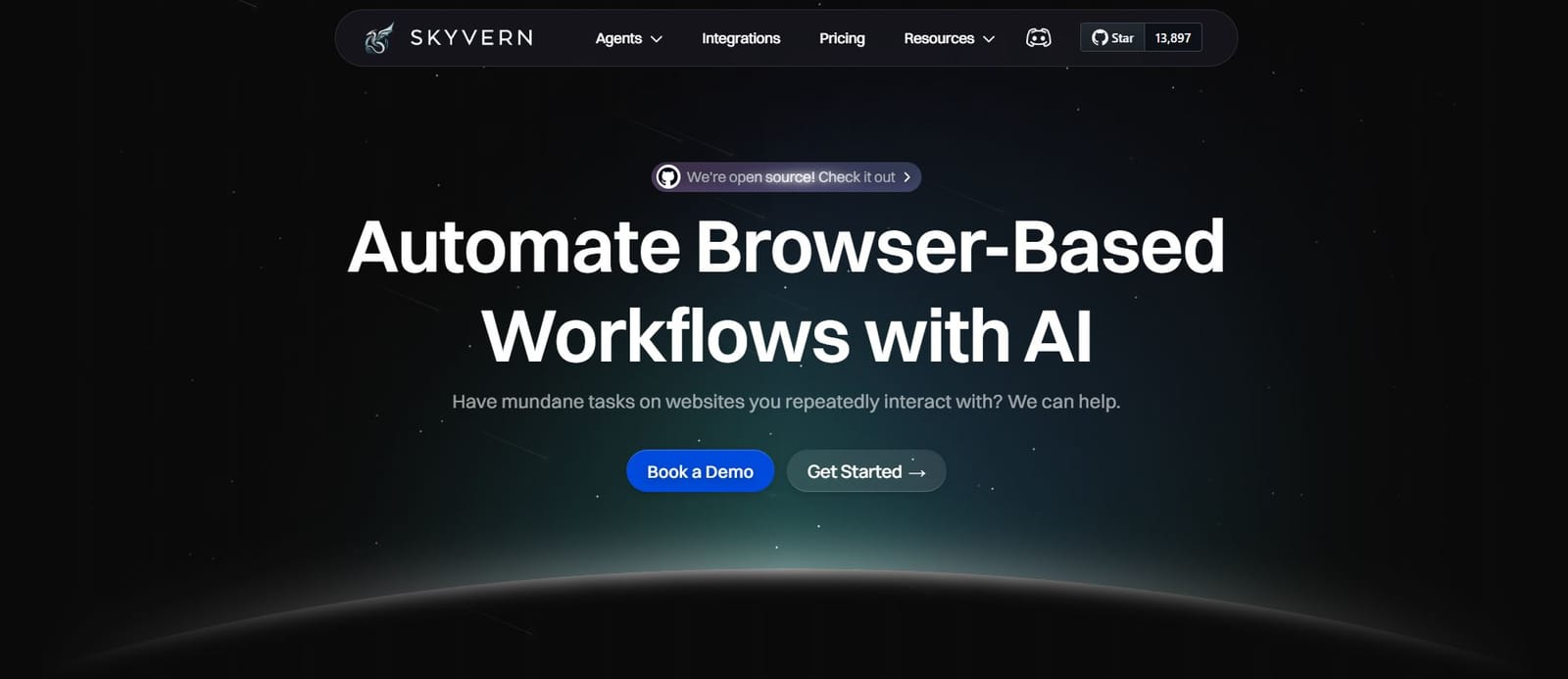
We built Skyvern to solve the problems both services leave unaddressed. You get AI-powered automation without writing scripts or managing infrastructure. Our LLM and computer vision approach works on websites we've never seen before, adapting to layout changes that break traditional automation.
Skyvern scored 85.8% on WebVoyager while handling authentication, form filling, and file downloads. You can deploy our open source version or use our managed cloud service with transparent pricing. No language restrictions, no infrastructure overhead, no brittle selectors that break when websites update.
Side-by-Side Comparison
Solution | Framework Support | AI Integration | Language Support | Authentication | Success Rate | Best For |
|---|---|---|---|---|---|---|
Browserbase | Playwright, Puppeteer, and Selenium with no code changes required | Stagehand framework allows mixing traditional scripts with AI-driven actions | Works with any language that supports standard automation frameworks | Direct control over browser fingerprinting, proxy settings, and authentication parameters | 40-50% with slower provisioning times | Teams with existing automation scripts who need managed infrastructure without rewriting workflows |
Airtop | Proprietary natural language API that requires rewriting existing automation workflows | Built-in LLM layer processes natural language commands through Act and Extract APIs | TypeScript and Python SDKs only; other languages require custom HTTP client implementation | Automated authentication handling through AI layer without exposed configuration options | 40-50% with slower provisioning times | Teams building AI agents from scratch who prefer natural language commands over traditional scripting |
Skyvern | No framework dependencies; works with LLM and computer vision approach | Native AI-powered automation with computer vision that adapts to layout changes | Open source with no language restrictions; deploy self-hosted or use managed cloud service | Handles OAuth, 2FA, form filling, and file downloads automatically | 85.8% on WebVoyager benchmark with optimized execution | Teams that need adaptable automation without brittle selectors and want to avoid maintenance overhead from website changes |
Final Thoughts on Browserbase vs Airtop
Browserbase and Airtop both remove the pain of managing browser infrastructure, but they take opposite approaches to automation itself. Your team's existing tech stack and workflow preferences matter more than feature lists when choosing between them. If you're tired of maintaining scripts that break with every website update, newer AI-powered options skip the selector problem entirely. Schedule time with us to see what browser automation looks like when AI handles the adaptation work for you.
FAQ
What's the main difference between Browserbase and Airtop?
Browserbase is infrastructure that connects to your existing Playwright, Puppeteer, or Selenium scripts without code changes, while Airtop requires you to rewrite workflows using their natural language API. Browserbase lets you control browser fingerprinting and proxy settings directly, whereas Airtop handles these automatically through its AI layer.
Which tool is better for teams with existing automation scripts?
Browserbase is the better choice if you already have working Playwright, Puppeteer, or Selenium scripts. You just point your code at their WebSocket endpoint and your workflows run on their infrastructure without rewriting anything.
Can I use Airtop with programming languages other than TypeScript and Python?
Airtop only ships TypeScript and Python SDKs, so if your team uses Go, Ruby, Java, or other languages, you'll need to build a custom HTTP client to interact with their endpoints. This creates extra work compared to Browserbase's compatibility with standard automation frameworks.
How do the two services handle authentication and bot detection differently?
Both handle OAuth, 2FA, and CAPTCHAs, but Browserbase gives you direct control over fingerprinting parameters like user agents and screen resolutions through API settings. Airtop processes authentication automatically through its AI layer without exposing configuration options, which works for simple cases but limits customization.
Which service performs better for high-volume automation workflows?
Performance testing shows both Airtop and Browserbase have success rates between 40-50% with slower provisioning times compared to local browser instances. Both services face similar infrastructure bottlenecks that can increase total execution time for large-scale workflows.