
Browser Use vs Hyperbrowser AI: Which is Better? (November 2025)

The browser automation comparison you need isn't about feature lists or pricing tiers. It's about what happens when your target website redesigns overnight, or when you need to automate across 50 different vendor portals without writing 50 different scripts. Let's see how Browser Use and Hyperbrowser AI handle the challenges that matter for your workflows.
TLDR:
- Browser Use requires self-managed infrastructure and per-site scripts that break when websites change
- Hyperbrowser AI provides managed browser infrastructure but still needs custom code for each site
- Skyvern uses computer vision to automate any website without custom code or maintenance when layouts change
- One Skyvern workflow runs across hundreds of sites with built-in 2FA, CAPTCHA solving, and file handling
What is Browser Use?
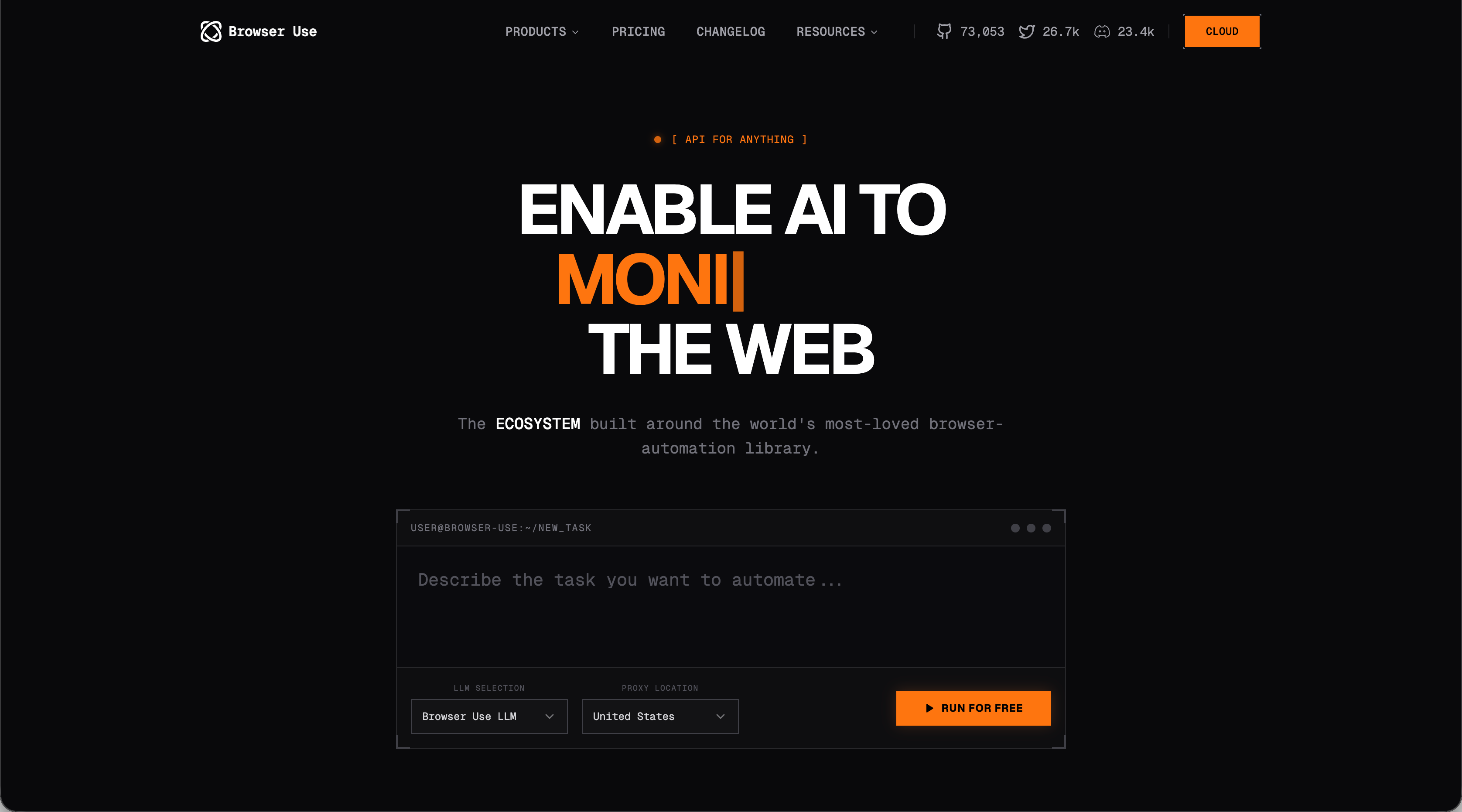
Browser Use is an open source browser automation tool that controls web browsers through AI agents. Developers write instructions in plain language, and the AI executes them by performing actions like clicking buttons, filling forms, and navigating pages. The library removes the need for hard-coded element selectors. You describe the task, and the AI determines how to complete it.
Browser Use released ChatBrowserUse, an optimized model built for browser automation. According to their documentation, this model completes browser-specific operations faster than general-purpose AI models. The tool targets developers who want to avoid maintaining brittle automation scripts. Natural language commands replace explicit page element specifications and navigation paths.
What is Hyperbrowser AI?
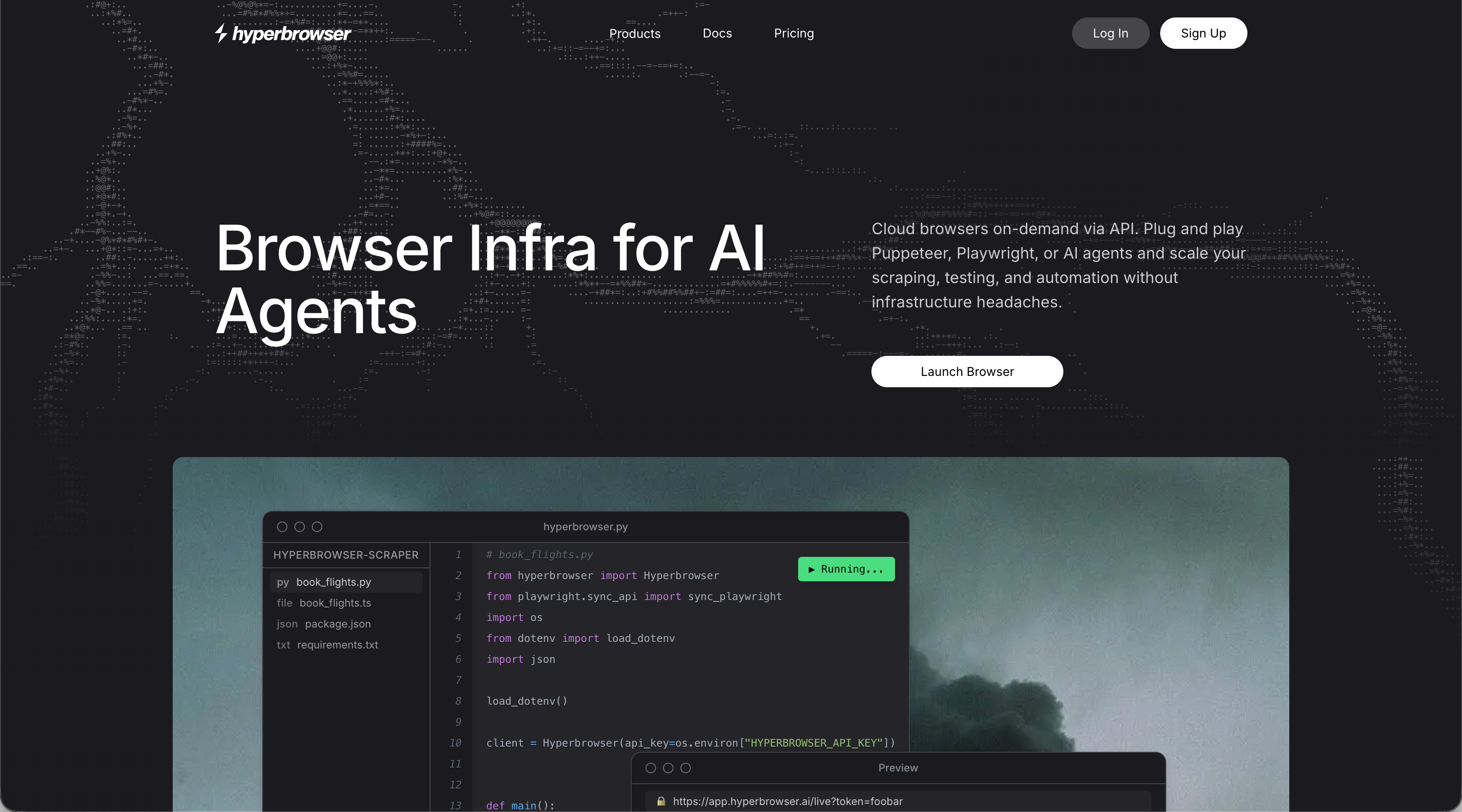
Hyperbrowser AI functions as internet infrastructure for AI agents. The service provides browser infrastructure with built-in CAPTCHA solving, proxy management, and anti-bot detection.
The architecture works as Browser-as-a-Service. You send requests to their infrastructure instead of managing browsers yourself. Hyperbrowser handles browser provisioning, scaling, and technical challenges for running automation at scale.
HyperAgent adds AI capabilities on top of Playwright. You write natural language commands similar to browser use, but execution happens on Hyperbrowser's infrastructure, not your local environment.
What is Skyvern?
Skyvern automates browser workflows using LLMs and computer vision without relying on pre-determined XPaths or CSS selectors. This approach lets Skyvern handle websites it has never encountered before, with no custom code required per site.
When layouts change, selector-based tools break immediately. Skyvern uses computer vision to interpret page structure visually, analyzing what appears on screen to determine the right actions based on context.
You define workflows through a simple API, and Skyvern executes them across different sites without modification. The system handles authentication flows like 2FA and TOTP, solves CAPTCHAs, and manages proxy networks with geographic targeting. Both a managed cloud version with anti-bot detection and an open source option are available.
AI-Powered Automation and Flexibility
Each tool takes a different approach to AI-powered browser automation, which affects how you build and maintain workflows.
- Browser Use gives you an open source Python library with no licensing costs. You bring your own LLM provider, whether that's OpenAI, Anthropic, or another option. This requires configuring API keys, managing rate limits, and handling browser infrastructure yourself. The library works well if you're comfortable writing Python scripts and want granular control over how your agent behaves. You'll need to provision browsers locally or set up cloud infrastructure to run automation at scale.
- Hyperbrowser AI bundles browser infrastructure with AI capabilities through HyperAgent. The service abstracts away browser management and provides built-in proxy networks and CAPTCHA solving. You pay based on browser hours, data transfer, and agent actions consumed. The framework requires writing code on top of Playwright, which means each new website needs configuration. This suits teams that want managed infrastructure but can dedicate engineering resources to building and maintaining automation scripts.
- Skyvern operates through a simple API that requires no per-site customization. You describe what needs to happen, and Skyvern's combination of LLMs and computer vision figures out how to execute across any website. A single workflow definition runs against hundreds of different sites without modification, which removes the need to write or maintain scripts when websites change layouts or when you need to scale across numerous vendors, suppliers, or systems without APIs.
Handling Website Changes and Resilience
Website structure changes break most automation tools. With 80.8% of website redesigns driven by low conversion rates sites change frequently. The difference between these three solutions comes down to how they adapt when sites update layouts or redesign interfaces:
- Browser Use depends on the underlying LLM to reinterpret pages after changes occur. This works for minor updates but requires intervention when websites undergo major redesigns. You'll need to monitor workflows and update prompts when the LLM cannot correctly identify changed elements. The open source nature means you can modify the code, but maintaining scripts across multiple sites becomes time-intensive.
- Hyperbrowser AI offers infrastructure stability with stealth features that prevent bot detection, but the automation logic still faces challenges when target sites change. Teams automating complex workflows often need to adjust their Playwright-based code after major website updates. If you're running automation across dozens of vendor portals, each redesign potentially requires engineering time to fix broken scripts.
- Skyvern's computer vision interprets what appears on screen instead of relying on HTML structure or element identifiers. When a website moves a submit button or changes form layouts, Skyvern analyzes the visual context to determine appropriate actions. This removes the cascade of failures that occur when XPath-based tools encounter HTML changes. One workflow operates across different websites because Skyvern reasons through interactions contextually instead of following hardcoded instructions tied to specific page structures.
Infrastructure, Scale, and Deployment
Running browser automation at scale creates different infrastructure demands:
- Browser Use requires self-managed browser infrastructure. Chrome instances consume substantial memory, and parallel agent orchestration across multiple machines adds overhead. Browser Use Cloud provides stealth browsers that bypass detection systems and reduce CAPTCHA interruptions, though this adds another service layer to configure and monitor.
- Hyperbrowser AI removes browser provisioning. The service launches browsers in sub-second timeframes and supports over 1,000 concurrent sessions without latency degradation. Built-in proxy management and anti-bot detection handle common scaling obstacles, though you still write and maintain automation code that connects to their infrastructure.
- Skyvern removes infrastructure concerns through a simple API. Both managed cloud and self-hosted open source options eliminate browser provisioning and proxy network management. API calls trigger workflows that run in parallel with built-in anti-bot detection, 2FA handling, and live viewport streaming for troubleshooting.
Why Skyvern is the Better Choice
Browser Use works for Python developers comfortable managing infrastructure and building basic automation tasks. Hyperbrowser AI fits teams that need managed browser infrastructure and have engineering resources for writing site-specific code.
Skyvern solves the challenges that appear when automating real workflows at scale. No per-site scripts means you can automate across hundreds of vendor portals, supplier systems, or government sites with one workflow definition. The computer vision approach eliminates maintenance cycles when sites redesign.
Native capabilities like file downloading, TOTP handling, and form filling work out of the box through Skyvern's integrations, not requiring custom integration.
Final thoughts on AI browser automation options
The difference between these browser automation tools shows up when websites change or you need to scale across many sites. Browser Use requires infrastructure work, Hyperbrowser AI needs ongoing code maintenance, and Skyvern handles both through computer vision. If you're automating real business workflows that span multiple vendors or systems, the API approach removes the scripting burden. Your team can focus on what needs to get done instead of how to keep automation running.
FAQ
What is the main difference between Browser Use and Skyvern?
Browser Use requires you to write Python scripts and manage your own browser infrastructure, while Skyvern provides a simple API that works across any website without per-site customization. Skyvern uses computer vision to adapt to layout changes automatically, eliminating the maintenance burden of updating scripts when websites redesign.
How does Skyvern handle website redesigns without breaking?
Skyvern analyzes what appears on screen using computer vision instead of relying on HTML selectors or XPath identifiers. When a website moves buttons or changes layouts, Skyvern interprets the visual context to determine the correct actions, so your workflows continue running without code updates.
Can I automate workflows across multiple vendor portals with one setup?
Yes, Skyvern lets you define a single workflow that runs across hundreds of different websites without modification. The computer vision and LLM approach means you don't need to write separate scripts for each vendor, supplier system, or portal you need to automate.
When should I choose Hyperbrowser AI over other options?
Hyperbrowser AI works best if you need managed browser infrastructure with built-in proxy networks and CAPTCHA solving, and you have engineering resources to write and maintain Playwright-based automation code for each website you target.
Does Skyvern require coding experience to set up workflows?
Skyvern works through a simple API where you describe what needs to happen, and the system figures out how to execute it. You don't need to write per-site scripts or specify element selectors, making it accessible for teams without deep automation engineering expertise.