
Browser Use vs Firecrawl vs. Skyvern: Which is Better? (December 2025)

You need to automate something on the web, and you're stuck choosing between Browser Use and Firecrawl. These automation tools take opposite approaches: one uses AI to interact with pages like a person would, the other extracts content without any clicking. Let's look at what makes each tool different so you can stop guessing and start building.
TLDR:
- Browser Use automates tasks through natural language but requires Python setup and infrastructure
- Firecrawl extracts static content via API but cannot interact with forms or dynamic elements
- Skyvern adapts to website changes using computer vision without maintenance or script updates
What is Browser Use?
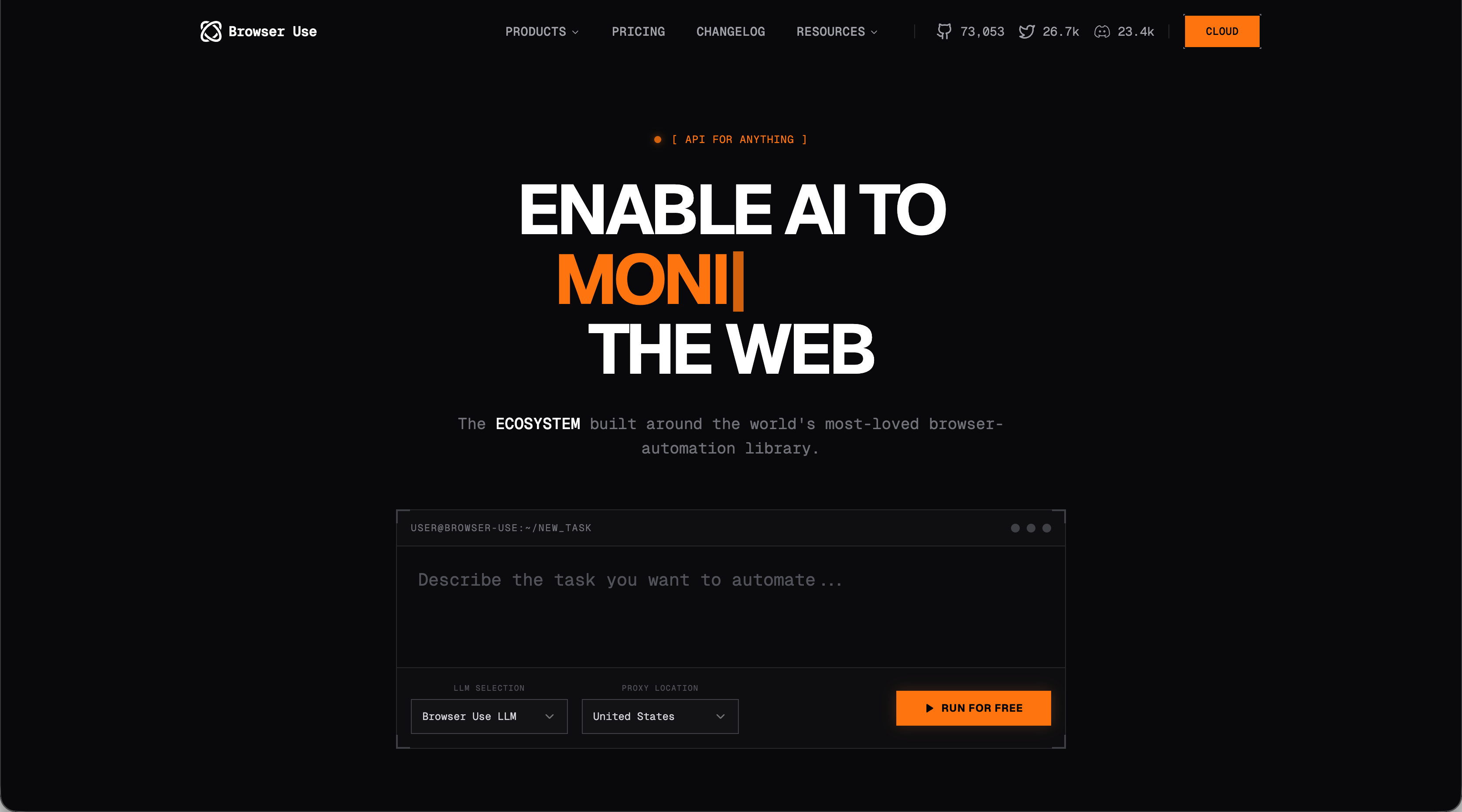
Browser Use is a Python library that automates web browsers through natural language commands. Developers describe desired browser actions in plain English, not coding each click or form interaction explicitly.
The library uses Playwright for browser control and connects to LLM providers to interpret instructions. It analyzes HTML structure in real-time to identify interactive elements and determine which actions to take, removing the need for predefined CSS selectors or XPath expressions.
Browser Use supports OpenAI, Google's AI models, and local alternatives via Ollama, letting developers switch between providers based on cost and performance requirements.
What is Firecrawl?

Firecrawl is a web data API that extracts website content and converts it into structured formats like markdown, JSON, or HTML. The tool handles JavaScript rendering and dynamic content loading through a single API endpoint, removing the need to manage headless browsers or parse DOM structures directly.
The service works for both single-page extractions and full website crawls. Developers typically use Firecrawl when building AI applications that require training data, LLM prompt context, or structured information from websites without existing APIs.
What is Skyvern?
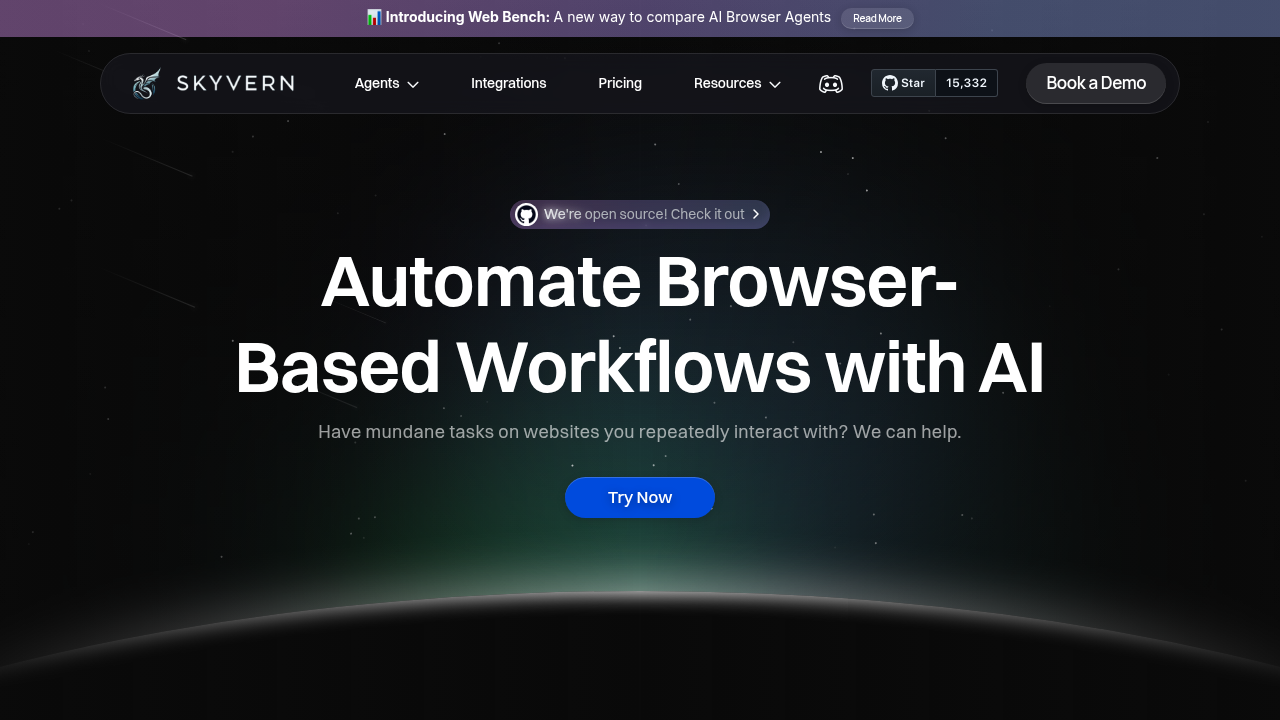
Skyvern automates browser workflows using LLMs and computer vision instead of hardcoded scripts. The system handles form filling, data extraction, and file downloads across websites without site-specific code. The system interprets web pages visually and contextually, identifying elements based on how Skyvern reads and understands the web through appearance and function instead of CSS selectors or XPath. A single workflow runs across multiple websites, including unfamiliar ones.
Skyvern adapts when website layouts change. Traditional tools break when CSS classes get renamed or HTML restructures. Computer vision recognizes form fields, buttons, and interactive elements like a human would, creating resilient automations.
Access Skyvern through an API endpoint or use the open source version. The system handles authentication including 2FA, solves CAPTCHAs, and supports proxy networks for geographic targeting.
Comparing The Solutions
We compared Browser Use, Firecrawl, and Skyvern on the following criteria:
- Use case and task complexity
- Technical architecture and integration
- Data output and extraction capabilities
- Handling website changes and maintenance
- Pricing and cost considerations
Use Cases and Task Complexity
Browser Use handles multi-step tasks like job applications and form submissions through conversational descriptions. Its LLM integration manages complex reasoning, though token consumption per action drives up costs. Production deployment requires coding knowledge and infrastructure setup.
Firecrawl extracts data from websites by converting pages to markdown or JSON. It crawls entire sites but cannot click buttons, fill forms, or interact with dynamic elements. Tasks requiring browser interaction beyond reading content fall outside its scope.
Skyvern extracts data while automating browser interactions. It fills forms, downloads files, processes multi-step workflows, and manages authentication without site-specific setup. Built-in CAPTCHA solving and 2FA support eliminate common automation blockers. Single workflows execute across multiple websites simultaneously.
Technical Architecture and Integration
Browser Use needs Python 3.11+ and uses Playwright for browser control. You handle browser instances, memory usage, and LLM provider configurations yourself. The open source library gives you flexibility but requires infrastructure setup to scale past local development. A cloud version is available for teams that want to avoid local deployment.
Firecrawl offers a REST API that needs just an API key to get started. The service manages proxies, caching, rate limits, and JavaScript rendering on the backend. Integration works through HTTP requests or SDK libraries for Python and Node.js. You avoid dealing with browser infrastructure and anti-bot detection.
Skyvern ships as both managed cloud and open source. The API takes YAML workflow definitions and returns JSON or CSV results. Built-in features cover proxy support with geographic targeting to the ZIP code, live viewport streaming for debugging, and automatic anti-bot detection. Integration works through Zapier, Make.com, and N8N for connecting existing workflows without writing code.
Data Output and Extraction Capabilities
Browser Use returns unstructured responses based on what the LLM agent extracts during task execution. You write additional code to parse, validate, and turn agent outputs into usable structures since there's no built-in schema enforcement.
Firecrawl provides structured extraction using schema definitions through its /extract endpoint. You can define data requirements using JSON schemas or natural language prompts, and the service formats content as markdown, JSON, or raw HTML based on your specifications.
Skyvern outputs validated JSON or CSV according to your schema definitions. The system handles complex extractions with nested objects and arrays, validating data against your schema during execution to catch errors before returning results. Downloaded files upload automatically to your cloud storage, with file references included in the structured output alongside extracted data. Skyvern's explainable AI features show reasoning behind each extraction decision. Every data point includes justification for the extracted value, making validation and debugging straightforward.
Handling Website Changes and Maintenance
Browser Use relies on AI to identify elements through visual context instead of CSS selectors, reducing some maintenance overhead. However, each execution reprocesses the page and consumes LLM tokens. Major redesigns may need prompt adjustments, and while XPath maps are cached for repeated workflows, the library revalidates selectors at each step.
Firecrawl adapts to minor layout modifications through semantic understanding. Major structural changes might require prompt adjustments. Since Firecrawl extracts content without browser interactions, it avoids timing issues and JavaScript-heavy interactions that break traditional scrapers.
Skyvern combines computer vision and LLM reasoning to identify elements by visual appearance and semantic meaning. Workflows remain functional across layout changes, and one workflow definition runs across multiple similar websites without modification. When sites redesign, Skyvern adjusts without requiring script updates or maintenance work.
Pricing and Cost Considerations
Browser Use is open source and available at no cost for local deployment. LLM provider fees accumulate with each execution step since the agent relies on API calls. Running 10 concurrent agents consumes substantial memory due to Chrome instance overhead. The cloud version provides managed infrastructure with usage-based pricing and stealth browsers to avoid detection.
Firecrawl charges based on API usage with tiered pricing for different request volumes. New users receive free credits to test the service. Pricing covers infrastructure, proxy management, and anti-bot measures with no additional fees for browser management or scaling.
Skyvern offers transparent pricing across three tiers. The Basic Plan serves individual users, the Pro Plan supports growing teams, and Enterprise Plans provide custom solutions. The managed cloud version includes parallel execution, anti-bot detection, and cloud storage for downloaded files without ongoing maintenance costs from script debugging or selector failures.
Why Skyvern is the Better Choice
Browser Use works for Python developers building AI-assisted browser automations and custom workflows. Firecrawl handles static content extraction without browser interactions.
Skyvern, though, covers data extraction, form filling, authentication handling, and file downloads through a single API. The computer vision engine adjusts to UI changes automatically, while managed infrastructure removes server setup and maintenance work. You can integrate through direct API calls or connect with no-code tools, with both open source and paid options available.
Final thoughts on comparing browser automation options
When web automation requires form interactions and authentication, basic scrapers fall short. Skyvern uses computer vision to handle complex workflows that stay functional through website changes. Your data comes back as validated JSON or CSV matching your schema, with integration through APIs or no-code tools. Pick the open source version for full control or go with managed cloud to skip infrastructure work.
FAQ
What is the main difference between Browser Use and Firecrawl?
Browser Use automates browser interactions through natural language commands and can handle multi-step tasks like form submissions, while Firecrawl only extracts and converts website content into structured formats without any ability to interact with pages.
Can I use these tools if my website layouts change frequently?
Firecrawl handles minor layout changes through semantic understanding but struggles with major redesigns, while Browser Use may need prompt adjustments after major changes. Skyvern uses computer vision to recognize elements visually, so workflows continue functioning even after complete website redesigns without requiring updates.
How do I get structured data output from my web automation?
Firecrawl and Skyvern both support schema definitions that return validated JSON or CSV according to your specifications. Browser Use returns unstructured responses that require you to write additional parsing code to format the data.
When should I choose Skyvern over Browser Use or Firecrawl?
Choose Skyvern when you need to automate complete workflows that include form filling, authentication, file downloads, and data extraction across multiple websites. It handles tasks that require both browser interaction and structured data output through a single API without site-specific coding.