
Browser Use vs Autotab: Which AI Automation Tool is Better? (December 2025)

When you're comparing browser automation tools like Browser Use and Autotab, the differences matter more than the similarities. Browser Use interprets text descriptions through AI, analyzing pages and executing actions in real time. Autotab records your workflow demonstrations and generates Python code that replays those exact steps. One adapts to changes through AI reasoning, the other gives you explicit code you can modify and debug. Your decision hinges on whether you prefer AI-driven flexibility or script-based predictability.
TLDR:
- Browser Use needs AI provider setup and visible browser windows; Autotab records workflows once and generates Python scripts that run headlessly
- Browser Use adapts to site changes through AI reasoning; Autotab scripts break when HTML structure changes and require re-recording
- Autotab outputs editable Selenium code you can modify; Browser Use abstracts implementation behind prompts
- Skyvern provides API-based automation with 85.8% WebVoyager benchmark score, handling 2FA, CAPTCHAs, and site changes without maintenance
What Browser Use Does and How It Works
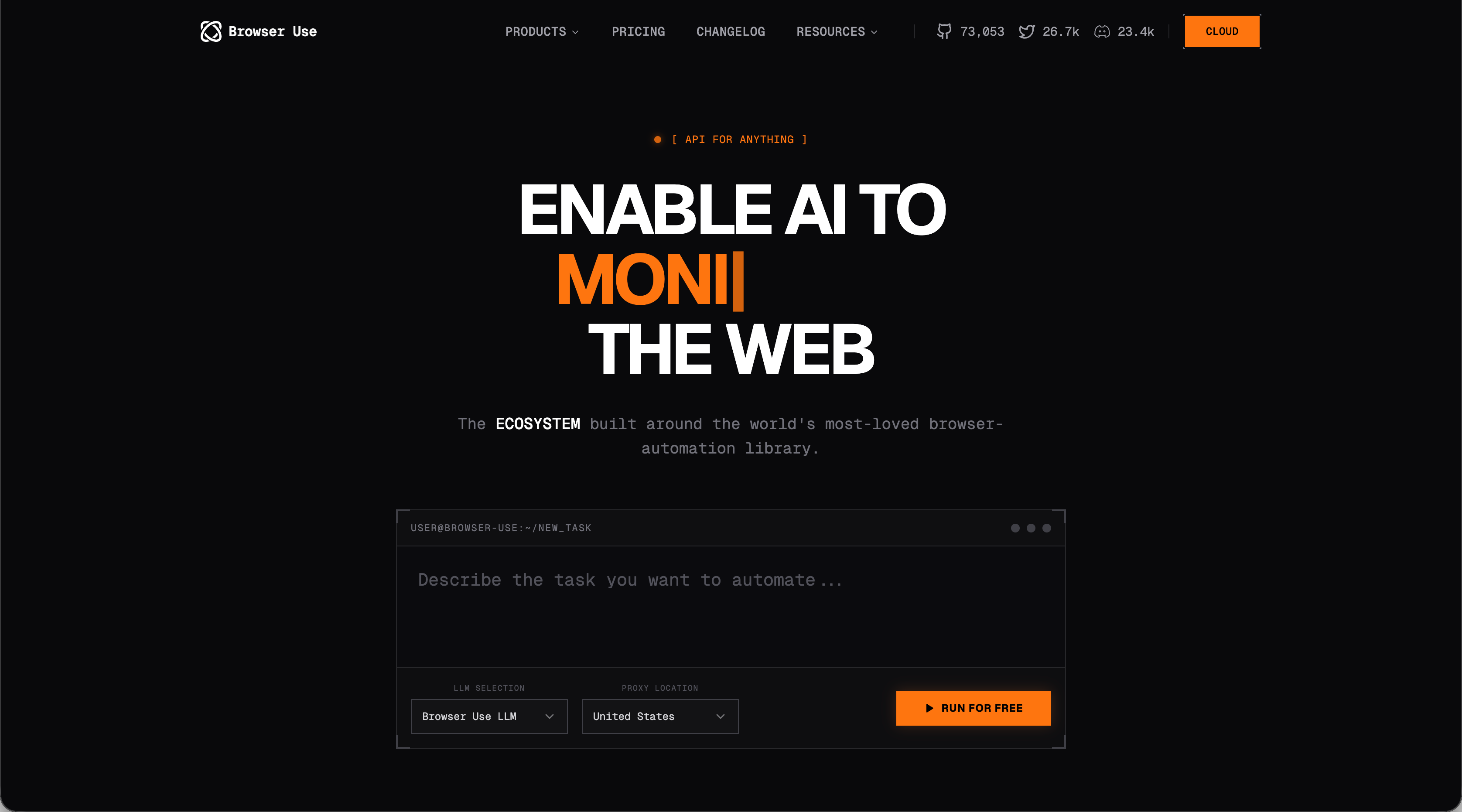
Browser Use is an open source browser automation tool built as a Python library for controlling web browsers with AI. You describe what you want to accomplish, and the library figures out how to do it. The library combines the Chrome DevTools Protocol with AI providers like OpenAI or Google. You send a task description, and it translates your intent into browser actions by analyzing page structure, identifying relevant elements, and executing the necessary steps.
But Browser use has it's downsides as well:
- You need to bring your own AI provider. Browser Use doesn't include AI capabilities. You configure it with API keys from OpenAI, Anthropic, or Google, and those services handle the reasoning about what actions to take.
- You're also responsible for the infrastructure. You manage browser instances, handle AI provider costs, and write the code that ties everything together. The library provides the interface between AI reasoning and browser control.
What Autotab Does and How It Works
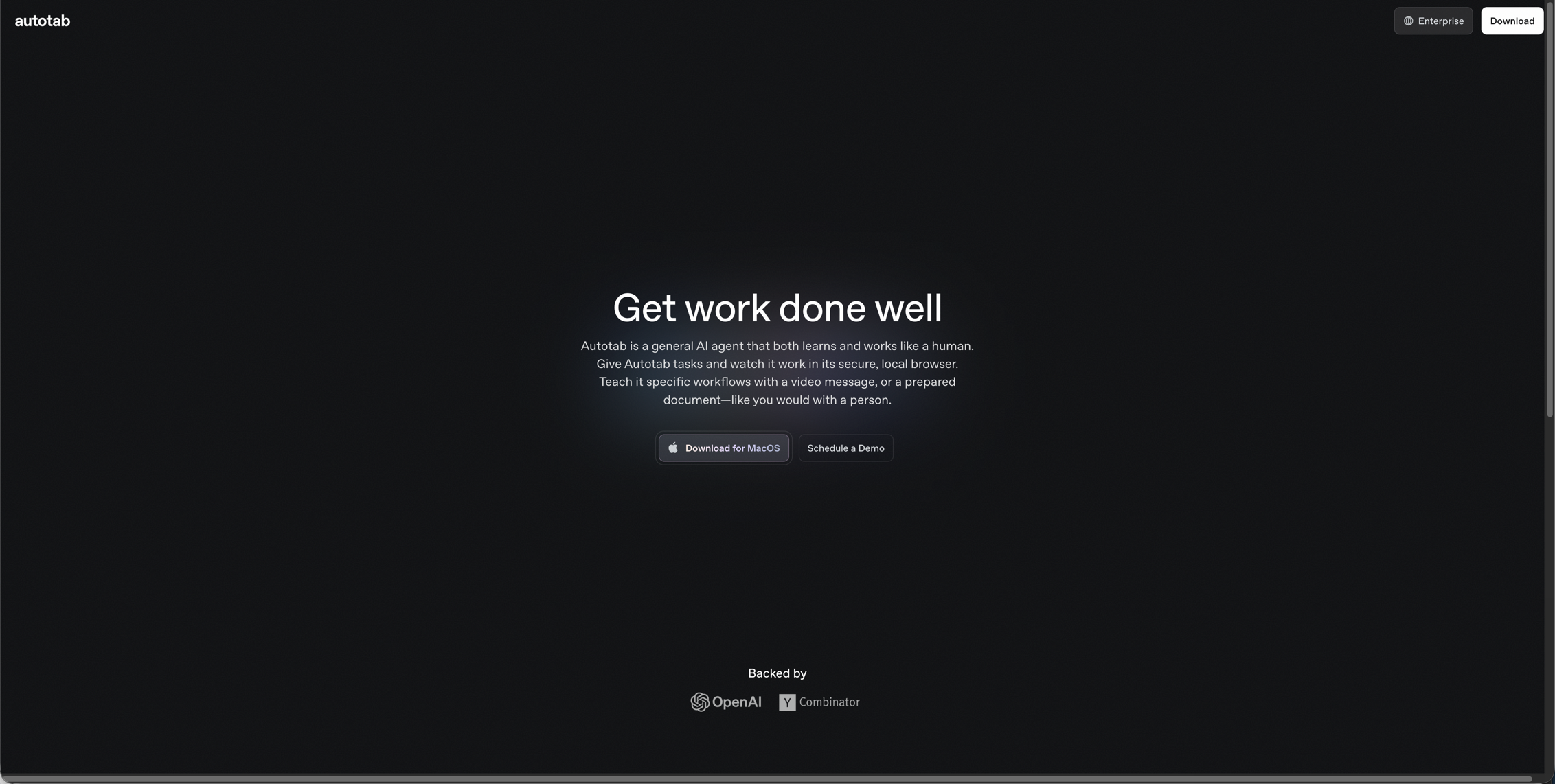
Autotab generates browser automation code by watching you work. You model a workflow in your browser, and the tool converts those actions into Python scripts. After installing the Chrome extension, you record your workflow by clicking through it normally. Autotab captures each interaction: clicks, form fills, navigation, and data extraction. The output is Selenium-based Python code. The generated scripts are readable and auditable. You can review exactly what the code will do, modify it as needed, and integrate it into existing workflows. This lets you create automation through demonstration instead of writing code or natural language descriptions.
Comparing Browser Use and Autotab
We compared the two solutions using the following criteria:
- Task execution
- Authentication and session management
- Development experience and code output differences
- Handling website changes and maintenance requirements
Handling Task Execution
Task execution is a core component of browser automation. Browser Use and Autotab handle this very differently:
- Browser Use interprets text instructions and executes them through AI decision-making at each step. You describe what you want done, and the AI analyzes the page, selects elements, and performs actions in sequence. Each action triggers a new analysis cycle where the AI assesses the updated page state and chooses the next move. This requires the browser to remain visible and focused. The AI must observe page changes after every action to plan subsequent steps. You can't switch windows or minimize the browser during execution.
- Autotab converts your demonstrations into Python scripts. After recording a workflow once, you get executable code that replays your exact sequence of actions. The script executes predetermined steps without making runtime decisions. These generated scripts run as standard Python automation. You can execute them headlessly in the background, schedule them as cron jobs, or embed them in larger workflows. They skip AI inference during runtime, delivering faster execution and eliminating per-run AI costs.
To summarize how these two solutions handle task execution, Browser Use adapts to unexpected page variations and workflow changes while Autotab scripts follow their recorded path exactly. When pages differ from the original demonstration, you must re-record the workflow or modify the code manually.
Authentication and Session Management
Some websites or web apps require authentication which must be tackled during automation. But Browser Use and Autotab handle authentication, and session management, differently.
- Browser Use manages authentication through profile and cookie configurations. Set up persistent browser profiles that maintain logged-in states between automation runs, similar to how your regular browser remembers logins. This saves cookies and session data, letting subsequent tasks skip authentication steps. The profile approach works well for repeated access to the same accounts. You authenticate once, and the AI-driven tasks run against authenticated sessions without additional login prompts. You still need to handle initial authentication and manage credential storage yourself.
- Autotab captures login sequences during the recording phase. When you show a workflow that requires authentication, every keystroke and click gets translated into the generated script. The resulting code contains your exact authentication steps. You need to manage how credentials get passed into the script through environment variables, configuration files, or secrets management systems.
For session management, Browser Use's profile persistence reduces redundant logins but requires infrastructure for managing browser profiles. To learn more about how Skyvern handles authentication, check out our detailed guide. Autotab's scripted authentication gives you full visibility into the login process but adds authentication overhead to every execution unless you modify the code to reuse sessions.
Development Experience and Code Output Differences
So how easy do the two solutions make it to develop production workflows?
- Browser Use requires writing task descriptions and agent configurations. You pass prompts to the agent, configure which AI provider to use, and let it execute. The code stays minimal because the AI handles element selection, page navigation, and decision logic. This shifts work from code to prompting. You write clear task descriptions and adjust prompts when results don't match expectations. There's limited visibility into why the agent made specific decisions during execution.
- Autotab outputs standard Selenium code with explicit selectors, wait conditions, and action sequences. You get complete Python scripts showing every element locator and interaction. The generated code follows conventional Selenium patterns. You can modify element selectors, add error handling, adjust wait times, or refactor logic using standard Python practices. No prompt engineering required.
Browser Use abstracts implementation details behind an agent layer. Autotab exposes them as editable code. Choose based on whether you prefer describing what you want or controlling exactly how it happens.
Handling Website Changes and Maintenance Requirements
For many browser automation tools, website changes can break workflows. When a layout shifts or the design changes, the automation script fails. If this happens on a regular basis, it can greatly increase the maintenance requirements.
- Browser Use interprets website structure through AI reasoning instead of fixed selectors. When a site redesigns its layout, the AI analyzes the new structure and identifies elements based on visual context and purpose. This works without code updates unless your workflow logic changes fundamentally. The tradeoff is execution variability. After site updates, the agent might choose different interaction paths that trigger unexpected behaviors.
- Autotab scripts break when websites modify HTML structure, class names, or DOM hierarchy. Your automation stops until you fix the broken selectors through re-recording or manual edits.
As for maintenance, the frequency depends on website stability and selector quality. Sites that redesign often require regular re-recording. Using stable attributes over auto-generated classes reduces update cycles but doesn't eliminate them.
Side-by-Side Comparison
Feature | Browser Use | Autotab | Skyvern |
|---|---|---|---|
Task Execution Approach | Interprets text instructions through AI decision-making at each step; analyzes page state after every action to plan next moves | Converts demonstrations into Python scripts that replay exact recorded sequences; executes predetermined steps without runtime decisions | API-based automation using computer vision and LLM reasoning; handles actions through managed service without script generation |
Browser Visibility Requirements | Requires visible, focused browser window during execution; AI must observe page changes to continue workflow | Runs headlessly in background as standard Python automation; can be scheduled as cron jobs or embedded in larger workflows | Runs through API without local browser management; no visibility requirements |
Authentication & Session Management | Manages through persistent browser profiles and cookie configurations; maintains logged-in states between runs; requires manual credential storage setup | Captures login sequences during recording phase; credentials must be managed through environment variables or secrets management; authentication overhead on every execution unless modified | Provides built-in 2FA support and authentication handling through managed service |
Development Experience | Requires writing Python code for agent configuration and task descriptions; minimal code but relies on prompt engineering; limited visibility into decision-making | Outputs standard Selenium Python code with explicit selectors and wait conditions; fully editable and auditable; no prompt engineering needed | API endpoint calls eliminate infrastructure setup; no script writing or browser instance management required |
Handling Website Changes | Adapts to site redesigns through AI reasoning without code updates; may choose different interaction paths after changes causing execution variability | Scripts break when HTML structure, class names, or DOM hierarchy changes; requires re-recording workflows or manual selector edits | Handles site changes using computer vision alongside LLM reasoning; 85.8% WebVoyager benchmark score without maintenance updates |
Infrastructure Requirements | You manage browser instances, AI provider configurations, and integration code; requires bringing your own AI provider (OpenAI, Anthropic, Google) | Standard Python environment with Selenium; Chrome extension for recording; no ongoing infrastructure beyond script execution environment | Fully managed service with proxy networks and CAPTCHA solving; no infrastructure management needed |
Ongoing Costs | AI provider costs for every execution; charges accumulate per run as AI makes real-time decisions at each workflow step | Lower ongoing costs; generated scripts run without AI inference, eliminating per-run API charges | Managed service pricing; includes infrastructure, AI reasoning, and maintenance without per-run AI provider fees |
How Skyvern Tackles Browser Automation Differently
We built Skyvern to remove the infrastructure overhead that Browser Use requires and the maintenance work that Autotab creates. You call an API endpoint instead of managing browser instances, AI provider configurations, or recording sessions. Skyvern handles form filling, data extraction, and authentication through a managed service. The system achieved 85.8% on the WebVoyager benchmark while providing 2FA support, CAPTCHA solving, and proxy networks. Website changes don't break workflows because we use computer vision alongside LLM reasoning. You get production-ready automation without writing scripts or managing infrastructure.
Final thoughts on selecting your automation approach
Your browser automation needs determine which tool fits best. Browser Use works through AI interpretation but demands infrastructure management. Autotab produces editable scripts but requires updates when sites redesign. Skyvern handles both the reasoning and the infrastructure so you get working automations without the setup or maintenance burden.
FAQ
What's the main difference between Browser Use and Autotab?
Browser Use uses AI to interpret text instructions and make real-time decisions about browser actions, while Autotab records your workflow demonstrations and converts them into executable Python scripts. Browser Use requires AI provider costs per run but adapts to changes, while Autotab generates one-time code that runs faster but breaks when websites change.
Which tool is better for workflows that need to run in the background?
Autotab is better for background execution because it generates standard Python scripts that run headlessly without requiring a visible browser. Browser Use needs the browser to remain visible and focused during execution since the AI must observe page changes after each action to plan the next step.
How do Browser Use and Autotab handle website redesigns?
Browser Use adapts to website changes through AI reasoning that analyzes new page structures without code updates, though it may choose different interaction paths. Autotab scripts break when websites modify their HTML structure or class names, requiring you to re-record workflows or manually edit the generated code.
Do I need to write code to use these tools?
Browser Use requires writing Python code to configure the agent and pass task descriptions, though the AI handles element selection and navigation logic. Autotab generates readable Python code from your demonstrations, which you can use as-is or modify using standard Selenium practices without prompt engineering.
Which tool has lower ongoing costs?
Autotab has lower ongoing costs because generated scripts run without AI inference, eliminating per-run API charges to OpenAI, Anthropic, or Google. Browser Use requires AI provider costs for every execution since it makes real-time decisions at each step of the workflow.