
Automation Anywhere Reviews, Pricing, and Alternatives (January 2026)

Everyone talks about Automation Anywhere alternatives, but most replacements just swap one problem for another. You either get cheaper pricing but need to write code for every website, or you get drag-and-drop builders that still can't handle layout changes. We broke down seven options to show you exactly what trade-offs you're making: cost versus flexibility, code versus visual builders, and which ones actually adapt when websites change.
TLDR:
- Automation Anywhere starts at $750/month with complex licensing and limited browser flexibility
- Most alternatives require writing scripts for each website that break when layouts change
- Skyvern adapts to website changes using computer vision at $0.05/step with a free tier
- You get built-in 2FA, CAPTCHA solving, and proxy networks without hiring RPA developers
- Open source options like Browser Use and Stagehand offer free tiers but need custom code
What is Automation Anywhere and How Does It Work?
Automation Anywhere is a cloud-based robotic process automation (RPA) provider serving industries like banking, healthcare, and telecom. Its core product, Automation 360, uses AI to automate business processes across different systems and applications.
The tool uses a drag-and-drop interface to build automation bots without writing code. You can deploy attended bots that work alongside employees or unattended bots that run independently on schedules.
The architecture includes three components: a control room for centralized management, bot creators for designing workflows, and bot runners for execution. The bot store offers over 1200 prebuilt bots and digital workers that you can use immediately.
Why Consider Automation Anywhere Alternatives?
Automation Anywhere works well for large enterprises with structured, repetitive tasks across banking, healthcare, and telecom. With 53% of businesses already implementing RPA and another 19% planning to do so within two years, demand for better solutions is growing. But several factors push organizations toward alternatives:
- Cost is the biggest barrier. The Cloud Starter Pack starts at $750 per month, and many users report expensive licensing fees that strain small business budgets. The complex licensing model creates procurement headaches, especially for startups.
- The learning curve hits hard if you're new to RPA. You need dedicated technical expertise for complex implementations, and pricing flexibility for smaller teams is limited. Support services frequently disappoint with slow response times.
- Excel automation capabilities fall short compared to other tools. Automation Anywhere lacks flexibility for browser-based workflows that need to adapt when websites change. If your automation breaks every time a site updates its layout, you're stuck with constant manual maintenance.
Best Automation Anywhere Alternative: Skyvern
Skyvern is an AI-powered browser automation platform that uses computer vision and LLMs to automate workflows across websites without writing site-specific code. It provides a simple API and YAML-based workflow definitions that adapt automatically when websites change their layouts. The platform combines open-source flexibility with managed cloud infrastructure and built-in enterprise features like CAPTCHA solving and 2FA support.
Key Features
- Computer vision and LLM-powered automation that adapts to website layout changes automatically
- Single YAML-based workflow applicable across multiple websites without custom code per site
- Built-in CAPTCHA solving, 2FA/TOTP support, and proxy networks with geographic targeting
- Transparent pricing at $0.05 per automation step with a free tier for basic use
- Open-source option with managed cloud version including anti-bot detection and parallel execution
Limitations
- Newer platform with smaller community compared to existing RPA tools like Automation Anywhere
- Requires learning YAML workflow syntax though simpler than writing full automation scripts
- Performance depends on LLM API quality and response times for complex reasoning tasks
- May have higher per-step costs than traditional RPA for extremely high-volume simple tasks
- Limited pre-built templates compared to Automation Anywhere's 1200+ bot library
Bottom Line
Skyvern works best for teams automating browser-based workflows that frequently break due to website changes, especially those dealing with materials procurement, invoice downloading, and form filling across multiple vendor sites. It's ideal for startups and small to mid-sized companies that need enterprise automation features without the $750+ monthly costs and technical overhead of traditional RPA platforms, but it requires some technical familiarity with API integration and YAML configuration to implement effectively.
Stagehand
Stagehand is an open-source browser automation framework that uses AI to interact with web pages through natural language instructions. It provides a TypeScript SDK that lets developers build browser automations without writing complex selectors or XPath queries. The tool uses vision models to understand page layouts and execute actions based on semantic understanding instead of brittle DOM selectors.
Key Features
- Natural language commands for browser actions without writing selectors or XPath
- Vision-based page understanding that adapts to layout changes automatically
- TypeScript SDK with Playwright integration for familiar developer workflows
- Open source framework with active community and transparent development
- Free to use with only LLM API costs for model inference
Limitations
- Requires writing code for each automation workflow instead of visual builders
- No built-in CAPTCHA solving or 2FA support without additional integrations
- Lacks managed infrastructure so you handle your own browser scaling and proxy management
- Performance depends on external LLM API costs and response times
- Limited documentation and examples compared to commercial RPA platforms
Bottom Line
Stagehand works best for development teams comfortable with TypeScript who want to build custom browser automations that adapt to website changes without maintaining brittle selectors. It's ideal for startups and engineering teams who prefer open source tools and want to avoid vendor lock-in, but it requires technical expertise to implement and lacks the enterprise features like built-in CAPTCHA solving, 2FA support, and managed infrastructure that commercial solutions provide out of the box.
Hyperbrowser AI
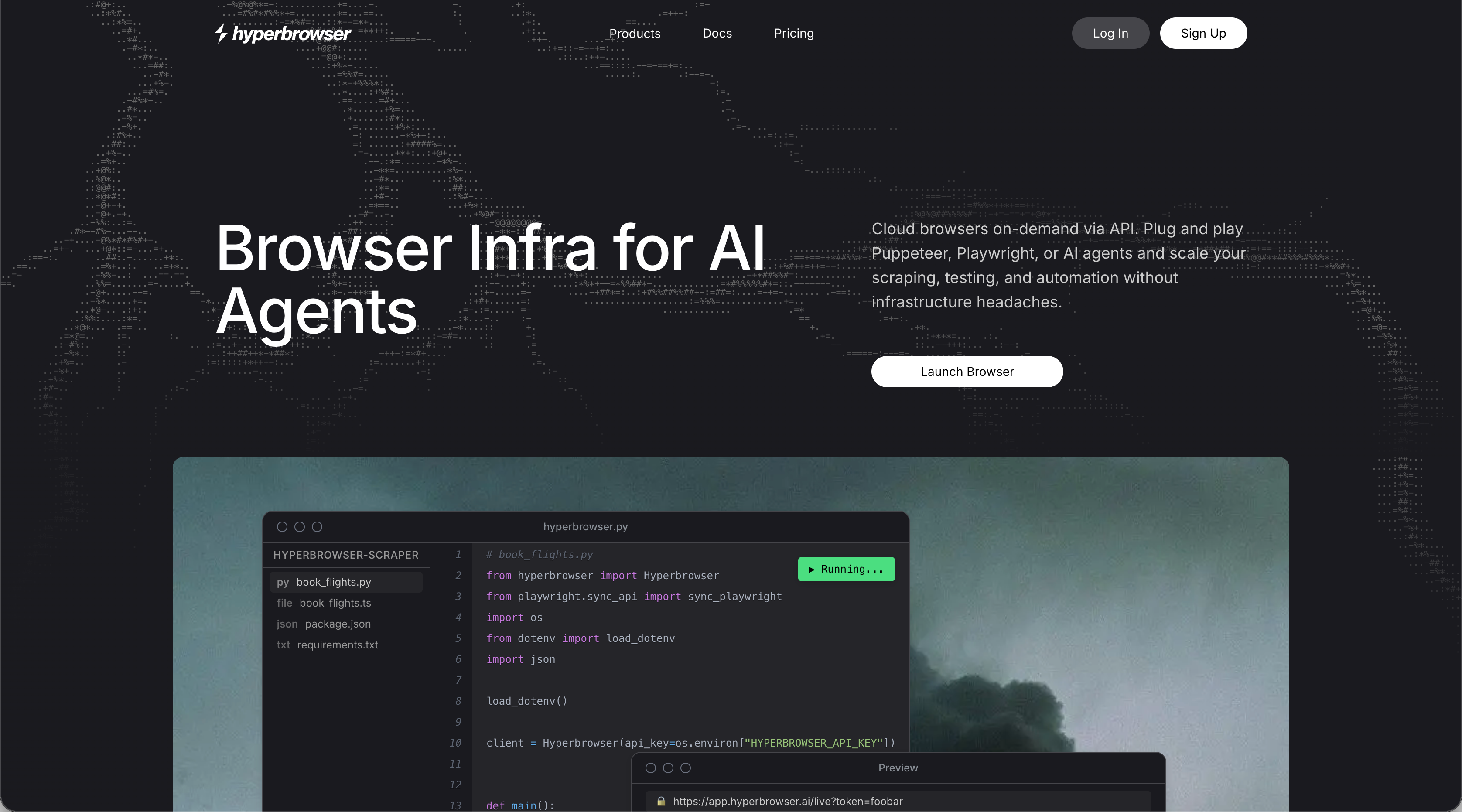
Hyperbrowser AI is a cloud-based browser automation platform that provides managed browser infrastructure with built-in anti-detection capabilities. It offers serverless browser instances that scale automatically and includes features like CAPTCHA solving and proxy management. The platform provides a REST API for controlling browsers programmatically while handling the infrastructure complexity.
Key Features
- Cloud-based browser infrastructure with automatic scaling and no server management
- Built-in CAPTCHA solving and anti-bot detection bypass capabilities
- Proxy management with rotating IPs and geographic targeting options
- Session persistence for maintaining state across multi-step workflows
- REST API for browser control with integration support for popular frameworks
Limitations
- Requires writing custom code for each website automation instead of visual workflows
- Usage-based pricing can become expensive for high-volume automation tasks
- Lacks native computer vision to automatically adapt when website layouts change
- No built-in 2FA or TOTP support without additional custom implementation
- Focused on infrastructure instead of end-to-end workflow automation solutions
Bottom Line
Hyperbrowser AI works best for development teams building AI agents or web scraping applications that need managed browser infrastructure without handling proxy rotation or CAPTCHA solving themselves. It's ideal for startups and engineering teams who want to focus on building automation logic instead of managing browser infrastructure, but it still requires technical expertise to write and maintain site-specific automation code and lacks the adaptive capabilities that computer vision-based solutions provide for handling website changes automatically.
Airtop
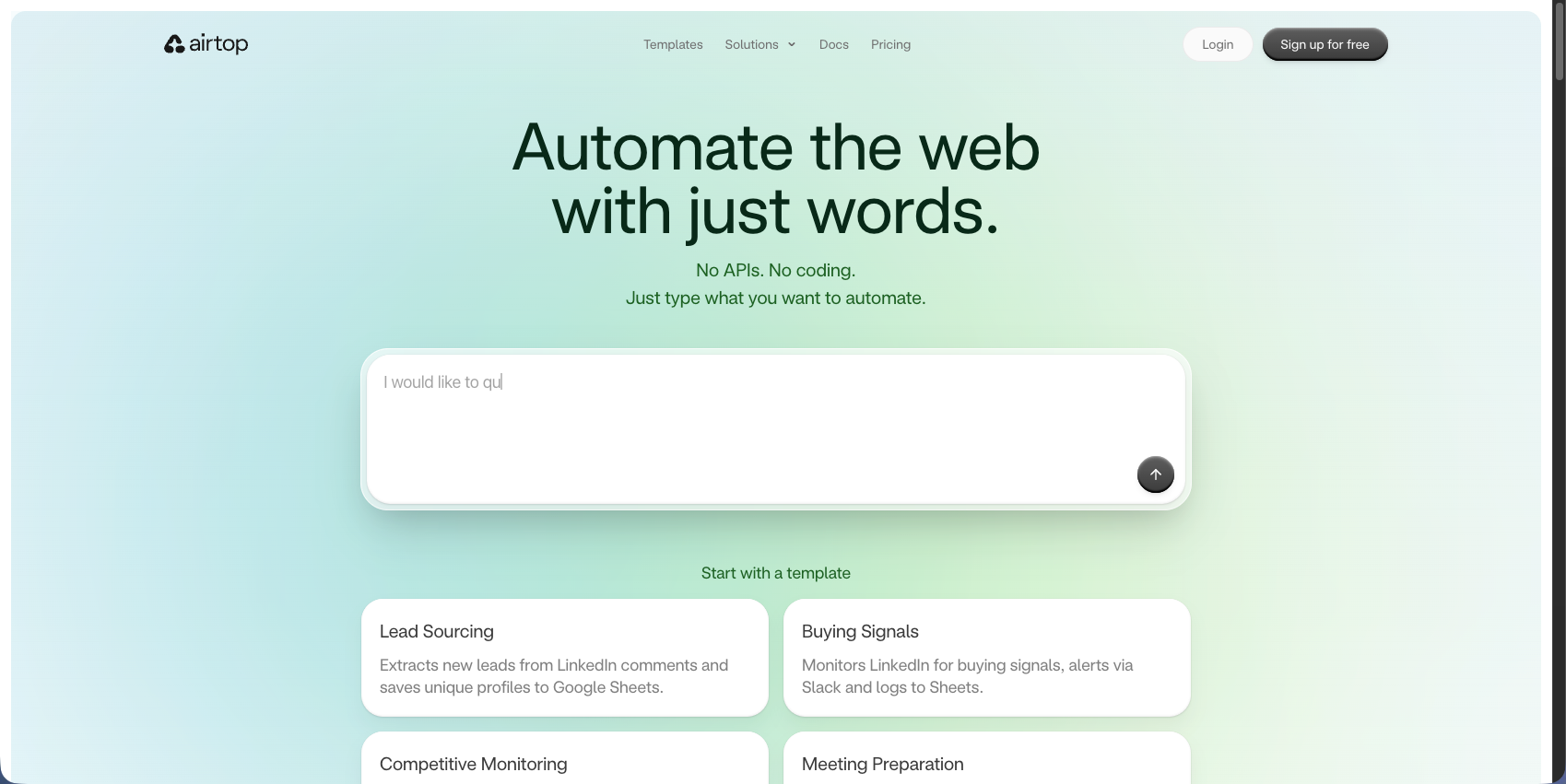
Airtop is a cloud-based browser automation platform that provides managed browser infrastructure with AI-powered capabilities for web automation. It offers serverless browser instances with built-in anti-detection features and session management for complex workflows. The platform combines infrastructure management with AI assistance to help teams automate browser-based tasks without maintaining their own browser environments.
Key Features
- Cloud-based browser infrastructure with automatic scaling and session persistence
- AI-powered automation capabilities that help navigate and interact with websites
- Built-in anti-detection features including fingerprint randomization and stealth mode
- CAPTCHA solving and 2FA support integrated into the platform
- Visual workflow builder with no-code options for non-technical users
Limitations
- Pricing requires contacting sales with no transparent public pricing available
- Less flexibility for developers who prefer writing custom automation code
- Smaller community and ecosystem compared to open source alternatives
- Limited documentation and examples for advanced use cases
- Vendor lock-in with proprietary platform and no self-hosted options
Bottom Line
Airtop works best for business teams and operations professionals who need managed browser automation with AI assistance but lack technical expertise to build custom solutions. It's ideal for mid-sized companies and enterprises that favor ease of use and managed infrastructure over cost transparency and customization, but the lack of public pricing and open source options makes it less suitable for startups and development teams who want more control over their automation stack.
Browserbase
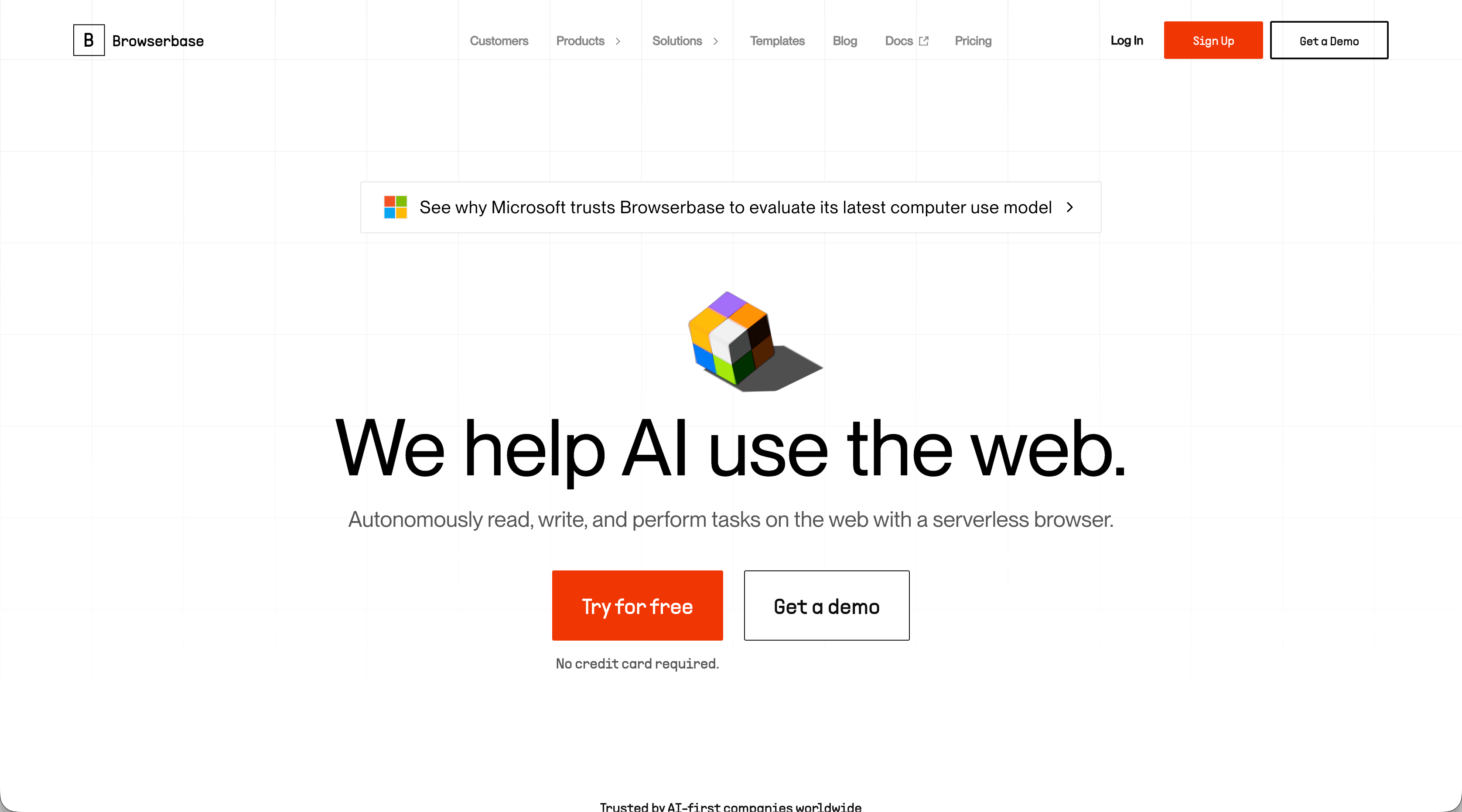
Browserbase is a cloud-based browser automation platform that provides serverless Chromium instances with built-in debugging and anti-detection capabilities. It offers managed browser infrastructure that integrates with popular automation frameworks like Playwright and Puppeteer. The platform handles browser scaling and session management while developers write their own automation logic using familiar tools.
Key Features
- Serverless Chromium browsers with automatic scaling and no infrastructure management
- Debug tools including session recordings and live browser view for troubleshooting
- Anti-detection features with stealth mode and fingerprint randomization
- Native integration with Playwright and Puppeteer for familiar developer workflows
- Session persistence for maintaining state across long-running multi-step workflows
Limitations
- Requires writing custom Playwright or Puppeteer scripts for each website
- No built-in computer vision to adapt when website layouts change automatically
- Lacks native CAPTCHA solving or 2FA support without additional integrations
- Usage-based pricing can add up quickly for high-volume automation tasks
- Provides infrastructure only without end-to-end workflow automation capabilities
Bottom Line
Browserbase works best for development teams building web scraping or testing applications who need reliable browser infrastructure without managing their own servers. It's ideal for engineering teams comfortable with Playwright or Puppeteer who want to focus on writing automation logic instead of handling browser scaling and session management, but it still requires technical expertise to build and maintain site-specific scripts that break when websites change their layouts.
Browser Use
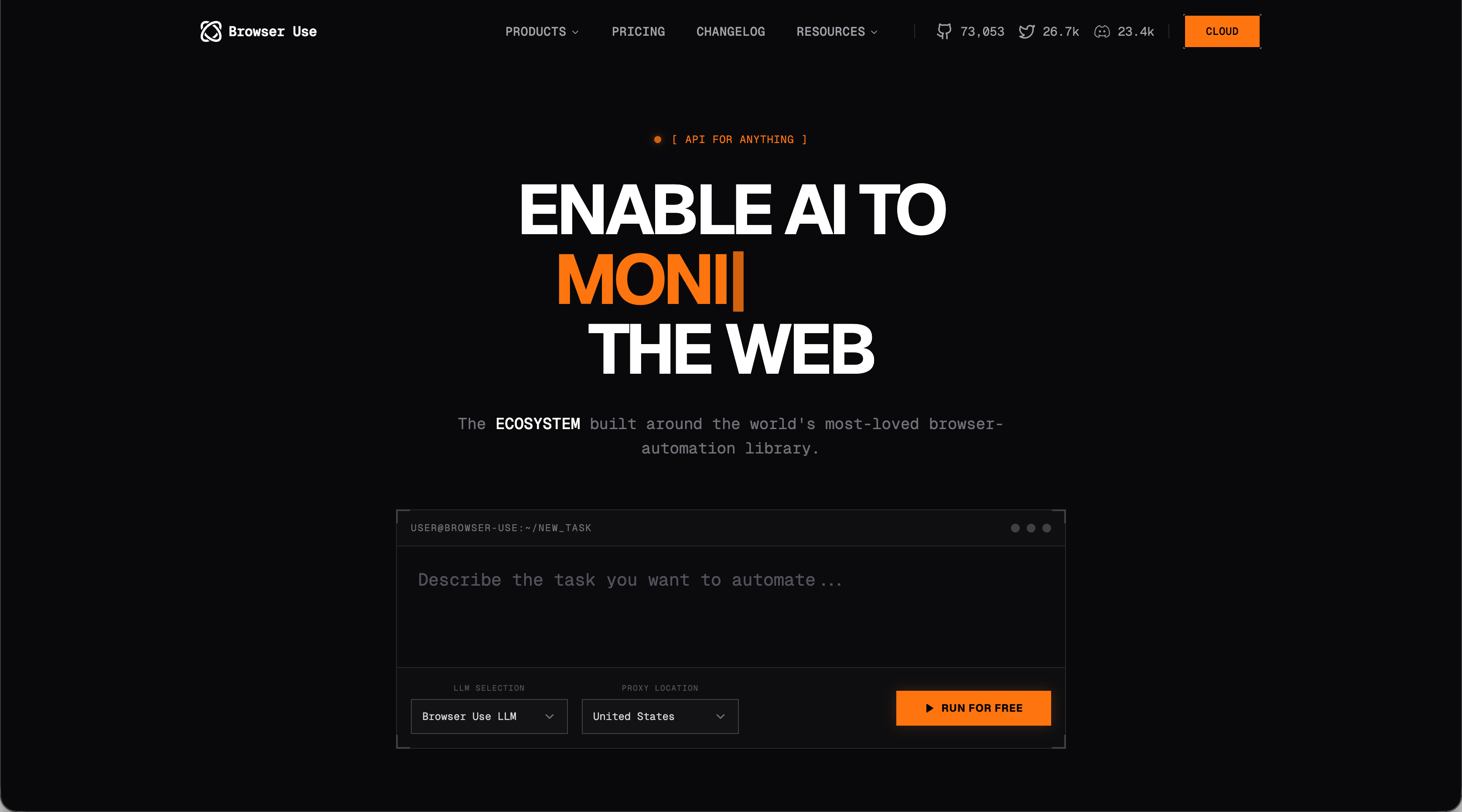
Browser Use is an open-source browser automation framework that allows AI agents to control web browsers through natural language instructions. It provides a Python SDK that integrates with LangChain and supports multiple LLM providers for building intelligent browser automations. The tool uses AI to understand and interact with web pages without requiring developers to write complex selectors or maintain brittle automation scripts.
Key Features
- Open-source Python framework with LangChain integration for AI agent workflows
- Natural language browser control without writing XPath or CSS selectors
- Support for multiple LLM providers including OpenAI, Anthropic, and Azure
- Vision capabilities that help agents understand page layouts and content
- Free to use with only LLM API costs for model inference
Limitations
- Requires Python programming knowledge and custom code for each workflow
- No built-in CAPTCHA solving or 2FA support without additional integrations
- Lacks managed infrastructure so you handle your own browser scaling and deployment
- Performance and reliability depend on external LLM API quality and costs
- Limited enterprise features like proxy management or anti-detection capabilities
Bottom Line
Browser Use works best for AI researchers and Python developers building intelligent agents that need to interact with web browsers as part of larger AI workflows. It's ideal for teams already using LangChain who want to add browser automation capabilities to their AI agents, but it requires a lot of technical expertise to implement and lacks the production-ready features like managed infrastructure, CAPTCHA solving, and enterprise support that commercial platforms provide for business-critical automations.
Feature Comparison: Automation Anywhere vs Top Alternatives
Here's how Automation Anywhere stacks up against leading alternatives across key automation features:
Feature | Automation Anywhere | Skyvern | Stagehand | Hyperbrowser AI | Airtop | Browserbase | Browser Use |
|---|---|---|---|---|---|---|---|
AI-Powered Automation | Yes | Yes | Yes | Yes | Yes | No | Yes |
Adapts to Website Changes | No | Yes | Yes | Partial | Partial | No | Partial |
No Code Required | Partial | Yes | No | No | Yes | No | No |
CAPTCHA Solving | Yes | Yes | No | Yes | Yes | No | No |
2FA/TOTP Support | Yes | Yes | No | No | Yes | No | No |
Managed Infrastructure | Yes | Yes | No | Yes | Yes | Yes | No |
Open Source Option | No | Yes | Yes | No | No | No | Yes |
Pricing Starting Point | $750/month | $0.05/step | Free | Usage-based | Contact | Usage-based | Free |
Automation Anywhere includes CAPTCHA solving and 2FA support but can't adapt when websites change their layouts. Most alternatives require writing code for each site you automate. Skyvern combines computer vision with open source flexibility and transparent per-step pricing.
Why Skyvern is the Best Automation Anywhere Alternative
Skyvern is the best alternative for a number of reasons:
- Adapts to Website Changes Automatically. Unlike Automation Anywhere's fixed selectors that break with every website update, Skyvern uses computer vision and LLMs to understand websites visually. Your automations keep working when sites redesign their layouts without requiring manual updates or maintenance from RPA developers.
- Transparent, Affordable Pricing. Automation Anywhere starts at $750/month with complex licensing. Skyvern charges $0.05 per automation step with a free tier, making it accessible for startups and small teams without enterprise budgets.
- No Custom Code Per Website. While alternatives like Stagehand, Browser Use, and Browserbase require writing scripts for each website you automate, Skyvern uses a single YAML-based workflow that works across multiple sites. You don't need to hire developers or maintain site-specific code.
- Enterprise Features Built-In. Skyvern includes CAPTCHA solving, 2FA/TOTP support, and proxy networks out of the box. Competitors either lack these features entirely or require additional integrations and custom implementation.
- Open Source Flexibility. Unlike proprietary platforms like Automation Anywhere and Airtop, Skyvern offers an open-source option. You avoid vendor lock-in while getting cutting-edge AI capabilities that scored 85.8% on the WebVoyager benchmark.
- Managed Infrastructure Without the Overhead. You get cloud-based execution with anti-bot detection and parallel processing without managing your own browser infrastructure like you would with Browser Use or Stagehand.
The combination of computer vision adaptability, transparent pricing under $1/month for basic use, built-in enterprise features, and open-source availability makes Skyvern the most practical alternative for teams moving away from Automation Anywhere's expensive, brittle approach to RPA.
Final Thoughts on Finding Your Automation Solution
Most Automation Anywhere alternatives trade lower costs for more technical setup, but some combine both. Computer vision removes the broken selector problem that makes traditional RPA expensive to maintain. Your choice comes down to budget, technical expertise, and how often your target websites change.
FAQ
When should you consider moving away from Automation Anywhere?
Consider switching if you're spending over $750 monthly on basic automation, dealing with broken workflows every time websites update their layouts, or lacking technical staff to maintain complex RPA implementations. Small teams and startups often find the licensing costs and learning curve too steep for their needs.
What features should you consider first when comparing Automation Anywhere alternatives?
Look for tools that adapt to website changes automatically, offer transparent pricing under $750/month, and include built-in CAPTCHA solving and 2FA support. Check whether the tool requires writing code for each website or can handle multiple sites with one workflow.
How does Skyvern handle website layout changes differently than Automation Anywhere?
Skyvern uses computer vision and LLMs to understand websites visually, so your automations keep working when sites redesign their layouts. Automation Anywhere relies on fixed selectors that break with each website change, requiring manual updates and maintenance.
Can I automate browser workflows without hiring RPA developers?
Yes. Skyvern uses YAML-based workflow definitions and requires minimal coding, while Automation Anywhere needs dedicated technical expertise for complex implementations. Browser Use and Stagehand are free but require writing Playwright or Puppeteer scripts for each site.
What's the cost difference between Automation Anywhere and modern alternatives?
Automation Anywhere starts at $750 per month for the Cloud Starter Pack. Skyvern charges $0.05 per automation step with a free tier, Browserbase starts at $50/month, and Browser Use is free but you pay for LLM API costs.